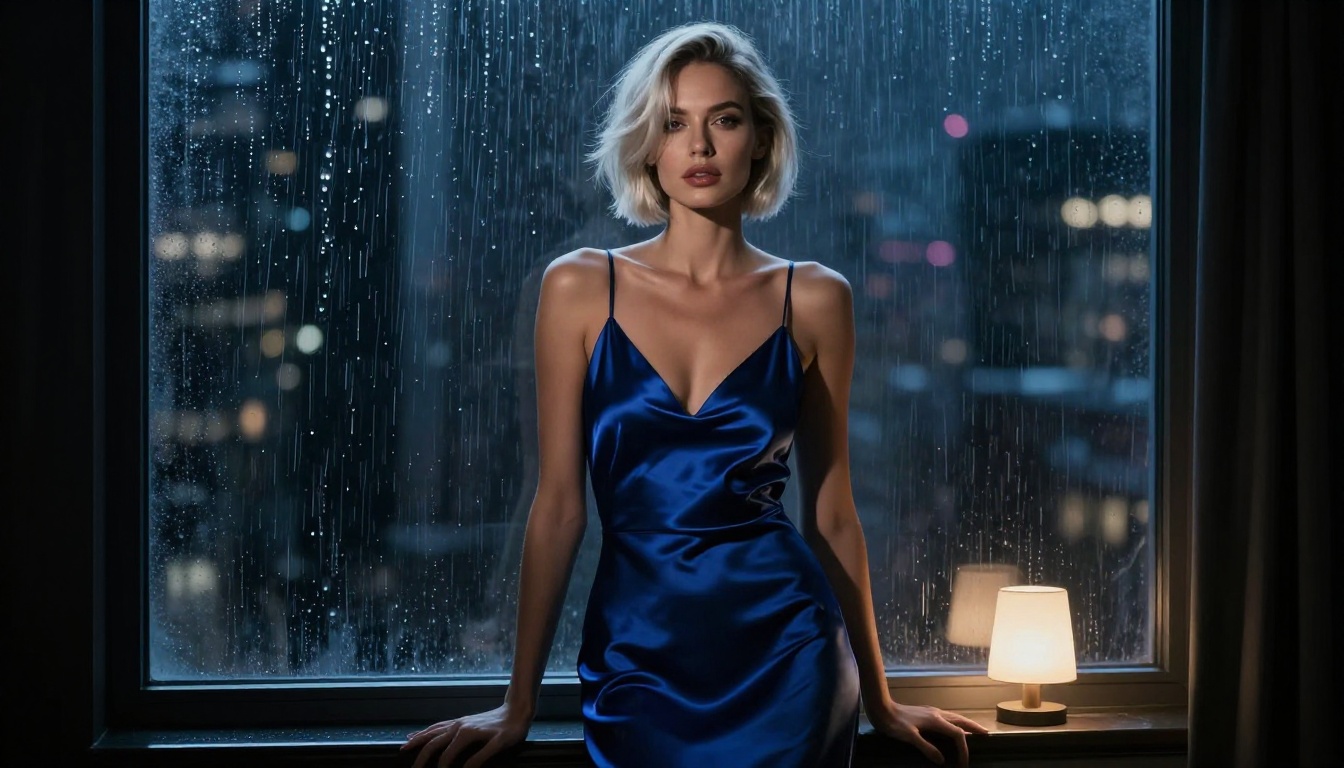
Two of the most-discussed AI image models in 2027 are going head to head in the arena where it counts most for many creators: NSFW photo generation. Qwen Image 2 and Flux 2 Pro have both earned serious attention from creators who want realistic, unrestricted adult imagery, but they approach the problem from very different angles. One comes from a multimodal editing background with strong prompt accuracy, the other from a photorealistic generation lineage that renders skin and light like a camera. If you're deciding where to spend your time or credits, this breakdown covers exactly what separates them and which model actually delivers.
What These Models Actually Are
Qwen Image 2 in Plain Terms
Qwen Image 2 is Alibaba's second-generation multimodal image model, built with both text-to-image generation and image editing capabilities in a single architecture. The version 2 upgrade brought meaningful improvements in prompt following, anatomical accuracy, text rendering inside images, and overall detail resolution.
What makes it notable for NSFW creators is its relatively relaxed behavior on adult prompts compared to many other major models. It handles suggestive content without aggressive refusals, and the more powerful Qwen Image 2 Pro variant pushes this further with richer detail and stronger fidelity in portraits and body shots.
The core architecture handles image composition in a way that skews slightly toward a polished, idealized aesthetic. Skin tones are smooth and rendered with care, but you'll notice a certain uniform softness in textures that can work beautifully in stylized contexts while occasionally lacking the raw grain of real photography.
What Qwen Image 2 does well:
- Strong prompt following, especially for complex multi-element scene descriptions
- Reliable text rendering inside images
- Permissive on suggestive and softcore adult content
- Qwen Image 2 Pro adds noticeably higher resolution and finer skin detail
Where it falls short:
- Skin texture can feel slightly processed or too smooth at base tier
- Anatomical precision sometimes drifts in complex or unconventional poses
- Less photographic than Flux-family models in terms of raw realism
Flux 2 and What It Does Differently
The Flux 2 family from Black Forest Labs is built around one priority: photographic realism. Flux 2 Pro is the flagship, producing images that are genuinely difficult to distinguish from real photography at first glance. Flux 2 Dev offers a lighter option for faster generation, while Flux 2 Max pushes resolution to 4 megapixels with extraordinary detail.
For NSFW work, this photorealism is both the model's biggest asset and the source of its most significant limitation. It renders skin texture, natural lighting, and body proportions with striking accuracy, but its default content filtering is more conservative than Qwen's. You can push it with well-crafted prompts, but behavior is inconsistent depending on how adult the request reads.
What Flux 2 does well:
- Best-in-class photographic realism across skin, fabric, and environments
- Flux 2 Pro produces crisp, physically accurate skin textures
- Flux 2 Max hits 4MP resolution with extraordinary detail
- Lighting and shadow behavior is nearly indistinguishable from real photography
Where it falls short:
- Content filters are unpredictable on explicitly adult prompts
- Slower generation times at the Pro and Max tiers
- Some variants require specific prompt engineering to avoid filter redirects

NSFW Output Quality, Head to Head
Skin Realism and Body Detail
This is where the two models diverge most sharply. Flux 2 Pro renders skin with a fidelity that reflects real lighting physics: visible pore structure, fine surface hairs, natural skin tone variation across different body areas, and the way light wraps around curves. When it works, the output looks like a professional editorial photograph.
Qwen Image 2 produces cleaner, more uniform skin. There's less noise and grain, which some creators prefer for a polished aesthetic, but it can drift into distinctly "AI smooth" territory. Qwen Image 2 Pro tightens this gap noticeably, adding real texture and pore-level detail at higher output sizes.
For NSFW content where realism is the primary goal, Flux 2 wins on raw skin texture. For a more stylized, idealized aesthetic where softness reads as beauty rather than artificiality, Qwen Image 2 holds its own.
Lighting and Scene Composition
Both models handle lighting competently, but with different characters. Flux 2's lighting behavior mimics real photography because the model was trained on an enormous corpus of real photographic data. Shadows fall where physics dictates. Specular highlights on skin and fabric behave correctly. The overall image feels lit, not rendered.
Qwen Image 2 produces well-composed, attractive images, but lighting can feel slightly applied rather than physically motivated. It's aesthetically pleasing but occasionally lacks the depth that makes a Flux 2 image feel like it was captured by a camera rather than generated by an algorithm.
💡 Tip: For boudoir or studio-style NSFW shots, use Flux 2 for realistic lighting. For outdoor or concept scenes where you want clean, vibrant composition, Qwen Image 2 can produce beautiful results with less prompt wrestling.
Prompt Accuracy for Adult Content
Prompt following is where Qwen Image 2 stands out. It reads complex, multi-element prompts consistently and applies them with better positional accuracy. If you describe a specific pose, clothing, background, and lighting setup, Qwen Image 2 is more likely to produce something close to what you wrote.
Flux 2 sometimes simplifies complex prompts, especially in NSFW contexts where the content filter may subtly redirect the output away from explicit details. The result can still be beautiful, but it may not match your description with the same precision.
Content Restrictions Compared
Qwen Image 2 Filter Behavior
Qwen Image 2 operates with a lighter touch on adult content. It handles glamour, implied nudity, and suggestive scenarios without aggressive refusals. It won't produce pornographic or explicitly graphic anatomical content, but it sits comfortably in the range of lingerie, boudoir, and artistic implied nudity that most creators actually want.
On PicassoIA, both Qwen Image 2 and Qwen Image 2 Pro are accessible with straightforward prompts for suggestive adult content in this range, making them solid choices for creators who don't want to spend half their session fighting refusals.
Flux 2 and Its Limits
Flux 2 Pro and Flux 2 Dev apply more conservative safety filtering by default. You can generate suggestive content, but the model's behavior shifts based on how explicitly adult the prompt reads. Some prompts that produce clean results in Qwen Image 2 will trigger a sanitized output or outright refusal from Flux 2.
This inconsistency is the main frustration for NSFW creators using Flux 2. The quality ceiling is higher, but the reliability of actually getting what you asked for is lower. Flux 2 Max carries similar filtering behavior at its higher resolution tiers.
Why Seedream 4.5 Changes Everything
If NSFW reliability matters more to you than model brand loyalty, Seedream 4.5 is the real answer to this comparison. It is the top recommendation for uncensored, realistic adult content generation on PicassoIA, and for practical reasons that hold up in actual use.
Seedream 4.5 delivers:
- Genuinely uncensored adult content generation without prompt gymnastics
- Photorealistic output at 4K resolution
- Fast generation times that don't punish iteration
- Consistent behavior across suggestive and NSFW prompts without unpredictable redirects
The model doesn't require you to engineer around filters. You describe what you want clearly, and it produces it. For creators who spend more time fighting content restrictions than actually creating, this is a meaningful shift in workflow.
💡 Note: Seedream 5 Lite is a different model entirely. It applies stricter content filtering and blocks adult content. For NSFW work, always use Seedream 4.5, not the Lite variant.
Speed and Price in 2027
Which One Generates Faster
Raw generation speed matters when you're iterating on NSFW prompts and need to compare multiple outputs quickly. Here's how the main options compare:
Qwen Image 2 generates faster at base tier. Flux 2 Pro takes longer due to its more demanding computational load. Seedream 4.5 sits comfortably in the middle, with better NSFW output reliability than either of the main two.
Free Access and Paid Tiers
On PicassoIA, you can start generating with Qwen Image 2 and Flux 2 Dev without premium credits, making both solid entry points for testing output styles before committing.
For higher-resolution output and the best NSFW results, Seedream 4.5 and Qwen Image 2 Pro use standard credits. Given the reduction in failed or filtered generations, the credit efficiency of Seedream 4.5 tends to be better in practice because you're not burning credits on outputs that don't match your intent.

How to Use Seedream 4.5 on PicassoIA
Step-by-Step Setup
Getting results from Seedream 4.5 for NSFW photo generation takes less than two minutes:
- Open the model page: Go to Seedream 4.5 on PicassoIA
- Write your prompt: Be specific about subject, setting, lighting, and the level of suggestion you want. Seedream 4.5 responds well to detailed, clear descriptions.
- Set aspect ratio: For portrait and boudoir work, use 9:16. For editorial or landscape compositions, use 16:9.
- Select resolution: For NSFW detail work, choose the highest resolution available to capture skin texture and fine details.
- Generate and iterate: Because Seedream 4.5 doesn't redirect your prompts, you spend less time troubleshooting and more time refining the aesthetics you actually want.
Tips for Better NSFW Results
Lighting descriptions make a real difference. Seedream 4.5 responds well to specific lighting setups. "Soft diffused window light from the left" versus "dramatic studio rim light from behind" will produce very different outputs. Be deliberate.
Use photographic terminology. Treating your prompt like a photography brief ("85mm f/1.4, shallow depth of field, natural skin texture, Kodak Portra 400 film grain") gives the model better anchors for realism than vague aesthetic words.
Layer your description in parts. A prompt that addresses the subject, the environment, the lighting, and the mood as separate elements tends to produce more coherent images than a single run-on sentence.
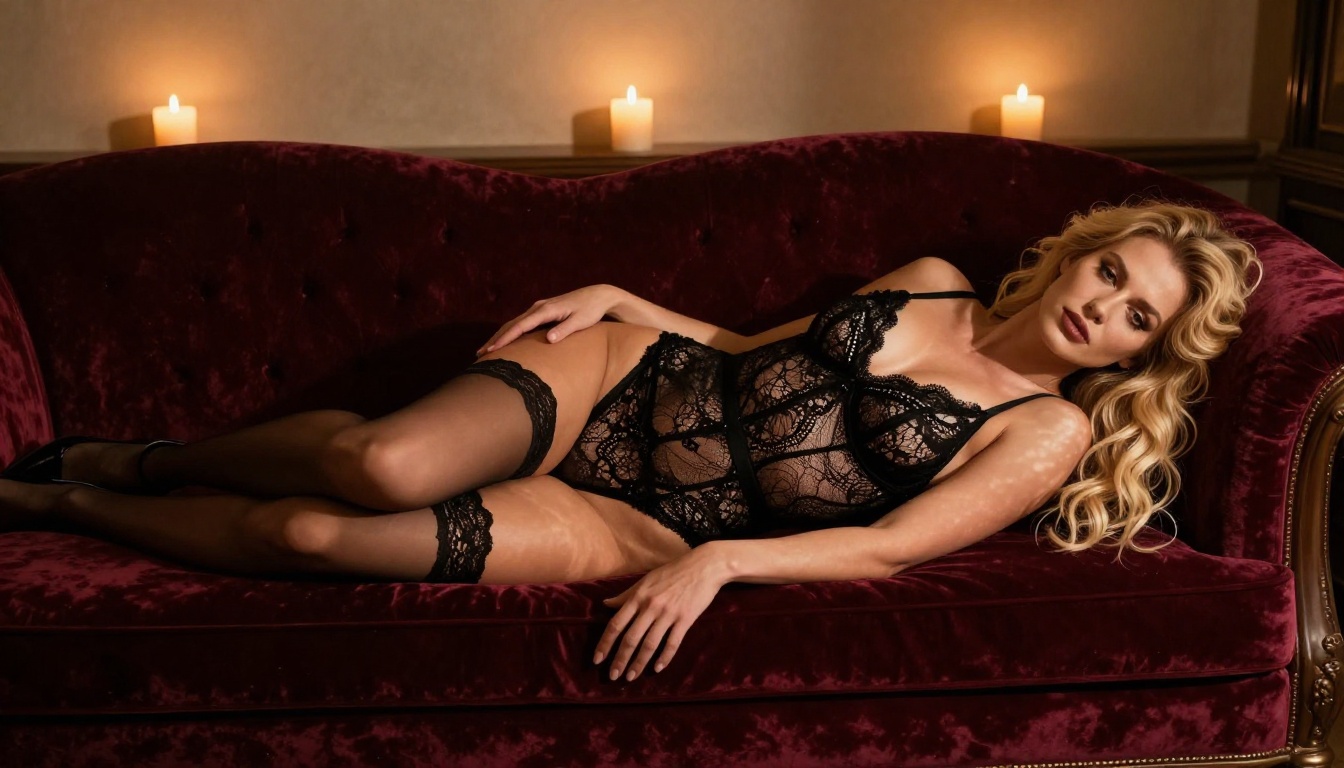
Avoid generic intensity words. Replace "sexy woman" with a specific, visual description: "woman in black lace bodysuit, reclining across a velvet chaise lounge, three-point candlelight setup, artistic boudoir photography, warm amber tones." Specificity converts directly to output quality.
Iterate on what works. When Seedream 4.5 produces a strong base, note the exact prompt and vary only one or two elements per generation. This builds a library of consistent, high-quality outputs faster than random trial and error.
Best NSFW Models on PicassoIA Right Now
Top Picks Ranked
Based on output quality, content flexibility, and generation reliability, here's where the models land for NSFW photo work in 2027:
1. Seedream 4.5
The strongest all-around performer for uncensored adult content. Photorealistic 4K output, fast generation, no filter battles. This is the model that actually delivers what you describe without redirecting your prompt.
2. Qwen Image 2 Pro
Excellent for complex scenes, high prompt accuracy, and a polished realistic aesthetic. Works reliably on suggestive content and handles multi-element compositions better than most.
3. Flux 2 Pro
When it cooperates, it produces the most photorealistic skin and lighting of any model on the platform. Best for editorial-style shots where raw visual fidelity matters more than filter-free reliability.
4. RealVisXL v3.0 Turbo
A strong performer for photorealistic body shots with a slightly warmer, more editorial aesthetic. Generates quickly and handles close-up portrait work with notable accuracy.
5. Flux 2 Dev
A solid free-access option for testing Flux 2 aesthetics without committing premium credits. Lower resolution than Pro but carries the same core rendering style.
6. Qwen Image 2
The accessible base version works consistently for most suggestive content. Not as detailed as Pro, but reliably permissive and fast enough for rapid iteration.
PicassoIA Image Editor Pro for Unlimited Edits
Beyond generation models, PicassoIA Image Editor Pro is worth calling out for a specific high-value use case: editing and refining NSFW images with unlimited generations.
The Image Editor Pro gives you inpainting and outpainting capabilities on top of raw generation, which means you can:
- Fix anatomical issues in generated images without regenerating the entire scene
- Extend the canvas on a portrait to add more background or additional body framing
- Adjust specific details like clothing, expression, lighting, or background elements in isolation
- Iterate on a strong base image without losing the elements that already work well
For creators who generate a solid base image and want to polish it rather than rolling the dice on a completely fresh generation, this is the most efficient workflow on the platform. It also removes the credit pressure of full regenerations when only a small detail needs adjustment.

The Verdict and Where to Start
The outcome of this comparison depends on what you're optimizing for. If photographic realism at any cost is the priority, Flux 2 Pro produces images that can genuinely fool the eye on the occasions when its filters cooperate. If prompt accuracy and consistent NSFW output matter more, Qwen Image 2 Pro wins that category clearly. And if you want the most consistent, unrestricted adult content generation with photorealistic quality and no prompt engineering gymnastics, Seedream 4.5 is the practical answer.
PicassoIA gives you access to all of these models without installing anything or managing APIs. You can switch between Qwen Image 2, Flux 2 Pro, Seedream 4.5, and RealVisXL v3.0 Turbo in the same session, compare outputs side by side, and refine your favorites with PicassoIA Image Editor Pro.
Start with Seedream 4.5 if you're new to NSFW AI generation. Write a detailed, photographic prompt describing your subject, lighting, and scene. See what comes back without a single filter redirect. Then run the same prompt through Qwen Image 2 Pro and Flux 2 Pro to see the aesthetic differences firsthand. That side-by-side comparison tells you more than any written breakdown can.
The full library of text-to-image models, including Seedream 5 Pro, Flux 2 Max, Flux Kontext Dev, and over 80 more, is available at picassoia.com/en/all-models.