Two models are generating serious debate among AI image creators right now. Qwen Image 2, built by Alibaba's research division, brings multimodal training and an unusual approach to visual understanding. Flux Chroma, from Black Forest Labs, the same team behind the widely used Flux.1 series, takes a different path: a guidance-distilled architecture tuned specifically for photorealistic output with exceptional detail fidelity. Both claim the top tier of AI realism. Both are wrong about some things and right about others. The only way to settle this is to run them through what actually matters to photographers, designers, and creators who need images that look real.
The Two Models, Side by Side
Before comparing outputs, it helps to understand what each model is actually built to do. These are not interchangeable tools with similar architectures chasing the same goal. They start from fundamentally different assumptions.
What Qwen Image 2 Actually Does
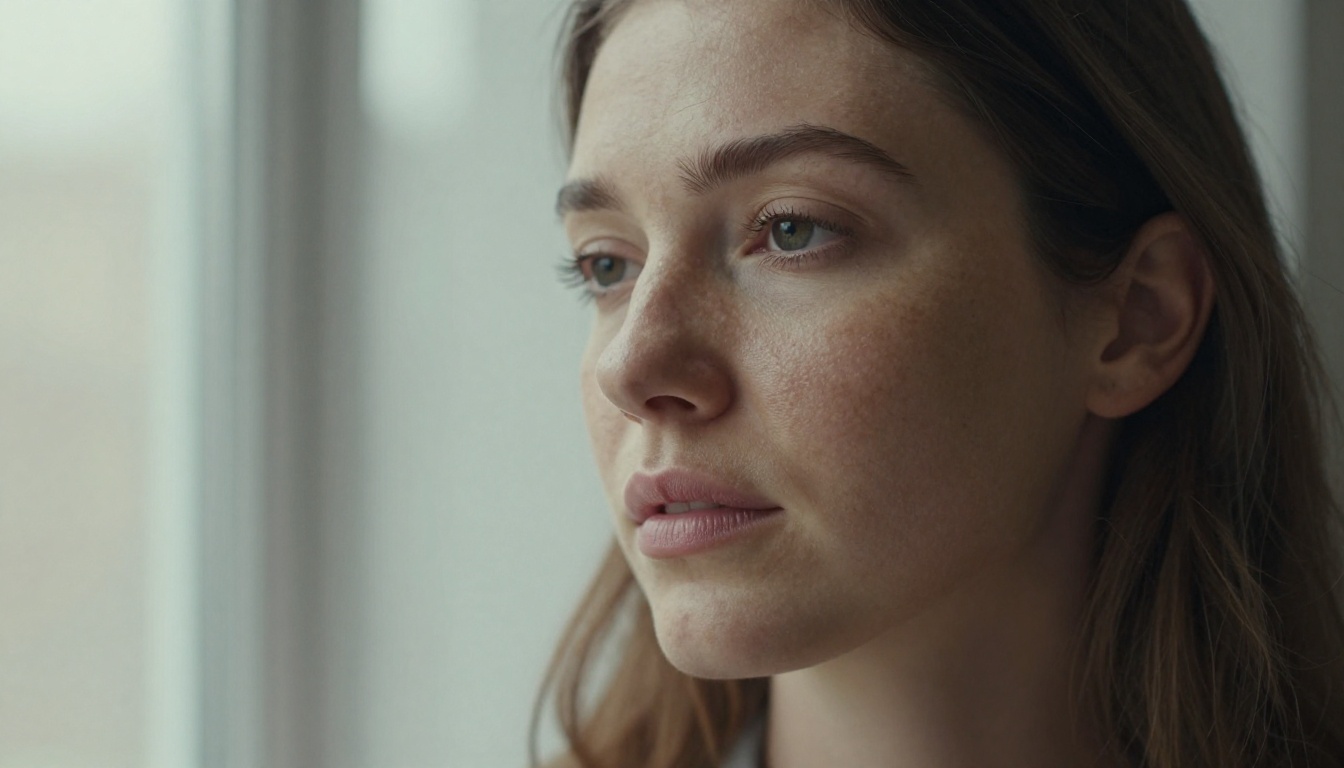
Qwen Image 2 is Alibaba's second-generation visual generation model, sitting inside a broader multimodal system. Unlike models trained purely on image generation, Qwen Image 2 shares weights and architecture with a visual language model. This matters because it means the model has a richer internal representation of the world: it has processed images and text together at a level that most diffusion-only models have not.
The practical result is strong prompt coherence. When you write a complex scene description, Qwen Image 2 tends to get the spatial relationships right. It places objects where you tell it to, respects compositional instructions, and handles multi-element prompts without collapsing into visual noise.
On PicassoIA, you can run Qwen Image 2 directly from the browser, and the Qwen Image 2 Pro version extends these capabilities with higher output resolution and better fine-detail handling for portrait and object-level work.
💡 Qwen Image 2 Pro is the version to use when you need fine facial or fabric detail. The base model is faster but softens edges slightly in complex compositions.
What Flux Chroma Brings Differently
Flux Chroma is a member of the Black Forest Labs Flux family, a guidance-distilled variant specifically tuned for high-fidelity photorealistic output. Where the standard Flux Dev model is a strong general-purpose generator, Chroma strips back classifier-free guidance in a way that reduces visual artifacts while pushing sharpness and tonal range.
The Flux family on PicassoIA is broad and well-represented. Flux Dev is the accessible starting point, while Flux Pro and Flux 2 Max represent the higher-performance tiers. Flux 2 Pro is the closest PicassoIA equivalent to the Chroma-style photorealism optimization.
What makes Flux Chroma stand out is how it handles light. Specular highlights, ambient occlusion, and the way shadows fall across cloth or skin all carry a physical weight that many models struggle to reproduce. Outputs look like they were shot under real lighting conditions, not approximated from training averages.
Where Realism Gets Tested
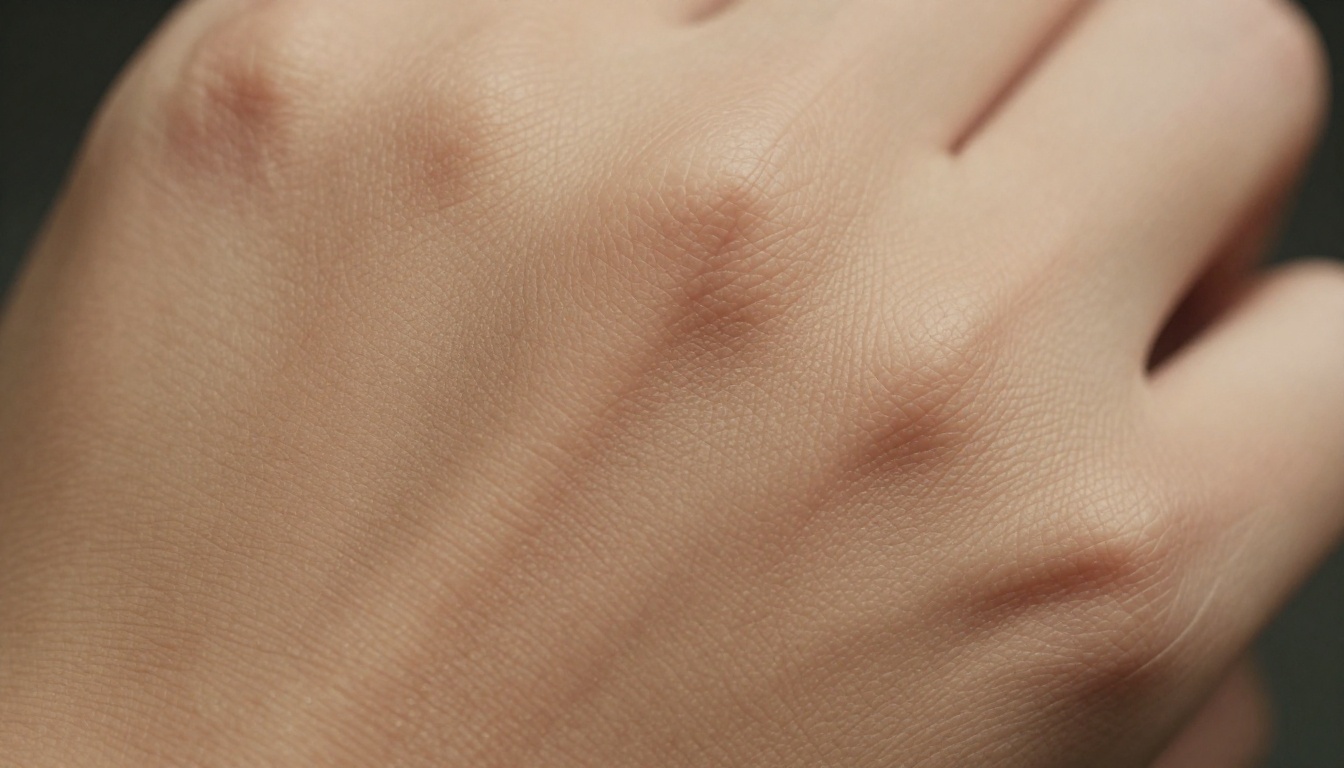
Realism in an AI image is not one thing. It breaks down into specific technical properties, each of which a model either handles well or fakes. Here are the three areas that separate genuinely photorealistic models from ones that only look good at thumbnail scale.
Skin Texture and Face Detail
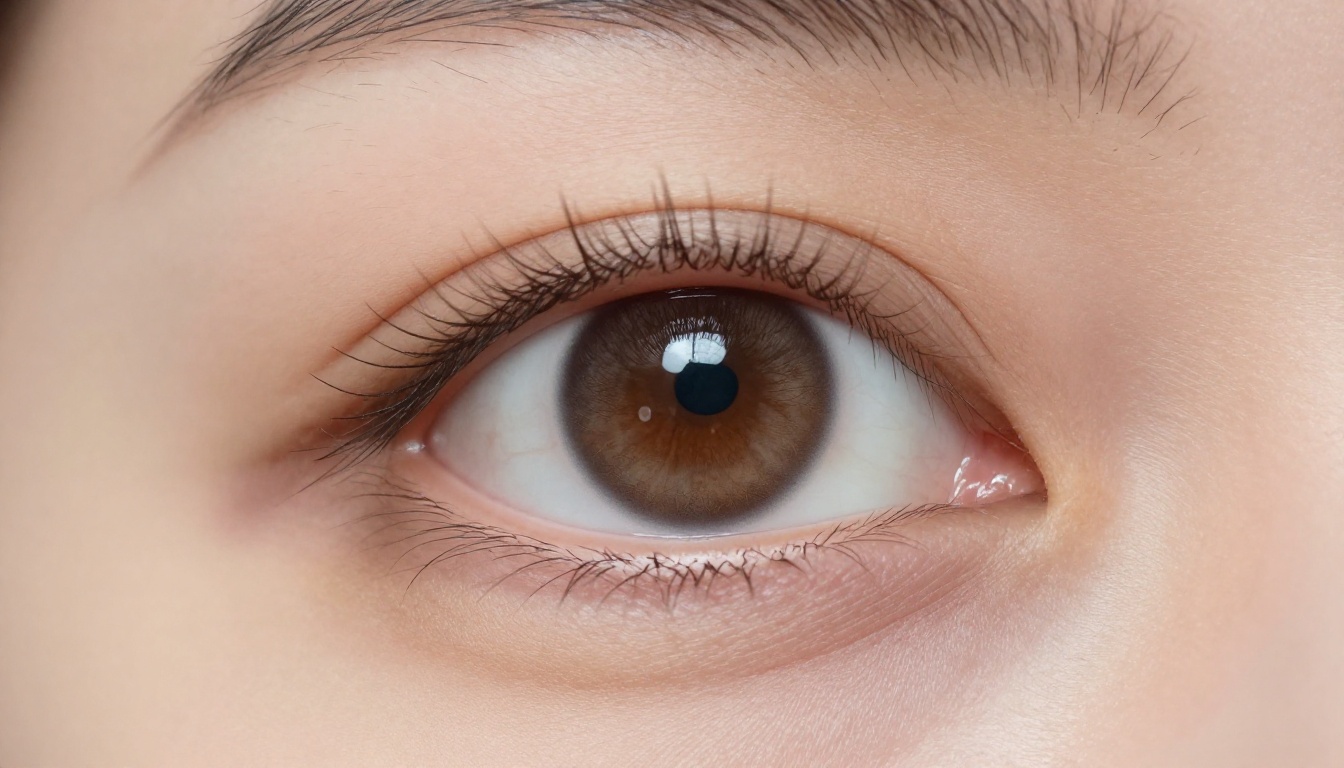
This is the single most demanding test for any photorealism claim. Human vision is exquisitely calibrated to detect errors in faces. A slightly wrong lip shape, a skin texture that looks blurred or plasticky, an eye that lacks a proper catch light: all of these read as uncanny immediately.
Qwen Image 2 performs well here at a holistic level. Faces are proportioned correctly, skin tones are plausible, and the overall composition feels grounded. Where it sometimes falls short is at high magnification: pore structure and individual hair detail can lose specificity, producing skin that looks photographic at distance but smoothed-over in close crops.
Flux Chroma handles micro-texture differently. The guidance-distillation approach tends to preserve fine surface detail even when zoomed in. Individual skin pores, subtle subsurface scattering in lighter areas, the way lashes cast micro-shadows on the eyelid: these are consistently rendered with physical accuracy.
| Feature | Qwen Image 2 | Flux Chroma |
|---|
| Facial proportions | Excellent | Excellent |
| Skin texture at distance | Very good | Excellent |
| Skin pore detail at close crop | Moderate | Excellent |
| Hair strand definition | Good | Very good |
| Eye iris detail | Good | Excellent |
| Subsurface scattering | Moderate | Very good |
Natural Lighting and Shadows

Lighting is where diffusion models most commonly diverge from reality. Real photographs carry specific physical information in their shadows: the direction of the light source, whether it is hard or soft, how it wraps around curved surfaces, how it bounces off nearby objects.
Flux Chroma excels at physically plausible lighting. Interior scenes show realistic ambient bounce from floors and walls. Outdoor portraits carry correct sky fill and shadow temperature. This comes from the architecture's strong pretraining on photographic data with lighting diversity.
Qwen Image 2 handles lighting well in terms of scene-level correctness, meaning it will not place shadows pointing in contradictory directions or flood an interior scene with daylight-temperature light from a candle. However, the subtle physics, like the way a cream wall slightly warms the shadow side of a subject's face, appear less consistently in outputs.
Scene Complexity and Background Depth
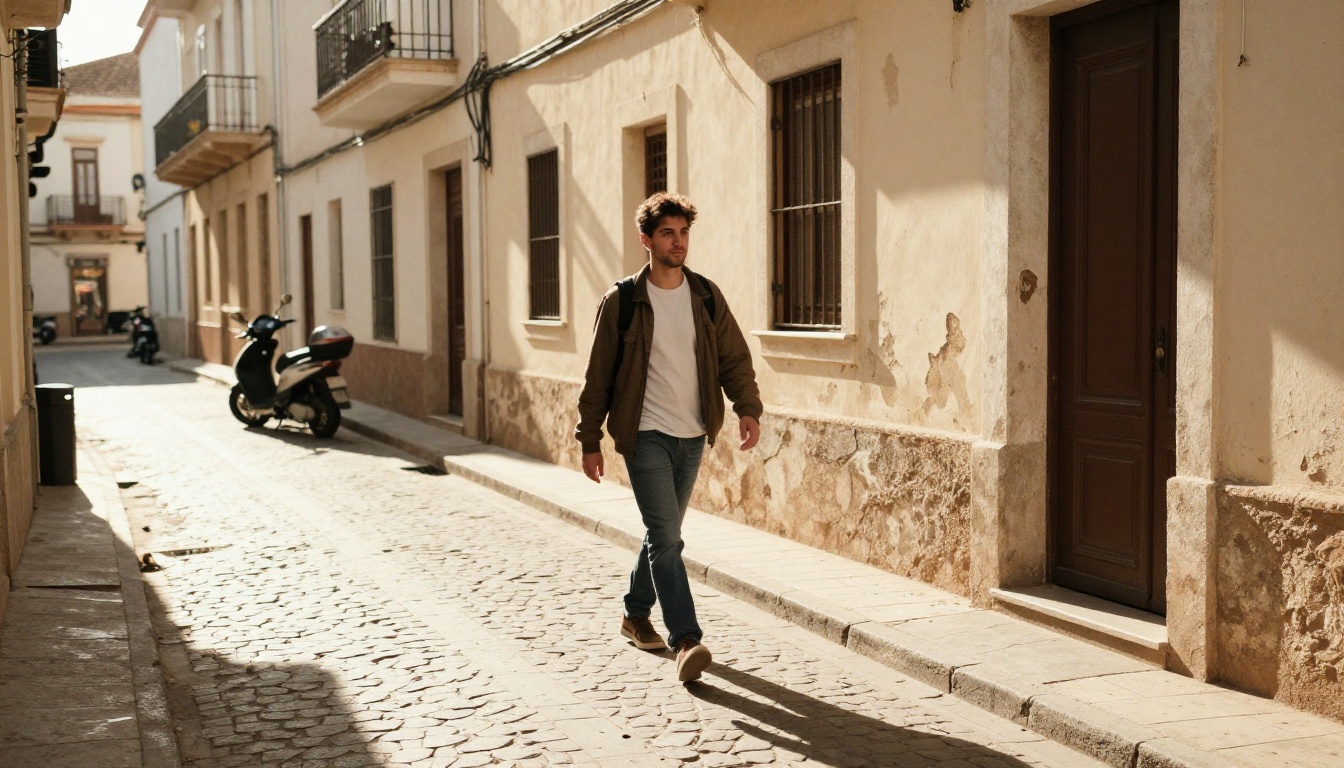
The real proof of a model's spatial reasoning is how it handles busy, layered scenes where foreground, midground, and background all need to coexist with correct depth relationships.
Qwen Image 2 is stronger here than most models in its class. Its multimodal training gives it a genuine understanding of scene geometry. A street scene generates with correct perspective, consistent scale between objects, and coherent atmospheric perspective in the distance.
Flux Chroma also performs well on complex scenes but approaches the problem differently. Rather than spatial reasoning from language grounding, it relies on learned photographic composition patterns from its training distribution. Results are strong when the prompt matches common photographic genres (street, portrait, architecture) and occasionally weaker for unusual spatial arrangements.
Speed vs Quality Trade-offs
Neither model operates in isolation of cost. For creators running batches or iterating rapidly on a concept, generation speed and prompt sensitivity are practical constraints that matter as much as peak output quality.
Generation Time at Scale
Qwen Image 2 generates at competitive speeds in the standard tier. The Pro variant takes longer due to higher resolution processing, but the difference is measured in seconds, not minutes. For batch workflows on PicassoIA, this makes it a viable option even for high-volume projects.
Flux's speed profile varies significantly by tier. Flux Dev is fast enough for iterative prompt testing. Flux 2 Max prioritizes quality over speed, making it better suited for final-output generation once a composition is locked. The Chroma-style quality on PicassoIA sits closest to the Pro and Max tiers.
💡 For rapid concept iteration, start with Flux Dev to test compositions quickly. Switch to Flux 2 Max or Qwen Image 2 Pro only for final renders where texture quality matters.
Prompt Sensitivity
This is a practical differentiator that affects workflow more than benchmarks suggest.
Qwen Image 2 is notably less sensitive to prompt length and structure. You can write a conversational description and get a coherent output. The multimodal training means the model has strong semantic understanding of how image elements relate to each other, so under-specified prompts still produce structurally sound results.
Flux Chroma rewards detailed prompt engineering. Specify lighting direction, lens focal length, color temperature, and surface materials explicitly and the outputs improve substantially. This is not a flaw: it is a precision tool, and like a precision tool, it performs best in skilled hands.
| Aspect | Qwen Image 2 | Flux Chroma |
|---|
| Short prompt handling | Excellent | Moderate |
| Long detailed prompts | Very good | Excellent |
| Spatial instruction following | Excellent | Good |
| Style consistency across batch | Good | Very good |
| Iteration speed | Fast | Medium-Fast |
| Best use case | Complex compositions | High-fidelity realism |
The Verdict on Photorealism

After testing across portrait, landscape, architecture, and object photography categories, neither model is universally better. They are better at different things, and choosing between them is a creative decision, not a benchmarking exercise.
When to Pick Qwen Image 2
Choose Qwen Image 2 or Qwen Image 2 Pro when your work requires:
- Complex multi-element scenes where spatial coherence matters more than surface texture
- Rapid iteration with conversational or loosely structured prompts
- Consistent compositional logic across a batch of varied subjects
- Semantic accuracy in scenes with objects, text elements, or unusual spatial relationships
Qwen Image 2 behaves like a model that understands what it is drawing. For lifestyle, editorial, and multi-subject work, that semantic grounding pays real dividends.
When Flux Chroma Wins
Reach for the Flux family, specifically Flux 2 Pro or Flux 2 Max, when your work demands:
- Single-subject photorealism where skin, fabric, and material texture must hold up at print resolution
- Precise lighting scenarios that need physical plausibility, not just scene-level correctness
- High-fidelity portraits where catch lights, iris detail, and subsurface scattering are visible
- Architecture and environment shots where edge definition and depth clarity are paramount
The Flux Kontext Max model on PicassoIA also opens up image-guided generation, letting you maintain consistent subject identity across variations while preserving the photorealistic rendering quality.
💡 For maximum output quality on portrait work, pair Flux 2 Max outputs with Clarity Pro Upscaler or P Image Upscale to push images to 4K without losing the micro-texture that makes the result look photographic.
How to Use Qwen Image 2 on PicassoIA
If Qwen Image 2 is the right tool for your current project, here is how to get the most out of it on PicassoIA.
Step 1: Open Qwen Image 2 or Qwen Image 2 Pro for higher-resolution output.
Step 2: Write your prompt as a scene description. The model handles natural language well, so write the way you would describe a photograph to a photographer: subject first, then environment, then lighting, then camera specifics if relevant.
Step 3: For portrait work, specify the lighting setup explicitly. Something like "soft north window light from the left, warm 5500K color temperature, studio white reflector on the right side" gives the model clear physical parameters to work from.
Step 4: If a first output is compositionally correct but lacks fine texture detail, switch to Qwen Image 2 Pro and add "high detail, visible skin pores, 8K, RAW photography" to your prompt.
Step 5: After generating your final image, run it through P Image Upscale or Recraft Crisp Upscale to add resolution and sharpness without regenerating from scratch.
The Qwen Image Edit Plus model is also worth knowing here: it lets you refine specific areas of a generated image without regenerating the entire composition, which saves time significantly on complex multi-element scenes.
Which Outputs Feel More Real
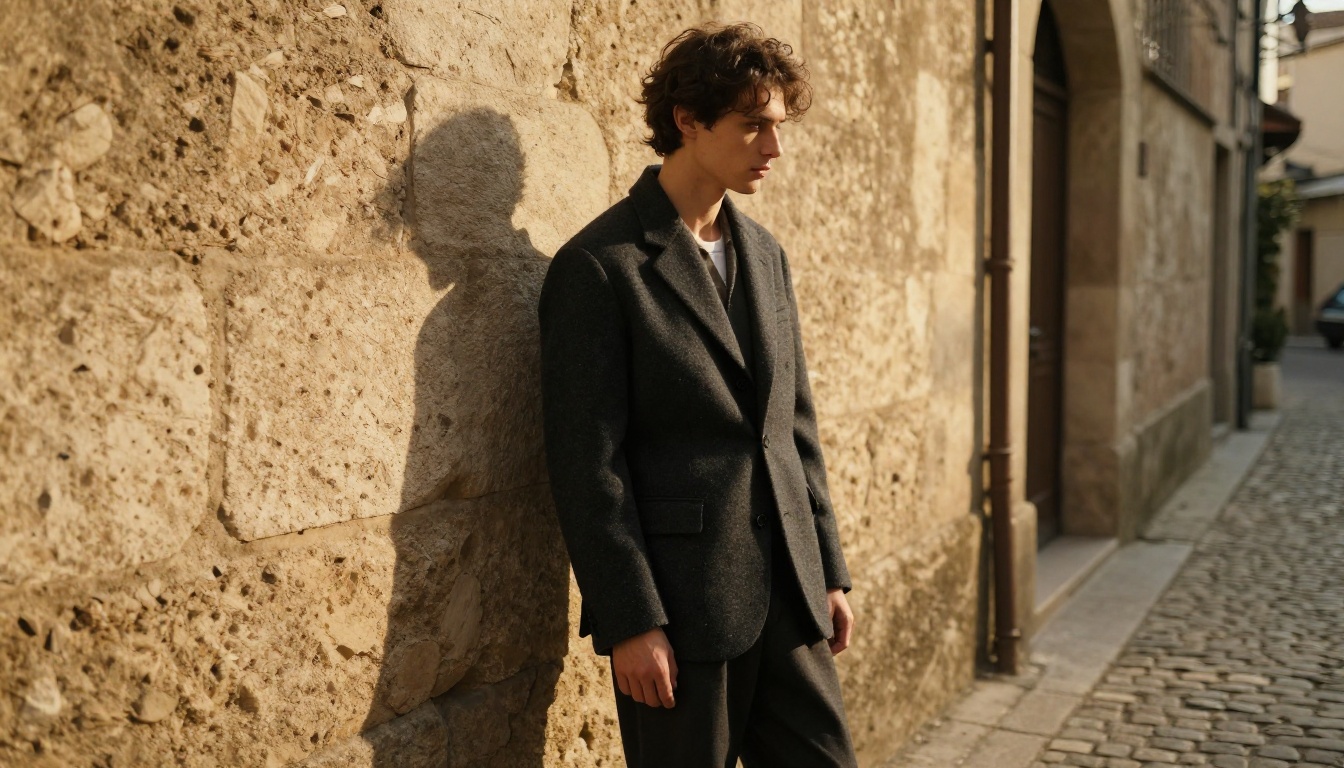
Across all test categories, Flux Chroma-style outputs edge ahead on the narrowest definition of photorealism: they look more like something that came out of a camera. The micro-texture rendering, the physical lighting, and the tonal range in shadows all carry a weight that is difficult to achieve with other architectures.
Qwen Image 2 outputs feel real in a different way: they feel compositionally real. Scenes make visual sense. Spatial relationships hold up. The world depicted follows logical rules. This is a different kind of realism that matters enormously for editorial, advertising, and story-driven imagery where what the image says matters as much as how sharp it is.
The honest answer to "which feels more real" depends on the viewer and the context. Show a photographer a Flux Chroma portrait at full resolution and they will struggle to spot the tell-tale signs of AI generation. Show a layout designer a complex multi-figure scene and Qwen Image 2 will produce something that reads more naturally in the final composition.
Both models represent a genuine step forward in AI image fidelity. Both are accessible on PicassoIA right now without any setup, API keys, or local hardware requirements. The best approach is not to pick one and commit: it is to use both for what each does best and let the output decide.
Start Generating Right Now
The only way to form a real opinion on these models is to generate something with them. PicassoIA gives you access to both Qwen Image 2 and the full Flux family from the same interface, with no installation required.
Start with a prompt you care about. Run it through both models. Look at the outputs at 100% zoom. Notice where each one succeeds and where it approximates. That comparison, on your own subject matter, will tell you more than any benchmark chart can.
When you are ready to push the results further, the Clarity Pro Upscaler adds resolution detail that neither base model generates by default. For complex scenes where you want to edit specific elements without starting over, Qwen Image Edit Plus handles targeted inpainting with the same semantic precision as the base model.
Browse all available models and start generating at picassoia.com/en/all-models.


