Two of the most debated models in the NSFW AI image generation space right now are Qwen Image 2 and Seedream 4.5. If you have spent any time in communities focused on adult AI art, you have heard both names thrown around constantly, sometimes with strong opinions attached. This article cuts through the noise with direct comparisons across realism, prompt accuracy, anatomy, speed, and overall uncensored output quality so you can make an informed decision about which model fits your workflow.
The short answer: Seedream 4.5 wins for NSFW image generation. But the story is more nuanced than a simple ranking. Both models have distinct strengths, and knowing which one to reach for will save you credits and frustration.
What These Models Actually Are
Before comparing outputs, it helps to understand what each model was built for and what architecture powers it.
Qwen Image 2: Alibaba's Visual Powerhouse
Qwen Image 2 comes from Alibaba Cloud's AI research division. The model was designed to excel at instruction-following: it processes detailed text prompts with high fidelity, making it excellent for scenes that require specific compositional accuracy. The base architecture leans heavily on diffusion transformer techniques, giving it strong coherence across complex multi-element scenes.
Where Qwen Image 2 stands out is prompt comprehension. If you write a 200-word prompt describing exact lighting setups, fabric textures, and body positioning, Qwen Image 2 is more likely to honor those details than many competitors. The tradeoff is that its baseline NSFW output can feel slightly sterile in skin rendering when compared to the more photographic warmth that Seedream delivers.
Qwen Image 2 Pro takes these capabilities further, with improved prompt coherence and finer anatomy control at higher resolutions.
Seedream: The Photorealism Specialist
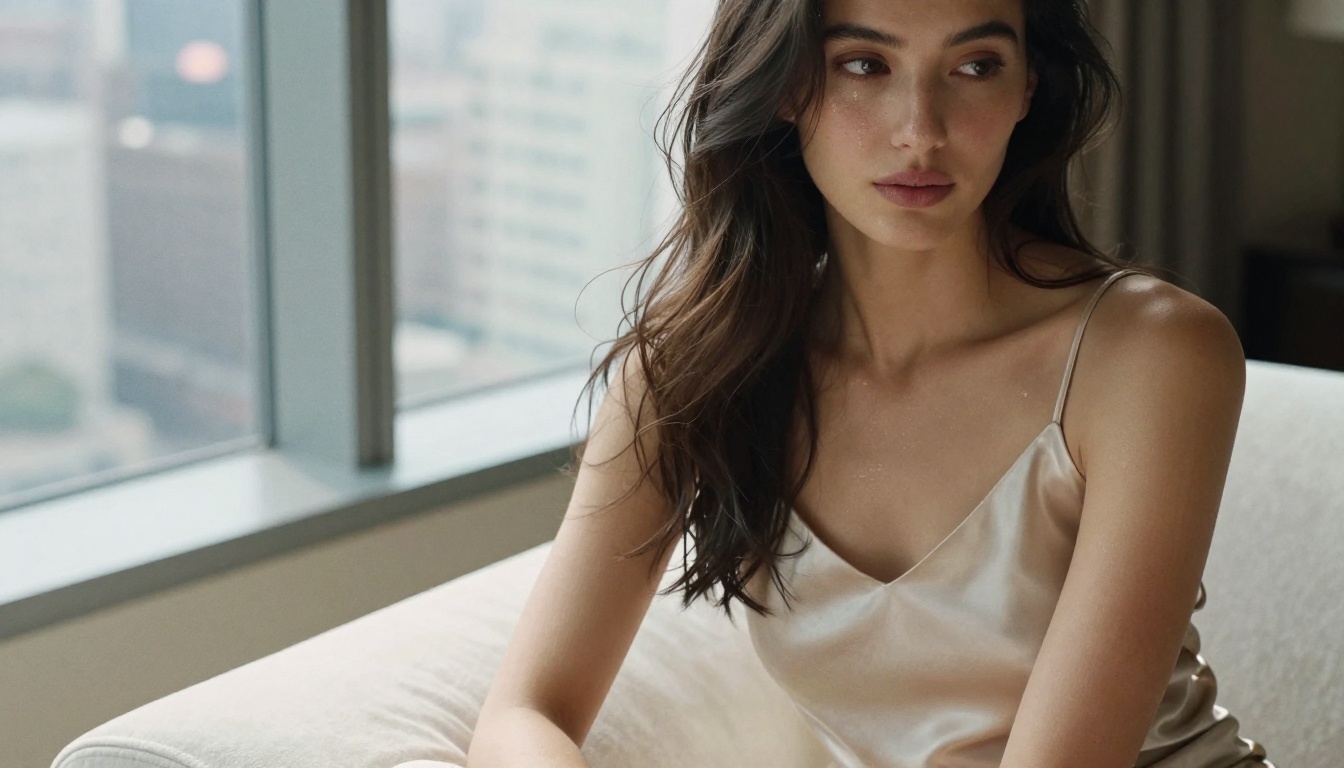
Seedream 4.5 comes from ByteDance's research team, and from day one it was optimized for photorealistic human portraiture. The model's training data skews heavily toward real photography rather than illustrated or rendered references, which shows immediately in its output: skin tones carry natural variation, pore texture is visible at close range, and lighting interacts with surfaces the way it does in actual photographs.
For NSFW content specifically, Seedream 4.5 holds a decisive edge. Its uncensored generation capability is robust, it does not hallucinate body parts the way older models do, and it handles artistic nudity with the compositional naturalism you would expect from editorial photography. Compared to Seedream 3 and Seedream 4, version 4.5 shows marked improvement in skin-fabric interaction and hair physics.
💡 Important: Do NOT use Seedream 5 Lite for NSFW work. It applies content filters that block adult output. Stick to Seedream 4.5 for uncensored results.
Realism and Skin Detail
This is the make-or-break category for NSFW image generation. Realism is not just about sharp pixels: it is about whether the image reads as a photograph or as AI output.
Skin Rendering and Texture
Seedream 4.5 produces skin with visible micro-texture. You see pore detail, natural color variation in underlighting (the slight pink in cheeks, the cooler tone in shadows under the chin), and realistic moisture highlights. The model understands that skin is not a uniform surface: it catches light differently across the forehead, the nose bridge, and the décolletage.
Qwen Image 2 renders skin cleanly and sharply but tends toward idealization. Pores are present but often uniform. The tonal variation that makes photographic skin feel alive is slightly flattened. This is not always a weakness. For high-fashion editorial or studio portrait aesthetics, that polished rendering is exactly what you want. But for raw, naturalistic NSFW output, it falls behind Seedream.

Fabric and Surface Interaction
One of the clearest places to see model capability is how clothing interacts with the body. Sheer fabrics, wet clothing, and form-fitting materials are genuinely hard for diffusion models to render correctly.
| Material Type | Seedream 4.5 | Qwen Image 2 |
|---|
| Sheer and translucent fabric | Excellent, natural falloff | Good, slightly even |
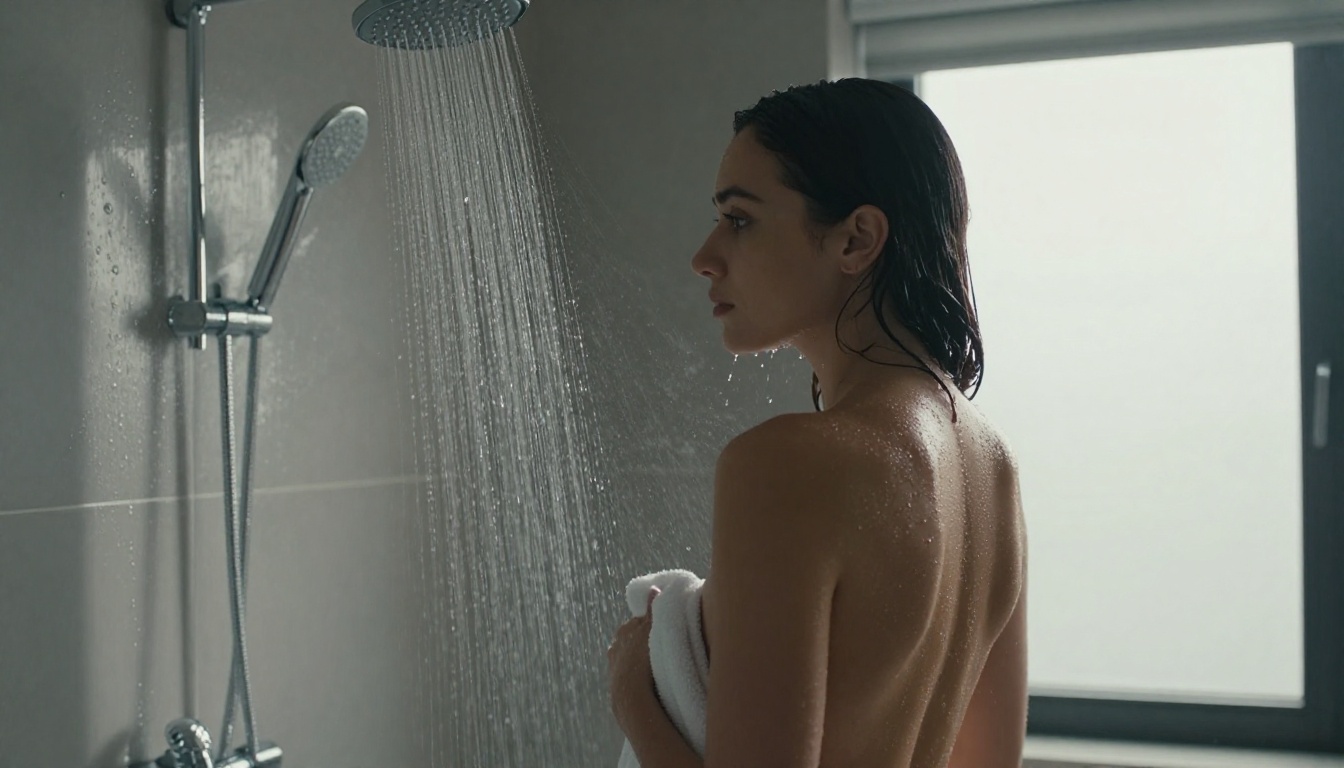
| Wet skin and clothing | Very good, realistic adhesion | Moderate |
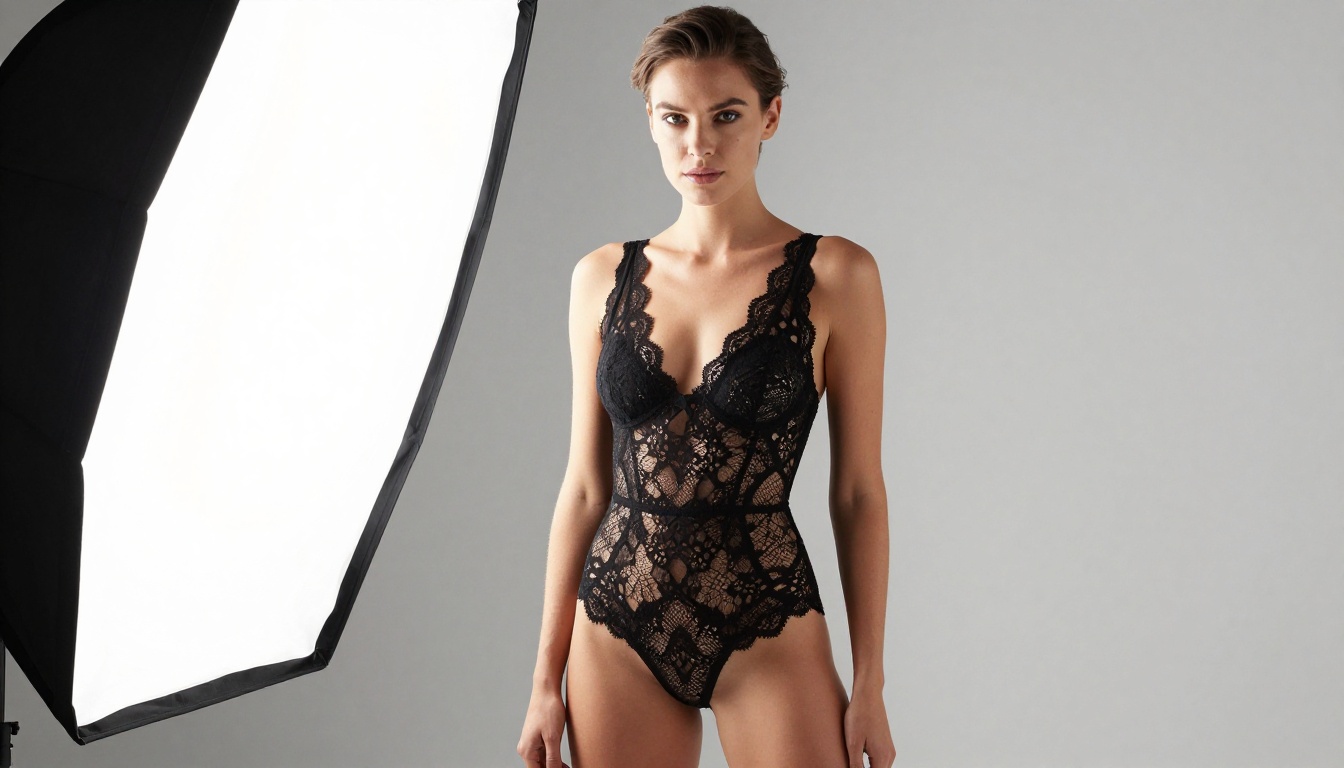
| Lace and fine textile | Strong, fiber-level detail | Sharp but less natural |
| Silk and satin | Outstanding specular capture | Good, slightly flat |
| Body-skin shadow contact | Natural gradient | Slightly abrupt |
Prompt Accuracy and Anatomy
Anatomy is where many NSFW models stumble. Getting hands, fingers, proportions, and body-to-limb ratios correct is one of the hardest problems in text-to-image generation.
Instruction-Following Accuracy
This is Qwen Image 2's strongest domain. When you specify exact details, the model delivers them. Tell it to place a figure in a specific environment with defined lighting direction and a stated camera angle, and it will place that figure correctly. The compositional logic is strong and consistent across seeds.
Seedream 4.5 follows prompts well but with slightly more creative interpretation. It sometimes chooses the aesthetically pleasing version of your prompt rather than the literally accurate one. For most NSFW users, this is actually a benefit: the results often look better than what was specified. But for precise reproductive work, Qwen Image 2 is more reliable.
Anatomy Consistency
Both models perform well here, with Seedream 4.5 maintaining a slight edge for full-body compositions. Where Qwen Image 2 occasionally struggles is in complex multi-figure scenes or unusual body positions, where limb overlap can create artifacts. Seedream 4.5 handles these more gracefully, largely because its training included more photographic references for naturally posed figures.
💡 Prompt tip: For both models, specify camera lens and distance in your prompt. Writing "85mm f/1.8 portrait at medium distance" anchors the model to realistic focal perspective and dramatically reduces limb distortion artifacts.
Face Variation Across Seeds
Neither model includes built-in face lock (that requires separate ControlNet tools like Flux Canny Pro), but Seedream 4.5 shows more natural face diversity across seeds than Qwen Image 2. Qwen Image 2 tends to produce a narrower range of face types, defaulting toward certain aesthetic archetypes on repeated runs.
Speed, Cost, and Access
Generation Speed
Both models run at comparable speeds on typical inference hardware. On PicassoIA's infrastructure, you can expect results in 8 to 15 seconds for standard prompts. Seedream 5 Pro adds speed improvements for high-volume workflows, but for NSFW generation, Seedream 4.5 remains the recommended entry point.
Access and Limits
| Feature | Seedream 4.5 | Qwen Image 2 |
|---|
| NSFW output | Fully uncensored | Partial, prompt-dependent |
| Free tier access | Yes, limited credits | Yes, limited credits |
| Unlimited generations | Via PicassoIA Image Editor Pro | Via PicassoIA Image Editor Pro |
| Maximum resolution | Up to 1440px | Up to 1440px |
| Generation speed | 8 to 12 seconds | 10 to 15 seconds |
| Anatomy accuracy (full body) | Very strong | Strong |
| Skin photorealism | Excellent | Good |
Where to Use These Models on PicassoIA
For anyone serious about NSFW AI image generation, the best platform to access both models is PicassoIA. It gives you access to the full uncensored capabilities of each model without the restrictions imposed by many cloud APIs.
Start with Seedream 4.5
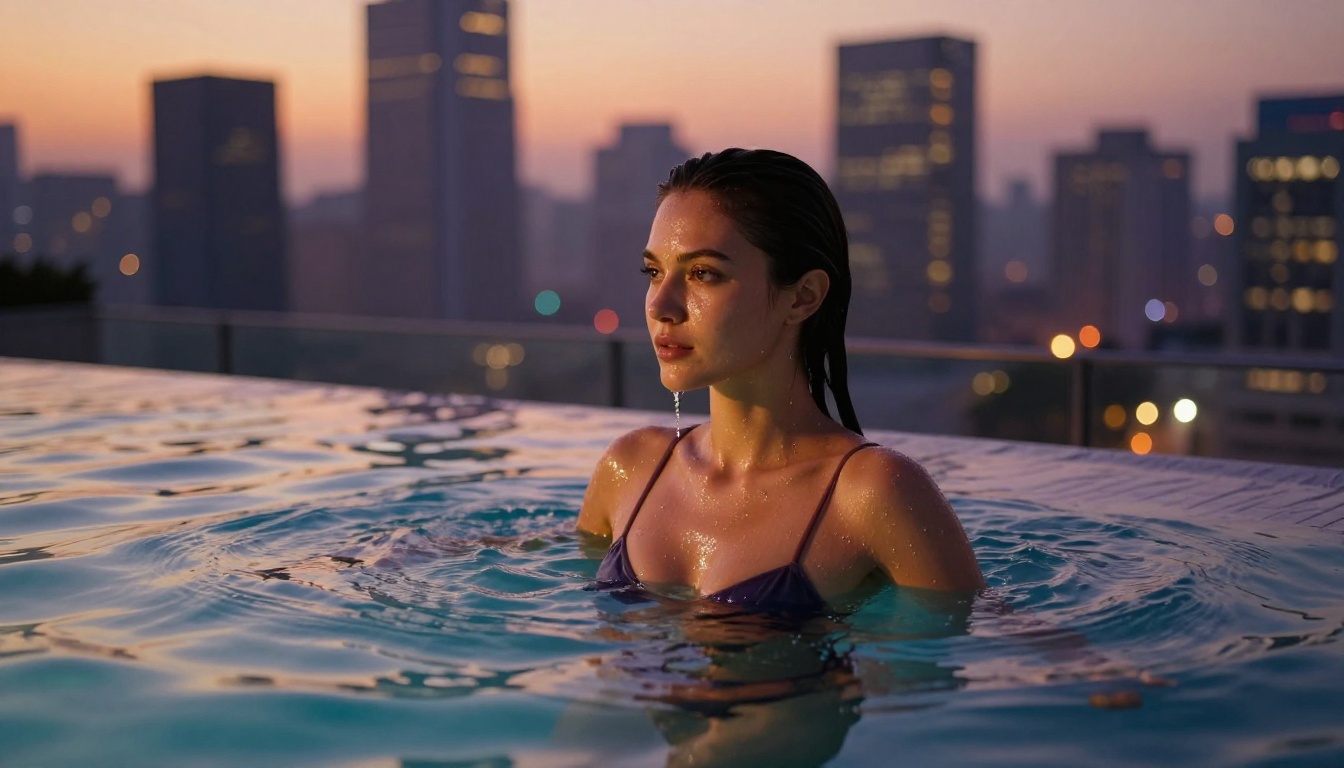
Seedream 4.5 is your first stop for NSFW work on PicassoIA. The platform runs it without content filtering for adult content, which means your prompts translate directly to output without sanitization. The photorealistic quality is immediately apparent: skin reads as skin, lighting follows real physics, and the overall composition feels editorial rather than synthetic.
For unlimited generation access, PicassoIA Image Editor Pro removes generation caps entirely, so you can run high-volume batches without worrying about credit exhaustion.
Use Qwen Image 2 for Precision Work
When your prompt requires exact compositional accuracy, reach for Qwen Image 2 or Qwen Image 2 Pro. Its prompt-adherence makes it ideal for:
- Specific environmental setups: exact room descriptions, defined outdoor locations
- Multi-element scenes with props, furniture, and background elements
- Lighting direction specifications where you need the light to come from a precise angle
- Fashion-editorial aesthetics where the cleaner skin rendering is a stylistic fit
For exploring other high-quality generation options, Flux Dev and Flux 1.1 Pro are worth including in your rotation, particularly for stylized scenes that benefit from Flux's strong compositional framing.
Other Models Worth Knowing
PicassoIA's text-to-image library goes well beyond these two. Some models worth keeping in your workflow:
- Qwen Image Edit Plus: For editing and refining existing NSFW images with instruction-based changes
- Qwen Image 2512: Higher resolution variant with enhanced detail rendering
- Seedream 4: Previous generation, still produces strong results for portrait work
- Flux 2 Pro: Excellent for high-fidelity output across a wide range of styles
Side-by-Side Output Analysis
Portrait Test: Close-Up Skin
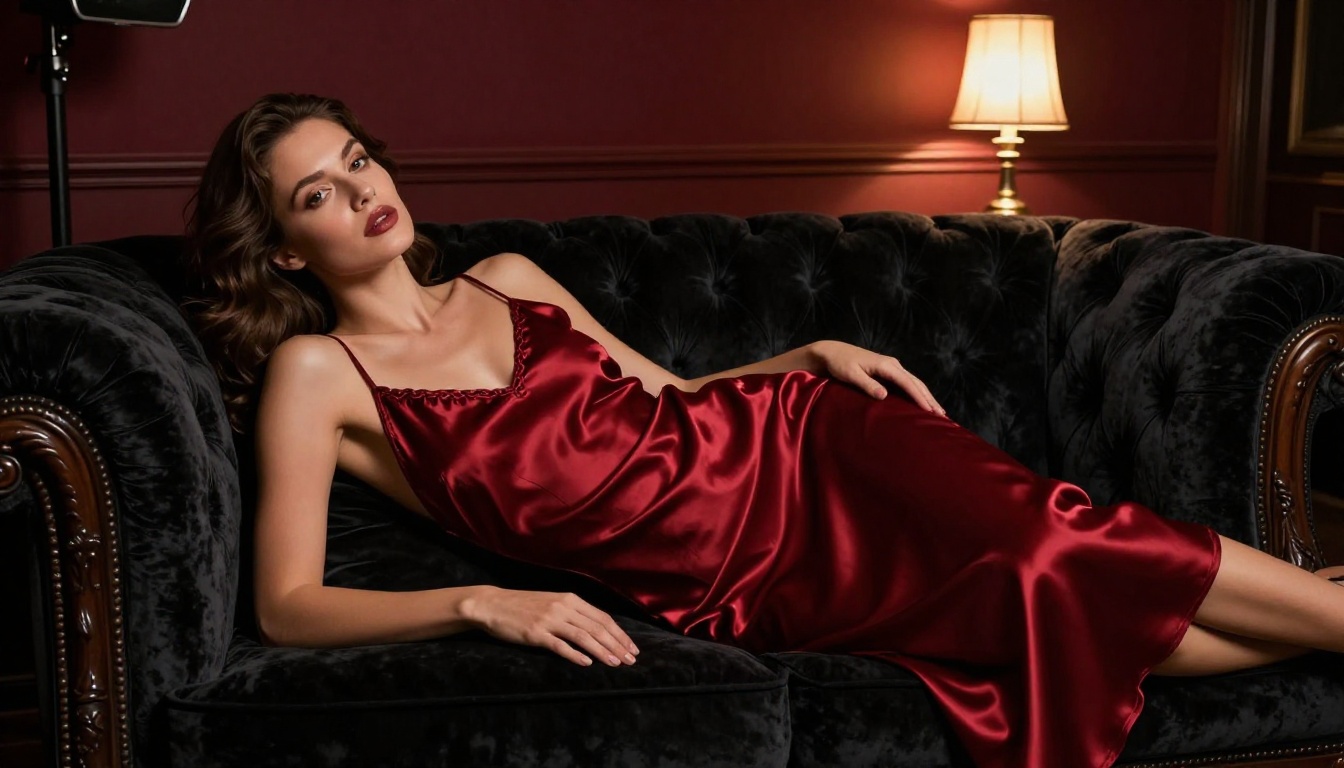
When given the same prompt ("beautiful woman in window light, 85mm portrait, visible skin texture, photorealistic"), the two models diverge noticeably. Seedream 4.5 produces an image that reads as a photograph. The pores are present, the under-eye shadows have realistic color, and the lip moisture shows specular highlights. Qwen Image 2 produces a sharper image with more defined edges but slightly less tonal complexity in the skin.
Winner: Seedream 4.5
Scene Complexity Test: Outdoor Natural Light
For outdoor scenes with complex lighting, the gap narrows. Both models handle dappled natural light reasonably well. Qwen Image 2 shows stronger environmental coherence, placing figures correctly in landscape context with accurate perspective. Seedream 4.5 produces more beautiful individual rendering of the subject but occasionally shows slight background inconsistencies in complex scenes.
Winner: Qwen Image 2 for complex environments
Fabric Transparency Test
Both models were prompted with "sheer white dress, backlit, beach, morning sun". Seedream 4.5 nailed the fabric transparency physics: the sheer material showed the body outline naturally through the fabric without any unnatural overlay artifacts. Qwen Image 2 handled it well but with a slightly flat fabric-body boundary.
Winner: Seedream 4.5

How to Use Seedream 4.5 on PicassoIA
Since Seedream 4.5 is the recommended model for NSFW image generation, here is a practical workflow for getting the best results.
Step 1: Open the Model Directly
Go to Seedream 4.5 on PicassoIA and open it directly. No ControlNet setup is needed for standard portrait work.
Step 2: Write a Layered Prompt
Structure your prompt in clear layers for best results:
- Subject description: physical attributes, expression, pose
- Wardrobe or state: what they are wearing, level of undress
- Environment: location, time of day, surfaces
- Lighting: direction, quality (soft vs. hard), color temperature
- Camera details: focal length, aperture, shooting distance
- Film emulation: Kodak Portra 400, Cinestill 800T, raw photography style
Step 3: Set Aspect Ratio and Resolution
For most NSFW portrait content, 3:2 or 4:3 ratios work best. Use 16:9 for environmental or landscape scenes. Set resolution to maximum (1440px on the longer edge) for full texture detail.
Step 4: Iterate on Seeds
Run the same prompt across 4 to 6 seeds before selecting your best image. Seedream 4.5's variation between seeds is significant: the same prompt can yield dramatically different lighting moods and compositions across seeds. The best result is rarely the first one.
Step 5: Upscale with Super Resolution
After generating your image, run it through one of PicassoIA's super-resolution models to double or quadruple the resolution. This is especially useful when you want to crop into texture detail or export at high resolution for print.

The Verdict
For NSFW image generation in 2027, Seedream 4.5 is the clear first choice. Its photorealistic skin rendering, robust uncensored output, and natural lighting interaction put it ahead of Qwen Image 2 in the categories that matter most for adult AI art.
Qwen Image 2 is not a bad model: it is a precise, instruction-following workhorse that excels when you need exact compositional accuracy. Use it when your scene demands environmental precision or when the cleaner, more polished aesthetic fits your creative direction.
The ideal workflow combines both: use Seedream 4.5 as your default and bring in Qwen Image 2 when a specific scene demands its compositional strengths.
| Criterion | Winner |
|---|
| Skin realism | Seedream 4.5 |
| Prompt accuracy | Qwen Image 2 |
| NSFW uncensored output | Seedream 4.5 |
| Anatomy consistency | Seedream 4.5 |
| Complex scene coherence | Qwen Image 2 |
| Fabric and material rendering | Seedream 4.5 |
| Generation speed | Tie |
| Overall NSFW winner | Seedream 4.5 |
Start Generating Now
Both models are available without a complex setup on PicassoIA. Start with Seedream 4.5 for your first NSFW generations, add Qwen Image 2 to your toolkit for precision scenes, and explore the full model library when you want to push in new directions.
PicassoIA's Image Editor Pro plan removes generation limits entirely, so your output volume is not constrained by credit cycles. The only way to know which model fits your specific aesthetic is to generate. Browse all available models and run your first prompts today.


