Qwen Image 3.0: Open Source Weights, API and Local Setup
Qwen Image 3.0 has no downloadable weights: it runs only through Alibaba Cloud's hosted API at about $0.03 per image. This article separates fact from rumor, lists which earlier Qwen Image releases are open, shows a local Diffusers setup, and explains how to try Qwen Image 3 in the browser.
If you searched for Qwen Image 3.0 open source weights, here is the straight answer: they do not exist. Alibaba's Qwen team announced Qwen Image 3.0 on July 21, 2026 as a hosted service, and no Hugging Face repository, model card, license file or technical report has appeared for it. What you can do today comes down to three routes: call the model through Alibaba Cloud's API, run an earlier open Qwen Image release on your own GPU, or try Qwen Image 3 in the browser on PicassoIA with nothing to install.
This page sorts out which route fits, what each one costs, and how to set it up without chasing downloads that are not real. Every figure below comes from public pages published between August and September 2026, and where sources disagree, I say so.
The Short Answer on Weights
On August 13, 2026, an independent check of Hugging Face and ModelScope found no Qwen Image 3.0 repository under the Qwen or Tongyi-MAI organizations. Documentation reviewed at the end of August still described the model as reachable only through hosted Qwen and Alibaba Cloud access. In plain terms, you cannot download Qwen Image 3.0, and you cannot run it on your own machine.
What Alibaba Actually Released
Qwen Image 3.0 ships in two tiers: a standard model (qwen-image-3.0) and a Pro model (qwen-image-3.0-pro). One model handles both text-to-image generation and image editing. The reported specs look like this:
Prompt length: up to roughly 4.5K tokens per request
Resolution: up to 2048×2048 pixels
Text rendering: characters as small as about 10 pixels, across 12 languages
Styles: more than 100 built-in looks
Output: several images per request
The focus is information-dense visuals such as infographics, newspaper pages, worksheets, UI mockups and storyboards, not just pretty pictures.
What Open Source Means Here
People mix up three different things when they type "open source" next to a model name:
Open weights: you can download the model files and run them yourself.
Open license: the files come with permission for commercial use.
Open access: anyone can pay and call the model over an API.
Qwen Image 3.0 offers only the third one. That matters in practice: you cannot fine-tune it, you cannot pin a version on your own server, and if Alibaba changes the price or retires a tier, your pipeline changes with it.
💡 Watch out for fake downloads. Any website, torrent or chat channel offering "Qwen Image 3.0 weights" is not from Alibaba, because Alibaba has not published any. Files like that are a common way to spread malware. Stick to the official Qwen organizations on Hugging Face and ModelScope.
Which Qwen Image Versions Are Open
The Qwen Image family is not closed across the board. Several earlier releases are open, and that is where every local setup starts.
Release
Weights
License
Notes
Qwen Image (August 2025)
Yes
Apache 2.0
20B parameter MMDiT, text-focused
Qwen Image Edit 2511 (December 2025)
Yes
Apache 2.0
Editing variant
Qwen Image 2512 (December 2025)
Yes
Apache 2.0
Sharper text, more realistic faces
Qwen Image 2.0 (February 2026)
Not at announcement
n/a
Weights had not shipped when the repository news was posted
Qwen Image 3.0 and 3.0 Pro (July 2026)
No
Hosted terms of service
API only
Qwen Image 2.1 (September 2026)
Yes
Research license
7B generator plus 8B encoder
The Apache 2.0 Releases
The original Qwen Image weights went public on August 4, 2025, on both Hugging Face and ModelScope, under Apache 2.0. That license allows commercial use, modification and redistribution with minimal strings attached. The December 2025 releases, Qwen Image Edit 2511 and Qwen Image 2512, followed the same pattern, and the GitHub repository ships ready-made Diffusers snippets for each one.
If your goal is a model you can fine-tune, host on your own server or ship inside a product without a per-image bill, these are the files to look at.
Qwen Image 2.1 and Its License
Published comparisons describe Qwen Image 2.1 as an open-weights release with a 7B visual generator, an 8B vision-language encoder and native transparent output. One comparison dates it to September 20, 2026. The catch sits in the license. Reports say the released materials use a research license, and commercial use requires a separate agreement with Qwen.
💡 Read the license on the model page before you generate anything for a client. "Weights are downloadable" and "output is free to sell" are two separate questions.
How the Hosted API Works
If you want Qwen Image 3.0 itself, the API is the only door. It runs through Alibaba Cloud Model Studio, which is also referred to as DashScope in the API documentation.
Access and Model Names
Two regions matter. The Singapore region serves most users outside mainland China, and a Beijing region serves the Chinese market. API tokens are region specific, so a token created for one region will not work against the other. Third-party aggregators also list the model: OpenRouter has offered Qwen Image 3.0 since early August 2026 at about $0.03 per 1K image.
The setup flow looks like this:
Create an Alibaba Cloud account and open Model Studio in the Singapore region.
Activate the image generation models you plan to use.
Create an API token in the console and store it in an environment variable.
Call qwen-image-3.0 or qwen-image-3.0-pro with a prompt and a size.
What It Costs Per Image
Pricing reported for the Singapore region as of August 31, 2026:
Item
Price
Qwen Image 3.0 standard, per output image
$0.03
Qwen Image 3.0 Pro, per output image
$0.04 to $0.075
Input image for editing, per image
$0.003
Free quota
10 images, valid 90 days
At those rates, 1,000 standard images cost about $30, and 10,000 cost about $300. Pro lands between $400 and $750 for 10,000, depending on output size. Editing adds a few tenths of a cent per reference image. Native Alibaba Cloud rates were not fully documented in every write-up, so check the billing page before you plan a budget around these figures.
A Sample Request
Here is the general shape of a text-to-image call. Treat it as a starting point rather than a copy-paste recipe.
💡 Confirm the details in your own console. The field names follow the DashScope pattern used by earlier Qwen Image models, but third-party setup articles disagree on the exact endpoint host. Copy the URL and the request schema shown in Model Studio before you ship anything.
Rate limits are not officially documented. Integrators report 429 responses under load, so build in exponential backoff from day one instead of retrying immediately.
Local Setup With Open Qwen Weights
Since Qwen Image 3.0 cannot run locally, a local setup means one of the open releases above. Qwen Image 2512 is the natural pick for general work, because it improved text sharpness and face realism over the original.
Hardware Reality Check
The original model has 20B parameters. In bfloat16 that is roughly 40 GB for the image model alone, before the text encoder is counted. Here is a rough planning table:
Setup
What to expect
48 GB or more of GPU memory
Runs in bfloat16 with room to spare
24 GB consumer card
Needs CPU offload or a quantized build, slower per image
12 to 16 GB card
Possible only with heavy quantization, expect long waits
No dedicated GPU
Not practical, use a hosted option instead
Community FP8 and GGUF conversions are widely used in ComfyUI to squeeze the model onto smaller cards. Quality varies by conversion, so test your own prompts before committing to one. Plan for fast storage too: the model files run to tens of gigabytes, and CPU offload leans on system memory, so 32 GB of RAM is a comfortable floor.
Install and Run With Diffusers
The repository recommends installing Diffusers from source:
If Python reports a missing package for the text encoder when the pipeline loads, install it with pip and run the script again. Then a minimal script, using the 2512 weights:
import torch
from diffusers import DiffusionPipeline

pipe = DiffusionPipeline.from_pretrained(
    "Qwen/Qwen-Image-2512",
    torch_dtype=torch.bfloat16,
)
pipe.enable_model_cpu_offload()

image = pipe(
    prompt="A rainy street market at dusk, a hand-painted sign reading OPEN",
    negative_prompt=" ",
    width=1664,
    height=928,
    num_inference_steps=50,
    true_cfg_scale=4.0,
    generator=torch.Generator(device="cuda").manual_seed(42),
).images[0]

image.save("qwen-test.png")
Swap in Qwen/Qwen-Image to run the original release, or Qwen/Qwen-Image-Edit-2511 with the editing pipeline if you want to change existing photos. The first run downloads tens of gigabytes, so start it on a stable connection and a drive with space to spare.
When Local Beats the API
At $0.03 per image, an API bill stays small for most creators. Self-hosting starts to win only when you generate tens of thousands of images a month with a GPU that stays busy, or when privacy rules forbid sending prompts to a third party. A card sitting idle costs more than the API ever will.
What Qwen Image 3.0 Does Best
Quality is the reason people want version 3.0 in the first place, so it is worth seeing where it earns its place.
Readable Text in Images
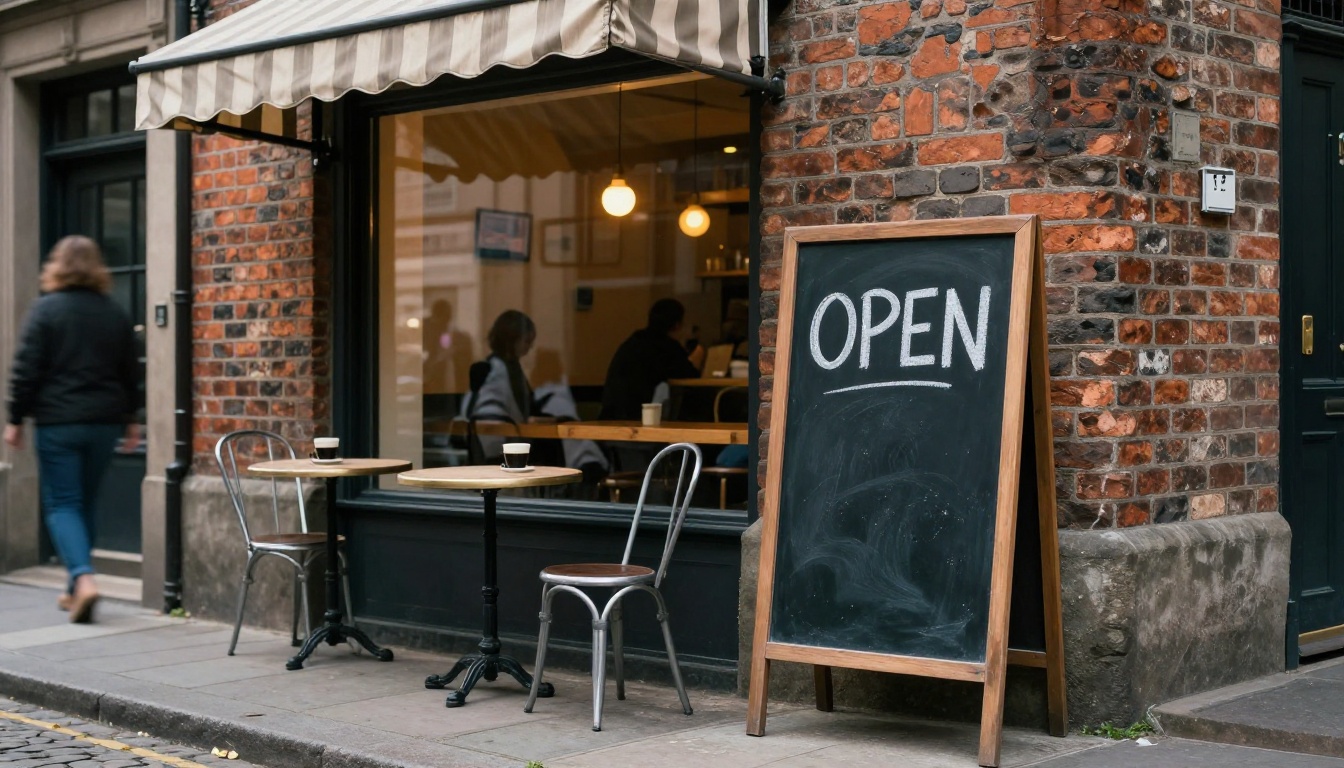
Garbled lettering is the classic giveaway of an AI image. Qwen models were built to avoid it, and version 3.0 pushes that down to small type: signs, labels, menus and captions that stay legible. A prompt like "a chalkboard sign reading OPEN" should return exactly that word, spelled right.
A few habits make text come out cleaner on any Qwen model:
Quote the exact words. Put the text you want inside quotation marks.
Keep it short. One to three words per sign or label is far safer than a paragraph.
Name the surface. Chalk on slate, paint on brick and ink on paper all render differently.
Say where it sits. "Above the door" or "on the left menu board" removes guesswork.
Dense Layouts and Editing
Newspaper pages, worksheets, storyboards and dashboards are where the long 4.5K token prompt window pays off. You can describe every column, caption and panel in one request. The same model accepts reference images, so you can restyle or fix a single area of a photo without redrawing the whole scene.
💡 Proofread everything. Reviewers warn that generated layouts can look authoritative while being wrong. Check names, numbers and dates before anything goes public.
Use Qwen Image 3 on PicassoIA
There is a fourth route that skips tokens, billing pages and graphics cards. Qwen Image 3 runs directly on PicassoIA, and the model page lists it as free to use online.
Write your prompt in plain sentences. Put any text you need in the image in quotes, and keep it short.
Pick an aspect ratio. Choose 16:9 for banners, 9:16 for stories, 1:1 for feed posts.
Leave prompt expansion on for short prompts, or turn it off when you want full control.
Press generate and review the result. Adjust one thing at a time, then run again.
Lock the seed once you like a result, so you can recreate it later.
For editing, upload a photo in the image field, describe the change, and enable the option that matches the input resolution so the output keeps its original size.
Settings That Matter
Setting
What it does
Prompt
Required text that describes the image or the edit
Aspect ratio
Nine presets: 1:1, 16:9, 9:16, 4:3, 3:4, 3:2, 2:3, 2:1 and 1:2
Negative prompt
Names what to leave out, such as watermarks or extra fingers
Seed
Any integer from 0 to 2147483647 for repeatable results
Prompt expansion
On by default, rewrites short prompts into richer ones
You need commercial rights with no extra paperwork
Apache 2.0 releases or the hosted terms
You generate fewer than a few thousand images a month
API or PicassoIA, not local hardware
Three Mistakes to Avoid
Searching for a download. No official Qwen Image 3.0 weights exist, and anything labeled that way is suspect.
Skipping the license. Qwen Image 2.1 uses a research license, while the older releases use Apache 2.0.
Budgeting with the standard price. Pro tier output costs more, up to $0.075 per image.
Try Qwen Images on Picasso IA Today
The honest summary is short: Qwen Image 3.0 lives behind an API, the open weights belong to older releases, and the fastest way to see what the family can do is to type a prompt and look at the result. Open Qwen Image 3 on Picasso IA, write a prompt with a short sign or label inside it, and compare the output to Qwen Image 2512. Run the same prompt on both, change one detail, and keep the version you like better.
Browse the full model list at picassoia.com/en/all-models to find the right fit for posters, product shots, mockups and photo edits, then start your first generation today.