Alibaba just changed what we expect from open-source AI image models, and most people haven't noticed yet. Qwen Image isn't just another text-to-image model competing on benchmark scores. It's a multi-modal architecture that understands context, edits images mid-generation, and outputs results that sit comfortably alongside the best proprietary systems in the world. This article breaks down what Qwen Image actually is, how the model architecture works, what changed in version 2, and where you can start using it today without writing a single line of code.
What Qwen Image Actually Is
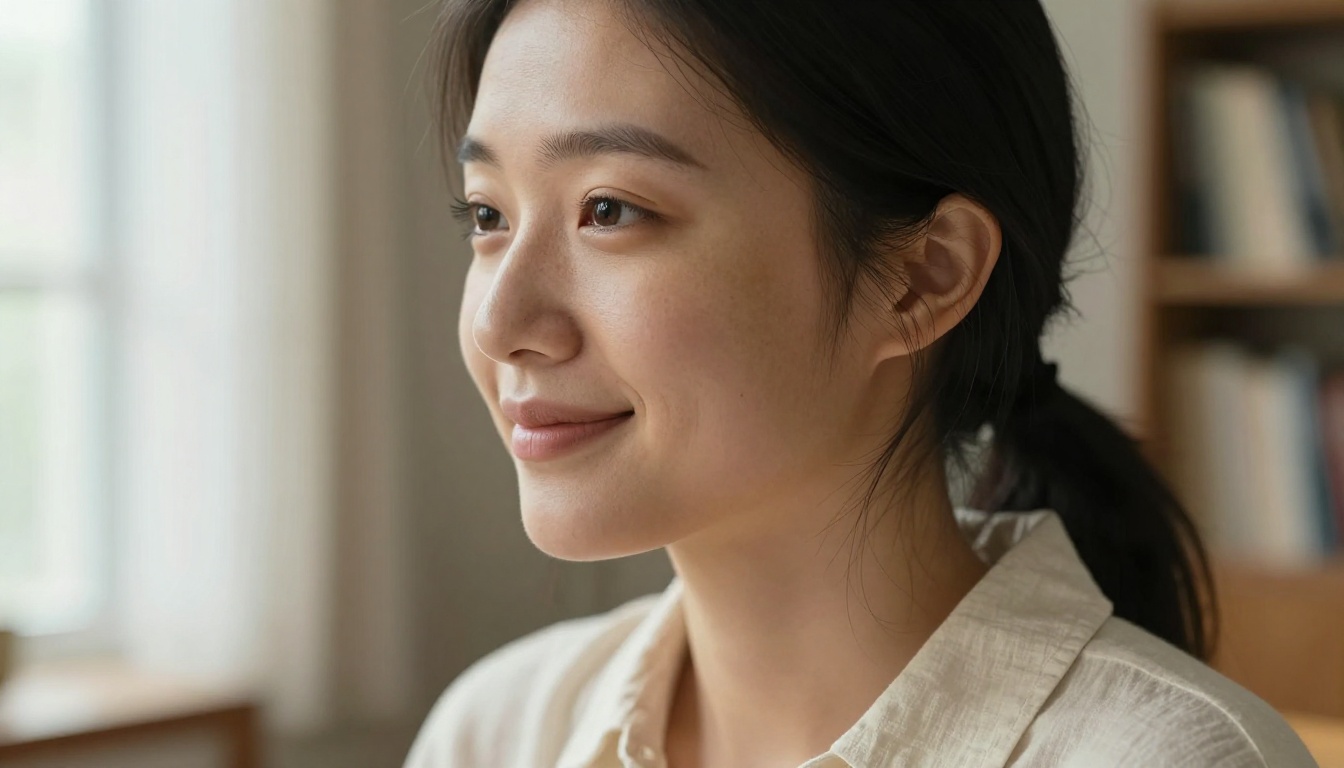
Qwen Image is Alibaba's family of multi-modal vision-language models built for high-fidelity image generation and editing. Released under the Qwen (Tongyi Qianwen) umbrella by Alibaba Cloud's DAMO Academy, the model combines a large language model backbone with a dedicated visual encoder and diffusion-based image decoder. That combination is what makes it different from pure diffusion models like Stable Diffusion or Flux.
Where most image models take a text prompt and run it through a single generation pass, Qwen Image processes text, image context, and spatial reasoning simultaneously. The model doesn't just "paint" an image from words; it builds a semantic interpretation of what you want before any pixels are rendered.
Alibaba's AI Research Unit
Alibaba's DAMO (Discovery, Adventure, Momentum and Outlook) Academy has been publishing research since 2017, with focus areas in natural language processing, computer vision, and multi-modal AI. The Qwen family sits at the center of their LLM strategy, beginning with text-only models before expanding into vision and image generation.
The image generation branch of the Qwen family specifically targets the gap between instruction-following and visual quality, two things that have historically been in tension. Older models either followed prompts precisely but looked flat, or looked beautiful but ignored half the instruction.
From Language to Vision
The architecture uses a visual tokenizer that encodes input images into the same embedding space as text tokens. This is the technical foundation behind Qwen Image's ability to perform instruction-based editing. When you tell the model "make the background darker and add rain," it isn't running a separate inpainting tool; it's re-interpreting the entire scene through updated instructions.
💡 This is why Qwen Image handles complex multi-subject prompts better than many competing models. The language model component actively reasons about spatial relationships before generating.
How the Model Actually Works
At its core, Qwen Image uses a flow-matching-based diffusion process on top of a transformer backbone. Here's the simplified pipeline:
- Text encoding: Your prompt is tokenized and embedded by the Qwen language model
- Vision conditioning: If you provide a reference image, it's encoded in parallel
- Noise scheduling: The model initializes a noisy latent representation
- Iterative denoising: The transformer progressively refines the latent over multiple steps
- VAE decoding: The final latent is decoded into a full-resolution image
This architecture is specifically designed for instruction following at scale. The language model backbone contains a significant chunk of the total parameter count, which means prompt interpretation doesn't degrade as prompts get longer or more complex.
Multi-Modal Input Support
The multi-modal design means Qwen Image handles inputs that pure diffusion models cannot:
| Input Type | What It Does |
|---|
| Text only | Standard text-to-image generation |
| Text + reference image | Style transfer or image editing |
| Text + mask | Inpainting specific regions |
| Multiple images | Compositional fusion |
| Image + editing instruction | Instruction-based editing |
This range of inputs is what separates Qwen Image Edit from being just a generator. It's an editor that processes natural language at the level of a capable human collaborator.
Text-to-Image vs Image Editing Variants
The base Qwen Image model excels at text-to-image generation with strong prompt adherence. The Qwen Image Edit and Qwen Image Edit Plus variants extend this to full editing workflows. The distinction matters if you're choosing between them:
- Use the base model when generating from scratch or when you need maximum visual quality on a single detailed prompt
- Use the edit variants when you have a source image you want to modify, when you need to swap objects, or when you're working iteratively with feedback loops

Qwen Image 2 and 2 Pro
The release of Qwen Image 2 marked a substantial step forward. Alibaba didn't just scale up parameters; they rebuilt the training pipeline around higher-quality data curation and a more sophisticated reward model for human preference alignment.
What Changed in Version 2
The biggest improvements in Qwen Image 2 over the original release:
- Higher resolution outputs by default, with better detail preservation at 1024x1024 and above
- Improved prompt decomposition: the model now handles long, multi-clause prompts without dropping secondary subjects
- Better face and hand generation, historically a weak spot for diffusion models
- Faster inference through architectural optimizations at the attention layer
- More consistent style adherence when given reference images
💡 The improvement in hand and face generation alone makes Qwen Image 2 worth switching to for portrait and lifestyle photography where human subjects are central.
Pro vs Standard: Which One to Use
Qwen Image 2 Pro is the larger, higher-fidelity variant. Here's when each makes sense:
| Model | Best For | Generation Speed |
|---|
| Qwen Image 2 | Fast iteration, social content, prototyping | Faster |
| Qwen Image 2 Pro | Final outputs, commercial work, print quality | Slower |
For most workflows, starting with Qwen Image 2 to test prompts and then switching to Pro for the final render is the most efficient approach.
Real-World Output Quality
Benchmarks only tell part of the story. The real test is how the model performs on the kinds of images people actually need to generate.
Portraits and People
Qwen Image produces portrait-quality outputs with accurate facial anatomy, natural skin texture, and correct eye highlights. The multi-modal backbone gives it a more grounded grasp of human proportions compared to earlier open-source models that frequently distorted features under high prompt complexity.
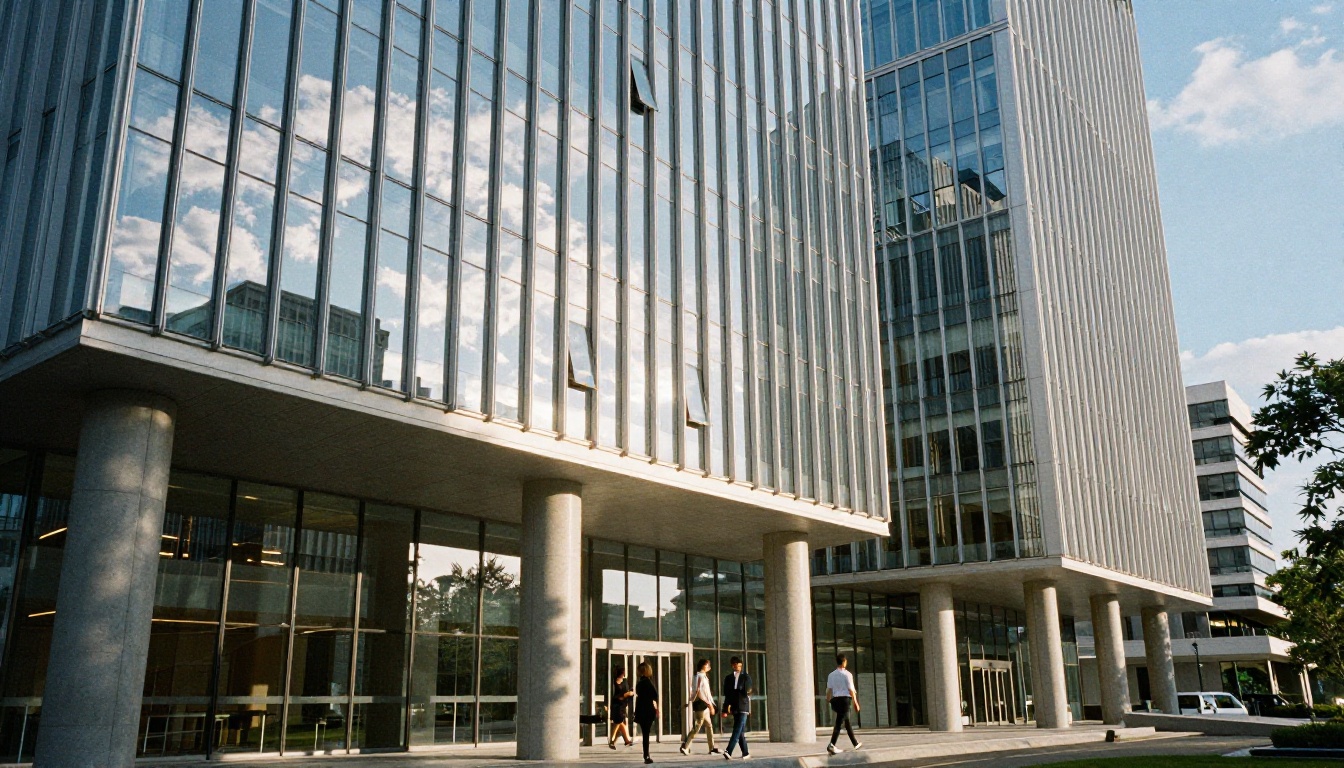
For fashion and lifestyle shots, the model handles clothing texture particularly well: visible weave patterns on fabric, natural draping behavior, and accurate light interaction with different materials.

Landscapes and Architecture
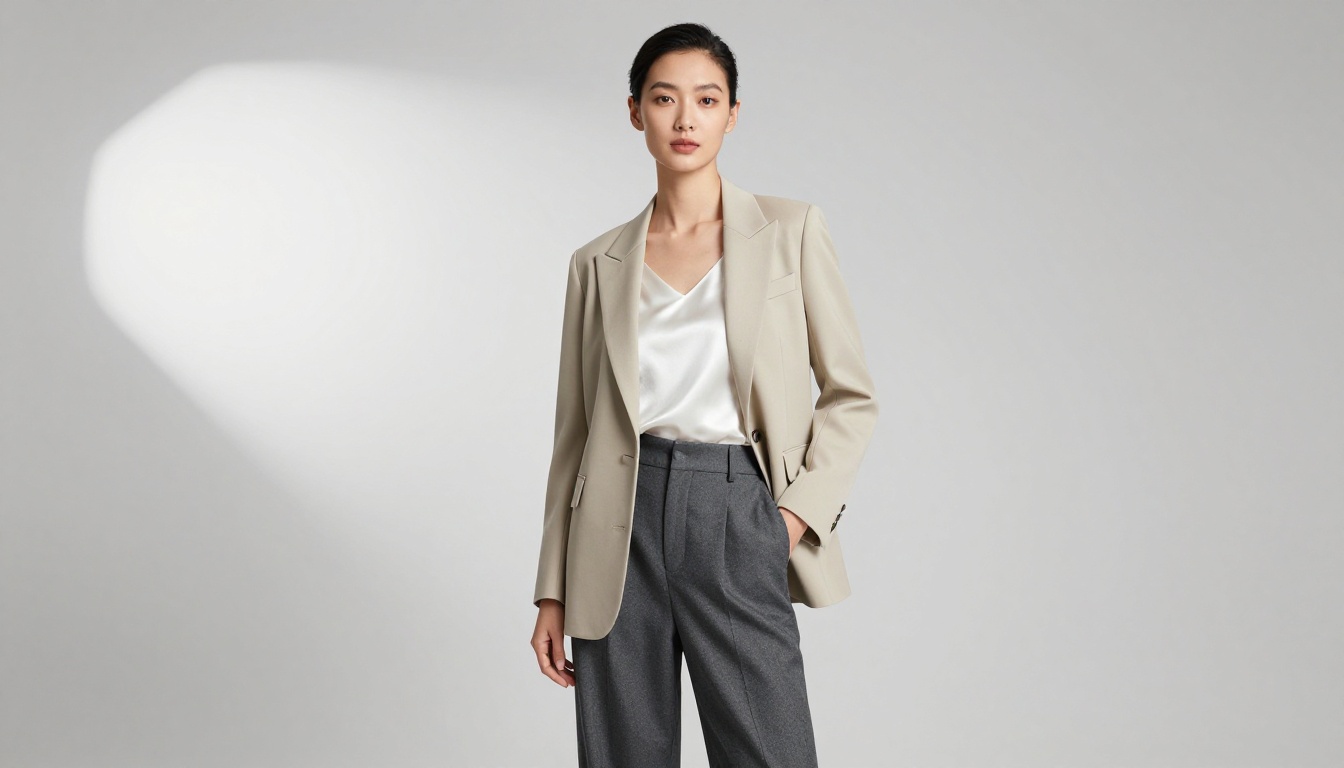
Aerial and landscape prompts are where strong spatial reasoning becomes visible. Qwen Image 2 Pro correctly interprets instructions like "mountain valley with a river in the foreground and storm clouds in the background" as a spatially coherent scene, not a flat composition of disconnected elements.
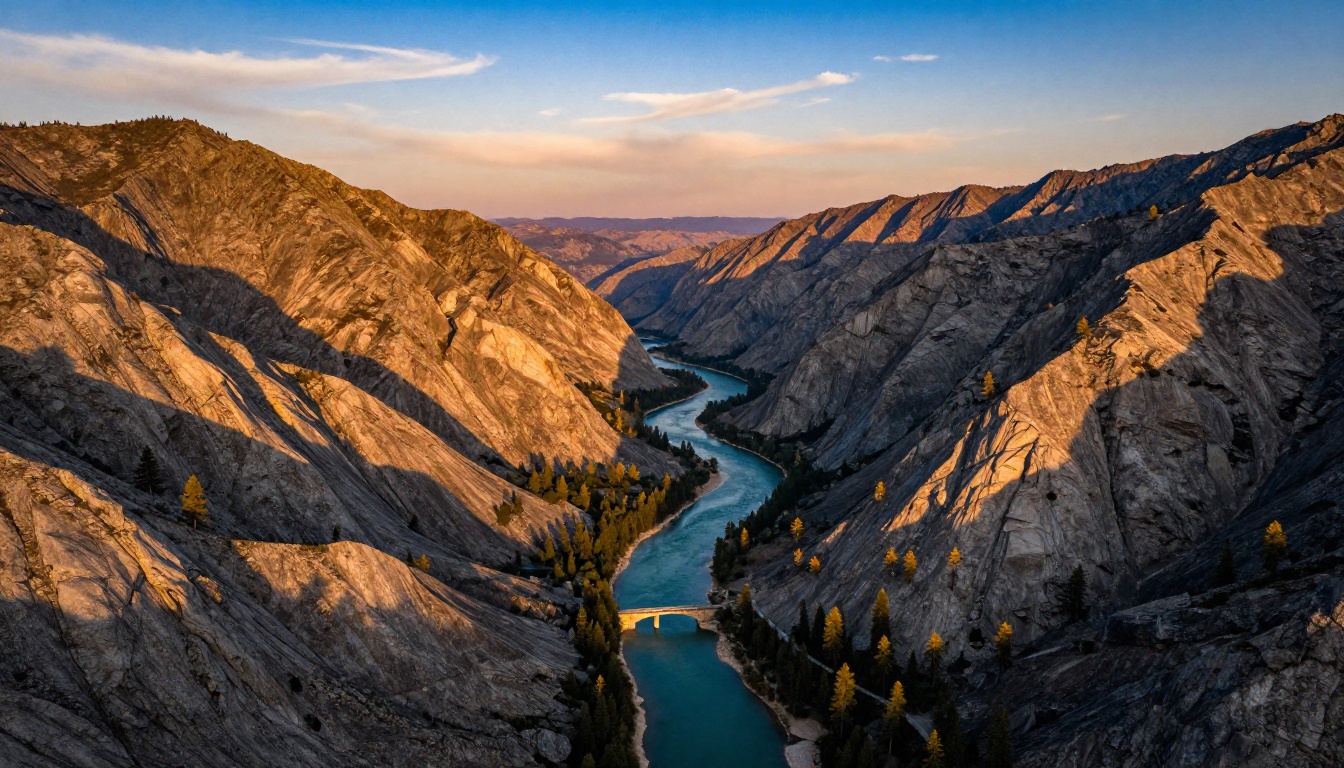
Architectural generation benefits from the model's training on structured visual data. Perspective lines are accurate, reflections in glass facades follow physical logic, and lighting gradients on building surfaces behave consistently with real-world physics.
Product and Commercial Work
For product photography simulation, Qwen Image Edit Plus is particularly effective. You can provide a product photo and use editing instructions to change backgrounds, adjust lighting, or add context elements. The instruction-following quality at this task reduces iteration cycles significantly compared to traditional compositing.
How to Use Qwen Image on PicassoIA
PicassoIA hosts the full Qwen Image model family, meaning you can run Qwen Image, Qwen Image 2, Qwen Image 2 Pro, and the editing variants all from a single browser tab, with no setup, no API keys, and no infrastructure to manage.
Step-by-Step on PicassoIA
Step 1: Choose your model
Go to Qwen Image 2 Pro for highest quality outputs, or Qwen Image 2 for faster iteration. For editing workflows, open Qwen Image Edit Plus.
Step 2: Write your prompt with specifics
Qwen Image responds well to detailed prompts because the language model backbone can parse complex, multi-clause instructions. Include:
- Subject: age, clothing, expression, pose
- Environment: interior or exterior, time of day, weather
- Lighting: direction, quality, color temperature
- Camera perspective: wide, close-up, aerial, low-angle
Step 3: Set aspect ratio
For web and blog content, 16:9 works well across most layouts. Portrait content (9:16) suits social media. Square (1:1) is clean for product shots and thumbnails.
Step 4: Generate and iterate
Run a first generation to evaluate prompt interpretation, then refine. If a secondary subject is being dropped, move it earlier in the prompt. If colors are off, be more explicit with adjectives ("dusty terracotta" instead of "orange").
Step 5: Refine with the edit variants
If the base generation is close but needs targeted changes, upload it to Qwen Image Edit Plus and provide an editing instruction in plain language. The model understands natural phrasing like "make the background warmer" or "replace the jacket with a coat."

Tips for Better Results
💡 Qwen Image responds better to camera and lighting descriptions than most open-source models. Including "85mm f/1.8, studio octabox, ISO 200" in your prompt, even for non-photographic subjects, helps the model calibrate realism.
- Avoid abstract adjectives alone: "beautiful" gives the model nothing; "warm golden-hour backlight on sun-tanned skin" gives it a direction
- Reference real photography styles: "shot like a 1990s Condé Nast Traveler spread" or "National Geographic documentary style" give strong stylistic anchors
- Use the LoRA trainer for consistent characters: Qwen Image LoRA Trainer lets you fine-tune on custom image sets for repeatable character or brand aesthetics
- Batch your variations: Run 3-4 seeds before making prompt changes. The model has sufficient variance that different seeds often produce significantly different compositions
Qwen Image vs Competing Models
It's worth being direct about where Qwen Image sits relative to alternatives you've probably used.
| Model | Prompt Following | Realism | Editing | Open Weights |
|---|
| Qwen Image 2 Pro | Excellent | Very High | Native multi-modal | Yes |
| Midjourney v6 | Good | Very High | Remix only | No |
| DALL-E 3 | Excellent | High | Limited inpainting | No |
| Stable Diffusion XL | Moderate | High | Via plugins | Yes |
| Flux 1.1 Pro | Very Good | Very High | No native editing | Partially |
The standout difference is native multi-modal editing. Midjourney has remix options, DALL-E has an inpainting interface, but neither matches Qwen Image Edit Plus on complex edits where you want to modify specific elements while preserving everything else in the frame.
The open weights also matter practically. Qwen Image models are released with weights available for research use, which means the ecosystem of fine-tuned variants, LoRA adapters, and specialized pipelines grows through community contribution, not just through Alibaba's own releases.
Why Open Weights Matter for This Model
Alibaba releasing model weights isn't just a positioning move. It accelerates development of specialized variants that no single company could build alone. The Qwen Image LoRA Trainer on PicassoIA is a direct result of this, giving users the ability to fine-tune the base model on specific aesthetics, characters, or product types without touching infrastructure.
Fine-tuned checkpoints appear regularly in the open-source community, covering specific photography styles, cultural aesthetics, and industry applications that the base model doesn't specialize in. This compounds the model's value over time in a way that closed, proprietary models cannot match.
For commercial users, open weights reduce vendor lock-in. You're not betting your pipeline on a single API staying available and affordable. Qwen Image can be self-hosted, adapted, and extended independently.
💡 The combination of strong base performance and open weights is exactly what makes this model series worth building on. Each release from Alibaba raises the ceiling of what's achievable without proprietary infrastructure.
Start Creating with Qwen Image Now
Every image in this article was generated with photorealistic AI models available through PicassoIA. The technology is production-ready, and the barrier to entry is lower than it's ever been.
PicassoIA gives you direct browser access to Qwen Image, Qwen Image 2, Qwen Image 2 Pro, Qwen Image Edit Plus, and the LoRA Trainer, all without managing infrastructure or API tokens.
Pick a subject, write a detailed prompt, and run your first generation. The gap between what you can imagine and what you can actually produce has never been smaller. Qwen Image 2 Pro is waiting.


