Generate imagesVisual EffectsLarge Language Models
Qwen Image Edit API: Pricing, Free Access and 2511 Model
Qwen Image Edit 2511 is cheap to call and free to try, but prices swing from two to five US cents per image depending on the host. See what each provider charges, which free options are real, what the 2511 release fixed, and how to run your first edit.
Typing "Qwen Image Edit API" into a search bar gets you a dozen hosts, three version names and prices that differ by a factor of two. This article sorts that out. You will see what the Qwen Image Edit 2511 model changed, what one edit costs on each major API host, which free routes are real, and how to send a first request in about five minutes.
The short version: 2511 is the December 2025 refresh of Alibaba's 20 billion parameter image editor, released under the Apache 2.0 license. Hosted calls run roughly two to five US cents per image, the weights are free to download, and you can try the model in a browser without writing code. Prices below were checked in early October 2026. They move, so treat them as a snapshot, not a quote.
What the 2511 Model Changes
Qwen Image Edit ships as a numbered series. The original model handled single image edits, the Plus generation (2509) brought multi image input, and 2511 tightened up what people complained about most: faces that drift, details that shift, and edits that leak into areas you never touched. If you tried an earlier build and gave up, this is the one to retest.
What Got Fixed
According to the official model page on Hugging Face, the update targets five things:
Less image drift. Parts of the photo you did not mention stay exactly where they were.
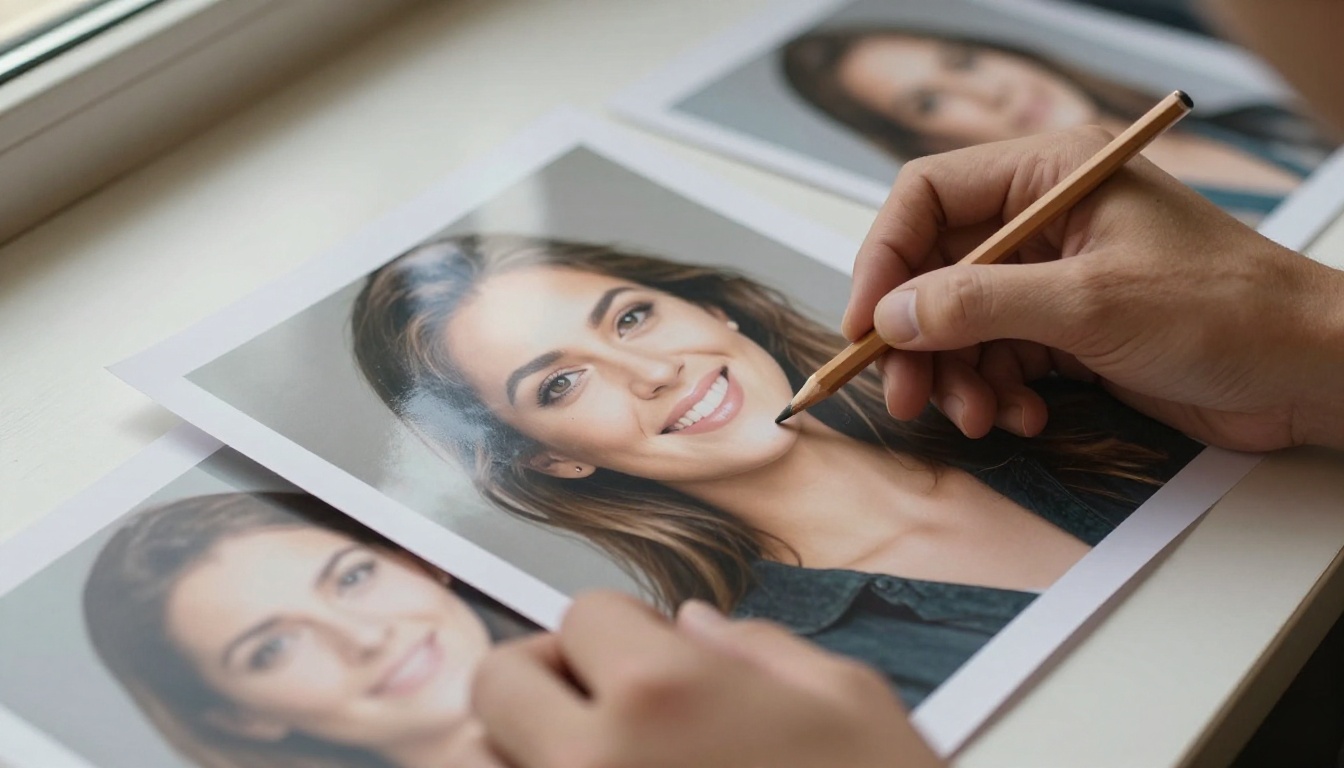
Stronger character consistency. A face keeps its identity through pose, outfit and background changes, and group photos with several people hold together better.
Built in LoRA support. Community LoRAs, such as lighting or viewpoint adapters, work without extra tuning.
Better industrial design output. Product shapes, materials and parts come out cleaner.
Sharper geometric reasoning. Perspective, angles and structure survive the edit.
In practice that means fewer retries spent repairing things the model broke on its own. For a product photographer, one clean pass beats five "almost" passes, because every retry costs money on a paid API.
💡 Spot check it yourself. Edit one portrait three times in a row, changing only the background each time. If the face and clothing stay identical across all three results, consistency is working.
What the API Costs Per Image
Pricing is where the confusion starts. Every host bills differently: per image, per megapixel, or in credits. Here is what the main providers listed in early October 2026.
Prices by Provider
Provider
Billing unit
Price for a 1024x1024 edit
Notes
fal.ai
Per megapixel
About $0.031 ($0.03 per MP)
1 to 4 images per request
Replicate
Per image
Around $0.04
Merges up to 3 input images
RunComfy
Per image
$0.03
Playground plus API
MuAPI
Per generation
$0.04
Simple flat rate
Sogni
Spark credits
About $0.021 (4.15 Spark)
20 steps, lowest listed
Alibaba Cloud Model Studio
Per image
0.3 CNY (Beijing), 0.33 CNY (Singapore)
Alibaba's own hosted edit model
Two details change the math. First, fal.ai bills by output size, so a 2048 by 2048 result (about 4.2 megapixels) lands near $0.13, while hosts that quote a flat per image rate are simpler to forecast. Second, the Alibaba Cloud numbers belong to its own hosted edit line, which uses names like qwen-image-edit and qwen-image-edit-max (0.5 CNY in Beijing for max). Treat them as a pricing reference, not a like for like 2511 quote. The Model Studio page has the current list.
💡 Check before you budget. Some price trackers still list nothing for this model, and host pages change without notice. Open the provider page on the day you buy.
What a Month of Edits Costs
Edits per month
At $0.021
At $0.031
At $0.04
1,000
$21
$31
$40
10,000
$210
$310
$400
100,000
$2,100
$3,100
$4,000
At 1,000 edits a month the gap between the cheapest and priciest host is about $19, so pick on quality and convenience. At 100,000 edits it is almost $1,900, and that is when an afternoon of comparing hosts pays off. As a rule of thumb, self hosting only wins if you can keep a GPU busy all day. Below a few thousand edits a month, pay per image.
Budget for retries too. If one edit in three needs a second pass, multiply every figure above by 1.33. Better consistency from 2511 pushes that ratio down, which is the quiet way a newer model saves money even when the per image price looks the same.
Free Access That Actually Works
"Free" means three different things here: free to try, free to download, and free credits. Mixing them up is how people end up with a surprise GPU bill.
Try It in Qwen Chat
The official free way to test the model is Qwen Chat. Open it, pick the Image Editing feature, upload a photo and type your instruction. Qwen's own notes say the online version includes speed optimizations, and that for the best possible output you should deploy the model locally through ModelScope. Treat Qwen Chat as a bench for testing prompts, not as a production path. It gives you no API.
Download the Open Weights
The weights sit on Hugging Face under the Apache 2.0 license, which allows commercial use. They load through Diffusers with the QwenImageEditPlusPipeline on a CUDA GPU. At 20 billion parameters the model is heavy, and community quantized builds, including one from Unsloth, exist to shrink it. There is no per image fee, but you pay in hardware, setup time and queue management. Self hosting also makes sense when your photos cannot leave your own network, for example unreleased product shots under an NDA.
Free Quota From Cloud Hosts
Alibaba Cloud Model Studio grants a free quota when you activate the service. It stays valid for 90 days and is shared across the account and its RAM users. The amount differs per image model, so check the console quota page before you assume anything. For the other hosts in the table, look at the sign up page for trial credits, since those offers change often.
Calling the API in Practice
Whatever host you pick, an edit request has the same shape: one text instruction plus one or more source images, sent to an endpoint that returns the edited image as a URL.
Parameters That Matter
The fal.ai endpoint fal-ai/qwen-image-edit-2511 documents these inputs:
Parameter
What it does
Default and range
image_urls
Source images to edit
Required, list of URLs
prompt
The edit instruction
Required
num_inference_steps
Denoising passes
28, range 1 to 50
guidance_scale
How strictly to follow the prompt
4.5, range 1 to 20
num_images
Results per request
1, range 1 to 4
output_format
File type of the result
png, or jpeg, or webp
acceleration
Trades a little quality for speed
none, regular or high
Replicate style schemas, including the one on the PicassoIA model page, use slightly different names: an image array, go_fast (on by default), aspect_ratio (defaults to match_input_image), output_format (webp by default), output_quality (95 by default) and an optional seed. Start at the defaults. Raise steps or guidance only if results ignore your instruction, and change one setting at a time.
A Minimal Python Example
Put the credential from your fal.ai dashboard in your environment, as the client docs describe, then call the endpoint:
import fal_client

result = fal_client.subscribe(
    "fal-ai/qwen-image-edit-2511",
    arguments={
        "prompt": "Replace the background with a plain light grey studio wall. Keep the person, pose and lighting unchanged.",
        "image_urls": ["https://example.com/portrait.jpg"],
        "num_inference_steps": 28,
        "guidance_scale": 4.5,
        "output_format": "png",
    },
)

print(result["images"][0]["url"])
The response holds an images list, and each item carries a url, width, height and content_type. On Replicate the same edit looks like this:
import replicate

output = replicate.run(
    "qwen/qwen-image-edit-2511",
    input={
        "prompt": "Replace the background with a plain light grey studio wall. Keep the person, pose and lighting unchanged.",
        "image": ["https://example.com/portrait.jpg"],
        "aspect_ratio": "match_input_image",
        "output_format": "png",
        "go_fast": True,
    },
)

print(output)
💡 Send one test call before any batch. Use a 1024 pixel image, read the line on your bill, then multiply. On a per megapixel host, keeping outputs near 1 megapixel is the cheapest optimization you have.
PicassoIA's Own API
PicassoIA runs a developer API too. The base URL is https://api.picassoia.com/v1, requests authenticate with a Bearer token that starts with pia_sk_, and the endpoints follow the same Replicate style: POST /v1/models/{owner}/{name}/predictions starts a job and GET /v1/predictions/{id} polls it. Each account can run 5 predictions at once. The API lists four models, including PicassoIA Image Editor Pro for editing, so Qwen 2511 itself stays a web tool on PicassoIA for now. Check the pricing page for what your plan includes before you build on it.
Run 2511 on PicassoIA
You do not need API access to use the model. The Qwen Image Edit 2511 page on PicassoIA runs in the browser, and its example gallery shows generation times between roughly 2.8 and 4.6 seconds.
Step by Step
Open the model page and find the upload box.
Add one to three source images. JPEG, PNG, GIF and WEBP all work.
Write the edit in the prompt box. Name what changes and what stays.
Leave Go Fast on for drafts, and keep the aspect ratio on match_input_image unless you are reformatting for a platform.
Pick PNG if you plan more edits, WEBP or JPG for publishing.
Run it, check the result, then change one detail at a time. Once you like a result, set a seed so you can repeat it.
Settings Worth Changing
Setting
Default
When to change it
Go Fast
On
Turn it off for a final render if the draft looks soft
Aspect ratio
match_input_image
Pick 16:9, 9:16, 1:1, 4:3 or 3:4 to reformat for a platform
Output format
WEBP
PNG for repeated edits, JPG for sharing
Output quality
95
Up to 100 for print, ignored for PNG
Seed
Random
Fix it to reproduce a result
Safety checker
On
Leave it on unless a legitimate edit gets blocked
Prompts That Get Clean Edits
Say What Stays the Same
Replicate's notes on the model advise being explicit about what changes and what remains constant. That one habit fixes most bad results.
Vague prompt
Specific prompt
Make it look better
Brighten the shadows slightly. Keep skin tone, clothing and background unchanged
Change the background
Replace the background with a plain light grey studio wall. Keep the person, pose and lighting unchanged
Fix the lighting
Use soft lighting to relight the image
Make her wear orange
Change the sweater to orange. Keep the face, hair and pose the same
Multi Image Edits That Hold Together
Number your sources. The best examples on the model page refer to inputs as image 1, image 2 and image 3, for instance "The woman from image 2 on the sofa drinking coffee in the scene from image 1". Replicate lists support for merging up to 3 images. Say which element comes from which image, and keep each instruction short. Group photos are where the 2511 consistency work shows most, because several faces have to survive one edit.
Let an LLM Draft the Prompt
Writing a long, precise edit instruction by hand is slow. Qwen3.7-Plus reads images and writes text, so you can upload your source photo, ask it to describe what is in the frame, then ask for an edit instruction that names every element to keep. Paste the result into the editor. It adds a minute and removes most vague wording.
If you edit a handful of photos a week, skip the API and use the browser. The API earns its place when edits come from a pipeline: a catalog import, a nightly resize job, an app that edits user uploads. When you need to build the source image first rather than edit one, Qwen Image 3 generates it from a text prompt.
Try Your Own Edits Today
The fastest way to judge 2511 is to feed it a photo you already know well. Open Qwen Image Edit 2511 on PicassoIA, upload one portrait or product shot, and write one precise instruction. Run it three times with a small change each round and watch what holds steady. When you want edit volume without counting cents, try PicassoIA Image Editor Pro, or browse every model at picassoia.com/en/all-models. Pick a photo, write the instruction, and see what 2511 does with it.