Qwen Image Fast Free and Fun AI Art - Everything You Need to Know
Qwen Image brings free, fast AI art generation to everyone with remarkable photorealism. This model excels at creating lifelike human figures, intricate textures, and clear text rendering within images. Whether you're creating marketing visuals, personal art projects, or educational materials, Qwen Image offers flexible controls for image guidance, aspect ratios, and quality settings without requiring technical expertise. Discover how this accessible tool compares to alternatives like Stable Diffusion and Flux, learn practical prompting techniques, and explore creative workflows for generating commercial-ready imagery.
Qwen Image Fast Free and Fun AI Art - Everything You Need to Know
The world of AI art generation has become remarkably accessible, and Qwen Image stands out as a powerful, free tool that brings professional-grade image creation to everyone. This model from Alibaba's Qwen series excels at producing photorealistic images with exceptional detail, making it a go-to choice for creators who want quality without the technical complexity.
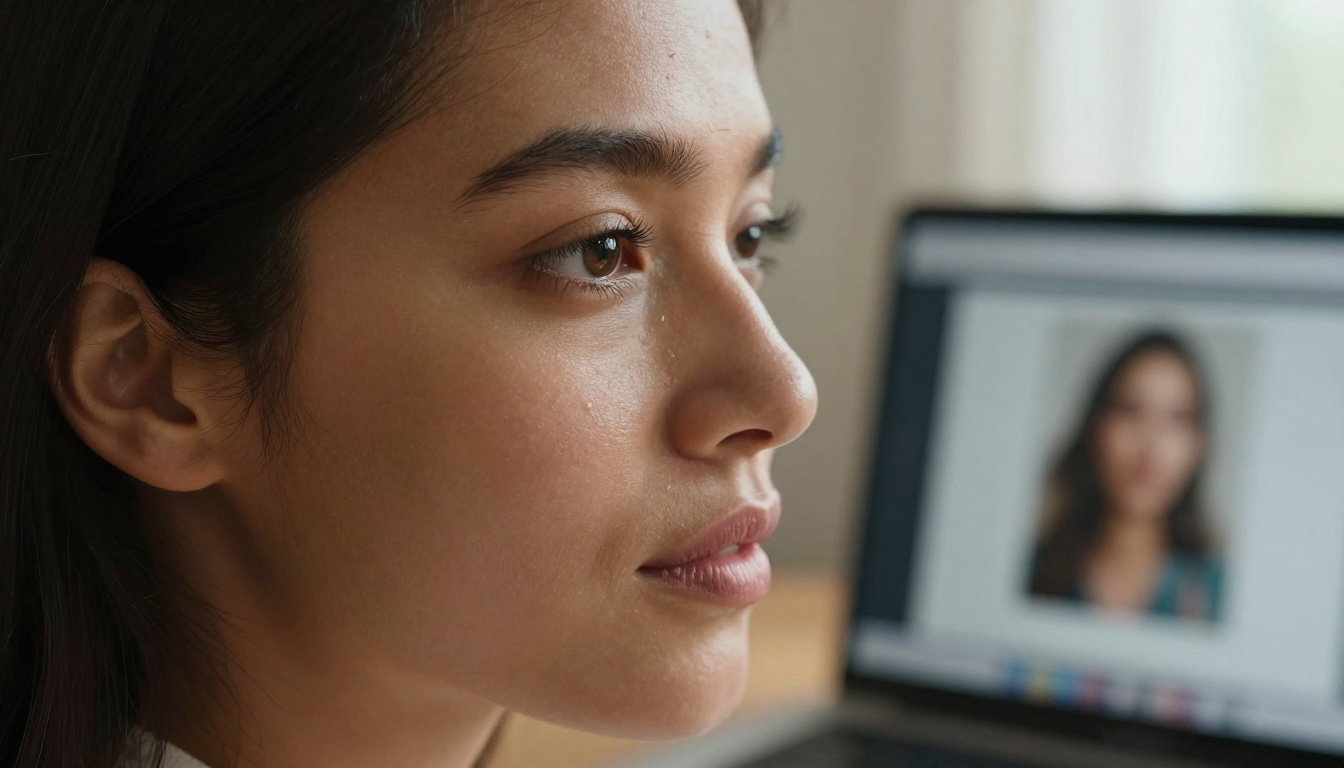
Close-up portrait showing the creative process with Qwen Image interface
What Makes Qwen Image Different
Most AI art generators either sacrifice quality for speed or require expensive subscriptions. Qwen Image breaks this pattern by offering:
Free access with no hidden costs
Photorealistic output that rivals professional photography
Fast generation times without compromising detail
Simple interface requiring no technical expertise
Unlike some alternatives that produce cartoonish or artificial-looking results, Qwen Image focuses on natural textures, realistic skin tones, and accurate lighting - elements that make generated images feel authentic rather than computer-generated.
Core Capabilities of Qwen Image
Text-to-Image Excellence
Qwen Image handles complex prompts with surprising accuracy. Describe a scene, person, or concept, and the model renders it with attention to:
Composition rules (rule of thirds, depth of field, focal points)
Color accuracy (natural tones, consistent palette)
Image-to-Image Transformation
Already have an image but want to modify it? Qwen Image supports image guidance, allowing you to:
Change artistic style while preserving composition
Adjust lighting conditions
Modify specific elements without affecting the whole
Enhance resolution and detail
Aspect Ratio Flexibility
Whether you need social media graphics (9:16), blog images (16:9), or square compositions (1:1), Qwen Image supports multiple aspect ratios without distortion or quality loss.
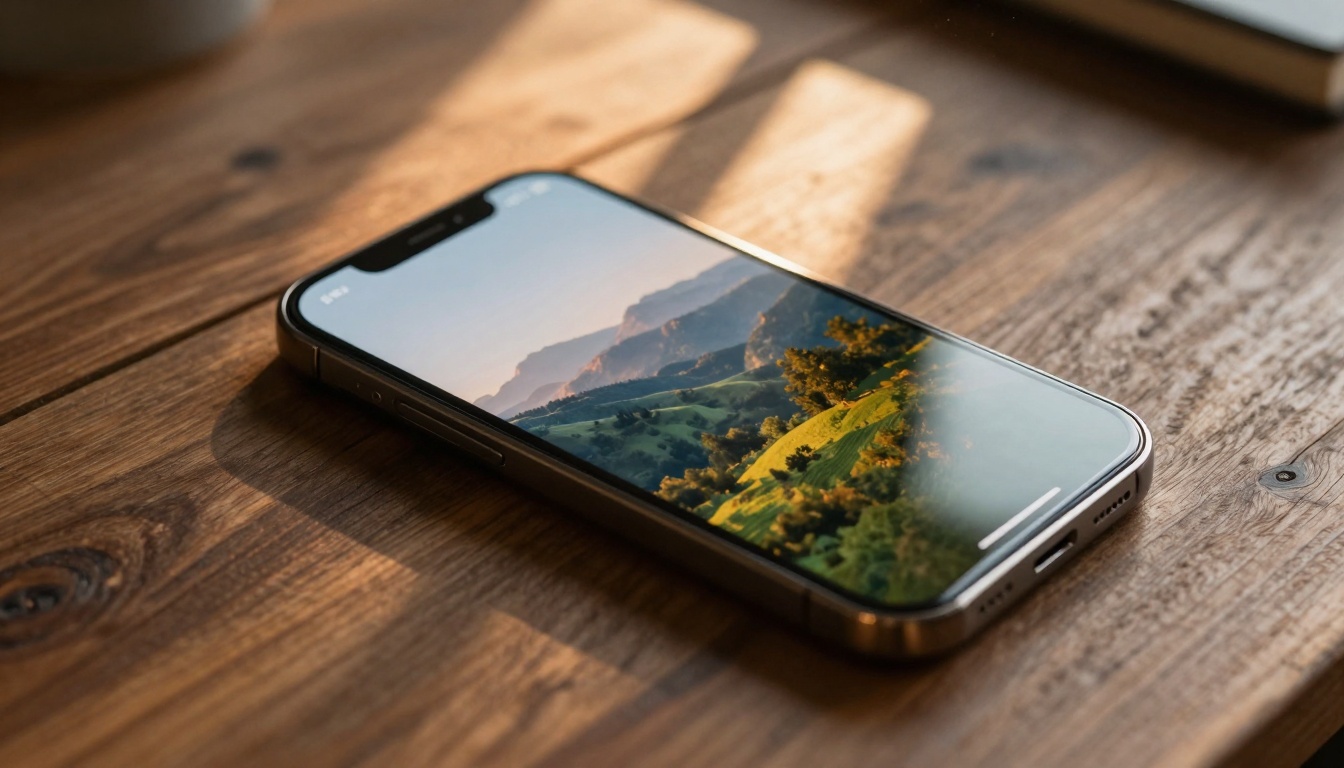
Aerial view showing Qwen Image interface on mobile device
How Qwen Image Compares to Alternatives
💡 Important: When evaluating AI art tools, consider both output quality and accessibility. Free tools that deliver professional results offer the best value.
Qwen Image provides a balance between the artistic freedom of Flux and the accessibility of simpler models.
Qwen Image vs. Traditional Methods
Before AI art generators, creating custom imagery required:
Hiring photographers or illustrators
Learning complex software like Photoshop
Significant time investment
Budget constraints for professional tools
Now with Qwen Image, you can:
Generate images in seconds
Iterate on concepts rapidly
Experiment without financial risk
Scale production as needed
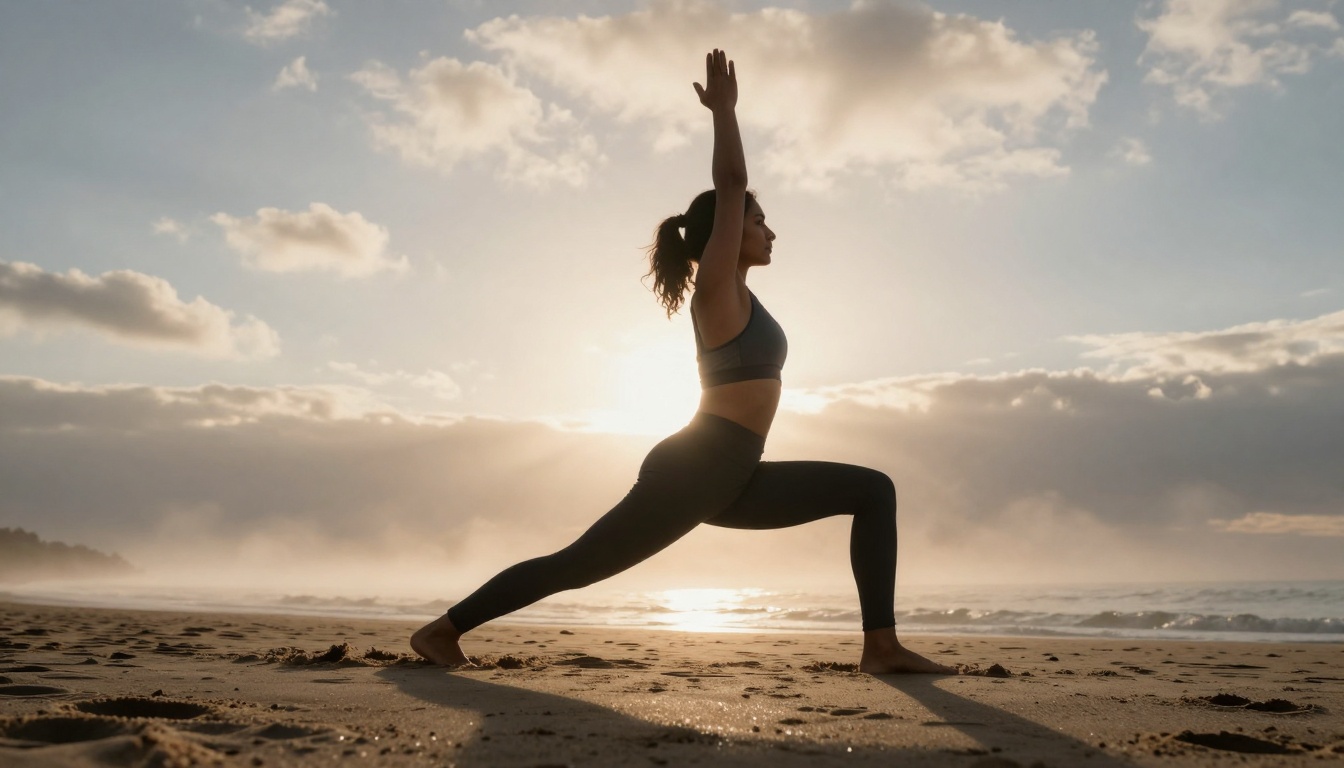
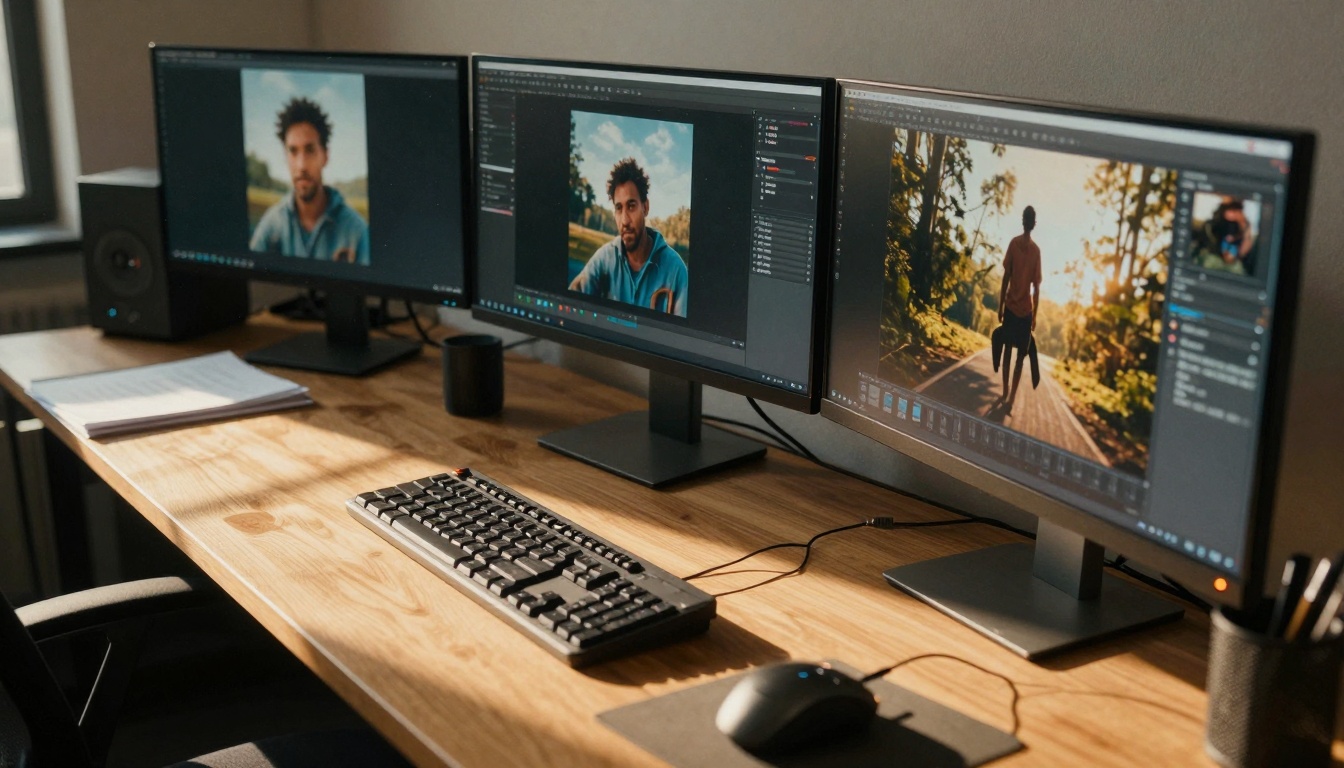
Low-angle shot capturing creative inspiration in natural setting
Practical Applications for Qwen Image
Content Creation
Bloggers and writers can generate custom illustrations that match their articles perfectly. Instead of searching stock photo sites for "close enough" images, create exactly what you need:
Topic-specific illustrations that reinforce your message
Consistent visual style across all content
Custom headers and feature images
Infographic elements and visual explanations
Marketing and Advertising
Small businesses and marketers benefit from Qwen Image's commercial-ready output:
Product mockups before physical production
Campaign visuals tailored to specific demographics
Subject: "A woman with natural makeup looking at laptop"
Setting: "in a sunlit home office with plants"
Lighting: "morning light through sheer curtains"
Camera: "50mm f/1.8 lens, shallow depth of field"
Style: "photorealistic, 8k, Kodak Portra 400 film grain"
Step 3: Adjust Parameters
Qwen Image offers several controls:
Key Settings:
Guidance: Higher values (4-7) for stronger prompt adherence
Strength: For image-to-image transformations (0.8 default works well)
Aspect Ratio: Choose based on your intended use
Output Quality: 95% provides excellent balance of quality and file size
Go Fast: Enable for quicker generations (recommended)
Step 4: Generate and Refine
Click generate and wait 15-30 seconds
Review the output for alignment with your vision
Adjust prompt or parameters based on results
Generate variations until satisfied
Download in your preferred format (webp, jpg, or png)
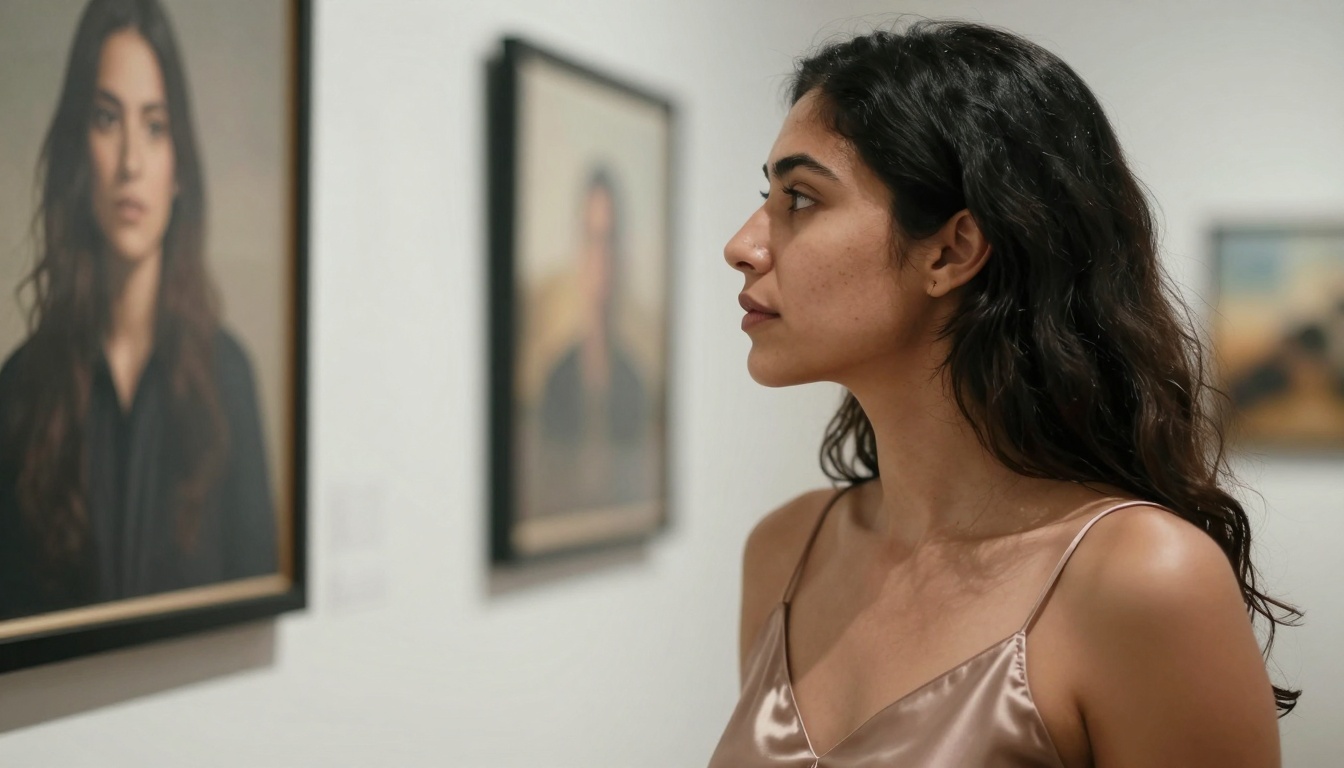
Elegant display of Qwen Image generated artwork in gallery setting
Advanced Prompting Techniques
Texture and Detail Specification
Qwen Image responds exceptionally well to texture descriptions:
"Skin showing natural pores and fine hairs"
"Fabric with visible weave pattern"
"Wood grain with annual rings visible"
"Metal surface with subtle oxidation"
"Glass with light refraction patterns"
Lighting Control
Specify lighting for consistent results:
"Golden hour sunlight from left side"
"Diffused window light creating soft shadows"
"Studio lighting with catchlights in eyes"
"Backlighting creating silhouette effect"
"Mixed lighting with warm and cool tones"
Camera and Lens Simulation
Mimic photographic equipment:
"85mm f/1.8 portrait lens, shallow depth of field"
"24mm wide angle capturing expansive scene"
"100mm macro lens showing extreme detail"
"35mm documentary-style photography"
"Dutch angle for dynamic composition"
Style Modifiers
Enhance realism with these terms:
"Photorealistic, 8k resolution"
"Natural skin tones, no artificial coloring"
"Kodak Portra 400 film grain"
"Professional photography, raw style"
"No digital art effects, no CGI"
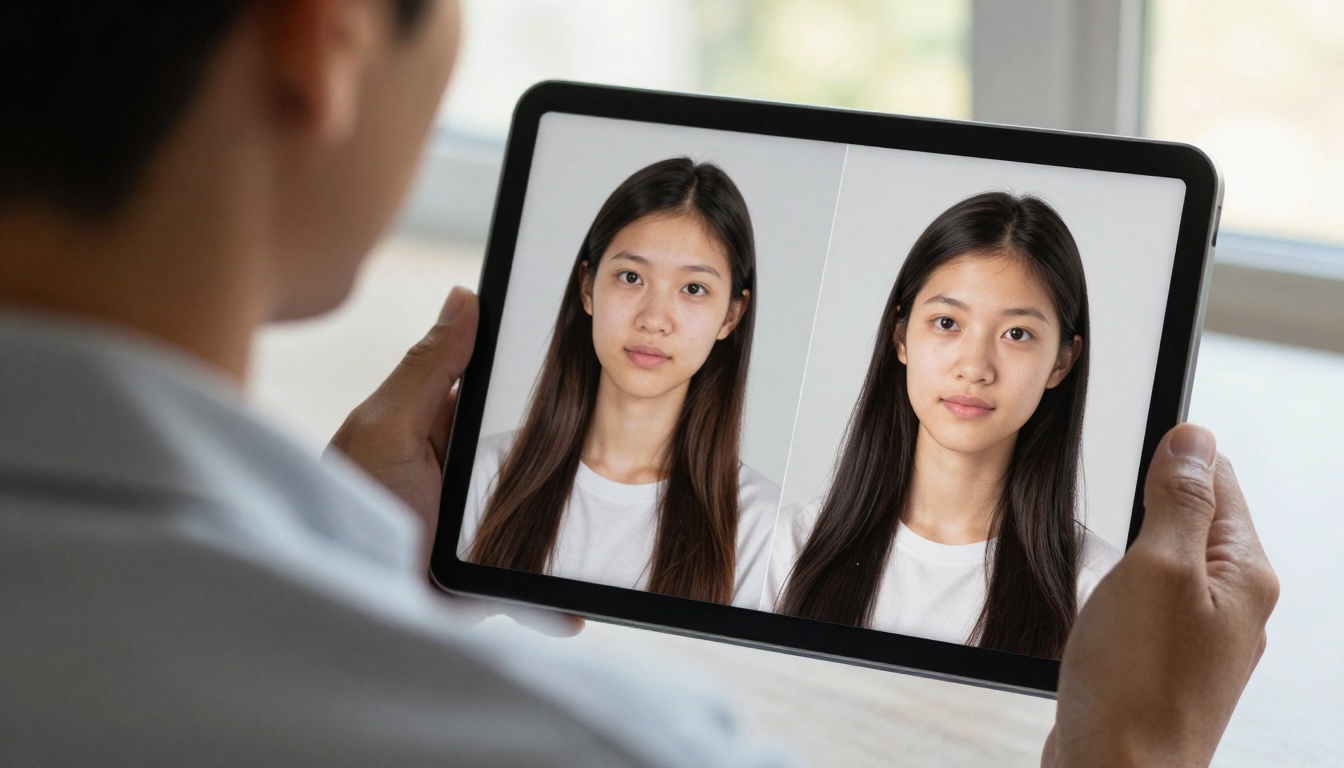
Side-by-side comparison showing original and AI-enhanced images
Common Use Cases with Examples
Portrait Generation
Prompt: "Close-up portrait of a woman with dewy skin texture, natural makeup, looking thoughtfully at camera, diffused studio lighting creating soft highlights on cheekbones, 85mm f/1.8 lens, photorealistic, 8k, professional photography"
Use: Author photos, professional profiles, character references
Product Visualization
Prompt: "Minimalist product shot of a ceramic mug on wooden table, morning light creating soft shadows, 50mm f/2.8 lens, shallow depth of field blurring background, realistic textures of ceramic and wood, photorealistic, commercial photography"
Prompt: "Coffee shop interior with people working on laptops, natural light through large windows, atmospheric perspective showing dust particles in light beams, 35mm lens, deep depth of field, realistic textures of furniture and surfaces, photorealistic"
Use: Blog illustrations, scene setting, environmental storytelling
Abstract Concepts
Prompt: "Visual representation of creativity as light filtering through stained glass, colorful rays illuminating dust particles in dark room, cinematic lighting, 24mm wide angle, Kodak Portra 400 film grain, artistic but photorealistic"
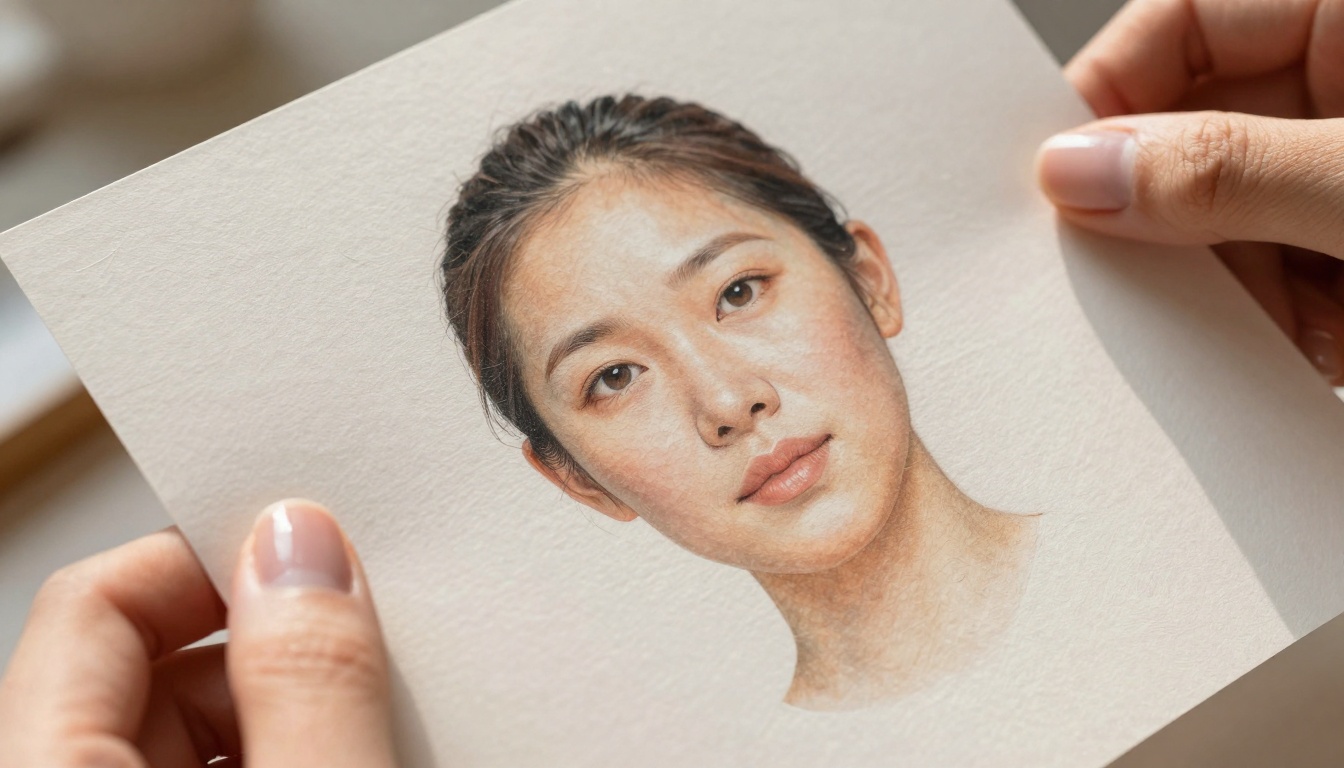
Macro detail showing texture of printed Qwen Image artwork
Technical Considerations
File Formats and Quality
Qwen Image supports three output formats:
WebP (Default): Best balance of quality and file size
Excellent compression
Supports transparency
Wide browser compatibility
JPG: Traditional format for maximum compatibility
Universal support
Adjustable quality settings
No transparency support
PNG: Lossless quality for critical applications
Perfect for editing and printing
Larger file sizes
Full transparency support
Resolution and Scaling
While Qwen Image generates at optimal resolutions for web use, consider:
For Web Display: Default settings work perfectly
For Print: May require upscaling for large formats
For Mobile: Optimizes well for screen sizes
Performance Tips
To get the best results from Qwen Image:
Start simple: Basic prompts first, then add complexity
Use negative prompts: Specify what you don't want
Experiment with guidance: Higher values for precise control
Batch similar concepts: Generate variations efficiently
Save successful prompts: Build a library of working formulas
Community and Resources
Learning from Others
The Qwen Image community shares:
Successful prompt formulas
Parameter combinations for specific effects
Workflow optimizations
Use case examples
Complementary Tools
While Qwen Image handles generation well, consider pairing it with:
For Editing: Basic image editors for cropping and minor adjustments
For Upscaling: If higher resolutions are needed for print
For Composition: Layout tools for combining multiple generations
Problem: Composition issues
Solution: Add camera and lens specifications
Problem: Color inaccuracies
Solution: Specify "natural tones, accurate colors"
Problem: Detail loss
Solution: Increase guidance, add texture details
The Future of Accessible AI Art
Qwen Image represents a significant shift in creative technology accessibility. Where once professional image creation required specialized skills and expensive tools, now anyone with an idea can generate quality visuals.
This democratization of creative tools means:
Small businesses compete visually with larger companies
Individual creators produce professional-grade content
Educational materials become more engaging and diverse
Personal projects achieve polish previously requiring budgets
The combination of free access, photorealistic quality, and simple interface makes Qwen Image particularly valuable for those starting their creative journey or expanding their visual capabilities without financial investment.
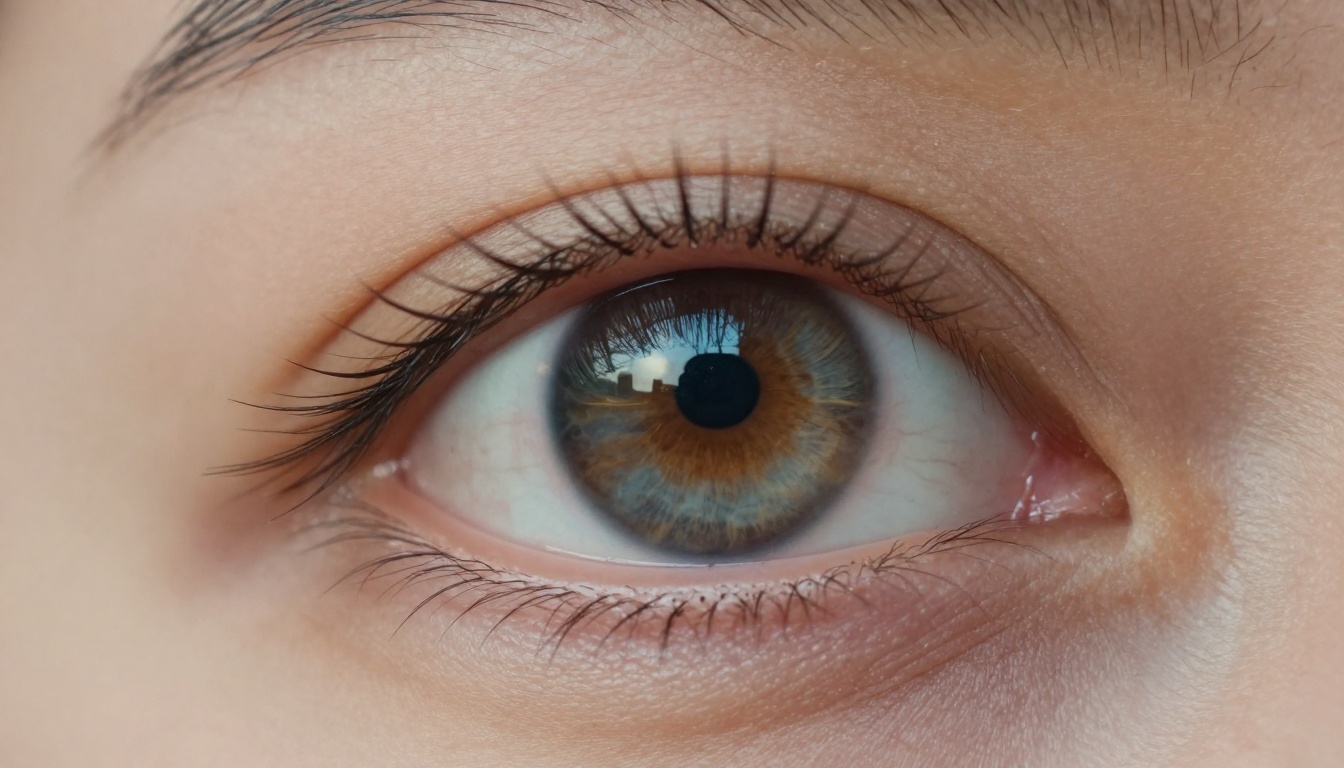
Extreme close-up showing reflection of AI-generated landscape in human eye
Getting Started with Your Own Images
The best way to understand Qwen Image's capabilities is to experiment directly. Start with simple concepts:
Choose a subject you want to visualize
Write a basic prompt following the structure above
Remember that like any creative tool, proficiency comes with practice. Each generation teaches something about how the model interprets language, responds to parameters, and balances artistic elements.
The barrier to creating compelling visual content has never been lower. With Qwen Image's combination of quality, speed, and accessibility, compelling imagery is just a well-crafted prompt away.