Qwen Image Max solves a problem that has frustrated designers, marketers, and content creators since AI image generation went mainstream. Every other model struggles to render legible text inside a generated image. Headlines blur. Product names distort. Numbers swap digits. Qwen Image Max, built by Alibaba's Qwen research team, was engineered specifically to fix this, and it does it better than most tools at any price point.
Whether you need a poster with a readable headline, a product label with crisp copy, or a social media graphic that actually says what you want it to say, this model produces text that looks intentional rather than broken. Here is a full breakdown of every feature, every real-world use case, and exactly how to put it to work.
What Makes Qwen Image Max Different
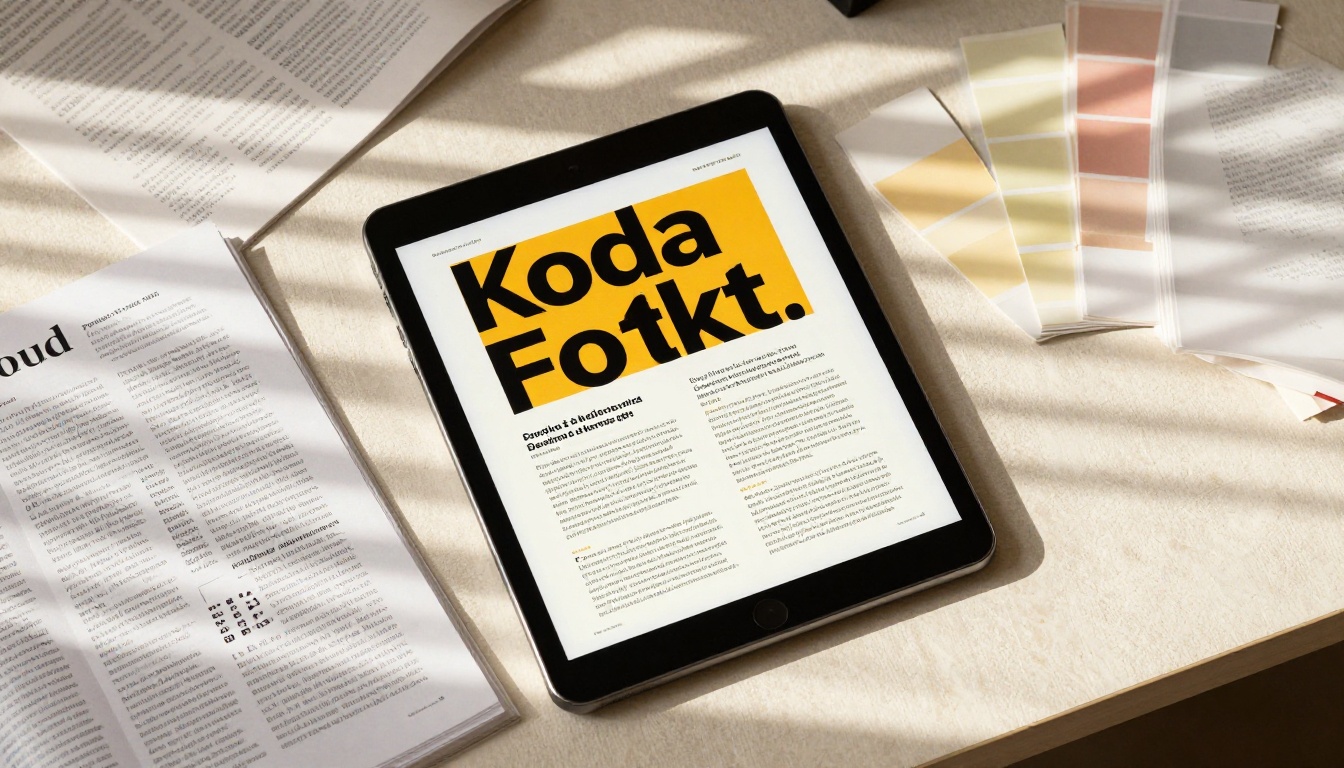
The vast majority of AI image models are trained on datasets where text appears as a visual texture, not as meaningful characters. The model learns what letters look like in aggregate but does not learn what specific words should say. The result is those familiar AI hallucinations: signs with scrambled letters, book spines with invented titles, menus with nonsense items.
Qwen Image Max takes a different architectural approach. Rather than treating text as just another visual element, it builds language understanding directly into the image generation pipeline. The model knows what you wrote in the prompt and it knows that the text in the image should match it exactly.
The Text Rendering Problem, Solved
This is not a small improvement. It changes what you can actually do with AI image generation. Suddenly the tool becomes genuinely useful for:
- Advertising mockups where the headline copy must be readable
- Product packaging where ingredient lists and brand names need to be accurate
- Social graphics where the overlay text is the point of the whole image
- Presentation slides with legible infographic text
- Book covers and magazine layouts with real titles and author names
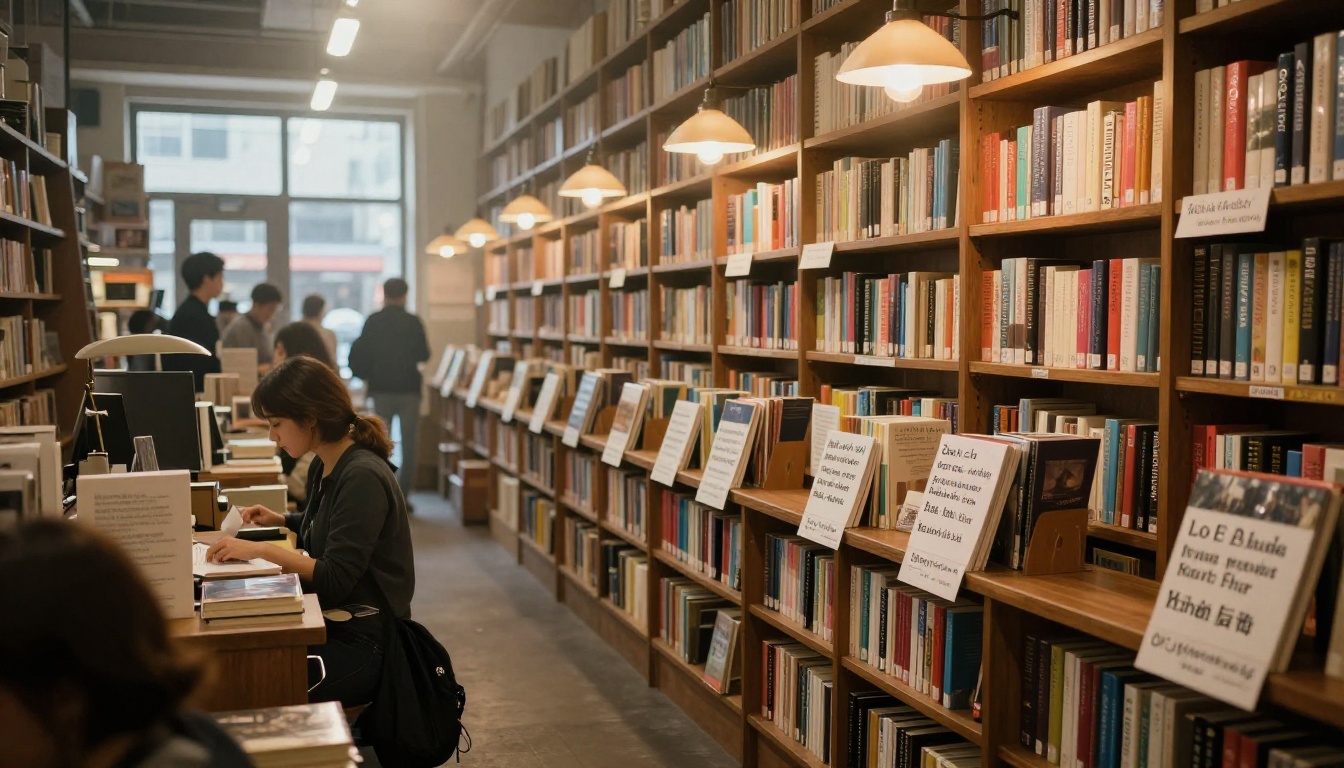
The difference shows up most clearly in complex, text-heavy scenes. Ask Qwen Image Max to generate a bookstore display with four specific book titles, and all four will appear correctly. Ask most other models the same thing and you get approximately correct shapes of words that dissolve under inspection.
Built by Alibaba for Real Accuracy
The Qwen team at Alibaba developed this model as part of their broader push into multimodal AI systems. The same research group behind the Qwen large language models brings that language understanding into the visual domain here. The model handles both Latin scripts and Chinese characters with equal precision, making it particularly strong for multilingual content creation.
Core Features Worth Knowing
Qwen Image Max on PicassoIA comes loaded with a set of controls that give you precise command over the output. Here is what each one does in practice.
Accurate Typography in Any Scene
The headline feature is the text rendering itself. You describe a scene that contains text, specify exactly what the text should say, and the model generates an image where that text is legible and correctly spelled. This works across:
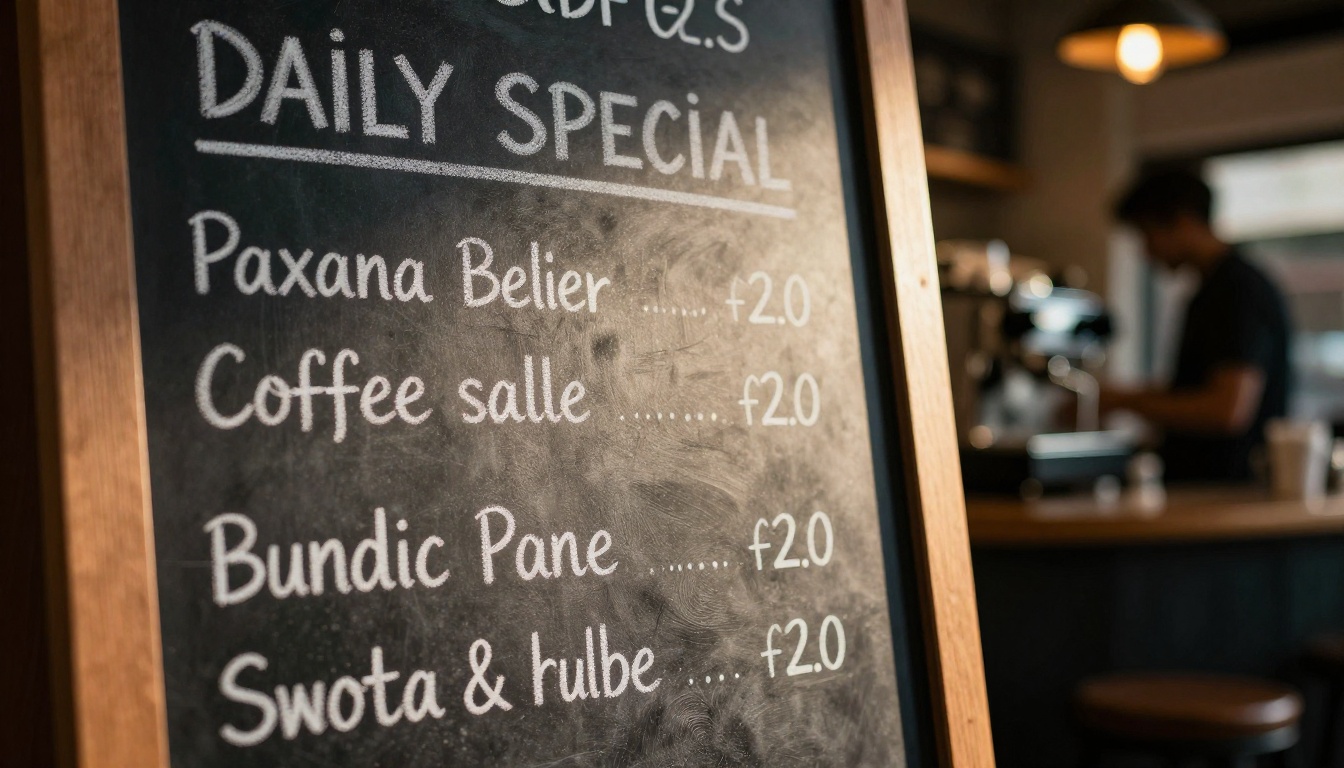
- Chalkboard signs and cafe menus
- Posters and banners with headline copy
- Product labels with multi-line typography
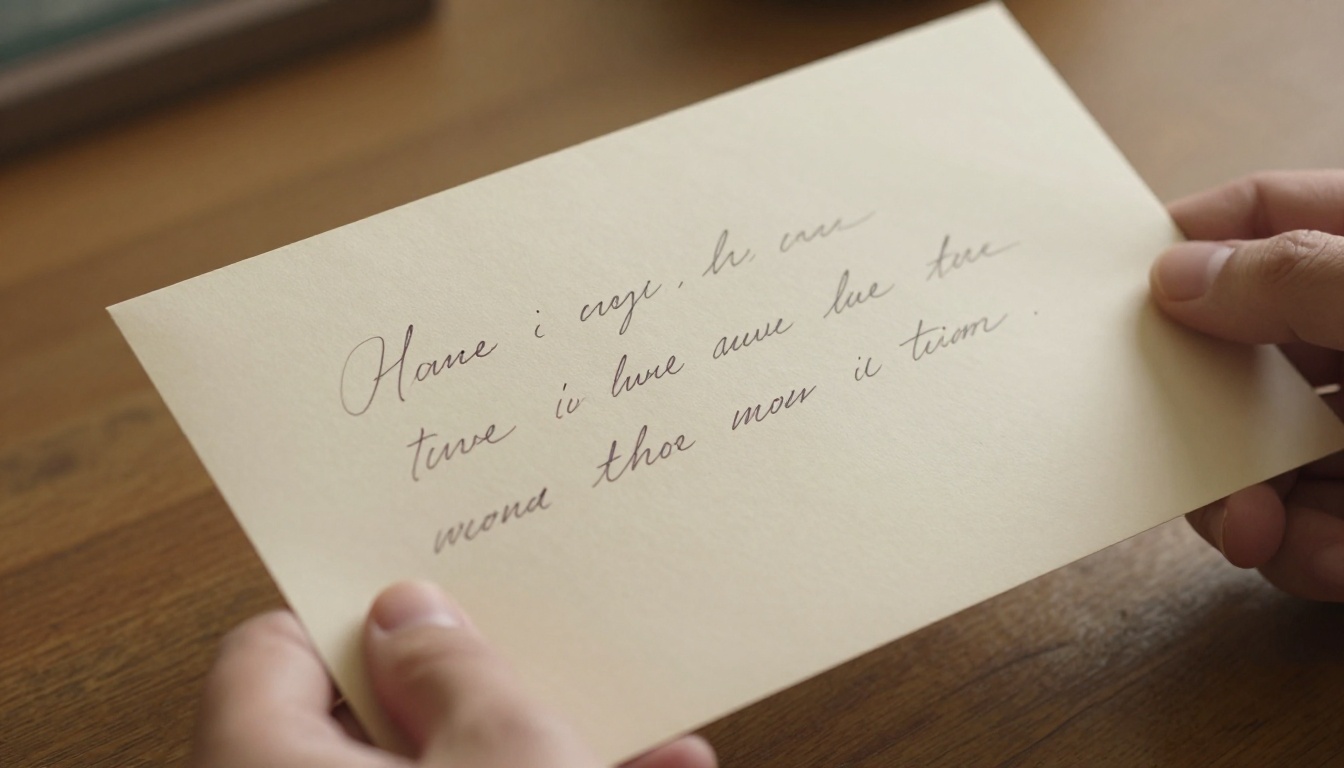
- Handwritten notes and letters
- Infographic slides with bulleted content
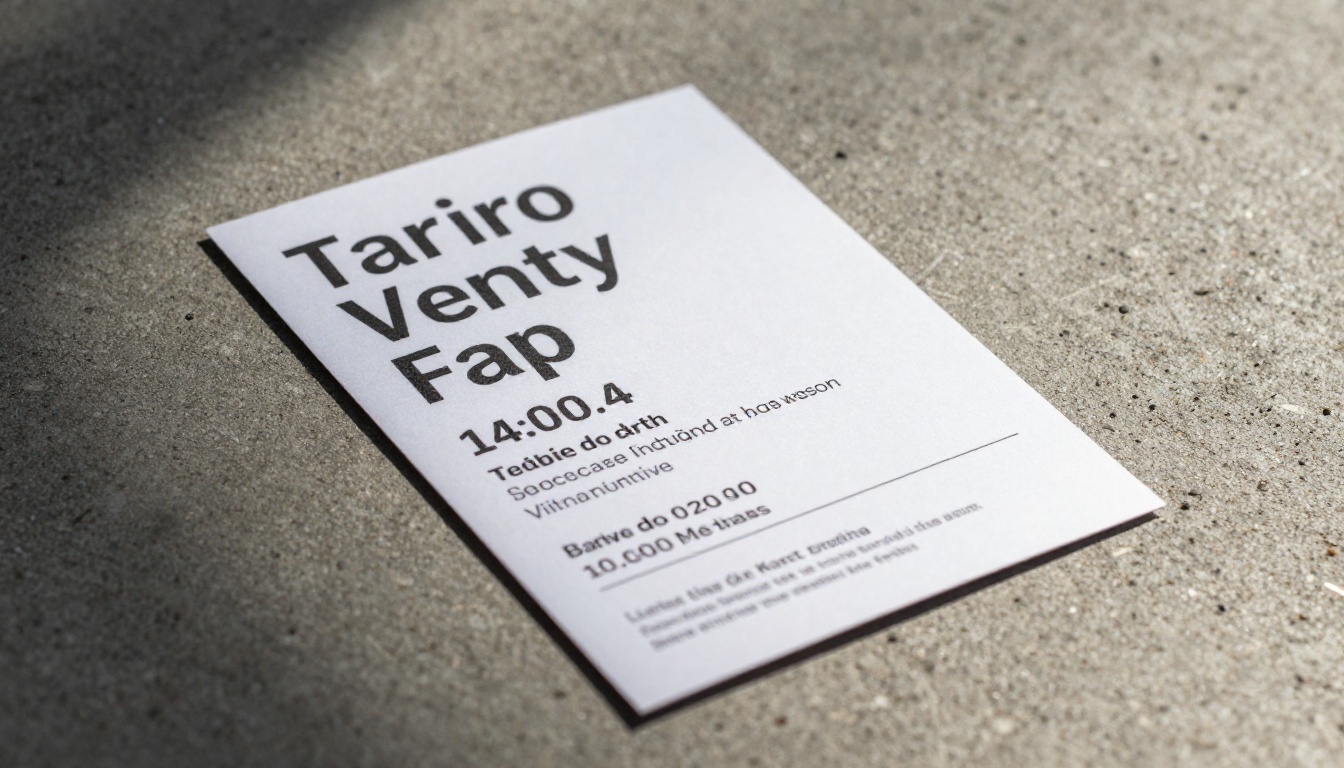
- Event flyers with dates, times, and venues
The model handles mixed text cases too: a scene can contain both a large display headline and smaller body copy, and both will render correctly.
Image-to-Image Pipeline
Beyond text-to-image generation, Qwen Image supports an image-to-image pipeline. Upload a reference photo or design and the model uses it as a structural foundation while applying your new prompt on top. This is useful when you have an existing layout or composition you want to rework without starting from scratch.
The strength parameter controls how much the model deviates from your input image. A low strength setting (around 0.3 to 0.5) keeps the composition close to your original. A high strength setting (0.8 and above) gives the model more freedom to reinterpret.
💡 Use image-to-image when you have a rough sketch or wireframe layout. Drop it in as the reference image, set a medium strength, and describe the final version you want. The model preserves your spacing and composition while filling in the visual details.
LoRA Style Customization
One of the more powerful features is LoRA weight support. You can load a custom .safetensors LoRA file from a URL and the model will apply that style consistently across your generations. This is the path toward building a consistent visual brand across multiple images.
The lora_scale parameter adjusts how strongly the LoRA influences the output, from 0 (no influence) to 1 (full influence). For most style applications, values between 0.7 and 0.9 give a clean result without the LoRA overpowering the prompt content.
Seven Aspect Ratios
The model supports seven preset aspect ratios:
| Ratio | Best Use |
|---|
| 1:1 | Instagram posts, profile images |
| 16:9 | YouTube thumbnails, presentations, desktop wallpapers |
| 9:16 | Stories, TikTok, Reels |
| 4:3 | Traditional display, blog headers |
| 3:4 | Pinterest, portrait prints |
| 3:2 | Photography print standard |
| 2:3 | Portrait posters, book covers |
Guidance Scale Control
The guidance parameter controls how literally the model interprets your prompt. Lower values (around 2 to 2.5) produce more naturalistic, slightly dreamlike outputs. Higher values (3 to 4) push the model to follow the prompt more precisely, which is generally what you want when exact text rendering matters.
For text-heavy prompts, a guidance value of 3.5 to 4 typically produces the sharpest, most accurate results.
Real Use Cases for Creators
The features above translate into a set of genuinely practical applications. Here is where Qwen Image Max fits into actual creative workflows.
Poster and Flyer Design
Event organizers, musicians, and venue promoters constantly need one-off promotional graphics. Traditionally this means either hiring a designer or wrestling with template tools. With Qwen Image Max, you describe the scene and the copy, and you get a fully realized poster with the correct text already in place.
A prompt like "concert poster for an indie rock band called The Static Waves, show date Friday October 3rd, venue The Roxy Los Angeles, headliner text large at top" will generate a real poster where every piece of that information appears correctly. That output is either final or a strong starting point for minor manual tweaks.
Social Media Graphics
Social content teams generate enormous volumes of graphics every week. Most of that content involves text overlays: captions, promotional messages, product claims. Qwen Image Edit Plus extends this further with editing capabilities, but the base Qwen Image model alone handles the generation side efficiently.
The 9:16 ratio preset makes it straightforward to generate Stories-format content where the visual scene and the overlay text are both part of the prompt. No manual text layer needed after the fact.
Product Label Mockups
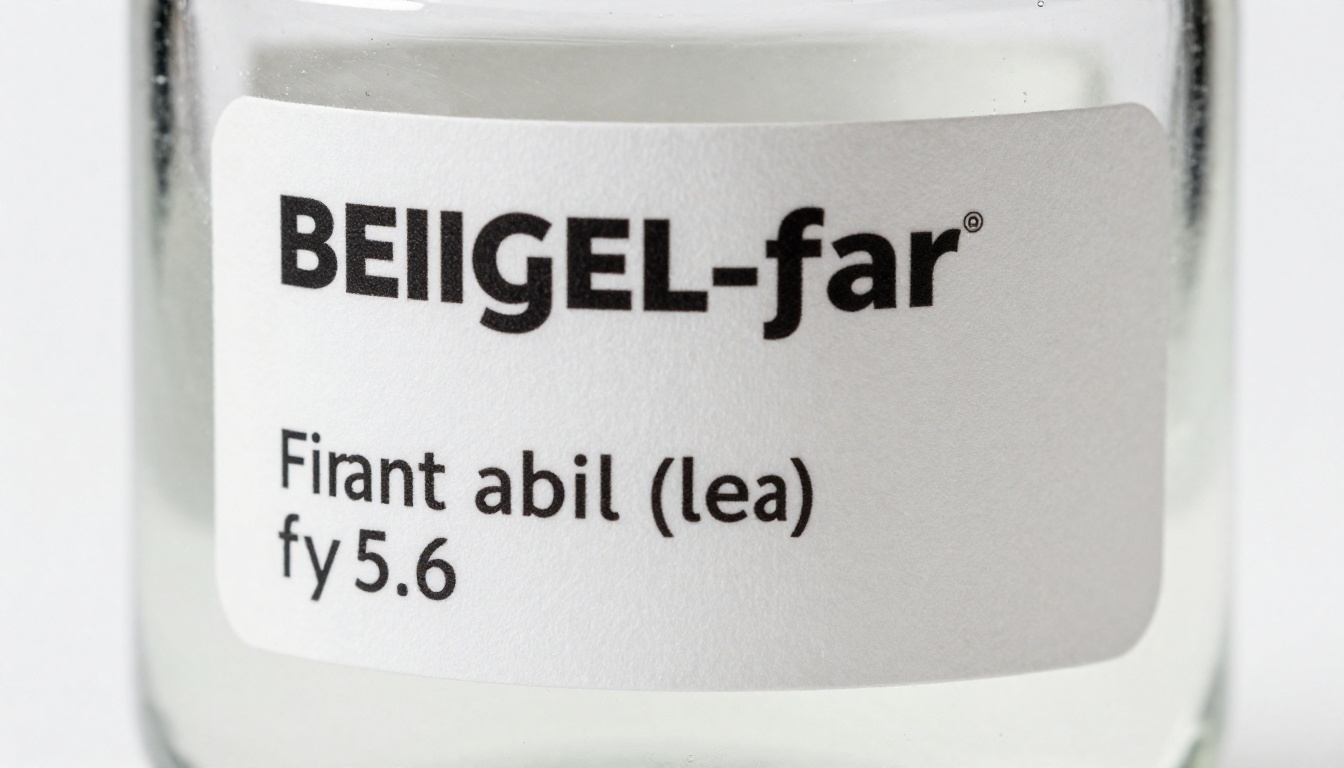
This is one of the highest-value use cases. Early-stage product teams and brand designers need label mockups before committing to print production. With accurate text rendering, you can generate realistic product packaging mockups with the actual brand name, ingredient list, and any other copy placed correctly in the visual.
These work as client presentations, investor decks, or simply as a way to iterate quickly on label design concepts without touching a design tool.
Branded Content at Scale
Combine the LoRA style loading with consistent prompting and you have the foundation for a scalable branded content system. Load a style LoRA that reflects your brand aesthetic, then generate dozens of variations with different text content but consistent visual language. The Qwen Image LoRA Trainer on PicassoIA lets you train your own style LoRAs directly from your existing brand assets.
Qwen Image Max vs. Other Models
How does it stack up against the alternatives? Here is a direct comparison across the dimensions that matter most for text-heavy image generation.
| Feature | Qwen Image Max | SDXL | Flux Schnell | DALL-E 3 |
|---|
| Text accuracy in images | Excellent | Poor | Moderate | Good |
| Image-to-image support | Yes | Yes | Limited | No |
| LoRA support | Yes | Yes | Yes | No |
| Multilingual text | Yes (Latin + Chinese) | Poor | Limited | Moderate |
| Speed mode | Yes (go_fast) | No | Native fast | N/A |
| Aspect ratio presets | 7 | Varies | 7 | 4 |
| Free on PicassoIA | Yes | Yes | Yes | No |
The standout advantage is the multilingual text rendering. For teams producing content in both English and Chinese, or any combination of Latin and CJK scripts, Qwen Image Max is the only model that handles both reliably without additional prompt engineering tricks.
💡 Qwen Image Max does not replace every model for every task. For pure photorealistic scenes with no text, models like Flux or Juggernaut may give you more photographic realism. But the moment your brief includes readable text inside the image, Qwen Image Max is the right choice.
How to Use Qwen Image on PicassoIA
Qwen Image Max is available free on PicassoIA. Here is the exact workflow.
Step 1: Open the Model
Go to the Qwen Image page on PicassoIA. No account required to generate your first images.
Step 2: Write Your Prompt
Structure your prompt with three components:
- The scene: describe the physical environment and mood
- The text elements: be explicit about every piece of text that should appear, including exact wording
- Style details: lighting, color palette, photographic style if relevant
Example: "A vintage-style coffee shop menu board mounted on a brick wall, showing the text 'Morning Specials' as the header, with three items listed: 'Espresso $3', 'Cortado $4', 'Cold Brew $5', warm amber cafe lighting from the left, shallow depth of field"
Step 3: Set Your Parameters
- Aspect ratio: match your intended output format
- Guidance: set to 3.5 or 4 for text-heavy prompts
- Image size: use
optimize_for_quality unless you need speed
- Steps: 50 for maximum quality, 28 for faster previews
Step 4: Review and Iterate
Check the output for text accuracy first. If a word renders incorrectly, try:
- Making the text element more explicit in the prompt ("a sign that reads exactly: [your text]")
- Increasing the guidance scale slightly
- Adding quotation marks around the specific text strings in your prompt
Step 5: Export
Download as WebP, JPG, or PNG. The output quality slider runs from 0 to 100. For web use, 80 gives a good balance of file size and sharpness. For print mockups, set it to 100.
Tips for Better Results
A few patterns that consistently improve output quality across different prompt types.
Writing Prompts for Text-Heavy Images
Wrap your text strings in quotation marks inside the prompt. The model parses quoted text as literal strings to be rendered rather than descriptive language to be interpreted. Compare:
- Weaker: "a sign showing the store name and hours"
- Stronger: "a sign reading 'OPEN DAILY 9AM TO 9PM' with the store name 'Harbor Books' above it"
For multi-line text, describe the hierarchy explicitly: header, subheader, body text. The model handles typographic hierarchy better when you describe the relationship between text elements, not just the content.
Using Guidance Scale Effectively
The guidance scale acts as a trade-off between creativity and precision. For text rendering specifically:
- Guidance 2.0 to 2.5: more atmospheric, impressionistic scenes where exact text is less critical
- Guidance 3.0: balanced output, good for general creative work
- Guidance 3.5 to 4.0: maximum precision, best for text-critical outputs like labels or posters
Going above 4.0 can introduce oversaturation and slightly artificial-looking outputs.
When to Use Image-to-Image
The image-to-image pipeline in Qwen Image is most valuable when:
- You have a rough compositional sketch you want to finish
- You are iterating on an existing generated output
- You want to add text to a photo-like scene while preserving the background
Set strength between 0.6 and 0.75 for most image-to-image work. Lower than 0.5 and the output looks too similar to the input. Higher than 0.85 and you lose the structural reference you were trying to preserve.
The Prompt Quality Gap
One pattern that shows up consistently with Qwen Image Max: vague prompts produce mediocre text rendering, and specific prompts produce excellent text rendering. This model rewards precision more than most.
The reason is architectural. The model uses its language understanding to map your described text to visual characters. If the prompt is ambiguous about what should appear where, the model has to make inferences, and those inferences introduce errors.
Think of writing prompts for Qwen Image Max the way you would write a design brief. Specific dimensions, exact copy, clear hierarchy. The more precisely you describe the visual, the more accurately the model can execute it.
💡 For multilingual text, write both language versions in the prompt and specify which should appear where. The model handles Chinese characters with the same accuracy as Latin script, which makes it genuinely useful for brands operating across both languages.
What to Build Right Now
You have all the information. Here is what to actually do with it.
Start with a single text-heavy image you have been putting off because the text problem seemed too hard to work around. A menu. A poster. A product label mockup. A presentation slide visual. Open Qwen Image Max on PicassoIA, write a specific prompt with your exact copy in quotes, set guidance to 3.5, and generate.

If you want to go further, try the Qwen Image Edit Plus model for editing existing images with new text elements, or the Qwen Image LoRA Trainer to build a consistent visual style across all your text-heavy content. All three are available on PicassoIA, all free to try, and all capable of producing outputs that would have required a professional designer just a few years ago.
The technical gap between what AI image generators used to do with text and what Qwen Image Max does now is significant. For anyone building brand assets, marketing materials, or any creative content where the words in the image actually matter, this model changes the calculus. Try it on your next brief and see exactly how far the gap has closed.


