Most AI portrait generators either block adult content outright or produce results that look like they came from a low-budget video game cutscene. Grok Imagine Image from xAI takes a sharply different approach: it handles suggestive, glamour, and realistic NSFW portraits with a photorealism that genuinely rivals professional photography. No filters rejecting your prompt. No cartoonish skin. Just fast, sharp, believable images.
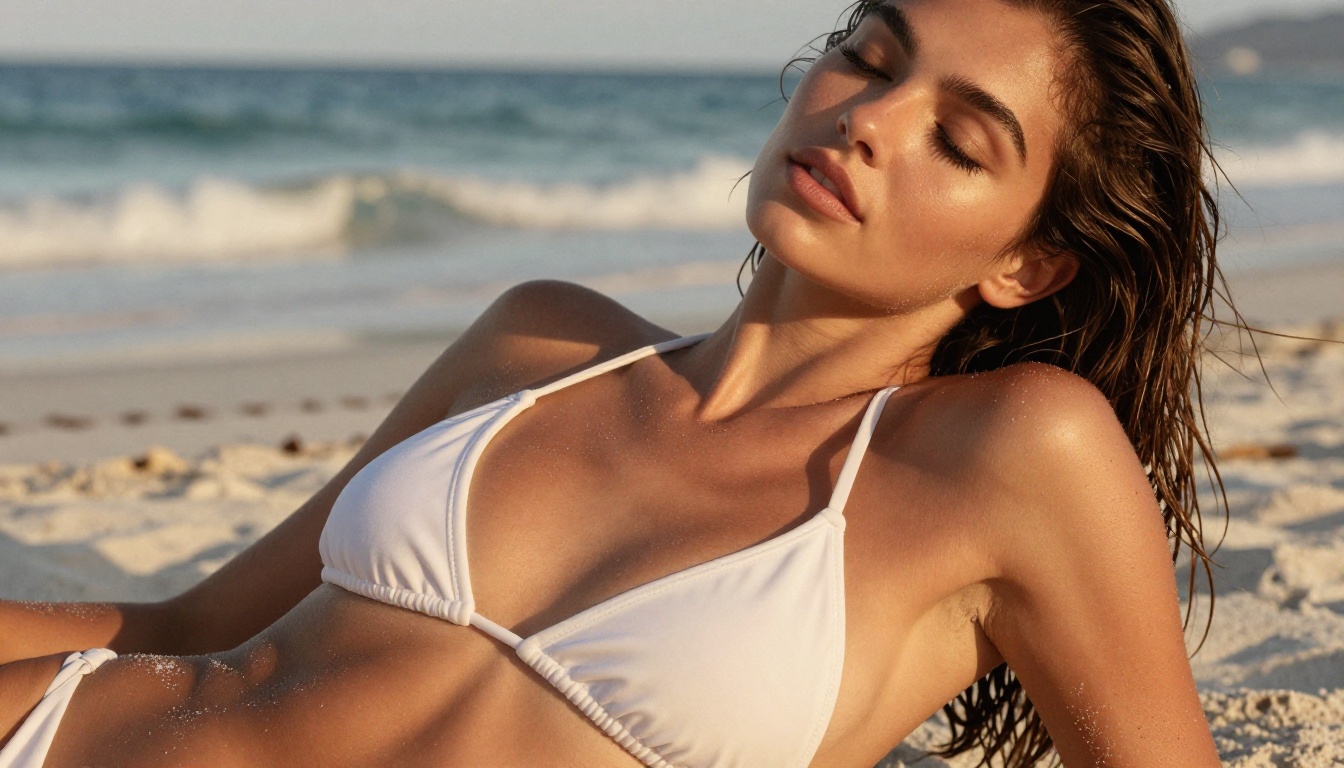
The conversation around NSFW AI image generation usually centers on what a model won't do. Mainstream tools default to refusing adult-themed prompts, leaving creators frustrated and stuck with watered-down outputs. Grok Imagine Image flips that dynamic. It was built with a more permissive approach to content, which means realistic bikini AI images, glamour portraits, and suggestive compositions are well within its capabilities.
On PicassoIA, you access Grok Imagine Image as part of a broader ecosystem of uncensored AI portrait generators. That matters because a single model rarely handles every use case. Some prompts need raw text-to-image power; others need image editing. The platform gives you all of it from one place, no API keys required.
What Grok Imagine Image Actually Does
Grok Imagine Image is primarily an image-to-image model. Give it a reference photo and a text prompt, and it transforms the image in the direction you specify. Its signature capability: converting any portrait photo into a bikini format with striking realism. The output doesn't just slap a swimsuit over the original. It regenerates skin tone, lighting interactions, shadow placement, and fabric physics to match the scene.
Why image-to-image changes everything
Pure text-to-image models have a ceiling when it comes to portraits. You can write the most detailed prompt imaginable, but the model is still guessing what your subject looks like. Image-to-image removes that ambiguity. You supply the face, body, and pose. The model handles the transformation. The result is consistently more natural than trying to describe a person from scratch in a text box.
No content filters blocking adult themes
Most commercial AI art tools have safety filters that activate on keywords like "bikini," "lingerie," or anything remotely suggestive. Grok Imagine Image operates with these restrictions significantly relaxed. That means your requests go through as written. The outputs reflect what you actually asked for rather than a sanitized approximation.
💡 Tip: Specific prompts beat vague ones. Instead of "bikini portrait," try "woman in coral string bikini standing at infinity pool, golden hour light, 85mm f/1.4 depth of field." More specificity equals more realism.
The Best NSFW AI Portrait Models on PicassoIA
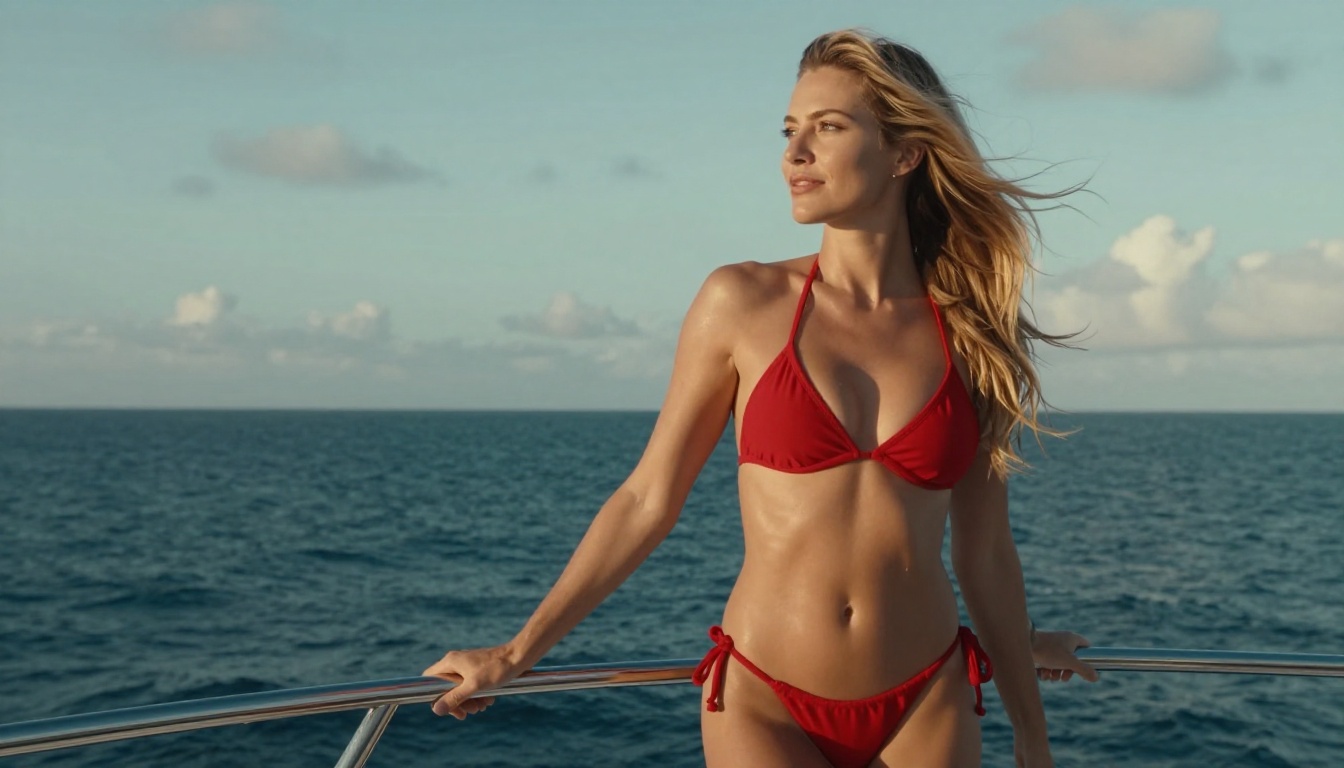
Grok Imagine Image is excellent, but it sits inside a much larger catalog. If you're serious about NSFW AI portraits, you need to know which tools to reach for and when. Here's how the top models on PicassoIA stack up:
| Model | Type | Speed | NSFW | Best For |
|---|
| Seedream 4.5 ⭐ | Text-to-Image + Edit | Under 3s | Yes | Best all-rounder, top realism |
| PicassoIA Image Editor Pro | Img2Img Edit | Under 1s | Yes | Unlimited generations on Elite/Infinite |
| Qwen Image 2 | Text-to-Image + Edit | Fast | Yes | Open source, intricate detail realism |
| Grok Imagine Image | Img2Img | Fast | Yes | Bikini conversions, portrait editing |
| Recraft V4 | Text-to-Image | Fast | Yes | Photorealistic text-to-image only |
| P-Image | Text-to-Image | Under 1s | Yes | Speed, rapid iteration |
Seedream 4.5 is the top pick
Seedream 4.5 earns the number one spot for NSFW AI portraits. It accepts adult content, supports direct image editing, and delivers results in under 3 seconds. The skin rendering is exceptional: you get pore-level texture, natural lighting reactions, and fabric physics that make outputs indistinguishable from real photography at a glance. (Note: The newer Seedream 5 Lite does not support NSFW content. Stick with Seedream 4.5 for adult-themed work.)
Unlimited generations with Image Editor Pro
If you're running large-scale projects, cost adds up fast. PicassoIA Image Editor Pro solves that. On an Elite or Infinite plan, generations are unlimited. Need 1,000 portrait variations? That's 1,000 images at zero additional cost. Compare that to models like Nano Banana 2, where that same volume would run around $100. It also delivers results in under a second and accepts NSFW content without restriction. There's a 3-generation free trial with no credit card required.
How to Use Grok Imagine Image on PicassoIA
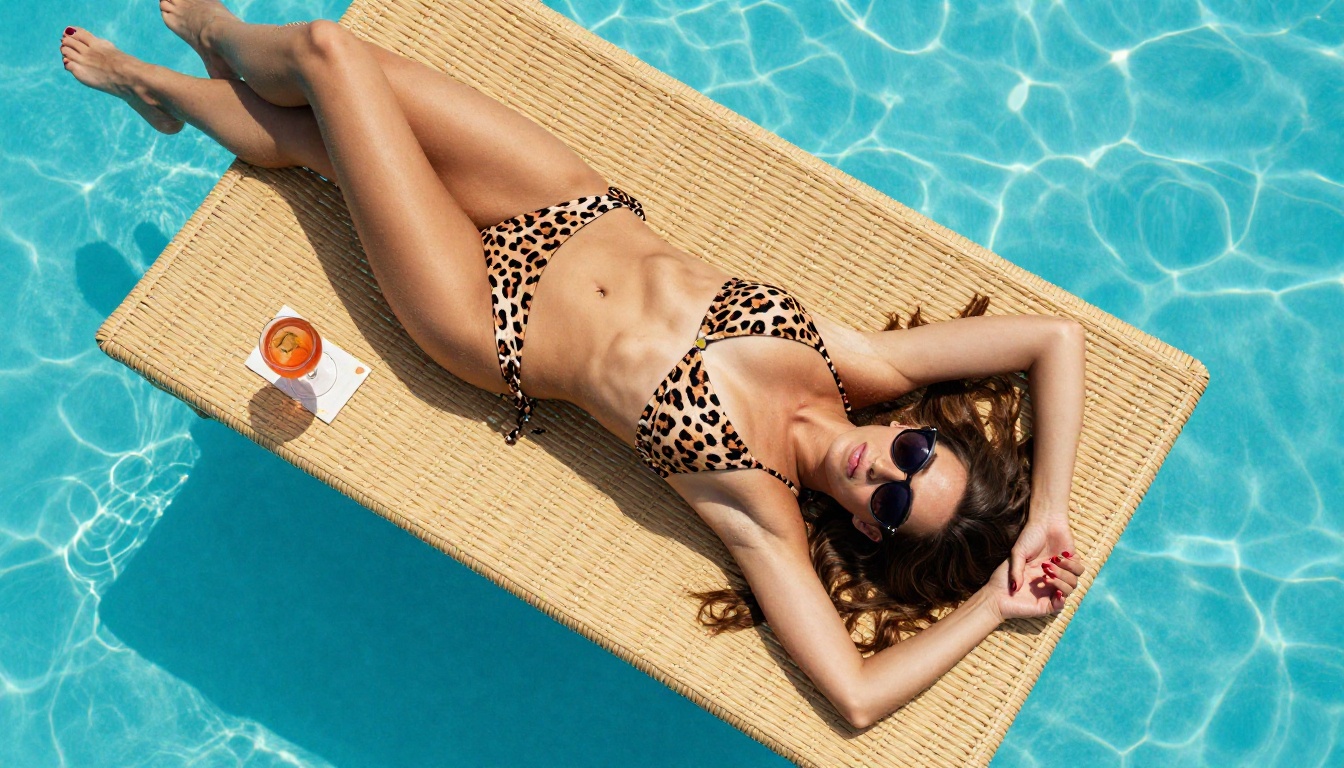
Using Grok Imagine Image is straightforward. Here's the process from start to first output.
Step 1: Choose your source image
Grok Imagine Image works as an image-to-image model, so you need a source photo. The input can be:
- A portrait you've already taken
- A previous AI-generated image
- Any reference photo of a person in the pose and lighting you want to preserve
Quality matters here. A sharp, well-lit source image produces a sharper, more realistic output. Blurry or low-resolution inputs result in lower-fidelity outputs.
Step 2: Write a targeted prompt
The prompt describes what you want the transformation to look like. For NSFW portraits, be specific about:
- Clothing: "coral string bikini," "black lace lingerie," "white triangle bikini top"
- Setting: "infinity pool," "beach at sunset," "luxury hotel room"
- Lighting: "golden hour from the left," "soft studio light," "rim lighting from behind"
- Style: "photorealistic," "RAW photography," "85mm f/1.8 depth of field"
💡 Tip: Adding photography-specific terms like lens focal length, aperture, and camera model consistently improves realism. These signal to the model that you want photographic output rather than illustrated or stylized results.
Step 3: Adjust settings and generate
On PicassoIA, you can adjust strength (how much the model deviates from the source image) and seed (for reproducible results). For portrait transformations:
- Higher strength = more creative deviation from the original
- Lower strength = preserves more of the source image's structure and face
Start around 0.6-0.7 strength for transformations that keep the face recognizable while applying the prompt fully.
Step 4: Refine with Image Editor Pro
Once you have a result you like, PicassoIA Image Editor Pro is the natural next step for fine-tuning. Use inpainting to fix specific areas: touch up skin texture in a particular region, fix an awkward hand position, or adjust the background without re-generating the whole image. At under 1 second per generation and unlimited on Elite plans, iteration is essentially free.
Writing Prompts That Actually Work
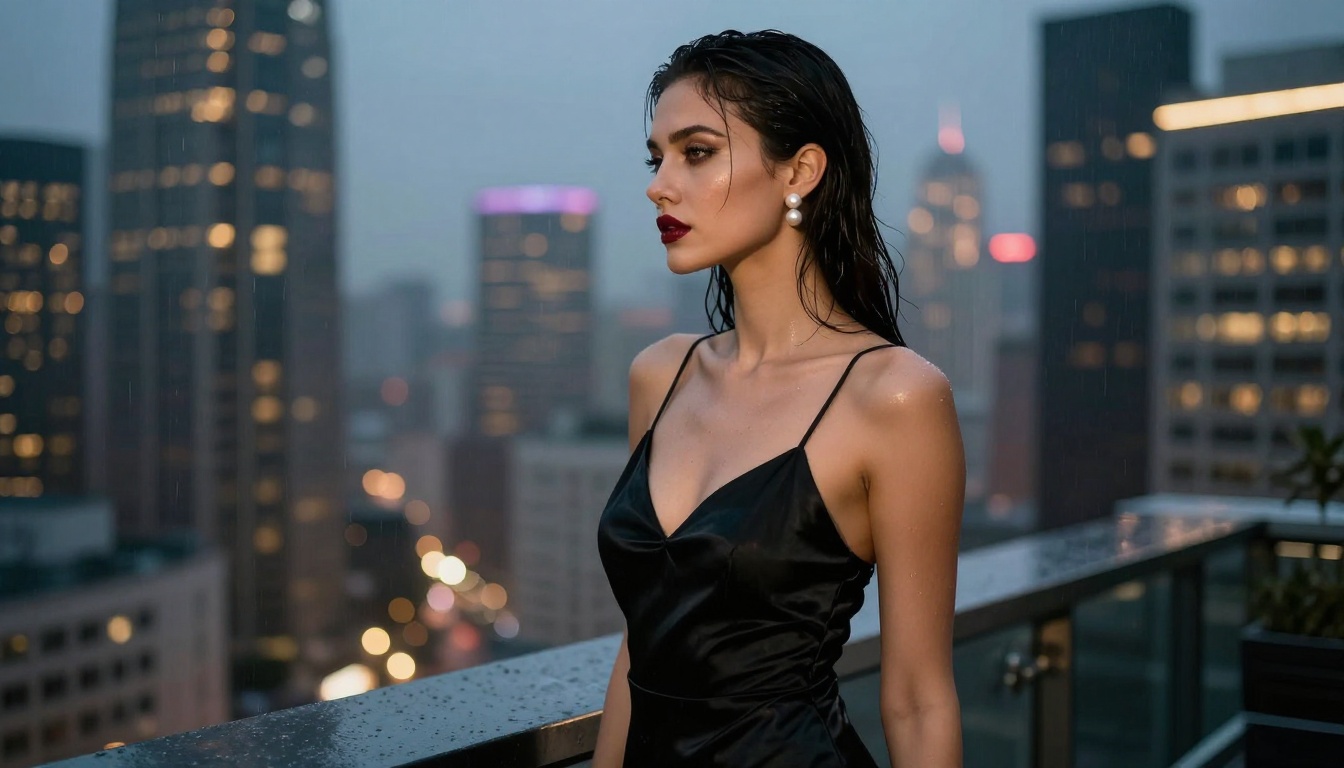
The difference between a generic-looking AI portrait and one that stops the scroll comes down almost entirely to the prompt. Here's what separates the two.
Anatomy of a strong portrait prompt
Strong prompts operate on three layers:
- Subject layer: Who, what they're wearing, their pose, and expression
- Environment layer: Where they are, what's in the background, what light sources exist
- Technical layer: Camera, lens, aperture, film stock, resolution
A weak prompt: "beautiful woman in bikini on beach"
A strong prompt: "Brazilian woman in her late twenties, coral string bikini, standing at the edge of a white sand beach at golden hour, eyes closed, head tilted slightly back, ocean waves blurred in background, Canon EOS R5 85mm f/1.4, Kodak Portra 400 grain, volumetric sunset light from left, visible skin texture, 8K RAW"
The second version gives the model specific, unambiguous instructions. Every variable is locked down.
Common mistakes that kill realism
Several patterns reliably produce bad outputs:
- Vague adjectives: "beautiful," "attractive," "hot" add nothing concrete. Describe how the subject looks, not just that they look good.
- Conflicting styles: Asking for "photorealistic" and then adding "dramatic fantasy lighting" creates internal conflict in the output.
- No lighting direction: Unspecified lighting defaults to flat, mediocre illumination. Always specify direction and quality.
- Skipping the camera: Not including lens or aperture info often results in outputs with unnatural depth of field.
💡 Tip: Save your best prompts. Build a personal library of prompt templates that consistently produce the results you want, then iterate from those instead of starting from scratch each time.
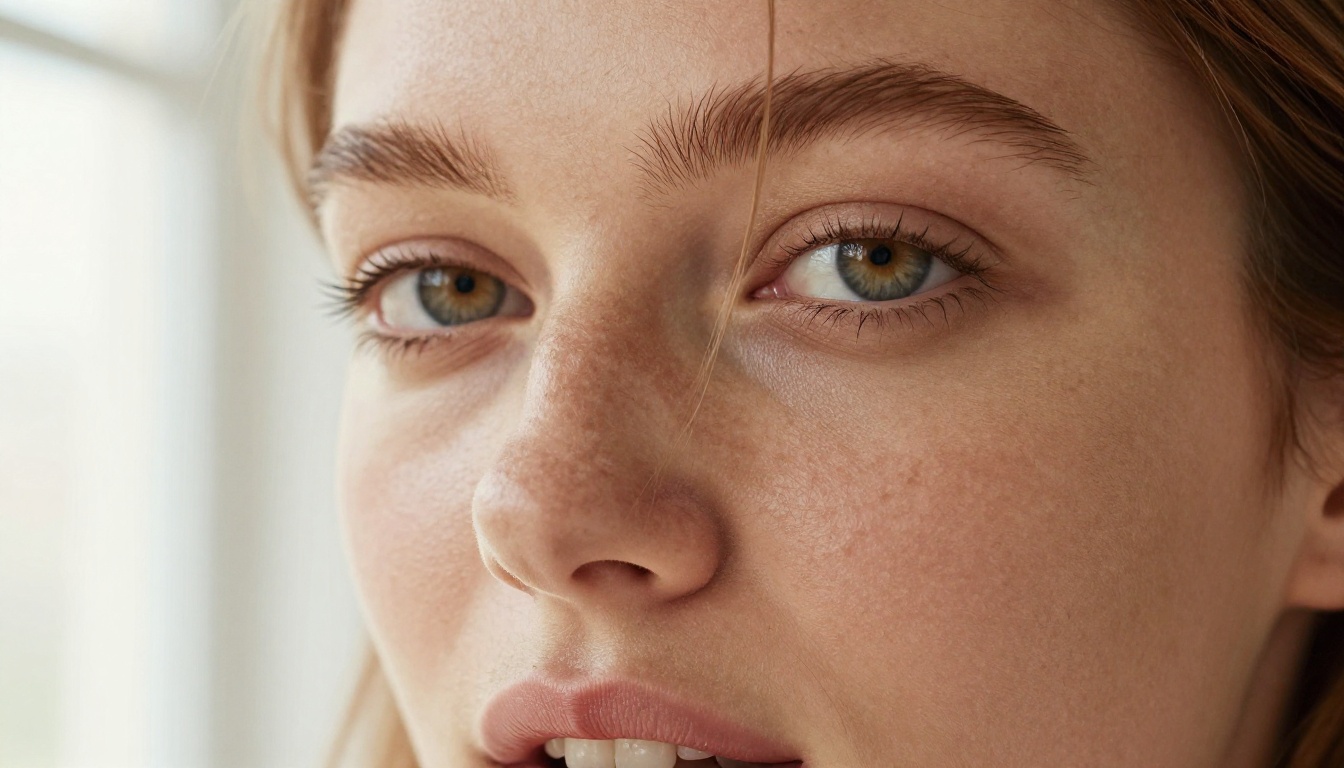
Comparing Realism Across NSFW AI Models
Not all NSFW AI portrait generators perform equally. Photorealism involves several technical dimensions, and models handle them differently.
| Dimension | Seedream 4.5 | Grok Imagine Image | Qwen Image 2 | P-Image |
|---|
| Skin Texture | Excellent | Very Good | Very Good | Good |
| Lighting Physics | Excellent | Good | Good | Good |
| Fabric Rendering | Excellent | Very Good | Good | Good |
| Face Consistency | Excellent | Excellent | Good | Good |
| Generation Speed | Under 3s | Fast | Fast | Under 1s |
| Uncensored | Yes | Yes | Yes | Yes |
Seedream 4.5 leads across most dimensions, particularly skin texture and lighting physics. Grok Imagine Image is strongest in its specialty: portrait-to-portrait transformations where face identity preservation is critical. Qwen Image 2 benefits from open-source development and handles intricate detail well. P-Image wins on speed, returning results in under a second.
When to use each model
- Seedream 4.5: Your go-to for any high-quality NSFW portrait from text or when editing images
- Grok Imagine Image: When you have a source portrait and need a realistic transformation
- Qwen Image 2: Complex scenes with multiple elements or detailed backgrounds
- P-Image: Rapid iteration, testing many variations quickly before committing to a final render
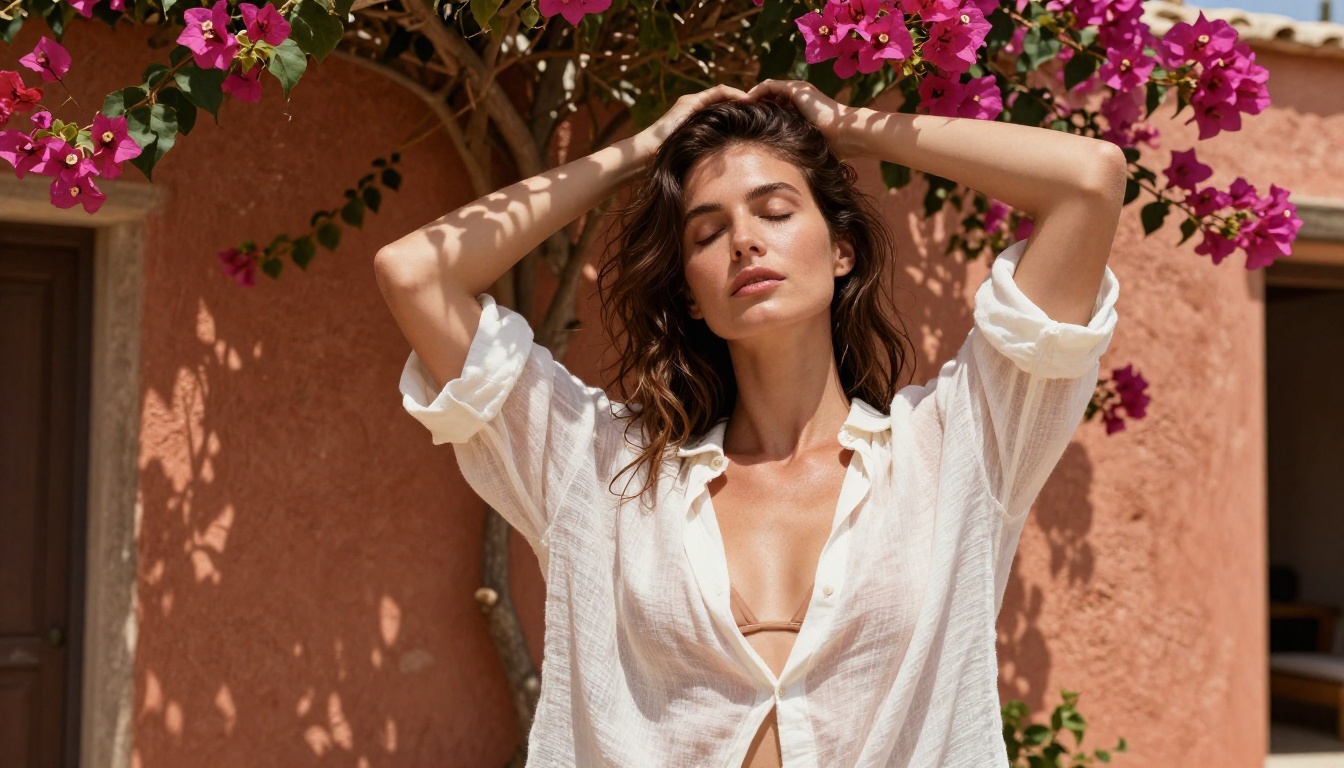
Generating a good portrait is only the start. PicassoIA's broader toolset lets you push quality significantly further.
Upscaling with Super Resolution
AI portrait generation typically outputs at resolutions good for digital use. For print, display, or extremely detailed work, run your output through PicassoIA's Super Resolution upscaling tool. It uses AI to reconstruct missing high-frequency detail at 2x or 4x scale, not just enlarge pixels. Skin pores, fabric fibers, hair strands: all sharper at the larger size.
Fine-tune with Inpainting
Inpainting lets you select a specific region of an image and regenerate only that area while keeping everything else intact. This is the most efficient way to fix minor issues in otherwise strong outputs:
- Fix an awkward hand or finger position
- Improve a section of fabric that doesn't look right
- Replace a background element without touching the subject
- Adjust skin tone in a specific area for consistency
From still images to motion
If you want to take a finished portrait and add motion, Grok Imagine Video uses your generated image as a starting frame and generates up to 15 seconds of natural motion with no watermarks. For unlimited clips, PicassoIA Video provides unlimited video generation from text at up to 720p. And P-Video reaches 1080p with the safety filter off by default, giving you maximum creative freedom.
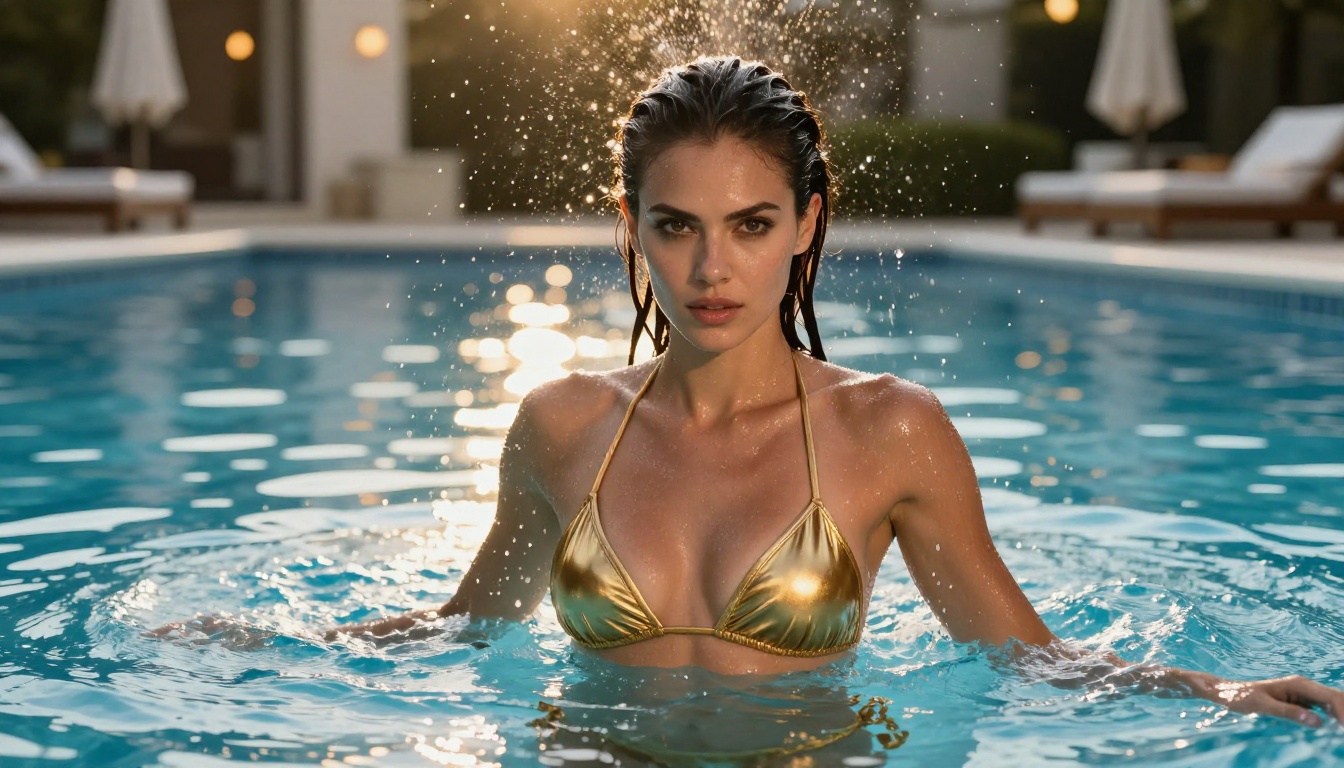
NSFW Portraits Without the Usual Restrictions
The friction in mainstream AI image tools isn't always obvious until you hit it. A generation fails. A prompt gets refused. The output is clearly filtered. These interruptions break creative flow and often force you to rethink entirely workable prompts just to get an output through.
PicassoIA's lineup is built around removing that friction. Models like Seedream 4.5, Grok Imagine Image, Recraft V4, and P-Image accept adult-themed prompts without refusals. Generations run. Results reflect what you actually asked for. The creative process stays uninterrupted.
This matters for creators working on fashion concepts, adult content platforms, AI art projects, or any work where realistic, suggestive imagery is part of the brief. The tools don't fight you on intent.
💡 Tip: Combine models for best results. Use Seedream 4.5 for your base generation, then pass the output to Grok Imagine Image for a transformation, then refine specific areas with PicassoIA Image Editor Pro. Each step adds quality without starting over.
What the Results Look Like in Practice
Real-world testing reveals consistent patterns in how Grok Imagine Image performs across different input types.
Source portraits with good lighting: These transform cleanly. The model preserves facial structure and natural skin tones while applying the prompt direction precisely. A well-lit source shot yields an output with no uncanny valley artifacts.
Low-light or blurry source images: Outputs soften. The model has less to work with and may introduce inconsistencies in skin rendering or fabric detail. Resolution and exposure quality in the source image is your biggest lever for output quality.
Complex clothing transformations: Requests involving detailed fabric patterns (lace, metallic, intricate prints) require specific prompts. Vague descriptions like "pretty bikini" won't produce the texture detail that "white crochet string bikini with scalloped edges" will.
Background replacement: Grok handles these well, especially when the prompt describes the new background in detail. Natural outdoor settings (beach, pool, garden, rooftop) tend to produce better results than abstract or highly complex artificial environments.
The model's consistency across a portrait series is a distinct advantage. Running multiple variations from the same source image produces outputs that look like they belong to the same shoot, not unrelated generations.
3 Things That Separate Good AI Portraits from Great Ones
Getting your first realistic NSFW portrait out of an AI model is satisfying. Getting consistently excellent outputs requires attention to three things most creators overlook:
-
Source image quality over everything: The model amplifies what you give it. A sharp, correctly exposed input at 1080p or above gives the model the information it needs to produce detailed, believable outputs. Low-quality inputs cap your ceiling.
-
Prompt specificity at every level: Subject, environment, and technical parameters. All three layers need detail. Most weak outputs trace back to underspecified prompts in one of these areas.
-
Iteration with purpose: Don't regenerate the whole image when one element is off. Use inpainting for targeted fixes. Use prompt variation to test different directions on the same base image. Each generation should test one specific hypothesis.
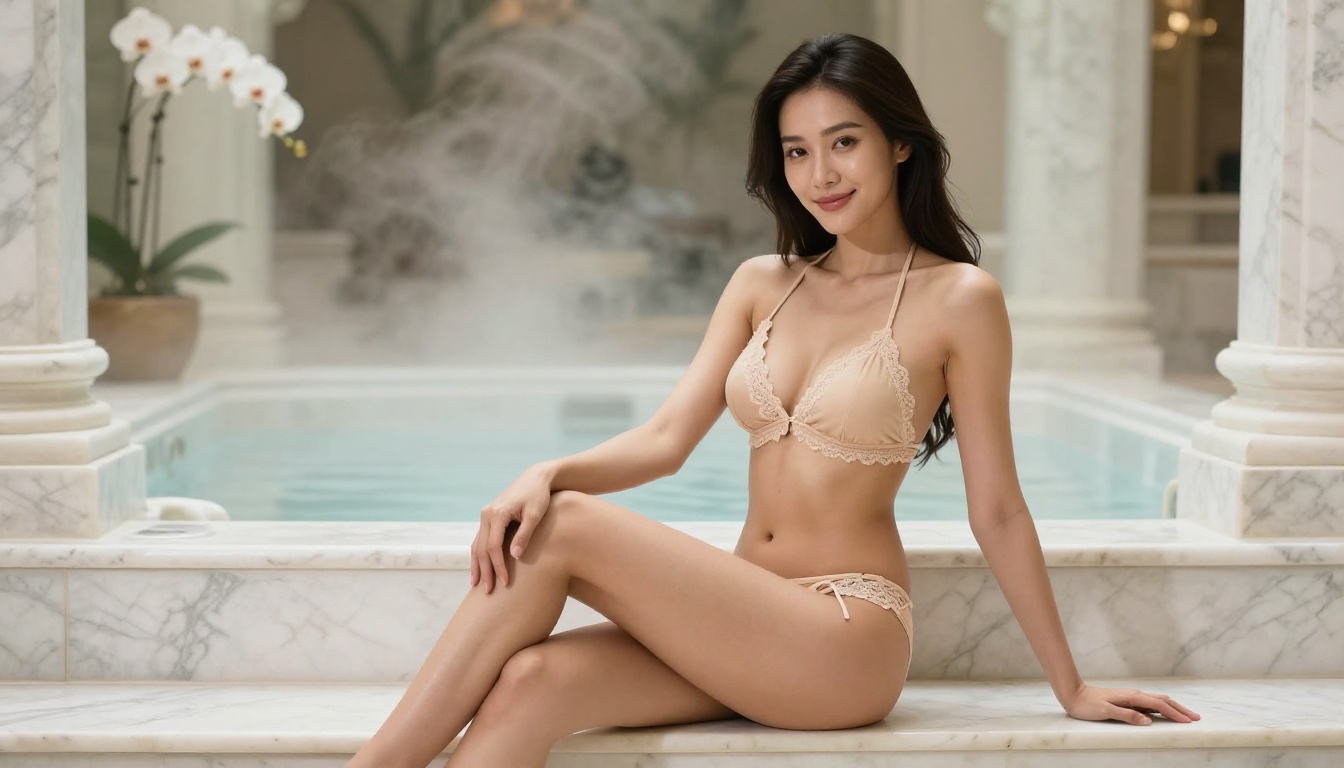
Start Creating Your Own Realistic NSFW Portraits
The tools are available, accessible, and faster than ever. Grok Imagine Image handles portrait transformations with a photorealism that makes outputs genuinely usable for real creative projects. Pair it with Seedream 4.5 for the highest quality text-to-image generation, PicassoIA Image Editor Pro for unlimited editing iterations, and Qwen Image 2 when you need open-source flexibility with intricate detail.
All of it lives on PicassoIA. No juggling multiple platforms, no API setup, no per-model account management.
Browse the full catalog of uncensored NSFW AI models at picassoia.com/en/all-models and start generating portraits that actually look real.


