There are two dominant approaches to AI companion creation, and they could not feel more different. Realistic AI companions replicate human presence with photographic fidelity, while anime companions deliver emotionally expressive characters rooted in Japanese visual culture. This article breaks down both styles across aesthetics, emotional impact, creative tools, and platform options to help you make the right choice for your project.
The question sounds simple at first: do you want your AI companion to look like a real person, or like a character out of a manga? In practice, the choice shapes everything from the emotional tone of your creation to which generation models you reach for, how you write your prompts, and what platform features you actually need. Both styles have devoted followings for real reasons, and neither is objectively better. What matters is what you are trying to build, and for whom.
What Each Style Actually Means
Before comparing tools or outputs, it helps to nail down what "realistic" and "anime" actually mean in the context of AI companion generation.
Realistic companions: the photographic standard
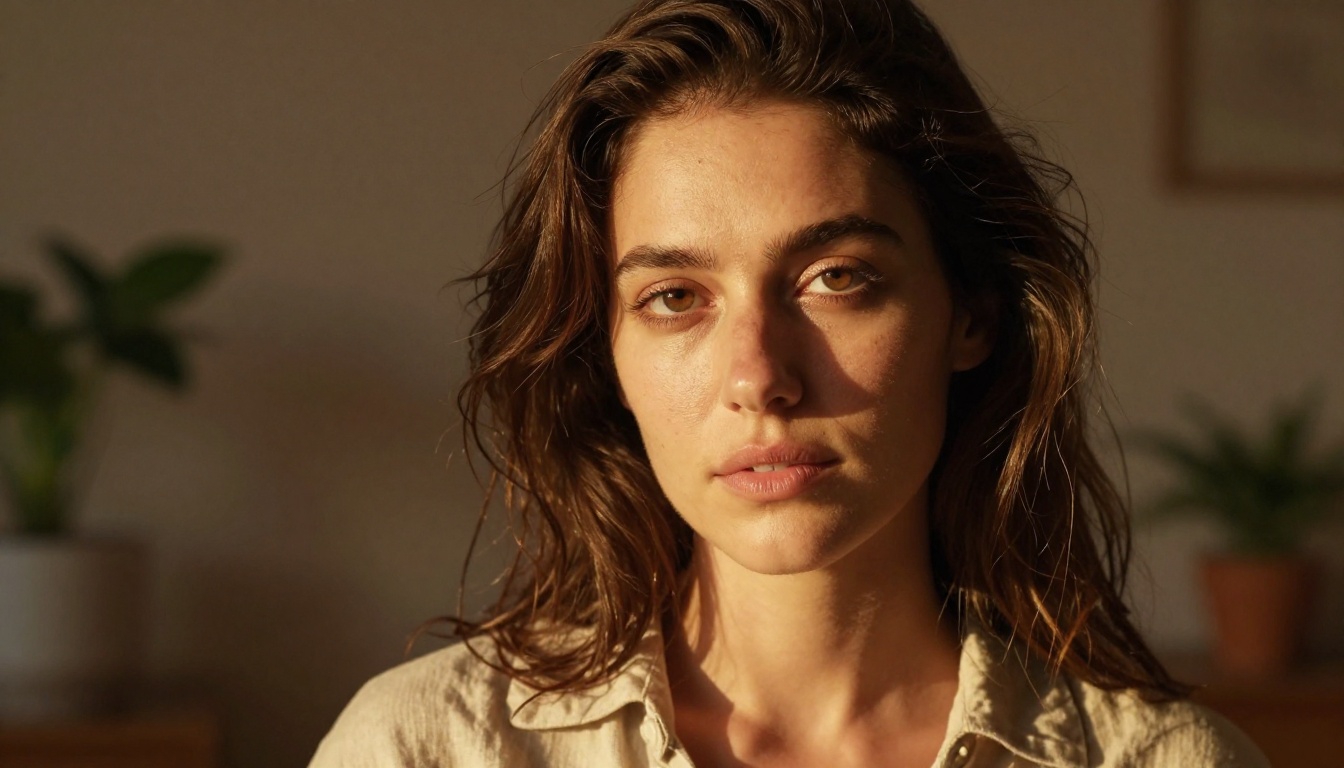
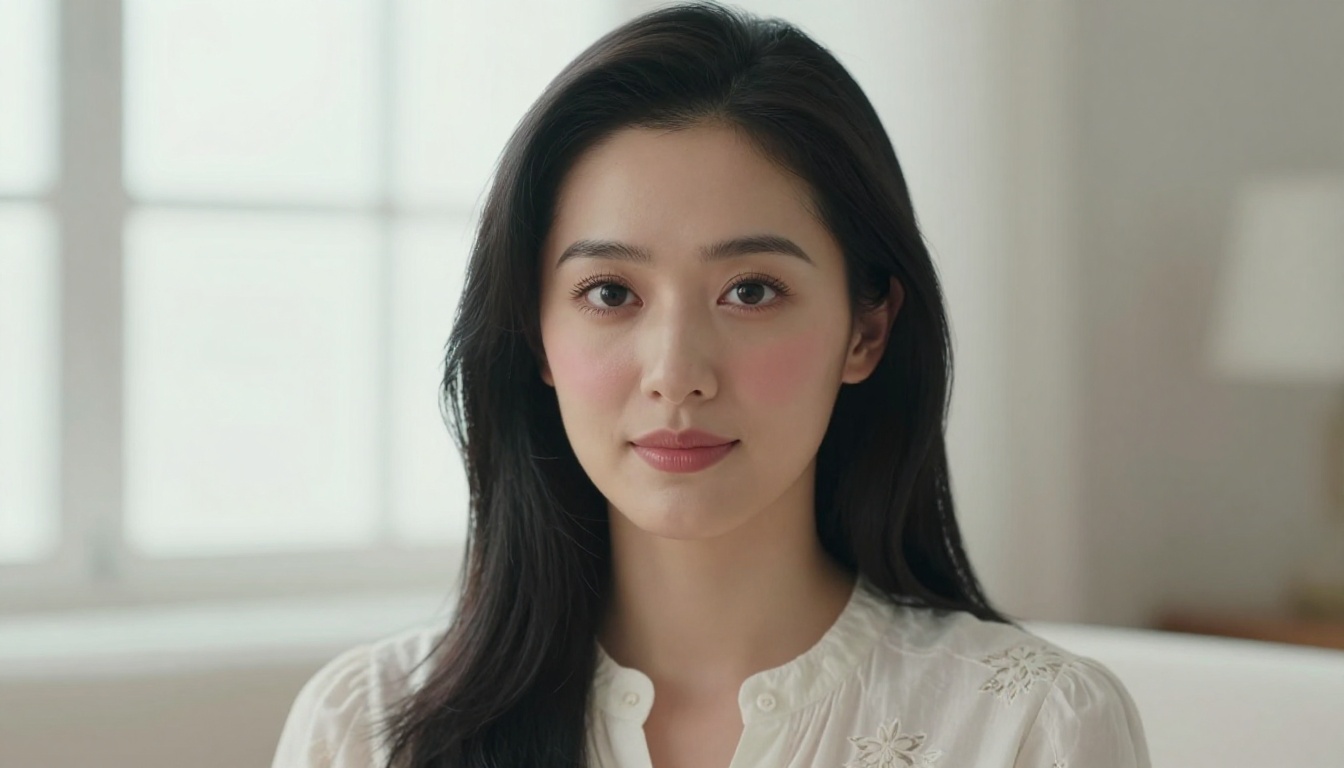
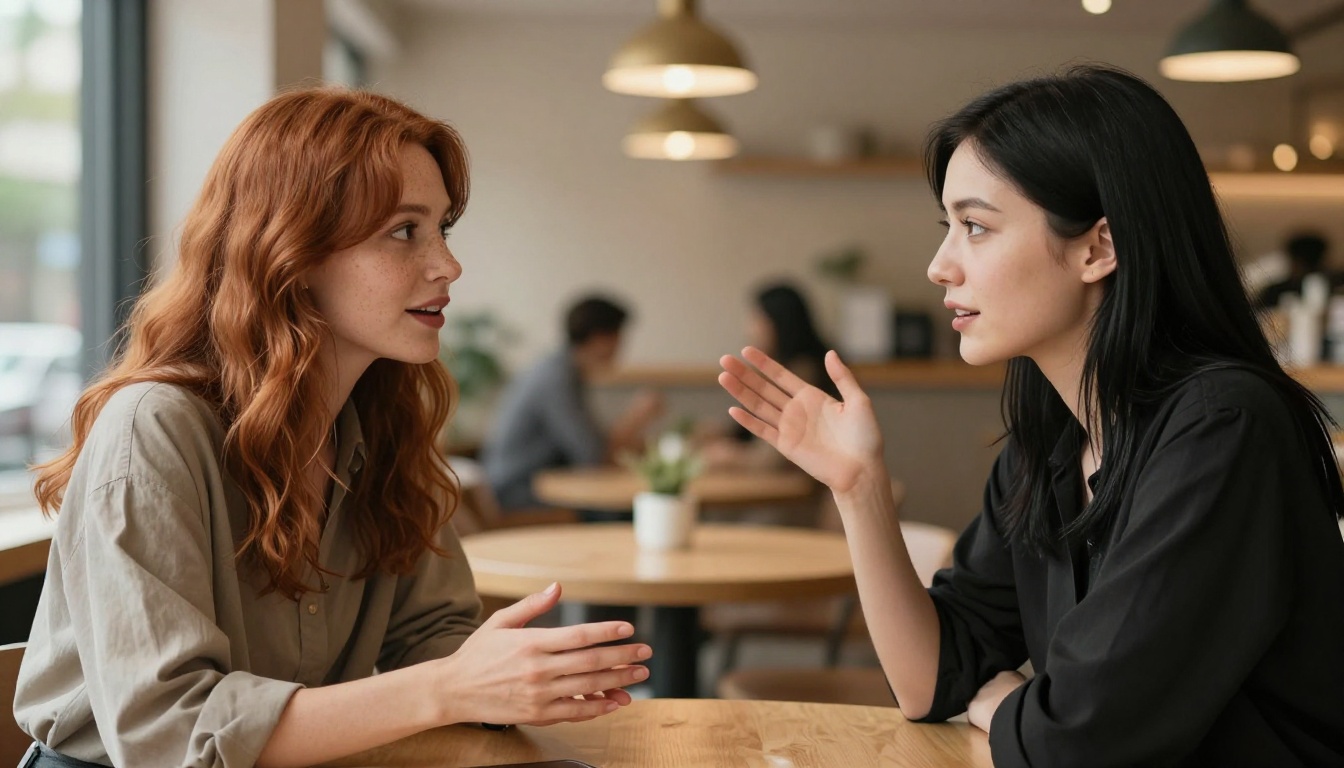
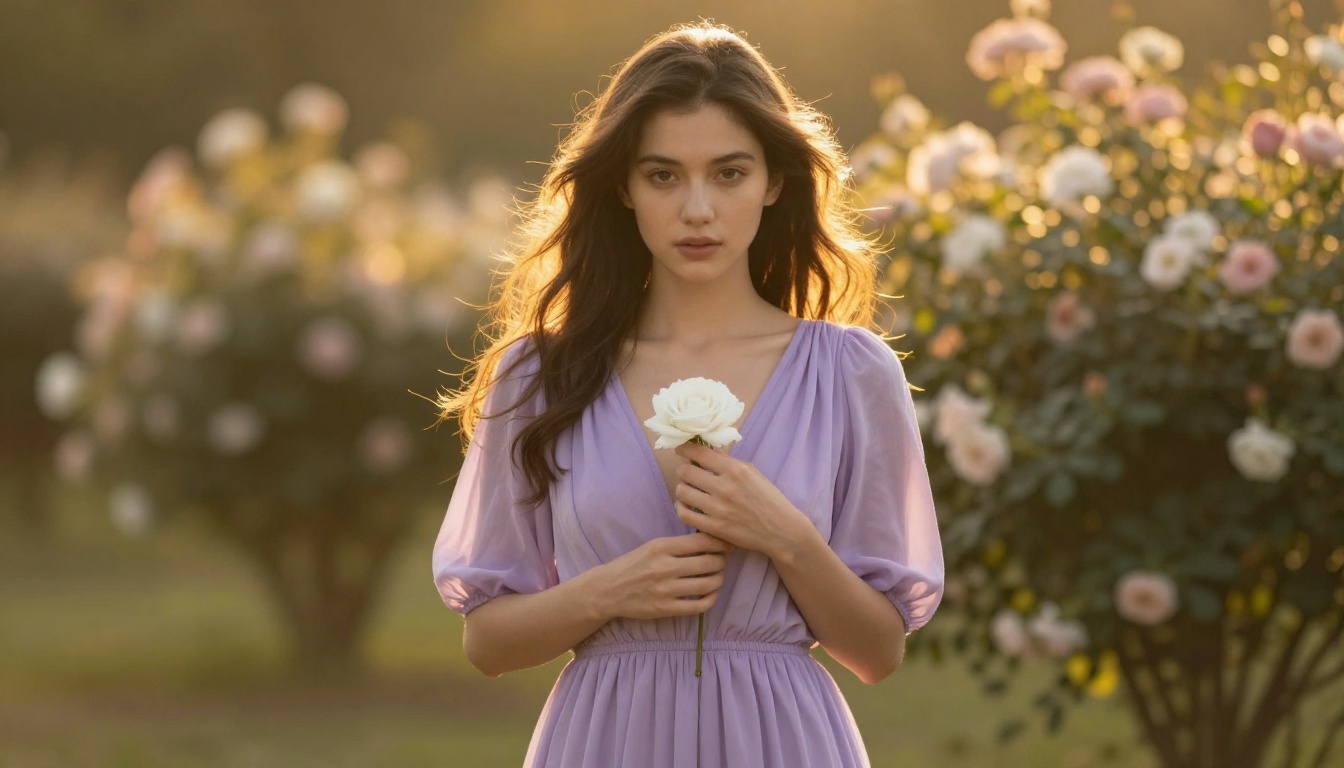
A realistic AI companion is one whose appearance could pass for a photograph of a real person. Skin texture shows natural pores, lighting falls according to actual physics, hair behaves the way hair does in real life, and facial expressions sit within the range you would see in a portrait studio or candid photography. The emotional effect is one of proximity: the character feels present, familiar, and relatable in the way a real human face is relatable.
This style draws on photorealistic diffusion models fine-tuned on massive datasets of real photography. The output tends to sit in a narrow range: attractive, naturalistic, with minimal stylization. The trade-off is that realism leaves very little room for expressive distortion. You cannot exaggerate the eyes to convey innocence or widen the proportions to signal sweetness the way anime can.
Anime companions: stylized emotional depth
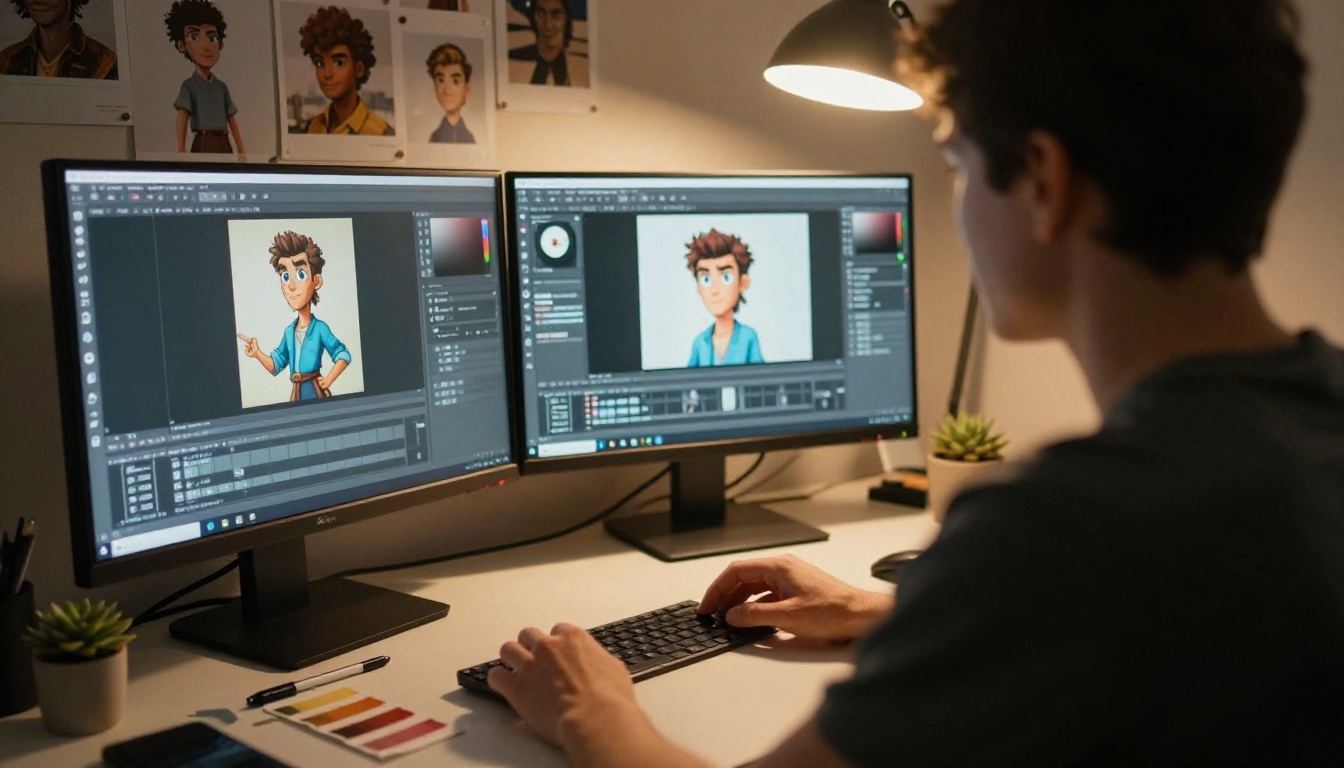
Anime-style AI companions operate on a completely different visual logic. Large, expressive eyes that take up a disproportionate share of the face. Idealized hair with vivid color and impossible volume. Skin rendered as smooth and luminous rather than textured and naturalistic. Proportions that lean toward the elegant and fantastical rather than anatomically precise.
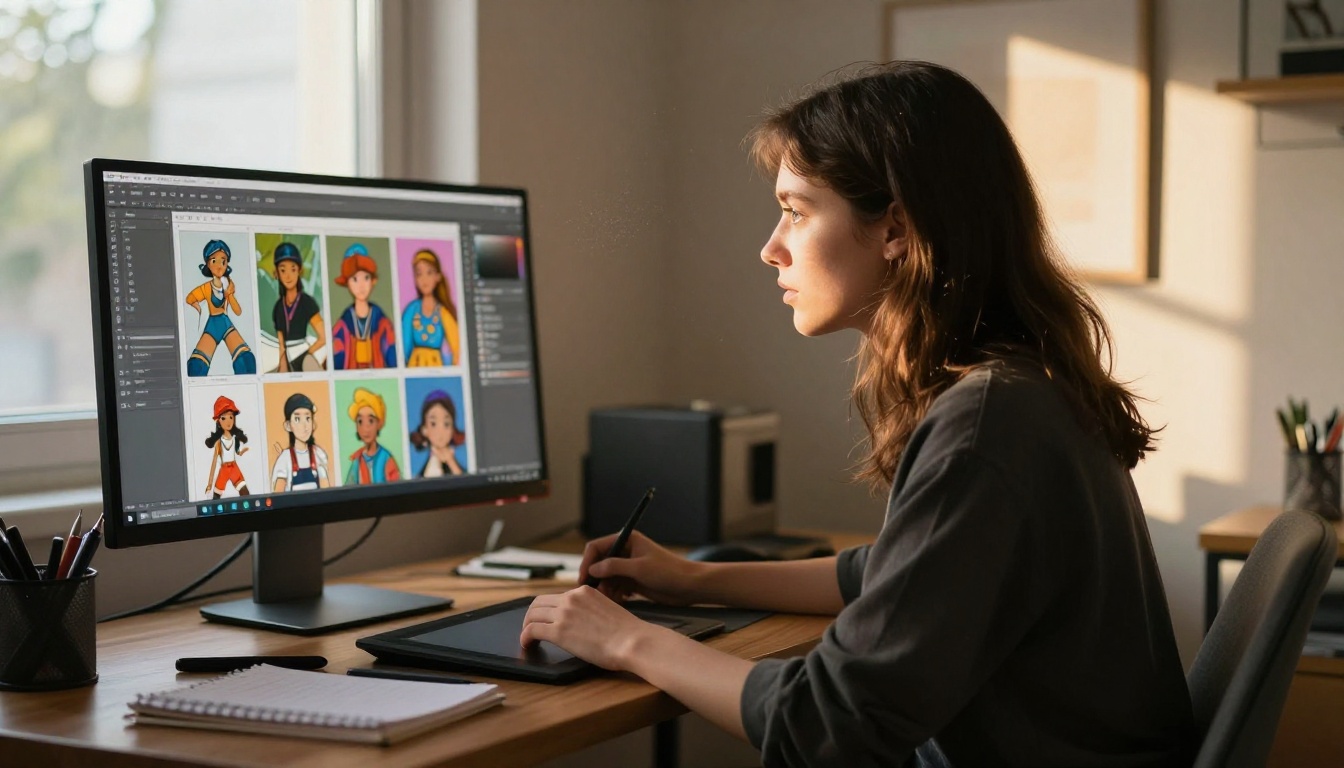
What anime trades in literal realism it gains in emotional legibility. The visual vocabulary of anime has been coded over decades to signal specific emotional states with extreme efficiency: the single tear on a perfect cheek, the wide sparkle in dilated pupils, the particular curve of a softly open mouth. Audiences who grew up with manga and anime read these cues instantly and deeply. For companion characters, that emotional expressiveness is a feature, not a compromise.
The Aesthetic Gap Is Narrowing
One of the most interesting developments in AI image generation over the past two years is that the gap between photorealistic and stylized outputs has been closing fast. Models like Flux Dev, which runs on a 12-billion parameter architecture, can produce both crisp photorealistic portraits and stylized character art depending entirely on how you write your prompt. The model does not force a choice; your language does.
This convergence has real implications. If you are not committed to a single aesthetic and want to iterate between styles, a single capable model can handle both. The only overhead is shifting the prompt vocabulary between "photograph of a young woman, natural light, 35mm film grain" and "anime girl, large expressive eyes, soft watercolor shading, pastel tones."
Why prompt language shifts between styles
For realistic companions, use photographic language:
The right style depends heavily on what you plan to do with the companion character.
Use Case
Realistic
Anime
Social media avatar
Strong photographic presence
Distinct, recognizable style
Storytelling / narrative
High emotional immersion
Broader expressive range
NSFW content
Mimics real intimacy
Idealized, less confrontational
Character branding
Harder to distinguish
Instantly iconic
Fan art / fandom content
Niche appeal
Massive existing audience
Iteration speed
Moderate (complex prompts)
Fast (style is well-tokenized)
Emotional warmth
Natural, grounded
Amplified, exaggerated
Cross-platform consistency
High (photographic)
Very high (consistent design elements)
💡 If your audience skews toward gaming, manga, or visual novels, anime-style companions will feel immediately at home. If your audience prefers naturalistic aesthetics or professional visual content, realistic companions tend to land better.
The Models Behind Each Style
PicassoIA offers access to over 91 text-to-image models, and the right choice depends on what you are trying to achieve.
For photorealistic companion generation
Flux Dev is currently the strongest photorealistic option for portrait-quality companion images. Its 12-billion parameter architecture handles skin tone, lighting physics, and hair detail at a level that older models struggle to match. The model supports img2img editing, so if you have a base concept you want to refine, you can upload it and redirect it with a prompt without starting over.
Flux Schnell is the speed-optimized version: it produces comparable quality in as few as four denoising steps, which makes it ideal for fast prototyping and iterating through prompt variations. When you are testing 20 different prompt wordings to find the right facial expression or lighting setup, Flux Schnell keeps the feedback loop tight.
Stable Diffusion remains a solid option for realistic outputs, with full control over resolution, scheduler, guidance scale, and negative prompts. Its flexibility makes it a good fit when you want granular control over every parameter of the output.
For anime-style companion generation
Dreamshaper XL Turbo is the most versatile option for anime and multi-style generation on PicassoIA. Unlike purely photorealistic models, it was explicitly designed to handle photorealistic portraits, anime characters, manga panels, and painterly illustrations from the same interface. You can generate a realistic version and an anime version of the same concept back-to-back by changing only a few words in the prompt.
Dreamshaper XL Turbo runs at 1024x1024 SDXL resolution with fast inference (as few as six denoising steps), supports negative prompts to cut unwanted stylistic noise, and offers seven different schedulers that change the aesthetic quality of outputs in subtle but meaningful ways. On PicassoIA it runs with no credit caps, so you can iterate freely.
💡 For anime companions, add "best quality, masterpiece, highly detailed" at the start of your prompt and use a negative prompt to exclude "realistic, photorealistic, 3d render, bad anatomy, deformed" — this sharpens the anime aesthetic considerably.
How to Create Realistic Companions on PicassoIA
The workflow for photorealistic AI companions on PicassoIA is straightforward. Here is what actually produces results.
Step 1: Pick the right starting model
Open Flux Dev for maximum detail, or Flux Schnell when speed matters more than final polish. Both run without credit limits on PicassoIA.
Step 2: Write a photographic prompt
Structure your prompt with these elements in order:
Subject description: age range, hair color and style, eye color, expression
Clothing or styling: fabric type, color, fit level
Lighting setup: direction, quality (soft/hard), color temperature
Camera and lens: focal length (50mm, 85mm), aperture (f/1.4, f/1.8, f/2.8)
Film and grain: "Kodak Portra 400," "35mm film grain," "photographic texture"
Ratio and quality: "16:9," "RAW," "8K"
Step 3: Refine with img2img
Once you have a base image you like, use Flux Dev's img2img mode to push specific elements further: change the lighting, adjust the expression, modify the styling. The prompt strength slider controls how aggressively the model departs from your original, so small values keep your base while larger values create more variation.
How to Create Anime Companions on PicassoIA
The anime workflow shares the same basic structure but uses different vocabulary and model choices.
Multi-style models save time
Dreamshaper XL Turbo handles anime without needing a dedicated anime-only model. This matters when you are comparing both styles side by side: you can use the same interface, the same workflow, and simply change the style tags in your prompt to shift from photorealism to anime in a single session.
realistic, photorealistic, 3d render, bad anatomy, deformed hands, extra fingers, blurry, low quality, ugly, duplicate
The seven schedulers in Dreamshaper XL Turbo each produce subtly different anime aesthetics. K_EULER tends toward softer, more painterly results. K_EULER_ANCESTRAL adds more variation and dynamic energy. Running the same prompt through different schedulers is a fast way to find the aesthetic register that fits your character.
💡 Eye description is the single highest-leverage prompt element for anime companions. Specify color, size ("large expressive eyes"), special features ("starlight catchlights," "soft gradient iris"), and emotional framing ("gentle downward gaze," "wide curious look") for dramatically better outputs.
Quality vs. Speed: A Real Comparison
Both styles have their own quality-versus-speed trade-offs worth knowing before you start.
Factor
Realistic (Flux Dev)
Anime (Dreamshaper XL Turbo)
Default generation time
~10-15 seconds
~6-10 seconds
Steps for quality output
28-50
6-10
Prompt sensitivity
Very high
High
Negative prompt importance
Medium
Critical
Iteration speed
Moderate
Fast
Style consistency with seed
High
High
Credit limits on PicassoIA
None
None
The biggest difference is in how many steps each style needs. Anime-style models like Dreamshaper XL Turbo converge fast: six steps can produce a polished anime character. Photorealistic models generally need more denoising passes to build up the fine-grained texture that makes an image read as a real photograph.
For creative workflows that require generating dozens of variations, anime often moves faster. For final-quality singles where you need absolute photographic fidelity, Flux Dev at 28-50 steps produces results that are worth the extra seconds.
Who Should Choose Realistic
Default to realistic companion generation if:
Your audience is adults who respond better to photographic aesthetics than illustrated ones
Your project is grounded romance or lifestyle content where the illusion of real presence matters
You are using Face Swap or Super Resolution tools on PicassoIA, which produce more natural results on photorealistic source images
You want output that blends into photography workflows without immediately signaling "this is AI art"
Emotional impact through photographic realism is a deliberate creative choice in your project
Flux Dev with a detailed portrait prompt and 32-50 inference steps is currently the most reliable path to photorealistic companion images that hold up at full resolution.
Who Should Choose Anime
Anime-style companion generation is the right call if:
Your audience already loves anime, manga, or visual novels and will connect with the aesthetic immediately
Emotional expressiveness matters more than realism: anime lets you dial up warmth, shyness, energy, and affection in ways photography cannot replicate
You want consistent character design across many scenes: anime characters with distinct hair color and eye design are easier to identify consistently than photorealistic faces
You are creating character-driven content for games, stories, or social media where the character needs a strong visual identity
You need faster iteration speed while maintaining polished output quality
Dreamshaper XL Turbo with a strong negative prompt and K_EULER scheduler gives you a production-ready anime companion in under 10 seconds per image.
💡 Anime companion images also tend to respond better to PicassoIA's ControlNet tools (for pose and structure control) since anime proportions are more predictable and consistent than realistic human anatomy.
Both Styles in One Project
Nothing stops you from using both. Many visual novel creators and AI companion designers work with a photorealistic reference image as an "anchor" for their character's proportions and features, then translate that into an anime aesthetic using Dreamshaper XL Turbo's prompt vocabulary or img2img capability.
PicassoIA's Super Resolution tool upscales both styles cleanly, and the Inpainting tool works on both realistic and anime images for detail corrections. The Object Replacement tool lets you iterate on clothing, accessories, or setting without regenerating the character from scratch. Using both styles in parallel gives you a wider creative toolkit and often leads to stronger character concepts than committing to one aesthetic from the start.
Create Your First AI Companion Now
The fastest way to answer the realistic-vs-anime question is to stop deliberating and start generating. Both styles are accessible on PicassoIA with no credit counters, no signup friction, and no per-image costs that limit how much you can iterate.
Open Flux Dev and write a photorealistic portrait prompt. Then open Dreamshaper XL Turbo and describe the same character with anime vocabulary. Run both. The output will tell you more about which style fits your vision than any written comparison.
If you want to see all available text-to-image models, including those tuned for specific aesthetics, character styles, and output types, visit picassoia.com/en/all-models. With over 91 text-to-image models available, there is almost certainly one that fits exactly the companion style you are picturing.
The choice is not between better and worse. It is between different emotional registers, different visual vocabularies, and different relationships with your audience. Both work. Both can be stunning. The only variable is what you are trying to say, and who you are trying to say it to.