Recraft V4.1 Pro: Best AI Image Generator Right Now
Recraft V4.1 Pro has redefined what an AI image generator can do in 2027. With faster generation times, superior photorealistic skin and fabric rendering, precise lighting physics, and a suite of specialized variants including SVG and Utility Pro, it outperforms every major competitor across commercial photography, fashion, architecture, and portrait work. This article breaks down the real differences, shows where competing models like Flux Pro and Seedream 5 Pro still hold ground, and walks through exactly how to use Recraft V4.1 Pro on PicassoIA today.
The AI image generation space just shifted again. Recraft V4.1 Pro landed and immediately set a new benchmark that competing models have not yet matched. It is not marginally better at photorealism. It is faster, more accurate on complex prompts, more consistent across sessions, and it ships with specialized variants covering everything from ultra-high-fidelity photography to clean vector SVG output. For anyone serious about AI-generated visual content in 2027, this is the model worth knowing first.
What follows breaks down what Recraft V4.1 Pro actually does differently, how it compares against Flux, Stable Diffusion, and Seedream in real use, where it wins decisively, where the competition still holds ground, and exactly how to use it on PicassoIA right now.
What Recraft V4.1 Pro Actually Changes
The Recraft family has been iterating steadily. Each version from V3 through V4 to Recraft V4 Pro delivered meaningful improvements. But V4.1 Pro feels qualitatively different. It is where the gap between Recraft and its nearest competitors became wide enough that professionals are changing workflows around it.
Speed and Quality in One Model
Most high-fidelity AI image generators force a choice. Fast models cut corners on detail. Slower models produce finer results but break production rhythm. Recraft V4.1 Pro generates standard outputs in the 8-12 second range with quality that consistently beats what competing models produce at their maximum settings and longest generation times.
The specific areas where this plays out most clearly:
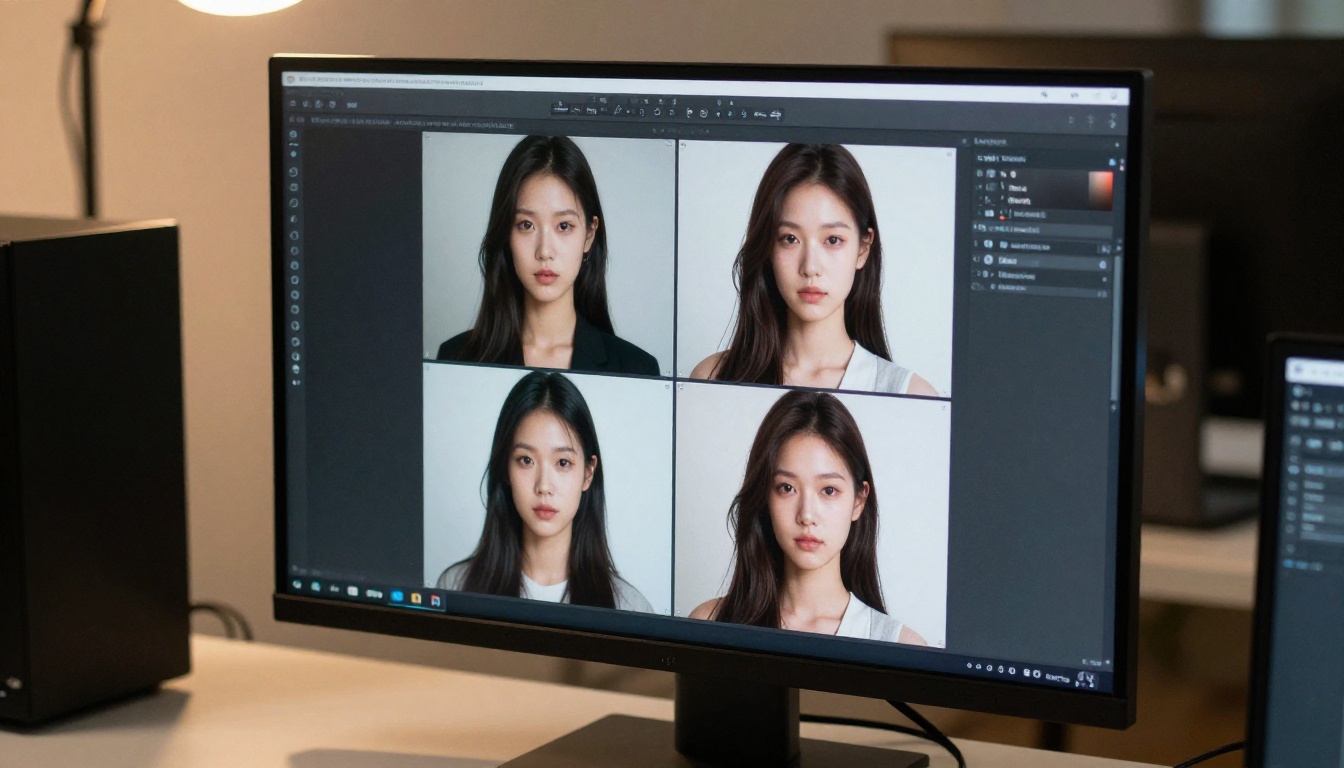
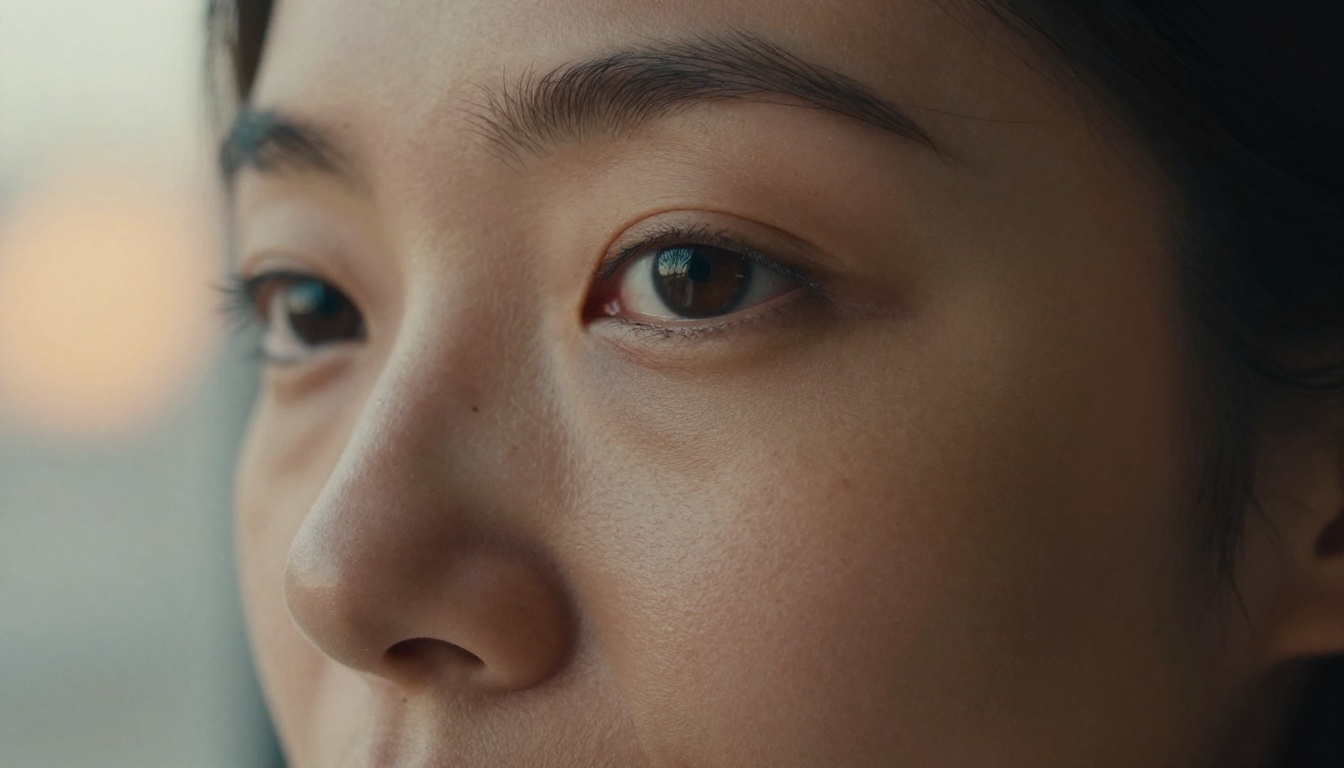
Photorealistic skin rendering: Pores, fine surface hairs, and natural complexion variation appear without special prompting
Lighting physics: Specular highlights on reflective surfaces, shadow gradients, and volumetric atmospheric effects behave like real optical systems
Fabric and material fidelity: Silk sheen, denim weave, leather grain, and marble veining all render with convincing tactile surface properties
Depth of field simulation: Bokeh rendering is organic with natural circle-of-confusion falloff rather than algorithmically uniform blur
💡 Quick benchmark: At comparable quality settings, Recraft V4.1 Pro outputs that take 10 seconds match or exceed outputs from competing models that take 25-40 seconds. The speed advantage compounds significantly on batch generation workflows.
The Real Upgrade From Recraft V4 Pro
Comparing Recraft V4 Pro directly against Recraft V4.1 Pro shows three clear improvements that matter for professional work.
Prompt adherence on complex scenes: V4 Pro would occasionally ignore or misinterpret one element of a multi-subject prompt, defaulting to a simplified composition. V4.1 Pro holds complex scenes together with noticeably higher fidelity to the exact instruction.
Color science calibration: V4 Pro had a tendency toward slight oversaturation on warm tones. V4.1 Pro produces more accurate color rendering with natural contrast curves that better match actual photographic film stocks when referenced in prompts.
Fine detail in textured environments: When a scene contains multiple surfaces with distinct textures, like a leather chair against a concrete wall with wooden floor, V4 Pro would blend similar-tone surfaces. V4.1 Pro differentiates each surface material distinctly.
Feature
Recraft V4 Pro
Recraft V4.1 Pro
Avg. Generation Time
18-22 seconds
8-12 seconds
Complex Prompt Accuracy
Good
Excellent
Color Science
Slightly oversaturated
Natural, film-calibrated
Multi-Surface Scenes
Moderate distinction
High surface differentiation
SVG Vector Variant
No
Yes
Utility Pro Variant
No
Yes
How It Stacks Up Against the Competition
Recraft V4.1 Pro operates in a market with serious competition from Black Forest Labs, Stability AI, and ByteDance. The comparisons below reflect consistent real-world testing across use cases, not isolated cherry-picked outputs.
Recraft V4.1 Pro vs Flux Pro
Flux Pro from Black Forest Labs has been the default recommendation for many professionals over the past year, and for legitimate reasons. It produces sharp, coherent images with strong prompt following and an aesthetic that many designers find appealing.
The clearest difference appears on photorealistic human subjects. Flux Pro renders skin with an artificial quality, particularly around eye details and hair edge transitions. This is not a flaw for stylized creative work but it becomes a meaningful limitation for commercial photography replacement and editorial portrait use. Recraft V4.1 Pro handles these areas with noticeably more realism.
Flux 2 Max, the newest Flux flagship, closes this gap on photorealism but still shows the characteristic Flux aesthetic on fine detail rendering. For creative or stylized outputs where naturalism is not the target, Flux Pro and Flux 2 Max remain strong options. For strict photorealism as the primary goal, Recraft V4.1 Pro leads.
Flux Fill Pro deserves a separate mention: as a dedicated inpainting tool it handles context-aware fill operations with strong quality, making it a valuable post-processing companion regardless of which primary generation model you use.
Recraft V4.1 Pro vs Stable Diffusion 3.5
Stable Diffusion 3.5 Large has a strong case built on accessibility and extensive community tooling. For an open model, it performs well. In direct comparison against Recraft V4.1 Pro on photorealistic output, the difference is substantial. SD 3.5 Large shows generation artifacts in complex scenes, human anatomy drifts at high detail levels, and prompt adherence on multi-element compositions requires careful negative prompting and parameter tuning to reach its ceiling.
Recraft V4.1 Pro delivers strong results with simpler, more natural prompts and without the negative prompting workflows that SD 3.5 requires for best performance. For users who prioritize openness and local deployment, SD 3.5 remains relevant. For output quality as the primary criterion, Recraft V4.1 Pro operates in a different tier.
Recraft V4.1 Pro vs Seedream 5 Pro
This comparison is the most competitive. Seedream 5 Pro from ByteDance generates with impressive clarity and reaches 2K resolution with strong detail retention. For clean, high-resolution brand assets where lighting control happens in post-processing, Seedream 5 Pro is a genuine competitor.
The distinction comes down to lighting realism and compositional accuracy on complex scenes. Recraft V4.1 Pro renders lighting physics more convincingly. For product photography, portrait work, and any scenario where in-image lighting needs to simulate a real photographer's rig, Recraft V4.1 Pro currently produces the more convincing photographic result. Seedream 5 Pro holds the advantage on maximum output resolution.
Where Recraft V4.1 Pro Wins Every Time
Certain use cases play directly to Recraft V4.1 Pro's specific strengths. In these domains, it consistently outperforms all current alternatives.
Commercial and Product Photography
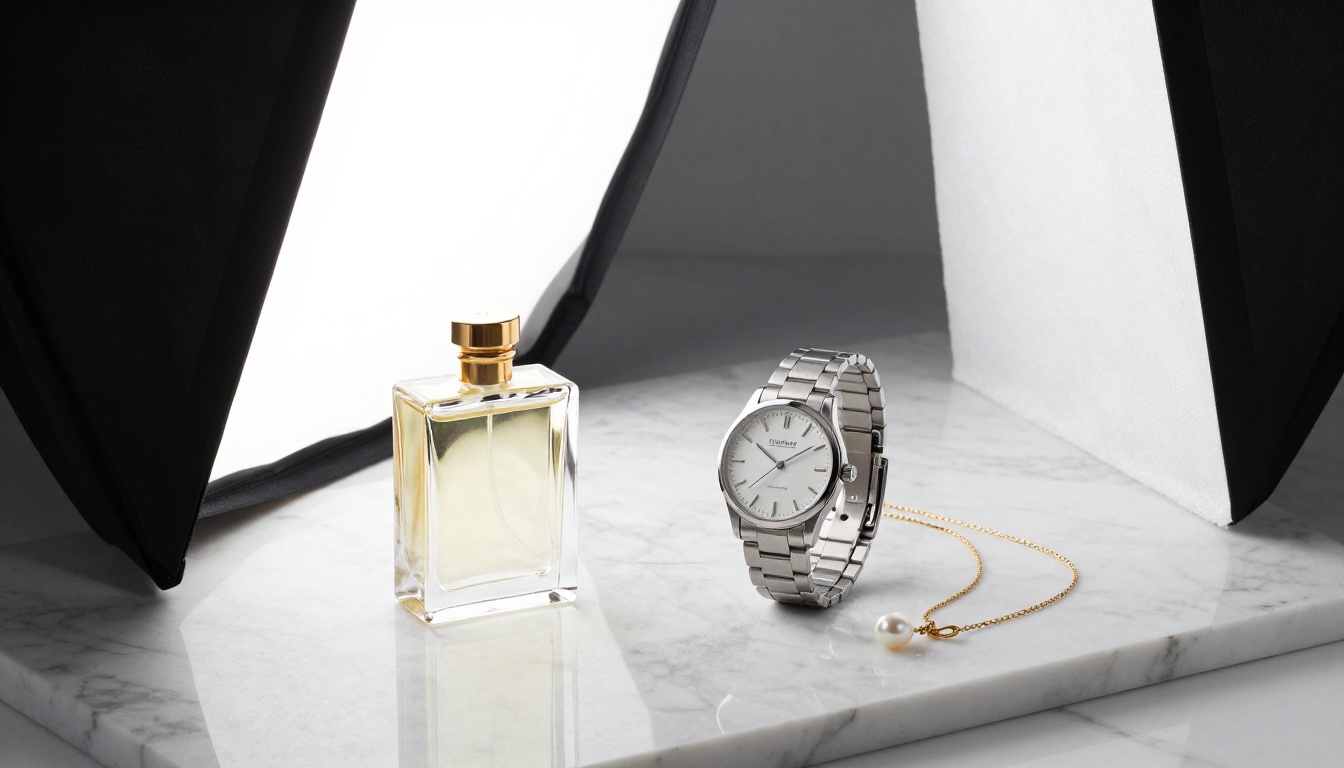
Product images are a precise test of any AI generator's quality ceiling. Small details determine believability: the specular highlight on a glass bottle, the implied weight of a metal surface, the correct blur falloff between foreground product and background. Recraft V4.1 Pro renders all of these with a consistency that makes outputs viable for actual commercial use without extensive retouching.
💡 Commercial application: Several direct-to-consumer brands have integrated Recraft V4.1 Pro into their product photography workflow. The model's understanding of studio lighting physics produces catalog-ready outputs at scale, with generation times that fit real production schedules.
For e-commerce teams producing high volumes of product imagery across categories, the speed-to-quality ratio makes Recraft V4.1 Pro the obvious operational choice. What previously required a studio day and post-processing pipeline can now be iterated in hours.
Fashion and Editorial Work
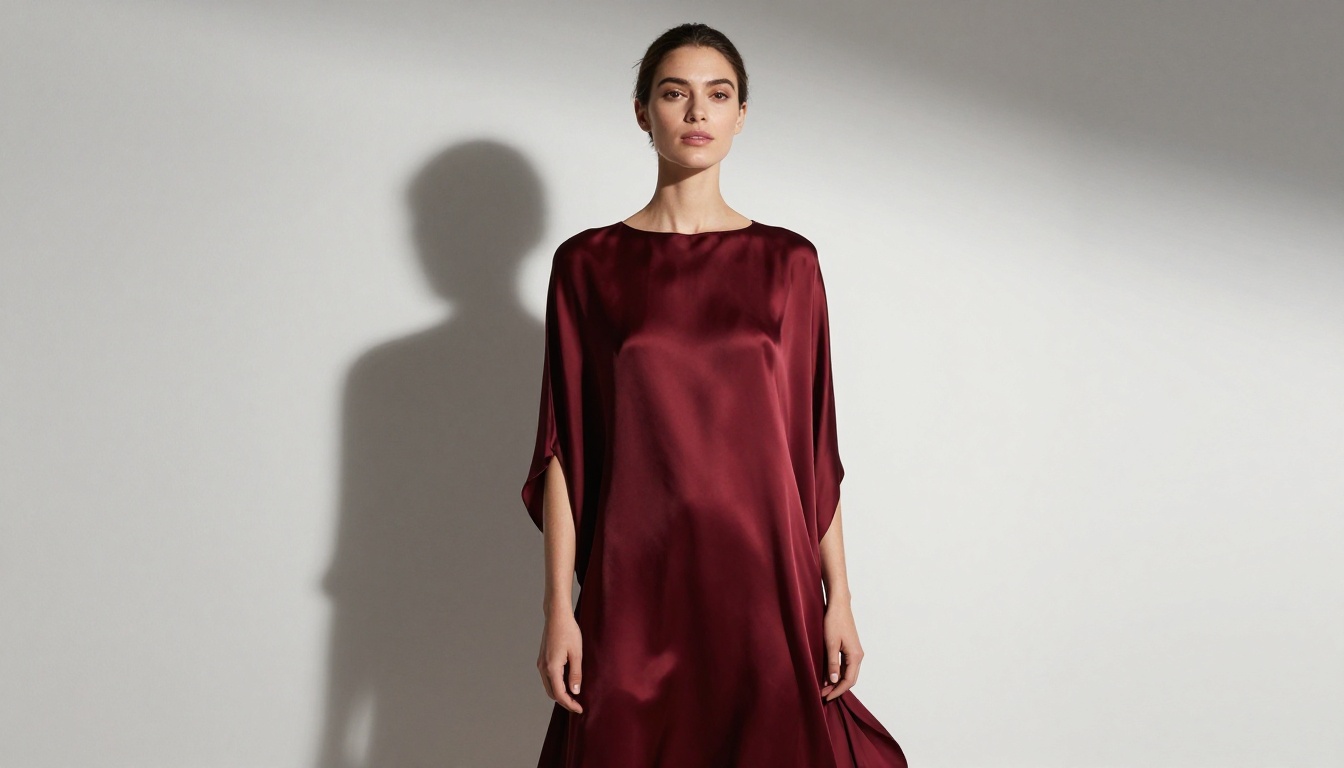
Fashion photography has historically been where AI generators stumble. Fabric requires subtle rendering as light catches the weave differently at different angles. Skin needs irregular texture rather than smoothed surfaces. Recraft V4.1 Pro handles both requirements at a level that competing models do not yet match.
Editorial portraits, campaign imagery, and catalog fashion shots all benefit from the model's lighting realism. Prompting specific lighting setups, like Rembrandt lighting, rim lighting from a specific direction, or beauty dish diffusion, produces renders that follow those specifications with accuracy that gives art directors real creative control without needing extensive revision cycles.
Architecture and Environmental Shots
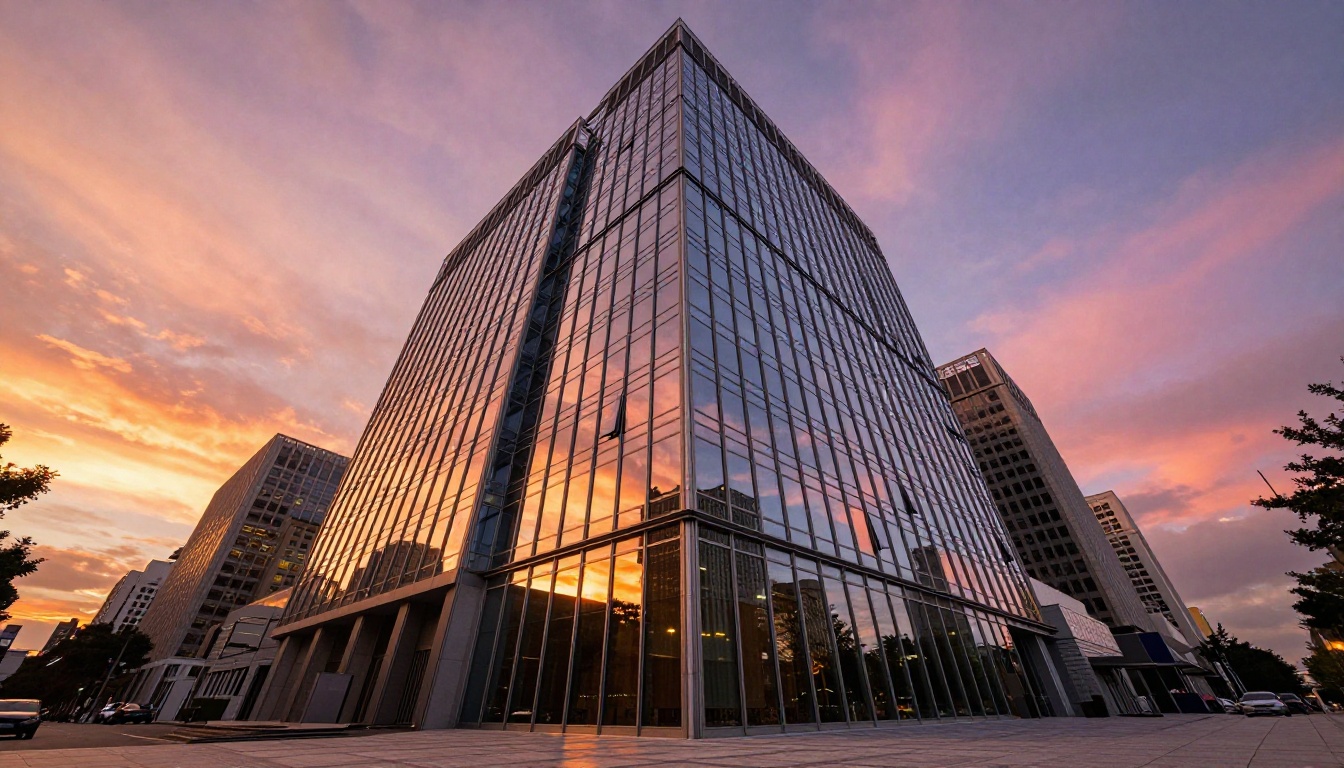
Architectural photography requires geometric accuracy, correct perspective foreshortening, and convincing material rendering for glass, steel, concrete, and stone simultaneously. Recraft V4.1 Pro handles architectural subjects with very low geometry error rates and strong material differentiation. Straight lines stay straight at wide angles, glass reflects correctly, and material surface properties read as distinct from one another.
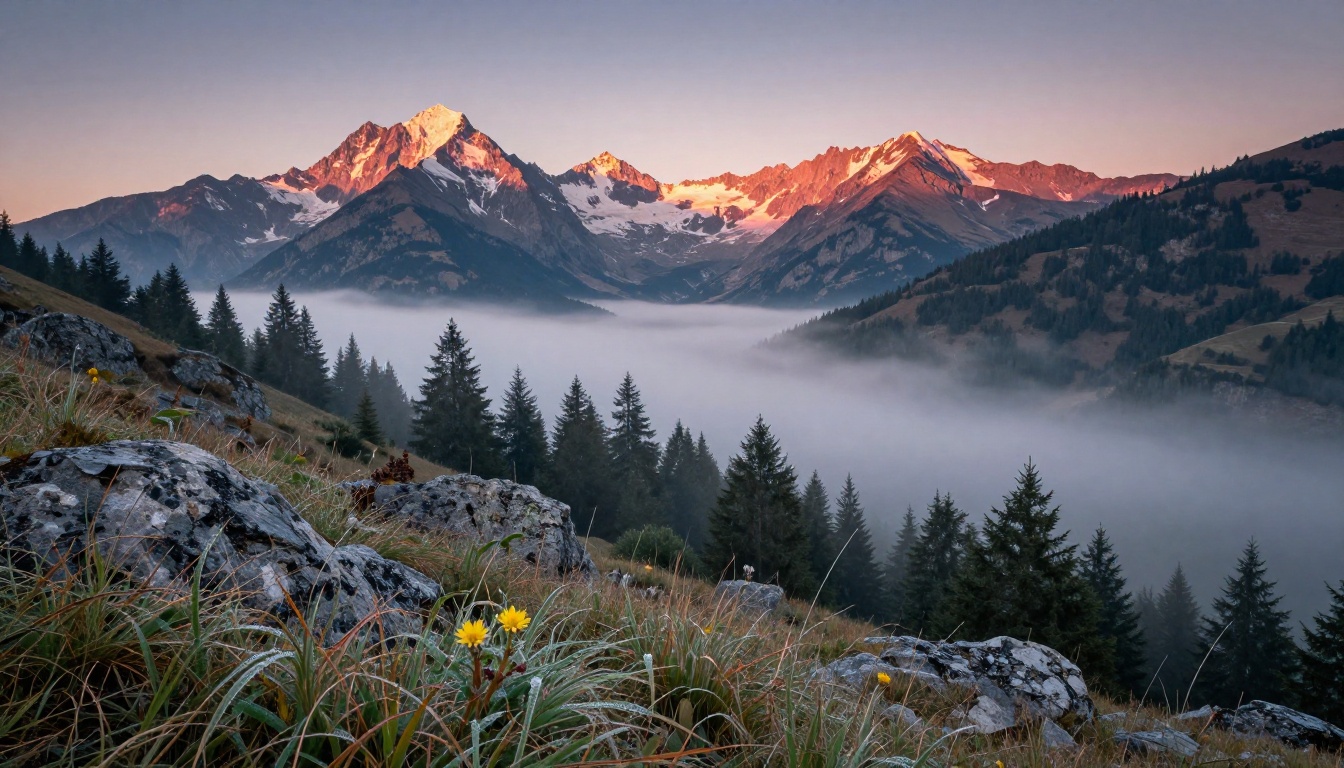
Environmental and landscape work benefits from the model's atmospheric physics. Morning mist, volumetric light through forest canopy, and haze compression in mountain scenes render with physical plausibility rather than the painted or illustrated quality that other generators sometimes produce.
Navigate to the Recraft V4.1 Pro page on PicassoIA. The interface presents the prompt field and aspect ratio settings. For landscape and environmental subjects, 16:9 works well. For portrait and fashion work, 4:5 or 3:4 suits the vertical composition better. For product photography with a square format requirement, 1:1 delivers a clean canvas that centers the subject.
Write Prompts That Actually Work
Recraft V4.1 Pro parses photography-style prompts more effectively than general descriptive art direction. The model interprets camera specifications as actual rendering instructions, not just stylistic decoration.
Prompt structure that produces professional results:
[Subject + specific pose or action] + [detailed environment] + [lighting setup with direction] + [camera lens and aperture] + [film stock or atmosphere modifier]
Working example:
Woman executive in her 40s reviewing documents at a glass desk in a high-floor corner office, late afternoon backlight from floor-to-ceiling windows creating natural rim lighting on her hair, ambient fill from overhead LED panels, shot at 85mm f/1.8, shallow depth of field with bokeh city view behind her, Kodak Portra 400 grain
Specific modifiers that improve output quality:
Modifier Type
Weak Version
Strong Version
Lighting
"nice lighting"
"soft Rembrandt from camera left at 45 degrees"
Camera
"professional photo"
"shot at 85mm f/1.8, shallow depth of field"
Texture
"detailed"
"Kodak Portra 400 film grain, natural skin pores"
Perspective
"wide shot"
"24mm wide angle, low angle at 20 degrees"
Time of day
"daytime"
"golden hour, volumetric morning light from left"
Including film stock references pushes color science in specific directions: Kodak Portra 400 produces warm, slightly desaturated skin tones with gentle contrast. Fuji Velvia 50 pushes saturation and sharpness. Ilford HP5 drives toward black and white tonal rendering with silver grain. Recraft V4.1 Pro responds to all of these references with noticeable accuracy.
Pair With the Image Editor Pro
After generating a base image with Recraft V4.1 Pro, the PicassoIA Image Editor Pro enables non-destructive editing on any output. Inpainting fixes specific areas without a full regeneration. Outpainting expands the canvas to widen the composition or change the aspect ratio. Object replacement swaps individual elements while preserving the original lighting environment and style of the generated image.
For production workflows, this combination significantly reduces iteration time. Generate the scene structure with Recraft V4.1 Pro, then adjust specific details with Editor Pro rather than restarting from scratch with each variation.
The Full Recraft Lineup on PicassoIA
Understanding the full Recraft family helps match the right tool to each specific task rather than defaulting to V4.1 Pro for every scenario.
Recraft V4.1 for Fast Iteration
Recraft V4.1 is the standard version without the Pro quality tuning, at faster generation speeds. For concept exploration, mood board creation, and creative direction iterations where you need to evaluate many directions quickly, V4.1 delivers high-volume generation without the additional overhead of V4.1 Pro. When a specific concept direction wins in review, switch to V4.1 Pro for the final production output.
Recraft V4.1 Pro SVG for Vector Assets
Recraft V4.1 Pro SVG generates vector graphics natively rather than raster images. The practical value for brand and identity work is significant: logos, icons, pictograms, and illustrated marks generate as clean vectors that scale without quality loss to any size without manual redrawing or tracing. The vector output quality is production-ready for most brand applications.
Recraft V4.1 SVG offers the same vector output at standard quality for faster concept iteration before committing to the Pro quality render.
Recraft Utility Pro for Controlled Output
Recraft V4.1 Utility Pro is optimized for applications that need consistent, controllable outputs with minimal creative variation. Product mock-ups in consistent environments, brand template rendering, technical illustration work, and any application where accuracy and consistency outweigh creative expression benefit from this variant. Recraft V4.1 Utility provides the same controlled generation at standard speed for lighter workloads.
Recraft 20B for High Volume
Recraft 20B handles high-volume batch generation. When a workflow needs 50-100 variations for A/B testing, social content scaling, or large catalog production, Recraft 20B delivers consistent style and solid quality across outputs at maximum speed. Recraft 20B SVG extends the same high-volume capability to vector outputs for brand production at scale.
Other Top Models Worth Testing
The broader PicassoIA library includes strong alternatives for specific scenarios where Recraft V4.1 Pro is not the optimal choice.
When Flux Makes More Sense
Flux Pro produces stylized results that differ meaningfully from Recraft V4.1 Pro's photorealistic aesthetic. For creative work where photorealism is not the goal, experimental visual art, or conceptual imagery with an intentionally non-photographic look, Flux Pro's training produces interesting outputs that Recraft does not replicate.
Flux 1.1 Pro Ultra Finetuned is worth testing for stylistically tuned results where Flux's specific aesthetic matches the project brief precisely.
Flux Kontext Dev handles context-aware image editing operations with strong results, useful for projects that need guided editing rather than generation from scratch.
Seedream 5 Pro for Maximum Resolution
When output resolution is the primary requirement and you are producing assets for large-format print, billboard applications, or any context demanding maximum pixel density, Seedream 5 Pro generates at 2K with impressive detail retention.
💡 Workflow tip: For critical commercial assets, running the same prompt through both Recraft V4.1 Pro and Seedream 5 Pro and selecting the better output for the specific brief is an efficient strategy. Both models are available on PicassoIA, so the comparison costs nothing additional per session.
Try It on PicassoIA Right Now
Recraft V4.1 Pro is the best AI image generator available right now for photorealistic professional output. That position holds across product photography, fashion editorial, architectural visualization, portrait work, and landscape imagery. It combines generation speed that fits real production timelines with quality that consistently reaches commercial standard.
PicassoIA gives you immediate access to Recraft V4.1 Pro alongside every other model in the Recraft family, the full Flux lineup, Seedream 5 Pro, and over 90 additional text-to-image models at picassoia.com/en/all-models. No local GPU, no setup, no waiting. Write a photography-style prompt describing exactly the image you need, select Recraft V4.1 Pro, and see a professional-grade result in under 15 seconds.
The gap between professional photography production timelines and what AI image generation can now deliver is smaller than it has ever been. Recraft V4.1 Pro is where that gap closes.