If you've been watching the AI image generation space over the past year, Recraft has been hard to ignore. The tool built its reputation on something few competitors could match: native SVG output and a style control system built specifically for designers who care about brand consistency. Now, with the V4.1 Pro iteration rolling into 2027, the question isn't whether Recraft is impressive. It's whether the Pro tier delivers enough real-world value to justify its place in your workflow alongside every other AI image generator competing for your attention.
This review covers what Recraft V4.1 Pro actually does, how its output holds up in real testing, where it wins, where it disappoints, and how it stacks up against the alternatives available today on PicassoIA.
What Recraft V4.1 Pro Actually Does
Recraft V4.1 Pro is a text-to-image model designed primarily for professional creatives. Where most AI generators focus on speed and raw photorealism, Recraft prioritizes style precision, format versatility, and visual consistency across multiple generations.
The result feels less like a "surprise me" image generator and more like a controlled creative tool. You define the aesthetic, the style, and the output format, and Recraft reproduces it reliably. That's exactly what brand teams and design professionals need from an AI tool in 2027.

2K Output and Print-Ready Quality
The headline feature of Recraft v4.1 Pro is its 2K resolution output. Where the standard Recraft v4.1 generates solid images, the Pro tier produces files that are genuinely print-ready without post-processing upscaling. This matters for:
- Print collateral: Brochures, business cards, and magazine spreads requiring 300 DPI at actual print size
- Large-format printing: Banners, exhibition materials, and trade show displays
- High-DPI digital: Retina displays, high-resolution presentations, and digital signage
At 2K, fine detail in skin textures, fabric weaves, material surfaces, and subtle shadow gradients holds up under close inspection. That's not something most AI generators can claim at their standard output sizes, and it's a real differentiator for any production workflow that includes print.
SVG Vector Generation
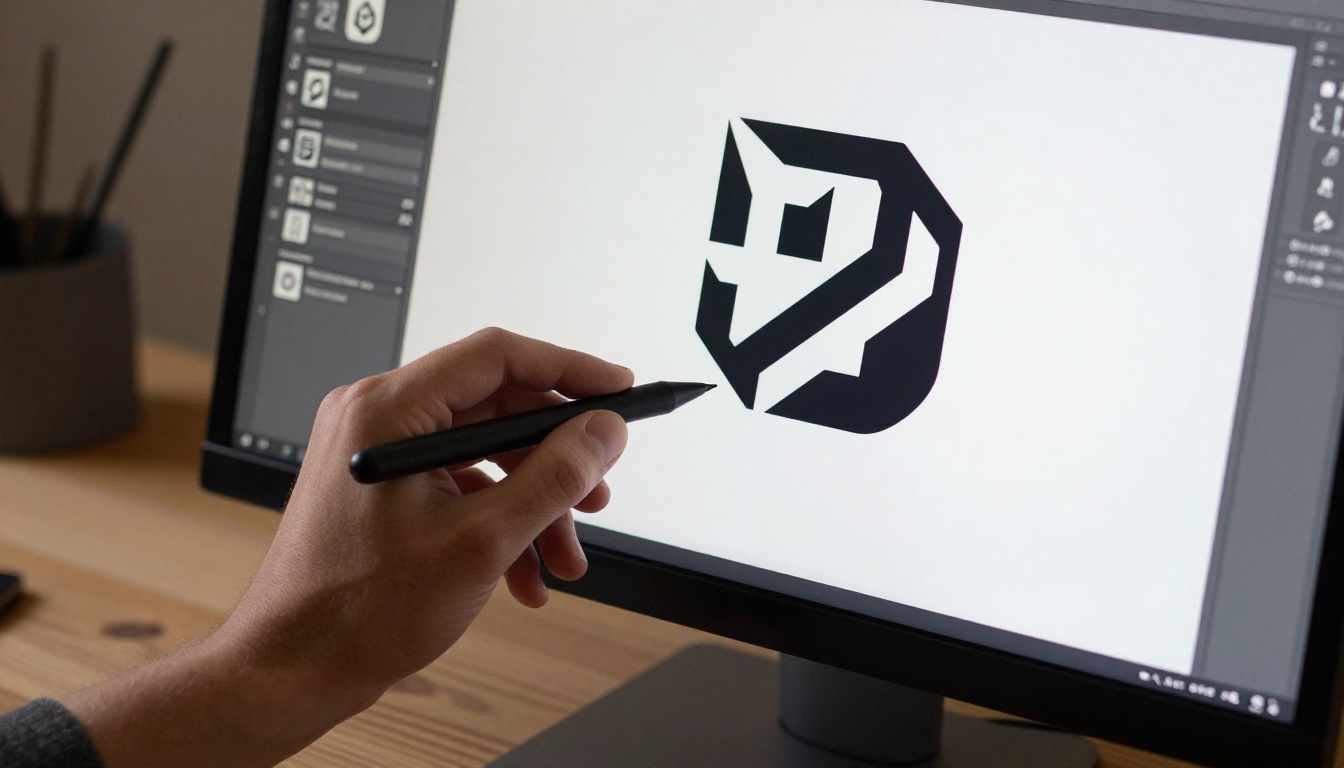
The Recraft v4.1 Pro SVG variant is where the tool separates itself from every other AI image generator on the market. It generates true scalable vector graphics, not rasterized images converted to SVG format after the fact.
The practical implication: you can take output directly into Illustrator, scale it to billboard size, and every edge stays crisp. For logo design, icon systems, pattern development, and flat illustration work, this eliminates hours of manual vectorization that previously required dedicated Illustrator proficiency to produce professionally.
💡 Worth noting: SVG output works best with simpler compositions. Complex photorealistic scenes don't translate well into vectors, and the model simplifies them aggressively. Give it geometric shapes, flat illustrations, icon-style subjects, and limited-color compositions for the cleanest results.
The Pro Tier vs. Free
Recraft offers multiple tiers, and the gap between free and Pro is real. This isn't a "remove watermarks" type of upgrade. The differences affect what you can actually produce and how reliably you can produce it at scale.
Features Behind the Pro Wall
| Feature | Standard | Pro |
|---|
| Output resolution | Standard | 2K |
| SVG generation | Limited | Full access |
| Style consistency | Basic | Brand kit integration |
| Generation queue | Shared | Priority |
| Commercial licensing | Restricted | Full |
| Custom style training | Not available | Included |
The brand kit integration is the standout Pro feature that standard users don't get access to. You define a visual style once, including color palette, texture preferences, lighting mood, and compositional tendencies, and Recraft applies that style consistently across every subsequent generation. For agencies managing multiple client brands simultaneously, this feature alone makes Pro worth a serious evaluation.
Credit System and Real Costs
Recraft V4.1 Pro uses a credit-based billing model. Standard raster image generations cost fewer credits per image; SVG outputs and 2K-resolution generations cost more. The per-image cost is reasonable for individual professionals working on focused projects, but high-volume production workflows require careful calculation before committing to a plan.
If your workflow involves generating hundreds of assets per month, compare the per-image credit cost against alternatives before locking in. For occasional professional use where quality outweighs volume, Pro's pricing fits comfortably within a standard design software budget.
💡 Practical tip: Use Recraft v4.1 Utility Pro for rapid drafts and concept validation. It's significantly faster and cheaper per generation. Once you've confirmed the creative direction, switch to Recraft v4.1 Pro for final-quality output only.
Image Quality in Practice
Let's look at where Recraft V4.1 Pro actually performs in real-world image categories.
Photorealistic Portraits and People
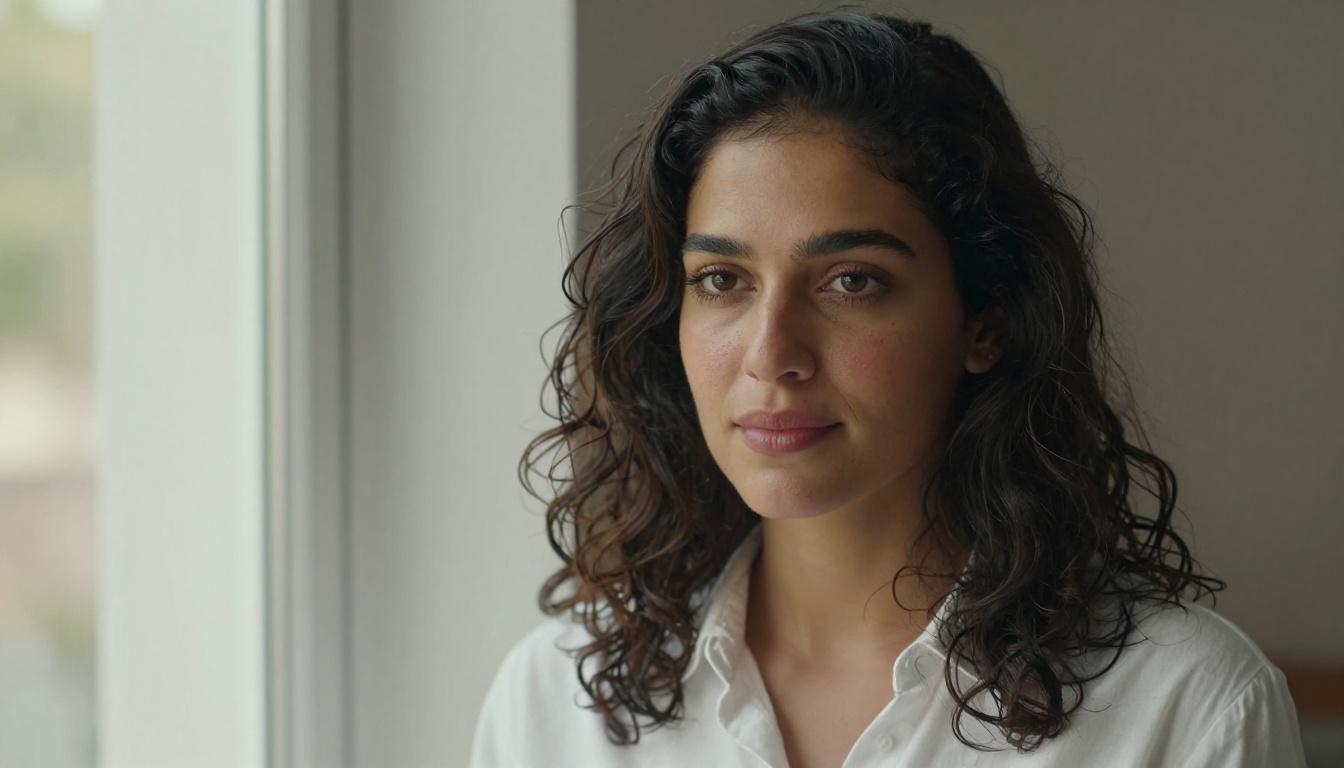
This is where most AI image generators either shine or collapse. Recraft V4.1 Pro produces impressive portrait work, particularly in controlled single-subject setups with clear lighting conditions. Skin texture reads as genuinely photographic rather than plasticky, facial proportions are consistent, and the model handles natural and studio light sources accurately.
Where it can struggle: crowded multi-person scenes with specific spatial interactions, and extreme close-ups of hands in complex positions. These are consistent weak points across most text-to-image models in 2027, and Recraft is no exception.
For lifestyle portraits, professional headshots, and single-subject campaign images, the results are strong enough to use in real marketing materials with minimal review and selection effort.
Product and Brand Visuals
This is Recraft's strongest performance category. Product photography outputs from Recraft v4.1 Pro rival what you'd get from a mid-tier professional product photography session, particularly for packaged goods, cosmetics, and lifestyle products. The model handles studio lighting setups accurately, renders specular reflections on glass and metal surfaces with genuine realism, and maintains color accuracy across varied prompts.
For brand identity work, the combination of Pro's 2K raster output and the Recraft v4.1 SVG variant means one tool covers the full asset pipeline: photography-style hero images for websites and campaigns, plus scalable vector assets for brand systems and print production.

Where Recraft Still Falls Short
No AI image generator in 2027 is without real limitations, and being direct about Recraft's weaknesses helps you use it more effectively:
- Text in images: Accuracy has improved across model versions but remains unreliable for long text strings in generated images
- Complex spatial compositions: Multi-element scenes with specific object placement and relational positioning don't always follow prompts faithfully
- Consistent characters across sessions: Maintaining the same character appearance across separate generation sessions requires deliberate use of the style reference system
- Raw generation speed: The full Pro model is not the fastest option on the market. For high-volume rapid drafting workflows, Recraft v4.1 Utility handles speed-first situations better
Using Recraft V4.1 Pro on PicassoIA
Since Recraft v4.1 Pro is available directly on PicassoIA, you access it without managing a separate Recraft subscription. Here's how to get the most out of it.
Getting Your First 2K Image
- Open Recraft v4.1 Pro on PicassoIA and log into your account.
- Pick your output format: Raster for photography-style images, or switch to Recraft v4.1 Pro SVG for vector work.
- Select a style preset: For brand projects, choose an applicable preset to lock the visual language. For open-ended creative work, leave it at default.
- Write a detailed prompt: Specify subject, lighting direction, background, composition, mood, and material textures. Recraft rewards specificity more than most models.
- Set the aspect ratio: 16:9 for web and presentations, 3:2 for print layouts, 1:1 for social and product shots.
- Generate and evaluate: At 2K resolution, generation takes slightly longer than standard models. Review output at 100% zoom to assess fine detail quality before using.
SVG Mode Tips That Save Time
When working in Recraft v4.1 Pro SVG, prompts need a different approach compared to raster generation:
- Describe subjects in flat, graphic terms rather than photographic language
- Specify color count explicitly if you need a limited palette (for example: "3-color flat design")
- Use terms like "clean vector," "geometric," "minimal," and "flat illustration" to steer output style
- Avoid photographic terms entirely: "film grain," "bokeh," "DSLR," and "photorealistic" conflict with the vector rendering process and produce inconsistent results
Style Controls Worth Knowing
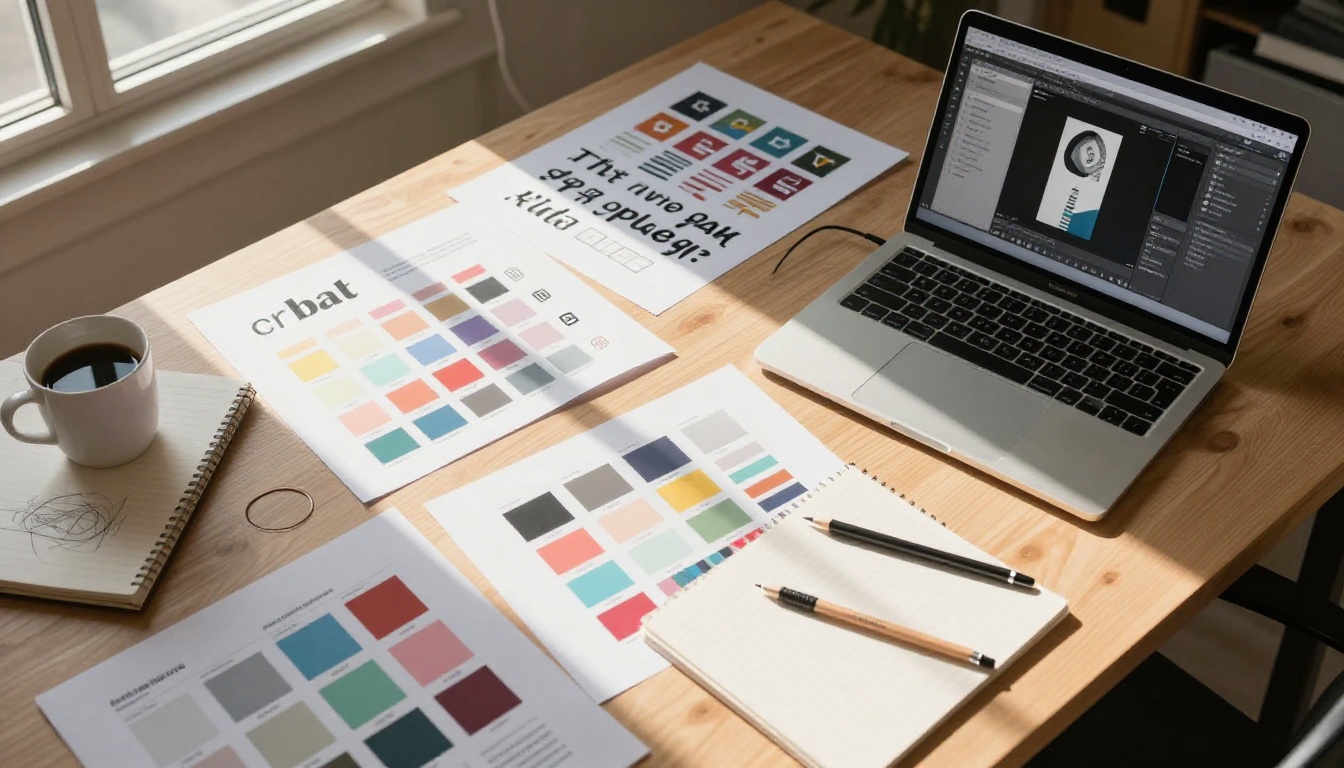
Recraft's style system lets you lock the visual language across multiple generations. Once you find a combination that works for a project:
- Save the configuration as a named preset for that project
- Apply it to every subsequent generation in the same project without re-specifying parameters
- Use the image reference input to introduce style cues from existing brand assets or reference images
This is what most AI generators still can't do reliably: maintain consistent visual brand identity across dozens of individual asset generations. It's the single feature that makes Pro fundamentally different from fast-and-cheap alternatives.
Recraft vs. the Competition
In 2027, Recraft V4.1 Pro competes in a field with serious, well-funded alternatives. On PicassoIA alone, over 200 text-to-image models are available. The most relevant comparisons for professional design work are:
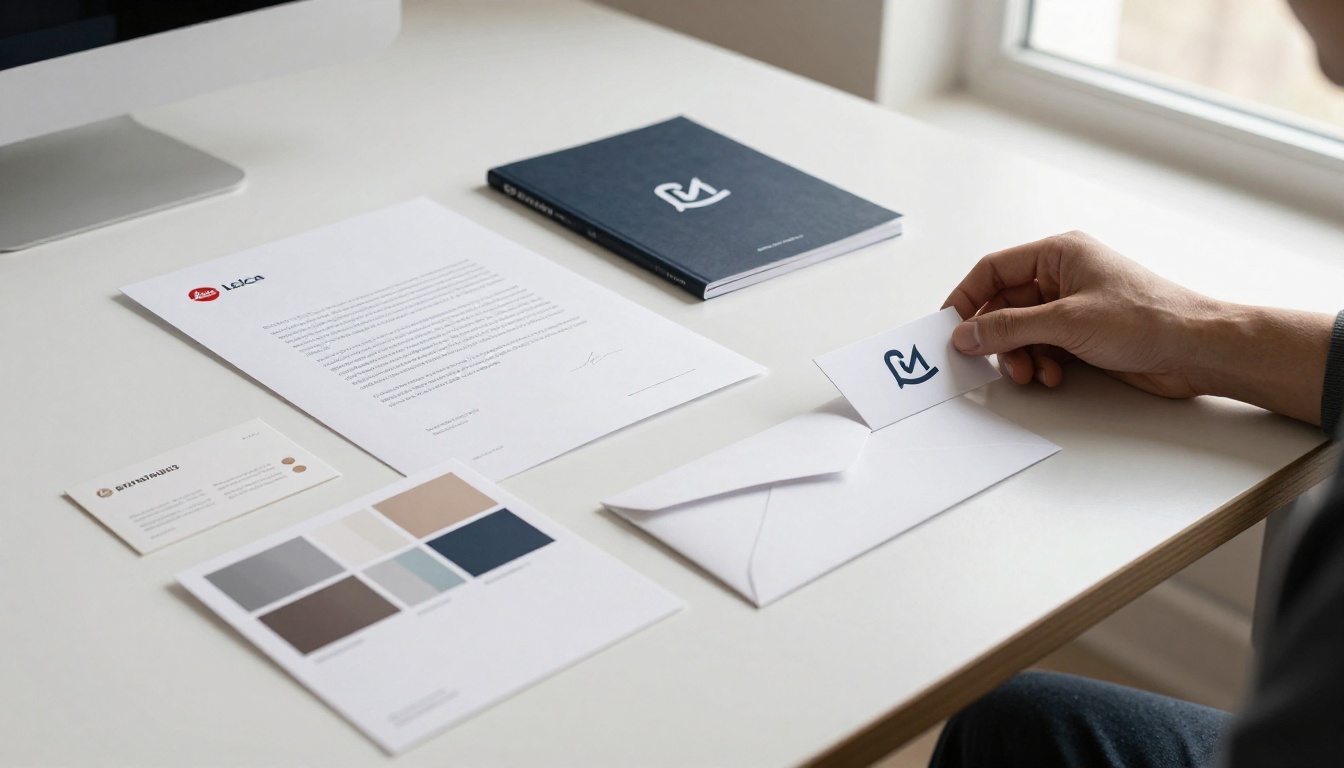
Ideogram v4, Seedream 5, Krea 2
Ideogram v4: If accurate text rendering in images is a requirement for your work, Ideogram v4 Quality and Ideogram v4 Balanced outperform Recraft significantly. No other AI generator in 2027 handles in-image typography as reliably as Ideogram. For poster design, social graphics with text, and any image where readable words are part of the composition, Ideogram is the better choice.
Seedream 5 Pro: For raw photorealistic portraits and lifestyle imagery, Seedream 5 Pro produces output that is genuinely difficult to distinguish from actual photography at standard viewing distances. However, it lacks the vector output capability and brand consistency tools that define Recraft's value proposition for professional design workflows. Also worth considering is Seedream 4.5 for high-volume 4K photography-style work.
Krea 2 Large: Krea 2 Large is optimized for artistic and stylized output rather than the commercial, production-ready imagery where Recraft excels. If your project requires editorial illustration or painterly visual content, Krea is worth testing as a direct alternative.
Which Tool Fits Which Job
Use Recraft V4.1 Pro when:
- You need SVG vector output for scalable, production-ready brand assets
- Style consistency across a campaign or visual identity system is non-negotiable
- The project requires 2K print-ready files that don't need upscaling
- You're building a visual identity system that spans both raster and vector asset types
Switch to an alternative when:
- In-image text accuracy is critical (Ideogram is the better choice)
- You need maximum photorealistic portraiture at high volume (Seedream 5 Pro)
- Speed and volume outweigh output polish (Recraft v4.1 Utility or Reve 2.1)
- You want artistic or painterly styles for editorial or creative projects (Krea 2 Large)
Who Actually Needs the Pro Plan
Not every user benefits equally from Recraft V4.1 Pro. Here's an honest assessment by use case.
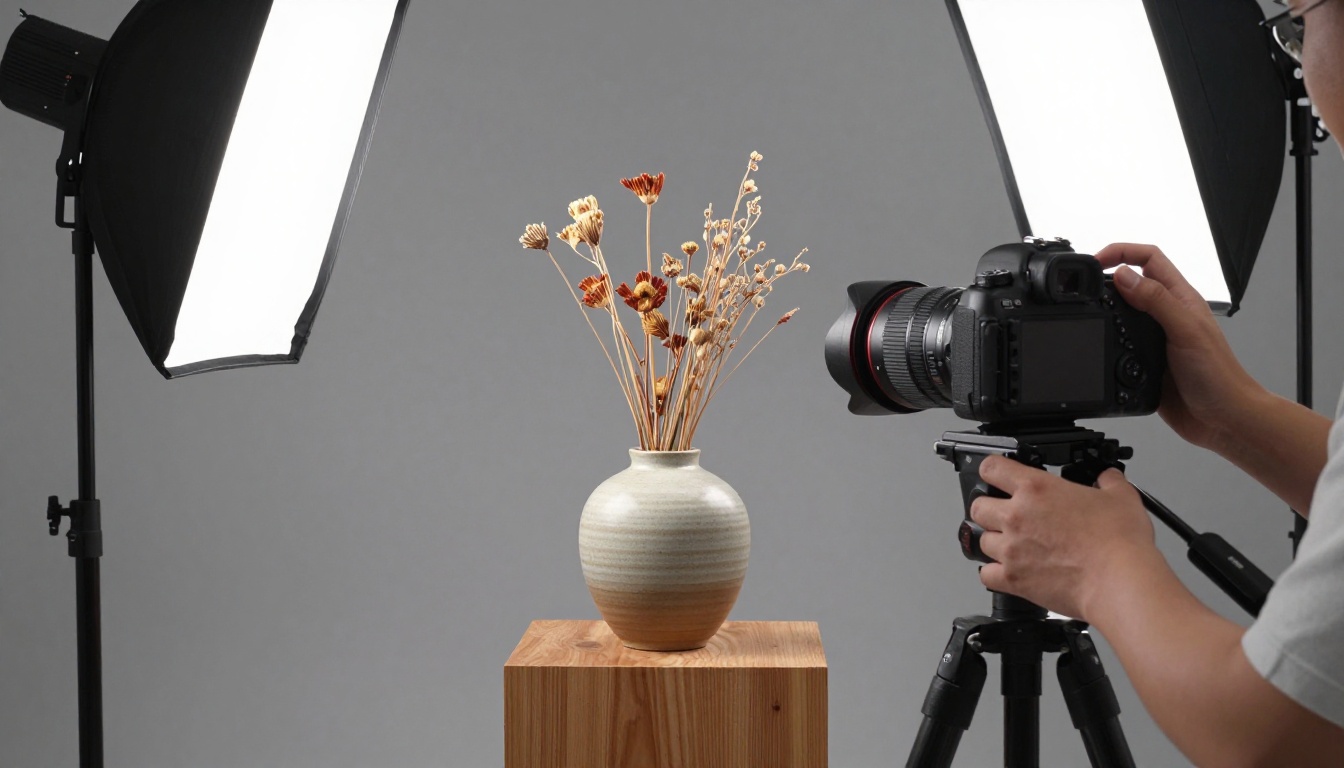
Designers and Brand Professionals
If you produce brand assets, visual identity systems, or print materials professionally, Recraft V4.1 Pro is a legitimate production tool. The combination of 2K raster output, true SVG vector generation, and style-lock consistency makes it the most purpose-built AI image generator for professional design work available right now.
The Recraft v4.1 Pro SVG variant alone can dramatically reduce the time spent on icon systems and illustration work that would previously require dedicated Illustrator sessions. For brand studios and design agencies, the value proposition is straightforward.
Marketers and Content Creators
For social media and digital marketing, Recraft V4.1 Pro is strong but not automatically the right choice for every workflow. Most digital-first content doesn't actually require 2K output. Unless you're simultaneously producing print versions of digital campaigns, the standard Recraft v4.1 or Recraft v4.1 Utility covers typical digital content needs without the additional cost.
For agencies producing assets across both digital and print simultaneously, Pro becomes much easier to justify. A single workflow that produces print-quality raster images and production-ready vectors is a genuine efficiency gain.
💡 Volume check: Generating fewer than 50 assets per month keeps Pro credit costs low per asset. Above that threshold, matching the right model tier to each asset type becomes important for budget management across a month.
Try It Yourself on PicassoIA
Recraft V4.1 Pro is worth testing with your actual use case before committing a workflow to it. The best way to evaluate any AI image generator is to run your own real project prompts through it, not standardized benchmarks designed for someone else's needs.
PicassoIA gives you access to the full Recraft v4.1 model family in one place, from Recraft v4.1 Utility for fast drafts to Recraft v4.1 Pro SVG for vector production. You can also compare it directly against Seedream 5 Pro, Ideogram v4 Quality, GPT Image 2, and over 200 other text-to-image models from a single interface, without managing multiple subscriptions.

Run your actual prompts through Recraft v4.1 Pro and compare against Hunyuan Image 2.1 and Reve 2.1 for variety. Then switch to Recraft v4.1 Pro SVG if vector output is part of the project scope.
The direct answer to whether Recraft V4.1 Pro is worth using in 2027: yes, for professional brand and design work where style consistency and print-ready output are requirements. For casual digital content production where volume and speed matter more, the field is competitive enough that testing multiple models first is the smarter move. All of them are waiting at picassoia.com/en/all-models.


