Two years ago, picking an AI image tool for design work meant choosing between "good enough" and "barely usable." That's changed fast. Recraft V4 and Nano Banana Pro sit at the top of most designers' shortlists in 2027, but they solve different problems and reward different workflows. Before you commit your creative process to one of them, it's worth seeing exactly where each one excels, where it stumbles, and why choosing the wrong tool costs more than just rendering credits.
These are not the same type of model wearing different names. Their architectures reflect entirely different philosophies about what designers actually need from a generative image tool.
Recraft V4 in a Nutshell
Recraft V4 was built with designers specifically in mind. Its architecture prioritizes style consistency, vector-ready output, and tight control over composition. Where most generative image models blur the line between art and photography, Recraft leans into clean, intentional design aesthetics. It handles typography inside images with more reliability than almost anything else on the market, which matters enormously if you need social graphics, product labels, or branded content.
The model family includes several variants worth knowing:
That SVG capability alone puts Recraft in a different category. No other major model offers AI-to-scalable-vector directly in the generation step, which eliminates an entire production phase for studios doing brand identity work.

Nano Banana Pro's Secret Weapon
Nano Banana Pro comes from Google's stable, and it shows. Where Recraft is surgical, Nano Banana Pro is cinematic. It generates photorealistic images with a natural depth and warmth that looks like it was captured on a medium-format camera. Skin tones, environmental lighting, fabric drape, water reflections — these are the categories where it competes with or exceeds professional photography references.
The broader Nano Banana family also includes:
- Nano Banana: The base model, excellent for quick photorealistic iterations
- Nano Banana 2: Added image fusion and editing capabilities
- Nano Banana Pro: Full 4K output with Google's most refined generation pipeline
For editorial photography, lifestyle marketing, and campaign imagery, Nano Banana Pro produces results that can stand next to actual photography in a brand deck without looking out of place.
Image Quality Head to Head
This is where most comparisons stop at "both are good." Let's be more specific about what that actually means for production work.
Photorealism and Texture
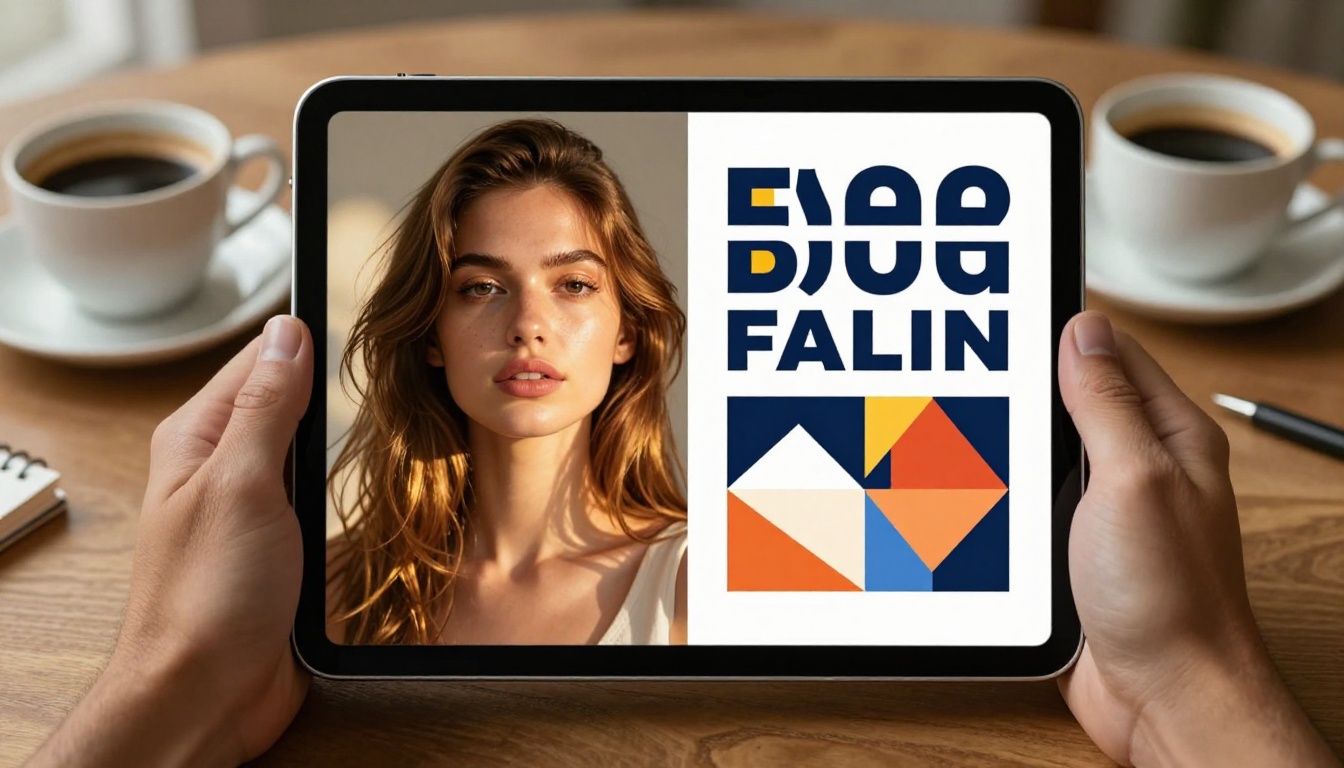
Nano Banana Pro wins photorealism at almost every distance. Its micro-textures — the grain in fabric, the subsurface scatter in skin, the minute reflections on a wet surface — read as genuinely photographic at 100% zoom. For lifestyle photography mockups or product-in-context imagery, this matters a lot. A brand deck showing product photography generated with Nano Banana Pro will not raise eyebrows from a client who doesn't know it's AI.
Recraft V4 is not trying to fool anyone into thinking it's a DSLR photo. Its strength is intentional. The outputs feel polished rather than raw. When you need a consistent visual system — where every image across a campaign shares the same color palette depth, composition logic, and tonal range — Recraft delivers that coherence far more reliably than any photorealistic model on the market.
Takeaway: Need it to look like a photo? Nano Banana Pro. Need it to look like it was shot by your creative director with a clear brief? Recraft V4.
Text in Images
This is a decisive advantage for Recraft V4. Typography inside AI-generated images is one of the hardest technical problems in this space, and Recraft handles it with real competency. Short words, taglines, and single-line headlines render correctly in a surprisingly high percentage of attempts. For packaging concepts, social graphics, event posters, or branded overlays, this accuracy changes how you work.
Nano Banana Pro handles text passably on short phrases but degrades on anything beyond four or five words. For anything requiring readable copy inside the image, Recraft is the clear choice.
| Capability | Recraft V4 | Nano Banana Pro |
|---|
| Photorealistic detail | Good | Excellent |
| Text rendering | Excellent | Moderate |
| Style consistency | Excellent | Good |
| Vector output (SVG) | Yes | No |
| 4K resolution | Via Pro variant | Yes (native) |
| Color palette control | Excellent | Good |
| Prompt responsiveness | High | High |
| Brand asset coherence | Excellent | Good |
Speed, Control, and Iteration

How Fast They Generate
Both models generate in seconds on modern infrastructure. At standard resolution, the raw speed difference is negligible for single images. Where you feel it is in batch iteration cycles. Recraft V4 handles rapid refinement well because its output is more deterministic. You can tweak one variable in a prompt and predict roughly how the result changes. That predictability reduces the number of generations you need before landing on the final asset, which directly cuts credit spend per project.
Nano Banana Pro generations feel more exploratory. Each output has a slightly different character even on the same prompt, which can be a feature rather than a bug when you're generating lifestyle content for an editorial and want the images to feel naturally varied rather than system-produced.
Prompt Precision
Nano Banana Pro responds beautifully to mood and atmosphere. Words like "overcast light," "late afternoon warmth," or "blue-hour dusk" translate into the image with remarkable fidelity. Environmental description is its native language, and using it fluently is the fastest way to level up your outputs.
Recraft V4 reads structural and compositional prompts better. "Three-column layout with icon top-left" or "flat-style illustration, no shadows, single focal point" will be executed more reliably. For designers who think in briefs and grid systems, Recraft's prompt logic feels more like talking to a focused art director.
Tip: For Recraft V4, describe the design system first, then the subject. For Nano Banana Pro, describe the scene and lighting first, then the subject's physical details.

For Brand Identity Work
Recraft V4 takes this category without debate. Its style consistency across a multi-image batch is the single most important feature for brand work. When you need a set of 15 images for a brand campaign where each shot feels like it belongs to the same visual world, Recraft delivers that system-level coherence. Add the Recraft V4 SVG capability for icon systems and logo concept exploration, and you have a complete brand asset pipeline in one model family.
For visual identity projects, some designers also pull in Flux Pro for alternate photorealistic hero mockups, or use Imagen 4 Ultra for ultra-detailed product photography references. But for the core system, Recraft V4 Pro is the anchor.
For Social Media and Marketing
This is a split decision depending on your content type.
For photography-forward social content — lifestyle, travel, food, fashion, fitness — Nano Banana Pro produces scroll-stopping images with natural warmth and depth. Its 4K output means you can crop aggressively for different formats without losing quality, a real advantage when you're adapting a single hero image across Stories, Reels, and feed posts.
For graphic-forward social content — infographics, text overlays, branded carousels, product announcements — Recraft V4 wins because typography reliability is non-negotiable in that format.

For Concept Art and Lifestyle Imagery
Nano Banana Pro owns this category. Whether you're generating reference imagery for a product shoot, lifestyle visuals for a pitch deck, or concept art for an architectural presentation, its photographic realism is hard to match. The way it renders light — window light, golden hour, overcast shadows — approaches what you'd get from a professional photographer with careful post-processing.
For anything requiring photographic authenticity paired with extreme resolution and complex multi-subject scenes, Flux 2 Pro is also worth testing alongside Nano Banana Pro as an alternative with different strengths in scene composition.
Pricing and What You Actually Get
Both models operate on credit-based systems when accessed through AI platforms. The real cost difference shows up at scale.
| Factor | Recraft V4 | Nano Banana Pro |
|---|
| Credit cost per image | Lower | Moderate |
| Free tier availability | Yes | Yes |
| Maximum resolution | 4K (Pro variant) | 4K (native) |
| Vector output included | Yes (SVG variants) | No |
| Batch generation | Yes | Yes |
| Commercial use rights | Yes | Yes |
| Style presets | Yes | No |
The SVG output from Recraft V4 Pro SVG changes the value equation significantly for studios doing brand work. Getting a vector-ready asset directly from generation, rather than converting a raster through Illustrator's autotracer or a third-party vectorizer, eliminates hours of production cleanup per project.
How to Use Recraft V4 on PicassoIA
Both models are available directly through PicassoIA, no separate API setup or account juggling needed.
Using Recraft V4 Step by Step
- Go to Recraft V4 on PicassoIA
- In the prompt field, start with your design system description: style, color range, composition logic
- Add your subject and specific scene details after the system description
- Choose your output ratio — 16:9 for banners, 1:1 for social tiles, 9:16 for Stories
- For brand work, record the seed value from your best result. This gives you consistent visual character across a batch of assets
- If you need scalable vectors, switch to Recraft V4 SVG or Recraft V4 Pro SVG for editable output
- For print-ready deliverables, use Recraft V4 Pro for maximum fidelity at large formats
Parameter tips for Recraft V4:
- Use style anchors early in the prompt: "flat design," "editorial photography style," "clean product photography"
- Put any text that should appear in the image inside quotes within the prompt for better type rendering
- For UI elements and icon sets, pair with ControlNet workflows to lock down composition structure before generation
How to Use Nano Banana Pro on PicassoIA
Using Nano Banana Pro Step by Step
- Go to Nano Banana Pro on PicassoIA
- Lead your prompt with the scene environment and lighting conditions — this is where Nano Banana Pro translates prompts most precisely
- Describe subjects with physical specificity: skin tone, hair texture, clothing fabric, posture, body language
- Add camera technical language: focal length, aperture, time of day, light direction, distance from subject
- For editorial batches, generate 4-6 variations before committing to a direction — the model rewards exploration and slight variation
- To extend or edit a generated image, move to Nano Banana 2 for fusion and editing workflows
- For maximum 4K detail in hero campaign shots, always use Nano Banana Pro over the base Nano Banana
Parameter tips for Nano Banana Pro:
- Time-of-day modifiers have outsized impact: "golden hour," "overcast morning," "blue-hour dusk"
- Lens descriptions translate well: "85mm f/1.4 shallow depth of field" renders close to literal
- For lifestyle and fashion, describe what the subject is doing, not just what they look like — motion and intent improve image energy
Which One Is Actually For You
Here is the honest version of this comparison, without the hedging.
Choose Recraft V4 if you:
- Do brand identity, logo systems, or visual guidelines work
- Need text to read correctly inside the image
- Want vector output without a manual conversion step
- Work in campaign batches where consistency across 10 to 20 images matters
- Build UI mockups, app marketing assets, or product packaging concepts
Choose Nano Banana Pro if you:
- Create editorial, lifestyle, or fashion photography-style content
- Need images that pass for real photography in a client presentation
- Work on architecture, interior design, or travel content
- Pitch campaigns using photorealistic concept imagery and scene-building
- Generate hero images where raw visual impact outweighs system precision
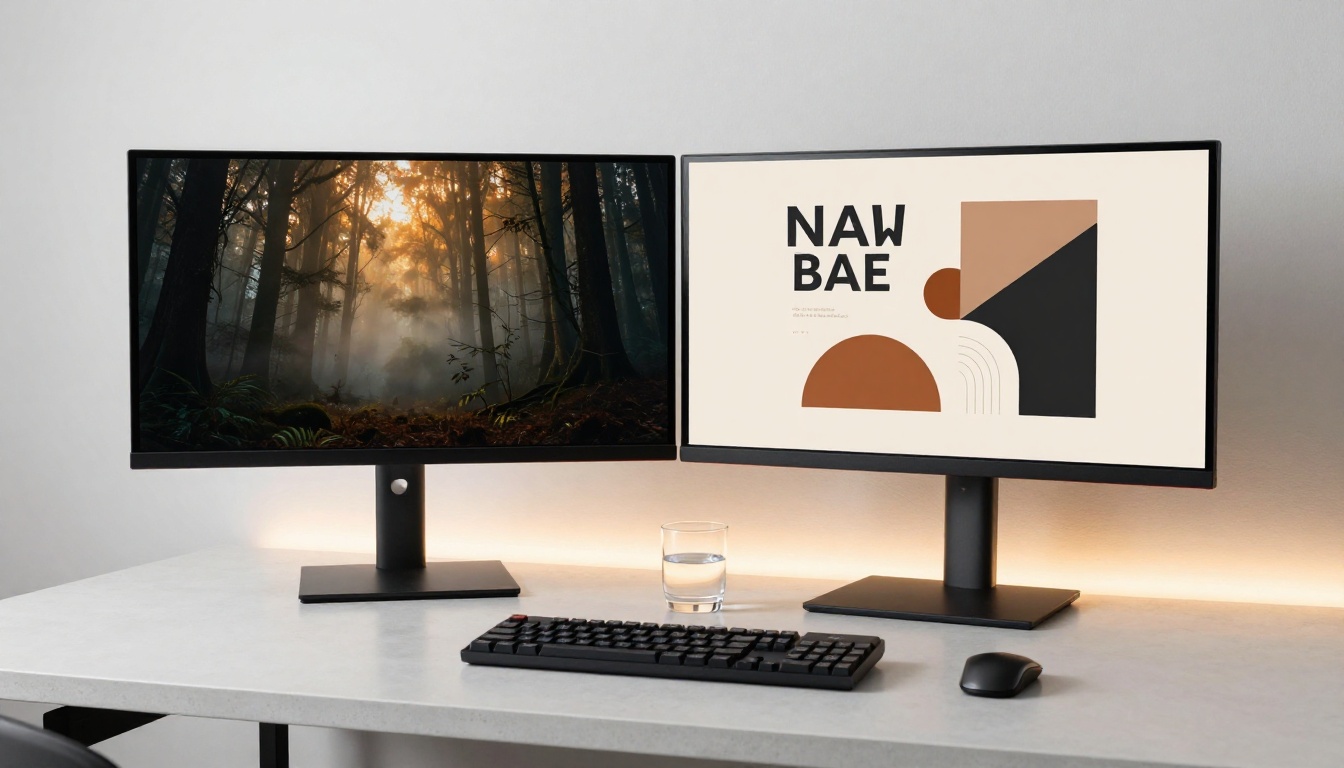
Most serious designers will end up using both. Recraft for the structural and typographic work; Nano Banana Pro for the cinematic and atmospheric work. The good news is that both live in one place.

Run the same prompt through both Recraft V4 and Nano Banana Pro on PicassoIA and compare what comes back. That 30-second test will tell you more about which model fits your workflow than any written comparison can. PicassoIA gives you access to both, plus over 90 other text-to-image models including Flux 2 Pro, Imagen 4 Ultra, and Recraft V4 Pro SVG, all without switching tools or managing separate API credentials. Your next client-ready asset is one prompt away.


