If you've tried AI image generators for logo work, you already know the problem. The output looks great at preview size, then falls apart at production. Text gets mangled. Vectors become pixel blobs. Background removal leaves halos. And none of these models understand that a brand's specific navy isn't just "blue" — it's a precise hex value that can't be approximated. Recraft V4.1 Pro was built differently, and for logo and brand identity design, that matters at every step of the workflow.

Why Recraft V4.1 Pro Is Different
Most AI image generators are raster-native. They think in pixels, and that's the right architecture for photorealistic photography and expressive illustration. Logo design is a different discipline entirely. It's built around scalability, precision, and reproduction across contexts ranging from a 16-pixel favicon to a 16-foot banner. Recraft V4.1 Pro was built with those constraints as first-class requirements, not afterthoughts.
Built for Scalable Output
Recraft V4.1 Pro generates true SVG vector output alongside raster formats. This is not a bitmap-to-vector conversion filter applied after generation. The model produces structured vector graphics natively, with clean paths, discrete shape objects, and logical anchor placement.
💡 Why this matters: Every logo eventually needs to scale to a size no one anticipated. SVG output means infinite scalability with zero quality degradation. The same file that renders crisply on a business card will render crisply on a trade show backdrop, with no resolution loss.
For designers, this eliminates the trace-and-cleanup step that adds hours to every AI-assisted logo project. The generated SVG opens in Illustrator or Figma as editable vector paths. You can refine, recolor, and prepare it for print without rebuilding from scratch.
The SVG Advantage
Most text-to-image models produce JPG or PNG. These are the right formats for photographs, artwork, and web imagery. In brand identity contexts, they represent a format mismatch that creates production problems downstream.
| Output Format | Scalable | Editable Paths | Print-Ready | Clean Background |
|---|
| PNG (raster) | No | No | Limited | Manual cleanup required |
| JPG (raster) | No | No | Limited | Not possible |
| SVG (vector) | Yes | Yes | Yes | Transparent by design |
Every professional logo workflow ends in vector. Recraft V4.1 Pro starts there.
Typography That Actually Works
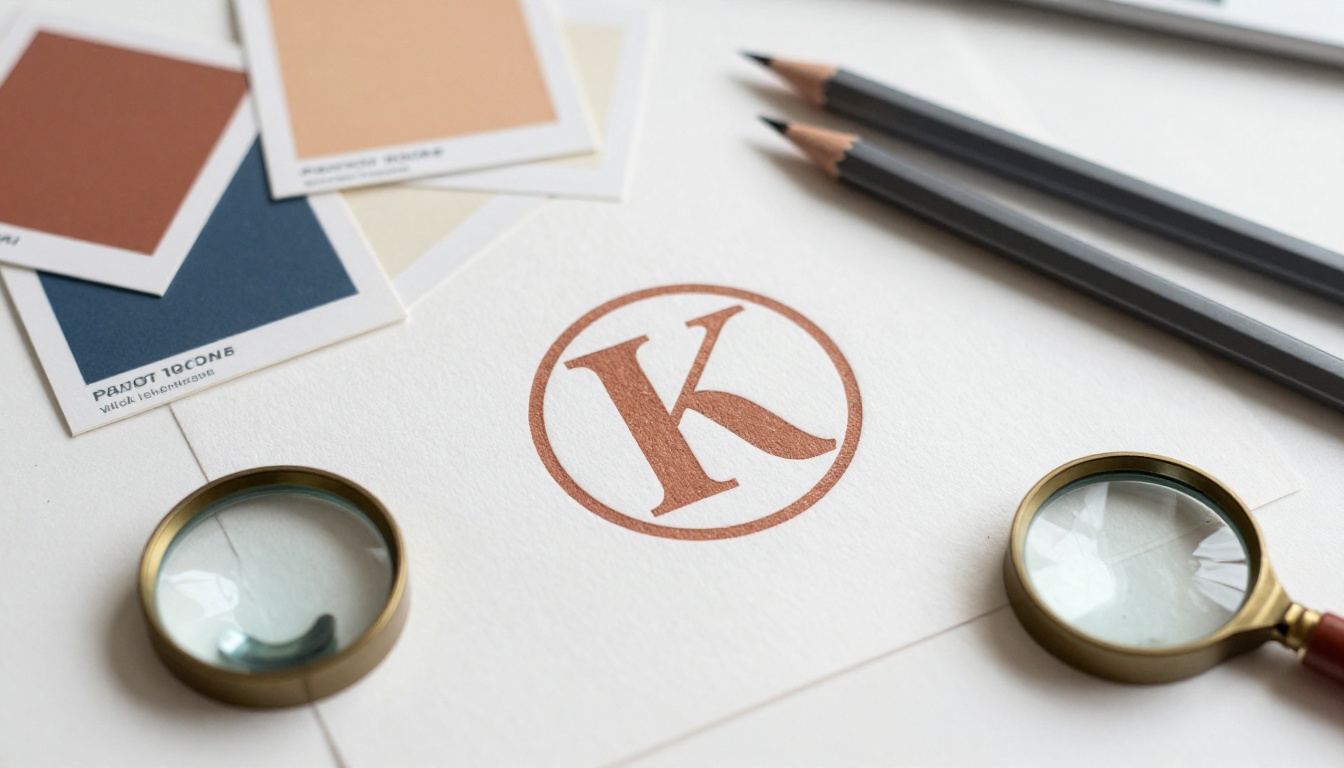
Text in logos is the hardest problem for AI image generation. Standard diffusion models hallucinate letterforms, produce inconsistent character weights, and generate spacing that looks nothing like actual typesetting. Recraft V4.1 Pro approaches text generation with a fundamentally different architecture for structured visual elements.
Text Rendering Without the Garbling
When you prompt Recraft V4.1 Pro for a wordmark, the text renders legible, correctly spelled, and typographically coherent in a way that general-purpose models simply don't achieve. Characters maintain consistent weight. Spacing behaves like an actual font, not like pixel clusters assembled to look vaguely letter-shaped.
This matters directly for:
- Wordmarks: Company name as the primary logo element
- Lettermarks: Initial-based logos requiring precise character stacking
- Combination marks: Icon plus text in a unified lockup
- Tag lines: Secondary text embedded below a primary mark
💡 Practical tip: Enclose the exact text you want rendered in quotation marks within your prompt. Specify font style by category (geometric sans-serif, humanist, transitional serif) rather than by brand name for the most predictable results.
Font Weight and Spacing Control
Beyond basic legibility, Recraft V4.1 Pro responds meaningfully to specific typographic instructions. Prompting "bold weight, tight tracking" produces measurably different output from "light weight, open tracking." The model doesn't approximate these differences. It renders them in a way that holds up when you zoom in to inspect individual letterforms at production resolution.
How It Handles Color for Brand Systems
Color is brand identity. The specific hex value of a brand's blue is not interchangeable with a similar-looking blue. Most AI image generators don't respect this: they interpret color from prompt descriptions ("deep navy," "warm sage") and produce outputs that approximate but do not match specified values. For logo work, approximation is not acceptable.
Hex-Accurate Color Input
Recraft V4.1 Pro accepts specific color values as direct input parameters, not as prompt descriptions. You don't describe a color and hope the model interprets it correctly. You input #1B2B4B and the model uses it. This structural departure from prompt-based color control changes what's possible for brand consistency.
For brand identity applications:
- Primary colors remain exact across every generated variation
- Secondary and accent tones match your defined palette with no drift
- Color consistency holds across horizontal lockups, stacked versions, and icon-only marks
💡 Before you generate: Define your complete brand color palette and convert every value to HEX. Feed those codes directly into Recraft V4.1 Pro's color input. Your entire variation set will share identical palette values without any post-generation correction.
Palette Consistency Across Variation Sets
Logo systems require multiple variations: horizontal and vertical lockups, dark mode and light mode versions, icon-only marks, and monochrome for single-color print applications. When each version needs to share identical palette values, hex-accurate color input is the only reliable approach. Recraft V4.1 Pro delivers this consistently across an entire generation session.
Style Presets Built for Professional Work
Recraft V4.1 Pro includes style presets designed around professional visual disciplines. These are not aesthetic filters layered on top of the output. They're structured visual frameworks that bias the model toward specific professional standards from the generation stage.
What "Brand Style" Means Here
The brand preset in Recraft V4.1 Pro produces outputs with:
- Clean geometric structure and balanced proportions built for multi-scale reproduction
- Minimal ornamentation that reproduces clearly at small sizes and in single-color contexts
- Strong negative space use typical of professional logomarks
- Compositional stability appropriate for application across a brand system
This isn't a general-purpose image model accidentally producing something that resembles a logo. The brand preset produces structurally sound logo concepts by design, because that was the explicit intent behind the preset's construction.
Why This Reduces Iteration Time
Achieving consistent brand-appropriate aesthetics with general-purpose AI models requires extensive negative prompting, seed locking, and iteration. Recraft V4.1 Pro's style preset handles much of that structural work upfront. In most real workflows, it reduces the number of generations needed to reach a usable concept by a factor of three to four.
Understanding where Recraft V4.1 Pro fits requires being specific about what other models do well and where they don't hold up for logo applications.
Where General Models Fall Short
Models trained primarily on photographs and artistic images share a structural limitation for logo work: they optimize for visual plausibility, not for design precision. A photorealistic image that is "close enough" to the prompt is still a successful output. A logo that is "close enough" to the specified color, or only "roughly legible," is a failure.
Specific limitations in logo generation contexts:
- Text rendering breaks down at small sizes and for non-Latin character sets
- Color specification is approximated from prompt descriptions rather than taken from exact values
- Output format is raster-only, requiring separate vector conversion workflows
- Style consistency across a variation set requires seed management and repeated iteration
- Background removal produces edge artifacts that need manual cleanup before production use
The Raster vs. Vector Problem
Every designer who has used AI image tools for logo concepts eventually hits the same wall. The concept looks strong at preview size, then degrades when brought into a production environment. Edges soften. Auto-tracing an SVG produces hundreds of unnecessary anchor points. The colors in the traced version drift from the original raster.
💡 Root cause: Raster-native models produce vectors by converting bitmaps after generation. Recraft V4.1 Pro produces vectors by generating structured graphic data directly. The output quality difference is architectural, not incidental.
Capability comparison by use case:
| Capability | General AI Image Model | Recraft V4.1 Pro |
|---|
| Photorealistic photography | Excellent | Good |
| Expressive illustration | Excellent | Good |
| Logo marks and icons | Fair to Poor | Excellent |
| Wordmarks and typography | Poor | Very Good |
| SVG vector output | Not available | Native |
| Exact hex color input | Not available | Yes |
| Style consistency across variation sets | Requires seed locking | Built-in presets |
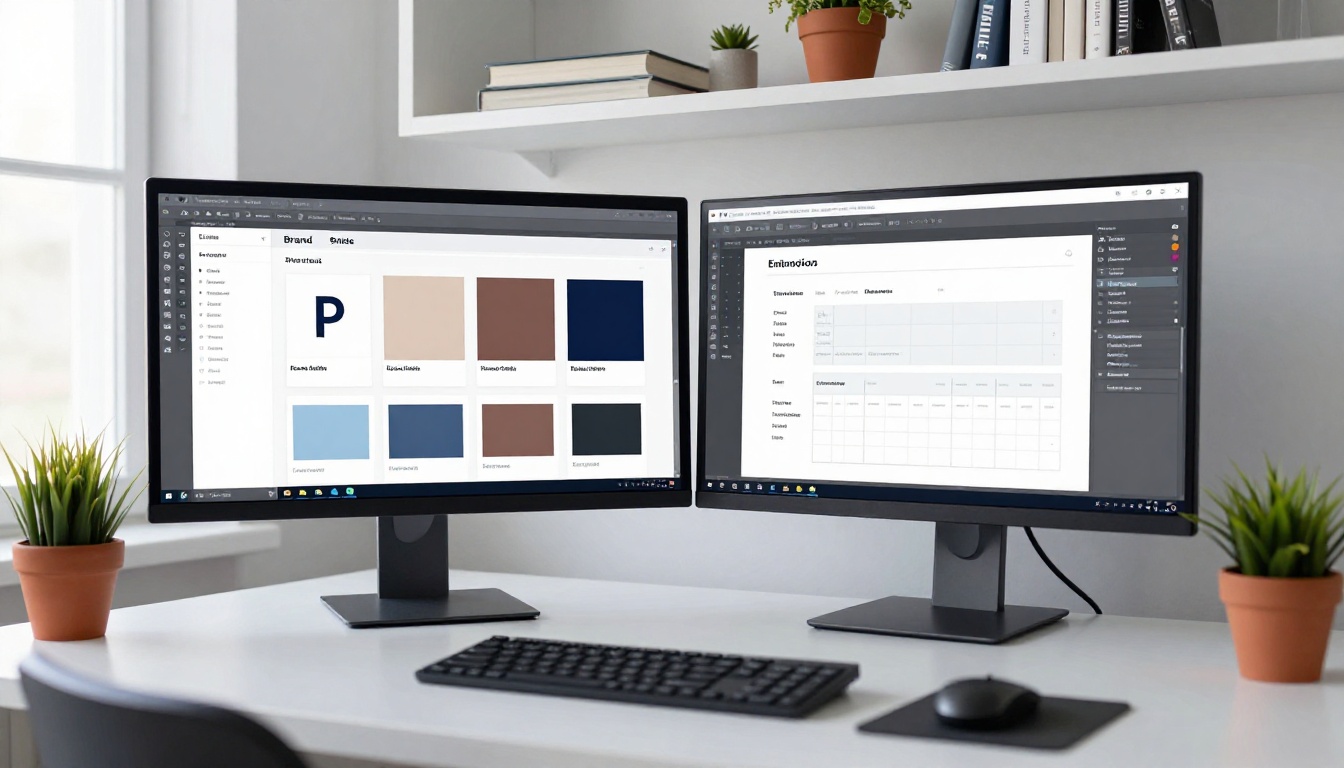
Using Recraft V4.1 Pro on PicassoIA
PicassoIA provides direct browser access to Recraft V4.1 Pro without API credentials, local installation, or technical setup. The workflow is immediate: write your prompt, configure your parameters, generate, refine.
A Practical Logo Generation Workflow
Step 1: Write a specific brief
Vague prompts produce generic marks. Precision at the prompt stage saves significant iteration time:
- State the mark type (wordmark, lettermark, icon, combination mark)
- Include the exact company name in quotes if creating a wordmark
- Name the visual style category (geometric minimalist, organic, art deco, brutalist sans-serif)
- Specify the industry context for appropriate visual language
- Include HEX color values directly in Recraft V4.1 Pro's color parameter fields
Step 2: Set the output format
Choose SVG for production-ready vector files from the first generation. Use PNG for fast concept previewing when you're still exploring directions. For any logo destined for print, apparel, or large-format display, SVG is the right choice from the start.
Step 3: Apply the brand style preset
Select the brand or logo-specific preset. Avoid painterly, photorealistic, or illustrative presets for logo work. The preset does significant structural framing that would otherwise require many rounds of negative prompting to achieve manually.
Step 4: Generate a set
Run four to six variations per brief rather than evaluating single outputs. The variation within a set is your concept exploration phase. Evaluate the set as a whole before selecting a direction to refine.
Step 5: Refine with targeted adjustments
Rather than rewriting your prompt entirely, make specific changes: "more minimal," "tighter tracking," "thicker stroke weight," "increase negative space in the icon." Targeted adjustments produce more predictable refinements than wholesale prompt rewrites.
Pairing With PicassoIA's Editing Tools
After generating a base mark, PicassoIA's full model collection adds workflow capabilities that extend what you can do without leaving the platform. Inpainting lets you modify specific areas of a generated logo without regenerating the entire composition. Object replacement swaps individual elements. Super-resolution upscaling increases raster output quality for specific applications where higher-resolution raster files are needed alongside the SVG.
Real Workflows That Benefit Most
Not every design workflow sees equal benefit from Recraft V4.1 Pro. For specific use cases, the productivity difference is substantial and measurable.
Freelancers Working Tight Timelines
Independent brand designers use Recraft V4.1 Pro to compress the concept phase without sacrificing variety. Instead of hand-building three initial directions from scratch, they generate 20 to 30 concept variations in under an hour, select the strongest three or four, and move directly to refinement.
The SVG output means the selected concept moves into Illustrator or Figma as editable paths with no tracing step and no cleanup pass required. Time saved per project: three to six hours in the concept phase alone.
The compressed workflow looks like this:
- Client brief received
- 30-minute generation session on PicassoIA
- Curation of three to four strongest concepts from the generated set
- Refinement in a vector editing environment
- Client presentation
What used to require a full week of concept development now fits inside a half-day.
Agencies Iterating at Scale
For brand agencies handling multiple identities in parallel, Recraft V4.1 Pro's color accuracy and style consistency create real capacity advantages. A designer can maintain precise brand standards across multiple client projects reliably when the tool respects exact color values from the first generation, rather than requiring correction at every iteration.
💡 Agency workflow tip: Use Recraft V4.1 Pro to generate a complete variation set (horizontal, vertical, icon-only, dark mode, light mode, monochrome) from a single approved concept. Hex color input accuracy means the entire set shares identical palette values with no post-generation color correction required.
Why the Technical Architecture Matters
The differences in Recraft V4.1 Pro's logo performance aren't accidental. They reflect deliberate training choices and architectural decisions built around the specific requirements of graphic design rather than general image aesthetics.
What the model training emphasized:
- Structured visual content (logos, icons, and graphic marks rather than photographs)
- Typography coherence (proper character relationships, spacing, and weight consistency)
- Color fidelity (respecting specified values rather than approximating them from descriptions)
- Output precision (clean vector paths with minimal unnecessary anchor complexity)
This makes Recraft V4.1 Pro a specialist tool. It does fewer things than broad-spectrum image generators. For general photorealistic photography or expressive artistic illustration, a general-purpose model serves you better. But for logo design, brand identity creation, icon work, and wordmark generation, it operates at a quality level that generalist models can't match regardless of prompt length or iteration count.
The right framework for tool selection: use general-purpose models when the generated output is itself the deliverable. Use Recraft V4.1 Pro when the generated output is a component in a production workflow that will be refined in a vector editor, reproduced at multiple scales, and applied across a complete brand system.

Start Creating Brand Identities on PicassoIA
Recraft V4.1 Pro on PicassoIA is available now for anyone building brand identity assets. The combination of native SVG output, hex-accurate color input, typography control, and design-specific style presets makes it the most production-ready AI tool for logo work on the platform.
For the broader ecosystem, PicassoIA's full model collection includes over 90 text-to-image models alongside inpainting tools, image editing capabilities, super-resolution upscaling, and background removal. Everything a brand design workflow needs is in one platform.
Start with one brief. Give Recraft V4.1 Pro a wordmark or icon prompt with specific HEX color values and a clear style direction. Download the SVG. Open it in your vector editor of choice. The difference between this output and what you're used to from general AI image models will be apparent immediately, not after a long learning curve.
Your first usable logo concept, in a production-ready file format, is one generation session away.


