If you have been searching for the right AI tool to create vector graphics, you have probably landed on two names: Recraft and Adobe Illustrator with its AI features. Both promise to take the manual labor out of vector art creation, but they approach the problem from completely different angles. One is a purpose-built AI-native tool. The other is the industry-standard design platform that has been layering generative AI on top of decades of professional tooling. The question is not which one is "better" in the abstract. It is which one fits your actual workflow, budget, and output requirements.
Recraft is an AI-native platform built from the ground up with vector output as a core feature, not an afterthought. You describe what you want, select SVG as your output format, and the system returns production-ready scalable vector graphics within seconds. Adobe Illustrator, by contrast, is a 35-year-old industry standard that has been integrating generative AI through Adobe Firefly, the company's proprietary AI image engine introduced in 2023. Both aim to reduce the manual labor in vector creation, but they land in very different places on the capability spectrum.
What Recraft Does Best
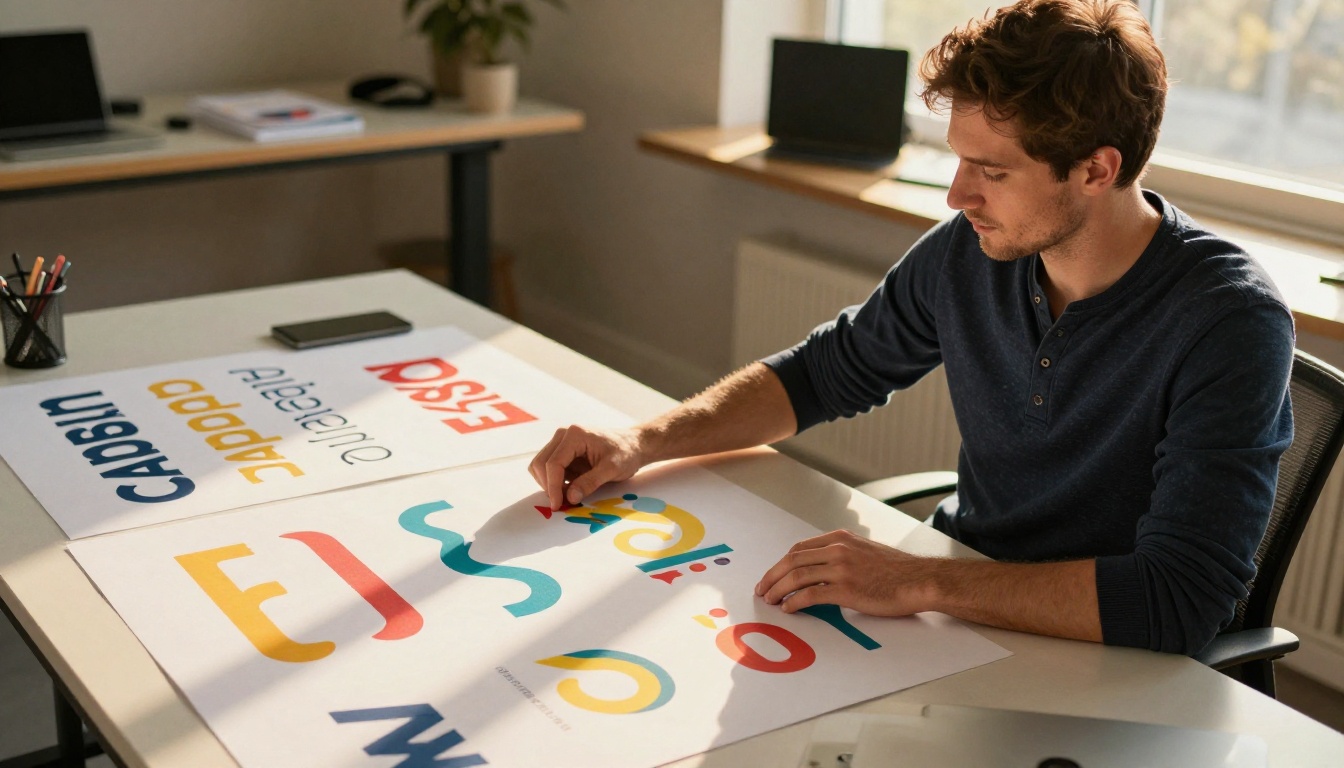
Recraft excels at speed and simplicity. You type a prompt, choose your vector style, and receive a clean SVG file in under 30 seconds. For icon sets, simple illustrations, logo concepts, and brand marks, this workflow is dramatically faster than anything Illustrator currently offers through its AI additions. The platform includes Recraft Vectorize, which takes a raster image and converts it into clean, editable SVG paths with minimal noise and organized path groups.
The tool also has strong style consistency controls. You can lock a visual language once and generate dozens of assets that share the same aesthetic, a capability that would require meticulous manual template work in Illustrator. For brand systems at speed, this is a genuine advantage.
What Adobe Illustrator AI Does Best
Adobe Illustrator's AI features shine in complexity and post-generation control. The Generative Fill integration, powered by Firefly, can extend artboards, replace sections of existing vector artwork, and suggest design variations while keeping your Bezier paths intact. For designers who already live inside Illustrator's workspace, these additions reduce context-switching without displacing the core manual workflow.
Illustrator also has unmatched path editing depth. Anchor point manipulation, pen tool refinement, smooth-to-corner point conversions, and the full node editing suite give designers a level of precision over individual curves that no AI-native tool currently approaches.
Vector Output Quality
This is where the comparison gets concrete. Generative vector tools do not all produce the same file quality, and the difference between a clean SVG and a bloated auto-traced mess is significant for production work.
Recraft's SVG Precision
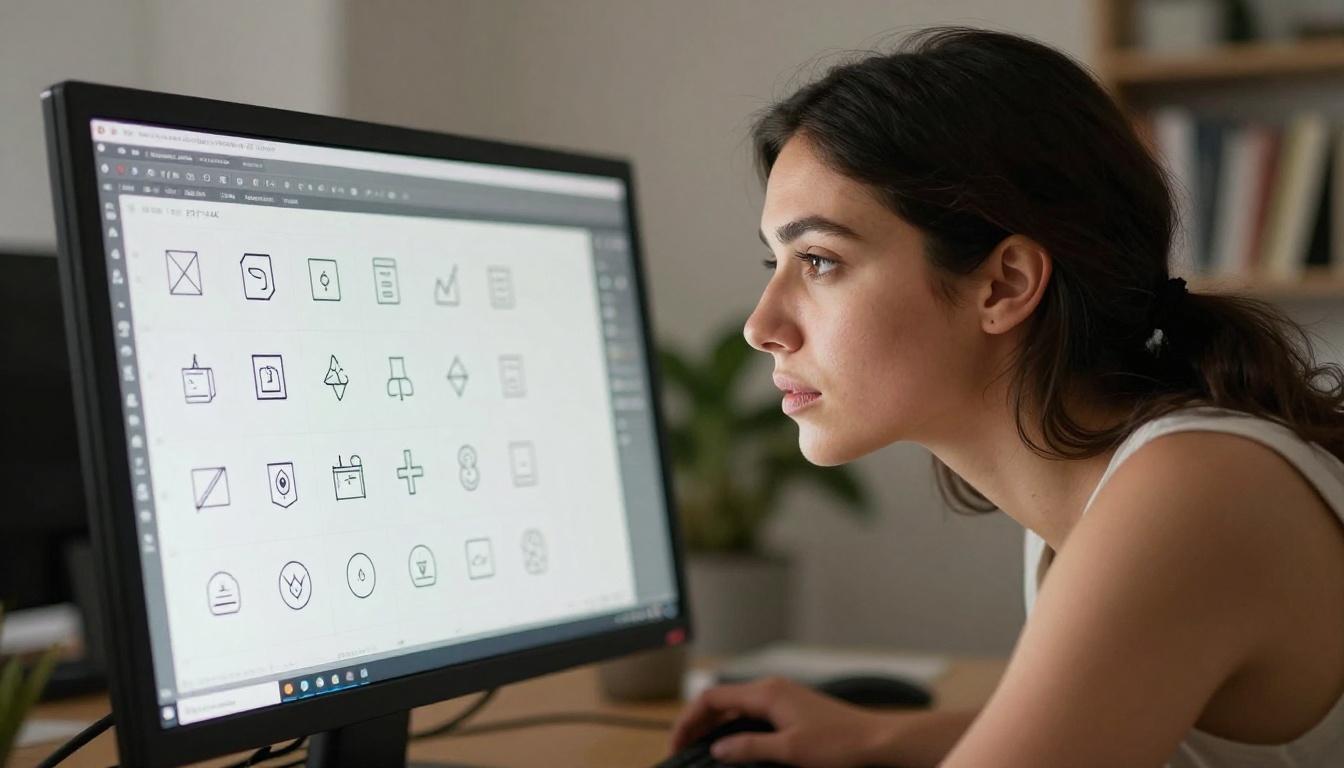
Recraft's vector output is genuinely clean. Unlike tools that generate a raster image and then run an auto-trace algorithm over it, Recraft generates vector paths natively from the prompt. The resulting SVG files have organized path groups, minimal anchor point bloat, and sensible layer naming. For simple to medium-complexity artwork, logos, icons, badges, and flat decorative elements, the output often requires zero cleanup before going into production.
The real limitation is scope. Highly complex photorealistic vectors are outside what Recraft handles well. The platform is optimized for flat, semi-flat, and graphic styles. If you need hyper-detailed vector portraiture, complex gradient mesh illustrations, or technical line drawings with hundreds of precise dimensions, you will still need manual Illustrator work downstream.
Illustrator's Bezier Control
Illustrator's AI additions do not generate vectors from scratch in the same way Recraft does. Firefly generates raster imagery that Illustrator then integrates into your document, and vectorization is a secondary step using the Image Trace function. Results from tracing AI-generated raster art often need significant path cleanup, especially at smaller reproduction sizes where node efficiency matters most.
Where Illustrator wins on quality is in human-guided refinement. After any AI generation, a skilled designer can go node-by-node and achieve geometric perfection. That level of granular control does not exist in Recraft's current interface, and for client-facing work that will appear on signage, embroidery, or technical specifications, this difference matters.
Speed vs. Control
The speed-versus-control tradeoff is the central tension in this comparison. Understanding which side your project sits on will determine which tool belongs in your workflow.
Prompt to Vector in Seconds
Recraft's generative pipeline is fast in a way that changes how you ideate. A typical prompt-to-SVG workflow takes under 30 seconds. For teams that need to prototype logo concepts, generate icon libraries at scale, or produce social media graphics quickly, this speed advantage is substantial. You can iterate through 20 concept directions in the time it would take Firefly to render a single generation inside Illustrator.
The Flux Kontext Fast model available on PicassoIA demonstrates what rapid AI generation looks like in practice, and the same speed-first philosophy underlies Recraft's approach to vector creation. Fast iteration means more creative options on the table before any client meeting.
Manual Path Editing Still Wins
For final production assets where every curve will be scrutinized, Illustrator's manual editing tools are still the professional standard. The pen tool, direct selection, and smooth-to-corner point controls give designers millimeter-level precision over every node in a path. No AI tool currently matches this for complex organic shapes.
💡 The smart workflow is hybrid: use Recraft for ideation and draft vectors, then import SVGs into Illustrator for final curve refinement and production cleanup.
Who Actually Uses Each
Understanding the real-world user base for each tool cuts through the marketing language and gets to practical fit.
Freelancers and Startups
Independent designers and early-stage companies are Recraft's natural audience. The reasons stack up quickly:
- No existing Creative Cloud subscription required to access powerful AI vector generation
- Faster time from client brief to first deliverable
- Lower barrier to entry for non-designers on small product teams who need quick assets
- Free tier availability covers low-volume and personal projects without cost
A startup founder who needs a basic icon set for a mobile app does not need the full Adobe Illustrator suite. Recraft delivers the job in minutes, not hours, and the output integrates directly with Figma, Webflow, or any modern design tool.
Agency and Enterprise Teams
Larger design teams and established agencies tend to stay anchored to Illustrator, even as they experiment with newer AI tools on the side. The reasons are structural:
- Existing asset libraries built in Illustrator's native format spanning years of client work
- Client-facing precision requirements that demand node-perfect paths for brand compliance
- Deep integration with the rest of the Adobe Creative Cloud ecosystem, including Photoshop, InDesign, and After Effects
- Approval workflows that require human sign-off at every production step
That said, many agencies now run hybrid workflows: Recraft or similar AI tools for rapid concepting during pitches, Illustrator for final production delivery. The two tools are increasingly complementary rather than competitive.
Pricing and Value
Recraft's Free Tier Reality
Recraft offers a free tier that includes a meaningful number of generations per month. For casual users and small projects, this is genuinely useful rather than a marketing teaser. Paid plans are also significantly cheaper than Adobe's Creative Cloud pricing, making AI-assisted vector creation accessible to independent creators who cannot justify a full Adobe subscription.
The trade-off is focus. You are paying only for AI vector generation, not for a broader creative ecosystem. Recraft does one thing well. Adobe does many things well.
Creative Cloud Costs
Adobe Creative Cloud's pricing sits at a premium whether you take the all-apps plan or Illustrator as a standalone subscription. For users who already pay for Creative Cloud, adding Illustrator's AI features costs nothing extra, which changes the value calculation entirely. If you are already in the Adobe ecosystem, the cost comparison with Recraft is irrelevant.
| Feature | Recraft | Adobe Illustrator AI |
|---|
| Vector Output | Native SVG generation | Raster + Image Trace |
| Generation Speed | Under 30 seconds | 1-3 minutes (Firefly) |
| Free Tier | Yes, limited monthly | No (trial only) |
| Path Editing | Basic post-generation | Professional-grade nodes |
| Style Consistency | Strong AI controls | Manual templates |
| Ecosystem Integration | Standalone | Full Adobe Creative Cloud |
| Learning Curve | Low | High |
| Best For | Speed and ideation | Precision and production |
The AI Features Inside Illustrator
Adobe has been aggressively building AI into Illustrator, and it is worth examining what those features actually deliver beyond the marketing announcements.
Generative Fill for Vectors
The Generative Fill feature in Illustrator, powered by Firefly, lets you select any area of your artboard and describe what you want to fill it with using plain language. For designers working on complex illustrations, this accelerates background creation, repetitive pattern fills, and texture generation without leaving the application. Quality has improved significantly across Firefly versions, and for organic shapes, foliage, and decorative fills, the output is now often production-viable on the first attempt.
The limitation is that Firefly outputs rasters, not vectors. Every Generative Fill result goes through Image Trace to become a path, which adds a cleanup step that Recraft's native SVG pipeline does not require.
Text to Vector (Beta)
Adobe has been testing a native text-to-vector feature that generates SVG paths directly from a natural language prompt, bypassing the raster intermediary step. In beta testing, the results are promising for simple geometric shapes, icons, and basic typographic compositions. For anything involving organic curves, complex compositions, or stylized illustration, the output still lags behind Recraft's native vector quality.
The GPT Image 2 model on PicassoIA demonstrates how quickly AI image quality improves across model generations, and the same acceleration applies to vector-specific AI tools. Today's limitation is next year's baseline. Adobe's text-to-vector gap with Recraft is narrowing faster than most designers expect.

How to Use Recraft Vectorize on PicassoIA
PicassoIA has the Recraft Vectorize model available directly in the platform. Here is how to convert any image into clean, production-ready SVG in three steps.
Step 1: Prepare Your Source Image
Go to the Recraft Vectorize model page on PicassoIA. Upload your source image. The model performs best with images that have clear edges, high contrast between elements, and a relatively limited color palette. Logos, icons, badges, hand-drawn sketches, and simple product silhouettes all vectorize cleanly. Complex photographic scenes with gradients and thousands of color values will produce dense, hard-to-edit SVG files.
💡 For best results, run your image through Recraft Remove Background first to isolate the subject on a transparent background before vectorizing. A clean cutout produces far cleaner path output.
You can also use Seedream 4.5 to generate a high-quality 4K source image first, then pipe it into Recraft Vectorize for a fully AI-native design pipeline from nothing to production SVG.
Step 2: Run the Vectorization
Once you upload the image, trigger the model. Recraft Vectorize analyzes the contours, color regions, and shape boundaries in your image and generates a structured SVG with organized path groups. The process typically completes in seconds. You will see the output rendered in the preview window with a before-and-after comparison available.
If the model exposes a detail level parameter, use it intentionally. Lower detail settings produce cleaner, more simplified SVGs ideal for logos and icons. Higher detail settings preserve complex edge information, which is better for detailed illustration work where you want more curves and fewer approximations.
Step 3: Download, Edit, and Ship
Download the SVG file directly and open it in Illustrator, Figma, Sketch, or any vector-capable tool. The paths are fully editable, the colors are discrete fills rather than gradients, and the file scales infinitely without quality loss. For most logo and icon use cases, the file is production-ready as downloaded.
For teams building large icon libraries, pairing Flux Pro Finetuned for consistent custom-styled source imagery with Recraft Vectorize creates a scalable AI pipeline that can produce hundreds of on-brand icons far faster than any manual Illustrator workflow.
Which One Should You Pick?
Three questions settle this faster than any feature comparison chart.
Are you starting from scratch or refining existing work? If you need a concept quickly and you are working from a blank brief, Recraft is faster and cheaper. If you need to refine a complex vector file that already exists, Illustrator's editing toolset wins without contest.
Is path-level precision non-negotiable? Client-approved production logos that will appear on vehicle wraps, embroidery, signage, or technical specifications need Illustrator's node precision. Fast digital assets for web and social can leave Recraft's output unmodified and go straight to production.
Do you already pay for Creative Cloud? If you are already inside the Adobe ecosystem, Illustrator's AI features add zero marginal cost to your existing subscription. If you are not a Creative Cloud subscriber, Recraft is the more accessible and affordable path to AI-assisted vector creation.
Both tools are evolving fast. Recraft is building more post-generation editing controls. Adobe is making Firefly's generative output cleaner and faster with every model update. The capability gap between them is narrowing, but right now they serve meaningfully different creative jobs. The best answer for most professional designers is not to choose one exclusively. It is to know when to reach for each.
💡 Try the Recraft Vectorize model on PicassoIA and see what your own images look like as clean, editable SVGs in under a minute. You can also use Ideogram Character to generate source character artwork with locked visual consistency, then vectorize it for icon systems that stay on-brand across every size.
When you are ready to go further, PicassoIA has over 90 text-to-image models covering every stage of the visual production pipeline. From initial concept generation to background removal, upscaling, and vectorization, the full creative workflow is available in one place without switching between five different tools.