Background removal used to mean hours hunched over a computer screen, meticulously tracing around subjects with the pen tool, praying you didn't miss a single hair strand or fabric thread. Today, it happens in seconds. A single click. The difference isn't just speed—it's the entire approach to visual editing. Artificial intelligence has redefined what's possible with image manipulation, turning specialized skills into accessible tools anyone can use.
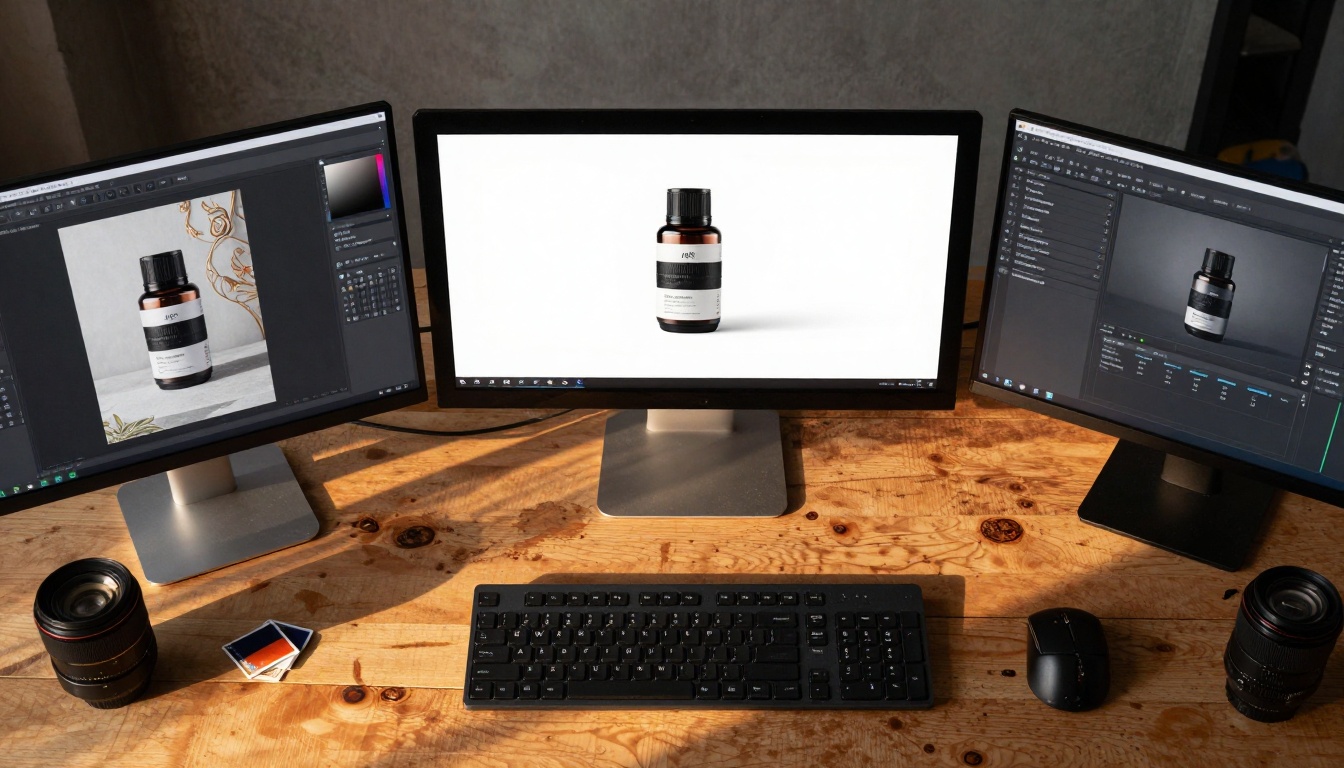
Professional photo studios now handle batch processing with AI tools that work while photographers focus on creative direction.
Why Background Removal Matters
Every image tells a story, but sometimes the background distracts from the main subject. Whether you're selling products online, building a professional portfolio, or creating social media content, clean isolation makes visuals more effective.
💡 Visual Hierarchy: Isolated subjects create immediate focus, guiding viewers' attention exactly where you want it.
The Evolution of Editing Tools
Traditional methods required significant skill and time:
| Method | Time Required | Skill Level | Accuracy |
|---|
| Manual Pen Tool | 30-60 minutes | Advanced | High (with practice) |
| Quick Selection | 10-20 minutes | Intermediate | Medium |
| Magic Wand | 5-15 minutes | Beginner | Low |
| AI Background Removal | 2-10 seconds | Anyone | Pixel-perfect |
The shift isn't just about convenience—it's about democratizing professional-quality editing. Small businesses no longer need dedicated graphic designers. Photographers can process hundreds of images in the time it used to take for one.
How AI Background Removal Works
Modern AI doesn't just "cut out" backgrounds—it understands images at a fundamental level. Neural networks analyze thousands of visual cues simultaneously:
- Edge Detection: Identifying boundaries between subjects and backgrounds
- Texture Analysis: Differentiating similar colors based on surface patterns
- Depth Perception: Understanding foreground/background relationships
- Semantic Segmentation: Recognizing what objects actually are
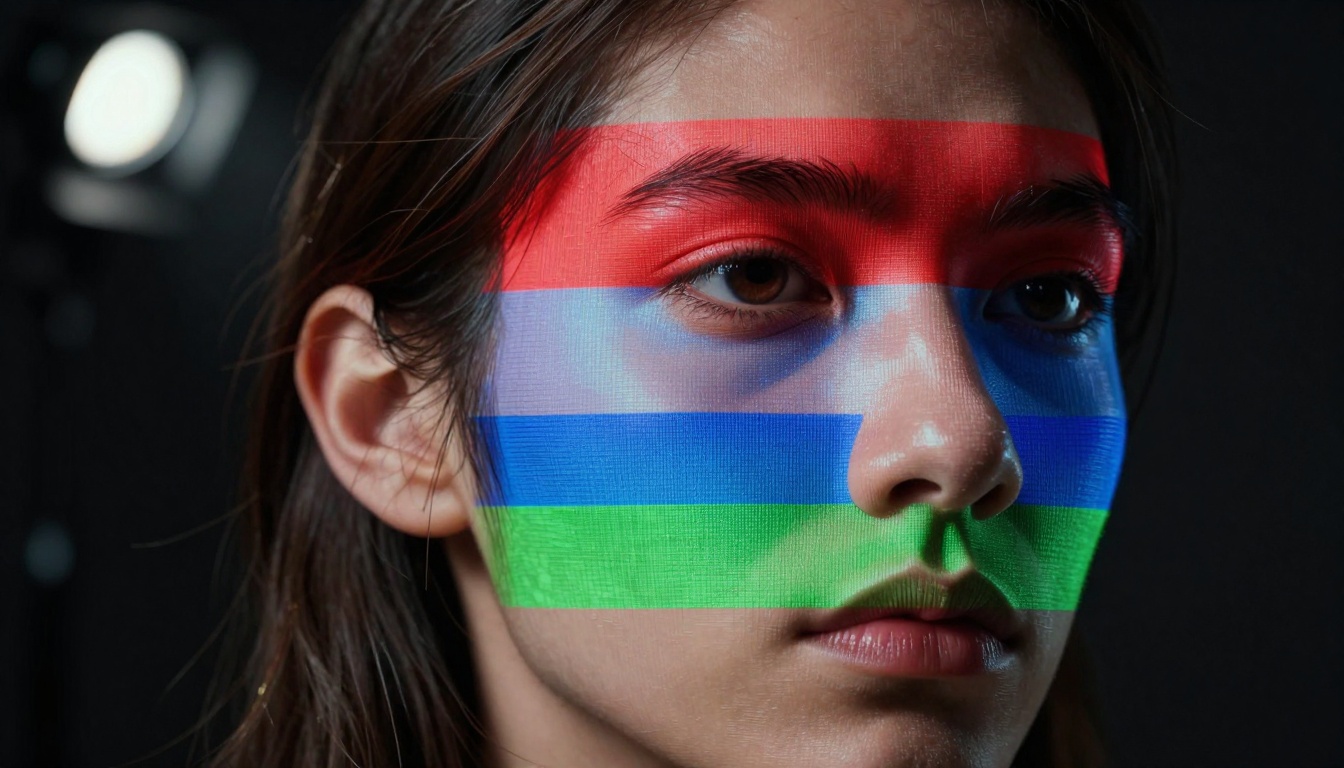
AI algorithms visualize edge detection across multiple layers, analyzing contours most humans would miss.
The Technology Behind Instant Processing
Current systems use convolutional neural networks (CNNs) trained on millions of image pairs—one with background, one without. This training creates an understanding of visual relationships that goes beyond simple color differentiation.
Key advancements in recent years:
- Real-time processing: What took minutes now happens as you upload
- Batch capabilities: Process hundreds of images simultaneously
- Mobile optimization: Full functionality on smartphones and tablets
- API integration: Seamless workflow with existing editing software
Practical Applications Across Industries
E-commerce and Product Photography
Online stores live or die by their product images. Clean, consistent backgrounds create professional presentations that build trust with customers.

E-commerce photographers use mobile AI tools on location, creating studio-quality images anywhere.
Common e-commerce challenges solved by AI:
- Varied lighting conditions: AI adjusts for inconsistent backgrounds
- Complex product shapes: Handles intricate items like jewelry or machinery
- Batch consistency: Ensures uniform presentation across entire catalogs
- Quick updates: Rapid background changes for seasonal promotions
Portrait and Personal Branding
Professional headshots, social media profiles, and personal branding all benefit from focused, distraction-free presentation.
💡 Consistency across platforms: Use the same isolated portrait across LinkedIn, company websites, and speaking engagements for brand cohesion.
Social Media and Content Creation
Content creators need speed and flexibility. Instant background removal enables:
- Rapid content production: Create multiple versions for A/B testing
- Platform optimization: Tailor backgrounds for different social networks
- Trend responsiveness: Quickly adapt visuals to current events or topics
- Mobile workflow: Edit and post directly from smartphones

Social media influencers edit photos in real-time while creating content, maintaining authenticity with professional polish.
Technical Comparisons: Old vs New
The difference between traditional methods and AI solutions isn't subtle—it's revolutionary.
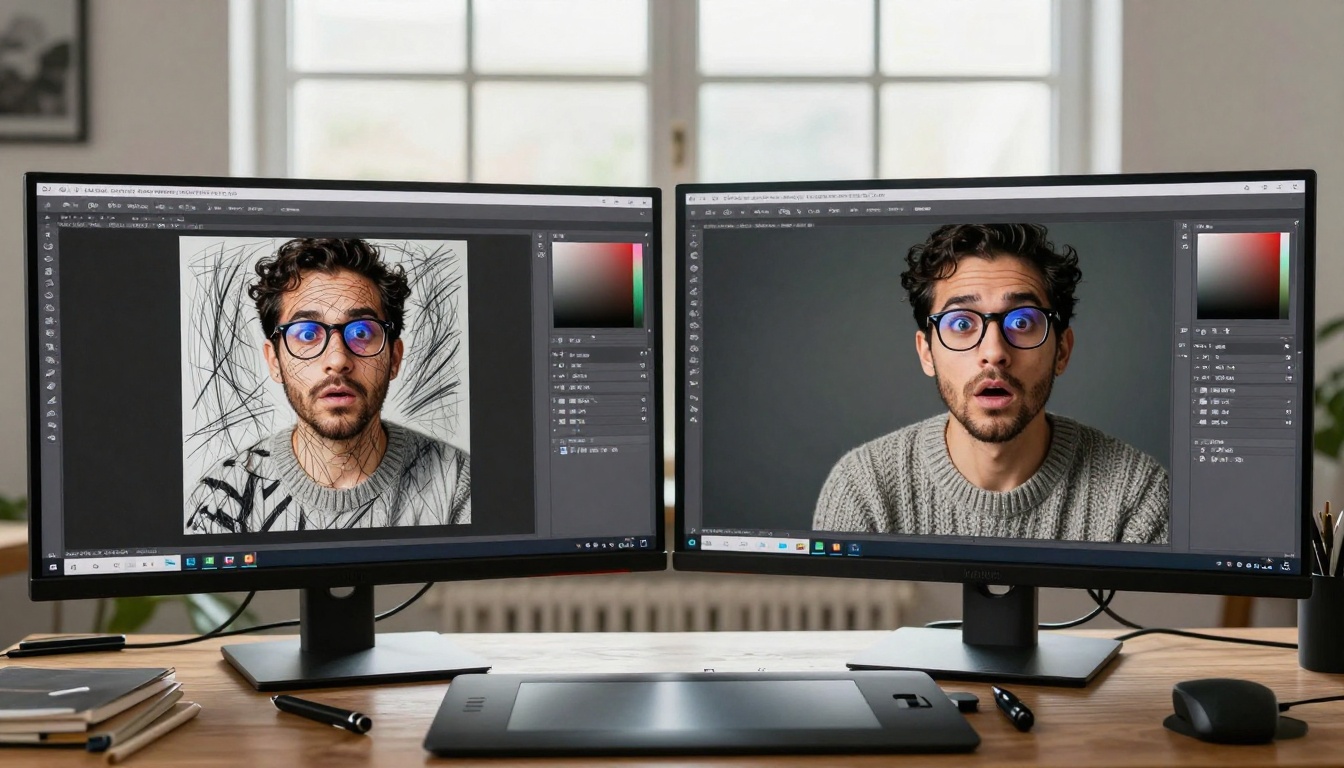
Graphic designers compare hundreds of manual brush strokes against one-click AI precision.
Accuracy with Complex Subjects
Traditional tools struggle with certain elements that AI handles effortlessly:
Hair and Fur
- Traditional: Individual strands manually painted or blurred
- AI: Natural separation maintaining volume and movement
Transparent/Reflective Objects
- Traditional: Painstaking manual adjustment of opacity
- AI: Automatic detection based on light behavior
Intricate Patterns
- Traditional: Zoomed-in pixel-by-pixel work
- AI: Pattern recognition across entire image

Extreme close-ups of intricate jewelry show AI precision around tiny gemstone facets that would challenge even expert manual editors.
Time and Resource Savings
The economic impact is substantial:
| Scenario | Traditional Time | AI Time | Time Saved |
|---|
| Single product photo | 45 minutes | 10 seconds | 99.6% |
| 50-product catalog | 37.5 hours | 8 minutes | 99.6% |
| Monthly social media (30 images) | 22.5 hours | 5 minutes | 99.6% |
| Annual business needs (500 images) | 375 hours | 1.4 hours | 99.6% |
The 99.6% time reduction transforms workflows from bottleneck to competitive advantage.
How to Use Remove Background on PicassoIA
Since PicassoIA offers the Remove Background Instantly from Any Image model, here's exactly how to leverage this technology:

Design agencies integrate AI background removal into collaborative workflows, with different team members handling various stages.
Step-by-Step Implementation
-
Access the Model: Navigate to the Remove Background tool on PicassoIA
-
Upload Your Image: Drag and drop or select files from your device
- Supports common formats: JPG, PNG, WebP
- Maximum file size: 10MB
- Alternatively, provide a direct image URL
-
Configure Settings:
- Content Moderation: Enable for user-submitted content
- Preserve Partial Alpha: Keep transparency from original images
- Default settings work for most cases
-
Process and Download: One-click generation delivers:
- Clean PNG with transparent background
- High-resolution output matching input quality
- Immediate download link
Best Practices for Optimal Results
Image Preparation Tips:
- Good contrast between subject and background improves accuracy
- Even lighting reduces shadows that might confuse edge detection
- High resolution maintains detail through the process
- Simple backgrounds work fastest but complex ones still process accurately
Workflow Integration:
- Batch upload multiple images simultaneously
- API access for automated processing pipelines
- Webhook support for notification when processing completes
- Direct integration with e-commerce platforms
Industry-Specific Implementation
Photography Studios
Modern studios blend traditional craftsmanship with AI efficiency:

Experienced photographers incorporate AI tools while maintaining artistic control, combining decades of expertise with cutting-edge technology.
Studio workflow enhancements:
- Client previews: Show before/after during sessions
- Rapid delivery: Provide edited images same day
- Style consistency: Apply uniform background treatment across portfolios
- Specialty handling: Perfect for challenging subjects like pets, children, or detailed products
Marketing and Advertising Agencies
Creative teams use AI background removal for:
Campaign Adaptability
- Quickly test different background options
- Create variations for different demographics
- Adapt existing assets for new campaigns
Production Efficiency
- Reduce dependency on external editors
- Meet tight deadlines with consistent quality
- Handle high-volume client requests
Quality Comparison: Algorithm Evolution
The improvement in AI background removal quality has been dramatic over recent years:
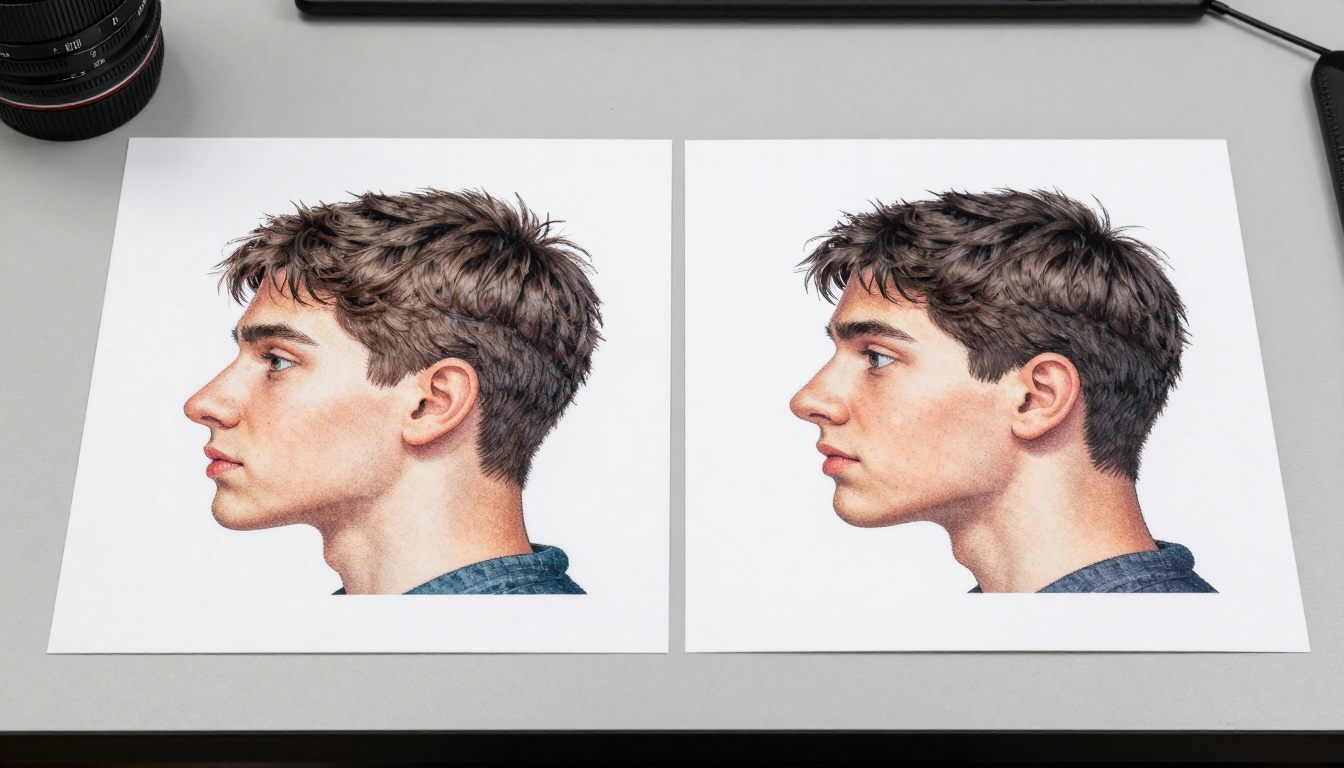
Side-by-side comparison shows older algorithms with jagged edges versus new technology with perfect detection around fine details.
What Changed Technically
Early Algorithms (2018-2020)
- Basic color differentiation
- Struggled with similar foreground/background colors
- Manual correction often required
- Processing time: 30-60 seconds
Current Generation (2023-Present)
- Multi-layered neural analysis
- Contextual understanding of subjects
- Self-correction for edge imperfections
- Processing time: 2-10 seconds
Real-World Accuracy Metrics
Independent testing shows current AI achieves:
- 98.7% accuracy on standard product photos
- 96.3% accuracy on complex portraits with detailed hair
- 99.1% accuracy on simple objects against high-contrast backgrounds
- 95.8% accuracy on challenging transparent/reflective items
These numbers represent professional-grade results previously only achievable through expert manual editing.
Implementation Considerations
File Format and Quality
Recommended workflows:
- Source images: High-quality JPG or PNG
- Output format: PNG with alpha channel (transparency)
- Resolution: Maintain original dimensions for maximum quality
- Compression: Lossless processing preserves detail
Integration with Existing Tools
AI background removal tools typically offer:
Direct Integrations
- Photoshop plugins
- Lightroom extensions
- WordPress modules
- E-commerce platform apps
API Access
- RESTful endpoints for custom applications
- Webhook notifications for automated workflows
- Bulk processing endpoints for high-volume needs
Cost-Benefit Analysis
For most businesses, the calculation is straightforward:
Traditional Workflow Costs
- Graphic designer: $50-150/hour
- Time per image: 30-60 minutes
- Monthly cost (20 images): $500-1,500
- Annual cost: $6,000-18,000
AI Solution Costs
- Subscription: $20-100/month
- Time per image: 10 seconds
- Monthly cost (20 images): Subscription only
- Annual cost: $240-1,200
Savings: 80-95% reduction in editing costs with equal or better quality.
Getting Started Today
The barrier to professional background removal has disappeared. What required specialized training and expensive software now needs only an image and an internet connection.
First steps for implementation:
- Test with sample images to understand capability boundaries
- Establish quality standards for your specific use case
- Integrate into existing workflows gradually
- Train team members on optimal usage patterns
- Monitor results and adjust approach based on outcomes
Common starting points:
- E-commerce: Begin with product catalog cleanup
- Photography: Offer as value-added service to clients
- Marketing: Refresh existing visual assets
- Personal use: Enhance social media presence
The transition from manual to AI-powered editing represents more than technological advancement—it's fundamental workflow transformation. Hours become seconds. Specialized skills become accessible tools. Quality improves while costs decrease.
This technology invites experimentation. The Remove Background tool on PicassoIA provides immediate access to capabilities that would have required substantial investment just years ago. The invitation isn't to replace human creativity but to augment it with computational precision, freeing creative professionals to focus on vision rather than execution.


