Remove.bg API Alternative: Cheaper Background Removal APIs
Remove.bg bills grow fast once a catalog goes live. This article compares hosted rivals, pay per run model hosts, open source tools, and on device options, with example cost math, a 50 image quality test, and a step by step cutout tutorial on PicassoIA.
If you run a shop, a marketplace, or an app that handles product photos, the background removal bill has a way of growing quietly. One cutout costs almost nothing. Ten thousand cutouts a month does not. That is why so many developers and sellers search for a Remove.bg API alternative that keeps the edge quality but drops the price per image.
This article lays out the real options: hosted rivals, pay per run model hosts, open source models you run yourself, and on device segmentation. You get a cost formula, a test plan for hair and glass, a break even calculation for self hosting, and a short tutorial for a cutout model on PicassoIA. Every dollar figure below is an example rate so you can plug in your own quotes, because vendor pricing changes often.
💡 Before you compare: open each vendor's pricing page and note the free tier limits. Free API calls often return reduced size previews, and that single detail can change your whole calculation.
Why Remove.bg Bills Add Up
Nobody budgets for background removal as a line item until the invoice shows up. It starts with a few test uploads, then comes the catalog import, then a seasonal sale where the whole team shoots new stock in one week. By then the per image price is baked into your margins.
Per Image Credits Explained
Most hosted background removal APIs sell credits. One processed image uses one credit, and some services charge more at higher resolutions. Subscriptions bundle a monthly allowance, while pay as you go packs trade a higher unit price for flexibility. remove.bg follows this credit model, and at the time of writing its free API calls return reduced size previews, so a real product pipeline lands on a paid plan quickly.
The formula worth keeping on a sticky note:
Monthly cost = (images per month × price per image) + retries + wasted calls
The first term is the one everybody calculates. The last two are where budgets slip.
Where Hidden Costs Sneak In
Look at your own pipeline for these leaks:
Retries: a timeout that reruns the same image twice doubles that image's cost.
Duplicates: two staff members upload the same supplier photo to different listings.
Oversized originals: sending a 24 megapixel file when the listing needs 2000 pixels on the long edge.
Needless calls: photos that already sit on a clean white background.
Full catalog reruns: changing your canvas size and reprocessing every item from scratch.
Here is what those leaks cost at three example rates. These are illustrations, not vendor quotes.
Images per month
At $0.10 each
At $0.03 each
At $0.01 each
1,000
$100
$30
$10
10,000
$1,000
$300
$100
100,000
$10,000
$3,000
$1,000
A tenfold gap in unit price is a tenfold gap in the invoice. That gap is the whole reason to shop around.
Four Ways to Cut the Cost
Cheaper does not mean one answer. It means picking the billing style that matches how your images arrive.
Hosted Rivals With Lower Rates
Services such as Photoroom's API, Clipdrop's remove background endpoint, Slazzer, and Removal.ai sell the same job with different pricing curves. Some undercut remove.bg at volume, others win on speed or bundled editing tools. None is cheapest in every scenario, so compare them with your own files. Put these six items side by side:
Price per image at your real monthly volume
Maximum resolution returned on the plan you would buy
Rate limits in requests per minute
Free tier size and whether the outputs are previews
Output formats, ideally transparent PNG and WebP
Data retention: how long uploaded photos stay on their servers
Pay Per Run Model Hosts
Model hosting platforms charge for compute time per run instead of selling credits. Their catalogs include background removal models, among them Bria's remove background model. There is no monthly minimum, so a seasonal shop that processes 40,000 images in November and 800 in February is not paying for idle capacity. You also get the freedom to swap models without changing vendors.
The trade off is that you handle queues, cold starts, and retries yourself. The per image cost depends on file size and model speed, so measure it with real photos instead of trusting a headline number.
Open Source and On Device Options
If volume is steady and high, running a model yourself changes the math. rembg is a popular open source Python tool with a command line and a server mode that wraps several segmentation models. BiRefNet is another open model known for careful edges.
⚠️ License check: some released model weights allow non commercial use only. Read the license of every model before it touches a paid product.
On device segmentation is the free per image extreme. Apple's Vision framework can lift a subject out of a photo on recent iOS and macOS versions, and Google's ML Kit offers subject segmentation for Android. The catch is that these run only inside your own app, and quality on glass, fur, and cluttered scenes varies.
Option
Billing style
Best for
Main trade off
Hosted rival APIs
Credits or subscription
Fast integration
Unit price at scale
Pay per run hosts
Compute per run
Seasonal, uneven volume
Queues and cold starts
Self hosted open source
Fixed server cost
Steady high volume
Maintenance and licenses
On device segmentation
No per image fee
Mobile apps
Uneven edge quality
Browser model on PicassoIA
Use in the web app
Designers and small batches
Not an API endpoint
Latency decides more than price. If a shopper uploads a photo and waits for the cutout on screen, a three second response feels slow and a ten second response feels broken. If the job runs in a nightly queue, speed barely matters and you should pick the cheapest option that passes the test. Many teams end up with two providers for this reason: a fast one for live uploads and a thrifty one for catalog imports.
Test Quality Before You Switch
A cheap cutout that needs manual cleanup is expensive. Spend one afternoon on a proper test before you rewrite any code.
Build a 50 Image Test Set
Pull real photos from your own catalog, not demo images from a vendor site. Use ten of each type:
Hair and fur: portraits, pets, wool, fringe
Glass and transparency: bottles, glasses, jewelry
Low contrast: a white mug on a white table, a black shoe on a dark floor
Shadows and reflections: glossy tables, mirrors, wet pavement
Everyday catalog shots: the plain product photos that make up most of your volume
Hair, Glass, and Fine Edges
These two categories break cheap models first. With hair, the common failures are clipped strands and a halo of old background color around the head. With glass, models either turn a transparent bottle into a solid blob or erase it entirely.
Soft edges matter because partial transparency is what makes a cutout look natural on a new backdrop. A tool that returns hard, binary edges will look fine on a white page and cheap on a colored one.
The Dark Background Check
Place every cutout on a dark background, then a bright one, and zoom to 200 percent. Fringes, halos, and leftover shadows that hide on white show up instantly. Score each result from 1 to 5. If 90 percent of the test set scores 4 or higher at a lower price, the switch pays for itself. If hair and glass drag the average down, plan the two tier pipeline described near the end of this article.
Scorecard for Comparing Results
Numbers beat gut feeling when three vendors all look fine at a quick glance. Keep one scorecard per provider and fill it in from the test set.
Criterion
What to check
Weight
Edge quality
Halos, jagged outlines, clipped hair
35%
Glass and shadows
Transparent areas kept, shadows handled consistently
20%
Cost per usable image
Price divided by the share of results needing no cleanup
20%
Speed
Median and slowest response time
15%
Reliability
Error rate and timeouts across the batch
10%
The third row deserves attention. Cost per usable image is the price per call divided by the share of results you can publish untouched. A $0.02 service that fails on one image in three costs $0.03 per usable image (0.02 ÷ 0.67), which is more than a $0.025 service that fails on one in twenty ($0.026).
Real Cost Math at Volume
Volume is where the cost differences become visible, and where self hosting starts to look attractive.
Break Even for Self Hosting
The formula: break even images = (monthly server cost + maintenance time) ÷ API price per image
Example: a GPU server at $150 a month, plus four hours of maintenance at $50 an hour, totals $350. Against an API charging $0.05 per image, break even sits at 7,000 images a month. Below that, the API wins. Above it, your own server wins, as long as quality holds up on your test set.
💡 Many teams skip the maintenance term, then wonder why the self hosted option looked cheaper on paper than it felt in practice.
Batch Jobs and Caching Savings
You can cut calls without touching quality:
Hash every upload and reuse results for duplicates
Resize before sending, usually to 2000 pixels on the long edge
Skip images that already have transparency or a clean white background
Process once per image version, not once per page view
Queue jobs overnight to stay inside rate limits and avoid retries
If 15 percent of uploads are duplicates and 10 percent of the rest never needed processing, you remove about 23 percent of calls (0.85 × 0.90 = 0.765 of the original volume remains). That equals a 23 percent discount, with no sales call.
Use Bria Remove Background on PicassoIA
For occasional batches, designers, and shop owners who would rather skip an integration, Bria Remove Background on PicassoIA handles people, products, hair, and objects, and returns a transparent PNG in a few seconds. Its model page describes it as free and online.
One honest note: at the time of writing, PicassoIA's developer API (Replicate style endpoints at api.picassoia.com) lists image, image editor, and video models, so this cutout model is a browser tool, not an API endpoint.
Upload a photo or paste an image URL. URL input saves time when your photos already live online.
Set Alpha Options
Setting
Default
When to change it
Preserve Alpha
On
Keep on to maintain transparency in the output. Turn off for fully opaque output
Preserve Partial Alpha
On
Keep on for soft hair and feathered edges. Turn off for hard edged catalog shots
Content Moderation
Off
Turn on in shared or public settings where users upload photos
Preserve Partial Alpha matters most when your input file already carries transparency.
Run, Check, Download
Click generate and wait a few seconds.
Preview the result on a dark and a bright background, the same check described earlier.
Download the transparent PNG.
No product photos yet? Generate one with a text to image model such as PicassoIA Image or Flux 2 Pro, then cut it out. Working with small files? Upscale first with Real-ESRGAN or Topaz Image Upscale, so the cutout edges have more pixels to work with. To adjust the scene around a finished subject, try PicassoIA Image Editor Pro.
Which Option Fits Your Work
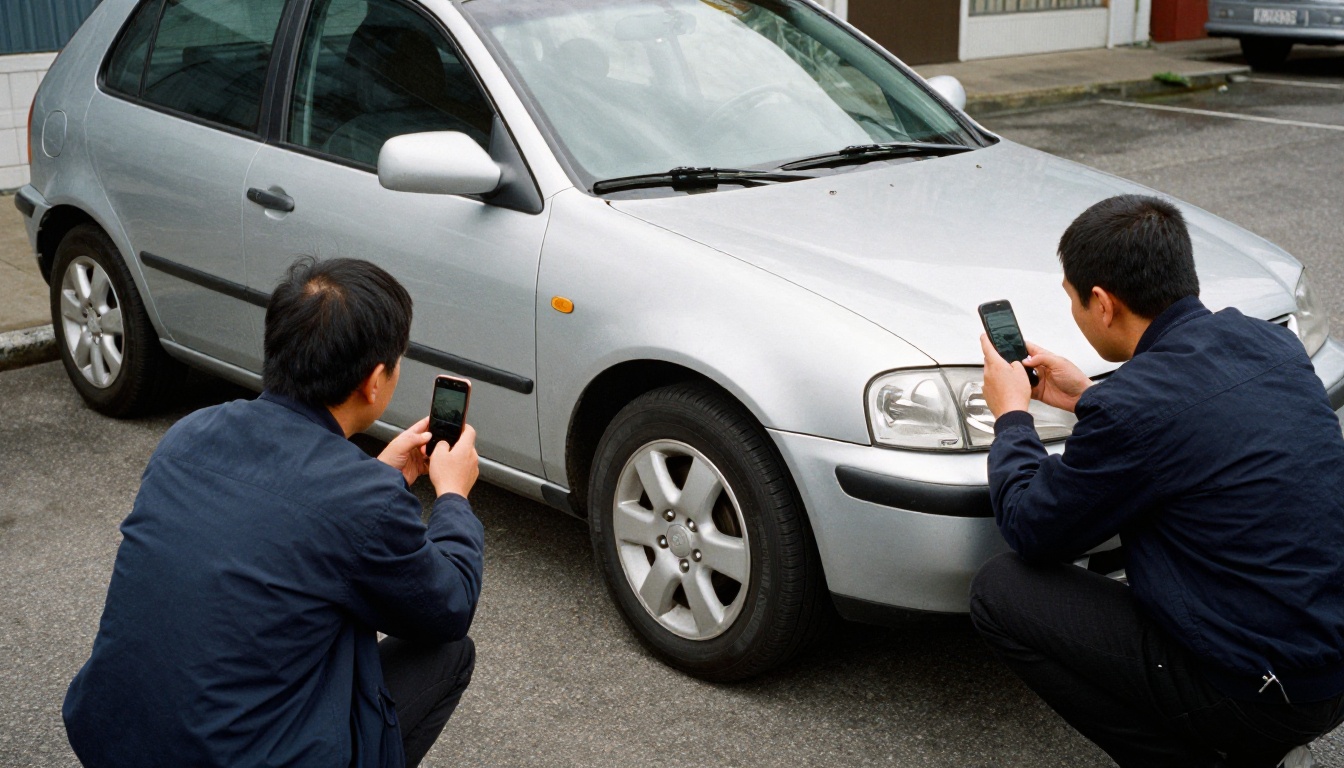
Marketplace sellers and dealers: Volume is high, backgrounds are messy (a parking lot, a garage), and consistency matters more than perfection. A pay per run host or a cheap hosted rival with caching usually wins.
Developers shipping a feature: Start with a hosted API for speed, log the cost per image from day one, and switch to a model host or your own server once the monthly number justifies the work.
Designers and small shops: A browser tool removes the integration entirely. Run a batch, review it, move on.
Mobile apps: On device segmentation costs nothing per image, so use it for the first pass and send only the hard cases to a server.
Build a Safe Fallback Pipeline
A two tier pipeline gives you the low price of a cheap model and the safety of a strong one.
Hash and cache every incoming image.
Resize to the size your listing actually needs.
Send it to the cheap provider first.
Run sanity checks: the foreground should fill between 5 and 95 percent of the frame, and the mask should not touch every border.
Route failures upward to a premium API or a manual queue.
Log the cost per image by provider, so next quarter's decision uses data.
def cutout(image_bytes):
    digest = sha256(image_bytes).hexdigest()
    if cache.has(digest):
        return cache.get(digest)
    result = cheap_provider.remove_background(resize(image_bytes, 2000))
    if not looks_sane(result):
        result = premium_provider.remove_background(image_bytes)
    cache.set(digest, result)
    return result
Cap retries at two with a short delay, so one flaky response never doubles a bill.
3 Common Mistakes
Testing on vendor demo photos. Demos are chosen because they work. Your messy supplier shots are the real exam.
Ignoring output size. A cutout saved as a huge PNG slows every product page. Convert to WebP with transparency where your storefront supports it, and keep the PNG as your source file.
Skipping the license read. Open weights are not always free for commercial use, and an API's terms may limit how you store or resell the results.
Run Your First Cutout Today
Open Bria Remove Background, drop in your five hardest product photos, and score the results on a dark background. If the edges hold, you have just found your cheaper path. If the photos you need do not exist yet, create them: describe the product in PicassoIA Image, cut it out, and place it on any backdrop you like.
Experiment freely, because every test teaches you something about your own catalog. Browse the full model list at picassoia.com/en/all-models and start creating your own images on PicassoIA today.