That box of old family photos sitting in your attic? It is not a lost cause. Every faded portrait, every scratched anniversary print, every water-damaged school photo is recoverable, and it does not require Photoshop skills or a professional lab. Nano Banana, Google's AI image model available on PicassoIA, can restore old family pictures with a level of detail that used to take hours of manual retouching.
This article walks you through exactly how it works, what results to expect, and how to pair Nano Banana with other AI tools for the best possible output.
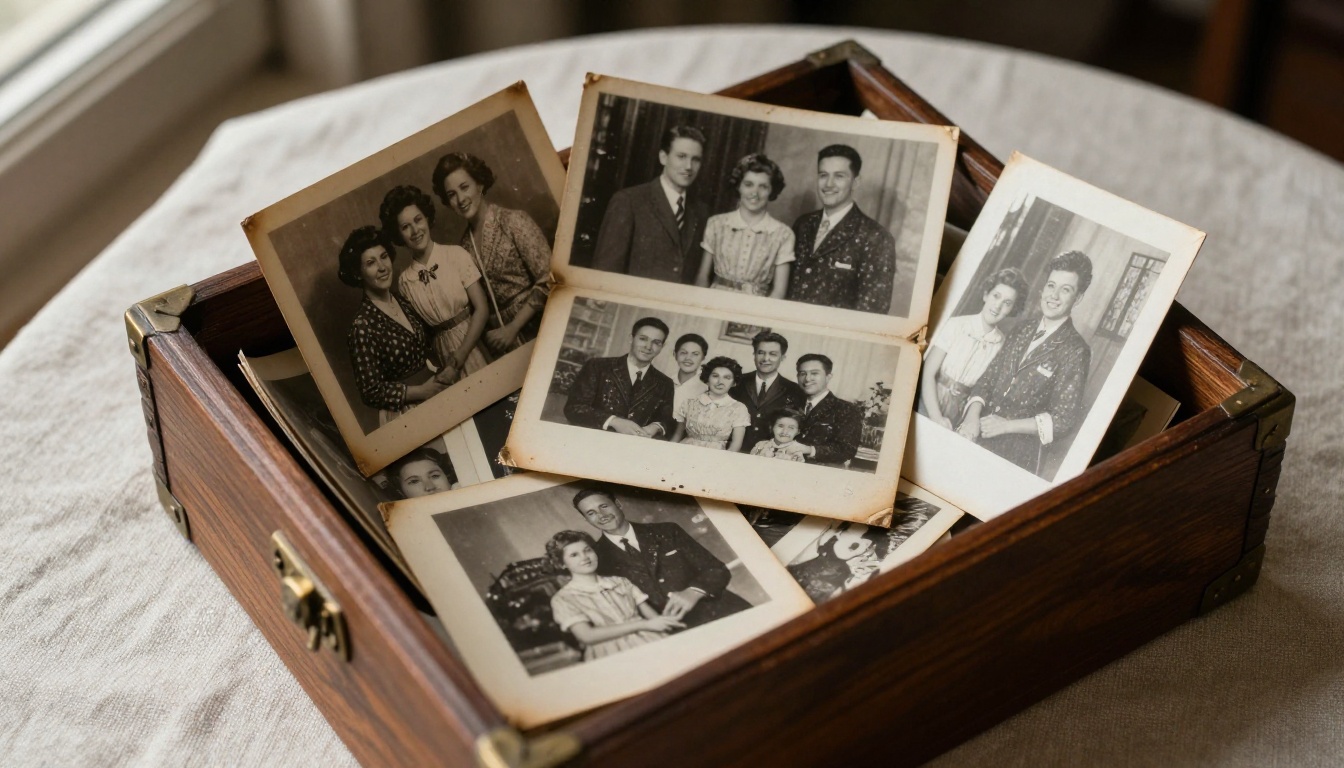
Why Old Photos Deteriorate
Before jumping into the fix, it helps to know what you are dealing with.
The Science of Photo Decay
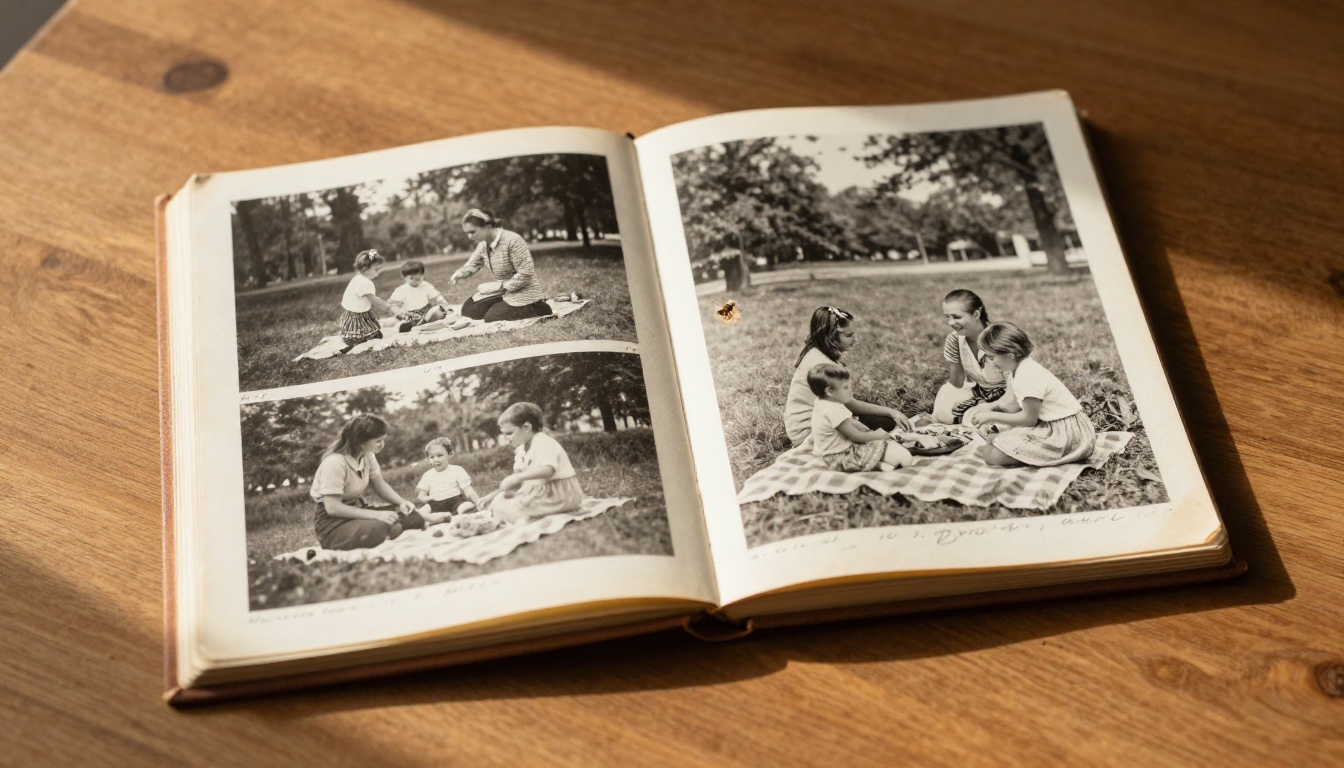
Physical photographs are made of light-sensitive chemical compounds. Over decades, those compounds break down. Heat, humidity, UV exposure, and handling all accelerate the damage. The result is a predictable set of problems:
- Yellowing and browning: oxidation of the paper base and silver salts
- Fading: loss of contrast as silver particles clump and dissolve
- Foxing: brown or reddish spots caused by mold or metallic oxidation
- Scratches and tears: mechanical damage from handling or poor storage
- Color shifts: dye fading at different rates in color prints, where one channel bleeds out faster than others
What Makes Them Hard to Fix Manually
The challenge with traditional editing tools is that they require you to make manual decisions about what "correct" looks like. What was the original skin tone? What shade was that background wall? In a faded photo, that information is genuinely lost. AI models like Nano Banana are trained on millions of photographs and can make statistically sound guesses about what the image should look like, working from context clues within the image itself.
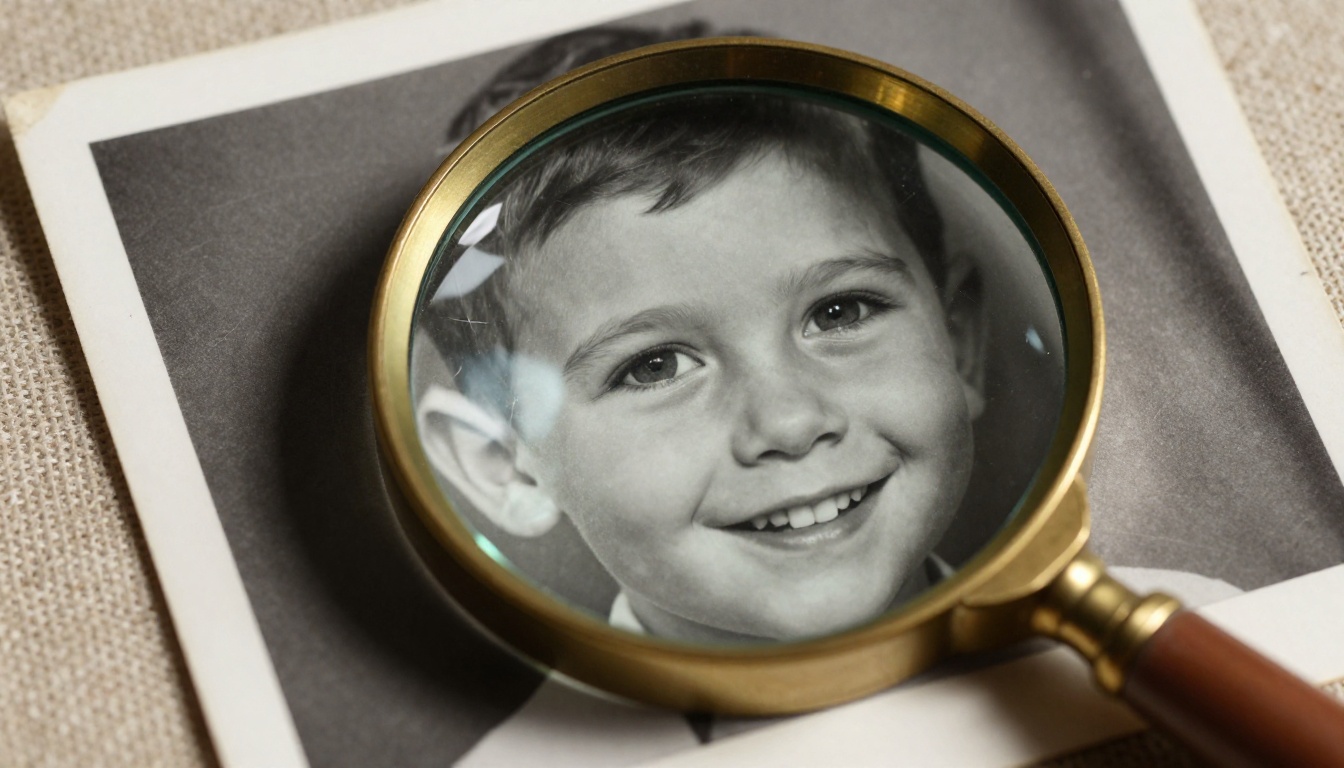
What Nano Banana Actually Does
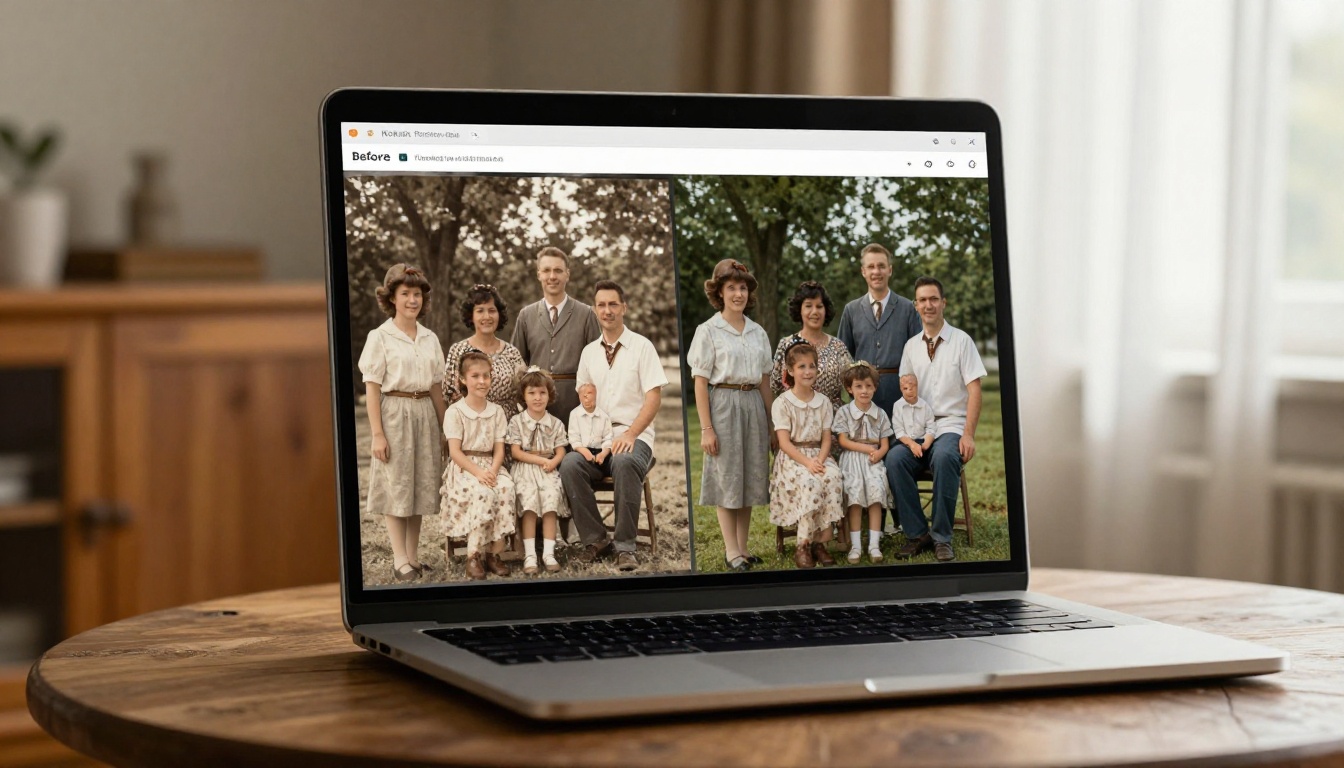
Nano Banana is not a simple filter. It is a full generative AI model from Google, capable of analyzing an image and reconstructing missing or damaged information. When applied to old photographs, it works across several dimensions simultaneously.
Image Reconstruction
The model identifies damaged regions such as scratches, tears, and missing areas, then fills them using surrounding context. This is inpainting at scale, done automatically without you selecting any regions or drawing masks.
Contrast and Tonal Restoration
Nano Banana re-balances the tonal range of a photograph. Faded prints that look like they were shot through fog come back with proper blacks, midtones, and highlights. The result is a photograph that looks like it was freshly developed.
Detail Recovery
Even in heavily degraded images, the model recovers fine details: the texture of fabric, individual hair strands, the grain of wooden furniture in the background. It does not invent detail randomly. It reconstructs it based on the image content and learned priors from millions of real photographs.
Color Restoration
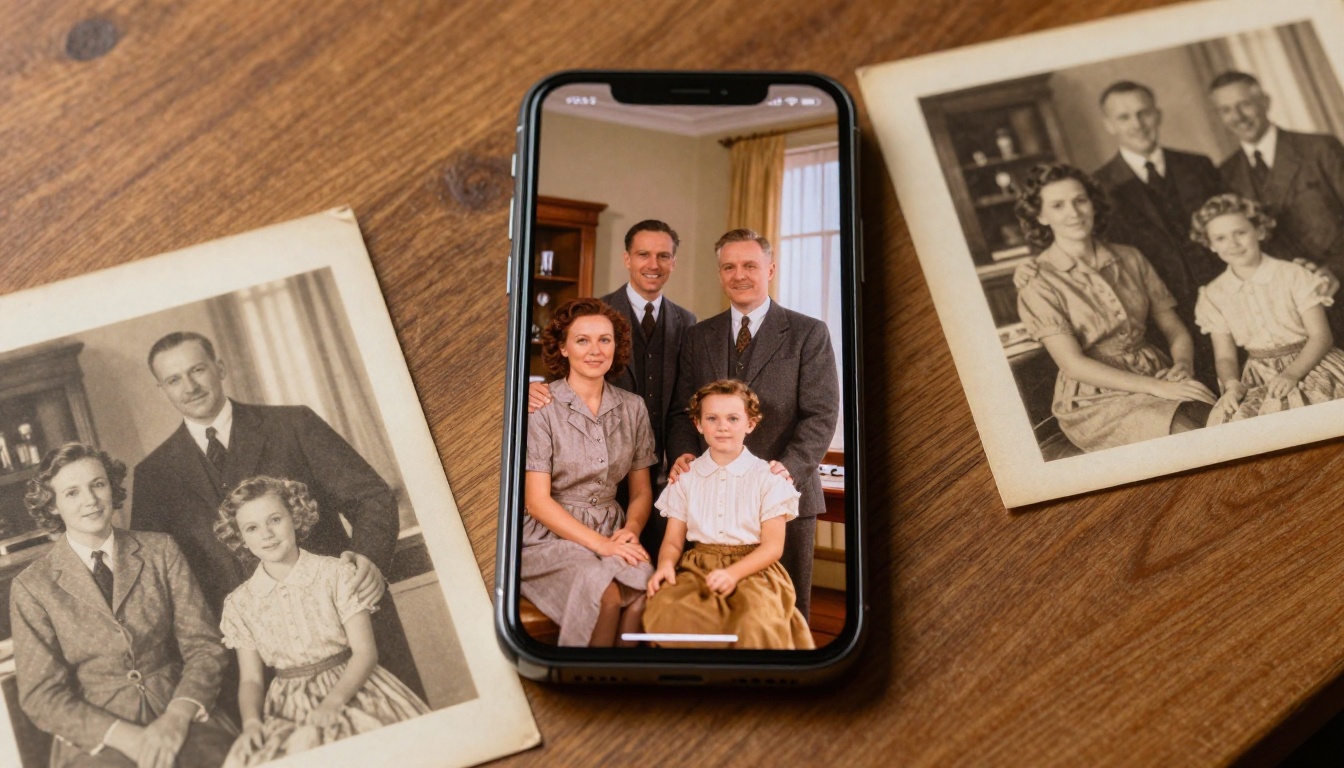
For black-and-white or heavily faded color photos, Nano Banana Pro can add or restore color in a photorealistic way. Skin tones look natural, outdoor scenes get proper sky and foliage color, and clothing colors are estimated from the fabric texture and period-appropriate context.
💡 For black-and-white photos from the 1940s-1960s, Nano Banana Pro tends to produce the most natural colorization results because the model understands the historical context of how those scenes would have looked in real life.
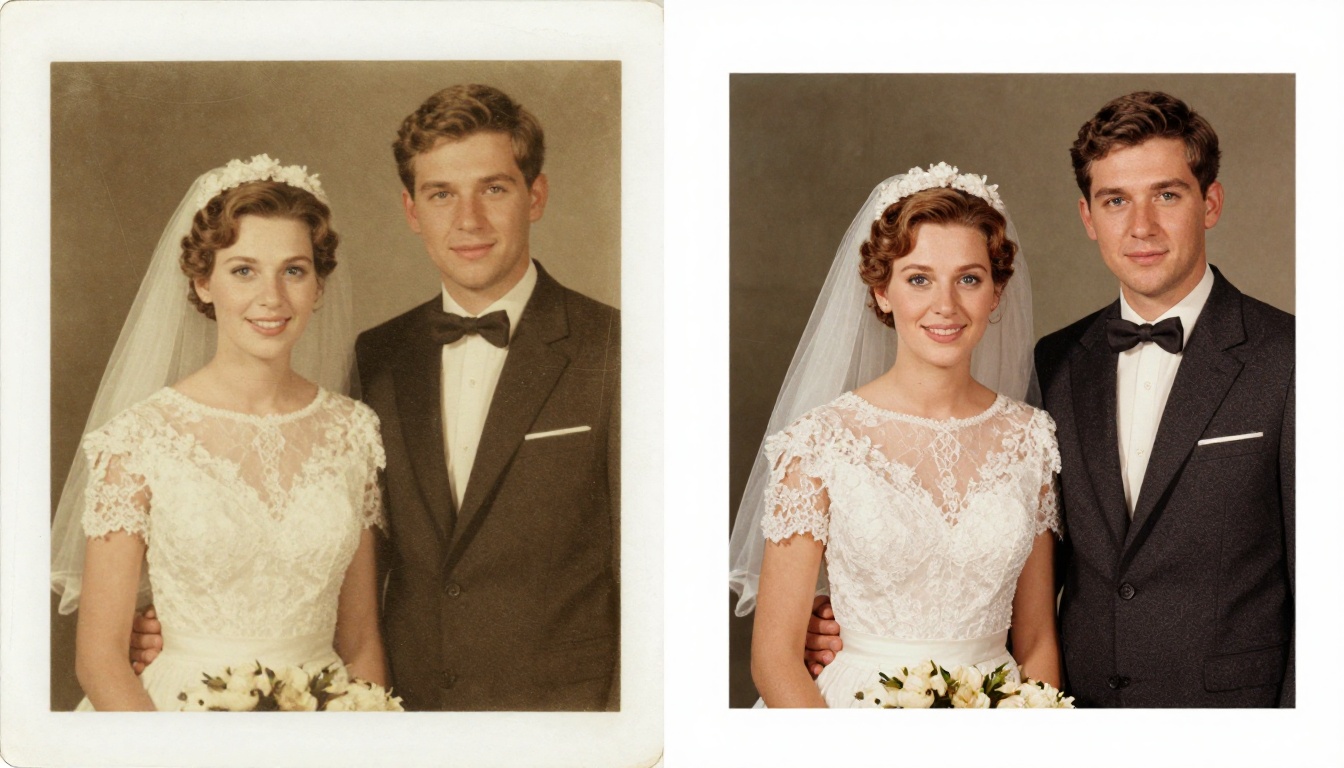
How to Restore Old Family Pictures with Nano Banana
Here is the exact process, step by step. No prior editing experience needed.
Step 1: Digitize the Physical Photo
You cannot upload a physical print, so you need a digital copy first. You have three options:
| Method | Quality | Effort |
|---|
| Flatbed scanner | Highest (600-1200 DPI) | Low |
| DSLR or mirrorless camera | High | Medium |
| Smartphone camera | Good enough | Minimal |
For best results, use a flatbed scanner at 600 DPI minimum. Scanners capture even physical texture and slight color variation that phone cameras miss. If you only have a smartphone, shoot in good natural light with no shadows crossing the image, and avoid flash.
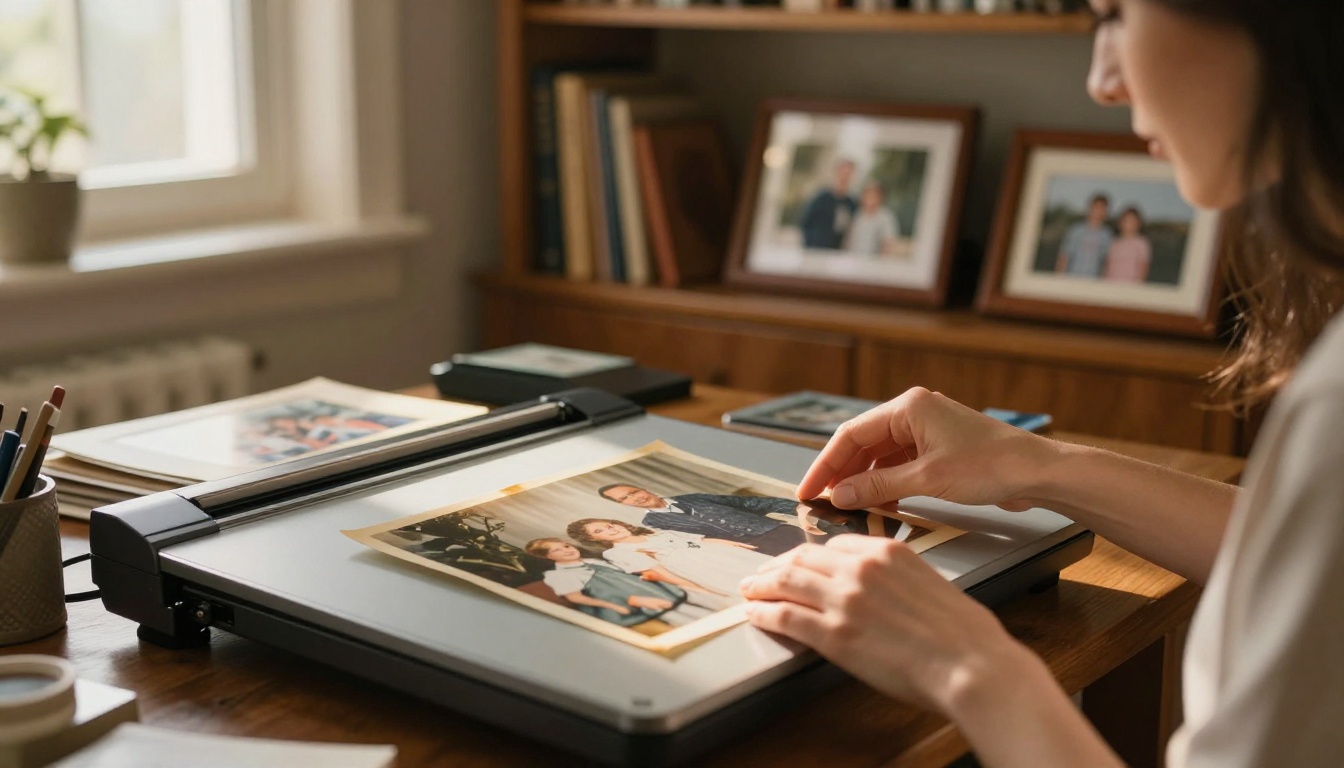
Step 2: Open Nano Banana on PicassoIA
Go to Nano Banana on PicassoIA. The model interface is clean and straightforward: upload your image, write a text prompt describing what you want, and the model processes it.
For photo restoration work, the model works best with a prompt that describes the desired output, not the input damage. Instead of describing what is broken, describe what a healthy version looks like.
Example prompts for restoration:
Restored, clear family portrait, natural colors, sharp details, no damageHigh quality 1950s family photo, vibrant and clear, no scratches or fadingClean, restored black and white portrait, high contrast, fine grain
Step 3: Run the Restoration
Upload your scanned photo and enter your prompt. Nano Banana processes the image in seconds. For most family photos, the first result is usable. If the output has any issues such as a color cast or over-smoothing on faces, run again with a slightly modified prompt.
💡 If the face in your photo loses detail or looks too smooth, add "realistic skin texture, natural pores, film grain" to your prompt. Nano Banana responds well to texture instructions.
Step 4: Check Nano Banana 2 for Fusion
Nano Banana 2 adds image fusion capabilities, which is useful when you have partial references. For example, if you have a damaged portrait but another photo of the same person from around the same era, you can use Nano Banana 2 to fuse elements from both images, helping the model reconstruct damaged areas with more accurate likeness.
Step 5: Upscale for Print
Once restored, your image is likely still at the original scan resolution. For printing at any meaningful size (5x7 or larger), you need to upscale. PicassoIA has several models built for this:
For family portraits, Crystal Upscaler is the best starting point because it is specifically optimized for faces and skin tones. If you want maximum quality for large prints, Topaz Image Upscale goes up to 6x without visible degradation.
Common Photo Problems and How to Fix Them
Not all damage is the same. Here is how to approach each type:
Severe Fading
Faded photos where most of the tonal information is gone need a descriptive prompt that explicitly asks for contrast restoration. Add "high contrast, deep blacks, bright highlights" to pull the tonal range back into shape.
Scratches and Dust Lines
Horizontal or diagonal scratches across the image surface are Nano Banana's specialty. The model recognizes these patterns as damage rather than intentional content, and fills them automatically. For stubborn scratches, try Nano Banana Pro, which handles structural damage more aggressively.
Water Damage and Staining
Water damage creates irregular blotchy areas where the photographic emulsion has lifted or migrated. Prompt with "no stains, clean uniform tones, restored background texture" to give the model the right direction.
Torn or Missing Corners
The model can reconstruct torn edges and missing corners by inferring what should be there from the rest of the image. This works best on backgrounds and clothing. For critical face areas near the damage, run multiple generations and pick the best result.
Color Casts from Aging
Old color prints often develop a strong magenta or orange cast as certain dye layers fade faster than others. A prompt like "natural color balance, neutral skin tones, no color cast" corrects this effectively.
What Results to Realistically Expect
AI photo restoration is remarkable, but it has limits worth understanding.
Where It Excels
- Removing scratches, dust, and foxing marks
- Restoring contrast in faded prints
- Sharpening soft or blurry details
- Adding natural color to black-and-white photos
- Smoothing out uneven tonal areas from water damage
Where It Needs Help
Severely torn prints with large missing areas (more than 20% of the image gone) produce mixed results. The model fills the gap, but the reconstruction may not match perfectly. In these cases, use multiple generations and compare, or use Nano Banana 2's fusion feature with a reference image.
💡 Run at least 3-4 variations for any critically important photo. Generative models have some randomness built in, and you will often find one output is clearly better than the others. The variation between runs is your friend, not a flaw.
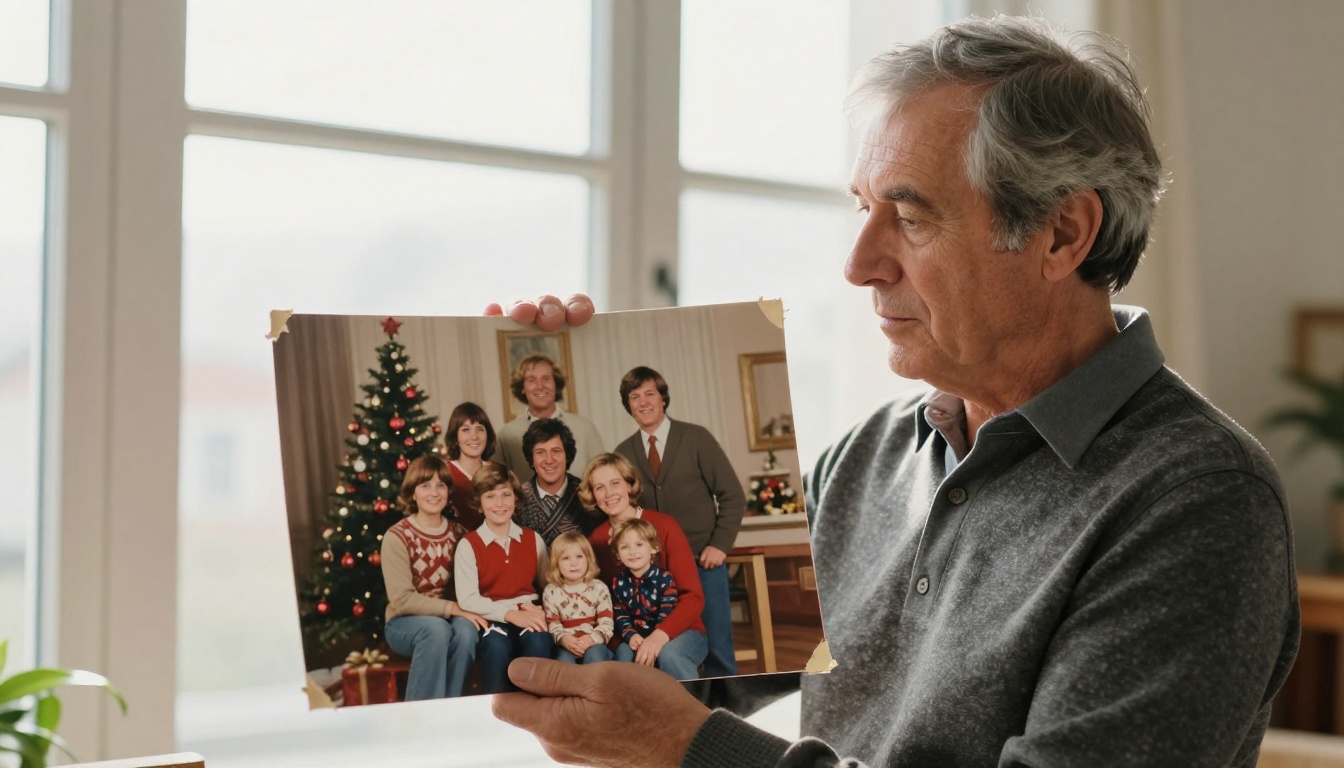
The best results come from combining Nano Banana with the wider toolkit available on PicassoIA.
The Restoration Plus Upscaling Workflow
The cleanest workflow for print-quality output is:
- Restore with Nano Banana at original resolution
- Upscale 4x with Crystal Upscaler for portraits
- Final sharpen with Real ESRGAN if needed
This two-step approach (restoration first, then enlargement) consistently produces better output than upscaling the damaged photo directly.
Using Bria Increase Resolution
Bria Increase Resolution works well as a final pass after Nano Banana restoration. It handles up to 4x enlargement cleanly and is particularly good at maintaining the restored tones without adding artificial sharpness artifacts.
Which Nano Banana Version to Use
Protecting the Originals
Restoration does not mean you should neglect the physical prints. After digitizing, here are the basics for keeping originals stable:
- Store in acid-free archival sleeves or boxes
- Keep in a cool, dry, dark environment (basements are often too humid)
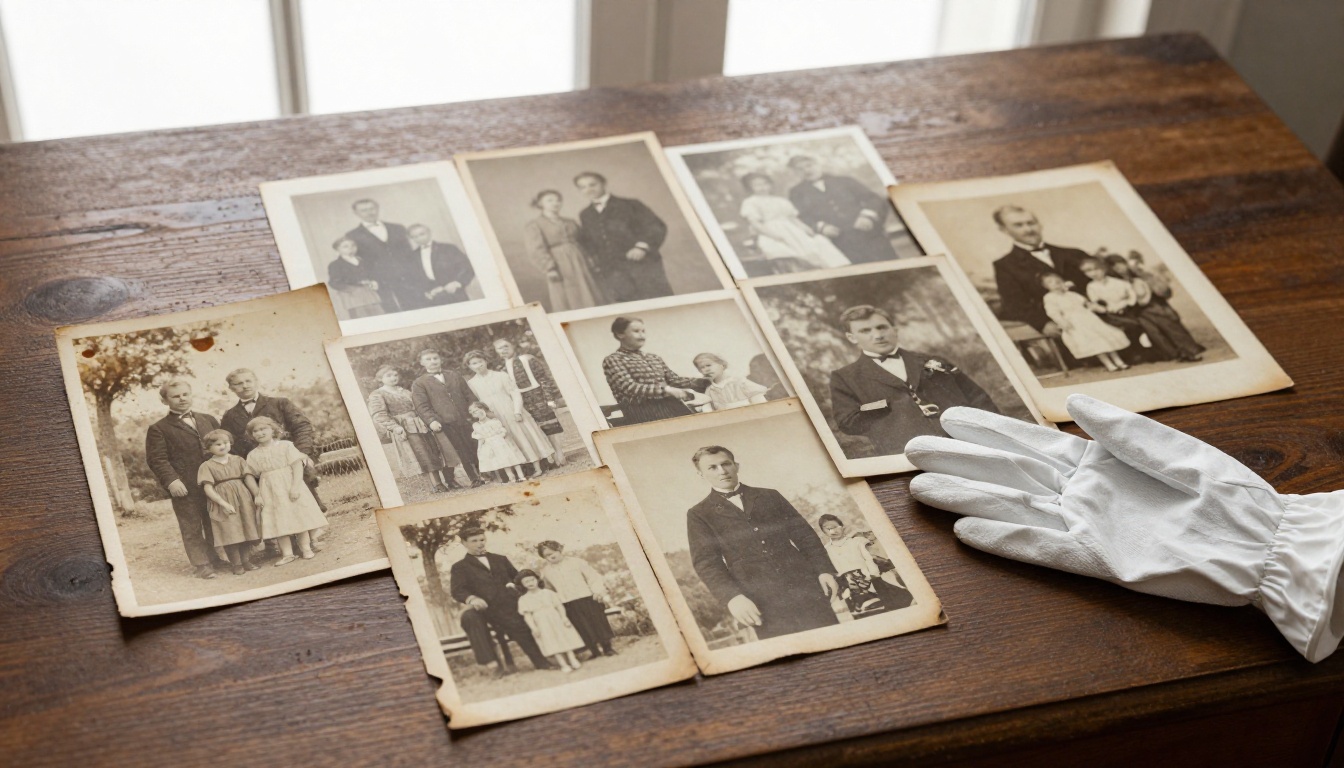
- Use cotton gloves when handling to avoid transferring skin oils onto the photo surface
- Never use rubber bands or paper clips directly on prints
- Separate prints from each other with acid-free interleaving tissue
The restored digital version is your working copy. The original, even damaged, is irreplaceable as an artifact.
Sharing and Printing Your Restored Photos
Once your restoration is done, here is how to get the most from it.
For Digital Sharing
Export as a high-quality JPEG (90-95% quality) or PNG. Keep the file at full resolution. When sharing on social media, upload the original file and let the platform compress it, rather than pre-compressing yourself.
For Printing
- 4x6 or 5x7: A 4x-upscaled image is more than sufficient
- 8x10 or 11x14: Use 6x upscaling with Topaz Image Upscale for best results
- Canvas or large format: Request 300 DPI minimum from your printer; you may need multiple upscaling passes
Photo Books and Gifts
Restored family photos make exceptional personalized gifts: photo books, framed prints, or canvas transfers. Because the AI restoration brings quality to a level comparable to a freshly shot photograph, the output looks sharp and clean in any printed format.
Start Restoring Your Family's History
Those old photographs in your attic are not just images. They are evidence that your family existed, loved each other, and lived real lives before the age of smartphones. Restoring them is one of the most meaningful things you can do with a few spare minutes and the right AI tools.
Nano Banana on PicassoIA makes this accessible to anyone. No editing skills, no expensive software, no professional lab required. Upload your scan, write a simple prompt, and watch decades of damage disappear in seconds.
For even more control, Nano Banana Pro handles the most challenging restoration jobs, while Nano Banana 2 lets you fuse multiple reference images for complex reconstruction work. Pair any of them with Crystal Upscaler or Topaz Image Upscale, and you have a complete restoration pipeline that rivals professional services.
Go find that old box of photos. Your family's past is worth the ten minutes it takes to bring it back.


