If you have been sitting on the fence between Reve AI and Midjourney, you are not alone. Both platforms have built passionate followings, and both produce images that stop you mid-scroll. But when you put them through identical prompts and test for realism, prompt adherence, text rendering, and speed, clear patterns emerge. This article breaks down exactly what those patterns are so you can make an informed choice before committing your time or budget.
Before comparing quality directly, it helps to understand the core philosophy driving each product.
Reve AI at Its Core
Reve AI is a newer entrant in the text-to-image space, built around precise prompt adherence and photorealistic output. Its model architecture is designed to interpret prompts literally, render text within images cleanly, and produce results that lean toward realism over stylization. The company has positioned it at creators who need images that look like photographs rather than paintings.
Midjourney's Design Philosophy
Midjourney has been evolving since 2022 and has spent years refining its signature aesthetic: rich, painterly, dramatically lit images that feel cinematic rather than documentary. It operates through a web interface and its models, from v5 through v6 and beyond, are tuned for visual impact rather than strict instruction-following. When you use Midjourney, you are working with a tool that actively interprets your prompt through an artistic lens.
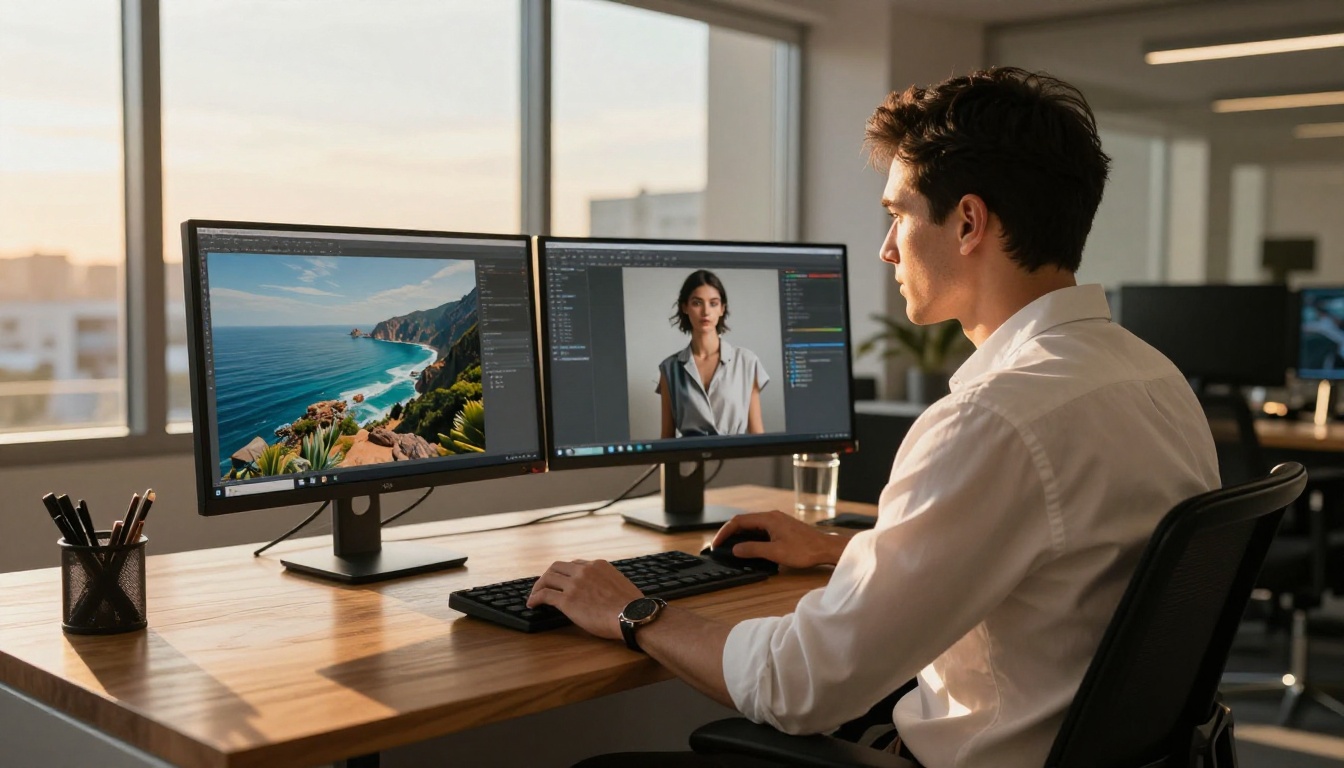
💡 The fundamental difference: Reve AI follows your prompt literally. Midjourney interprets it creatively. Neither approach is wrong, but knowing which you need changes everything.
Image Quality Side by Side
Quality is never one-dimensional. A tool can be excellent for portraits and mediocre for architecture. Here is how both platforms compare across the most common use cases.
Realism and Human Faces
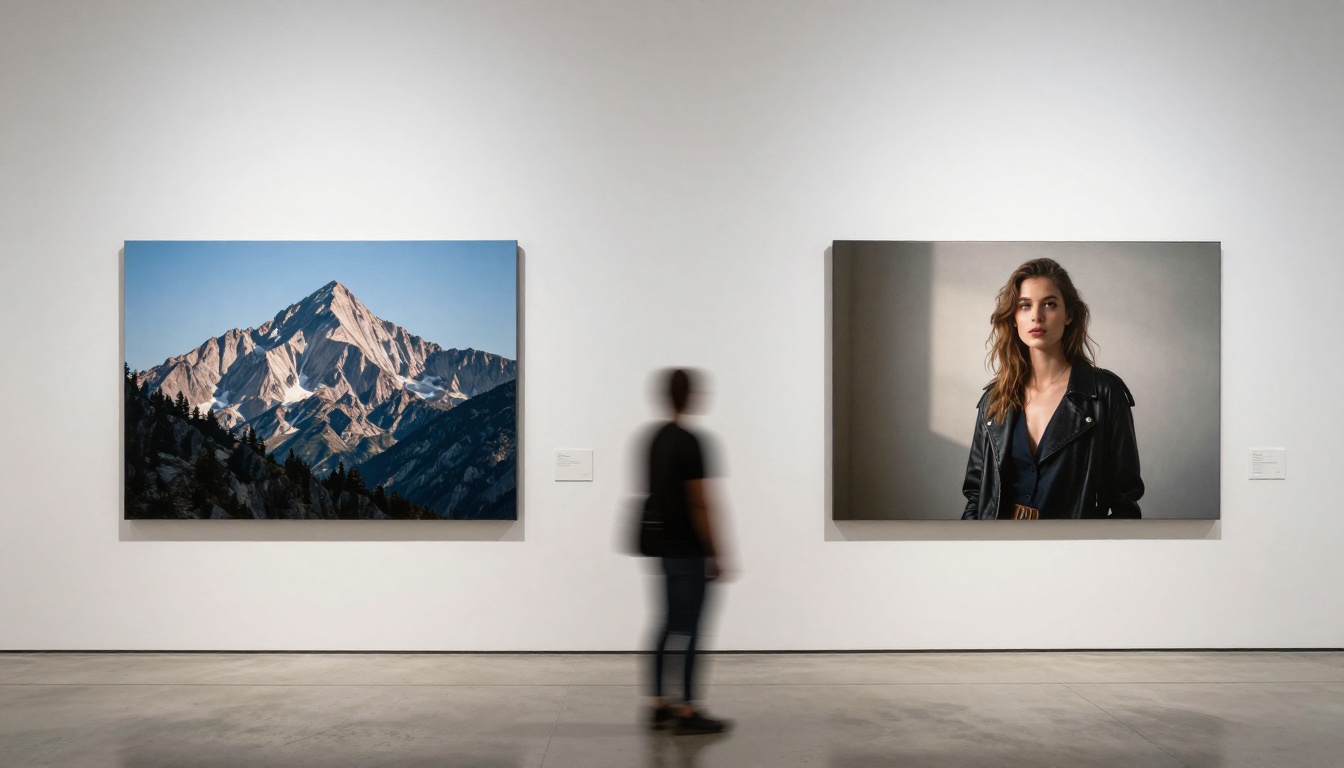
This is where Reve AI pulls ahead most noticeably. In head-to-head tests with identical portrait prompts, Reve AI consistently delivers finer skin texture, more accurate eye detail, and more believable light behavior on skin. Pore detail, subtle under-eye shadows, and the way light wraps around a jawline all look more true to life in Reve AI outputs.
Midjourney, by contrast, produces faces that are beautiful in an idealized way. Skin looks subtly airbrushed, eyes carry a dramatic quality, and the overall impression is of a high-end fashion editorial rather than a candid photograph. For some applications, that is exactly what you want.
Landscapes and Environments
For environments, the gap narrows considerably. Midjourney's strength in atmospheric lighting makes landscapes feel epic. Golden hour shots, misty mountain ranges, and city skylines at dusk all benefit from Midjourney's tendency to add cinematic mood.
Reve AI produces landscapes that look more like a RAW photograph: accurate, sharp, and realistic, but sometimes lacking that extra atmospheric punch. If you are producing imagery for a travel brand, Midjourney often wins aesthetically. If you need it to look like a genuine location photograph, Reve AI is safer.
Style Range at a Glance
| Category | Reve AI | Midjourney |
|---|
| Photorealism | Excellent | Good |
| Artistic / Painterly | Limited | Excellent |
| Anime / Illustration | Moderate | Very Good |
| Architecture | Very Good | Very Good |
| Fashion Editorial | Good | Excellent |
| In-Image Text | Excellent | Moderate |
| Scientific / Technical | Very Good | Moderate |
💡 Bottom line on quality: If your work lives at the realism end of the spectrum, Reve AI wins. If you need artistic range and cinematic moods, Midjourney has the edge.
Prompt Following Accuracy
This is where the comparison gets most relevant for professional users working under client briefs or production constraints.
Reve AI's Literal Interpretation
Reve AI was built with strict prompt adherence as a core design goal. Specify a woman in a red dress standing on the left side of the frame with a beige wall behind her, and Reve AI will produce exactly that. Object placement, color accuracy, and compositional details are treated as instructions, not suggestions.
This makes it exceptionally useful for:
- Product mockups where placement and colors must be precise
- Storyboarding where specific compositions are required
- Brand imagery where visual guidelines must be respected consistently
Midjourney's Creative Interpretation
Midjourney treats prompts as starting points. The same scene description will produce something that captures the mood and theme but may freely relocate objects, shift the background, or add stylistic flourishes you did not request.
Experienced users work around this with parameters, weight values, and iteration. But for anyone who needs reliable output on the first generation, this unpredictability adds friction to tight production timelines.

💡 For commercial work: Prompt reliability often matters as much as peak quality. A tool that delivers 70% accurate results predictably can outperform one that hits 95% accuracy only occasionally.
Text Rendering in Images
If you have tried embedding readable type inside an AI-generated image, you already know how painful this can be with most models.
Where Reve AI Wins Clearly
Reve AI has made in-image text rendering one of its standout features. Short phrases, product labels, signage, and even multi-word sentences render with clean letterforms and consistent spacing. The model has clearly been trained with text accuracy as a priority, and it shows in real-world outputs.
This matters for:
- Social media graphics with embedded captions or slogans
- Advertisement concept visuals
- Print design mockups for books and posters
- Any output where readable typography inside the image is non-negotiable
Midjourney's Ongoing Text Challenge
Midjourney has improved with its more recent model versions, but text inside images remains a consistent weakness. Single short words in bold stylized contexts come out acceptable. Anything longer, placed in a naturalistic scene, or requiring precise letter spacing will usually produce garbled, merged, or warped letterforms.
If text-in-image quality is part of your workflow, Reve AI is not just better here. It operates in a different category entirely.
Speed and Workflow
Both tools are fast by the standards of generative AI, but they serve different working styles.
Generation Time
Reve AI typically delivers results in 8 to 20 seconds depending on complexity and server load. That is fast enough for rapid iteration without a sense of waiting around between attempts.
Midjourney's speed varies by subscription tier. Standard plans produce a generation plus four variations in 30 to 60 seconds. Fast mode on higher tiers brings that down considerably, but it also consumes your GPU hour allocation faster.
Editing and Iteration
Midjourney's Vary, Remix, and Inpaint tools are mature and well-integrated into its interface. Once you have a base image you are happy with, targeted changes, canvas expansion, and variation generation all work smoothly within the same session.
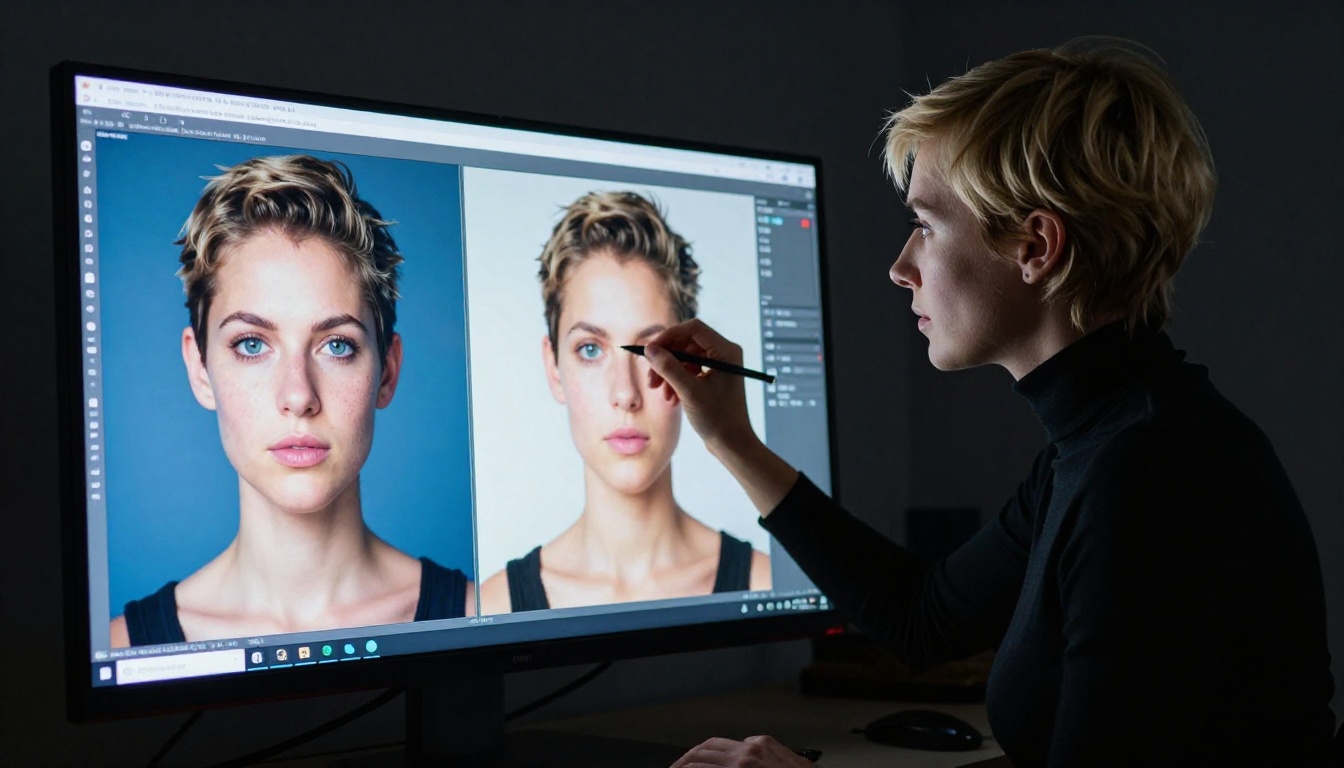
Reve AI offers its own editing toolkit. Reve Edit on PicassoIA enables precise modifications to existing images, and Reve Remix supports stylistic and compositional variations from a source image. For iteration-heavy workflows, both toolsets are now genuinely comparable.
Pricing: What You Actually Pay
Cost is a real part of the quality equation. A tool that produces marginally better images at three times the price may not be the right choice for every budget.
Reve AI Access
Reve AI offers a free tier with a limited monthly credit allowance and paid plans starting at around $10 per month for higher usage volumes. The credit-based model suits irregular users who would rather pay for what they use than maintain a recurring subscription through quiet periods.
Midjourney Subscription Tiers
Midjourney operates on a pure subscription model with no meaningful free access as of 2025.
| Plan | Monthly Price | Fast GPU Hours | Stealth Mode |
|---|
| Basic | $10 | 3.3 hrs | No |
| Standard | $30 | 15 hrs | No |
| Pro | $60 | 30 hrs | Yes |
| Mega | $120 | 60 hrs | Yes |
For heavy users, the Standard plan at $30 is the practical sweet spot. For occasional creators, Reve AI's credit model is meaningfully more affordable and flexible.
How to Use Reve AI on PicassoIA
Since Reve AI is available directly on PicassoIA, you do not need a separate account or external tool to start testing it. Here is how to work with it effectively.
Step 1: Choose Your Reve Model
PicassoIA offers three Reve tools for different stages of the creative process:
- Reve Create for generating new images from text prompts
- Reve Edit for modifying existing images with specific text instructions
- Reve Remix for creating style and composition variations of an existing image
Start with Reve Create if you are generating from scratch.
Step 2: Write a Specific, Literal Prompt
Unlike Midjourney where mood keywords and aesthetic weights drive results, Reve AI responds far better to clear and specific descriptions. Instead of writing "mysterious woman in a forest, cinematic," try: "a woman in her 30s with dark hair, wearing a long grey wool coat, standing in a dense pine forest in winter, soft overcast light from directly above, 50mm lens, shallow depth of field."
The more specific you are about placement, color, lighting direction, and subject details, the more precisely Reve AI delivers.
Step 3: Refine with Reve Edit
Once you have a base image from Reve Create, take it into Reve Edit for targeted changes. Adjust the background, swap colors, add a product to the subject's hand, or modify lighting conditions without rebuilding the image from scratch.
Step 4: Produce Variations with Reve Remix
If the composition is right but you want to test different moods or lighting conditions, Reve Remix generates variations while preserving the core structure. This is where the workflow starts feeling like a proper professional iterative process rather than a one-shot generation tool.
Which One Fits Your Work?
There is no single winner here. The right tool depends almost entirely on what you are building.
Creative and Commercial Work
Photographers, art directors, and brand designers who need photorealistic outputs that follow production specifications will find Reve AI more reliable for client work. Prompt accuracy, realistic surface rendering, and clean text generation make it the stronger choice when precision is non-negotiable.
Marketing and Content Production
Content teams producing high-volume, visually striking social assets at speed often gravitate toward Midjourney. Its ability to generate dramatically beautiful imagery quickly suits a content calendar workflow, and the AI-interpreted aesthetic can actually be an asset when you want images that feel intentionally produced and editorial.
Casual Creators and First-Timers
For anyone new to AI image generation and experimenting with what is possible, Reve AI's free tier makes it the more accessible starting point. Because what you type is roughly what you get, the ramp-up is shorter and early results are more rewarding.
💡 You do not have to choose permanently. Reve AI for product shots and text-heavy assets. Midjourney or Flux Krea Dev for mood boards and lifestyle imagery. These tools work well together.
Try It Yourself Right Now
Both Reve AI and Midjourney-style alternatives are accessible on PicassoIA today, in a single interface, without juggling separate subscriptions or external services. Run Reve Create for photorealistic, prompt-accurate outputs, or switch to Flux Redux Dev for cinematic image variations that feel close to Midjourney's aesthetic range.
The honest answer to which tool has better quality is the one you actually use consistently and iterate with over time. Both Reve AI and Midjourney reward experience. The more you test, refine, and compare results against your own prompts, the sharper your outputs become on either platform.
Pick the quality criteria that matter for your specific project, test both approaches on PicassoIA, and let your own outputs be the final judgment. PicassoIA makes that process fast, affordable, and accessible without requiring a credit card commitment on day one.