Picking between Reve and Recraft feels simple on the surface, but once you get into the specifics, these two tools serve very different creative needs. Reve focuses on fast, high-quality text-to-image generation with a clean consumer-facing interface. Recraft doubles down on style consistency, brand asset creation, and something almost no other AI image tool does well: native SVG vector output. If you are a designer, brand strategist, or creative professional trying to figure out which one deserves a spot in your actual workflow, this breakdown gives you the real picture.
What Reve AI Actually Does
Reve AI positions itself as a high-quality text-to-image generator that rivals the best in the market in terms of visual output, but without a complex onboarding experience. The model behind Reve is reportedly trained with a heavy emphasis on prompt coherence, meaning the output tends to match what you describe with less creative drift than you see in other tools.
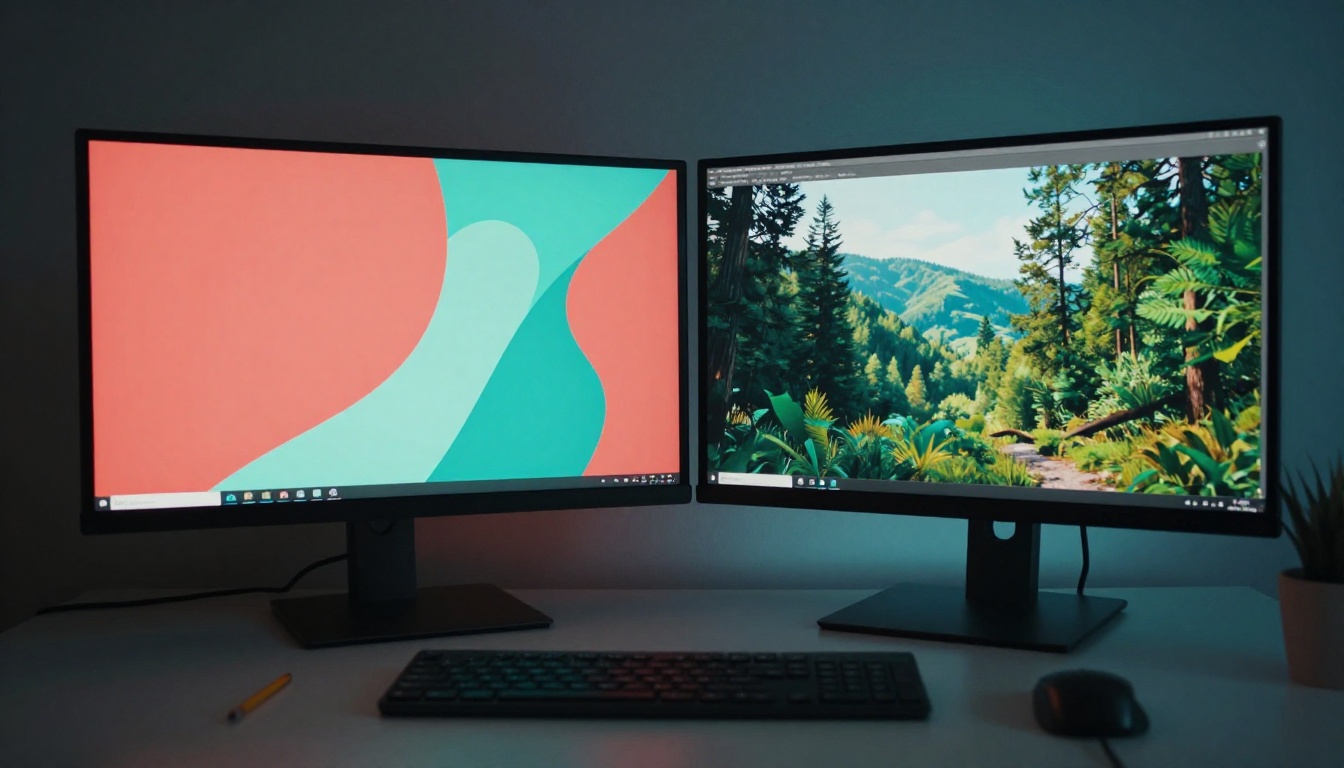
The interface is straightforward. You write a prompt, adjust a few settings like aspect ratio and style weight, and generate. There are no complex workflows, no node editors, no ControlNet pipelines. That simplicity is by design: Reve targets users who want great results quickly, not power users who need granular control over every generation parameter.
Reve's Core Image Strengths
Reve consistently delivers on three fronts:
- Prompt fidelity: When you write a detailed prompt, Reve tends to include more of what you asked for compared to tools that heavily reinterpret inputs.
- Lighting quality: Generated images often show sophisticated natural lighting with realistic shadow behavior and genuine depth.
- Composition consistency: Reve does not randomly crop subjects or produce awkward framing, which is a real problem with some competing models.
For anyone generating social media content, editorial illustrations, or conceptual art at speed, Reve is genuinely competitive with the best tools available right now.
Where Reve Falls Short
Reve does not produce vector output. Every image is a raster file, which means it degrades when scaled up beyond the output resolution. For print work, logo design, icon sets, or anything that needs to live at wildly different sizes, this is a hard limitation with no workaround inside the platform.
Style consistency across multiple generations is also unreliable. If you need ten images that look like they belong in the same visual system, Reve gives you no mechanism to lock that in. Each generation starts fresh with no memory of previous outputs.
There is also no in-platform editing. Once an image is generated, you take it to Photoshop or Figma for any modifications. Reve is a pure generation tool with no post-generation workflow.
What Recraft Brings to Design
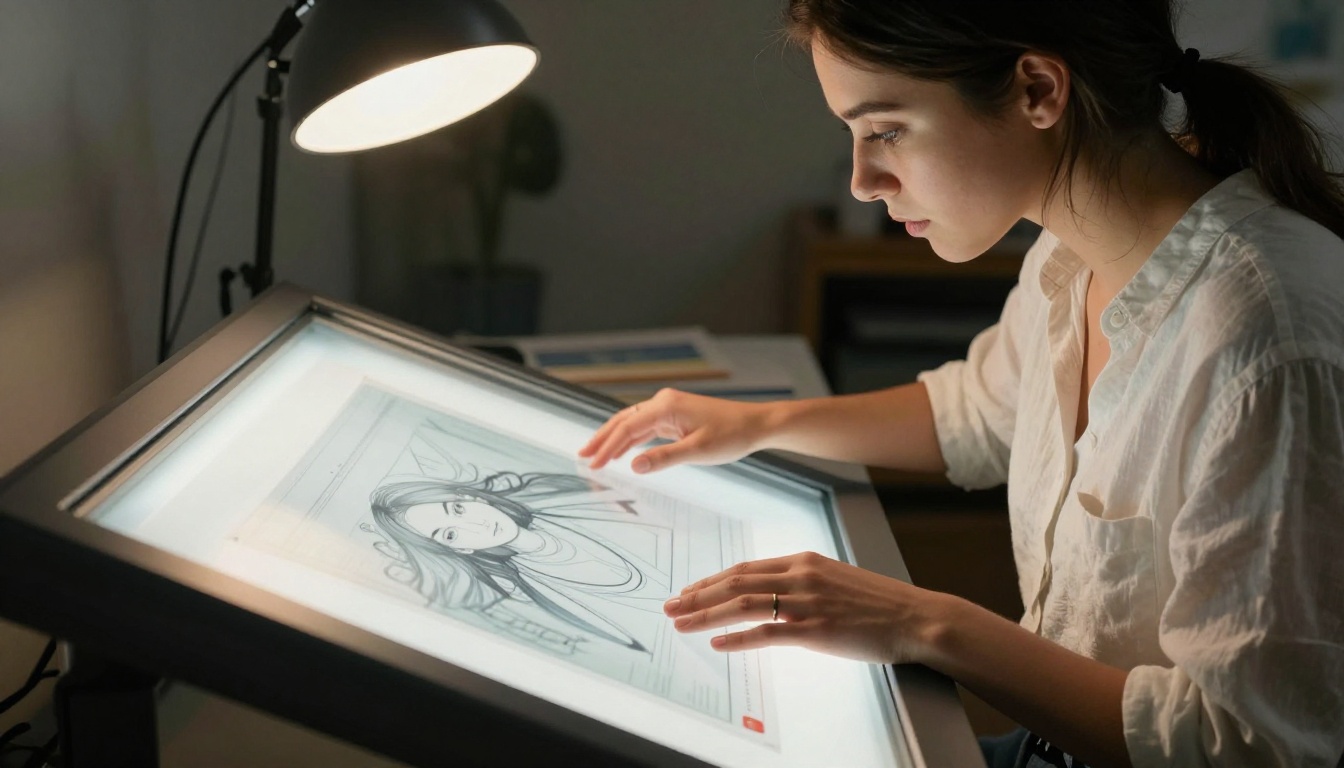
Recraft is a different kind of product. Yes, it generates images from text prompts, but the core differentiation is its obsession with style control and its unique ability to output scalable vector graphics. Where Reve is a generation engine, Recraft is closer to a brand asset platform that happens to include image generation.
Recraft's Vector Superpowers
The standout feature in Recraft's toolkit is native SVG output. Most AI image tools generate pixel-based files that cannot scale infinitely without quality loss. Recraft breaks from this pattern with two distinct vector-focused capabilities:
- Text-to-SVG generation: Write a prompt and receive a clean, scalable SVG file instead of a JPG or PNG.
- Image-to-vector conversion: Upload a raster image and receive a vectorized SVG output with editable paths.
This is genuinely useful for logos, icons, UI elements, print media, and any asset that needs to work at both 16px and 16 meters. The SVG output quality is not perfect for complex photorealistic scenes, but for flat illustrations, icons, and brand marks, it is the best AI-powered vector generation currently available.
On PicassoIA, you can access Recraft 20B SVG directly, which is the model behind this vector generation capability. There is also Recraft Vectorize for converting existing raster images into clean SVG format without generating from scratch.
Recraft's Style System
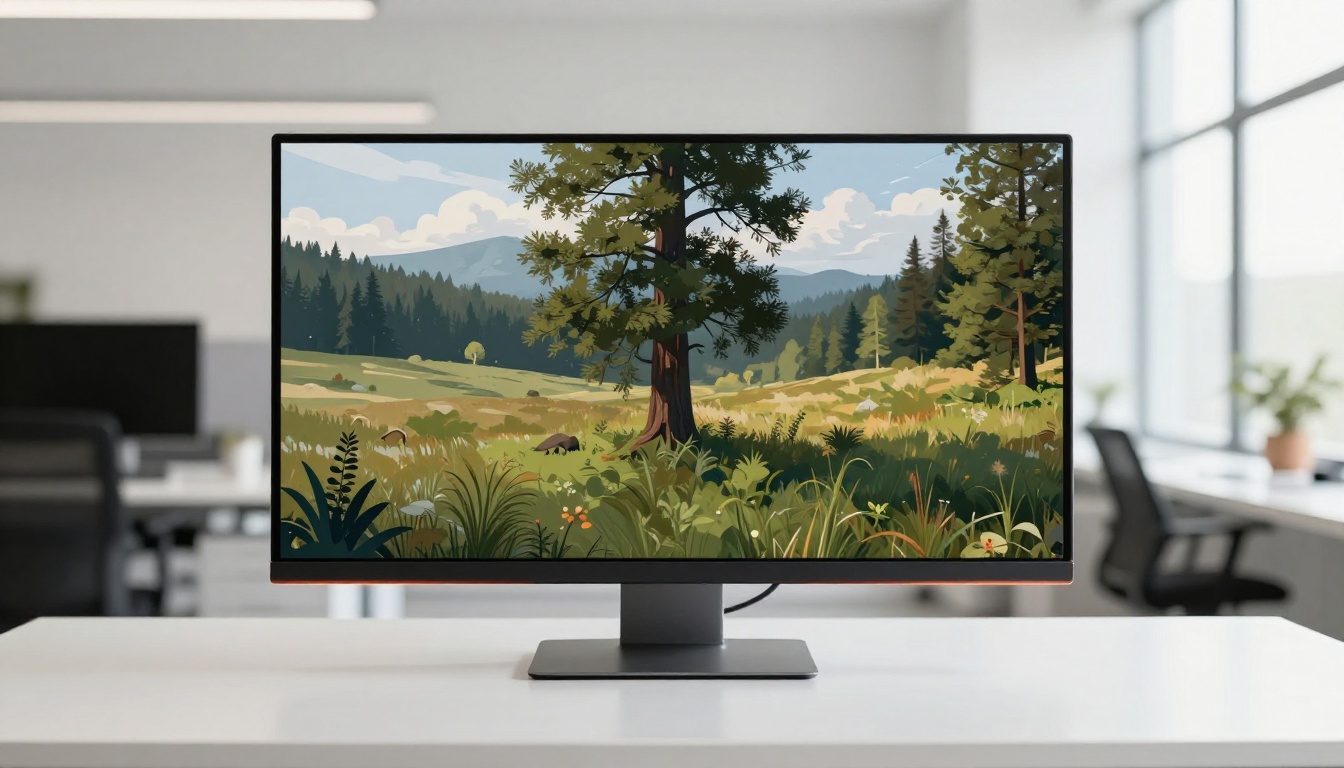
Recraft introduced a concept called brand styles that lets you define a visual identity and apply it consistently across generations. You can create a style by uploading reference images or generating a few outputs and saving them as a style preset. Every subsequent generation then inherits that visual language automatically.
This feature alone separates Recraft from most competitors. Brands working on cohesive campaigns, product lines requiring consistent visual identity, or design systems that need uniformity across dozens of assets can work efficiently in Recraft in a way that no other text-to-image tool currently allows.
The style options span photorealistic photography, digital illustration, flat design, pixel art, line art, and more. Each is handled differently at the model level, not just through post-processing filters applied on top.
Recraft on PicassoIA
PicassoIA gives you direct access to Recraft 20B, Recraft's primary text-to-image model. This is the same model that powers both the photorealistic and illustrative outputs in the Recraft platform. You get full prompt control without needing a separate Recraft subscription.
💡 Tip: When using Recraft 20B on PicassoIA, specify the style explicitly in your prompt. Recraft responds very well to style descriptors like "flat vector illustration", "realistic photography", or "line art icon" placed at the beginning of the prompt.
Text-to-Image Quality Head-to-Head
Running both tools through identical prompts reveals some consistent patterns. Neither is universally better, but each has a distinct strength profile that shows up reliably.
Prompt Accuracy in Practice
Reve tends to win on prompt fidelity for descriptive, scene-based prompts. Ask for "a woman in a red coat standing on a bridge in rain" and Reve will nail most of those details reliably. Ask the same of Recraft in photorealistic mode and you get a strong image, but the style consistency layer occasionally overrides specific prompt details in subtle ways.
For abstract or style-driven prompts ("vintage travel poster of Tokyo", "minimal line art of a coffee cup"), Recraft has the clear advantage because its internal style categories are tuned specifically for these use cases.
| Prompt Type | Reve | Recraft |
|---|
| Descriptive scene | Excellent | Good |
| Style-driven illustration | Good | Excellent |
| Logo or icon generation | Poor | Very Good |
| Brand-consistent series | Not available | Excellent |
| SVG vector output | Not available | Native |
| Photorealistic portrait | Excellent | Good |
Photorealism vs. Stylization
Reve's photorealistic output is strong, particularly for portraits and landscapes. The model handles skin texture, environmental lighting, and depth of field with a naturalness that rivals dedicated photography-focused models.
Recraft's photorealistic mode is competitive, but the model architecture is optimized for broad style range rather than maximum photorealism in any single style. The tradeoff is that Recraft is more versatile across the full spectrum of visual styles while Reve is more specialized.
If photorealism is your primary output goal, Reve has a narrow but consistent edge. If you need a single tool that handles both photorealistic and illustrative work with equal competence, Recraft is the stronger choice.
The Vector Capability Gap
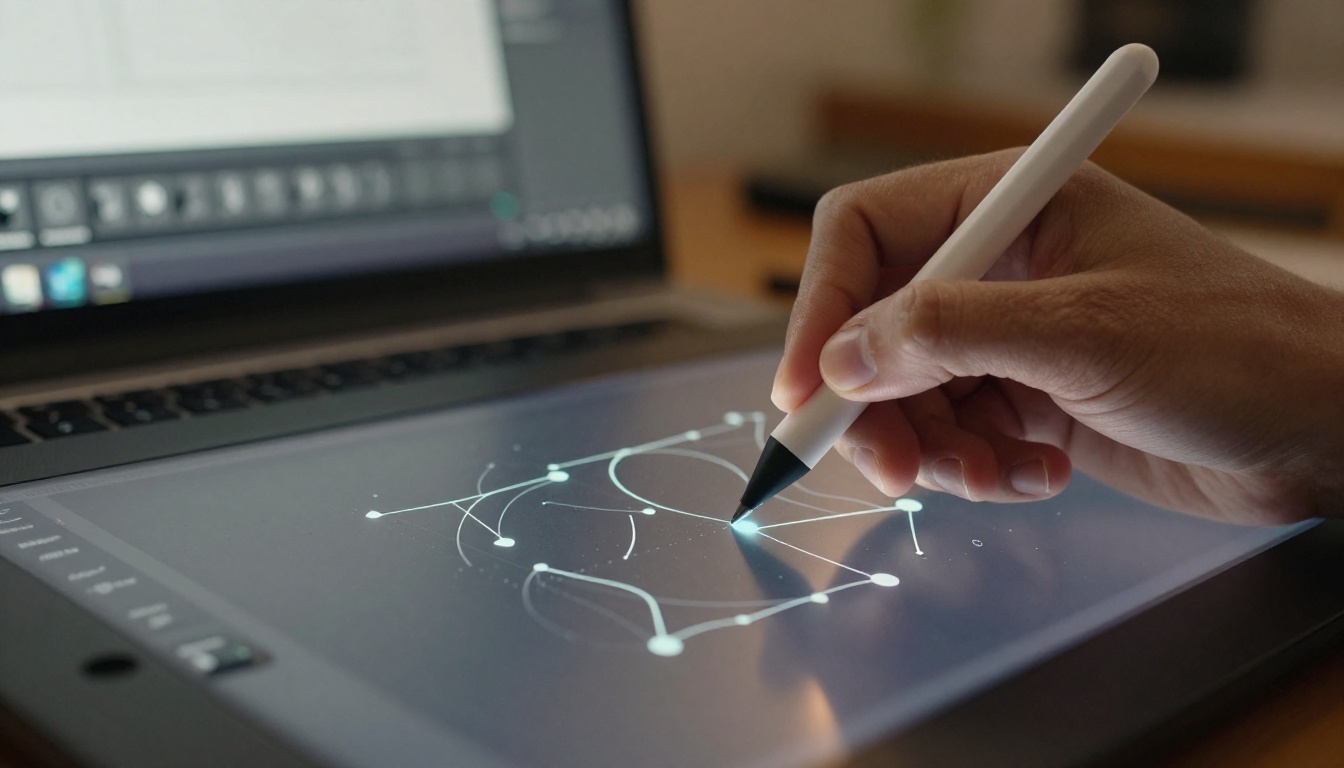
This is the clearest differentiator between the two tools, and it is not close.
SVG Output Quality Compared
Reve does not produce SVG at all. Recraft produces SVG natively through Recraft 20B SVG, and the results are genuinely usable for professional work in many cases.
The SVG quality depends heavily on the complexity of the subject:
- Simple icons and marks: High quality. Clean paths, well-structured anchor points, infinitely scalable.
- Flat illustrations: Very good. Color fills are accurate, shapes are well-defined, file sizes are reasonable.
- Complex scenes with gradients: Moderate quality. SVG files become large and some details render as raster patches embedded within the SVG structure.
- Photorealistic content: Not recommended. Recraft wisely defaults to raster output for photorealistic prompts since SVG is not the right format for that content type.
For anyone who previously relied on Adobe Illustrator's Image Trace or third-party vectorization software, Recraft Vectorize is worth serious attention. It handles the conversion from raster to vector better than most dedicated vectorization software for design-forward, illustration-style content.
Who Actually Needs SVG Output
Not everyone needs vector output. But the people who do need it, need it badly. If you work on any of the following, Recraft's SVG capability is not a nice-to-have, it is essential:
- Brand identity design: Logos must scale from favicons to billboards without degradation.
- Icon systems: UI icons at 16px look completely different from icons at 512px without a proper vector source file.
- Print production: High-resolution print requires vector artwork or extremely high-resolution raster files at minimum.
- Motion graphics: Vector paths are far easier to animate than raster shapes in After Effects or similar tools.
- Production methods: Embroidery, laser cutting, and vinyl cutting all require clean vector paths to function correctly.
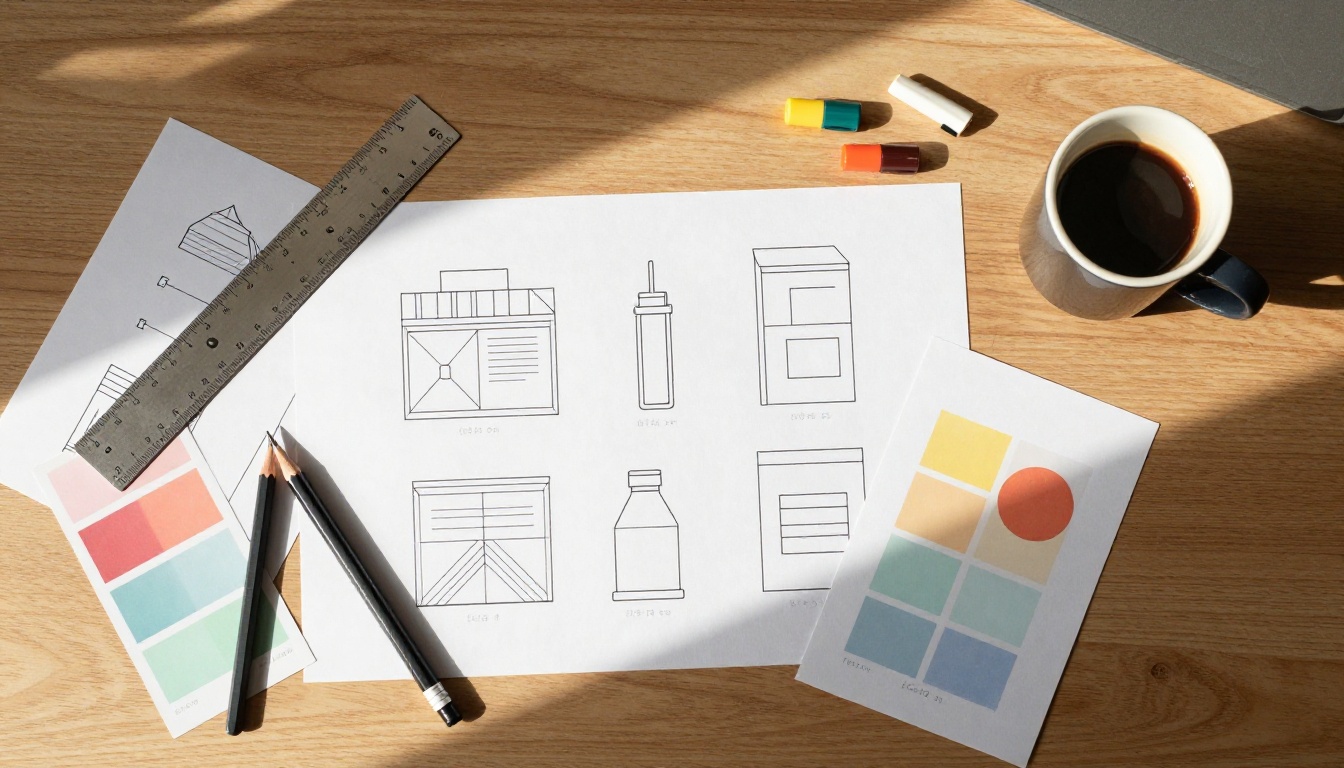
How to Use Recraft on PicassoIA
Since Recraft 20B and Recraft 20B SVG are both available on PicassoIA, here is how to use them effectively without needing a separate platform account.
Step 1: Pick Your Recraft Model
Navigate to the text-to-image section on PicassoIA and choose your model based on what your project actually needs:
- Recraft 20B: General-purpose text-to-image, supports all style types including photorealistic, illustration, pixel art, and flat design.
- Recraft 20B SVG: Specifically tuned for vector output. Use this when you need a scalable SVG file.
- Recraft Vectorize: Use this when you have an existing raster image you want to convert into a clean SVG.
Step 2: Write Your Prompt
Recraft responds exceptionally well to prompts that include style information upfront. Structure your prompt based on the output you need:
For vector output: Start with the style descriptor, then the subject, then supporting details.
flat vector illustration, minimal coffee cup icon, single color, clean geometric lines, white background
For photorealistic output: Lead with the scene description, then add lighting and camera details.
outdoor portrait of a woman in a cafe, warm afternoon light through window, 85mm f/1.4, shallow depth of field
For brand assets: Include color palette information explicitly since Recraft incorporates it reliably.
flat vector logo mark, abstract mountain shape, deep teal and warm sand colors, minimal geometric style
💡 Tip: Recraft's SVG model works best with prompts describing flat, geometric, or illustrative subjects. Avoid asking it to vectorize photorealistic content since the resulting SVG files are unnecessarily complex and do not scale cleanly.
Step 3: Export and Use

SVG files from Recraft 20B SVG open directly in Illustrator, Figma, Inkscape, or any vector-capable application. You can edit individual paths, change colors, adjust shapes, and scale to any size without quality loss. The file structure is clean enough to work with programmatically in web development contexts as well.
For raster outputs from Recraft 20B, the files are high-resolution JPG or PNG suitable for web, social media, and most digital applications.
Speed, Cost, and Practical Use
Speed and cost are practical concerns that often determine which tool actually gets used on deadline.
Generation Speed Breakdown
Reve is fast for a premium-quality generator. Most generations complete in 10 to 20 seconds depending on server load. The interface is responsive and does not require waiting through queues during normal usage hours.
Recraft's generation time varies by output type. Standard raster images generate in a similar 10 to 20 second window. SVG generation through Recraft 20B SVG takes slightly longer, typically 20 to 40 seconds, because of the additional processing required to create clean vector path structures from the generated output.
Both tools are meaningfully faster than queue-based generators in standard usage and comparable to Flux-based models for single-image generation tasks.
Pricing Reality Check
Reve operates on a subscription model with a free tier that includes limited daily generations. The paid tier unlocks higher resolution outputs and priority generation speeds. For individual creators, the free tier provides enough generations to evaluate the tool seriously before committing.
Recraft also has a free tier with monthly generation credits. Paid tiers unlock higher SVG output quality, more style presets, and the brand style locking feature that makes it genuinely useful for professional brand work.
Both tools are accessible to individuals and small studios without enterprise pricing. For users on PicassoIA, Recraft 20B and Recraft 20B SVG are available without a separate Recraft subscription, which is a meaningful cost advantage for anyone already using the platform.
Which One Fits Your Workflow
The choice between Reve and Recraft is not about which tool scores higher on benchmarks. It is about which one matches what you actually make and what formats your projects require.

Pick Reve If This Is You
- You generate primarily photorealistic images and care deeply about natural lighting, skin texture, and scene accuracy.
- You work on editorial content, conceptual photography mockups, or social media visuals where raster output is always sufficient.
- You value prompt fidelity over style versatility and want a clean, minimal interface.
- You do not need vector output now and are not planning to produce brand assets or icons.
- Speed and simplicity matter more than extended creative control.
Reve's promise is this: write a detailed prompt, get a high-quality image, move on with your day. For that specific workflow, it delivers consistently.
Pick Recraft If This Is You
- You do brand identity work, icon design, or produce any asset that needs to scale without degradation.
- You need native SVG output from text prompts without relying on third-party vectorization tools.
- You work across multiple visual styles and need one platform that handles all of them from photorealistic to flat illustration.
- You want consistent visual identity across a batch of related generations.
- You are working in UI/UX design, print production, or motion graphics where vector assets are standard deliverables.
Recraft's depth becomes apparent over time. The more you use its style system and SVG capabilities, the more it functions like a proper design tool rather than just an image generator.
Start Creating with Both Today
The honest position for most professional workflows is that both types of tools eventually earn a place. Reve for quick high-quality photorealistic content. Recraft for brand assets, icons, vectors, and stylistically consistent image series.
You do not have to choose just one platform to work with both. On PicassoIA, you can access Recraft 20B, Recraft 20B SVG, and Recraft Vectorize without signing up for a separate service. You get the full Recraft model lineup alongside dozens of other top text-to-image models, all accessible from one place.
💡 Try generating the same prompt in Recraft 20B and then in Recraft 20B SVG to see exactly how the same subject translates from raster to vector. The difference clarifies immediately which format your project actually needs.
The best AI image generator is not always the one with the highest benchmark scores. It is the one that fits how you actually work, outputs the formats your clients need, and does not slow you down when deadlines arrive. Both Reve and Recraft have earned their reputations, and now you have enough information to put the right one to work.


