Renting a GPU for AI image and video generation looks simple until the invoice arrives. One platform quotes $0.34 an hour, another bills by the second, and a third rents out spare machines that can disappear mid-render. The sticker price tells you almost nothing about what a finished image or a five-second video actually costs.
This comparison puts RunPod, Vast.ai and Modal side by side, converts their rates into cost per 1,000 images and cost per video clip, and shows where each one quietly burns money. Every figure below is worked out from published rates, with the assumptions written next to it so you can re-run the math with your own numbers.
💡 Quick verdict: Vast.ai is the cheapest per GPU hour, RunPod is the best all-round balance, and Modal is the smoothest option when your traffic is spiky and you are happy writing Python.
The Short Answer
The ranking depends on one question: does your GPU sit busy, or does it sit waiting? A busy GPU favors cheap hourly rentals. A mostly idle GPU favors per-second serverless billing. Every number in this article comes from that tension, and it explains why the "cheapest" platform changes depending on who is asking.

Price per Hour at a Glance
Here are the headline rates for the GPUs people actually use for diffusion and video models. RunPod and Modal figures come from their public price lists in early October. Vast.ai is a marketplace where each host sets the price, so its column is a typical range rather than a fixed rate.
| GPU | RunPod Community | RunPod Secure | Modal | Vast.ai (typical) |
|---|
| RTX 4090 24GB | $0.34 | $0.74 | Not offered | $0.25 to $0.80 |
| L40S 48GB | $0.79 | $1.09 | $1.95 | Varies by host |
| A100 80GB | $1.19 to $1.39 | $1.59 | $2.50 | $1.10 to $2.00 |
| H100 80GB | $1.99 to $2.69 | $2.89 to $3.49 | $3.95 | About $1.50 to $3.00 |
Interruptible Vast.ai instances go lower still. Vast.ai itself advertises them at 50% or more below on-demand, and spot RTX 4090 offers near $0.15 an hour have been reported.
💡 Treat these as a ranking, not a quote. GPU prices move weekly. Check the live dashboard before you commit a budget.
Who Wins for Which Job
- Batch image generation: Vast.ai or RunPod Community. The hourly rate is low and the GPU stays busy.
- Video generation: RunPod H100 or Vast.ai. Long jobs reward big memory and a low hourly rate.
- Bursty API traffic: Modal or RunPod Serverless. You pay only while a request runs.
- Production with uptime promises: RunPod Secure Cloud or Modal. Fewer surprises than a marketplace.
- First experiments: Modal, because the monthly free credit pays for thousands of images.
Three platforms, three mental models. Pick the wrong one and you pay for hours your GPU spends doing nothing.
RunPod: Pods and Serverless
RunPod sells two products. Pods are rented machines billed per second at an hourly rate. Community Cloud is the cheaper tier, and Secure Cloud runs in vetted data centers with stronger reliability promises. Serverless runs your container on demand, with flex workers that scale to zero.
Serverless costs much more per hour than the same card as a pod. An RTX 4090 is $1.10 an hour in serverless against $0.34 as a Community pod. That gap is the price of not managing anything, and it gives you a clean rule: a pod beats serverless only if it stays busy more than roughly 31% of the time ($0.34 divided by $1.10).
Vast.ai: A Live GPU Marketplace
Vast.ai doesn't own the hardware. Hosts list machines, set their own prices, and you rent whatever matches your filters. Billing is per second with no minimum, and there are three flavors: on-demand (guaranteed, no interruptions), interruptible (50% or more cheaper, can be reclaimed) and reserved (1, 3 or 6 month terms, up to 50% off).
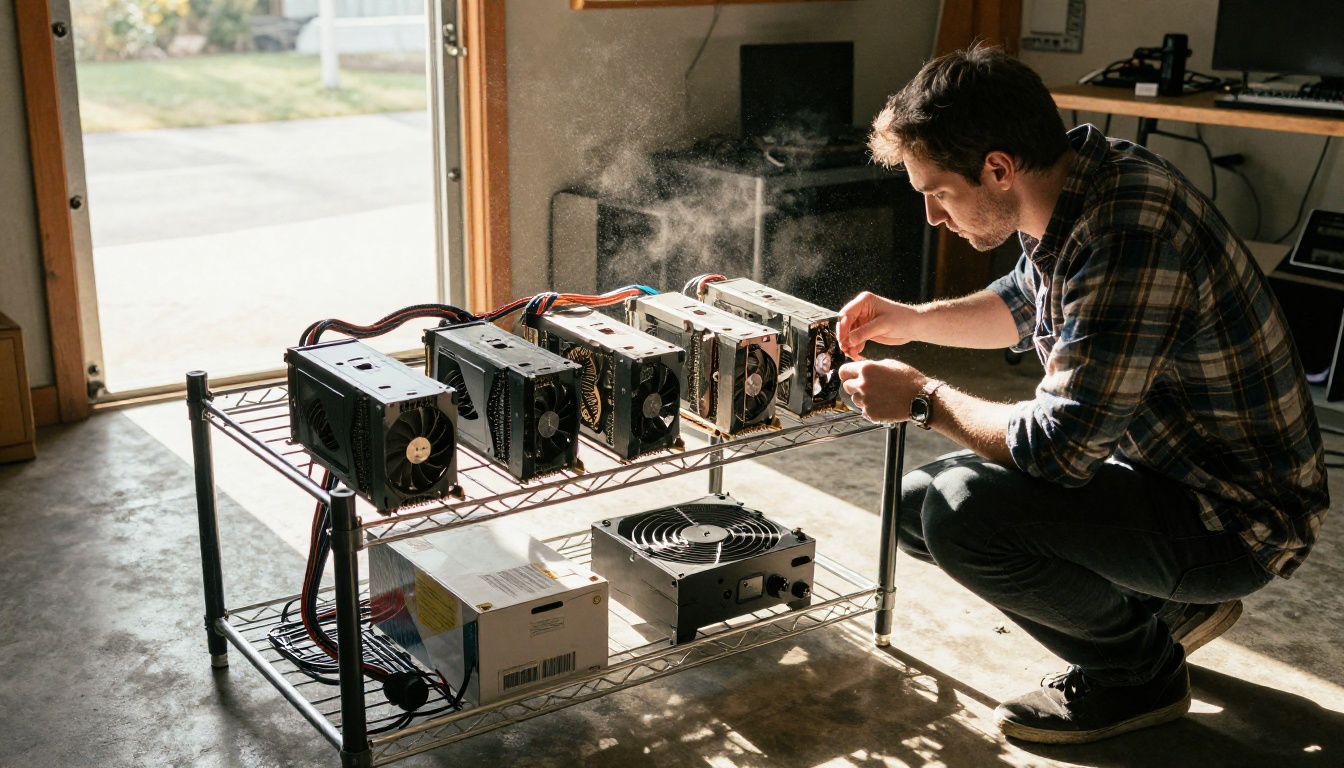
The upside is the lowest prices of the three. The tradeoff is variance. A host in a garage and a host in a professional data center appear in the same search results, and bandwidth and storage prices are set per host, so read the listing before you rent. For image batches that save every result as they go, an interruption costs you almost nothing. For a ten-minute video render, losing the instance at minute nine hurts.
Modal: Code First, Per Second
Modal doesn't hand you a machine. You write Python functions, tag them with a GPU type, and Modal runs them in containers that start on demand. Billing is by the second: an L40S costs $0.000542 per second ($1.95 an hour), an H100 costs $0.001097 ($3.95 an hour), and the Starter plan includes $30 of free credit each month.
Scale-to-zero billing means you never pay for idle. It also means you never see the cheap hourly rates, because Modal's per-hour equivalent is the highest of the three. You pay a premium for convenience, and the premium makes sense only when your GPU would otherwise sit idle most of the day.
Real Cost per Image
Hourly prices are abstract. What matters is the cost of one finished picture.
The Math Behind the Numbers

The formula is simple: cost per image = (hourly rate ÷ 3,600) × seconds per image. The seconds are the part that varies. The working assumptions here are a 1024 by 1024 picture from FLUX Dev at 28 steps: about 12 seconds on an RTX 4090, 9 seconds on an L40S, 4 seconds on an H100 and 4.5 seconds on the slower PCIe H100. Your timings will differ with quantization, resolution and software stack, so treat the table below as a model you can re-run.
It also assumes the GPU is already loaded and busy. Idle time and model loading get their own section further down.
Matching VRAM to Your Model
Speed is only half the story, because a card that can't hold the model can't run it at all. Roughly speaking, a 24GB card such as the RTX 4090 handles SDXL-class and FLUX-class image models comfortably, especially with 8-bit weights. A 48GB card like the L40S lets you keep the image model, a ControlNet and an upscaler loaded together without swapping. An 80GB A100 or H100 is what large video models want, since they hold long sequences of frames in memory at once.
Memory affects price in two ways. Buying more VRAM than you need burns money: running a model that needs 20GB on an H100 pays for 60GB that sit empty. Buying too little burns time, because the software offloads weights to system RAM and every step slows down. A good habit is to rent the smallest card that fits the model with a few gigabytes of headroom, benchmark ten images, and only then scale up.
💡 Quick test: generate ten images on a cheap card first. If the timing per image is within 30% of what you assumed, the cost table below will hold.
Cost per 1,000 Images
| Setup | Hourly rate | Seconds per image | Cost per 1,000 images |
|---|
| Vast.ai 4090, interruptible | about $0.15 | 12 | $0.50 |
| RunPod 4090, Community pod | $0.34 | 12 | $1.13 |
| Vast.ai 4090, on-demand | about $0.40 | 12 | $1.33 |
| RunPod H100 PCIe, Community pod | $1.99 | 4.5 | $2.49 |
| RunPod 4090, Serverless | $1.10 | 12 | $3.67 |
| Modal H100 | $3.95 | 4 | $4.39 |
| Modal L40S | $1.95 | 9 | $4.88 |
On a perfectly busy GPU, an interruptible Vast.ai 4090 is nearly 10 times cheaper than a Modal L40S. That is the headline, and it is also misleading. Utilization flips the table. A Community 4090 that works only 10% of the day effectively costs $11.33 per 1,000 images, more than double Modal's $4.88, because you pay for the other 90% too.
Modal's free credit makes the small end easy: $30 buys about 15 hours of L40S time, which is roughly 6,000 images at 9 seconds each, every month, for nothing.
Real Cost per Video Clip
Why Video Changes the Math
Video models are heavier. A five-second 720p clip from a model such as Wan 2.7 text-to-video takes minutes instead of seconds and needs more VRAM, which pushes you from 24GB cards toward 48GB or 80GB ones. The assumptions here are 6 minutes per clip on a 4090 or L40S class card with quantized weights, and 3 minutes on an H100.
Long renders change the trade. A 40 second model load barely matters when the job runs 6 minutes, so cold starts stop being the enemy. Interruptions become the enemy instead, because a lost instance wastes minutes of work rather than seconds. That shifts the balance toward reliable pods and away from the cheapest interruptible listings.
Per-Clip Cost Table
| Setup | Minutes per clip | Cost per clip | Cost per 100 clips |
|---|
| RunPod 4090, Community pod | 6 | $0.03 | $3.40 |
| Vast.ai 4090, on-demand | 6 | $0.04 | $4.00 |
| RunPod H100 PCIe, Community pod | 3 | $0.10 | $9.95 |
| RunPod 4090, Serverless | 6 | $0.11 | $11.00 |
| Modal L40S | 6 | $0.20 | $19.51 |
| Modal H100 | 3 | $0.20 | $19.75 |
Even the priciest row is about twenty cents a clip. For video, the decision isn't about pennies per clip. It is about whether the setup hours, the babysitting and the failed renders cost you more than the difference between rows.
Hidden Costs That Eat Your Budget
Idle Time and Cold Starts
The most common way a cheap GPU becomes an expensive one is forgetting to stop it. A Community 4090 left running all month costs about $248 ($0.34 times 730 hours). An H100 PCIe pod left on costs roughly $1,453. Neither one produced a single image while you slept.
Serverless has the opposite problem. A fresh container must load several gigabytes of weights into VRAM before the first request runs. Image models load in seconds to tens of seconds, and large video models take longer. Time spent loading weights inside your function is billed like any other compute time, so keep containers warm during busy hours and cache weights in a volume instead of downloading them on every start.
Storage, Egress and Setup Hours
💡 Rule of thumb: an hour of your own time costs more than an hour of any GPU on this list.
Model weights add up fast. One image model, one video model and a handful of LoRAs reach 100 GB easily. RunPod network storage runs from $0.05 to $0.14 per GB per month, so 100 GB costs $5 to $14 monthly, billed whether or not a pod is running. Vast.ai hosts set their own storage and bandwidth rates, so compare them per listing.
Then there are setup hours. Installing ComfyUI, matching CUDA versions and debugging a marketplace host that has a slow disk can eat an afternoon. At a $50 hourly rate, two hours of troubleshooting costs $100, which is the compute price of about 88,000 images on a Community 4090. Cheap hourly rates only pay off if the machine works the first time.
Solo Creators and Hobbyists
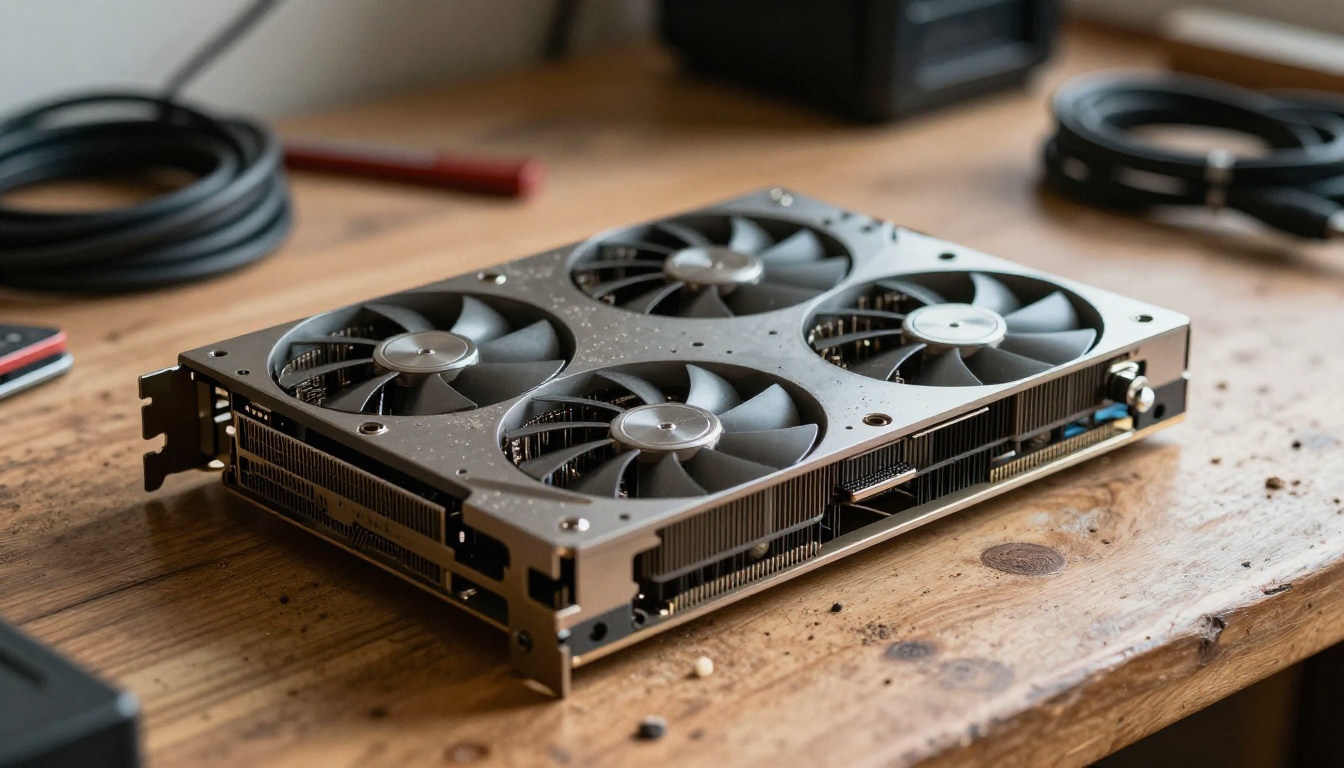
If you generate a few hundred images a week, start with Modal's free credit and write one script. If you prefer a visual workflow like ComfyUI, rent a RunPod Community 4090 for an evening session and shut it down when you finish. Vast.ai rewards patience and comfort with the console: sort by price, check the host's reliability score, and use interruptible rates for batches that save as they run.
Teams and Production APIs
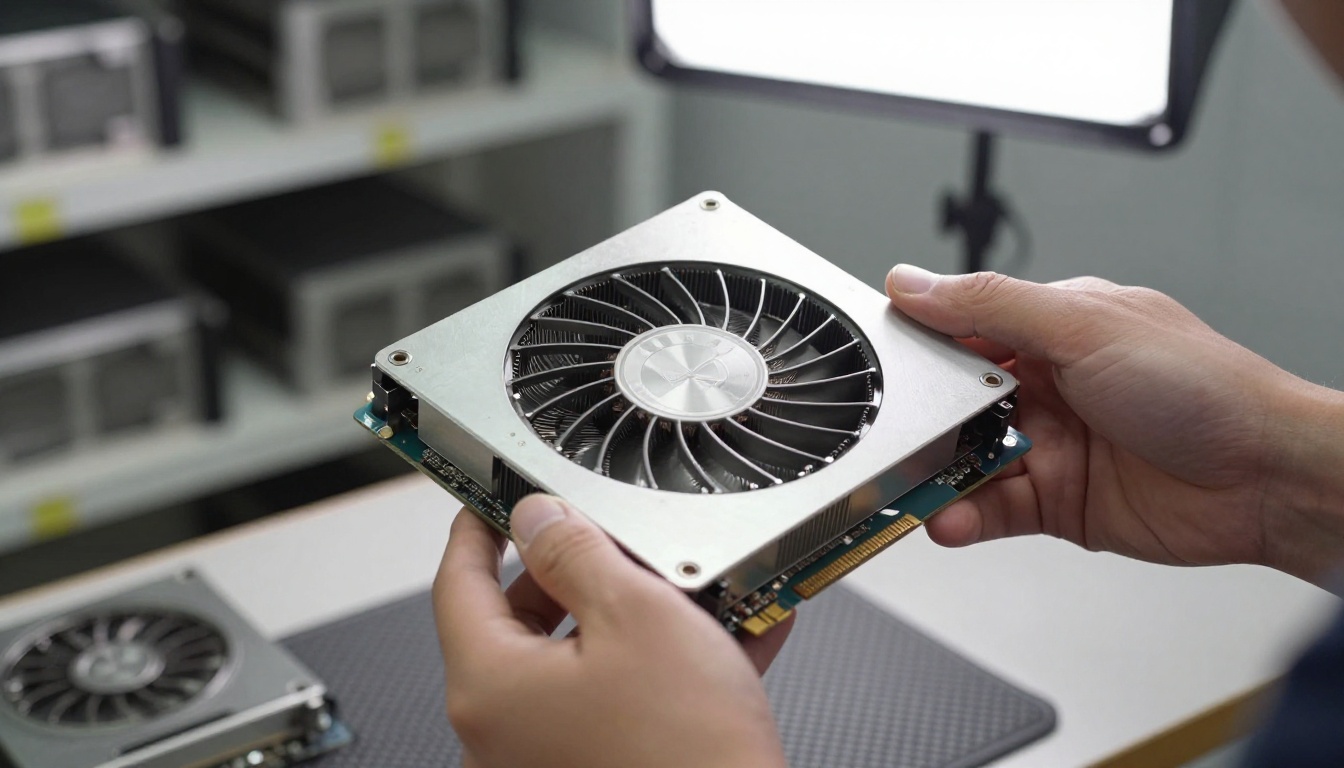
A product serving thousands of requests with uneven traffic fits Modal or RunPod Serverless, where you pay per second of real work. Steady, predictable load fits RunPod Secure pods or reserved Vast.ai terms, where the hourly rate is lowest per hour of actual use. For video at volume, an H100 often wins on throughput per dollar even when its hourly rate looks painful.
If your pipeline also calls a language model to write prompts, the same platforms can serve it, but a full-size model such as DeepSeek R1 needs a multi-GPU node and can double the hardware bill. Small models fit on one 24GB card.
When Renting a GPU Makes No Sense
Renting wins when you need something custom: private LoRA training, an unusual ComfyUI graph or a model nobody hosts. For everything else, the hourly math, the idle risk and the setup time often make a hosted service cheaper in practice.

PicassoIA runs its own GPUs, with 91 text-to-image models and 87 text-to-video models available, and generation on its own models is free on the Infinite and Wonder plans. There is no meter running while you think about a prompt, no pod to forget, and no CUDA error at midnight.
How to Use Flux on PicassoIA
- Open the model page. Start with FLUX Dev for balanced quality, or FLUX Schnell when you want drafts fast.
- Write a specific prompt. Name the subject, the lighting direction and the lens, for example "85mm f/1.8, soft window light from the left".
- Pick the aspect ratio. Choose 16:9 for blog headers and 1:1 for social posts.
- Set steps and guidance if shown. About 28 steps and a guidance value near 3.5 is a sensible starting point for FLUX Dev.
- Generate and compare. Run the same prompt on FLUX.2 Pro when you need extra polish.
- Sharpen the winner. Send it through Clarity Pro Upscaler for a clean high-resolution version.
- Animate it. Turn the best frame into a short clip with Wan 2.7 image-to-video or LTX 2 Fast.
💡 Tip: keep one prompt template for every image in a series. Consistent lighting and lens wording gives you a matching set without any GPU setup at all.
Try It Yourself on Picasso IA
You now have the numbers: Vast.ai for the lowest hourly rate, RunPod for balance, Modal for pay-per-second bursts. If you would rather skip the pods, containers and invoices, open Picasso IA and run your next batch there. Generate a few images with FLUX Dev, try a cinematic clip with Seedance 2.0, and compare the results against what you were about to rent a GPU to make.
Experiment with one prompt in three different models, pick the look you like, and save the cost of an idle pod for something more fun. Your first image is a few clicks away.


