Two of the most talked-about AI video generators right now are going head-to-head, and the gap between them is smaller than most people expect. Runway Gen-4 and Sora 2 Pro both promise cinematic-quality video from a text prompt, but they approach the problem from completely different angles. One excels at short, polished clips with tight creative control. The other reaches further into long-form coherence and scene complexity. If you're deciding which one deserves a spot in your production workflow, this is the comparison you need.
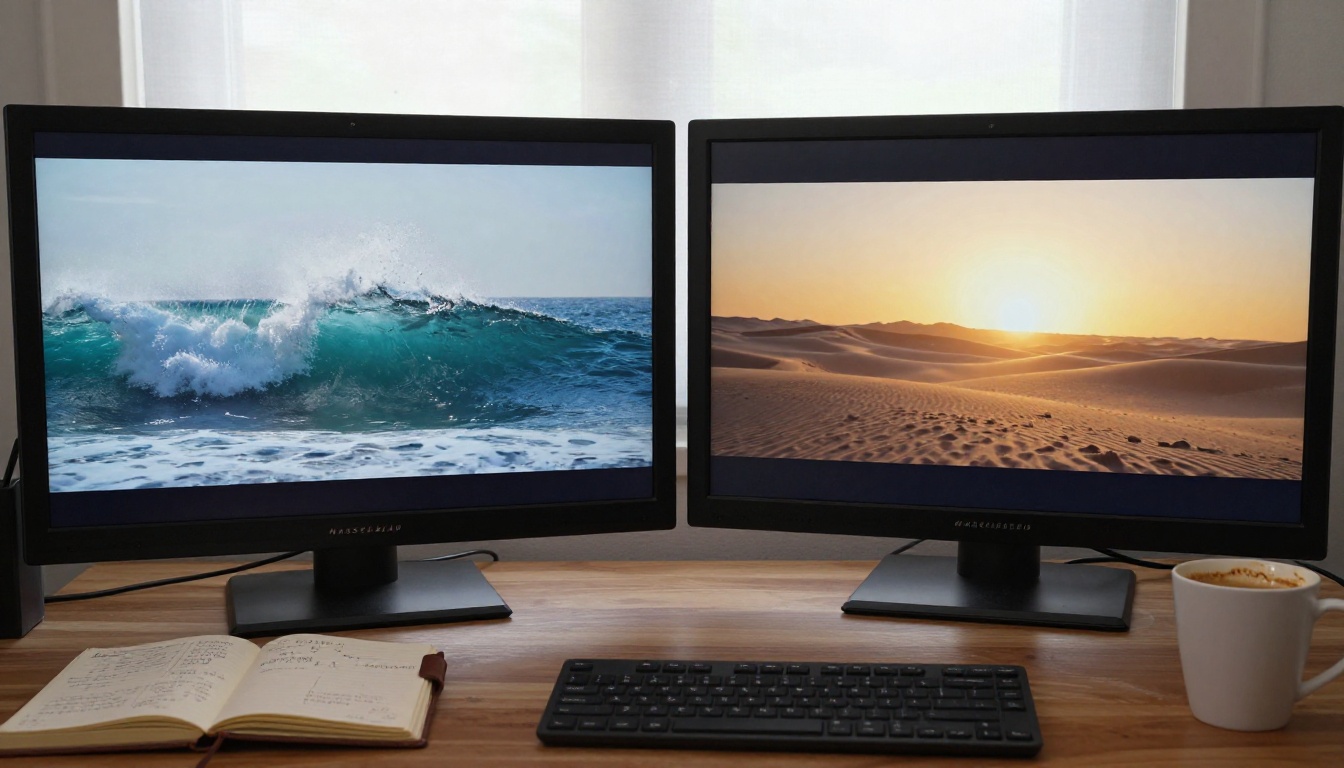
What Runway Gen-4 Does Differently
Runway has been building AI video tools longer than nearly anyone else in the space. Gen-4.5, the latest iteration of their Gen-4 architecture, carries forward everything they learned from Gen-1 through Gen-3 Alpha, but with noticeably better motion quality and a stronger grasp of how physical objects interact.
The defining characteristic of Runway's Gen-4 model is intentionality in motion. When you describe a camera pan, a character walking, or water rushing through a narrow canyon, the model doesn't just produce plausible-looking movement. It produces movement that feels directed, as if a real cinematographer made choices about timing and framing.
Motion That Feels Intentional
Runway Gen-4 handles camera movement with unusual precision. Slow dolly shots, rack focuses, and even handheld-style camera shake all land with the kind of organic imperfection that makes footage look captured rather than generated. For short clips between 4 and 16 seconds, the temporal consistency is very strong. Objects don't suddenly shift shape mid-clip. Lighting stays coherent from frame to frame.
Where it struggles is density. Scenes with multiple characters moving simultaneously, or environments with highly complex physics such as dense crowds and rapid water surface interactions, start to show seams at longer durations. The model holds up best when the prompt is specific and the scene is contained.
Prompt Fidelity Under Pressure
One of Gen-4's real strengths is prompt adherence. If you write a precise prompt with specific visual details, Runway tends to honor them more literally than most competitors. Color palettes, mood, and specific object placement all transfer with higher fidelity than what you'd see from earlier AI video models.
💡 Tip: The more specific your prompt, the better Runway Gen-4 performs. Describe the camera angle, the lighting direction, and the subject's action in the same sentence for best results.
The tradeoff is that over-constrained prompts can produce outputs that feel slightly mechanical. A little creative latitude in your prompt often yields better-looking motion.
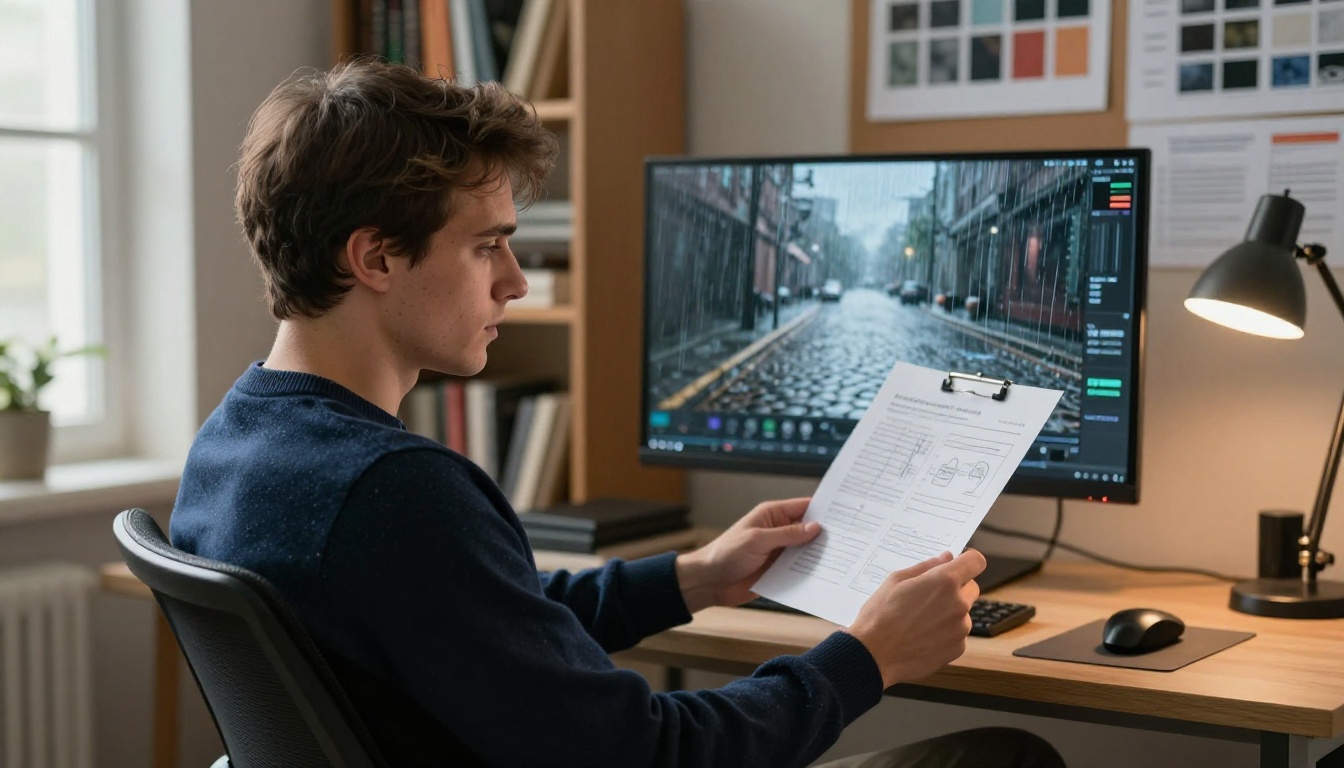
OpenAI's Sora 2 Pro represents a different philosophy entirely. Where Runway focuses on short, high-quality clips with tight visual control, Sora 2 Pro was built to handle longer, more complex video generation. Its training data and architecture allow it to maintain scene consistency across time in ways that genuinely push the format forward.
The base Sora 2 is already capable, but the Pro tier delivers noticeably higher resolution, longer maximum clip lengths, and significantly better handling of scenes with multiple subjects and dynamic environments.
Temporal Consistency
This is where Sora 2 Pro genuinely stands out. When you generate a 20-second clip, objects, characters, and lighting remain consistent throughout. A person walking across a room doesn't suddenly change height or clothing mid-clip. A shadow cast by an afternoon sun maintains its correct angle from frame to frame.
For creators working on short films, product demos, or narrative sequences that need to cut together convincingly, this temporal stability is not a minor detail. It's the difference between footage you can actually use and footage you have to throw away.
Scene-Level Realism
Sora 2 Pro processes scenes holistically. Rather than treating individual elements in isolation, it models how objects, light, and subjects interact with each other. This results in noticeably more believable physics in complex scenes: water flows with the right turbulence, cloth folds as a person moves, and environmental details like smoke or dust behave with real-world weight.
Head-to-Head Output Quality
Putting both models through the same prompt set reveals clear patterns. Here's how they stack up across the categories that matter most to working creators:
| Category | Runway Gen-4.5 | Sora 2 Pro |
|---|
| Short clip quality (under 10s) | ★★★★★ | ★★★★☆ |
| Long clip coherence (10-30s) | ★★★☆☆ | ★★★★★ |
| Prompt adherence | ★★★★★ | ★★★★☆ |
| Physics realism | ★★★☆☆ | ★★★★★ |
| Human motion accuracy | ★★★★☆ | ★★★★★ |
| Camera control | ★★★★★ | ★★★★☆ |
| Generation speed | ★★★★☆ | ★★★☆☆ |
| Output resolution | ★★★★☆ | ★★★★★ |
Physics and Natural Elements
For water, fire, fabric, and atmospheric effects, Sora 2 Pro wins clearly. Its grasp of how natural elements behave at different scales is significantly more sophisticated. A wave crashing against rocks, steam rising from coffee, or a curtain catching wind all look more physically plausible in Sora 2 Pro outputs.
Runway Gen-4.5 handles these elements adequately for short clips, but over time the simulation drifts in ways that feel slightly off. Experienced eyes catch it immediately.
Human Motion and Characters
Both models have made significant strides with human subjects, but their approaches differ. Runway Gen-4 is better when you need a specific pose, gesture, or action performed at a particular moment in the clip. Its prompt adherence extends to body language.
Sora 2 Pro is better when the motion needs to feel natural over a longer duration. Walking cycles, facial expressions during speech, and idle movement all carry more realism, even without extremely detailed prompting.
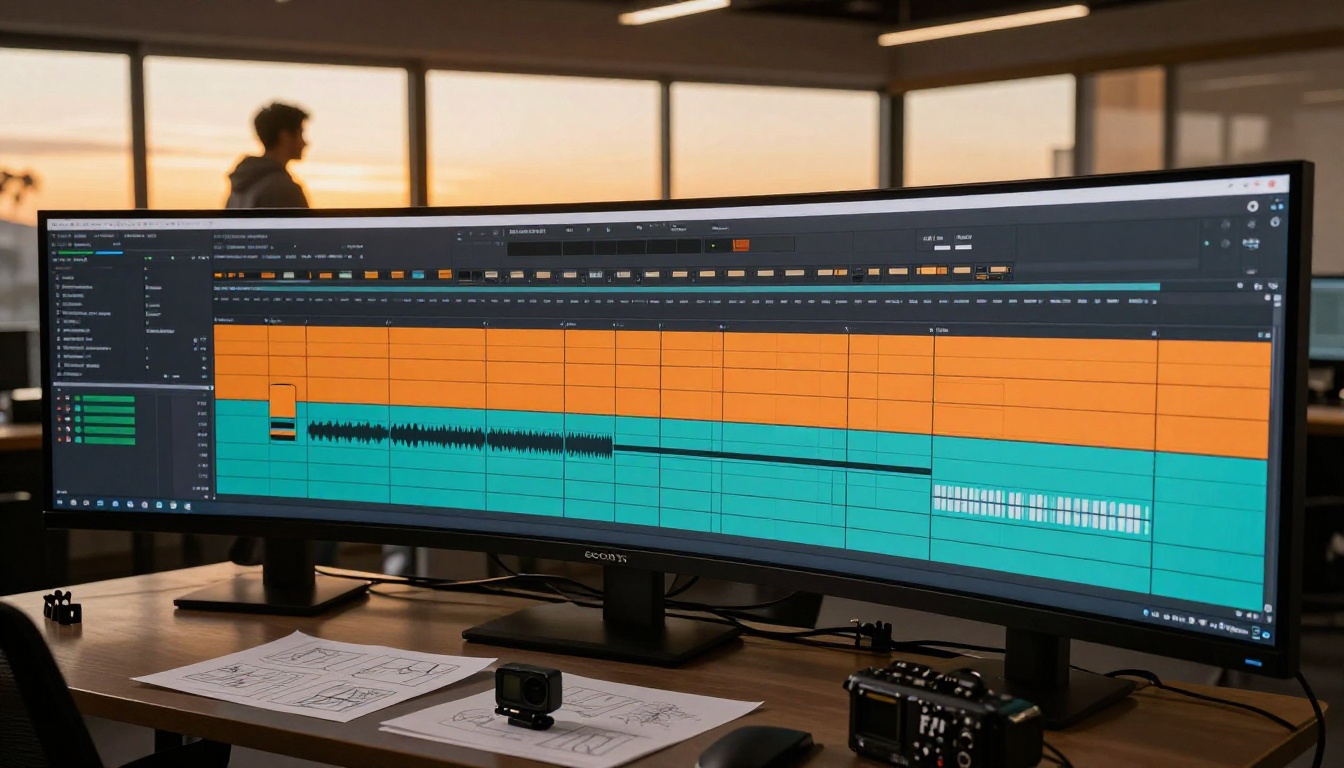
Speed, Pricing, and Real-World Access
Both models sit in the premium tier of AI video generation, but they handle access and cost very differently in practice.
How Fast Each One Runs
Runway Gen-4.5 generates short clips of 4-10 seconds in roughly 30-90 seconds depending on server load. For the resolutions and quality on offer, that's a reasonable turnaround for iterative workflows. Sora 2 Pro takes longer, often 2-5 minutes per clip, particularly for longer sequences at higher resolutions.
If your workflow demands rapid iteration through multiple concepts, Runway Gen-4 has a clear speed advantage. If you're willing to wait for better physics and longer outputs, Sora 2 Pro is worth the generation time.
The Cost Breakdown
Both models are premium-tier tools. Runway Gen-4.5 operates on a credit-based system where costs scale with clip length and quality settings. Sora 2 Pro, accessed through OpenAI's platform or through third-party tools, carries per-generation costs that can add up quickly during heavy testing sessions.
The practical difference: Runway Gen-4 tends to be more cost-efficient for short, iterative workflows where you run many prompts. Sora 2 Pro delivers more value per clip when you're generating longer sequences where temporal coherence pays off.
💡 Both models are available on PicassoIA, where you can access them without managing multiple subscriptions. This is especially useful if you're evaluating both before committing to one platform long-term.

Which One Fits Your Work
The honest answer is that neither model is universally better. They solve different problems well, and the right choice depends almost entirely on what you're making.
For Commercial and Brand Work
If you're producing content for brands, ads, or social media campaigns, Runway Gen-4.5 is often the better fit. The precise prompt adherence means you can communicate specific visual requirements and expect them to land consistently. The faster generation speed lets you move through multiple concepts in a single session without burning through budget.
The shorter clip length limitation is rarely a problem for commercial social content, where clips of 6-12 seconds are the standard unit.
For Indie and Experimental Projects
If you're working on something longer, more narrative, or more visually ambitious, Sora 2 Pro opens doors that Runway Gen-4 simply doesn't. Sequences that need to hold together over 20-30 seconds, scenes with complex environmental interactions, or footage that needs to feel genuinely cinematic rather than just polished, all favor Sora 2 Pro.
The tradeoff is patience during generation and more experience writing prompts that give the model room to express its real strengths.
How to Use Both on PicassoIA
Both Sora 2 Pro and Gen-4.5 are available directly on PicassoIA, which means you can test both without setting up separate accounts or juggling multiple billing systems.
Step 1: Write a Strong Prompt
The single biggest factor in output quality for both models is your prompt. Write in complete, descriptive sentences. Include the subject, action, environment, lighting, and camera angle in every prompt. Avoid vague descriptors without specifics.
Good prompt structure:
- Subject plus what they're doing
- Where the scene takes place and the time of day
- Camera angle and movement direction
- Lighting conditions and overall mood
Example: "A woman in a beige linen dress walks slowly along a narrow cobblestone street in the late afternoon, the camera tracking alongside her from a low angle, warm golden light casting long shadows across the wet stones."
Step 2: Choose Your Model
On PicassoIA, navigate to the Text-to-Video collection and select either Sora 2 Pro or Gen-4.5 based on your project needs. Use this quick rule:
- Short clip, specific prompt, fast turnaround: Gen-4.5
- Longer sequence, complex scene, maximum realism: Sora 2 Pro
Step 3: Adjust Duration and Resolution
Both models offer options for clip duration. For Runway Gen-4.5, start with 8-10 second clips for the best quality-to-coherence ratio. For Sora 2 Pro, you can push to 15-20 seconds when temporal consistency is a priority.
Set resolution to the maximum your credit balance supports. Downscaling from high resolution is always cleaner than generating at low resolution and attempting to upscale afterward.
Step 4: Review and Iterate
Download your first output and review it at full length before generating variations. Note what worked and what didn't, then adjust your prompt to address the issues. Small prompt changes often produce dramatically different results.
💡 Pro workflow: Generate 3-4 variations of the same scene with minor prompt differences. Pick the best elements from each and refine toward your final output. This is faster than trying to perfect a single prompt in isolation.
Other AI Video Models Worth Testing
Beyond the two headline models, the AI video space has expanded significantly. On PicassoIA's text-to-video collection, several other models are worth considering depending on your specific use case:
- Kling v3 Video: Exceptional character motion and body dynamics. A strong choice for human-centered scenes where body language matters.
- Veo 3 by Google: Outstanding environmental realism and lighting quality. Particularly strong for outdoor and nature scenes.
- Hailuo 2.3: Fast generation with impressive results for creative and stylized content types.
- LTX-2.3-Pro by Lightricks: A solid balance of speed and quality, with audio-to-video support that the other headline models lack entirely.
Each of these brings something different to your workflow. Testing them against the same prompt is the fastest way to find which fits your visual style.

Start Creating Your Own Videos
If you've been on the fence about which AI video model to try first, the answer is simple: try both. The practical differences become obvious within a few prompts, and what matters most is whether the output fits your specific visual needs, not a benchmark ranking.
PicassoIA gives you direct access to both Sora 2 Pro and Gen-4.5 from the same platform, along with over 80 other text-to-video models including Kling v3, Veo 3, and LTX-2.3-Pro. Write a prompt, pick a model, and see what you can make. The best way to form a real opinion on Runway vs Sora is to put your own ideas through both of them.


