Two names dominate every conversation about AI video generation right now: Runway and Pika. Both tools have built passionate followings, attracted millions of users, and pushed what is possible when you turn a text prompt into moving footage. But they are not the same tool, they do not produce the same results, and choosing the wrong one for your workflow will cost you time and money. This article cuts through the noise and tells you exactly what each platform does well, where it falls short, and which one belongs in your creative stack.
Before you can compare outputs, you need to understand the philosophy behind each tool. Runway and Pika were built by different teams with different priorities, and that shows up in every generated clip.
Runway's Video Engine
Runway started as a research lab before becoming a product, and that heritage is visible in the technical depth of its output. The platform is built around temporal consistency, which is the ability to maintain coherent motion across frames without stuttering, morphing, or losing subject identity. Runway's flagship models prioritize cinematic motion over stylized creativity. The result is footage that often looks like it came from a real camera rather than a neural network.
The platform's model lineup has evolved quickly. Gen4 Turbo excels at image-to-video animation with fast generation times, while Gen 4.5 pushes cinematic motion quality further with more expressive camera movement and improved subject tracking. Both are available to try without complex setups.
Runway also offers precise controls that professional editors appreciate: camera motion presets (zoom, pan, orbit), motion brush tools, and video-to-video conversion. This is a platform built for people who know exactly what they want from a shot.
Pika's Creative Angle
Pika took a different path. Launched in late 2023, it found its audience by being approachable, fast, and stylistically flexible. Where Runway leans into realism, Pika leans into creativity. Its default output has a slightly more stylized quality that works extremely well for social content, concept visualization, and quick iteration.
Pika 2.2 introduced Pikaffects, a set of pre-built motion effects (melting, exploding, crushing) that became instantly viral. These effects are not replicable in Runway without significant prompt engineering. For content creators who need something visually striking in 60 seconds, Pika delivers.
The platform also introduced a native iOS app early, which Runway lacked for a long time. This gave Pika a significant adoption advantage among mobile-first creators and social media teams.
Video Quality Face-Off
Quality is where opinions diverge sharply, because what counts as "quality" depends entirely on your use case.
Motion Realism Compared
For photorealistic footage, Runway wins consistently. Its motion model handles complex subject behavior, including a person walking, a car turning, or water flowing, with fewer artifacts and better frame-to-frame coherence. In side-by-side tests, Runway clips with human subjects hold identity better across the full clip duration.
Pika produces cleaner motion for abstract or stylized content. Its physics simulation for Pikaffects looks genuinely impressive, even if photorealism is not the goal. For anything requiring a natural "filmed" look with real people or environments, Runway has a clear edge.
Note: Both platforms struggle with hands and fine facial expressions in complex motion sequences. This is an industry-wide limitation, not unique to either tool.
Resolution and Output
| Feature | Runway | Pika |
|---|
| Max resolution | 1080p | 1080p |
| Clip length | Up to 10 seconds | Up to 10 seconds |
| Frame rate | 24fps standard | 24fps standard |
| Image-to-video | Yes | Yes |
| Camera control | Precise presets | Basic |
| Style flexibility | Moderate | High |
Both platforms cap standard output at 1080p at similar frame rates. The resolution parity means the real differentiator is motion quality and style control, not raw output specs.
Speed, Cost, and Real Limits
Choosing a video AI tool on quality alone ignores the practical reality of working with it daily. Speed and pricing affect whether you can actually use the tool at scale.
How Fast Each Generates
Runway's generation times vary by model. Gen4 Turbo lives up to its name, delivering clips in roughly 30 to 60 seconds for short sequences. The standard Gen 4 model takes longer, typically 2 to 4 minutes per clip. For professional workflows where you are generating multiple iterations of a scene, this adds up.
Pika is generally faster on its standard pipeline, with many clips finishing in 20 to 45 seconds. Its mobile experience feels snappier in part because the interface is optimized for quick iteration rather than deep control.
Pricing Breakdown
| Plan | Runway | Pika |
|---|
| Free tier | Yes (limited credits) | Yes (limited credits) |
| Entry paid | ~$12/month | ~$8/month |
| Standard | ~$28/month | ~$28/month |
| Pro/Unlimited | ~$76/month | ~$70/month |
| Credit rollover | No | No |
Both tools operate on credit-based systems where each generation consumes credits. Neither offers rollover, which frustrates power users who have heavy months followed by light ones. Runway's entry pricing is slightly higher than Pika's, which reflects its positioning as a professional tool.
Tip: If you generate video at scale, per-credit pricing on platforms that aggregate multiple models gives you better economics than committing to a single-tool subscription.
Prompt Control and Usability
The quality of your output is only as good as your ability to describe what you want. Both platforms handle prompts very differently.
Runway's Interface
Runway's prompt system rewards specificity. You can describe camera angle, lighting conditions, subject behavior, and atmospheric detail in a single prompt, and the model attempts to honor each element. The motion brush tool lets you paint areas of an image and define their movement direction, giving you fine-grained control that no text prompt can replicate.
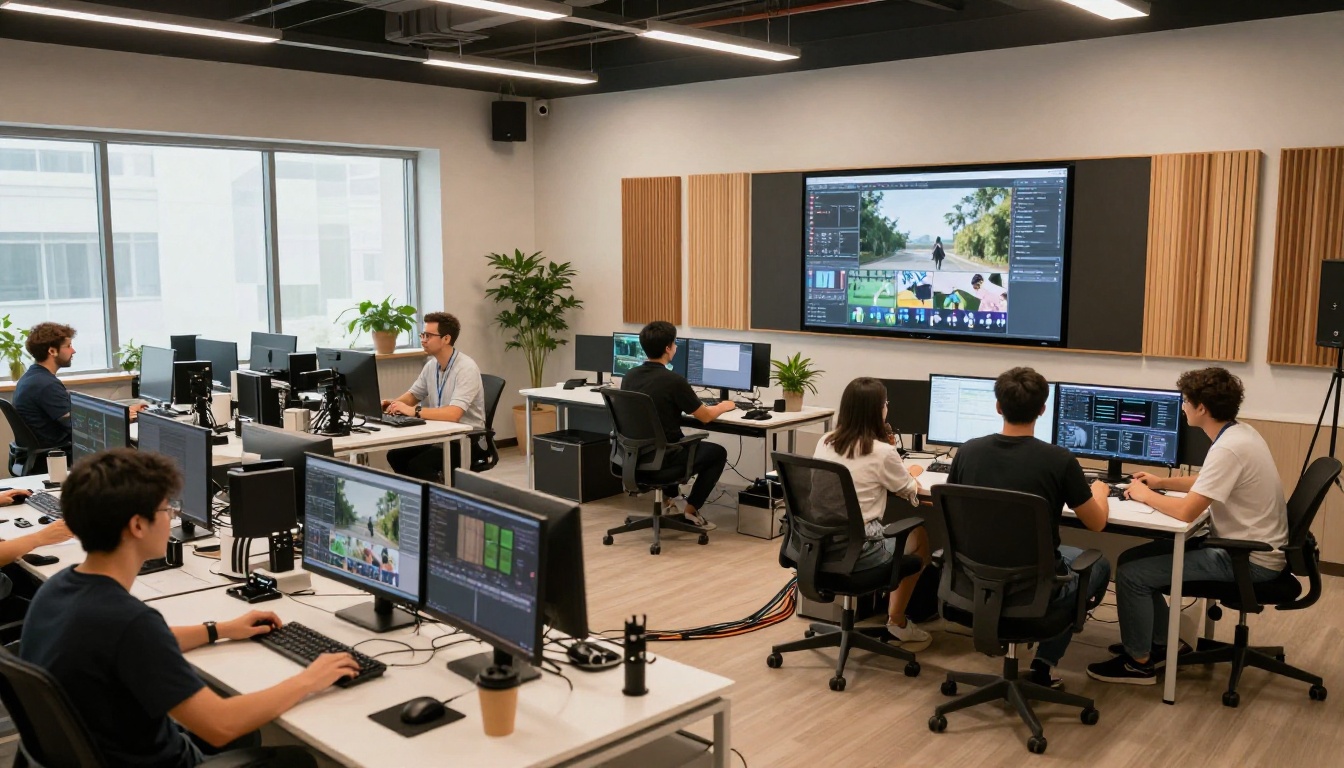
The interface is dense. First-time users often feel overwhelmed by the number of controls. This is a deliberate trade-off: Runway is built for users who want precision, not simplicity.
Pika's Simplicity
Pika's interface is clean, minimal, and inviting. You type a prompt, pick a style, and hit generate. For creators who need results without a steep learning curve, this is a genuine advantage. The Pikaffects panel makes applying dramatic visual effects a single click rather than a complex prompt.
The trade-off is depth. Users looking for more control hit the ceiling quickly. There is no motion brush, no camera orbit control, no multi-subject tracking. What you see in the UI is essentially everything the platform offers.
Who Actually Wins
Neither tool is universally better. The right answer depends on what you are making and who is making it.
Runway's Sweet Spot
Runway is the better choice when:
- You need photorealistic footage with real human subjects
- Your workflow requires iterative refinement with precise camera and motion control
- You are producing content for film, TV, or brand video where quality is non-negotiable
- You want access to Gen 4.5 cinematic motion capabilities
Professional editors, filmmakers, and motion designers tend to gravitate toward Runway because it fits into existing production pipelines. The output is close enough to real footage that it can serve as a pre-visualization tool or, in some cases, a final asset.
Pika's Best Use Cases
Pika wins when:
- You are a social media creator who needs fast, visually striking content
- Your audience responds to stylized effects over strict realism
- You are working on mobile or need rapid iteration without setup friction
- Your budget makes Pika's lower entry pricing more practical
Pika's viral Pikaffects have driven enormous organic reach for creators. If your goal is maximum visual impact for social platforms rather than cinematic fidelity, Pika often outperforms Runway on efficiency per result.

Use Runway Models on PicassoIA Right Now
Both Gen4 Turbo and Gen 4.5 are available directly through PicassoIA, alongside over 100 other text-to-video models. You can access Runway's technology without committing to a Runway subscription.
How to Use Gen4 Turbo on PicassoIA
- Go to Gen4 Turbo on PicassoIA
- Upload your source image or write a text description of your scene
- Describe the motion you want: camera direction, subject behavior, atmosphere
- Set your clip duration (up to 10 seconds)
- Hit generate and wait approximately 30 to 60 seconds for your output
- Download or share directly from the result page
Pro tip: For Gen4 Turbo, image-to-video produces more consistent results than pure text-to-video. Start with a strong photorealistic source image for best output quality.
Gen 4.5 for Cinematic Motion
Gen 4.5 is the stronger option when you need expressive camera movement and high motion fidelity. Use it when your prompt involves:
- Characters moving through an environment
- Dynamic camera sweeps or tracking shots
- Scenes requiring natural physics (water, fabric, hair)
Describe your camera movement explicitly: "slow push in", "aerial dolly left", "static medium shot with subject walking toward camera". The model responds to these cues with noticeably better results than vague motion descriptions.
Beyond Runway and Pika

Runway and Pika are not the only serious options in AI video generation. If neither perfectly fits your workflow, these alternatives are worth testing with the same criteria:
Kling v3 produces cinematic 1080p output with strong motion coherence, often competing directly with Runway on realism while offering faster generation times.
Veo 3 by Google includes native audio generation alongside video, making it a strong choice for content that needs synchronized sound from a single prompt.
Seedance 2.0 handles dynamic motion and built-in audio particularly well, with solid performance on action sequences and lifestyle content.
Hailuo 02 generates 1080p video with strong color vibrancy and performs well on stylized scenes that need to look polished without extensive prompt engineering.
LTX 2 Pro pushes output to 4K resolution, making it the right call when final output quality and downscale sharpness matter more than generation speed.
Sora 2 by OpenAI delivers compelling cinematic results with synced audio, particularly strong on atmospheric and dramatic scenes.
Worth knowing: Each of these models has different strengths in terms of prompt sensitivity, generation speed, and output style. Running the same prompt across three or four models is the fastest way to find which one matches your creative voice.
Your First AI Video Does Not Have to Wait

The debate between Runway and Pika matters less than the question of whether you are actually creating. Both tools are accessible right now, and both produce results that would have been impossible just two years ago.
If you want to try Runway's Gen4 Turbo and Gen 4.5 without signing up for another subscription, PicassoIA gives you access to both alongside 100+ other video generation models, including Kling v3, Veo 3, Sora 2, and more.
Pick a prompt, generate a clip, and see which model produces something that feels right for your project. The best AI video tool is the one that fits your creative process, and the only way to know which one that is comes down to running the experiment yourself.
Start generating on PicassoIA and see what your ideas look like in motion.


