Two AI video tools are sitting at the top of every creator's shortlist right now. Seedance 2.0, ByteDance's upgraded video synthesis model, and Sora 2, OpenAI's cinematic flagship, represent genuinely different philosophies about what AI video should do. One is built for speed and motion fidelity. The other prioritizes narrative coherence and scene-level realism. Using just one of them is fine. Using both, in the right sequence, is something else entirely.

What Seedance 2.0 Actually Does
Seedance 2.0 builds on the foundations of Seedance 1.5 Pro, ByteDance's earlier release that already impressed creators with tight motion control and relatively short generation times. The 2.0 iteration pushes that further, improving temporal consistency across frames and reducing the kind of visual drift that plagued earlier short-clip AI video models.
The core strength is physics-aware motion. When you prompt Seedance 2.0 with a character walking through a room, the motion holds. Hair moves with the body. Fabric responds to movement. This sounds like table stakes in 2027, but it is still not guaranteed across every model, and Seedance 2.0 executes it more reliably than most.
Motion control that holds up
The motion consistency in Seedance 2.0 is the thing creators actually notice first. Secondary motion, meaning the small incidental movements of objects and the environment in the background, is surprisingly clean. Earlier models had a tendency to freeze background elements while animating the foreground subject. Seedance 2.0 handles both layers better.
For creators making social content, product videos, or quick narrative clips, this matters enormously. You are not spending post-production time fixing temporal artifacts you cannot fix.
Speed vs. quality modes
Seedance 1 Pro Fast gives you a preview-grade version of the output quickly, which is useful for iterating on prompts before committing to a full-quality run. The 2.0 model follows the same dual-speed logic. Fast mode runs significantly quicker with a minor quality trade-off. Pro mode takes longer but produces cleaner frames with better edge detail.
💡 Use fast mode to test your prompt 3-4 times before switching to full quality. Prompt iteration is where most creators waste time and credits.
Sora 2's Real Strengths
Sora 2 is a different animal. Where Seedance 2.0 excels at character-level motion, Sora 2's advantage is at the scene level. It builds and holds a coherent visual world across longer durations. Lighting stays consistent. Object positions persist. Environments feel like places rather than backdrops.
Sora 2 Pro extends this with higher resolution output and better prompt adherence for complex, multi-element compositions. If you are describing a scene with specific spatial relationships, a woman sitting at a table near a window while rain falls outside, Sora 2 Pro is significantly more likely to produce exactly that arrangement.

Scene coherence across clips
The thing Sora 2 does that no other publicly accessible model currently matches: it maintains scene logic. An object placed on a table at the start of a clip is still on that table at the end. A light source positioned to the left at frame one is still casting the same shadow angle at the last frame. This is not a small thing. For any creator trying to produce something that looks like a real production, scene coherence is what separates AI video from cinematic AI video.
Where Sora 2 still falls short
Sora 2 is not perfect. Fast, precise character motion remains its weakness. Highly active motion, running, dancing, complex hand gestures, can produce visual artifacts in a way that Seedance 2.0 handles more cleanly. Generation time is also longer for complex prompts, and the per-clip cost is higher.
| Feature | Seedance 2.0 | Sora 2 |
|---|
| Character motion fidelity | Excellent | Good |
| Scene-level coherence | Good | Excellent |
| Generation speed | Fast | Moderate |
| Complex multi-element prompts | Good | Excellent |
| Physics realism (secondary motion) | Excellent | Good |
| Long-duration clip consistency | Moderate | Excellent |
Why Use Both? The Real Answer
The question most creators ask is whether they actually need both. The honest answer is: it depends entirely on what you are making.
If your workflow is short social clips with character action, Seedance 2.0 alone is enough most of the time. If you are producing anything that needs to look like it came from a real production, longer-form storytelling, brand content, narrative shorts, the combination is genuinely different from either model alone.

Different jobs, different tools
Think of it this way:
- Seedance 2.0 is your motion engine. Use it for any clip where the primary value is in what the subject is doing.
- Sora 2 is your scene builder. Use it for establishing shots, wide environments, anything where the place needs to feel real.
Neither model is trying to be the other. That is actually what makes them work together.
The creative gap they fill together
Solo, each model handles about 70-75% of what a creator needs. Together, they fill most of the remaining ground. Seedance 2.0 takes the character-driven, action-heavy moments. Sora 2 handles the ambient, environmental, narrative-heavy moments. The clips cut together naturally because both produce realistic output with similar color science when prompted consistently.
💡 Color-match your prompts across both models. Describe the same lighting condition, for example "late afternoon golden light, soft fill from the right," in every prompt, and your mixed clips will feel cohesive in the edit.
A Creator's Real Workflow
Here is how this actually plays out in practice for a solo creator building a 60-second narrative piece.

Draft fast with Seedance
Start with Seedance 1 Lite for your fastest iteration passes. You want to figure out which shots in your storyboard are actually working before spending premium credits on final-quality renders. Seedance Lite gives you readable motion feedback quickly.
Once you know which shots are worth developing, switch to Seedance 1.5 Pro for the character-action heavy clips. These are your close-ups, your action sequences, any clip where a person is the focus.
Typical Seedance workflow per shot:
- Write the action prompt (subject + movement + environment)
- Run in fast or lite mode, evaluate motion quality
- Adjust prompt if motion is off, re-run
- Switch to pro quality for the final version
Polish with Sora 2
Use Sora 2 for establishing shots and scene-setting clips. These are typically your widest angles, the shots that orient the viewer in a space before you cut to character action.
A shot structure that works well:
- Shot 1 (Sora 2): Wide establishing shot of the environment
- Shot 2 (Seedance 2.0): Character enters frame, medium shot, clear action
- Shot 3 (Sora 2): Cutaway to environment detail or reaction
- Shot 4 (Seedance 2.0): Close-up character moment
This alternating structure plays to each model's strengths and produces a sequence that holds together in a way that single-model pipelines rarely do.
Prompt Writing for Both Models
The biggest mistake creators make is using the same prompt structure for both models. They are different systems that respond differently to language.

What works in Seedance prompts
Seedance responds best to action-first prompts. Lead with the subject, then describe the movement, then add environment.
"A young woman walks briskly down a city sidewalk, coat moving in the wind, looking straight ahead. Midday, overcast light, urban background."
What to include:
- Specific subject description
- Precise, physical action verb
- Clothing and texture details (these improve secondary motion)
- Simple, unambiguous environment
What to avoid:
- Abstract emotional descriptions
- Complex multi-action sequences in a single clip
- Lengthy environmental detail (save that for Sora)
What Sora 2 actually responds to
Sora 2 Pro responds best to scene-first prompts. Lead with the place and the mood, then introduce the subject.
"A quiet bookstore in late afternoon, golden light through dusty windows, rows of shelves receding to a back wall. A single figure stands reading, partially in shadow."
What to include:
- Detailed environmental description
- Lighting quality and direction
- Spatial relationships between elements
- Camera angle specification, such as low angle, aerial, or dutch tilt
What to avoid:
- Highly specific, fast action sequences
- More than 2-3 subject elements
- Over-specified timing instructions
💡 Treat Seedance like a cinematographer and Sora 2 like a production designer. One moves bodies. The other builds spaces.
Output Quality in Practice
Both models have limits that creators need to work around rather than fight.
Resolution and duration limits
| Spec | Seedance 2.0 | Sora 2 | Sora 2 Pro |
|---|
| Max resolution | 1080p | 1080p | 1080p |
| Max clip duration | ~10 sec | ~20 sec | ~20 sec |
| Aspect ratios | 16:9, 9:16, 1:1 | 16:9, 9:16 | 16:9, 9:16 |
| Typical generation time | 30-90 sec | 2-5 min | 3-8 min |
For longer pieces, you are always working with clip assembly. Neither model generates a 60-second continuous video in a single pass. The workflow is: generate clips, cut them together, add audio. Plan your storyboard with 6-12 second shots in mind and the assembly process becomes straightforward.
When the results disappoint
Three scenarios where the combined pipeline still falls short:
-
Complex facial expressions: Both models struggle with nuanced face performance. Extreme close-ups on faces doing something specific, crying or showing fear, produce inconsistent results. Keep face shots at medium distance.
-
Text on screen: Neither model renders readable text reliably. Do not try to generate clips with visible signs, labels, or on-screen text. Add text in post.
-
Two-person physical contact: Handshakes, hugs, any physical contact between two subjects causes artifacts in both models. Compose these shots carefully or cut around the contact moment.
3 Mistakes Creators Make
Getting the most from Seedance 2.0 and Sora 2 together means avoiding the traps that catch most new users.

Mistake 1: Using Sora 2 for everything
Sora 2's reputation leads creators to default to it for every shot. But for character-action clips, Seedance 2.0 will outperform it and generate faster. Defaulting to the premium model for everything is inefficient and often produces worse motion quality in the shots where motion matters most.
Mistake 2: Ignoring clip length math
If your final video is 90 seconds and you are generating 8-10 second clips, you need at least 9-11 clips. Plan this before you start. Running out of budget mid-project because you underestimated clip count is a common and fixable mistake.
Mistake 3: Skipping the prompt iteration pass
Generating full-quality renders on a first-pass prompt is expensive and rarely produces the best result. Always do at least one draft pass in fast or lite mode before committing to a quality render. The prompt adjustment you make between draft and final often accounts for 60-70% of the quality difference in the output.
What Other Models Add to the Mix
The Seedance 2.0 and Sora 2 pipeline is strong, but other models fill specific gaps worth knowing about.
Gen-4.5 by Runway has the best camera control among current models. If you need a specific camera move, a particular dolly or rack focus, Runway's model gives you the most direct control over it.
LTX-2.3 Pro from Lightricks processes audio input, which means you can generate video that reacts to a music track or voiceover. That is a genuinely different capability from anything Seedance or Sora 2 offers.
Kling v3 remains competitive on motion quality and is often the fastest route to a clean character-action clip at lower cost.
Hailuo 2.3 handles fast motion well, making it worth considering for sports, dance, or anything with rapid subject movement.
PixVerse v5.6 brings strong stylization options if you need something with a particular visual personality rather than strict photorealism.
None of these replace the Seedance 2.0 and Sora 2 combination for pure cinematic realism, but they each do something specific that neither flagship model prioritizes.
Build Your First Project with Both
At this point, you have the strategic picture. The question is whether you actually put it into practice.
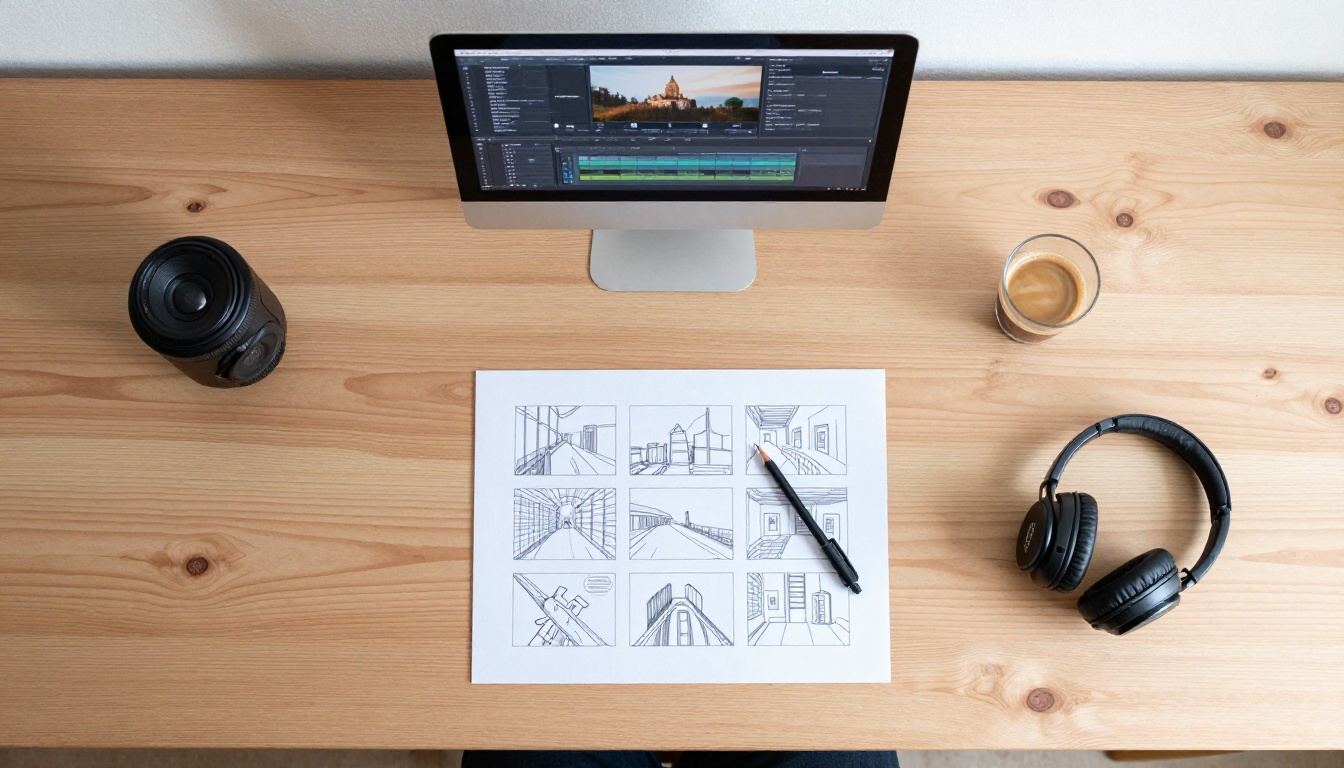
The best way to calibrate both models for your specific creative needs is to run a small test project. Pick a 20-30 second piece. Write a storyboard of 4-5 shots. Assign each shot to the appropriate model based on whether it is character-action (Seedance 2.0) or scene and environment (Sora 2). Run draft passes first. Evaluate motion quality and scene coherence separately. Then commit to final renders on the shots you are happy with.
This process, done once on a small scale, tells you more about how both models behave for your specific style of content than any written breakdown can.
Both Sora 2 and Seedance 1.5 Pro are available to run directly on Picasso IA, alongside the full collection of video models mentioned throughout this article. You can test prompts, compare outputs side by side, and build your creative pipeline without juggling multiple platforms or API keys. If you have been putting off building a real AI video workflow because the tooling felt too fragmented, the Seedance 2.0 and Sora 2 combination is the most practical starting point available right now.


