Seedance 2.0 just quietly became one of the most capable AI video generators available, and most people haven't noticed yet. ByteDance, the company behind TikTok, released this model with almost no fanfare, but the output quality tells a different story. Native audio synthesis, 1080p output, cinematic motion fidelity, and a surprisingly natural prompt adherence put it in direct competition with the biggest names in AI video generation. This article covers everything you actually need to know: what it can do, how it compares, and how to get the best results from it right now.
What Seedance 2.0 Actually Does

Seedance 2.0 is a text-to-video model built by ByteDance that generates high-resolution video clips from natural language prompts. It sits at the top of the Seedance model family, designed for situations where output quality matters more than generation speed.
The model handles two core tasks well: generating video from a text description and generating video from an image prompt. Both modes produce output at up to 1080p resolution with coherent motion and solid subject consistency across frames.
Built-In Audio, Not a Bolt-On
The most significant thing about Seedance 2.0 is how it handles audio. Most text-to-video models generate silent clips and leave audio as a post-processing step. Seedance 2.0 synthesizes ambient audio as part of the generation process, meaning the sound is temporally aligned with the visual content from the start.
This matters more than it sounds. When a model adds audio after the fact, the sync is always slightly off, environmental cues don't match, and the result feels assembled rather than generated. Seedance 2.0 avoids this entirely. A clip of waves on a beach produces water sound that matches the specific rhythm of those waves. A busy street scene includes crowd noise that fits the energy of the movement on screen.
💡 Tip: Describe sound explicitly in your prompt. Phrases like "ambient rain sound," "crowd noise," or "quiet forest with birdsong" will steer the audio synthesis more precisely.
Resolution, Duration, and Output Quality
| Feature | Seedance 2.0 | Seedance 2.0 Fast |
|---|
| Max Resolution | 1080p | 720p |
| Typical Duration | 5-10 seconds | 5 seconds |
| Audio | Native, synchronized | Native, synchronized |
| Generation Speed | Standard | 2-3x faster |
| Best For | Final output, quality-first | Iteration, drafts |
The full Seedance 2.0 targets quality at the expense of speed. The Seedance 2.0 Fast variant cuts generation time significantly but drops to 720p and produces slightly less refined motion.
Motion quality in Seedance 2.0 is notably strong at camera movements. Panning shots, slow zooms, and tracking motions stay stable without the jitter artifacts that appear in many competing models. Subject motion handles moderate complexity well, though highly specific physical interactions still introduce occasional inconsistencies.
The Seedance Family: Which Tier to Use

ByteDance has released multiple Seedance versions over time. Each serves a different use case, and understanding the family tree saves a lot of trial and error.
Seedance 2.0 Full
Seedance 2.0 is the flagship. Use this when the output is going into a final deliverable, a client presentation, or anything that will be seen by an audience. The generation takes longer, but the quality difference over the fast variant is visible, especially in scenes with complex lighting or multiple subjects.
Seedance 2.0 Fast
Seedance 2.0 Fast is the iteration model. When you're testing a prompt, checking composition, or exploring different angles before committing to a full-quality render, this is what to use. The 2-3x speed advantage makes rapid iteration practical.
Seedance 1.5 Pro and Earlier
Seedance 1.5 Pro still holds up well for many use cases. If you're working with lower compute budgets or need a specific output style that 2.0 doesn't match, 1.5 Pro is a solid fallback. Seedance 1 Pro and Seedance 1 Lite are the lighter-weight options in the family, useful for bulk generation where per-clip cost matters more than peak quality.
💡 Tip: If you're new to the Seedance family, start with Seedance 2.0 Fast to calibrate your prompts, then switch to the full model for final output.
How Seedance 2.0 Compares
The AI video landscape is crowded right now. Placing Seedance 2.0 accurately means being specific about where it wins and where it doesn't.
Seedance 2.0 vs Sora 2
Sora 2 from OpenAI produces some of the most physically plausible motion in the field. Objects fall, liquids pour, and cloth moves with a consistency that reflects serious investment in physical world modeling. Sora 2 Pro extends this with higher resolution and longer clips.
Seedance 2.0 matches Sora 2 on most cinematic output scenarios and beats it on audio integration. Sora 2 has no native audio generation; you're always adding sound in post. For creators who want a finished clip with synchronized ambient sound directly from generation, Seedance 2.0 has a clear structural advantage.
Sora 2 edges ahead on hyper-specific physical interactions and extremely complex scene changes. For most video content use cases, the gap is narrower than the hype suggests.
Seedance 2.0 vs Kling v3
Kling v3 Video from Kuaishou is the most direct competitor. It also targets 1080p output with strong motion quality and solid prompt adherence. Kling v2.6 and earlier versions have built a strong user base among creators who prioritize consistent human movement in their clips.
The split here is stylistic. Kling tends toward slightly smoother, more polished motion, while Seedance 2.0 has more naturalistic camera behavior. Neither is objectively better; the right choice depends on the intended output. For social media content with fast cuts and upbeat energy, Kling v3 often wins. For longer cinematic-style clips where camera motion matters, Seedance 2.0 is the stronger choice.
Seedance 2.0 again wins on audio. Kling has no built-in audio generation at the model level.
Seedance 2.0 vs Veo 3
Veo 3 from Google is the only other major model with comparable native audio generation. Both models take a similar approach: synthesize audio as part of the generation process rather than as a separate step.
Veo 3 produces slightly more precise dialogue and speech audio when you include character speech in prompts. Seedance 2.0 handles ambient and environmental audio slightly more naturally. For most non-dialogue content, both are comparable in audio quality, and the deciding factor becomes video quality and workflow integration rather than audio.
How to Use Seedance 2.0 on PicassoIA
PicassoIA has Seedance 2.0 available directly in the text-to-video collection. Here's the full workflow from a blank prompt to a finished clip.
Step by Step
Step 1: Open the model page. Go to Seedance 2.0 on PicassoIA and open the generation interface.
Step 2: Write your prompt. Describe the scene, camera movement, and any audio elements you want. Be specific about the subject, environment, lighting, and motion. Vague prompts produce generic results.
Step 3: Set your aspect ratio. 16:9 for landscape video, 9:16 for vertical or mobile content, 1:1 for square social formats.
Step 4: Choose duration. Start at 5 seconds if you're testing a prompt. Move to longer durations only after the composition is confirmed.
Step 5: Generate and review. Check the motion quality, audio sync, and subject consistency. If the result needs adjustment, refine the prompt before generating again.
Step 6: Iterate with Fast variant. Switch to Seedance 2.0 Fast to test prompt variations quickly, then return to the full model for final output.
Prompting Tips That Work
The prompting logic for Seedance 2.0 rewards specificity in three areas: subject behavior, camera movement, and environment.
Subject behavior: Instead of "a woman walking," try "a woman in a beige linen dress walking slowly along a sunlit cobblestone street, looking toward the camera as she approaches." Specific clothing, direction, and intent produce more controlled output.
Camera movement: Seedance 2.0 responds well to explicit camera instructions. Phrases like "slow dolly forward," "steady tracking shot from the left," or "handheld close-up with slight shake" produce reliable results.
Audio cues: Include audio descriptions naturally within the scene description. "A quiet cafe interior with low background chatter and jazz piano" will steer audio generation more effectively than no audio mention at all.
💡 Tip: Avoid piling too many subjects or actions into a single prompt. Seedance 2.0 handles focused scenes better than complex multi-subject choreography.
Parameters Worth Adjusting
The seed parameter controls randomness. Setting a fixed seed lets you generate variations of the same scene with different prompts while keeping the core composition stable. This is useful when you've found a composition that works and want to refine details without drifting entirely.
The guidance scale affects how literally the model follows the prompt. Higher values produce more literal prompt adherence at some cost to natural motion fluidity. For cinematic content, a mid-range guidance value generally produces better results than extreme settings in either direction.
Real Uses That Actually Work
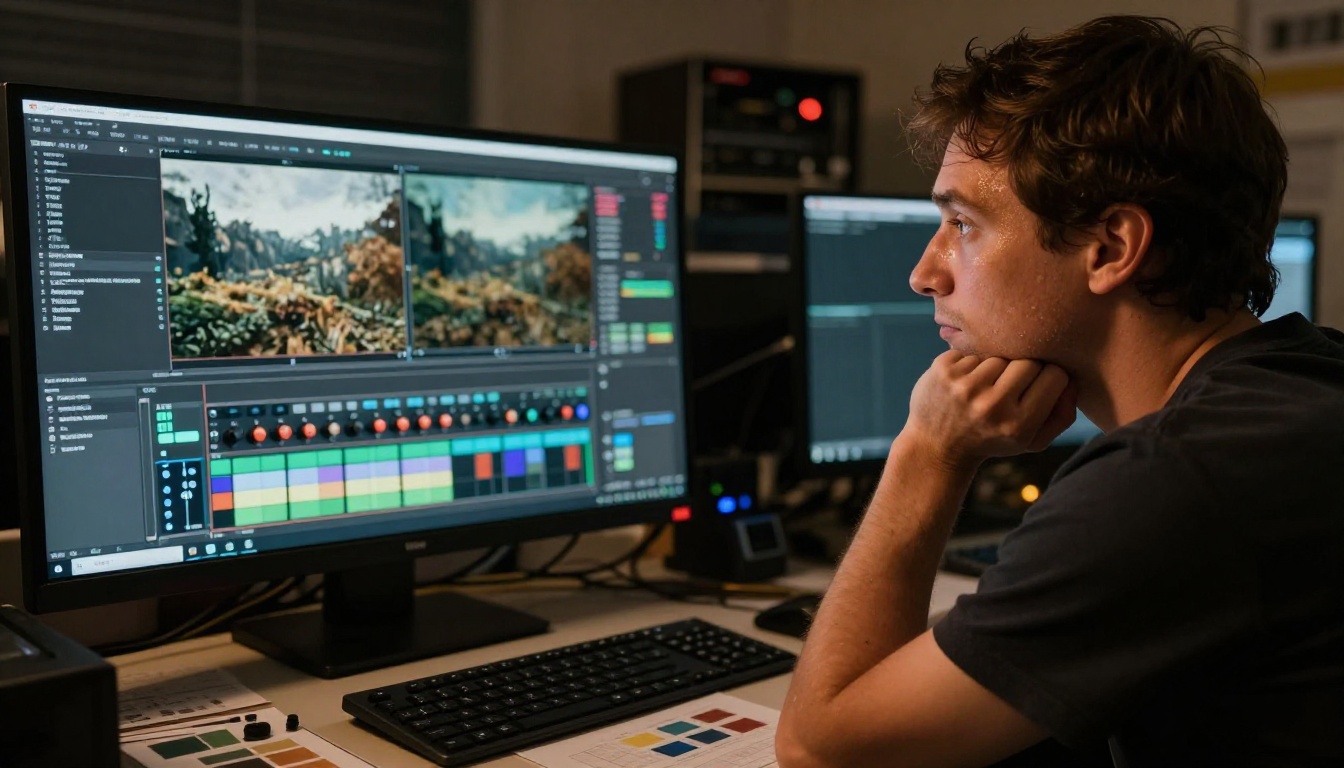
The obvious use cases for Seedance 2.0 are in content creation, marketing, and pre-production. Here's what actually works well in practice.
Social Media and Short-Form Clips
The 5-10 second output length fits exactly into the rhythm of short-form video platforms. A single well-prompted Seedance 2.0 clip can serve as a B-roll cutaway, a loop background, or a standalone visual moment in a longer edit.
The native audio makes it particularly effective for atmospheric clips that don't require voiceover. A rainy street scene with matching rain audio, a coffee shop ambience cut, or a nature wide shot with wind and birdsong all generate cleanly from a single prompt without any audio assembly work.
Brand Videos and Product Demos

Marketing teams are using Seedance 2.0 to prototype brand video concepts before committing to live production budgets. The quality is sufficient for internal review and stakeholder presentations, and the turnaround is hours rather than weeks.
Product context shots, lifestyle sequences, and atmospheric brand moments are the strongest use case here. The model handles composed, deliberate scenes well. High-energy fast-cut content with many subjects still requires more prompt precision and multiple generation attempts to get right.
The ability to generate ambient audio aligned with the visual brand mood adds a production layer that previously required separate audio work and post-production time.
Film Previs and Storyboarding
Directors and cinematographers are using Seedance 2.0 as a pre-visualization tool. Rather than explaining a camera movement or scene composition verbally, a generated clip communicates it immediately. The quality isn't production-ready for this purpose, but it doesn't need to be. Pre-visualization is about communicating intent, not delivering final footage.
ByteDance also offers Dreamactor M2.0 for more character-focused animation, which pairs well with Seedance 2.0 in pre-production pipelines that require controlled character movement alongside broader scene generation.
What ByteDance Got Right
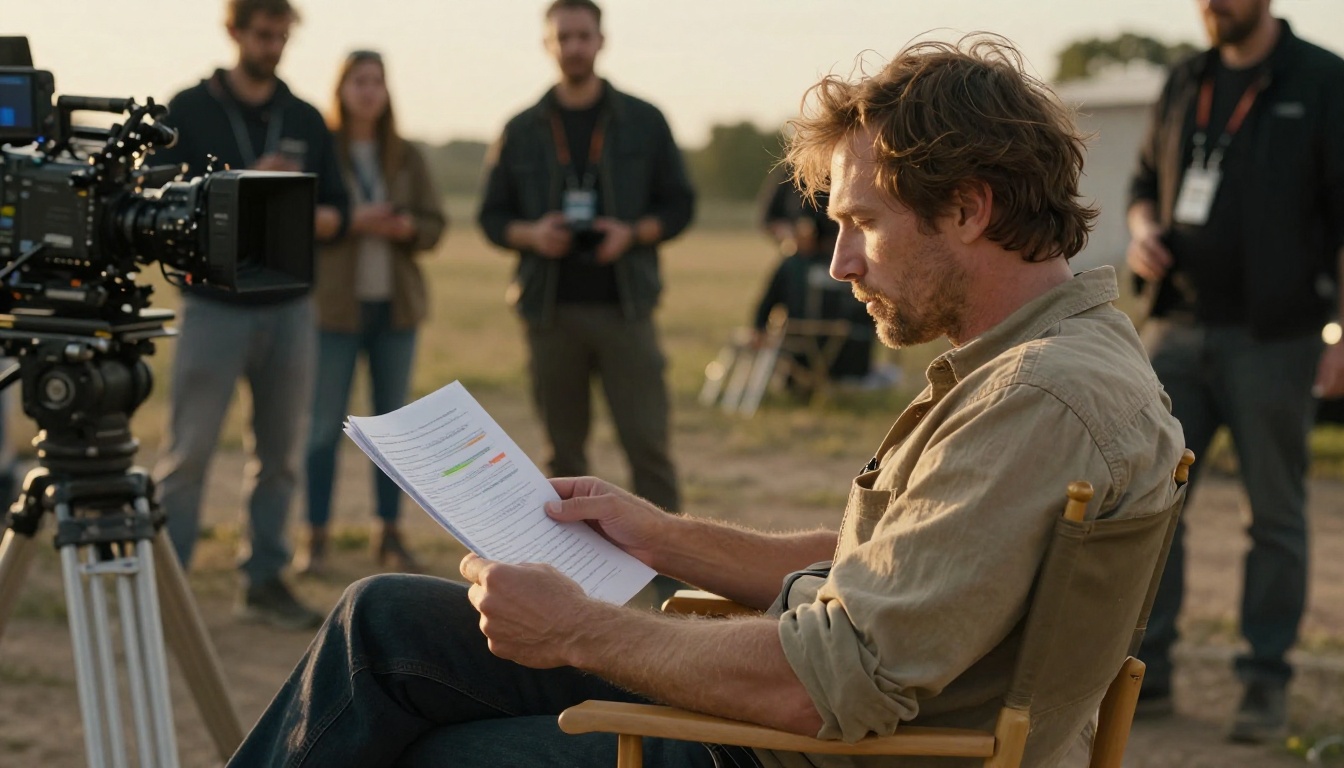
Where Seedance 2.0 Wins
Audio synthesis integration. This is the clearest structural advantage over the competition. The audio is part of the generation, not an add-on. The temporal alignment with video content is consistently better than post-hoc audio matching, and it eliminates an entire step from the production workflow.
Camera motion stability. Seedance 2.0 produces some of the steadiest camera movements in the current generation of models. Slow pans and tracking shots stay locked without the drift artifacts that affect other models at similar resolution targets.
Prompt adherence on scene setup. Scene composition, environment, and lighting instructions are followed accurately. The model has a strong understanding of cinematographic language, which makes it more predictable for users who work in intentional visual styles.
Model family depth. Having the range from Seedance 1 Lite through Seedance 1 Pro Fast, Seedance 1.5 Pro, and up to Seedance 2.0 means there's a version appropriate for every budget and quality requirement.
Where It Still Falls Short
Complex physical interactions. Two characters interacting closely, objects being passed between hands, or water physics in close-up shots still produce inconsistencies. This isn't unique to Seedance 2.0 (it's an industry-wide limitation at this stage), but it's worth knowing before building a workflow that depends on it.
Dialogue and lip sync. If your use case requires characters speaking with synchronized mouth movement, Veo 3 or a dedicated lipsync model is a better fit. Seedance 2.0 handles ambient audio well but doesn't approach dialogue synthesis reliably.
Long-form consistency. Beyond 10 seconds, subject consistency and scene coherence start to drift. For longer clips, generating multiple shorter segments and editing them together produces better results than attempting to generate one long continuous clip.
Start Creating with Seedance 2.0
Seedance 2.0 is one of the few AI video models that delivers a genuinely finished output, video and audio together, without requiring separate production steps to assemble a usable clip. For creators, marketers, and filmmakers who want to spend less time in post and more time on what matters, that is a real workflow advantage.
The model is available right now on PicassoIA alongside the full Seedance family and over 80 other text-to-video options. If you want to test the speed-versus-quality tradeoff, start with Seedance 2.0 Fast to iterate on your prompts, then move to the full Seedance 2.0 when you're ready for final output. The workflow is the same; the results are noticeably different.
Beyond Seedance, PicassoIA's text-to-video catalog includes Kling v3 Video, Veo 3, Sora 2 Pro, Wan 2.7 T2V, and dozens of other frontier models, all accessible from the same platform. Whatever style of video you're producing, there's a model built for it. The fastest way to find out which one fits your use case is to start generating.


