If you've spent time with Seedance 2.0, ByteDance's flagship text-to-video model, you've probably hit at least one rejection. Your prompt disappears, a terse error appears, and you're left wondering what triggered the system. The content moderation pipeline inside Seedance 2.0 is more sophisticated than most users realize. It operates across multiple layers, catching restricted material at the prompt level, during generation, and sometimes at the output review stage. Knowing exactly where the lines are drawn saves you time and frustration, and lets you produce at full speed without second-guessing every prompt you write.
How the Seedance 2.0 Filter Actually Works
Seedance 2.0 uses a multi-stage content filtering pipeline, not a simple keyword blocklist. This is an important distinction. A keyword-based filter would catch "violence" but miss "someone gets hurt badly in a fight." Seedance's system uses semantic analysis, meaning it reads the meaning of your prompt, not just its surface words. The model contextualizes intent, not just vocabulary, which is why creative workarounds that fool simpler systems often fail here.

The two detection layers
The filter operates at two distinct points in the pipeline:
- Pre-generation (prompt screening): Your text prompt is analyzed before any video frames are generated. This is the most common rejection point. If the prompt is flagged, generation never starts, and you receive an immediate refusal.
- Post-generation (output review): Even if a prompt passes the initial screen, the resulting video frames are analyzed before delivery. A prompt about "a person running from something dangerous" might clear the text check, but if the generated output depicts something the system considers harmful, it gets intercepted before reaching you.
Why semantic filtering matters
Semantic filtering catches creative workarounds that fool simpler systems. If you substitute explicit words with coded language or use indirect phrasing to describe prohibited content, the model's underlying language processing still contextualizes the request accurately. ByteDance built this capability specifically because text-to-video models are powerful enough that even indirect prompts can produce harmful outputs at scale.
💡 Tip: The filter evaluates intent and likely output, not just vocabulary. Clean-sounding prompts that clearly aim at restricted content will still be flagged.
Prompt scanning vs. output scanning
Most users only experience prompt-level blocking, but the output scanner is equally active. This means that even if you engineer a prompt clever enough to bypass the text analysis, the generated frames themselves go through a separate vision-based review. Content that depicts restricted material visually, regardless of how neutral the prompt was, gets caught at this stage.
Violence and Gore: Where the Line Sits
Violence is the most nuanced category in Seedance's filter, because not all conflict is treated equally. The model actively supports action, drama, and physical confrontation as storytelling tools. What it blocks is graphic depiction of harm, particularly when the output would focus on injury, suffering, or death in explicit visual detail.

What counts as "too violent"
The system blocks content that depicts:
- Graphic gore: Visible severe wounds, heavy blood, or detailed bodily injury shown without narrative distance
- Real-world weapon violence: Specific depictions of shootings, stabbings, or bombings showing the direct act of harm
- Torture or sustained suffering: Any scenario framed around causing prolonged pain to a subject
- Violence against children: Zero tolerance, regardless of context or creative framing
Action scenes that pass
Action sequences are not inherently blocked. The filter distinguishes clearly between what is happening and what the visual consequences are:
| Blocked | Allowed |
|---|
| A person being graphically shot and falling in bloody detail | Two fighters exchanging punches in a boxing ring |
| Detailed depiction of a knife wound | A high-speed chase through city streets |
| Explicit war footage showing casualties | A battlefield scene with soldiers in motion |
| Torture scenario with prolonged victim reaction | A tense, dramatic confrontation between characters |
The distinction usually comes down to consequence versus action. Depicting an action, punching, running, fighting, is generally acceptable. Showing graphic consequences, blood, severe injury, death in close detail, reliably triggers the filter.
Sexual Content: The Suggestive vs. Explicit Split
This is where many creative users run into confusion, particularly those producing content for fashion, beauty, or adult-adjacent platforms. Seedance 2.0 draws a firm line between suggestive content and explicit content, and that line is enforced consistently regardless of artistic framing.

Where the NSFW line sits
Seedance 2.0 blocks:
- Explicit nudity showing genitalia
- Pornographic scenarios regardless of how they are framed
- Sexual acts, whether direct or strongly implied
- Any content that sexualizes minors under any circumstances
What the model generally does allow, depending on framing:
- Swimwear and bikini content in natural settings
- Glamour and fashion-forward photography styles
- Implied intimacy without explicit visuals or acts
- Artistic references to the human form when described abstractly
Suggestive content in practice
The critical variable is explicitness of intent. A prompt requesting "a woman in a bikini on a beach at sunset" will typically pass without issue. A prompt with the same basic scenario but adding language that signals pornographic intent will not, regardless of whether the words themselves are explicit. The filter reads framing and context, so how you describe a scenario carries as much weight as what you describe.
💡 Tip: Keep prompts descriptive of visual aesthetics rather than acts. Focus on composition, lighting, and mood rather than on interactions between subjects.
Political Content and Sensitive Topics
Political content is one of the most aggressively filtered categories in Seedance 2.0. This reflects ByteDance's position as a Chinese technology company operating under significant regulatory scrutiny across multiple jurisdictions, each with its own political sensitivities.

Why politics gets flagged
The filter blocks:
- Depictions of specific political figures: Any prompt naming real politicians, heads of state, or political leaders in video scenarios
- Propaganda-style content: Videos designed to promote or attack specific political positions or parties
- Sensitive historical events: Certain historical events with ongoing political sensitivity, particularly those contested between governments, are restricted by default
- Civil unrest scenarios: Scenes depicting mass protests, riots, or government crackdowns, especially when depicted sympathetically toward one side
Historical events and reenactments
This is a genuinely difficult area for documentary and educational creators. Content about historical conflicts or political events often gets blocked not because of graphic visuals, but because of the sensitivity of the topic itself. Prompts that name specific events by their official historical designation tend to be flagged more aggressively than general period descriptions.
A generic "soldiers in a 1940s European setting" will often pass. A prompt that names a specific historically contested event by name will typically not. The safest approach is to describe the visual environment and aesthetics without naming the event itself.
Real People, Celebrities, and Copyright
Celebrities and public figures
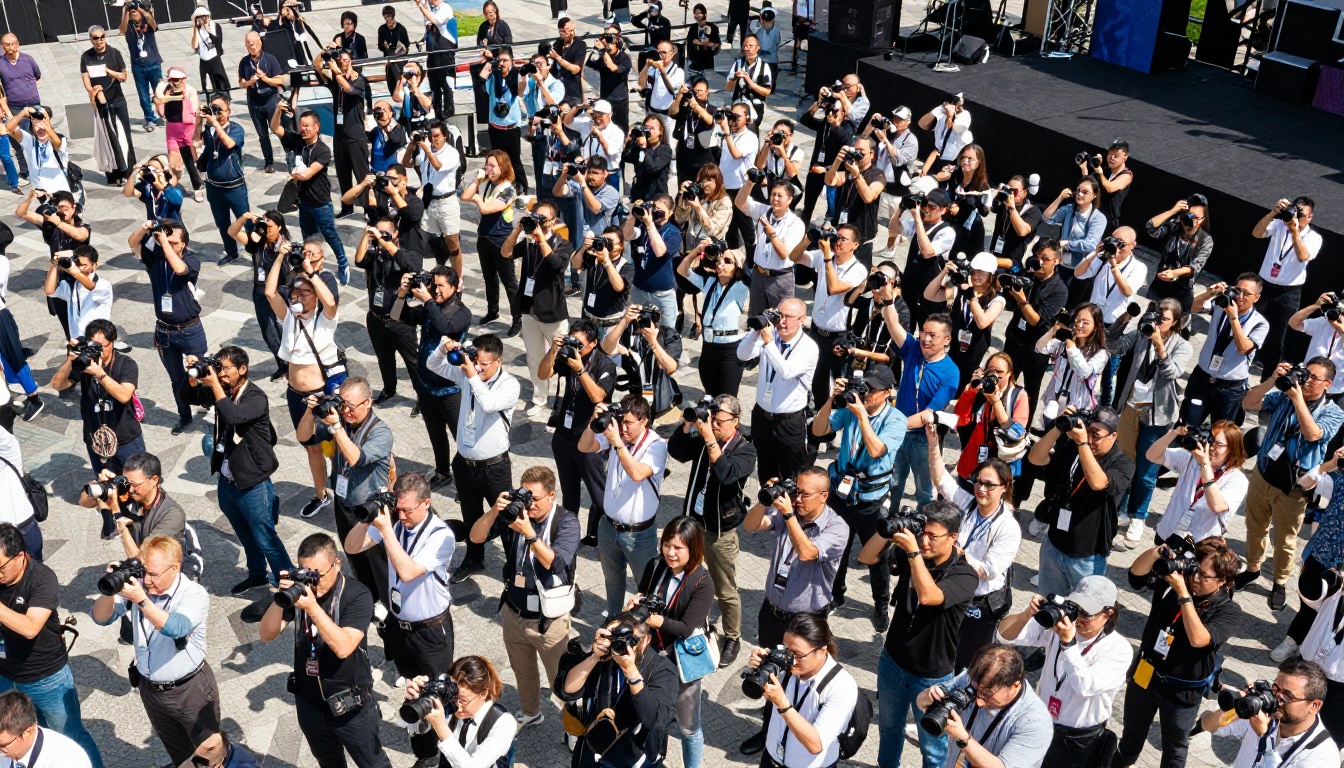
Generating video of real, named individuals is consistently blocked. This applies broadly to:
- Celebrities and entertainers across all fields
- Elected politicians and government officials
- Business leaders and executives
- Athletes and public sports figures
The restriction exists for clear reasons: AI-generated video of real people creates deepfake risk, reputational harm potential, and significant legal exposure for both the platform and the user. Seedance 2.0 applies this restriction even for scenarios that appear benign on the surface. A request to show a named celebrity simply walking down a street will still be rejected.
Branded content and IP problems
Prompts that directly reference copyrighted characters, specific fictional universes, or branded products in ways that imply endorsement also tend to be flagged. Generic descriptions move through the filter far more reliably than named IP references.
| Risk Level | Example |
|---|
| High (blocked) | "Create a video of [Celebrity Name] giving a speech" |
| High (blocked) | "Batman and Joker fighting in Gotham City" |
| Medium (often blocked) | "A famous politician addressing a large crowd" |
| Low (usually passes) | "A hero in a red and blue suit flying over a modern city" |
| Low (usually passes) | "A charismatic speaker at a large conference addressing thousands" |
How to Rephrase Blocked Prompts
Getting rejected is not always a dead end. Many blocked prompts can be rephrased to produce equivalent creative output without triggering the filter. The goal is to shift the descriptive focus away from what the filter is trained to catch while keeping the creative intent intact.

Rephrasing strategies that work
Shift from consequence to action:
Instead of: "A fighter gets knocked out and falls bleeding to the ground"
Try: "Two boxers at the climax of an intense match, dramatic freeze-frame moment"
Generalize specific references:
Instead of: "A video of [politician name] at a campaign rally"
Try: "A charismatic speaker at a massive outdoor rally, crowds cheering"
Describe aesthetics, not acts:
Instead of: "A passionate romantic scene between two people in bed"
Try: "Two people in an intimate close-up, warm candlelight, soft focus, emotional connection"
Remove high-signal trigger words:
Words like "brutal," "graphic," "explicit," "realistic gore," "uncensored," and "no restrictions" are near-certain filter triggers regardless of surrounding context. Removing them often allows the rest of a legitimate prompt to pass cleanly.
When rephrasing does not help
Some content will not be generated regardless of phrasing. Anything requiring real minors in any sexualized or harmful context, explicit sexual acts, or named real individuals in compromising scenarios falls into this category. No rephrasing strategy bypasses these absolute restrictions, and attempting to do so through creative linguistic engineering simply results in repeated rejections.
How to Use Seedance 2.0 on PicassoIA
PicassoIA provides direct access to Seedance 2.0 and the faster Seedance 2.0 Fast variant for rapid iteration. Working within the filter system effectively on the platform comes down to a few consistent habits:
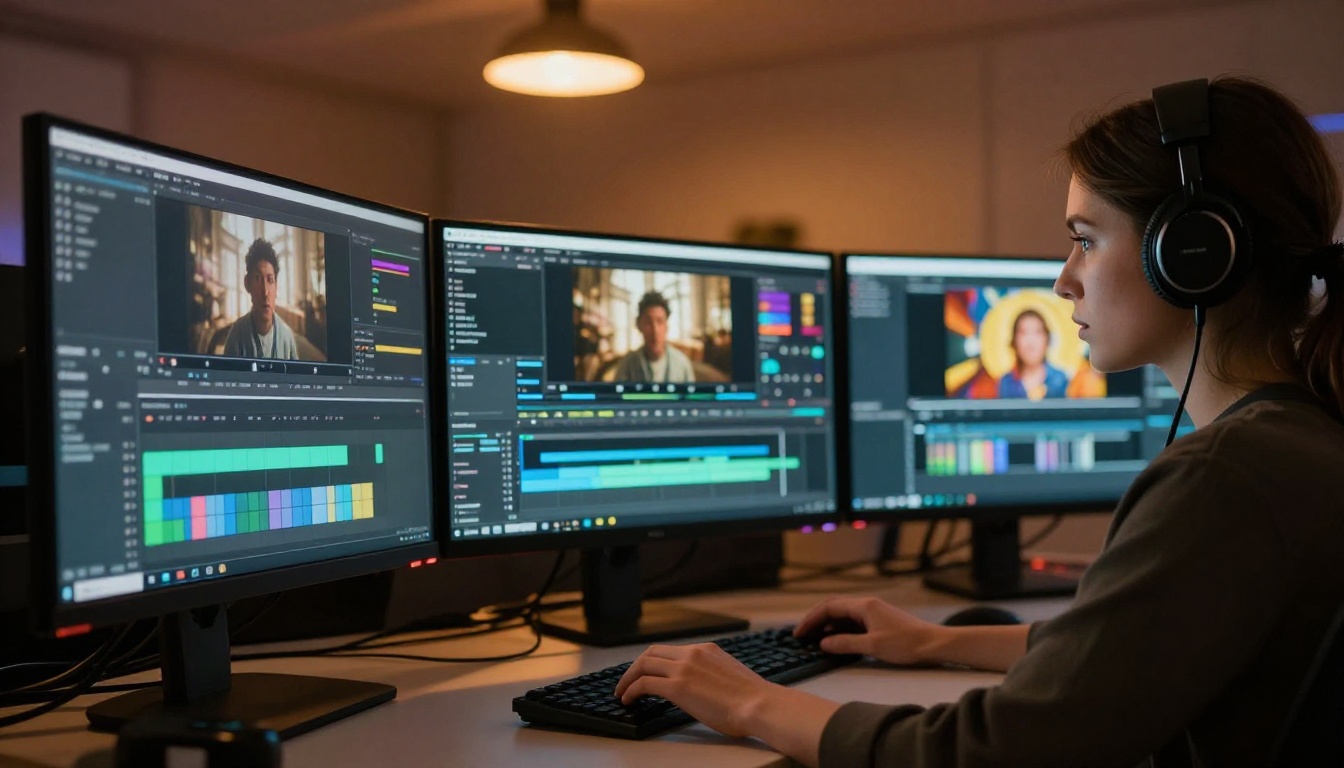
Step 1: Open the model page
Go to Seedance 2.0 on PicassoIA and select your output resolution and duration settings before writing your prompt.
Step 2: Start with a style anchor
Before describing action or subject matter, establish the visual style. Opening your prompt with "cinematic photography, natural lighting, 8K resolution" sets a professional, neutral tone that the filter reads as low-risk creative intent.
Step 3: Describe subjects generically
Avoid proper nouns for real people and direct IP references. Describe the type of character or scene rather than a specific named entity. "A silver-haired executive" passes more reliably than naming a specific business figure.
Step 4: Focus on atmosphere over action
The filter is less sensitive to emotional and atmospheric descriptions than to action-heavy ones. "A tense, dramatic scene in a dark urban alley at night" triggers far less scrutiny than describing specific physical actions between characters in that setting.
Step 5: Use Seedance 2.0 Fast for iteration
Seedance 2.0 Fast generates at lower latency, making it ideal for testing prompt variations quickly. Once you have a prompt that passes and produces output you are satisfied with, switch to the standard Seedance 2.0 for maximum quality on your final render.
💡 Tip: PicassoIA also offers Seedance 1.5 Pro and Seedance 1 Pro Fast as alternatives within the same model family. Filter parameters vary slightly across versions, so if one rejects a prompt, trying another variant of the model sometimes resolves the issue.
When to Switch to a Different Model
When the Seedance 2.0 filter consistently blocks a legitimate creative project, other models in the text-to-video collection offer different filtering thresholds. Content moderation policies are set independently by each model's developer, which means the same prompt can pass in one model and fail in another.

Notable alternatives available on PicassoIA:
- Kling v3 Video by Kwai: Strong action and dramatic scene capabilities with a different moderation architecture
- Veo 3 by Google: High cinematic quality with Google's own distinct content policy
- Hailuo 2.3 by Minimax: Expressive character animation and emotional scene handling
- LTX-2.3 Pro by Lightricks: Real-time generation with broad creative flexibility
- Kling v3 Omni by Kwai: Handles both text and image inputs with flexible scene generation
Testing across multiple models is a standard part of professional AI video production. What gets blocked in Seedance 2.0 may generate cleanly in another model, and vice versa. PicassoIA puts all of these options in one place so you can move between them without juggling multiple platform accounts.
Start Creating with Seedance 2.0
The best way to internalize where the filter lines sit is to work with the model directly. Every creator develops a feel for what passes and what does not through hands-on experimentation. That instinct is far more reliable than any list of rules because it accounts for nuance that rigid categorization misses.
PicassoIA gives you access to Seedance 2.0, Seedance 2.0 Fast, and dozens of other text-to-video models in one place. Start with a cinematic, style-focused prompt, see what the model delivers, then refine from there. The content filter is not an obstacle to great work, it is one of the parameters of the creative environment. Working within it consistently produces better results than fighting against it.


