Seedance 2.0 looked promising. The ByteDance video-to-image AI made waves when it launched, but anyone trying to create adult content quickly ran into the same problem: tight content filters that block suggestive or mature imagery at every turn. If you're a creator, photographer, or adult content professional who needs a tool that respects your creative vision, Seedance 2.0 simply isn't it.
This article breaks down 5 genuinely uncensored alternatives that deliver photorealistic output, greater model flexibility, and the creative freedom adult creators actually need.
Why Seedance 2.0 Blocks Adult Content
The filter problem is real
Seedance 2.0 was built by ByteDance, a company operating under Chinese regulatory frameworks that impose strict content moderation. The result is a system that aggressively flags and refuses any request involving skin, romance, or suggestive posing, even when the output would be perfectly legal and artistic in most Western jurisdictions.
What makes it especially frustrating is the inconsistency. Some clearly artistic requests get blocked while oddly specific prompts slip through. There's no transparency in the decision-making, no appeal process, and no fine-tuning option that lets you adjust the filters for your use case.
💡 The core issue: Seedance 2.0 optimizes for corporate safety, not creative freedom. Adult creators are not the target audience.
What "uncensored" actually means
When we say uncensored in this context, we're not talking about illegal content. We're talking about:
- Suggestive posing without body parts being cropped or blurred
- Bikini and lingerie photography that would be standard in any fashion magazine
- Artistic nudity at the level seen in galleries, not explicit pornography
- Romantic imagery between adults that tells a story
- Glamour and boudoir photography in the tradition of professional studios
Every tool on this list handles these categories without breaking a sweat.
The photorealism benchmark
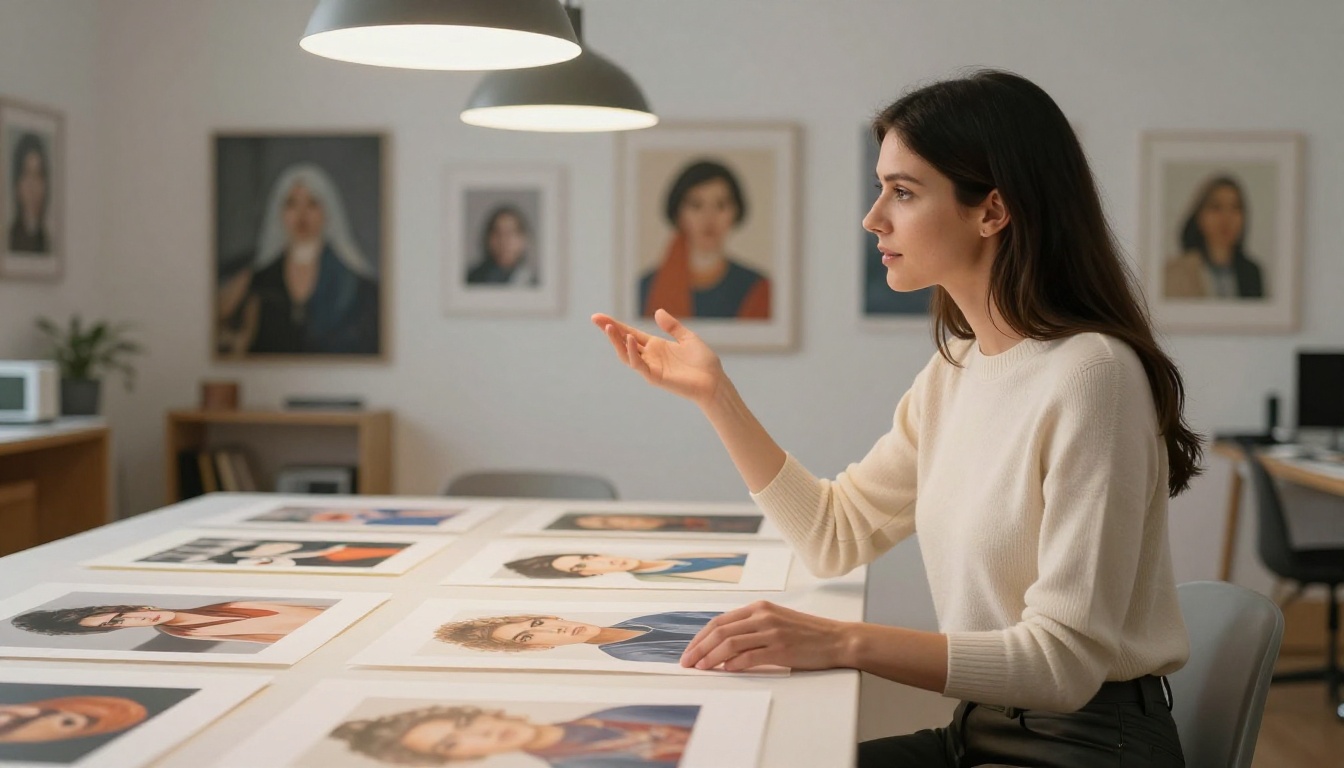
Flux 1.1 Pro Ultra from Black Forest Labs is the current gold standard for photorealistic AI image generation. It produces images with a level of detail that makes casual observers question whether what they're seeing is a photograph or AI art.
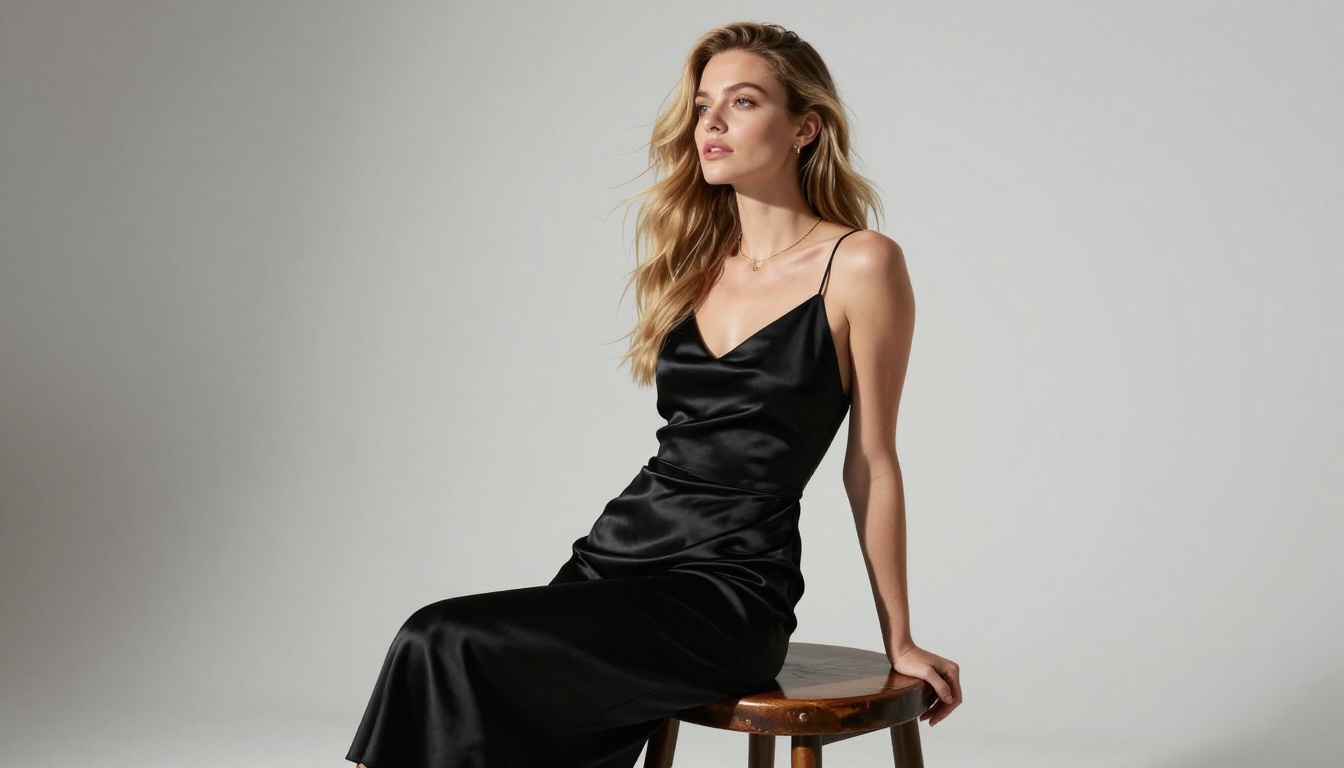
For adult creators, the key advantage is how Flux 1.1 Pro Ultra handles skin. Pores, hair, fabric textures, and the way light interacts with surfaces are all rendered with unprecedented accuracy. When you prompt for a glamour photography session, you get results that look like they belong in a high-fashion editorial, not in a pixel art collection.
Why it stands out:
- Best-in-class skin texture rendering
- Handles dramatic lighting with cinematic precision
- Consistent face quality across multiple generations
- Strong prompt adherence with long, detailed descriptions
💡 Pro tip: Use long, camera-style prompts with Flux 1.1 Pro Ultra. Describe lens type, aperture, lighting direction, and film stock. The model responds to photographic language better than any other generator.
Parameters that matter
When using Flux 1.1 Pro Ultra, push your prompt length to 60-80 words. Include specific details about the environment, the subject's clothing texture, and the exact angle of light. The model processes these details and reflects them in the output in ways that shorter prompts simply cannot achieve.
The 16:9 ratio works exceptionally well for fashion and boudoir work because it creates a cinematic frame that makes compositional sense. Use the aspect ratio intentionally, not as an afterthought.
Built for photorealistic humans
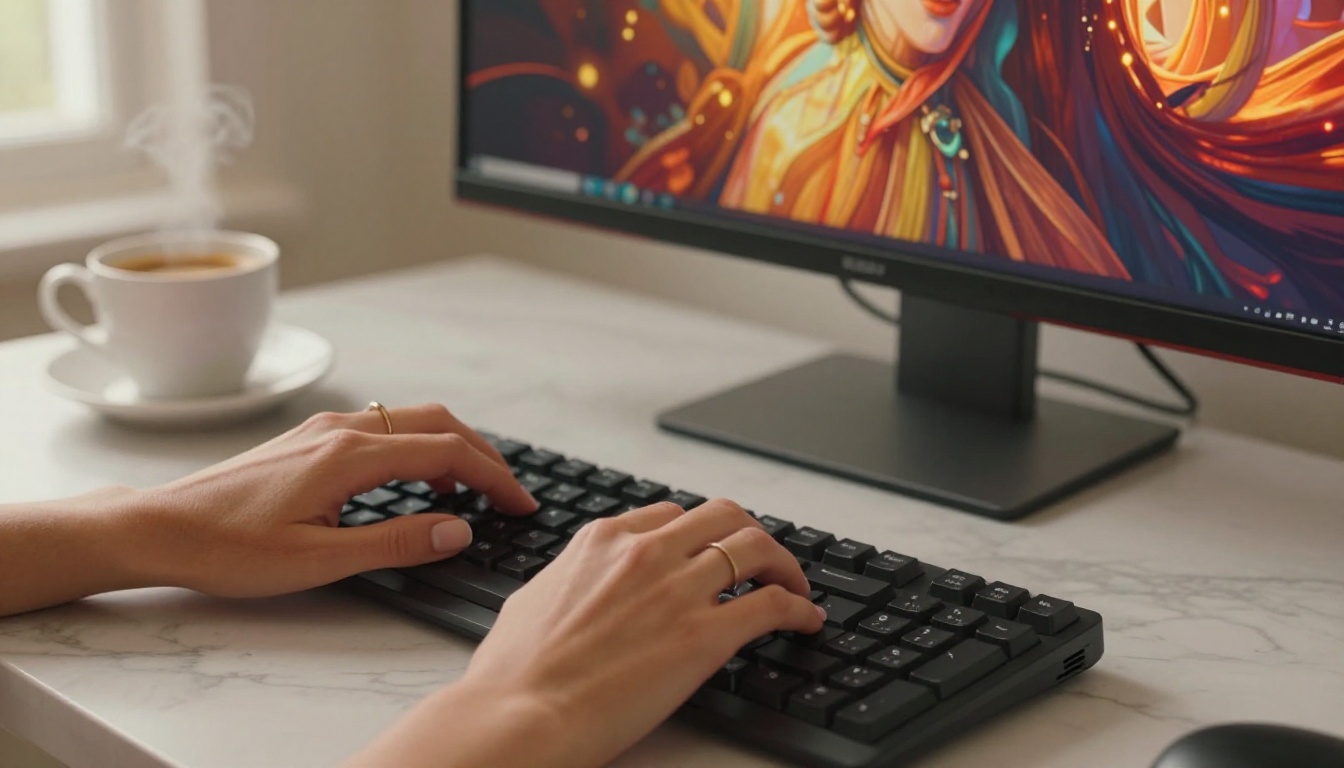
Realistic Vision v5.1 was specifically fine-tuned to generate hyper-realistic human subjects. Where many models struggle with anatomy, proportions, and natural posing, Realistic Vision was trained on datasets prioritizing exactly these qualities.
The model has become a community favorite among portrait photographers and adult content creators precisely because it was optimized to handle the human form with accuracy and artistry.
What it does better than Seedance 2.0:
| Feature | Seedance 2.0 | Realistic Vision v5.1 |
|---|
| Suggestive posing | Blocked | Fully supported |
| Lingerie/swimwear | Filtered | High quality output |
| Artistic nudity | Refused | Artistic level only |
| Skin texture | Good | Exceptional |
| Anatomy accuracy | Average | Purpose-trained |
The fine-tuning advantage
Because Realistic Vision v5.1 is built on the Stable Diffusion architecture, it benefits from years of community fine-tuning. The model family has been shaped by millions of real-world prompts from creators who needed it to perform in exactly the scenarios where Seedance 2.0 fails.
💡 Prompt structure: Start with the subject description, move to the environment, then close with lighting and camera details. This ordering produces the most coherent results with Realistic Vision.
The flexible powerhouse
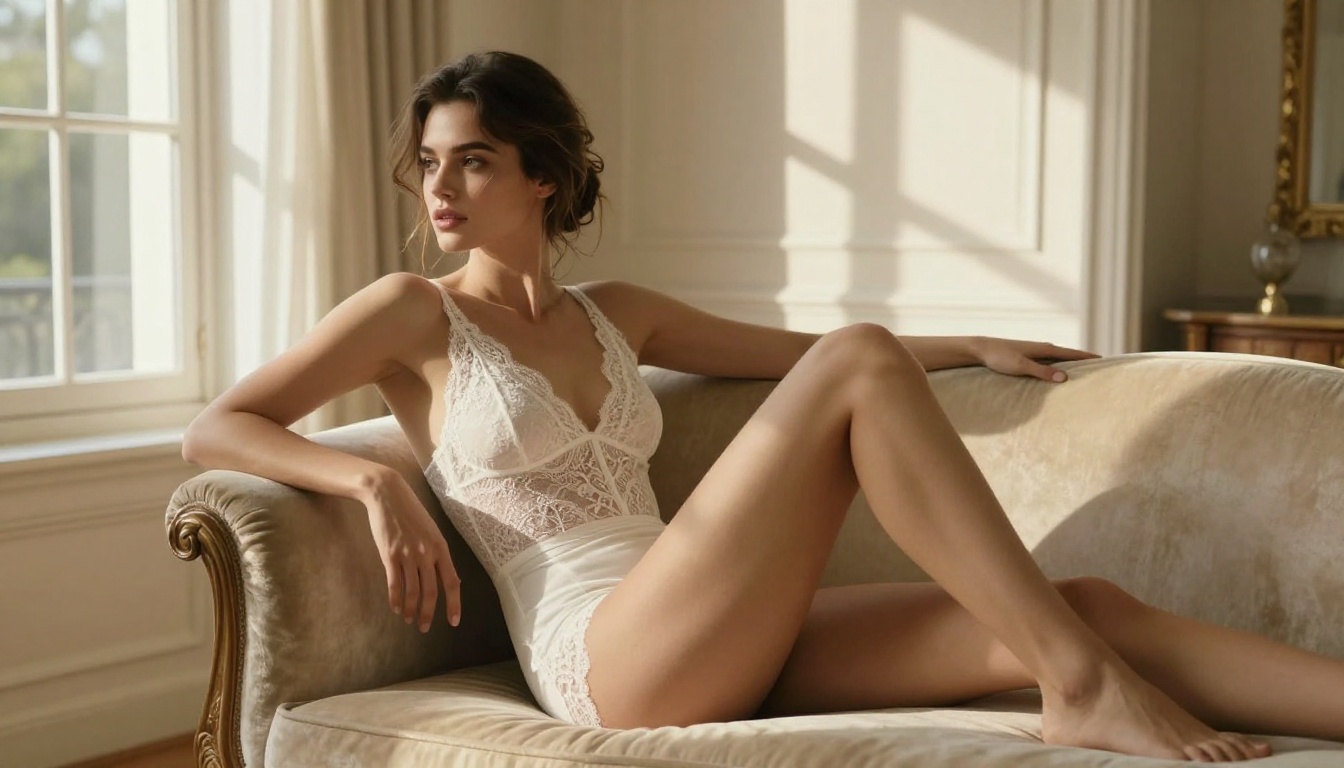
Stable Diffusion 3.5 Large represents the most significant upgrade to the SD architecture in years. The 3.5 Large version offers dramatically improved prompt understanding, better coherence across complex scenes, and significantly sharper detail in high-resolution outputs.
For adult creators, Stable Diffusion's open-weight philosophy means content filtering is not baked in at the model level in the same way it is for ByteDance products. You're working with a system that respects your prompts rather than pre-emptively censoring your creative intent.
Key strengths of SD 3.5 Large:
- Text rendering: Unlike earlier SD models, 3.5 Large can render legible text in images
- Scene coherence: Complex backgrounds stay consistent with the subject
- Resolution: Native high-resolution output without upscaling artifacts
- Speed: Faster than Flux at comparable quality levels
When to choose SD 3.5 Large
Choose Stable Diffusion 3.5 Large when you need:
- Quick iteration across many variations
- Complex multi-subject scenes
- Backgrounds that need as much detail as the subject
- Text overlays in the final image
💡 Efficiency tip: Generate 4-6 variations per prompt with SD 3.5 Large and pick the strongest. Its speed makes iteration cheaper, and you'll often find the third or fourth variation beats your expectations.
Speed without compromise
DreamShaper XL Turbo delivers high-quality adult-friendly imagery faster than almost anything else available. Built on the SDXL architecture and optimized for turbo inference, it reduces generation time significantly while maintaining output quality that rivals slower, heavier models.
For creators who work at volume, whether producing content for an adult fiction platform or a photography portfolio, DreamShaper XL Turbo changes the economics of production. Instead of waiting 30-45 seconds per image, you're looking at a fraction of that time.
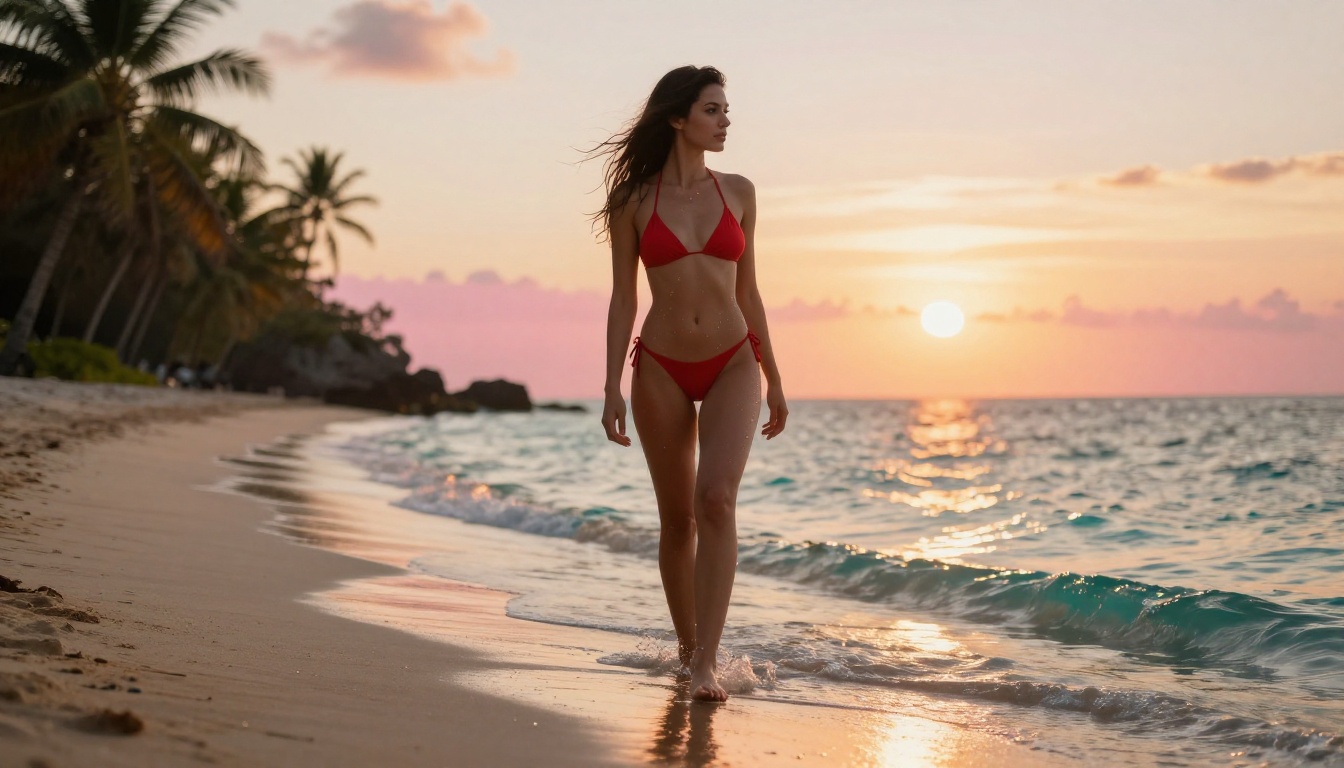
DreamShaper XL Turbo vs. Seedance 2.0 in practice:
| Criteria | DreamShaper XL Turbo | Seedance 2.0 |
|---|
| Output speed | Very fast | Slow |
| Adult content | Accepted | Blocked |
| Style range | Photorealistic to painterly | Narrow |
| Prompt control | Detailed style guidance | Limited |
| Anatomy quality | Strong | Average |
💡 Style tip: DreamShaper XL Turbo excels when you push it toward cinematic film photography aesthetics. Add terms like "shot on 35mm," "grain," and "natural light" to ground its output in realism.
Pairing DreamShaper with SDXL
If you want even more control over anatomy and posing, pair DreamShaper XL Turbo with SDXL for a two-pass workflow. Generate the base image with DreamShaper's speed, then use SDXL's inpainting capabilities to refine specific areas. This approach gives you both velocity and precision.
Same family, different rules
Here's an interesting twist: ByteDance, the same company behind Seedance 2.0, also offers Seedream 4, a text-to-image model that handles mature creative requests with significantly more flexibility than its video-focused sibling.
The architectural differences matter. Seedream 4 is optimized for photographic image generation where the end use cases span a much wider range, from commercial photography to creative projects. The filtering approach is more permissive, and the output quality for fashion, glamour, and artistic photography is genuinely excellent.
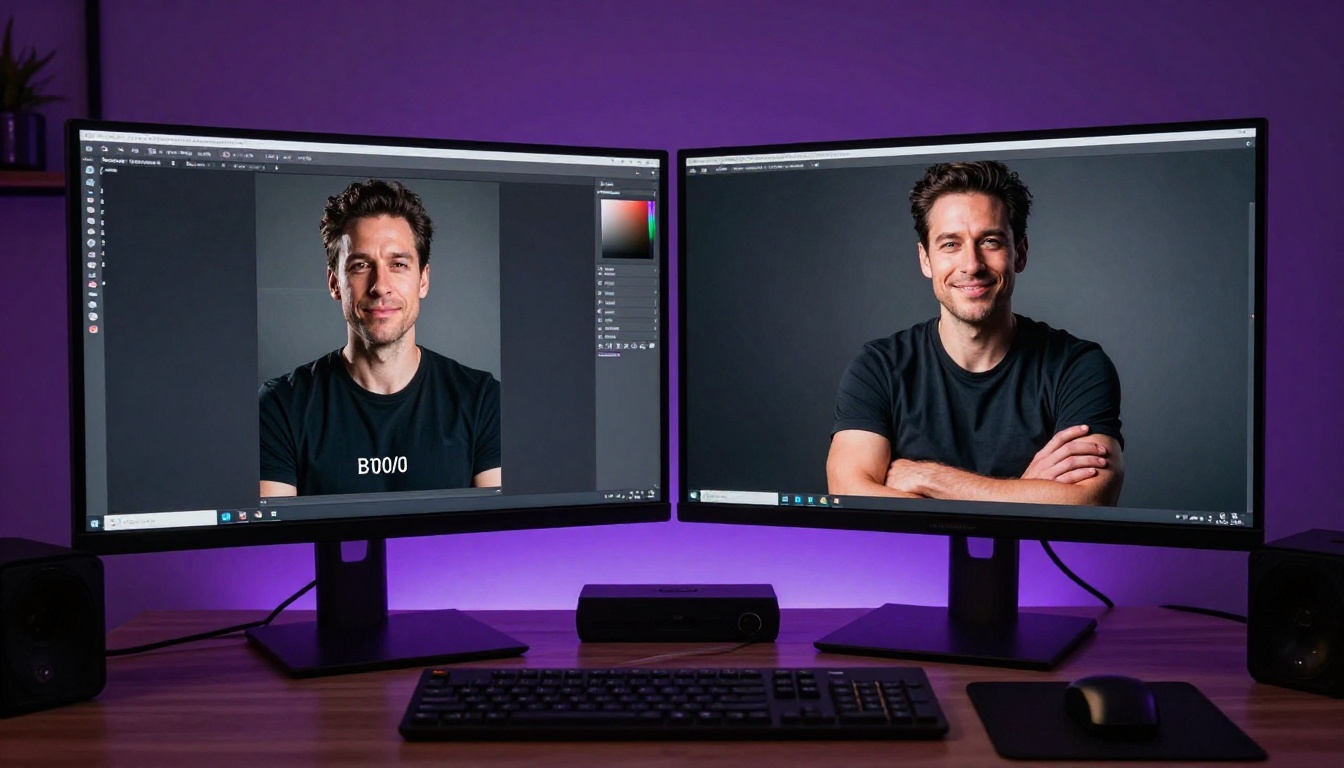
Seedream 4 advantages for adult creators:
- Photorealistic output that rivals dedicated portrait models
- More responsive to fashion and glamour photography prompts
- Strong understanding of lighting scenarios
- Consistent subject coherence across a session
💡 Workflow tip: If you're already using Seedance 2.0 and find its image quality appealing but hate the filtering, Seedream 4 is the natural migration path. The prompt language transfers almost directly, and the quality ceiling is higher.
The model also pairs beautifully with Seedream 4.5 for iterative refinement. Generate your initial concept with Seedream 4, then use 4.5 for high-resolution detail work.
Side-by-Side Comparison
Which tool fits your workflow
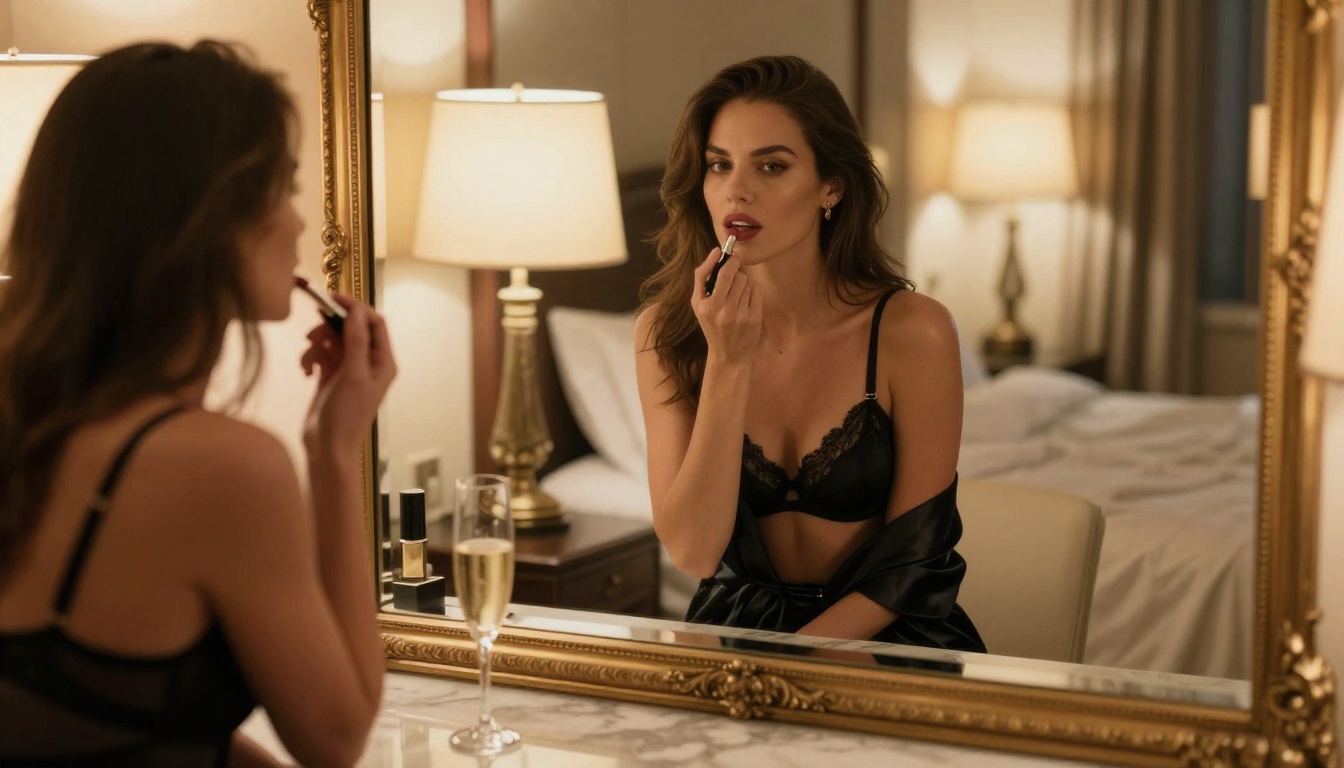
Budget vs. quality decisions
If you're generating a small number of high-stakes images, Flux 1.1 Pro Ultra is worth the cost per generation. If you're running a production pipeline that needs dozens of images per day, DreamShaper XL Turbo's speed advantage compounds significantly over time. For most creators sitting somewhere in the middle, Stable Diffusion 3.5 Large offers the best balance of quality, speed, and flexibility.
How to Use These Models on PicassoIA
No setup, just prompts
All five models covered in this article are available directly through PicassoIA without any local installation, API keys, or technical configuration. You open the platform, pick your model, write your prompt, and generate. There's no waiting for downloads, no managing VRAM limits, and no fighting with workflow nodes.
The platform gives you access to the full roster of models, from Flux 2 Pro to RealVisXL v3.0 Turbo, all accessible from the same interface. Switch between models mid-session to compare results, use inpainting to fix details, and apply super-resolution to finalize your best outputs.
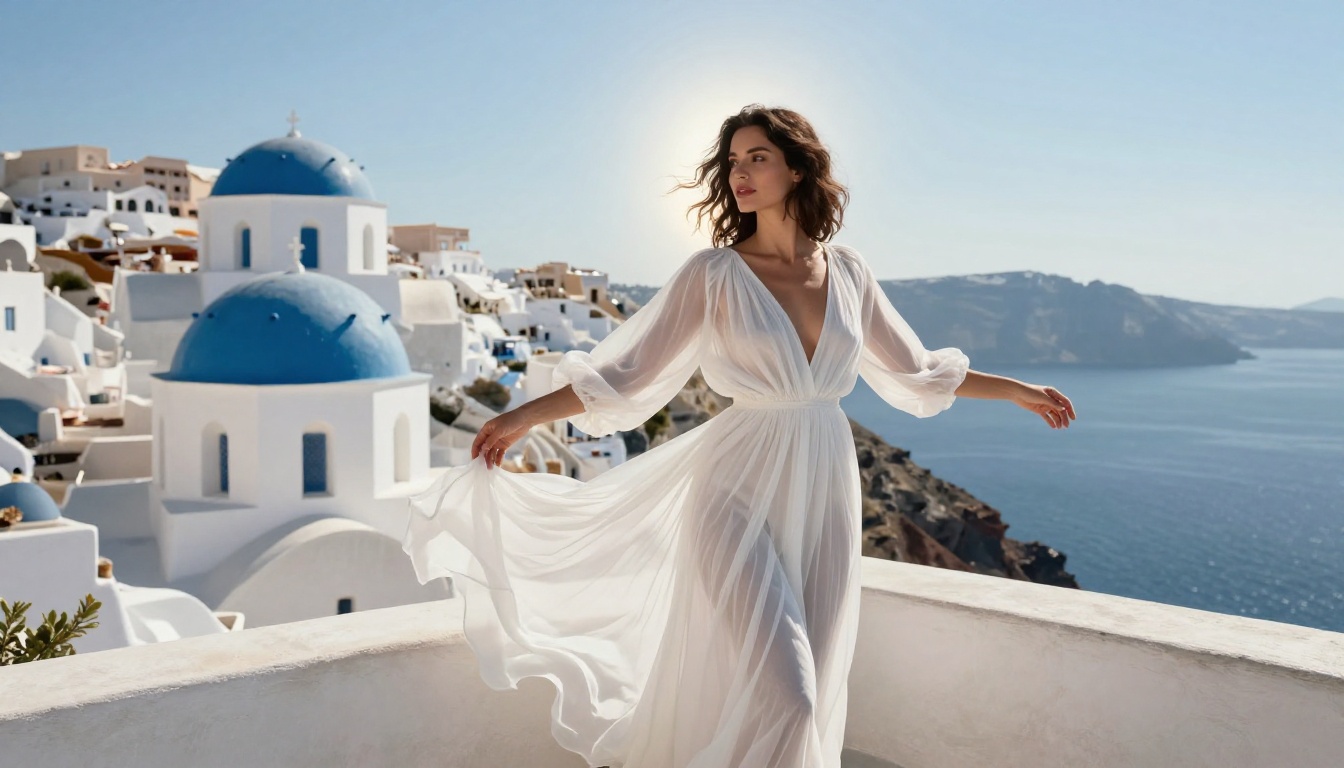
Step-by-step workflow for adult creators:
- Go to PicassoIA and select your model from the text-to-image collection
- Write a detailed prompt in photographic language: subject, environment, lighting, lens, film stock
- Set your aspect ratio (16:9 for landscapes and fashion, 9:16 for portrait/boudoir)
- Generate 2-4 variations and select the strongest base
- Use inpainting to refine any areas that need adjustment
- Apply super-resolution for final output at print quality
💡 Prompt formula that works: [Subject description with clothing details] + [Environment and background] + [Lighting direction and quality] + [Camera angle] + [Lens specs] + [Film stock]
Beyond text-to-image
PicassoIA isn't limited to static images. Once you have your photorealistic image, you can apply face swap to maintain consistent subject identity across different scenes, use AI video enhancement to upscale any existing footage, and generate AI music for accompanying video content. The platform's 90+ text-to-image models represent just one layer of what's available.
For creators who want to push further, the video editing and effects categories include 500+ options that can animate still images, add particle effects, and generate cinematic color grades.
Start Creating Without Limits
Seedance 2.0 serves a specific purpose for users who need its particular feature set. But adult creators who need photorealistic images of human subjects in mature, artistic scenarios have been working around its limitations from day one. These five tools don't require workarounds. They do what you actually need from the first prompt.
Flux 1.1 Pro Ultra, Realistic Vision v5.1, Stable Diffusion 3.5 Large, DreamShaper XL Turbo, and Seedream 4 each bring something distinct. Whether you need the absolute best photorealism, the fastest turnaround, or the most flexible anatomy handling, there's a model here that fits your production needs.
The best way to understand the difference is to test them yourself. Pick the model that sounds most relevant to your work, write a prompt that describes exactly what you've been unable to generate on Seedance 2.0, and see what happens.

Your creative vision has enough limitations already. Your AI tools shouldn't be adding more.


