If you have been anywhere near the AI video space lately, you have seen Seedance 2.0 come up in conversations about adult content. It is generating real buzz, and not just because it produces sharper footage than most competitors. The conversation around this model is specifically about what it allows, how it handles suggestive prompts, and whether it is actually viable for adult creators who are tired of models rejecting half their ideas at the filter stage. This article cuts through the noise and gives you everything that actually matters.

What Seedance 2.0 Actually Is
Seedance 2.0 is a text-to-video and image-to-video model developed by ByteDance, the company behind TikTok. Released in 2025, it represents a significant generational jump from Seedance 1.5 Pro and the earlier Seedance 1 Pro. The core improvements are in motion coherence, temporal consistency, and a native audio generation pipeline that did not exist in prior versions.
What separates it from most models on the market is how it handles complex scene motion. Characters do not float or drift. Fabric moves like fabric. Hair behaves with weight. These are not trivial improvements when you are generating adult-adjacent content where physics failures are immediately visible and immersion-breaking.
Built by ByteDance, Serious Technology
ByteDance has consistently pushed model quality in ways that Western labs have not prioritized. With Seedance 2.0, they focused on what they call "native cinematic motion," meaning the model was trained not just on what things look like but how they move over time. For creators working with suggestive prompts, this matters enormously. A model that can hold a scene together for 5 to 10 seconds without warping or melting is the baseline requirement for anything usable.
The model runs natively at resolutions up to 1080p and supports both 5-second and 10-second output clips. It accepts text prompts, still image inputs, and can carry over motion styles from reference clips. The architecture is transformer-based with a diffusion decoding stage, similar in structure to what Sora and Veo 3 use.
Native Audio Changes the Game
Most AI video models generate silent clips. You then manually add music, sound effects, or voice. Seedance 2.0 generates audio natively synchronized to the video. Footsteps land on beat. Ambient environment sounds match the scene. Fabric rustling, water lapping, wind through leaves, all of these emerge from the model without post-processing.
For adult content creators, this removes one of the most noticeable production gaps. A beautiful, photorealistic video of a woman on a beach at sunset is one thing. The same video with matching wave audio, a light breeze, and natural ambient atmosphere is something else entirely. It closes the gap between AI-generated and produced content significantly.

Why Adults Are Paying Attention
The adult creator economy has a persistent problem: most AI video models apply aggressive content filters that reject or corrupt prompts the moment they approach anything suggestive. A prompt describing a woman in a bikini on a beach might get through. The same prompt with any additional descriptors around body or movement often does not. This makes the models nearly unusable for anyone creating glamour, boudoir, or adult-adjacent visual content.
Seedance 2.0 has drawn attention because its filter behavior is calibrated differently. It is not explicitly a NSFW model, but it handles suggestive content at a level that most Western models refuse. Swimwear, lingerie-adjacent scenes, glamour poses, sensual but non-explicit scenarios, these generally produce without rejection or corruption.
Suggestive Content Without the Rejection Loop
Adult creators who have worked with tools like Sora, Veo 3, or even Kling know the frustration of iterating through prompt variations trying to find language the filter accepts. You spend more time rewriting prompts than actually creating content. Seedance 2.0 cuts that loop significantly.
The model appears to evaluate prompts at an intent level rather than a keyword level. Describing the aesthetic, the mood, the visual composition, and the subject naturally tends to produce results. Hard explicit language still triggers filtering. But the bandwidth between "safe for work" and "rejected" is meaningfully wider than competing models offer.
Note: Seedance 2.0 is not an explicit content model. It does not generate pornographic material. The advantage it offers adult creators is in the suggestive and glamour range, where other models fail unnecessarily.

What the Model Can and Cannot Do
Setting accurate expectations saves a lot of wasted time. Here is an honest breakdown of where Seedance 2.0 performs and where it does not.
The Green Zone
The following types of content generate well and consistently:
- Glamour and editorial: Women in swimwear, lingerie-style clothing, elegant evening wear, boudoir-adjacent scenes
- Sensual atmosphere: Scenes implying intimacy without depicting it, couples in close proximity, emotionally charged scenarios
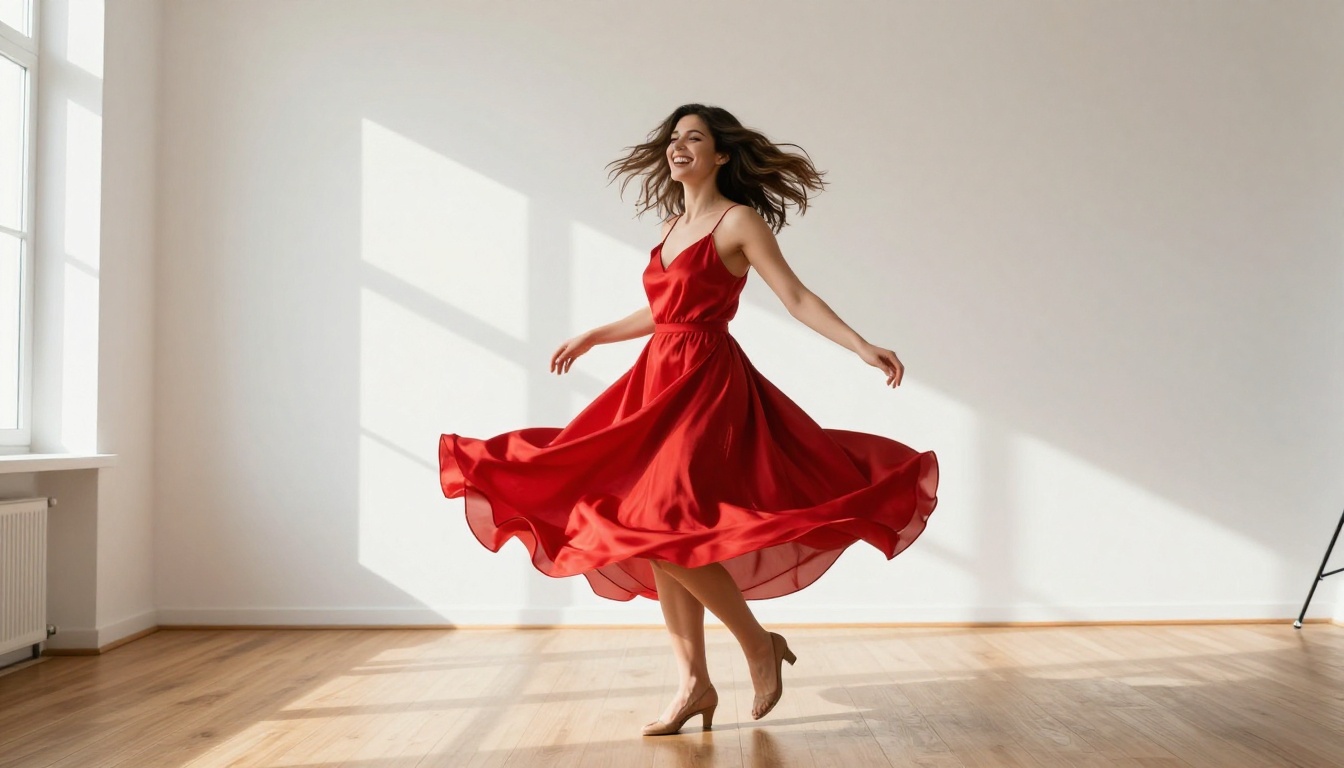
- Natural body motion: Walking, stretching, dancing, sitting, leaning in natural environments
- Suggestive poses: Fashion-forward poses with implied sensuality, confident body language
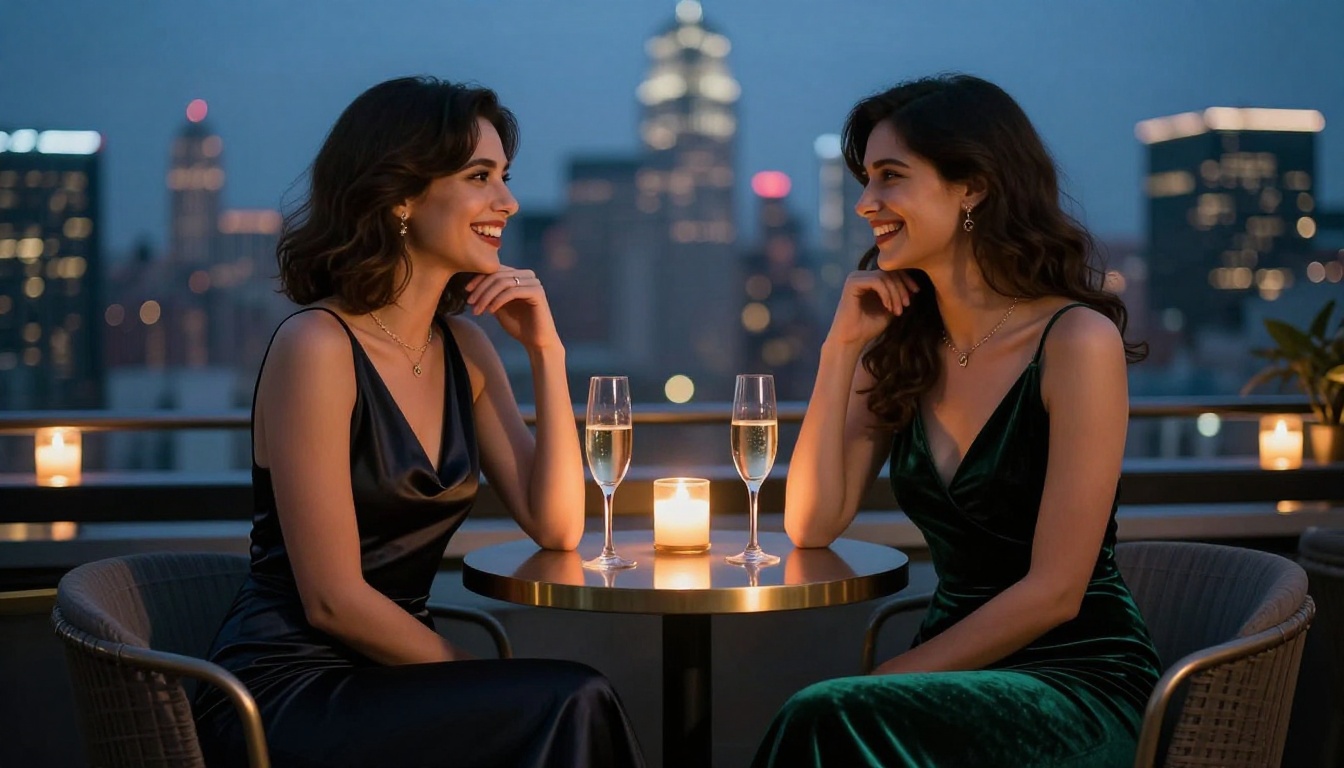
- Environmental immersion: Beach scenes, bedroom settings, pool environments, luxury interiors
- Native audio atmosphere: Wave sounds, ambient music, environmental audio matching scene
All of these work with a high consistency rate and produce footage that holds together across the full clip duration.
The Red Zone
The following will not generate or will produce corrupted, filtered output:
- Explicit nudity: The model does not output explicit sexual content. Full stop.
- Graphic sexual acts: These will trigger filter responses or produce incoherent output
- Explicit language in prompts: Certain explicit sexual descriptors cause prompt rejection regardless of visual intent
- Minors in any suggestive context: Hard block, as it should be
- Violence combined with adult content: Flagged and rejected
This is a feature, not a limitation worth fighting. The creative space between artistic nudity, glamour, and explicit content is enormous, and that is exactly where Seedance 2.0 operates.
How to Use Seedance 2.0 on PicassoIA
Seedance 2.0 is available directly through the PicassoIA platform. Here is exactly how to use it for adult-adjacent content.
Step-by-Step for Best Results
Step 1: Choose your input type. Seedance 2.0 accepts both text prompts and still image inputs. For adult content, image-to-video tends to produce superior results because you control the starting frame precisely. Generate a photorealistic source image first, then animate it.
Step 2: Write a scene description, not a subject description. Do not write "sexy woman in bikini." Write "a woman in a coral bikini standing at a tropical shoreline, late afternoon sun creating warm rim light on her figure, gentle waves at her ankles, relaxed natural posture." The model responds to cinematic scene language.
Step 3: Specify motion. Add motion direction explicitly. "She turns slowly toward camera," "fabric moves gently in the breeze," "she reaches up to adjust her hair." Seedance 2.0 follows motion cues accurately and this is where it outperforms most competitors.
Step 4: Set duration. The 10-second option gives you more scene development. For establishing shots and mood scenes, use 10 seconds. For action clips, 5 seconds often produces tighter motion.
Step 5: Check the audio. Preview with sound enabled. The native audio generation often adds significant atmosphere that makes the final clip feel complete without any post-processing.
Parameters That Matter
| Parameter | Recommended Setting | Why |
|---|
| Duration | 10 seconds | More natural motion arc |
| Resolution | 1080p | Full quality output |
| Motion intensity | Medium | Avoids over-animation artifacts |
| Prompt style | Scene description | Better filter navigation |
| Input mode | Image to video | Maximum control over starting frame |
💡 Tip: Generate your source image with a text-to-image model first. A high-quality still gives Seedance 2.0 a cleaner base to animate from and reduces temporal inconsistency across the clip.
For speed iterations during development, Seedance 2.0 Fast is also available on PicassoIA. It produces similar quality at significantly faster generation times, which makes it ideal for prompt testing before committing to full-quality renders.
Seedance 2.0 vs Other Adult Video Models
This is the comparison that actually matters for adult creators choosing a primary tool.
The key differentiator for adult creators is the combination of suggestive content tolerance and native audio. No other model on this list offers both at the same quality level. Kling v3 Omni comes closest with its audio support, but its content filters are more restrictive. PixVerse v5.6 is a strong second option for speed, but it does not produce audio natively.
Getting the Best Results for Adult Content
Raw access to a model is only part of the equation. How you use it determines whether you get results that are actually worth publishing.
Prompt Engineering for Suggestive Videos
The single biggest mistake adult creators make with AI video models is writing prompts that describe what they want to see rather than the scene they are creating. A prompt that says "woman in lingerie" will generate something. A prompt that describes the lighting direction, the fabric texture, the ambient setting, the subject's emotional state, and the camera angle will generate something that looks intentionally crafted.
Prompts that work:
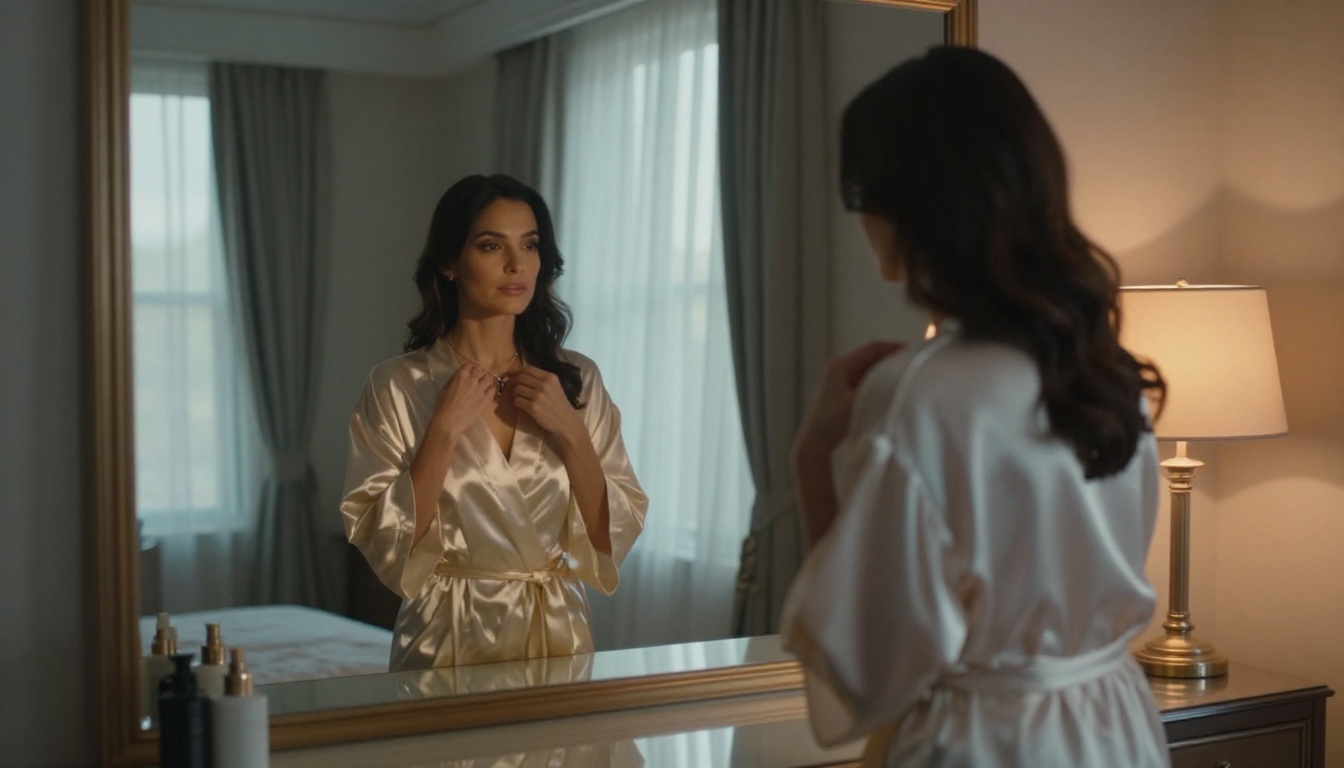
- "Warm golden hour light falls across the bedroom, a woman in a white silk slip sits at the edge of the bed looking toward the window, the fabric catching the late afternoon backlight, her posture relaxed and contemplative"
- "A woman in a bikini walks slowly along the shoreline at sunset, sand compressed under each step, waves washing over her feet, wind moving through her hair, camera following at waist height"
Prompts that fail:
- "Sexy woman in lingerie"
- "Hot girl at the beach"
- "NSFW woman in bedroom"
The difference is cinematography versus request. Write like a director, not like a search query.
💡 Tip: Add emotional tone to your prompts. "Confident," "relaxed," "playful," or "contemplative" significantly affect how the model renders body language and micro-expressions across the clip.
Image-to-Video for Better Control
Text-to-video gives you variability. Image-to-video gives you control. For adult content creators, control is almost always more valuable. When you start from a photorealistic still image, you define the character, the environment, the lighting, and the composition before the model touches the scene. The model then adds motion to what already exists.
This approach produces dramatically more consistent results across multiple clips. It also allows you to build a recognizable visual identity for content that requires consistent character appearance across multiple pieces.
Other Models Worth Combining With Seedance 2.0
Seedance 2.0 produces the video. But a polished content pipeline involves more than one model.
For Source Frames
Before you animate, you need a still image. The quality of that still determines the quality of your final video. PicassoIA has 91 text-to-image models available. For adult-adjacent content, models trained on photorealistic output with natural skin rendering produce the best source frames for Seedance 2.0 to work from.
The process: generate a high-quality still, review it for natural anatomy and lighting, then feed it into Seedance 2.0 as your base image. This two-step approach gives you significantly more creative control than pure text-to-video.
After Generation
Once your video is created, two additional tools are worth knowing:
Super Resolution: PicassoIA offers upscaling models that can take a 1080p output and push it to a sharper, cleaner render. Useful if you are distributing content on high-DPI displays or platforms that reward resolution.
AI Video Enhancement: For clips where you want to stabilize motion or improve detail in darker areas, AI video enhancement can post-process your Seedance output without regenerating from scratch.

The Real Production Workflow
Here is what an efficient adult content production workflow looks like using Seedance 2.0 on PicassoIA:
- Define the scene: Write a detailed scene description covering location, time of day, subject appearance, and desired mood
- Generate source image: Use a photorealistic text-to-image model to produce your base still
- Review and refine: Adjust the still until the character, lighting, and composition are exactly where you want them
- Animate with Seedance 2.0: Feed the still into Seedance 2.0, add motion direction to your prompt, set duration to 10 seconds
- Preview with audio: Check the native audio output and assess whether it adds atmosphere or needs adjustment
- Iterate fast with the Fast variant: Use Seedance 2.0 Fast for quick iterations before committing to full renders
- Post-process if needed: Apply super resolution or enhancement for final output quality
This workflow takes what used to require a production team and compresses it into a solo creative process that takes minutes per clip rather than hours.

3 Mistakes That Waste Your Credits
Mistake 1: Using keyword prompts instead of scene prompts. Every generation costs credits. Vague prompts waste them. Write cinematically and you will use fewer attempts to hit what you are after.
Mistake 2: Skipping the source image step. Pure text-to-video with Seedance 2.0 produces good results. Image-to-video produces exceptional results. The extra step is worth it every time for content that requires character consistency.
Mistake 3: Ignoring audio. The native audio in Seedance 2.0 is genuinely good. Creators who preview their clips without sound and then strip the audio before publishing are leaving the model's best differentiating feature on the table.
💡 Tip: Save your best-performing prompts. When a scene, lighting setup, or motion description produces exactly what you wanted, archive it. That language is valuable and reusable across future projects.
Start Creating Right Now
Seedance 2.0 is available on PicassoIA right now alongside Seedance 2.0 Fast for rapid iteration. If you have been sitting on the idea of producing adult-adjacent AI video content because the tools felt too restricted or the output too artificial, this model is the one that changes that calculation.
The combination of suggestive content tolerance, native audio, cinematic motion quality, and image-to-video control puts it ahead of every comparable option currently available. The learning curve is a few sessions of prompt refinement. The ceiling for what you can produce with it is genuinely high.
Head to PicassoIA, choose your scene, write it like a director, and see what Seedance 2.0 actually does. The results speak for themselves.


