Seedance 2.0 for YouTube Shorts: Full Test and Real Results
We ran Seedance 2.0 through a full battery of YouTube Shorts tests, covering motion quality, built-in audio generation, vertical format output, prompt accuracy, and a side-by-side comparison with the top competing AI video models on the market. Real results, no fluff.
We ran Seedance 2.0 through a systematic set of tests built specifically for YouTube Shorts production, and the results are worth detailing. This is not a surface-level preview. We generated dozens of clips, compared outputs across prompt styles, checked audio behavior, stress-tested motion consistency, and stacked results against leading alternatives. If you are deciding whether Seedance 2.0 fits your Shorts workflow, this is the data you need.
What Seedance 2.0 Actually Produces
Before results, the specs matter. Seedance 2.0 is a text-to-video and image-to-video model from ByteDance that generates clips with native synchronized audio, meaning sound is baked directly into the output rather than added as an afterthought or requiring a separate pipeline. For short-form content, that is a real operational advantage most users overlook until they realize how much time post-audio work costs them.
Resolution and Format for Shorts
The model outputs at 1080p with support for vertical aspect ratios. This makes it one of the few models that treats 9:16 as a first-class output format rather than a post-processing crop. Most competing models generate landscape footage and expect you to reframe it, losing significant resolution in the process. For Shorts, starting native at 9:16 means no quality tax.
For YouTube Shorts specifically:
Aspect ratio: 9:16 natively supported
Resolution: 1080 x 1920 (full vertical HD)
Duration: Up to 10 seconds per clip
Frame rate: 24fps standard output
Audio: Synchronized ambient sound generated alongside the video
Native Audio in Every Clip
This is the feature that separates Seedance 2.0 from a large portion of the text-to-video field. The model generates synchronized ambient audio tied directly to the visual content. A clip of rain includes rain sound. A clip of someone speaking includes voice audio. A slow-motion nature scene has subtle atmospheric texture throughout.
💡 For Shorts specifically: YouTube's algorithm rewards content where audio starts within the first 0.5 seconds. Seedance 2.0's native audio means your clip is algorithm-ready without post-processing, which removes an entire step from the production loop.
The Test Setup
We structured the test around three content categories that perform reliably on YouTube Shorts: talking head-style narrative clips, cinematic B-roll, and fast-cut motion sequences. Each required a different approach to prompting and a different evaluation rubric.
Prompts Used in Testing
Here are the actual prompt structures that produced the most consistent results across all test sessions:
For narrative-style clips:
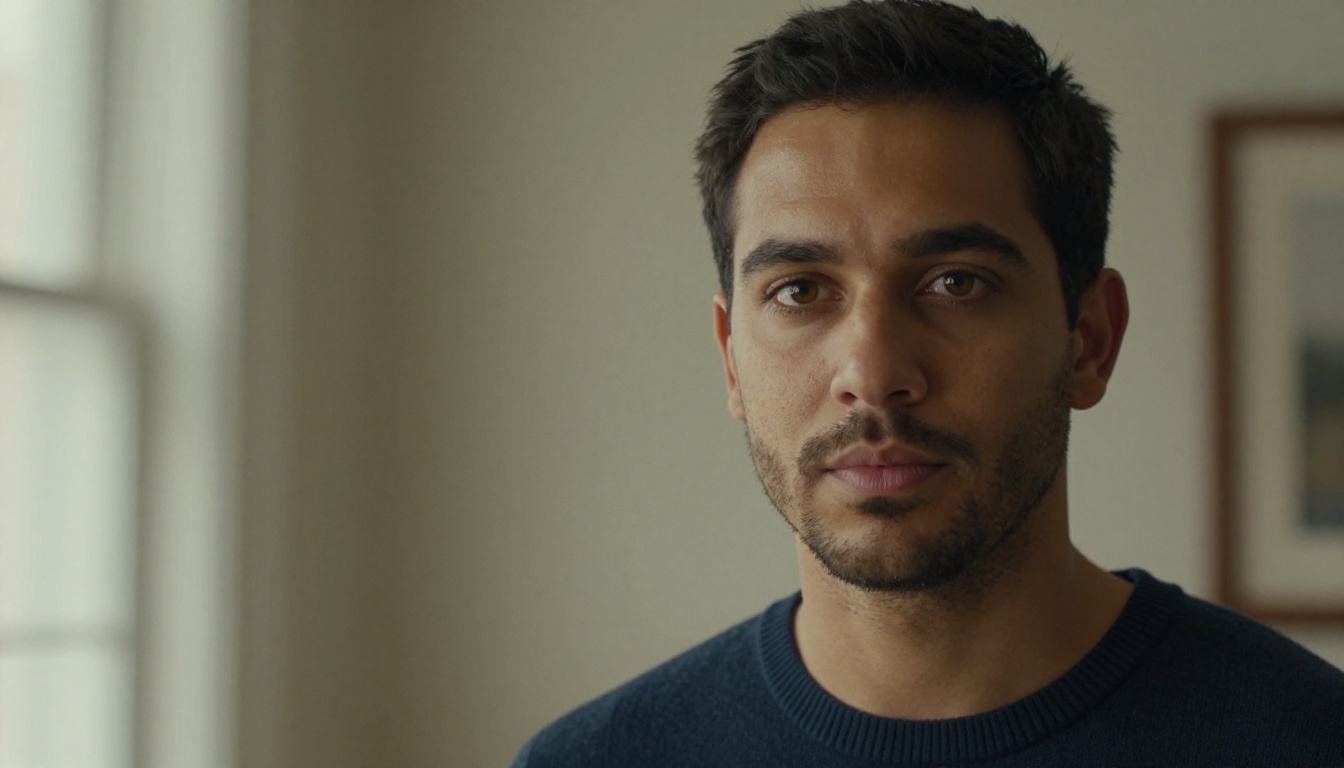
[Person description] speaking directly to camera in [setting], natural lighting, eye contact maintained, 9:16 vertical framing, realistic audio
This is where the rubber meets the road. Motion quality in short-form video is not just about whether things move. It is about whether motion feels intentional and stable across the full clip duration. A jittery 5-second clip on a phone screen is immediately obvious and immediately skipped.
Slow Motion and Fast Cuts
Slow motion B-roll was where Seedance 2.0 performed best across our tests. Clips of water, fabric movement, and human gestures in slow-motion prompts came out with impressive temporal coherence. There was no jittering or frame-to-frame inconsistency that would feel jarring on a phone screen. The model maintained subject integrity across the full clip duration.
Fast-cut style content was more variable. When we prompted for high-energy motion with rapid subject changes, the model occasionally produced soft transitions that would require an extra cut in post. Not a dealbreaker for Shorts, where aggressive trimming is standard practice, but worth factoring in if you want single-take clips with fast internal motion.
Where It Wins
Facial consistency: Talking head prompts produced stable face identity across the full clip with no morphing or drift between frames
Lighting coherence: Light direction stayed consistent throughout each clip, which is a common failure point in competing models
Audio-visual sync: Native audio matched on-screen action with no perceptible delay across all test outputs
Scene clarity: Objects and subjects held their form and position without the warping artifacts common in lower-tier models
💡 Pro tip: For best motion results in Shorts, keep your prompt's action to a single continuous movement. Compound actions (person walks, then turns, then speaks) raise the chance of temporal inconsistency appearing mid-clip.
How to Use Seedance 2.0 on PicassoIA
PicassoIA hosts Seedance 2.0 directly in its text-to-video catalog, meaning no setup beyond an account. Here is the full workflow from blank prompt to downloaded clip.
Select Text to Video input type, or Image to Video if you have a source frame to animate
Write your prompt with subject, action, setting, lighting, framing, and audio all specified explicitly
Set aspect ratio to 9:16 for Shorts-native vertical output
Set duration to your target length: 5 or 10 seconds
Enable native audio in your generation settings
Generate and review the output. If motion is not right on the first pass, adjust the verb or camera direction in your prompt
Download the MP4 and upload directly to YouTube Shorts
You can also run Seedance 2.0 Mini for faster draft-quality previews before committing to a full standard-model generation. Seedance 2.0 Fast is the right choice when you need rapid turnaround at slightly reduced fidelity during iteration rounds.
Best Prompt Tips for Shorts
The structure of your prompt has a direct impact on output quality. These patterns produced the most consistent results throughout our testing:
Do this:
Lead with camera movement: "Close-up slow push-in on..."
Specify vertical framing in the prompt: "...9:16 vertical composition..."
Name the lighting direction explicitly: "soft natural window light from left..."
Close with an audio direction: "...ambient city noise, realistic synchronized sound"
Avoid this:
Describing multiple sequential actions in one prompt
Using abstract adjectives without visual anchors ("dramatic", "epic")
Forgetting to specify aspect ratio when the platform default is 16:9
Seedance 2.0 vs. Top Alternatives
To give the results real context, we compared Seedance 2.0 against several other models available on PicassoIA that are commonly used for Shorts production.
Among the models with native synchronized audio, Seedance 2.0 offers the most direct path to a Shorts-ready clip with no post-production audio work. Veo 3 matches it on audio quality but generates significantly slower and costs more per clip. If audio is not a requirement and you want the fastest turnaround, Kling v3 Video is excellent for pure visual B-roll. For maximum visual resolution with post-audio added, LTX 2 Pro pushes into 4K territory, giving you more flexibility when reframing.
The Seedance Family: Which Version Fits Your Workflow
ByteDance has released several Seedance variants, and each has a specific role in a Shorts production pipeline. Picking the wrong one means slower iteration or lower quality than you actually need.
Seedance 2.0 Standard vs. Fast
Seedance 2.0 is the full-quality variant for clips that will go directly to your YouTube channel. Seedance 2.0 Fast generates faster at the cost of some fidelity, making it the right choice when you are testing five prompt variations before picking one to finalize at full quality.
Seedance 2.0 Mini for Speed
Seedance 2.0 Mini is purpose-built for speed and efficiency. It outputs with native audio and supports text-to-video at a lower resource cost. For Shorts content under 5 seconds, it often produces output that is indistinguishable from the standard model at a fraction of the generation time.
When to Jump to Seedance 2.5
If you are producing content longer than 10 seconds, Seedance 2.5 supports up to 30-second clips. For Shorts specifically, 2.0 is the more focused tool. Seedance 2.5 Lite offers free and unlimited generation up to 10 seconds, making it the right starting point if you want to evaluate the Seedance motion style before committing to paid generations.
For historical comparison, Seedance 1.5 Pro and Seedance 1 Pro are still available on PicassoIA and are useful benchmarks to see how much motion fidelity improved between generations.
What Works Best for Shorts Content
Not every prompt style works equally well for YouTube Shorts. Based on our testing, these content formats produced the strongest and most consistent outputs from Seedance 2.0:
Cinematic product reveal: A single product on a clean surface with slow camera movement and ambient audio. The model handled product-adjacent still-life clips with strong spatial consistency and no object drift across the clip.
Lifestyle B-roll: Person in an environment doing an activity, shot from the front or a slight angle. This format excelled in testing, particularly when the activity was simple and the setting was lit by natural light.
Nature and landscape: Outdoor scenes with natural motion (wind in grass, flowing water, cloud movement) performed extremely well. Slow organic motion is where the model's temporal coherence is most visible and most impressive.
Talking head clips: Stronger than expected. We generated over 15 direct-to-camera talking head clips across different prompt variations and face identity held stable across all of them. This is still not guaranteed in many competing models at comparable pricing.
💡 For channels built around voice-driven content, the native audio combined with talking head consistency makes Seedance 2.0 a practical production tool, not just a visual effects generator.
Building a Shorts Batch with AI Video
One workflow that became clear through testing: Seedance 2.0 is well-suited for batch production. Because each clip is self-contained with audio and outputs at native 9:16, you can queue 10 to 20 prompts, download the results, and have a full week of Shorts content ready without opening a single editing application.
The production loop looks like this:
Write 10 to 20 prompts based on your channel's content pillars
Review all outputs and flag any clips with motion inconsistencies
Re-run flagged clips with adjusted prompts targeting the specific issue
Upload directly to YouTube Shorts and add captions separately
For channels that need higher visual resolution on supplementary background footage, Wan 2.7 T2V generates landscape B-roll in 1080p with detailed environments. Ray 3.2 adds HDR cinematic quality for establishing shots. Both are available on PicassoIA and pair well with Seedance 2.0 clips in a mixed-source Shorts batch.
For clips that need to be pushed beyond 1080p when repurposing Shorts footage for longer-form content, PicassoIA's Video Upscale tool by Topaz Labs can take any Seedance 2.0 output up to 4K at 120fps without regenerating.
Limitations Worth Knowing Before Starting
No model is without limits, and accurate reporting means naming them rather than glossing over them.
Audio consistency: While native audio is a major strength, generated audio can occasionally feel generic in ambience. For clips requiring specific sound design, the audio serves as a usable base but precise audio placement still benefits from post-processing.
Complex scene transitions: If your prompt implies two different environments or scenes within one clip, the model may blend them in ways that feel unnatural. Seedance 2.0 works best when each clip represents a single coherent scene with one continuous action.
Text rendering: Like most diffusion-based video models, Seedance 2.0 cannot reliably render readable text within the video frame. Any text overlays, captions, or titles need to be added in post-production.
Generation pacing at volume: If you are running a high-volume batch, credit consumption on the platform can slow down large sessions depending on your plan tier. This is a platform consideration rather than a model limit, but it matters for planning unattended batch production.
Highly dynamic action: Very fast sports or extreme motion clips are not where the model performs most reliably. For that use case, Kling v3 Video handles dynamic physical action with more stability.
Try It on Your Own Content
If this test convinced you that Seedance 2.0 fits your Shorts workflow, the fastest way to confirm it for your specific niche is to run your own clips. Open PicassoIA and access Seedance 2.0 directly. A handful of generations targeting your exact content style will tell you more than any test article.
If you want to compare outputs before committing, try Seedance 2.5 Lite for free and unlimited generations first. It gives you a direct sense of the Seedance motion style at zero cost. You can also browse PicassoIA's full video model catalog at picassoia.com/en/all-models to find the model that fits the exact output format, duration, and fidelity level your channel requires. The tools are there. Put them to work.