Most AI video tools promise a lot and deliver restrictions. You ask for something sensual, you get a refusal or a blurred-out result that misses the point entirely. Seedance 2.0 from ByteDance takes a different approach. It is one of the few publicly accessible AI video models that processes adult content without filters blocking your output mid-generation. And through platforms like PicassoIA, you can run it for free.
This is not about shock value. It is about creative freedom. Filmmakers, content creators, and adult platforms have real needs for uncensored AI video generation, and the tools have been slow to catch up. Seedance 2.0 changes that calculus in a meaningful way. The model generates realistic motion, synchronized audio, and cinematic quality output from a still image or a text prompt, all without the content restrictions that make most competing tools frustrating to work with.
What Seedance 2.0 Actually Is
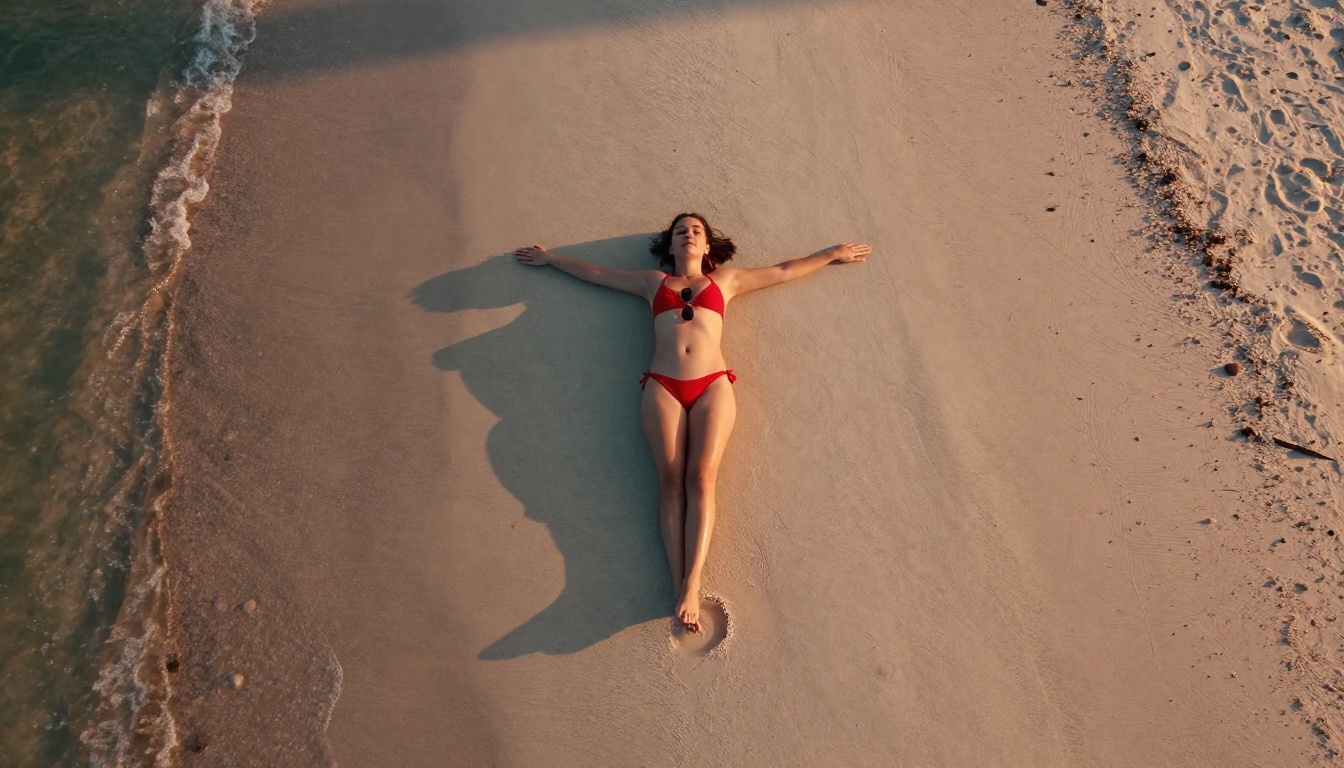
Seedance 2.0 is a video generation model from ByteDance, the company behind TikTok. It accepts either a text prompt or an image as input and produces a short video clip with synchronized audio. The model is designed for cinematic quality output, with attention to natural motion, realistic lighting, and frame-to-frame consistency that earlier video AI models like first-generation Runway and early Pika builds consistently struggled with.
What makes it notable is the release policy. Unlike OpenAI's Sora or Google's Veo, which impose strict content filtering at the API level, Seedance 2.0 allows platforms to configure their own content policies. The model itself does not aggressively refuse adult content, leaving that decision to the platform running it.
The technical side
At its core, Seedance 2.0 uses a diffusion-based video architecture trained on a large-scale dataset of high-quality video footage. The model operates at up to 1080p resolution with built-in audio synthesis that attempts to match the visual content of each generated frame. It supports both text-to-video and image-to-video workflows, which is critical for NSFW use cases since starting from a well-crafted source image produces dramatically better results than text prompts alone.
The model ships in three variants on PicassoIA. The standard Seedance 2.0 balances quality and generation speed for 1080p output. The Seedance 2.0 Fast variant is optimized for speed over maximum resolution, making it the better starting point when iterating quickly through prompt variations. The Seedance 2.0 Mini runs at lower compute overhead for batch workflows where individual clip quality matters less than throughput.
What "NSFW" means here
The term NSFW covers a wide spectrum. In the context of AI video generation, it ranges from suggestive and glamour-oriented content, like swimwear, lingerie, and implied nudity, through to more explicit material. Seedance 2.0 operates well across the mid-range of this spectrum: sensual, suggestive, and tastefully explicit. Results depend heavily on prompt quality and the source image you provide.
💡 Worth knowing: The best NSFW AI video outputs start with a high-quality photorealistic source image. The video model inherits the quality ceiling of that starting frame. A blurry or AI-obvious input will always produce a worse video than a clean, photorealistic one.

The major AI video platforms, Runway, Pika, Sora, Veo, all enforce content policies that make NSFW generation either impossible or heavily degraded. Two structural reasons create this situation: liability and distribution. These companies rely on app stores, payment processors, and enterprise contracts that require clean content policies. They cannot serve the adult content market without jeopardizing their primary revenue channels. This is a business problem, not a technical one. The models themselves are capable of far more than they are permitted to produce through these platforms.
The content filter problem
Most mainstream video AI tools implement content filtering at multiple levels, creating a layered wall between your intent and your output:
| Filter Layer | What It Does |
|---|
| Input filtering | Rejects prompts containing flagged keywords |
| Generation filtering | Interrupts or degrades output mid-process |
| Output filtering | Scans completed videos and blocks delivery |
Triple-layered filtering means even borderline content, a bikini shot, a suggestive pose, a romantic scene between adults, gets blocked consistently. Users end up spending more time rephrasing prompts to avoid trigger words than actually creating content.
Where Seedance 2.0 is different
Seedance 2.0 delegates content policy to the deployment layer. When you access it through PicassoIA, the platform's policy applies rather than a hard model-level block. PicassoIA specifically supports adult content generation in a non-explicit, artistic format, which means suggestive and glamour content generates without interference.
This practical difference shows up immediately in the workflow. You do not need to constantly rephrase your prompts to avoid trigger words. You do not get half-generated videos that stop because an intermediate frame looked too suggestive. You get a complete output, rendered from start to finish, with the content you intended.
How to Use Seedance 2.0 on PicassoIA

The image-to-video workflow gives you the most control over NSFW output quality. Here is the full process from image creation to finished video.
Step-by-step process
Step 1: Create your source image with Seedream 4.5
Start with Seedream 4.5. This is the strongest model on PicassoIA for photorealistic adult content generation. It produces 4K quality images with fine skin texture, natural lighting, and realistic proportions that translate well into video. The model handles suggestive and glamour content without applying heavy censorship filters to your output.
Effective prompt elements for Seedream 4.5 source images:
- Specific lighting description: "volumetric morning light from left side", "golden hour backlight with rim effect"
- Camera lens specification: "85mm f/1.8 depth of field", "50mm at f/2.0"
- Texture details for skin, fabrics, and the surrounding environment
- Photography terminology rather than art terminology: "photorealistic RAW photograph" outperforms "digital art" consistently
- A clear, visually uncluttered background that separates the subject from the environment
Step 2: Open Seedance 2.0
Navigate to Seedance 2.0 on PicassoIA. Select image-to-video mode and upload your source image. The system accepts most common image formats and automatically adjusts to your source image's aspect ratio.
Step 3: Write a focused motion prompt
Describe what happens in the video, not what the scene looks like. Your source image already handles the visual appearance. The motion prompt should specify three things: what moves in the frame, how the camera moves, and the overall pace of the action.
A strong motion prompt: "Model slowly turns her head toward camera while ocean breeze gently moves her hair. Slow dolly-in from medium to close-up. Consistent warm golden side light throughout."
That is all you need. The model fills in natural breathing, fabric settling, and ambient environmental motion automatically without you specifying every detail.
Step 4: Set resolution and generate
Select 1080p for final production clips. Use the Seedance 2.0 Fast variant for testing iterations since it generates at speed without sacrificing NSFW content handling. Full generation time runs between 30 and 90 seconds depending on server load and selected resolution.
Parameters that matter
- Duration: 5 to 10 seconds is the practical sweet spot. Longer clips accumulate temporal consistency issues that degrade the subject's facial and body detail.
- Motion strength: Low values give subtle, elegant movement suited to close-up glamour content. High values produce dramatic movement that can destabilize fine details like faces, hands, and hair.
- Audio synthesis: Leave this enabled. The model adds ambient environmental sound (breeze, ocean waves, indoor ambient tone) that significantly increases the perceived realism of the final clip.
💡 Before committing: Generate 3 to 4 variations with minor prompt changes before selecting your final clip. Small wording differences in motion descriptions produce meaningfully different outputs, and the best one is rarely the first.
Best Images to Feed Into Seedance 2.0

The quality ceiling of your video is set entirely by your input image. Spending extra time on the source image pays dividends throughout the rest of the workflow. A mediocre source image cannot be rescued by a good motion prompt.
Using Seedream 4.5 for source photos
Seedream 4.5 outperforms other available models for this specific workflow for four concrete reasons:
4K output resolution: More pixel data gives the video synthesis model more detail to work with during animation. Fine fabric textures, individual hair strands, and skin pore detail all animate more convincingly when the source image has captured them at high resolution.
No aggressive censorship artifacts: Models with partial content filtering apply degradation to flagged regions of an image, creating blurring or distortion artifacts that carry through directly into the video. Seedream 4.5 does not apply these artifacts to suggestive content, so the source image remains clean and complete.
Skin texture fidelity: Accurate subsurface scattering and pore-level skin detail in the source image produces more convincing skin motion during animation. Overly smooth or plasticky skin in the source image produces uncanny valley results in the final video.
Lighting physics accuracy: When the source image correctly represents how light falls on a subject, including direction, shadow softness, and specular highlights, the video model uses this information to animate lighting-consistent motion across every frame.
For high-volume production where you are iterating through many source images, PicassoIA Image Editor Pro removes generation limits entirely. This matters when your first 20 generations are refinement work and the actual production starts at generation 21. You can also use it to edit existing images, adjusting composition or framing before passing them to Seedance for animation.
For maximum image quality at the absolute ceiling, Seedream 5 Pro produces 2K images with sharper definition than 4.5. Content handling on 5 Pro is slightly more conservative, so test both models against your specific content style to see which performs better for your workflow. Do not use Seedream 5 Lite for NSFW work as it applies aggressive content filtering that degrades adult content.
What makes a good input image
Strong source images for NSFW video:
- Single subject with clear visual separation from background
- Natural, directional lighting with visible shadow direction
- High contrast along the edges of the subject's figure
- 16:9 or wider aspect ratio matching video output format
- Sharp focus on the subject with natural background depth of field
Weak source images to avoid:
- Multiple overlapping subjects with no clear primary visual focus
- Flat, diffused, or ring-flash lighting with no directional physics
- Cluttered backgrounds that compete visually with the subject
- Images with obvious AI artifacts or anatomical irregularities
- Motion blur or artificial depth-of-field distortion applied to the subject itself
💡 What this means: The video model animates what it physically "understands" about the scene in your source image. Better source images contain more scene physics information, and the resulting motion feels correspondingly more natural and believable.
Getting More From Your NSFW Videos

There is a significant quality gap between using Seedance 2.0 and using it with discipline. These observations come from production workflows, not just casual experimentation.
Prompting for realistic motion
The most common error is over-prompting the motion description. Long, detailed motion prompts produce worse outputs than short, clear ones. Competing instructions confuse the model's motion synthesis.
Weak: "The woman slowly turns her head while smiling and the wind blows her hair and the camera slowly moves in while the lighting changes from warm to cool and she reaches her hand forward toward the camera"
Strong: "Slow head turn toward camera. Hair moves gently in breeze. Slow dolly-in. Consistent warm side light."
The second prompt delivers the motion intent without competing instructions. The model handles micro-details like natural breathing, fabric settling, and ambient environmental motion automatically.
For NSFW content specifically:
- Describe fabric and hair movement explicitly since these are the primary motion anchors the model reads
- State camera movement clearly, even when it is "static camera, no movement"
- Mention ambient sound intent: "sound of ocean waves", "quiet indoor ambient"
- Avoid describing facial expressions in the motion prompt since the model derives expression continuity from the source image's emotional state
Seedance 2.5 and what changed
Seedance 2.5 is the current flagship and generates clips up to 30 seconds compared to Seedance 2.0's 10-second maximum. It handles temporal consistency better across longer durations and produces sharper audio synthesis. For short NSFW clips under 10 seconds, the quality difference over 2.0 is modest. For anything longer, 2.5 is meaningfully better.
Seedance 2.5 Lite runs on PicassoIA's own infrastructure, meaning it is consistently free and unlimited. It is the right model for iteration work where you need to test many prompt variations before committing to a final render with the full 2.5 model on Bytedance's API.
Other Models Worth Trying

Seedance 2.0 is the correct starting point for free NSFW video generation. These other models serve specific production needs where Seedance shows its limits.
Kling v3 for premium output
Kling v3 Video from Kuaishou is the strongest paid alternative for cinematic quality output. It maintains more consistent character motion than Seedance 2.0, handles close-up face and figure animations with fewer temporal artifacts, and preserves lighting continuity better across the full clip duration. The tradeoff is cost: Kling v3 uses credits on PicassoIA while the Seedance free variants do not.
For commercial projects where output quality justifies the cost, Kling v3 is the right model. For personal and experimental work, the Seedance free tier is the better starting point.
Wan 3 for cinematic variety
Wan 3 from Alibaba generates a distinctly different visual style. Where Seedance produces naturalistic, almost documentary-style motion, Wan 3 adds more cinematic stylization to camera movement and lighting transitions. This makes it well-suited to dramatic compositions where the camera work itself is part of the aesthetic.
Wan 2.7 I2V (the image-to-video variant) is particularly strong at animating environmental elements like water, foliage, and fabric in motion. For NSFW content set in outdoor environments, beaches, pools, or coastal settings, it often outperforms Seedance on environmental realism while producing comparable character motion quality.
For broader style variety, Pixverse v6 and Hailuo 2.3 both offer distinct visual styles worth testing against your specific content type.
Comparison at a glance
Start Creating on PicassoIA Right Now

The workflow comes together faster than it sounds. Generate your source image with Seedream 4.5. Spend time getting the lighting and composition right. Take that image into Seedance 2.0 with a short, direct motion prompt. Generate three or four variants. Select the best one. The whole process from a blank prompt to a finished NSFW video clip runs under ten minutes once you have the workflow internalized.
If you need more control at the image stage, PicassoIA Image Editor Pro lets you adjust composition, reframe the subject, or modify lighting direction without regenerating the image from scratch. Editing first, then animating, produces more predictable results than trying to get everything right in a single generation pass. The unlimited generation count also removes the pressure to get each image perfect on the first try.
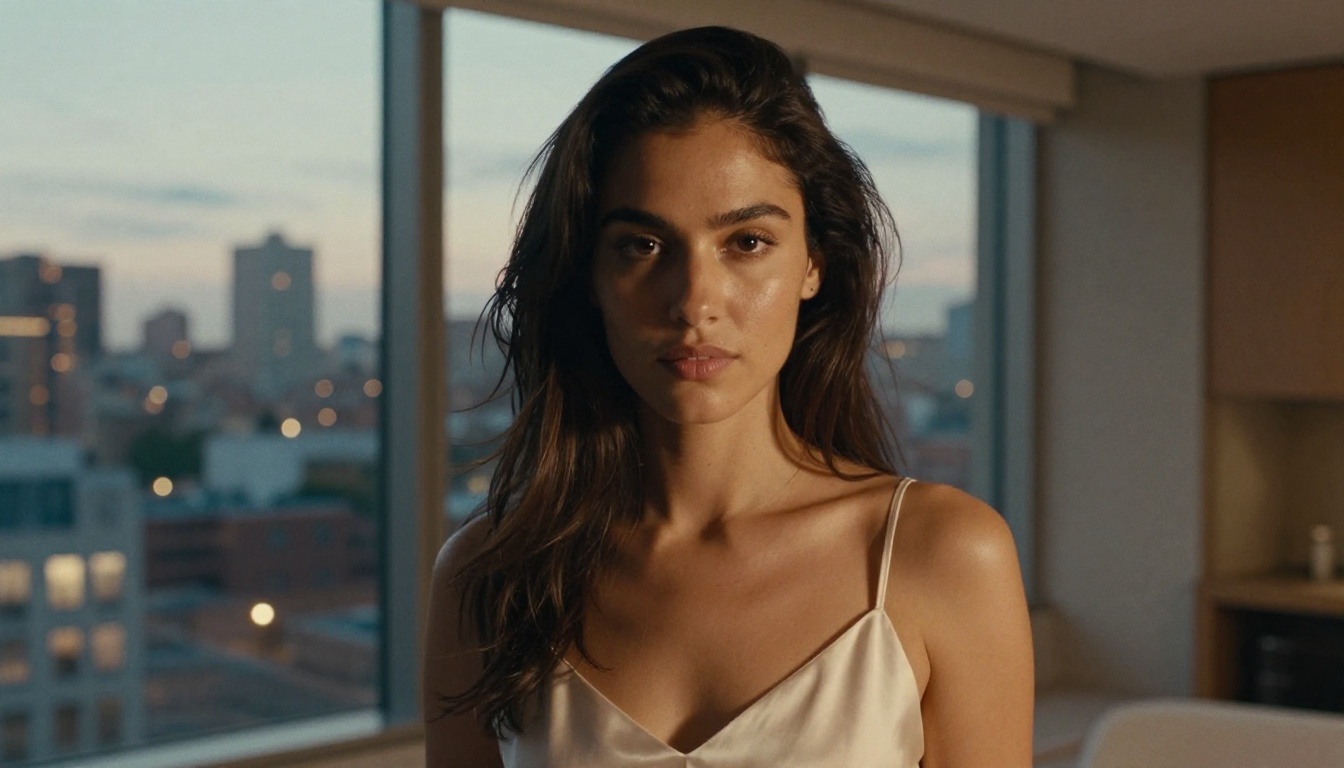
The gap between what AI video tools claim to support and what they actually deliver for adult content has been a persistent problem in this space. Seedance 2.0, accessed through a platform that actively supports adult content generation, closes that gap in a practical way. Free tier access, uncensored operation across suggestive and glamour content, and cinematic quality output make it the logical starting point for NSFW AI video work right now.
The full catalog of over 200 video, image, audio, and enhancement models is available at picassoia.com/en/all-models. Seedance 2.0 is where to start. The rest of the platform supports the depth and production scale your projects need as they grow.