If you've been searching for a reliable AI video model that doesn't put up walls around adult content, Seedance 2.0 Mini is one of the strongest options available right now. Developed by ByteDance, this model generates short video clips from text prompts with native synchronized audio baked into every generation. No separate audio step, no manual syncing. The sound arrives with the video, already matched to the motion on screen.
But the real question isn't just "does it work?" It's "where can you actually use it without running into content filters that strip out everything interesting?" That's where platform choice matters as much as model choice. This article walks through exactly how Seedance 2.0 Mini works for adult content creation, which platform gives you the most freedom, and what the best prompts look like to get consistent, high-quality results every time you generate.

What Seedance 2.0 Mini Actually Does
Seedance 2.0 Mini sits in the ByteDance video lineup as the lightweight, fast-generation variant of the full Seedance 2.0 model. Where the flagship version prioritizes maximum fidelity and longer clips, the Mini version prioritizes speed and accessibility while still delivering cinematic-quality output. For creators working with adult content, that speed matters because you're often iterating through dozens of prompt variations before landing on the shot you want.
The model accepts both text prompts and an optional image as a starting frame. When you provide an image, it acts as the first frame and the model generates the motion forward from there. This image-to-video capability is what makes Seedance 2.0 Mini especially useful for adult content workflows. You can generate a precise still image using a photorealistic image model, then animate it into video with consistent character appearance throughout the clip.
Native Audio in Every Clip
One genuine differentiator for Seedance 2.0 Mini is native audio generation. Most text-to-video models produce silent footage and leave audio as a separate workflow. Seedance 2.0 Mini generates ambient sound, environmental audio, and in some cases voice-aligned content directly alongside the video. For adult content specifically, ambient sound adds a layer of immersiveness that silent clips simply can't replicate.
Resolution and Speed
The Mini variant targets 480p to 720p output at standard frame rates. This keeps generation times short, typically under 90 seconds depending on platform load, while still producing footage sharp enough for social platforms, subscription content, and personal creative projects. If maximum resolution is the priority, the full Seedance 2.0 and Seedance 2.5 models support higher output specs.

Most mainstream AI video platforms apply aggressive content filters at the prompt level. Even mildly suggestive prompts get flagged, regenerated as something unrelated, or refused outright. Some platforms go further and retroactively remove generated content after it's been created, leaving creators with nothing to show for their generation credits.
How Filters Work on Most Platforms
The filtering isn't just policy. Many AI platforms are built on API access to models from providers that prohibit adult content in their terms of service. The platform has no choice but to enforce those restrictions because generating outside those bounds risks losing API access entirely. The underlying model may technically handle adult content, but the platform wraps it in so many filters that it becomes unusable for that purpose.
PicassoIA's No-Filter Approach
PicassoIA operates differently. It hosts models explicitly configured for adult content without post-processing filters blocking realistic outputs. Several models on the platform have their safety filters disabled by default or operate under terms that allow adult content generation. Creators working in this space consistently cite PicassoIA as one of the few platforms where what you prompt is actually what you get.
The platform gives you access to Seedance 2.0 Mini alongside a full range of supporting models for image generation, image editing, and video at various resolutions, all under one roof.

Best NSFW Models on PicassoIA
Adult video creation is usually a multi-step process. Most creators start with a high-quality still image, then animate it into video. Here's the full toolkit, ordered by performance:
For still image creation (starting frames):
-
Seedream 4.5 ⭐ The top recommendation for NSFW image generation. Also from ByteDance, it accepts adult content prompts, supports image editing, and generates ultra-realistic results in under 3 seconds. Its successor, Seedream 5 Lite, does not support adult content, so stick with 4.5 for this use case.
-
PicassoIA Image Editor Pro The strongest value play for high-volume creators. This img2img model offers unlimited generations on Elite and Infinite plans. Need 1,000 images for a content batch? That's included at no extra cost, compared to roughly $100 on models like Nano Banana 2. It accepts adult content, delivers results in under a second, and includes a 3-generation free trial with no credit card required.
-
Qwen Image 2 An open-source model that creates or edits any image in seconds with very detailed realism. The open-source architecture means fewer built-in restrictions on content type.
-
Grok Imagine Image Especially useful for converting existing photos into bikini or suggestive formats with high realism. Pairs well with Grok Imagine Video for a consistent image-to-video pipeline.
-
Recraft V4 Text-to-image only, but delivers very realistic results for detailed scene setups.
-
P-Image NSFW text-to-image generation in under 1 second. Ideal for rapid iteration when you need to test many prompt variations quickly.
For video generation:
-
Seedance 2.0 Mini Text-to-video and image-to-video with native audio. The subject of this article.
-
PicassoIA Video Unlimited video generation from text or image at up to 720p and 5 seconds per clip. The unlimited aspect is significant for creators who iterate heavily through multiple versions.
-
P-Video Text, image, or audio-to-video at up to 1080p with the safety filter off by default. Duration adjustable from 1 to 10 seconds across seven aspect ratios, with a draft mode for instant low-res previews.
-
Grok Imagine Video Clips up to 15 seconds from text, image, or existing video. No watermarks. Works alongside Grok Imagine Image for a seamless pipeline.
-
Wan 2.2 I2V Fast Converts static images into dynamic video with smooth, natural animations. Fast generation cycle makes it useful for high-volume workflows.
-
LTX 2.3 Pro The highest-fidelity option. Exports up to 4K at 50fps with retake and extend editing modes for precise control over the final clip.
💡 Tip: PicassoIA gives creators full creative freedom with uncensored, high-performance models. Browse the complete lineup at picassoia.com/en/all-models.

Using Seedance 2.0 Mini on PicassoIA
Since Seedance 2.0 Mini is available directly on PicassoIA, the workflow is straightforward once you understand the input parameters the model responds to best.
Step 1: Prepare Your Starting Image
Open Seedream 4.5 or PicassoIA Image Editor Pro and generate the still frame you want to animate. For the best video output, your image should:
- Match the final video aspect ratio (16:9 for landscape, 9:16 for vertical content)
- Have a clear subject with defined positioning so the animation has a logical starting pose
- Use realistic lighting that can carry forward into motion without looking artificial mid-clip
- Avoid heavy cropping at the edges since video generation sometimes adjusts framing slightly
Save the generated image URL. You'll pass this as the input to Seedance 2.0 Mini.
Step 2: Open the Model Page
Navigate to Seedance 2.0 Mini on PicassoIA and select the image-to-video mode. Upload or paste the URL of your starting image directly into the input field.
Step 3: Write Your Motion Prompt
This is where most creators make the biggest mistakes. The motion prompt for a video model is not the same as an image generation prompt. You're not describing what the scene looks like. You're describing what happens over time.
Write in chronological terms:
- What is the subject doing at the start of the clip?
- What motion occurs over the 5 seconds?
- How does the camera move, if at all?
- What is the lighting doing throughout the clip?
Step 4: Set Resolution
Select 480p for fast drafts or 720p for final quality output. The Mini variant works well at both. For adult content specifically, 720p gives you enough detail to see facial expressions, skin texture, and fabric movement clearly without long wait times.
Step 5: Generate and Iterate
Submit the generation. Seedance 2.0 Mini typically completes in 60 to 90 seconds on PicassoIA. Review the output for three things:
- Motion naturalness: Does the movement look physically plausible?
- Character consistency: Does the subject look like the starting image throughout the clip?
- Audio coherence: Does the native audio match the scene environment?
If any of these feel off, adjust the motion prompt and regenerate. Small wording changes produce meaningfully different motion behavior.

Prompts That Get Results
The difference between a generic-looking video and something genuinely impressive almost always comes down to the motion prompt. Here's a framework that works consistently with Seedance 2.0 Mini.
The Four-Part Motion Prompt
| Part | What It Controls | Example |
|---|
| Subject action | What the person does | "Woman slowly turns her head to the left" |
| Camera movement | How the viewpoint shifts | "Gentle dolly push toward the subject" |
| Environmental motion | Background elements | "Hair and fabric move softly in a light breeze" |
| Lighting and mood | Atmosphere during the clip | "Warm afternoon light shifts as clouds pass" |
What Works for Suggestive Content
The core insight for adult content prompts is specificity over vagueness. The model produces better results when you describe physical motion in clear, accurate terms rather than ambiguous or implied language. Vague prompts produce generic motion.
Effective prompt structure:
"Woman in a white bikini on a beach, slowly turning from facing away to facing camera with a natural smile, hair lifting in ocean breeze, gentle wave motion in background, slow dolly approach from medium distance, golden hour warm light from behind creating rim highlight on shoulders"
Notice that this prompt focuses entirely on what the motion is, not on what the content implies. The image you feed in establishes the visual context. The prompt drives the temporal motion.
Common Mistakes to Avoid
- Too short: One-sentence prompts give the model too little direction, resulting in random or repetitive motion
- Static descriptions: Describing what the scene looks like instead of what moves over time
- Conflicting instructions: Asking for a close-up shot while also asking for full-body movement
- Too many actions: Asking for too many things to happen within a 5-second clip
💡 Tip: Write your prompts as if directing a cinematographer. "Move the camera slowly toward the subject as she turns to face the lens" works far better than "close-up selfie video."
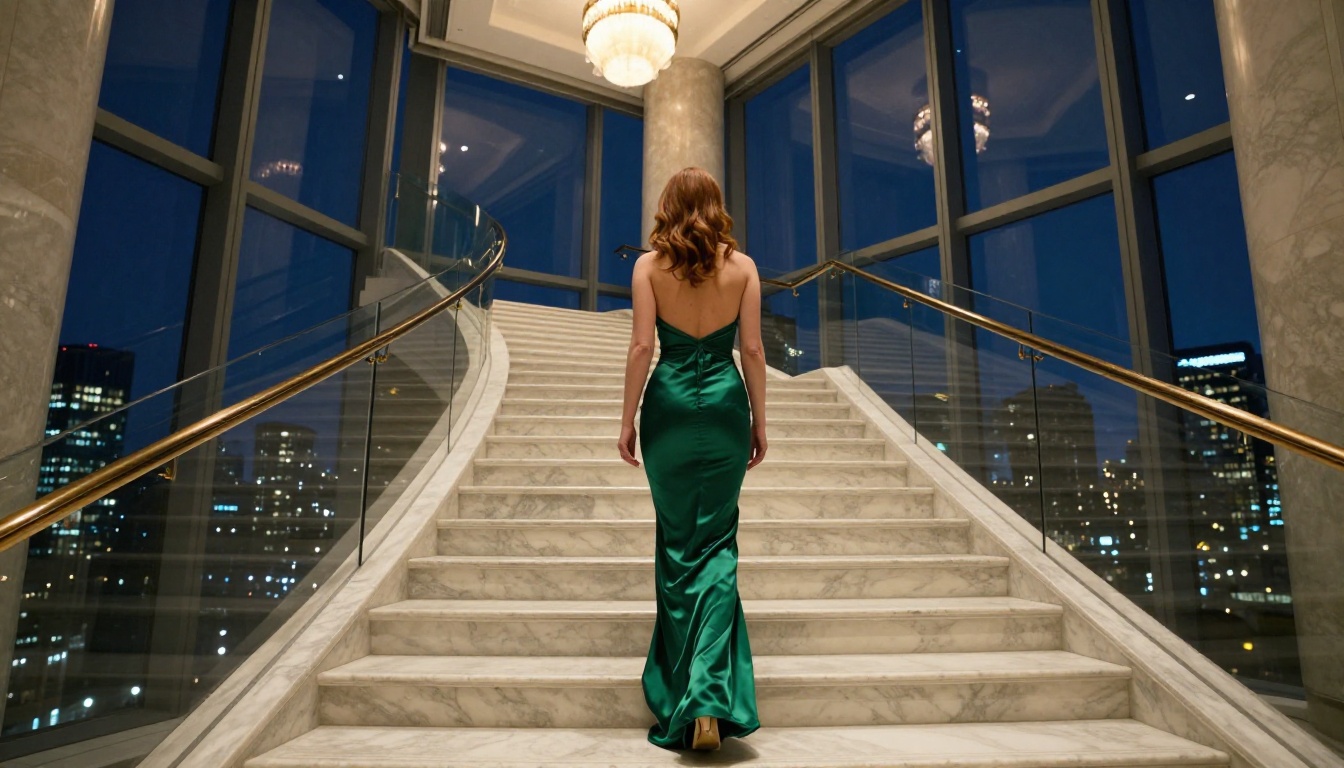
Top Video Models Compared
Not every creator will want to use Seedance 2.0 Mini for every job. Here's how it sits against the other strong options on PicassoIA:
For most creators starting out with adult AI video, Seedance 2.0 Mini is the right entry point because of the native audio. Once you've refined your prompt structure and shot design, scaling up to P-Video or LTX 2.3 Pro for final delivery makes clear sense.

From Still Image to Moving Scene
The image-to-video workflow is where most professional adult content creators operate. Rather than relying on a text-only prompt to establish visual consistency, you generate the precise still frame first, then animate it. This separation gives you much more control over the final result.
The full workflow:
- Write a detailed image generation prompt for your subject, setting, and lighting conditions
- Generate the still using Seedream 4.5 or PicassoIA Image Editor Pro
- Review and regenerate the still until the composition is exactly right
- Pass the final still as the input frame to Seedance 2.0 Mini
- Write a motion-focused prompt describing only movement and camera behavior
- Generate and evaluate the clip
- If you need longer duration or higher resolution, use P-Video or Wan 2.2 I2V Fast for further processing
This workflow consistently produces more coherent results than text-only generation because the image establishes all visual properties before motion generation begins.
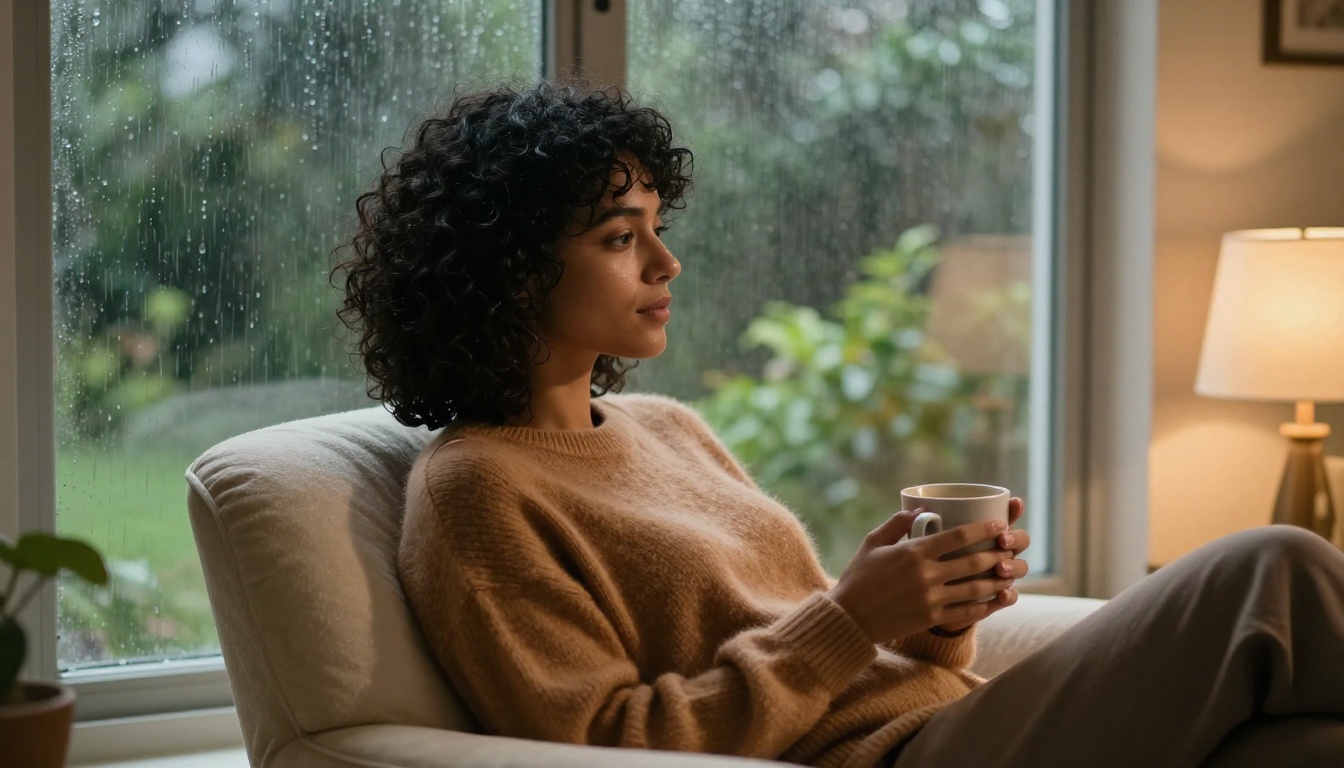
Character Consistency Across Clips
One issue creators frequently encounter is character consistency across multiple clips. If you're producing a series of clips featuring the same subject, getting the same appearance frame-to-frame requires discipline in your workflow.
The most reliable approach: generate all your starting frames from the same base image using PicassoIA Image Editor Pro with inpainting or pose variation prompts. Because the underlying character stays the same, Seedance 2.0 Mini has a consistent visual reference to animate from. The result is a set of clips that feel like they belong together, with the same lighting style, same character proportions, and the same overall aesthetic running through every generation.
For creators building subscription content or a consistent portfolio, this consistency is not optional. Audiences notice immediately when the character looks different between clips. The fix is workflow discipline, not model-switching.
A practical tip: use Seedream 4.5 to generate your character reference, then use PicassoIA Image Editor Pro to create pose variations from that reference. Every starting frame shares the same character foundation, and every animated clip inherits that foundation. The result is a coherent visual series rather than a collection of unrelated generations.
💡 Tip: Save your most successful image generation prompt as a template. Small tweaks to pose descriptions give you new starting frames without losing character consistency across your project.

Start Making Adult AI Videos Now
If you haven't tried Seedance 2.0 Mini on PicassoIA yet, the starting point is simpler than most creators expect. Pick a single scene. Generate one high-quality still with Seedream 4.5. Write a four-part motion prompt covering subject action, camera movement, environmental elements, and lighting. Generate the clip.
That first generation is rarely perfect, but it shows you exactly what to adjust. Adult AI video creation is an iterative process, not a one-shot workflow. The creators producing the most compelling content on PicassoIA are running dozens of generations per final clip, tuning prompt phrasing with each pass until the motion feels exactly right.
The tools are all available in one place. PicassoIA hosts the full stack: image generation with Seedream 4.5 and PicassoIA Image Editor Pro, video generation with Seedance 2.0 Mini, long-form video with P-Video, and cinematic output with LTX 2.3 Pro. No switching between platforms, no filter workarounds, no blocked prompts.
👉 Start creating at picassoia.com/en/all-models.


