If you've spent any time with text-to-video tools over the past year, you know the drill: generate the clip, then scramble to find matching audio, layer it in your editor, hope the timing works out, and repeat until it doesn't drive you insane. That workflow is over for anyone using Seedance 2.0 Mini. ByteDance's compact video model doesn't just output moving frames - it synthesizes native audio and video simultaneously from a single text prompt, with no secondary pipeline required.
This is the deep dive into exactly how that works, what kinds of audio it produces, where it shines compared to the competition, and how to get the most out of it on PicassoIA right now.
What Seedance 2.0 Mini Actually Does
One Prompt, Full Output
The core promise of Seedance 2.0 Mini is simple but significant: you write a prompt, and the model returns a video clip with audio already baked in. There's no "then add audio" step. The synchronized sound - whether ambient noise, speech, or musical atmosphere - is generated as part of the same inference pass that creates the visual frames.

This matters because of context. When audio and video share the same generative process, the model has full access to the visual information while constructing the sound. A video of rain on a window doesn't just get "rain sound" added as an afterthought - the sound generation knows the intensity of the visual rain, the angle, the environment implied by the setting, and synthesizes accordingly.
Where Mini Sits in the Seedance Family
Seedance 2.0 Mini is the faster, lighter sibling of Seedance 2.0, which runs at higher resolution and with more computational depth. Mini prioritizes speed and accessibility without stripping out the native audio feature - that capability carries across the entire 2.0 generation. There's also Seedance 2.0 Fast, which pushes even further toward rapid inference for bulk generation and fast prototyping.
How the Audio-Video Pipeline Works
Frame Generation and Audio as a Joint Process
Traditional text-to-video models work in visual space only. They're trained on frames and generate frames. Audio is a completely separate modality that requires a separate model, separate training data, and a separate inference call.
Seedance 2.0 Mini's architecture treats audio and video as a single joint distribution. During training, the model ingested video data that included both the visual track and the synchronized audio track together. Instead of learning "what does this scene look like," it learned "what does this scene look and sound like."

At inference time, when you submit a prompt, the model generates tokens in both the visual and audio domains simultaneously. The visual frames inform the audio synthesis - if the video shows someone speaking, the audio generation knows there's a speaker, can localize them in the stereo field, and will produce dialogue consistent with the scene. If the scene is a forest at dawn, ambient birdsong and wind through leaves emerges from the model's understanding of that setting.
Synchronization Without Post-Processing
The synchronization is the critical piece. In workflows where audio is added after the fact - even with powerful tools like Lipsync 2 Pro or React 1 - you're always fighting to align two separately-generated outputs. You need frame-accurate alignment, especially for anything involving speech.
When audio is generated in the same forward pass as video, that alignment is inherent. The model doesn't produce them separately and then stitch them together - they emerge from the same generation process, frame-synchronized by construction.

💡 This is the real advantage: native audio-video models don't just save you a post-processing step. The synchronization quality is fundamentally higher because temporal alignment isn't an added constraint - it's built into how the model generates both modalities simultaneously.
What the Output Actually Contains
The audio output from Seedance 2.0 Mini isn't a separate file you download alongside the video. It's encoded directly into the output MP4 as a native audio track. You get a single file with synchronized audio and video that plays correctly in any standard media player, uploader, or platform - no additional encoding or muxing required.
Types of Audio Seedance 2.0 Mini Produces
Ambient Sound and Environmental Audio
The model is strongest at generating environmental audio that matches the visual context. A crowded city street produces traffic noise, distant chatter, and footsteps. An ocean scene produces wave sounds, wind, and seagulls if they're visible. A kitchen scene generates the characteristic ambient sounds of that environment without you specifying each one.
This works because the model was trained on real-world video footage where these sounds occur naturally. The visual content acts as a conditioning signal for the audio generation, and the model has internalized the statistical relationship between visual environments and their characteristic sounds.

Speech and Dialogue
For scenes involving human subjects who appear to be speaking, Seedance 2.0 Mini will attempt to generate corresponding speech audio. The quality here is more variable - the model generates plausible-sounding speech but doesn't have fine-grained control over exact words or voice character from a text prompt alone.
If precise speech control matters (specific words, a specific voice), the better workflow is to generate the video with Seedance 2.0 Mini, then use a dedicated lipsync tool like Omni Human 1.5 or Kling Lip Sync to replace the audio track with a specific voice recording. The native audio gives you a starting point with good synchronization data; the lipsync model refines it into exactly what you need.
Atmospheric and Tonal Sound
Beyond discrete sound effects and speech, the model generates tonal atmosphere - the sonic mood of a scene. A dramatic landscape at sunset will carry a certain sonic weight: wind, depth, perhaps a subtle low rumble. A bright cheerful interior will have a different texture: lighter acoustics, perhaps distant background noise, brighter reverb character.
This is harder to specify in a prompt explicitly, but it emerges reliably because the model has deeply internalized the relationship between visual mood and sonic mood from its training data.
How It Compares to Other Video Models
Against Veo 3 and Hailuo 02
Google's Veo 3 and MiniMax's Hailuo 02 are the other major native audio-video models available on PicassoIA. All three take a similar architectural approach to joint audio-video generation, but they differ in character and speed:

Veo 3 (Veo 3 Fast is the accessible variant) tends toward higher visual fidelity at the cost of longer generation times and higher credit consumption. Its audio quality is arguably the richest of the three, especially for music-adjacent content and complex sonic environments.
Hailuo 02 is strong for cinematic output with natural motion. Its audio tends to be clean and accurate to environmental context, though it's less generative with speech than Veo 3.
Seedance 2.0 Mini sits as the speed-optimized choice in this group. If you're iterating through multiple prompt variations to find the right angle on a clip, Mini's faster inference makes it the practical first-pass tool. You can always upscale to Seedance 2.0 for the final output once you've locked the creative direction.
Models like Pixverse v6, Kling v3 Video, and Sora 2 also produce audio alongside video, each with distinct output character - Pixverse for vibrant stylized content, Kling for controlled cinematic motion with precise camera behavior.
Mini vs Full Seedance 2.0
The main trade-offs between Mini and the full Seedance 2.0 are resolution and detail density. Mini generates at lower resolution and produces clips with slightly less micro-detail in both the visual frames and the audio complexity. For social media, previews, or content where the final viewing size is mobile, the difference is largely imperceptible.
For final production output meant for large-screen viewing, Seedance 2.0 delivers noticeably richer results. A practical workflow uses Mini for creative development and Seedance 2.0 for final rendering - the same prompt, two different quality tiers.
The Lipsync Connection
One natural extension of native audio-video output is the lipsync workflow. Because Seedance 2.0 Mini generates video that already includes audio tracks (including speech-adjacent sounds for talking scenes), the output is immediately compatible with lipsync refinement tools.
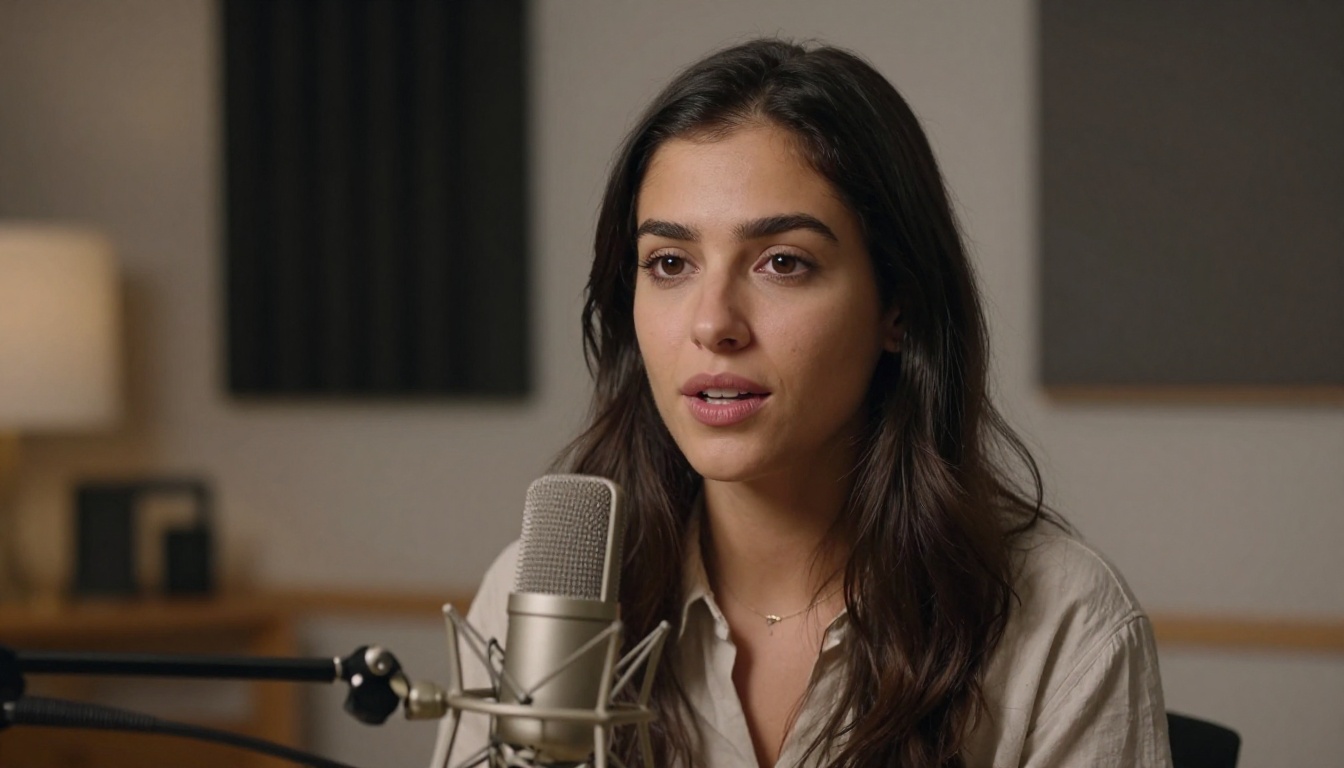
Tools like Omni Human 1.5, P Video Avatar, and Fabric 1.0 work on top of existing video to refine or replace the audio-visual speech synchronization. Starting from a Seedance 2.0 Mini output rather than a silent video clip often produces better lipsync results because the base video was generated with speech audio in mind from the beginning.
How to Use Seedance 2.0 Mini on PicassoIA
Step-by-Step on PicassoIA
PicassoIA provides direct access to Seedance 2.0 Mini through its text-to-video collection. The workflow is straightforward:
- Navigate to the Seedance 2.0 Mini model page
- Enter your text prompt describing both the visual scene and any audio elements you want to emphasize
- Select your aspect ratio (16:9 for widescreen, 9:16 for vertical social content)
- Submit and wait for generation - Mini is notably faster than the full 2.0 version
- Play back the result with audio enabled - the audio track is embedded directly in the output MP4
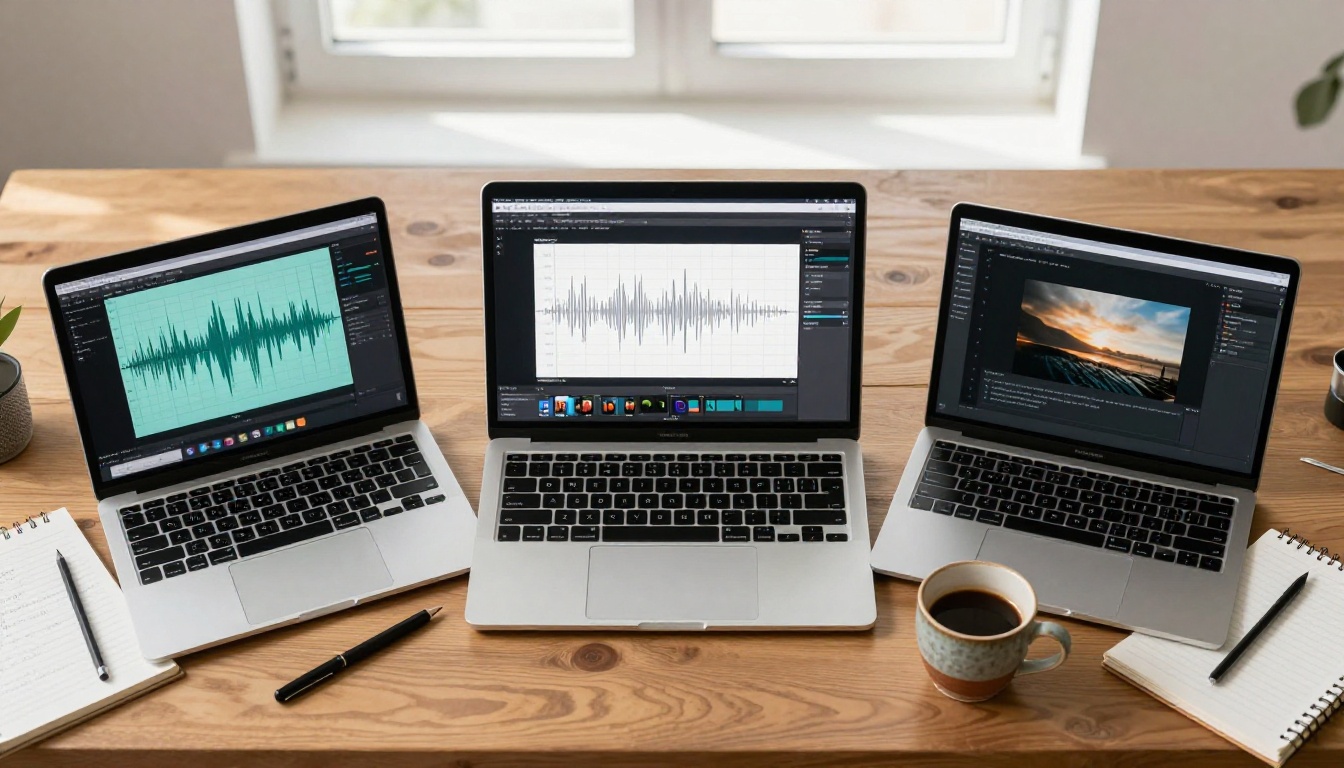
No additional steps are needed to hear the audio. The output file is complete and ready to use.
Prompt Tips for Better Audio
Writing prompts that produce good audio from Seedance 2.0 Mini requires a slightly different approach than purely visual prompting. The model responds to audio-descriptive language embedded in the prompt:
- Name the sound explicitly: "the sound of heavy rain on glass," "crowd noise in a busy market," "birds chirping at dawn" all condition the audio generation directly
- Describe the acoustic environment: "in a large echoing hall," "in a tight wooden cabin," "outdoors with wind" shapes the reverb and spatial character of the audio
- Reference the emotional tone: "tense silence," "joyful atmosphere," "melancholic quiet" influence both the visual and audio emotional register simultaneously
- Specify speech intent clearly: if you want a talking scene, describe it explicitly - "a woman explaining something directly to camera, speaking warmly and clearly"
💡 The model reads audio cues in prompts the same way it reads visual cues. More specific audio description produces more specific, accurate audio output. Don't just describe what you want to see - describe what you want to hear.
Combining with Lipsync for Precision
For content requiring precise speech - a spokesperson, a tutorial presenter, a character delivering specific dialogue - the recommended workflow is:
- Generate the visual scene with Seedance 2.0 Mini, focusing the prompt on visual composition and ambient sound
- Record or generate the specific speech audio you need (using a text-to-speech model available on PicassoIA)
- Apply a lipsync tool (Lipsync 2 Pro, Kling Lip Sync, or Omni Human 1.5) to synchronize your recorded audio to the generated video
This hybrid workflow gives you the speed of AI video generation plus the precision of scripted dialogue - a combination that was essentially impossible before native audio-video models existed.
What You Can Create Right Now
Best Use Cases
Social video content: Short clips for Instagram Reels, TikTok, or YouTube Shorts. Mini's speed means you can generate several variations in the time it takes other models to produce one. The native audio means each variation is immediately shareable without any post-production.
Product demos and advertisements: Generate scene-setting footage with realistic ambient sound. A product placed in a kitchen produces kitchen sounds; a product on a beach produces beach atmosphere. This contextual audio dramatically increases the production feel of simple product shots.
Ambient video content: Background videos for events, presentations, or digital signage. A lobby installation playing visually interesting footage with appropriate ambient sound requires no audio editing work at all when generated with Seedance 2.0 Mini.
Content prototyping: Before committing to expensive production or slower high-fidelity models, Mini lets you validate the creative direction of a concept with both its visual and audio components intact and ready to review.
Lipsync base material: As discussed, Mini-generated footage serves as excellent source material for lipsync refinement workflows when you need precise speech control over the final output.
Audio-First Prompting Strategy
Most people approach text-to-video with entirely visual prompts - they think about what they want to see and describe it. For Seedance 2.0 Mini, treating the audio as an equal part of the prompt often produces dramatically better results.

Try building prompts in two halves:
- Visual half: the scene, subjects, lighting, camera angle, movement
- Audio half: the sound environment, any speech, the acoustic space, the emotional tone
A prompt like "A busy coffee shop at morning rush hour, barista working at the espresso machine, warm window light, medium shot - sounds of espresso machines, customer chatter, coffee cups clinking, upbeat morning energy" will outperform "A busy coffee shop at morning rush hour" significantly. The model is capable of generating rich, contextually appropriate audio - it just needs the prompt to activate that capability.
Start Creating on PicassoIA
Seedance 2.0 Mini represents a genuine step forward in how AI video generation works. The native audio-video pipeline isn't a feature you toggle on - it's the fundamental architecture of the model, and it produces synchronization quality that separate-pipeline approaches simply can't match at the same speed and cost.
PicassoIA gives you access to Seedance 2.0 Mini, Seedance 2.0, and the full ecosystem of video and lipsync models without any software to install or API keys to manage. Whether you want quick iterations with Mini, full-quality output with the standard 2.0, or lipsync refinement with tools like Omni Human 1.5 and Lipsync 2 Pro, everything is in one place.
The platform also gives you access to over 87 text-to-video models for comparison - including Veo 3, Hailuo 02, Kling v3 Video, and Sora 2 - so you can see exactly how Seedance 2.0 Mini performs against the full range of what's available today.
Head to picassoia.com/en/all-models to see the complete model library and start generating your first audio-video clip right now.


