Instagram Reels reward one thing above all others: content that feels alive. Static graphics and slideshows still get views, but short-form video with synchronized audio dominates watch time, saves, and shares. The challenge is producing that kind of content fast, at scale, without a film crew. That is exactly the problem Seedance 2.0 Mini was built to solve.
Developed by ByteDance, the same company behind TikTok, Seedance 2.0 Mini is a compact, fast text-to-video model that outputs short clips with native audio baked directly into the generation. No post-production sound design required. No separate audio track to sync. Just a text prompt in and a ready-to-post Reel out.
This article breaks down everything you need to know: how the model works, why it fits the Instagram format better than most alternatives, how to use it step by step on PicassoIA, and an honest comparison with competing models.

What Seedance 2.0 Mini Actually Does
Seedance 2.0 Mini is not just a smaller, cheaper version of its full sibling Seedance 2.0. It was designed from the ground up for speed and accessibility while preserving the feature that made the Seedance line stand out: native audio generation in the same pass as the video.
Built-In Audio from the Start
Most text-to-video models produce silent clips. You then have to find a matching sound, trim it, sync it, and hope the algorithm does not flag your track for copyright. Seedance 2.0 Mini eliminates that entire workflow by generating ambient audio, environmental sounds, and motion-relevant audio as part of the clip itself.
💡 Why this matters for Reels: Instagram's algorithm heavily favors Reels with original audio. AI-generated native audio qualifies as original, which means your content gets a distribution boost right out of the gate.
The audio follows the visual logic of the scene. A clip of a coffee being poured gets the sound of liquid. A clip of a crowded street gets ambient city noise. The model infers audio from the visual context rather than requiring a separate audio prompt.
Resolution and Speed Specs
Seedance 2.0 Mini outputs at standard resolutions suitable for social media, with generation times that are significantly faster than its larger counterpart Seedance 2.0. For Instagram Reels, which display at 1080x1920 (9:16), the model handles vertical format without cropping or letterboxing.
| Spec | Seedance 2.0 Mini | Seedance 2.0 |
|---|
| Generation Speed | Fast | Moderate |
| Native Audio | Yes | Yes |
| Best Format | 9:16 Reels | 16:9 cinematic |
| Credit Cost | Lower | Higher |
| Ideal For | High-volume social content | Premium productions |

Why Instagram Reels Need Native Audio
The Reels format is brutal. The first second decides whether someone scrolls past or stops. After that, audio either holds them or loses them. Creating content that passes both tests, every time, at volume, is a real production problem.
The Algorithm Loves Synced Sound
Instagram's internal ranking model scores Reels on completion rate, shares, and saves. Audio that naturally matches the visual increases completion rate because viewers do not instinctively reach for the mute button when something feels mismatched. Native AI audio from Seedance 2.0 Mini is scene-aware, which means the mismatch problem does not exist.
Beyond completion rate, original audio signals to the algorithm that you are a creator, not just a reposter. Accounts using original audio consistently report better organic reach compared to those relying on licensed trending sounds.
Static vs. Synced: What Viewers Notice
Human perception is wired to notice audio-visual mismatches within milliseconds. Even subconsciously, a poorly matched sound tells the brain something is wrong, and the viewer disengages. Synced audio does the opposite: it creates immersion, holds attention, and makes content feel more professional than it would with any looped royalty-free track.
💡 Pro tip: For lifestyle content, the ambient audio from Seedance 2.0 Mini often sounds more authentic than stock sound effects because it is generated from the same latent space as the visual.

How to Use Seedance 2.0 Mini on PicassoIA
PicassoIA gives you direct access to Seedance 2.0 Mini without API keys or local GPU setup. The interface is built for creators, not engineers.
Step 1: Write Your Prompt
This is where most people underperform. Vague prompts produce generic videos. Specific prompts produce scroll-stopping content. Write your prompt as if you are describing a scene to a film director.
Weak prompt: "A person walking in a city"
Strong prompt: "A young woman in a white linen dress walking slowly through a sunlit Parisian street at golden hour, soft warm light filtering through tree canopies, ambient city sounds, shallow depth of field, cinematic 9:16 vertical format"
The model responds to:
- Subject specifics (age, clothing, expression, action)
- Environment details (location, time of day, season)
- Lighting descriptions (golden hour, overcast, studio)
- Camera language (close-up, wide, slow dolly, handheld)
- Audio context (what sounds belong in this scene)

Step 2: Set Resolution and Duration
On PicassoIA, select the vertical 9:16 aspect ratio before generating. This is the native Instagram Reels format. Generating in 16:9 and then cropping wastes resolution and often cuts off important visual elements.
For most Reels, aim for clips between 5 and 10 seconds. Short clips are easier to loop, perform better in auto-replay, and are simpler to stack into a longer narrative if needed.
Step 3: Download and Post
Once generated, download the clip directly from PicassoIA. The file includes the native audio track. Upload directly to Instagram without any re-encoding or audio editing. Add your caption, hashtags, and cover frame, and post.
The entire workflow, from prompt to post, takes under five minutes for a single Reel.

5 Types of Reels That Work Best
Not every Reel format benefits equally from AI video generation. These five categories consistently perform well with Seedance 2.0 Mini output.
Product Showcase Reels
Describe a product being used in a natural setting: "A ceramic coffee mug being lifted from a white marble countertop, steam rising gently, warm morning kitchen background, soft ambient household sounds." The model produces a 5-second atmospheric product clip that would cost hundreds of dollars to film.
Lifestyle and Aesthetic Clips
Aspirational lifestyle content works exceptionally well. Prompts about travel moments, morning routines, fashion, or home aesthetics generate visually rich clips that fit the aesthetic language of high-performing Reels accounts.
Tutorial-Style Walkthroughs
Pair AI-generated B-roll with your own voiceover. Generate visual clips that illustrate each step of a tutorial and cut them together with a screen recording or talking-head clip. The AI visuals add production value without additional filming.
Behind-the-Scenes Moments
Authenticity-coded content performs well on Reels even when it is clearly stylized. Prompts like "artist arranging flowers on a wooden table, natural light, quiet ambient studio sounds" feel intimate and real while being entirely AI-generated.
Trending Audio Mashups
Generate a visual clip with native audio, then mute the original audio in Instagram and overlay a trending sound. The visual quality from Seedance 2.0 Mini is strong enough to stand on its own visually while you ride a trending audio moment for broader reach.
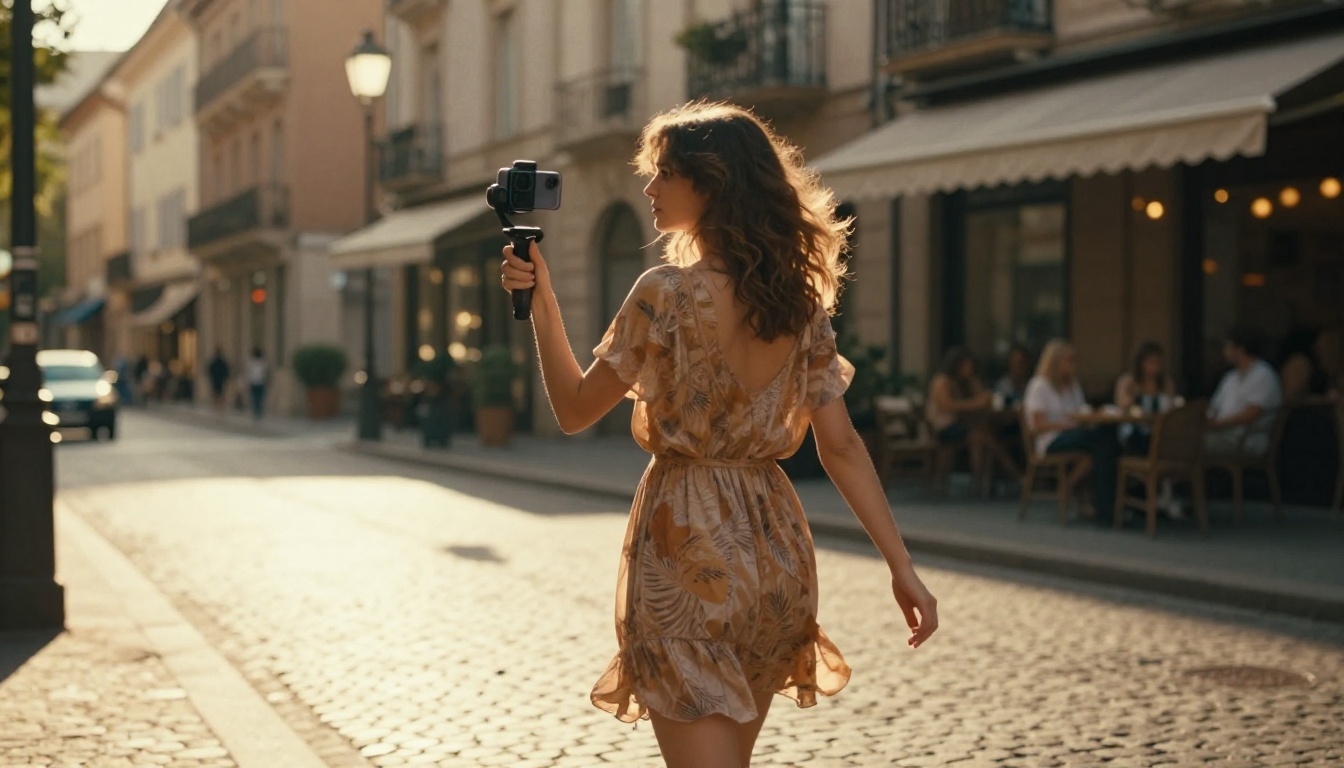
Seedance 2.0 Mini vs. The Competition
The text-to-video space has gotten crowded fast. Here is how Seedance 2.0 Mini stacks up against the models you will encounter most on PicassoIA.
| Model | Native Audio | Speed | Best For | Resolution |
|---|
| Seedance 2.0 Mini | Yes | Fast | Instagram Reels, volume content | Up to 1080p |
| Seedance 2.0 | Yes | Moderate | Premium short-form video | Up to 1080p |
| Kling v2.6 | No | Moderate | Cinematic motion, storytelling | 1080p |
| Veo 3 | Yes | Slow | Broadcast-quality productions | 1080p |
| Pixverse v5 | No | Fast | Quick social clips | 1080p |
| Ray 3.2 | Yes | Moderate | HDR cinematic content | 1080p HDR |
What separates Seedance 2.0 Mini for Reels specifically is the combination of speed and native audio. Veo 3 has better audio quality in some scenarios but takes considerably longer to generate. For volume content creation where you need 10 to 20 Reels per week, that speed gap matters enormously.
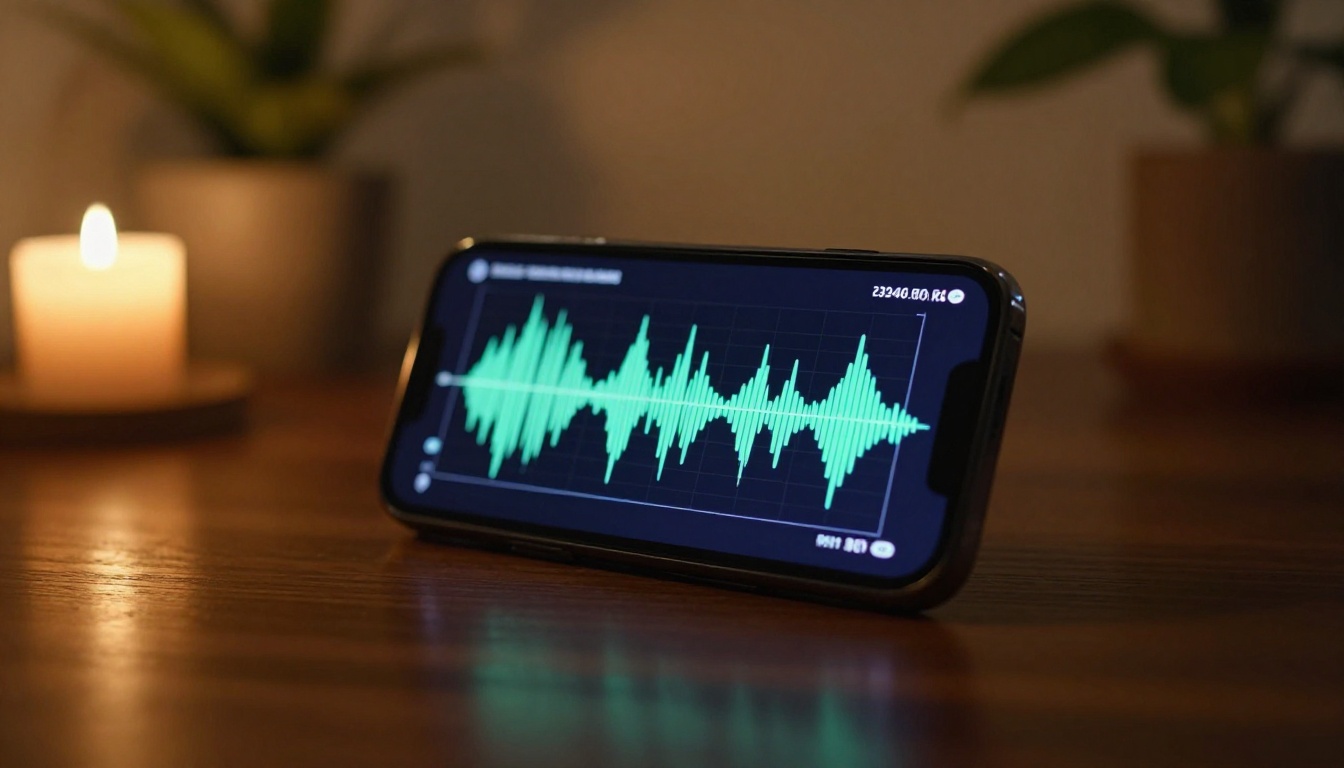
The quality ceiling for Seedance 2.0 Mini is higher than most creators reach because most creators write generic prompts. These three practices close that gap.
Be Specific About Motion
Static subjects produce flat clips. Describe motion explicitly: "slowly turns to face camera," "camera pans left across the room," "steam rising in gentle curls," "pages fluttering in a breeze." Motion is what separates a video from a still image.
Without explicit motion description, the model often defaults to minimal movement. With it, you get cinematic life in every frame.
Describe the Audio Environment
Even though audio is generated automatically from visual context, you can nudge it by describing the environment in audio-rich terms: "quiet Sunday morning kitchen," "busy outdoor market," "empty library with distant page-turning sounds," "gentle rain on a window." These context words influence the ambient audio generation.
Vertical First, Always
When writing prompts for Instagram Reels, add "vertical 9:16 format" or "portrait orientation" to your prompt. The model respects aspect ratio requests, and starting vertical means the composition is designed for a phone screen rather than cropped from widescreen.
💡 Quick win: End every Reel prompt with "cinematic vertical 9:16, natural lighting, photorealistic" to consistently anchor the output style.
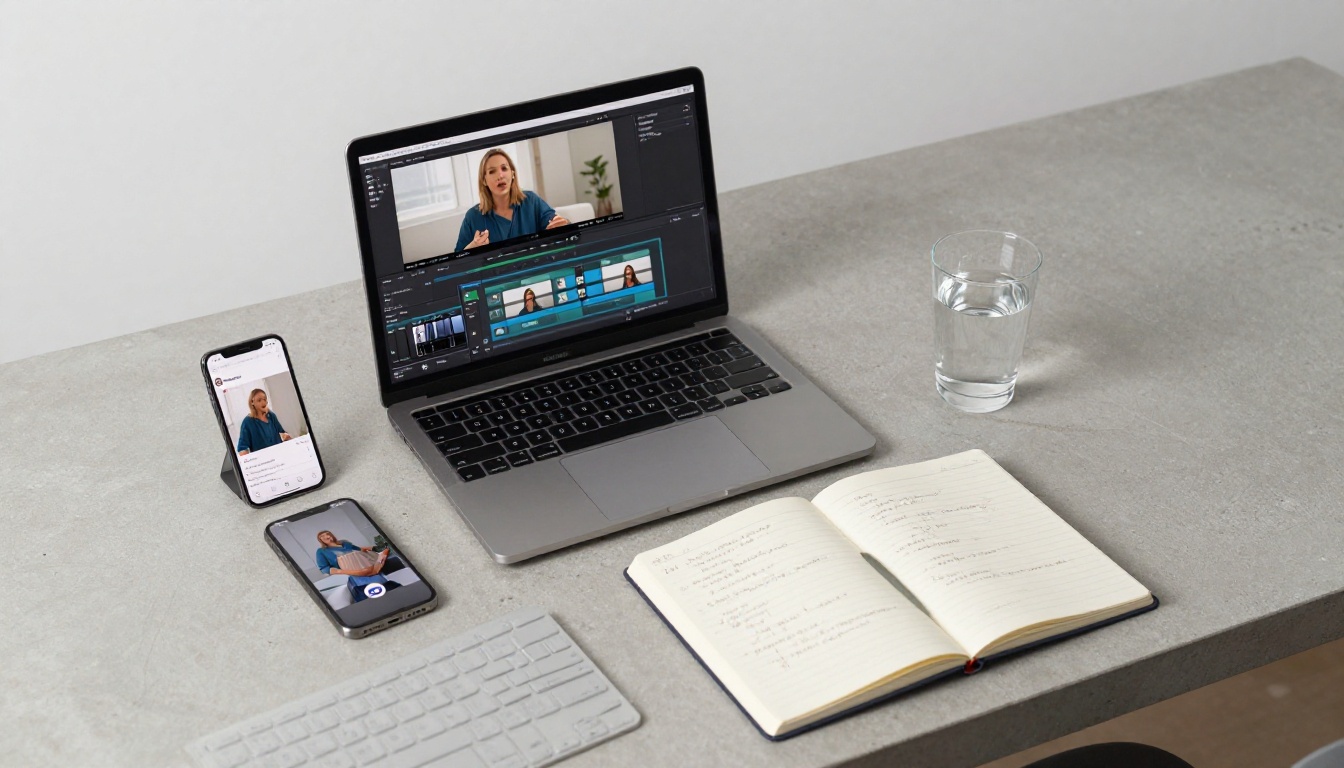
Other Video Models Worth Trying
Seedance 2.0 Mini is the right choice for most Reels workflows, but there are specific cases where a different model performs better.
When to Use Seedance 2.0
Seedance 2.0 is the premium version of the same architecture. Use it when the clip needs to appear in a paid campaign, a brand partnership deliverable, or any context where maximum visual fidelity matters more than generation speed. The audio quality is also slightly richer.
When Kling v2.6 Makes More Sense
Kling v2.6 excels at complex, physically realistic motion: flowing fabric, liquid dynamics, and crowd scenes. If your Reel concept requires a specific type of motion physics that Seedance Mini handles inconsistently, switch to Kling for that clip. Note that Kling does not generate native audio, so you will need to source audio separately.
Veo 3 for Premium Output
Veo 3 from Google is the current benchmark for audio-synced video quality. The audio generation is arguably the best available, with realistic environmental sound design. The tradeoff is generation time. For weekly Reels at scale, the wait is impractical. For a flagship campaign piece, it is worth it.
The Seedance Family on PicassoIA
PicassoIA offers the full Seedance lineup. If you need to step up from Mini but do not want the full cost of Seedance 2.0, Seedance 2.5 Lite is a free and unlimited option worth testing. For longer clips up to 30 seconds, Seedance 2.5 handles the extended format well.
Start Creating on PicassoIA
The bar for Instagram Reels has risen, and it is going to keep rising. Accounts that produce consistent, high-quality video content every week are the ones that grow. The bottleneck used to be production resources: a camera, lighting, editing software, sound design. That bottleneck is gone.
Seedance 2.0 Mini on PicassoIA puts a production-ready Reels generator inside a browser tab. Write a specific prompt, choose vertical format, and download a ready-to-post clip with native audio in minutes.
Here is where to start:
- Pick a content category from the five types above that fits your niche.
- Write three prompts using the specific structure described in the tips section.
- Generate all three clips using Seedance 2.0 Mini on PicassoIA.
- Post all three this week and track which format gets the highest completion rate.
- Double down on whatever worked and iterate the prompt style.
PicassoIA also gives you access to over 87 text-to-video models in the same place, including Seedance 2.0, Kling v2.6, Veo 3, Ray 3.2, and the complete Seedance lineup. When Seedance 2.0 Mini is not the right fit for a specific clip, switching to another model takes one click, not another subscription.
The only way to find your best-performing Reel format is to create and test. Start with Seedance 2.0 Mini, iterate fast, and let the data tell you where to push harder.


