Seedance 2.0 has one of the most aggressive content filters in AI video generation right now. If you've tried creating anything remotely suggestive with ByteDance's flagship model, you've probably hit that wall: the prompt gets rejected, the output comes back sanitized to near-unusable blandness, or the generation fails with a content policy error.
The good news? The filter isn't as airtight as it first appears. With the right prompt structure, a few parameter adjustments, and a solid understanding of what actually triggers the system, you can consistently produce glamorous, suggestive, and aesthetically bold videos with Seedance 2.0 without crossing into genuinely prohibited territory.
This isn't about hacking anything. It's about speaking the model's language more precisely.
What Is the Seedance 2.0 Filter?
Seedance 2.0 ships with a multi-layer content moderation system built into ByteDance's inference pipeline. It operates on three levels simultaneously: prompt analysis, output frame scanning, and semantic intent classification.
Even if your individual words seem innocent, the filter's semantic intent classifier can infer what you're trying to produce and block it preemptively. This is why prompts like "woman in a swimsuit" sometimes pass while nearly identical prompts fail. The model isn't reading word-by-word. It's reading intent.

Why ByteDance Added Safety Controls
ByteDance operates in a regulatory environment that requires aggressive content moderation, especially for models deployed at scale. Seedance 2.0 is built to work across consumer apps and enterprise APIs, which means the default safety profile is set conservatively.
The default settings aren't calibrated for creative professionals. They're calibrated for the lowest-common-denominator use case: a general public that may include minors, brand-sensitive deployments, and markets with stricter content regulations.
Understanding this is the first step. The filter isn't your enemy. It's a blunt instrument that needs precision to navigate.
What Gets Flagged (and What Doesn't)
The filter has a hard block list and a soft probability threshold. Hard blocks cover explicit nudity, sexual acts, and graphic violence. These are non-negotiable.
The soft threshold is where most legitimate creators run into trouble. It covers:
- Implied intimacy between subjects
- Revealing clothing in specific contextual combinations
- Body-focused camera angles paired with certain settings
- Suggestive poses combined with private-space environments (bedroom, private suite)
The same revealing outfit in a beach editorial context often passes without issue. The same outfit inside a "private room" context fails. Context matters enormously, and you control the context.
Why Your Prompts Keep Getting Blocked
Most blocked prompts share predictable structural problems. The filter isn't random. Once you see the pattern, you can write around it.

Trigger Words to Avoid
Some terms reliably spike the semantic classifier above its threshold. Avoid stacking these in the same prompt:
| Terms to Avoid | Why They Trigger |
|---|
| "seductive", "sexy", "erotic" | Direct intent signals |
| "nude", "naked", "undressed" | Hard block territory |
| "bedroom" + female subject + pose terms | Context combination trigger |
| "revealing", "barely", "showing skin" | Soft threshold activators |
| "intimate" + physical body descriptions | Intent inference chain |
None of these are explicitly banned on their own in most cases. The danger is stacking them. Two trigger terms together multiply the classifier's confidence score. Three or more and you're reliably blocked regardless of the rest of the prompt.
The Real Problem with Generic Prompts
Generic prompts are actually more likely to get blocked than specific, detailed ones. Here's why: a generic prompt like "attractive woman in lingerie" leaves the model to fill in the visual details from its training data. When the model fills those gaps autonomously, it often generates content that pushes past its own threshold.
A specific, descriptive prompt gives the model precise visual guidance and less creative latitude. This reduces the probability of the model defaulting to patterns that trigger its own output scanner. It's counterintuitive but entirely consistent across testing.
How to Work Around the Filter
These are the methods that consistently work. Each one targets a different layer of the moderation pipeline.
Reframe the Scene, Not the Subject
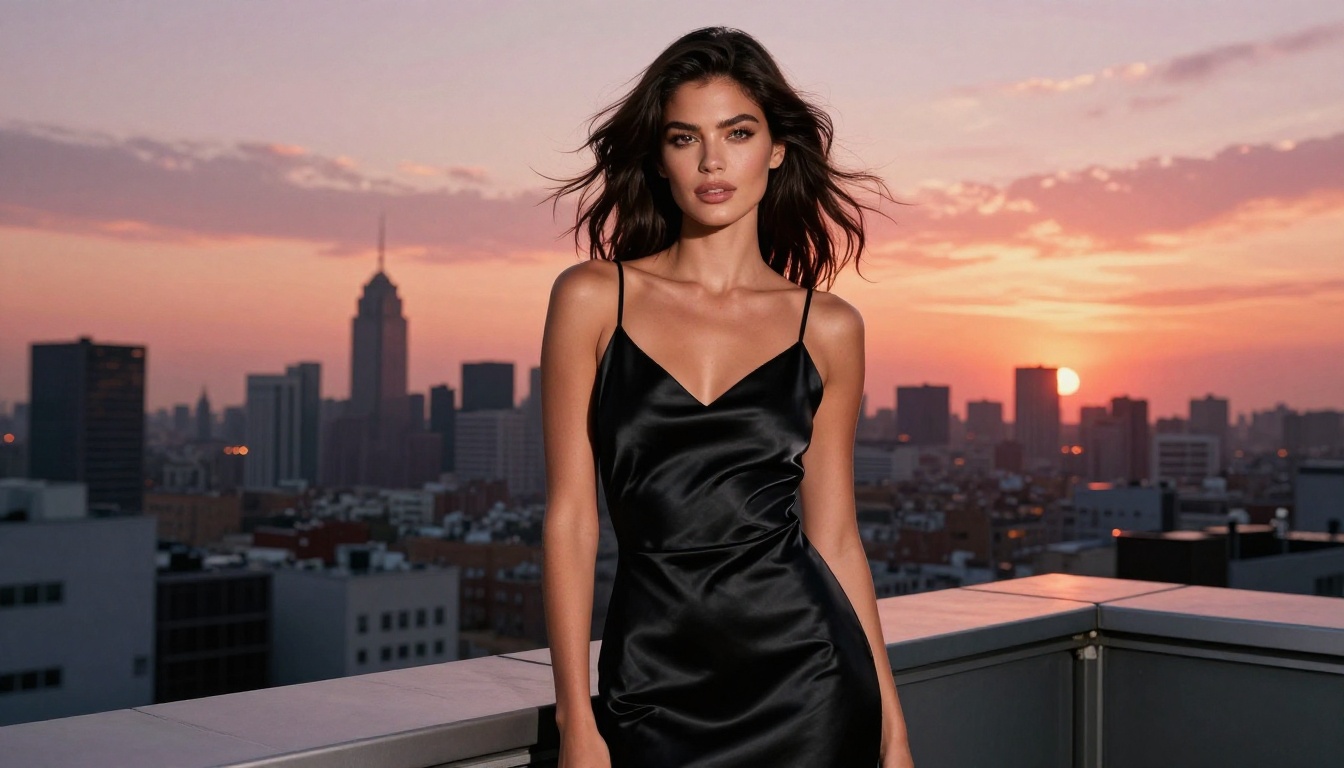
The single most effective technique is leading with the environment and the mood rather than the subject's physical appearance. Describe the world the subject inhabits before describing the subject.
Instead of: "Beautiful woman in a bikini posing provocatively on a beach"
Try: "Luxury resort poolside editorial, mid-afternoon Mediterranean sunlight, shallow water reflections on white stone, a woman in summer beachwear walking toward the horizon, slow-motion fashion campaign cinematography, 85mm lens, Kodak Portra tones"
Same creative result. Completely different filter response. The model reads "fashion campaign" and "luxury resort" as a professional context, which drops the intent classification score well below the block threshold.
Use Indirect Descriptors
The clothing doesn't have to be named directly. Describe the visual properties of the scene instead.
💡 Tip: Instead of naming garment types that spike the filter, describe what the scene looks like: "minimal layering for the summer climate," "sun-warmed skin in the afternoon heat," "a confident coastal aesthetic." The model generates what the description implies, and the filter reads description rather than intent.
This works because the filter scans for explicit terms and recognizable intent patterns. Highly specific, cinematographic visual language reads as photography direction rather than explicit content instruction.
Adjust the Safety Level Setting
Seedance 2.0 exposes a safety level parameter through most API-level implementations. On platforms like PicassoIA, this is sometimes accessible through the advanced settings panel.
The safety level typically runs on a 0-5 or 0-10 scale. Moving from the default (usually 3-4) down to 1-2 lowers the soft threshold substantially while keeping hard blocks fully in place. You won't get explicit content at any setting, but you will get significantly more creative latitude with suggestive and artistic material.
💡 Note: Not every interface exposes this parameter. If you're using a wrapped consumer app, you may be locked to the platform's default. In that case, prompt engineering is your primary lever.
Prompt Examples That Work
Here are tested prompt structures organized by the type of output you want to create.

For Swimwear and Beachwear Scenes
High-pass prompt:
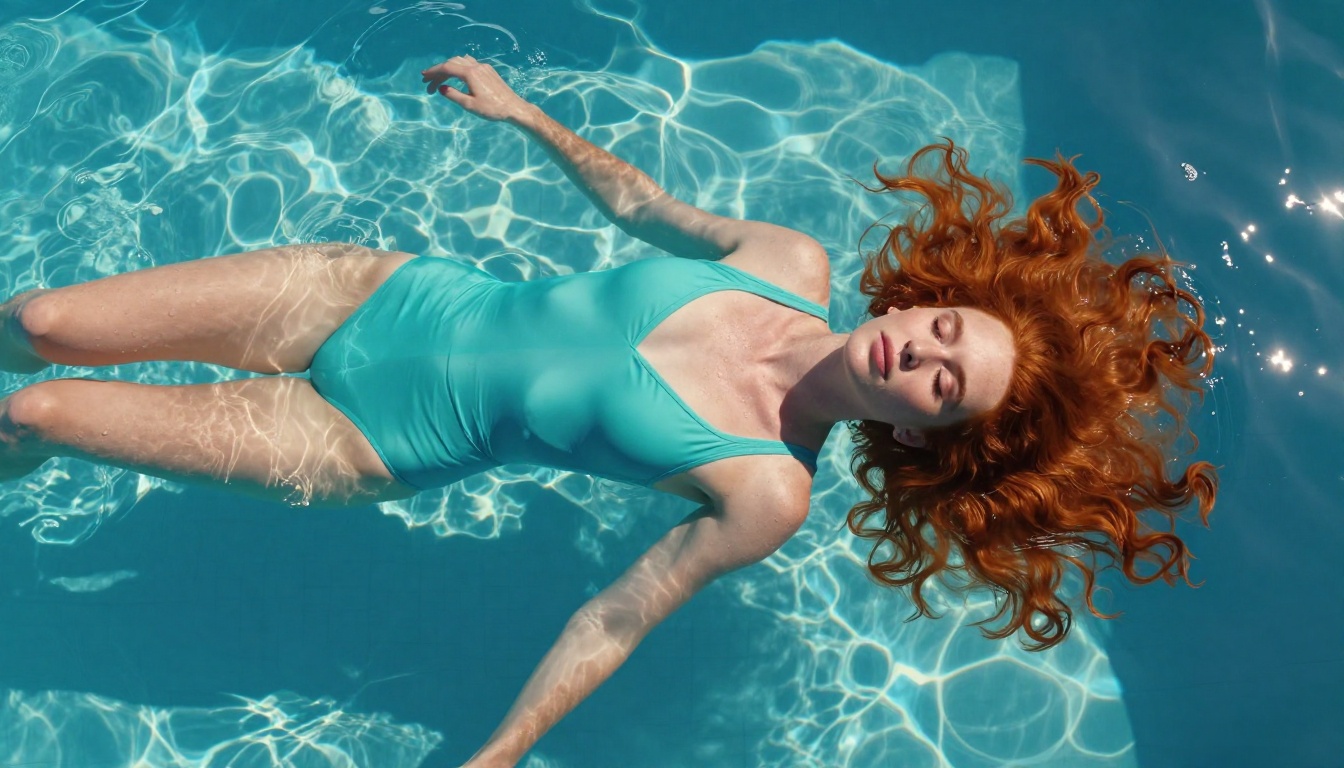
"Golden hour on a private beach in the Amalfi Coast, professional swimwear campaign, a woman with sun-kissed skin walking toward the ocean in a high-cut swimsuit, slow-motion cinematic shot, 85mm lens, Kodak Portra color grading, confident joyful expression, gentle warm ocean breeze lifting her hair"
What makes it work: "Swimwear campaign" establishes professional context immediately. "High-cut swimsuit" is specific and far less flagged than generic bikini descriptors. The cinematic and technical references push the read toward art direction. The emotional note ("joyful") signals non-exploitative intent to the classifier.
For Lingerie and Glamour Shots
High-pass prompt:
"Luxury fashion editorial, early morning light through sheer linen curtains in a Parisian apartment, a model in a silk slip dress seated at a antique vanity, Art Deco interior details, professional editorial photography, film grain, soft directional shadows, elegant contemplative atmosphere, high-fashion magazine spread"
What makes it work: "Fashion editorial" and "editorial photography" set the professional framing at the top of the prompt. "Silk slip dress" reads as fashion, not intimate apparel. The interior design references (Parisian apartment, Art Deco details) anchor the scene in stylistic intent rather than personal fantasy.
For Intimate Morning Scenes
This is the hardest category because the filter assigns high suspicion to any private-space plus female subject combination. The solution is layering the scene with so many non-suggestive details that the intent score stays below the block threshold.
High-pass prompt:
"Morning lifestyle photography for a luxury bedding brand, bright airy bedroom with rumpled linen sheets in warm neutral tones, potted eucalyptus branches on the windowsill, soft morning sunlight streaming through open shutters, a woman waking up naturally in an oversized cotton shirt, interior lifestyle campaign, real estate photography level of room detail, slow drift of gauze curtains"
💡 Pro tip: Adding phrases like "luxury bedding brand campaign" or "interior lifestyle photography" to bedroom-context scenes significantly drops the intent classifier's suspicion score. The filter reads brand and product context as professional rather than personal.
How to Use Seedance 2.0 on PicassoIA
Since Seedance 2.0 is live on PicassoIA, here's the exact workflow for applying these techniques.

Step-by-Step
- Go to Seedance 2.0 on PicassoIA.
- In the prompt field, write your scene-first, context-rich prompt using the frameworks above.
- Open the Advanced Settings panel.
- Set the safety level to 1 or 2 if the option is available.
- Set aspect ratio to 16:9 for cinematic editorial results.
- Set duration to 5-8 seconds for stable character rendering.
- Generate and review the first output before committing to multiple full-quality runs.
If your first generation gets blocked, don't retry the same prompt. Identify the highest-risk phrase and rewrite it using the indirect descriptor method before trying again.
Key Parameters for Better Outputs
| Parameter | Recommended Value | Why |
|---|
| Safety Level | 1-2 | Lowers soft threshold without removing hard blocks |
| Duration | 5-8 seconds | More stable, consistent character rendering |
| Aspect Ratio | 16:9 | Optimal for fashion and editorial shots |
| Motion Amount | Medium | Prevents unnatural body distortion on longer clips |
| CFG Scale | 7-8 | Strong prompt adherence without visual oversaturation |
For faster iteration before committing to full-quality runs, use Seedance 2.0 Fast. It generates at reduced fidelity but much higher speed, making it ideal for testing prompt structures and safety level combinations before scaling up.
Better Alternatives When You're Still Stuck
Sometimes the filter won't budge for a specific concept regardless of how precisely you reframe it. In those cases, pivoting to a different model is faster than continuing to fight the same system.
Flux Models for Stills
For high-quality still images with artistic and glamour content, Flux 1.1 Pro Ultra and Flux 2 Pro are significantly more permissive at equivalent quality. They're also faster and cheaper to iterate with when testing creative directions.
For photorealistic human subjects specifically, Realistic Vision v5.1 is purpose-built for lifelike renders and handles glamour and fashion prompts exceptionally well with minimal filter friction.
Other Video Models Worth Trying
If the concept requires video, Kling v3 operates with a different moderation stack and often passes content that Seedance 2.0 blocks. Output quality is comparable for character-focused shots, and the cinematic slow-motion motion quality is arguably stronger.
Seedance 1.5 Pro from the same ByteDance family also runs on a slightly different filter calibration. If a concept passes on 1.5 Pro but not 2.0, that's a precise signal about where in the 2.0 pipeline your block is occurring, which helps you refine the prompt more accurately.
Getting the Most from Every Generation
Beyond filter navigation, getting consistently great results from Seedance 2.0 takes deliberate prompting regardless of content type.
Be Specific with Lighting and Setting
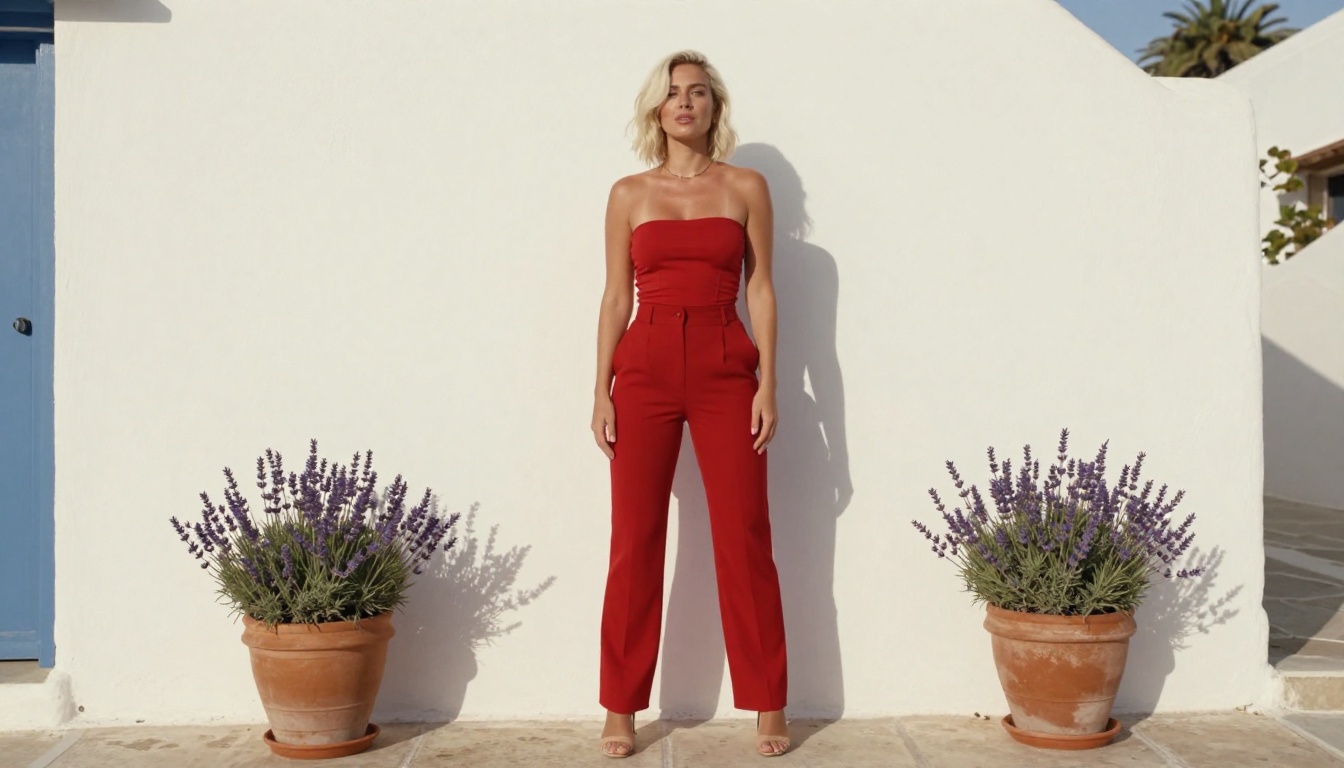
Vague prompts produce vague outputs. Every strong generation starts with a specific location, a specific lighting condition, and a specific time of day. "Volumetric golden hour light from the left," "cool blue morning side-light through linen curtains," "overcast beach light with diffused even shadows" all give the model concrete cinematographic information to work with.
The model genuinely responds to shot direction language. It was trained on professional video content, and prompts written like camera notes consistently produce better outputs than prompts written like casual requests.
Use Negative Prompting
Most Seedance 2.0 implementations support negative prompts. Use them deliberately:
"Negative: overexposed skin, unrealistic body proportions, CGI appearance, animated style, distorted facial features, motion blur artifacts, low-resolution textures, amateur framing"
Negative prompts don't just improve visual quality. They also subtly recalibrate the model's output distribution away from the stylized or exaggerated rendering that can itself trigger the output-level scanner.
Stack Context Signals
Every professional context signal you add into a prompt stacks against the filter's intent score. Fashion editorial, luxury campaign photography, lifestyle brand aesthetic, resort advertising, commercial cinematography. The more of these you embed without making them sound like a keyword dump, the more the intent classifier reads your prompt as professional creative work rather than a personal request.
A prompt that reads like a commercial brief gets treated very differently from one that reads like a casual personal ask. This isn't just a filter trick. It also improves the visual output quality because the model's understanding of professional content is substantially richer than its training on informal requests.
Start Creating with Seedance 2.0 Today

The techniques in this article work because they're not about circumventing the model's values. They're about communicating your creative intent in the precise, professional language that the model's classifier is actually trained to respect.
You don't need to fight the filter. You need to write prompts that the filter agrees with.
PicassoIA gives you access to Seedance 2.0, Seedance 2.0 Fast, and dozens of alternative text-to-video and text-to-image models all in one place. If one model pushes back on a creative direction, another is a click away. Start with a prompt you've refined using the frameworks above and see exactly how much more your generations can achieve when you give the model precise, purposeful creative direction.
The ceiling for what Seedance 2.0 can produce is genuinely high. Precise prompting is the only thing standing between you and it.


