The question has been circling every AI video community for months: when it comes to suggestive, spicy content generation, does Seedance 2.0 or Grok Imagine Video win on raw realism? Both models are capable, both are pushing boundaries in the text-to-video space, and both handle suggestive prompts in their own distinct way. But they are not equal. After running dozens of matched prompts through both systems, the differences are clear, consistent, and worth knowing before you commit your time to one platform.
This is not a surface-level overview. We are going frame by frame on skin texture rendering, motion coherence, background stability, and the subtle quality markers that separate a believable AI video from one that looks obviously synthetic.
What "Spicy Mode" Actually Is
Before comparing outputs, it helps to understand what each model is actually doing when you push it toward suggestive territory. Neither model uses a literal toggle labeled "spicy." Instead, both respond to prompt language and have been trained to interpret suggestive or sensual requests within defined content policy boundaries. The experience of using them, however, feels very different.
Seedance 2.0 and the spicy setting
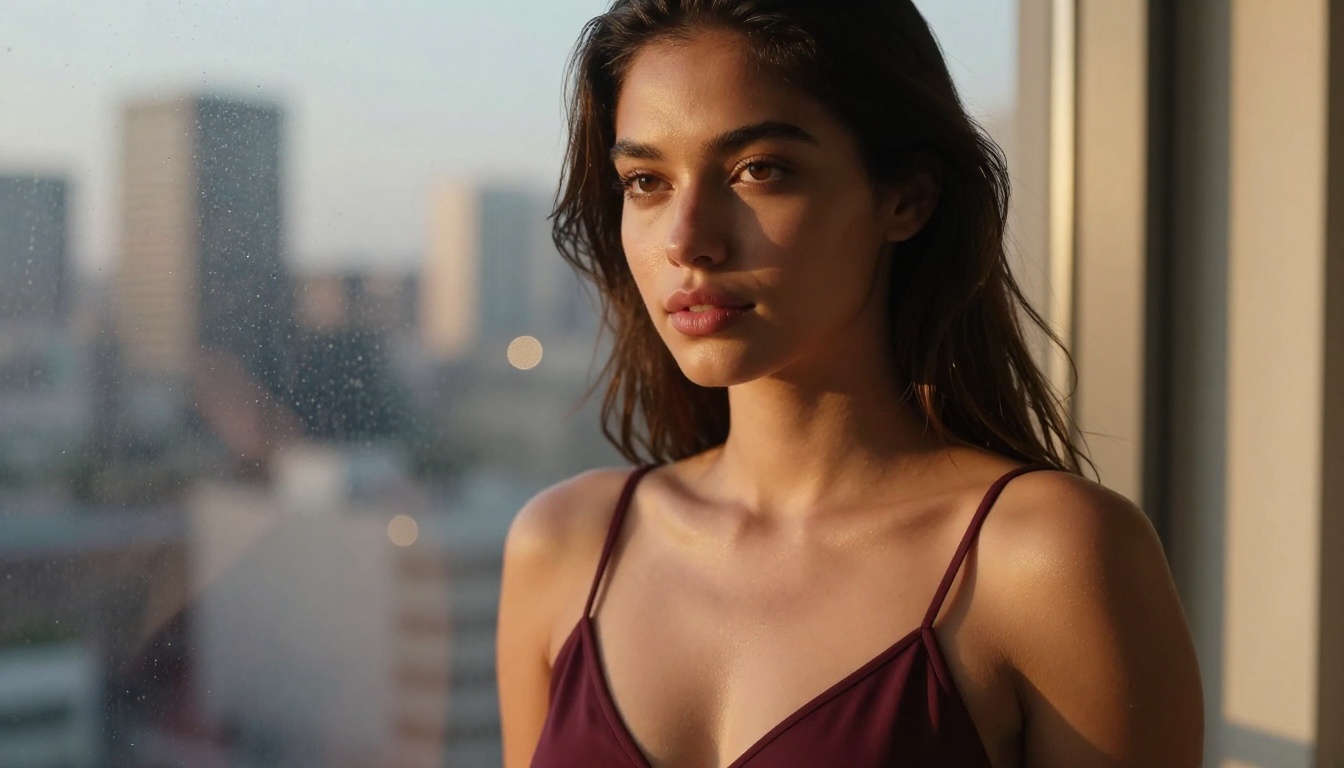
Seedance 2.0 by ByteDance is a native audio-capable, text-and-image-to-video model trained on an enormous proprietary dataset. When you write suggestive prompts, Seedance interprets them with what can only be described as cinematic restraint. It does not refuse. It also does not overextend. The output tends toward editorial-style suggestiveness: long looks, deliberate camera movements, tactile environmental details that build tension without crossing into explicit territory.
The model's training data shows. Seedance 2.0 has clearly been exposed to high-quality fashion film, editorial photography, and premium commercial content. When you prompt it with a scene involving a woman in minimal clothing at a beach, the result often reads like a perfume advertisement rather than amateur content. The lighting is considered. The movement is intentional.
Worth noting: Seedance 2.0 also supports native audio generation, meaning the ambient sound and environmental noise in spicy scenes actually contribute to the immersive quality in ways that purely visual comparisons cannot capture.
Grok's approach to suggestive content
Grok Imagine Video by xAI approaches spicy generation with a different philosophy. Grok tends to be more literal with prompt interpretation across all categories, and this carries through to suggestive content. Where Seedance might interpret a prompt poetically, Grok will often render it more directly. This has advantages and disadvantages.
On the plus side, if you have a very specific visual scenario in mind, Grok is more likely to place subjects exactly where you described them, wearing exactly what you described, in the lighting you specified. Prompt adherence is genuinely strong. On the downside, this literalism can sometimes produce outputs that feel less cinematic, as if the intelligence is solving the description rather than interpreting it.
The Realism Battle
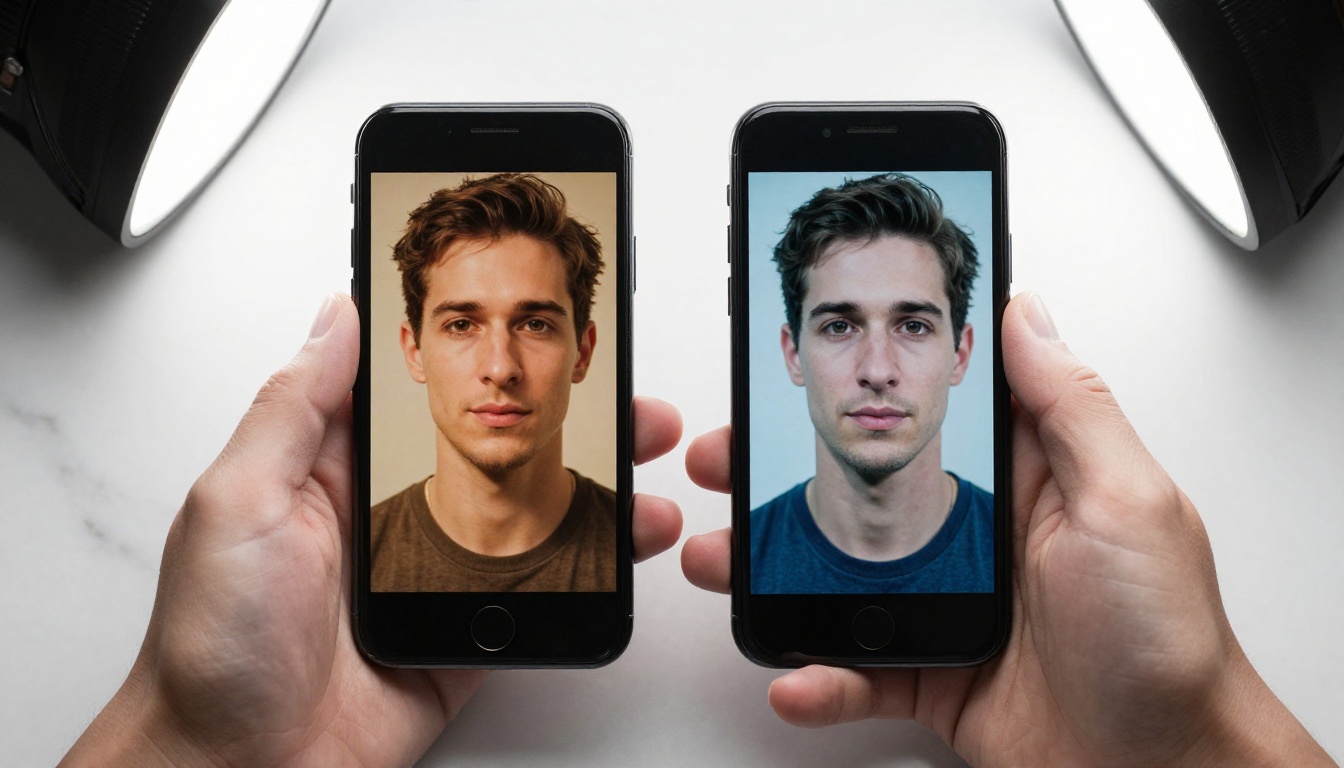
Realism in AI video is not a single metric. It breaks down into several distinct layers, and each model has strengths in different areas.
Skin, hair, and texture rendering
This is where the comparison gets interesting. Seedance 2.0 produces noticeably better skin texture in close-up and medium shots. Skin pores are present and spatially consistent across frames, fine facial hair is visible and does not flicker, lip texture maintains moisture and form through movement, and the subsurface scattering of light through skin reads as genuinely organic. Seedance appears to have dedicated significant training capacity to this area.
Grok Imagine Video renders skin at a level that is good but clearly a step behind in extreme close-ups. The skin tends toward a slightly smoother, almost airbrushed quality that, while attractive, breaks photorealism under scrutiny. In mid-shots and wide compositions, this gap almost disappears. But if your content involves tight framing on faces or bodies, Seedance holds a real advantage.
Hair rendering tells a similar story. Seedance produces individual strand separation with correct lighting response. Grok produces convincing hair masses but individual strand definition is lost at moderate resolutions.
Motion and fluid movement
Grok Imagine Video edges ahead here. Its motion is smoother frame-to-frame, with less temporal flickering in areas like fabric, water, and hair movement. When a subject turns their head or shifts weight from one foot to the other in a Grok video, the movement has a physical credibility that suggests better training on motion capture or high-frame-rate video data.
Seedance 2.0 is not far behind, and for slower, more deliberate movements it is excellent. But in faster motion sequences, Seedance occasionally introduces subtle warping artifacts, particularly around edges of moving fabric or fingers, that break the illusion momentarily.
Tip: If your scenes involve a lot of movement (walking, turning, reaching), Grok currently handles the physics more cleanly. For slower, more intimate compositions, Seedance wins on skin detail.
Background coherence
Both models handle static backgrounds well. The comparison shifts when backgrounds include elements that need to maintain consistency across frames: architectural details, foliage in wind, water reflections, and patterned surfaces.
Seedance 2.0 wins on background coherence. Walls stay walls. Tiles maintain their patterns. Water reflections behave like water. Grok Imagine Video has a tendency to let background details drift or subtly morph over longer clips, a well-known artifact of autoregressive video generation that xAI has not fully resolved in the current iteration.
Same Prompt, Two Very Different Videos
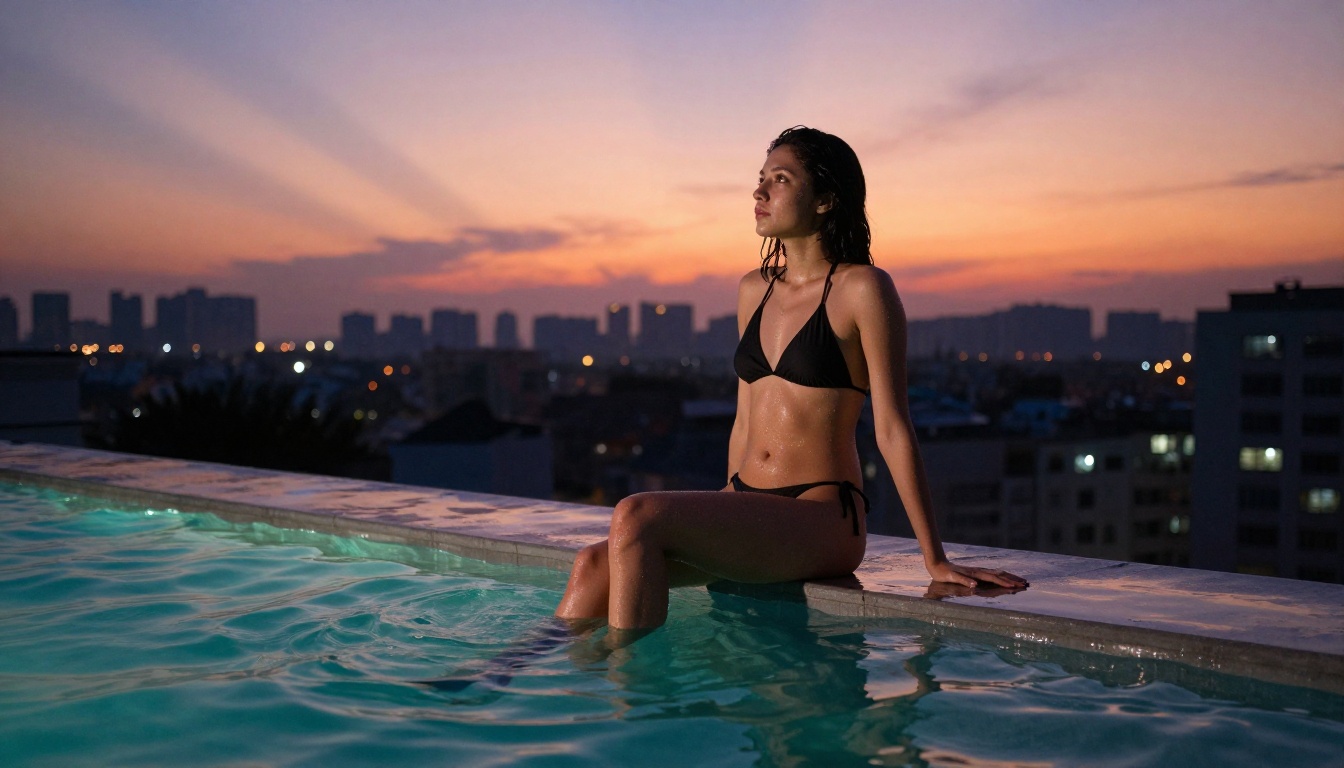
To make this concrete, here is what happens when you run identical prompts through both models.
Test prompt: "A woman in a white bikini walking along a sun-drenched beach at golden hour, slow motion, waves in background, hair moving in the breeze, photorealistic."
The Seedance 2.0 output reads like the opening of a high-budget travel campaign. The golden light wraps the subject believably, the waves maintain their physical behavior across frames, and the hair movement has weight and momentum. The overall composition feels intentional, with the camera appearing to hold a specific focal length and depth-of-field choice.
The Grok output is more direct. The subject placement and pose match the prompt precisely. The beach exists where you asked for it. But the lighting feels less modeled, the wave behavior has minor consistency issues around frame 3 to 4 seconds, and the overall aesthetic reads as technically correct rather than felt.
Where Seedance wins
- Photorealistic skin in close-up and medium compositions
- Cinematic lighting models with proper falloff and shadowing
- Background consistency across longer clips
- Overall aesthetic direction, making outputs feel produced rather than generated
- Native audio that adds immersive realism to the full experience
Where Grok pulls ahead
- Raw motion smoothness, especially in dynamic sequences
- Literal prompt adherence when you have a specific scene in mind
- Speed of generation for iterating through multiple variations
- Performance in wide and medium-wide shots where skin texture matters less

How to Use Seedance 2.0 on PicassoIA
Seedance 2.0 is available directly on PicassoIA, and using it for suggestive or atmospheric content is straightforward once you know how the model responds to prompt structure.
Step 1: Write a cinematic prompt
Seedance 2.0 responds exceptionally well to prompts that describe how a scene is shot rather than just what it contains. Instead of simply describing a subject, describe the camera position, the lighting source, and the movement intention.
Less effective: "Woman in bikini on beach"
More effective: "Slow dolly pull-back from a woman in a minimal black bikini sitting at the water's edge at sunset, shallow depth of field, warm golden light from camera-left, waves gently reaching her feet, soft lens flare, cinematic"
The model will produce dramatically better results with the second approach because you are giving it a directorial brief, not just a scene description.
Step 2: Use image-to-video for maximum realism
Seedance 2.0 supports both text-to-video and image-to-video generation. For the highest realism in spicy content, generating a reference image first using a dedicated text-to-image model, then feeding that image into Seedance with a motion prompt, produces noticeably better results than text-to-video alone. The model anchors its understanding of the subject's appearance to the reference image and maintains that consistency across frames.
You can generate your reference images directly on PicassoIA using the text-to-image models available in the collection, then pass the result straight into Seedance 2.0 without leaving the platform.
Step 3: Iterate on lighting descriptors
If your first output looks flat or overly neutral, the most effective single change is adding specific lighting language. Phrases like "volumetric afternoon light from upper-left," "backlit rim lighting with lens flare," or "overcast diffused light, no hard shadows" have a measurable impact on the cinematic quality of Seedance outputs. The model was clearly trained on content where lighting was a first-class production consideration.
Parameter tip: When using Seedance 2.0 on PicassoIA, duration between 4 and 6 seconds tends to yield the most coherent results for suggestive content. Longer clips increase the chance of temporal drift in fine detail areas like hair and fabric.

Using Grok Imagine Video on PicassoIA
Grok Imagine Video by xAI is also accessible on PicassoIA, and its strengths make it a powerful alternative depending on your use case.
Getting the best from Grok
Because Grok interprets prompts more literally, specificity is your primary tool. The more precisely you describe spatial relationships, the better the output matches your intent.
| Prompt approach | Result quality |
|---|
| Vague scene description | Inconsistent, often drifts from intent |
| Specific spatial layout | Strong adherence, accurate placement |
| Cinematic direction language | Moderate improvement |
| Combined: specific + motion descriptor | Best overall output |
Grok also tends to respond well to dynamic motion prompts. If your scene involves active movement rather than slow, ambient motion, Grok Imagine Video is worth testing first. The motion physics in walking, turning, and reaching sequences are currently among the best available at this price point.

Side-by-Side Specs
| Feature | Seedance 2.0 | Grok Imagine Video |
|---|
| Skin texture realism | Excellent (close-up detail) | Good (best at mid-range) |
| Motion smoothness | Very good | Excellent |
| Background coherence | Excellent | Good (drifts in longer clips) |
| Prompt adherence | Cinematic interpretation | Literal interpretation |
| Native audio | Yes | No |
| Image-to-video | Yes | Yes |
| Spicy content handling | Editorial / atmospheric | Direct / descriptive |
| Best use case | Cinematic, high-realism close-ups | Dynamic motion, specific scenarios |
| Available on PicassoIA | Yes | Yes |

Which One Fits Your Workflow
After running both models extensively, the honest answer is that neither is universally better. They are optimized for different things, and the right choice depends entirely on what you are making.
Choose Seedance 2.0 if...
- Your content relies on close-up portrait or body shots where skin texture defines believability
- You want outputs that feel directed and cinematic without extra post-processing
- Your scenes involve slower, more intimate or ambient motion
- You want native audio generation as part of the same workflow
- Background consistency across a full clip matters to your project
Seedance 2.0 is also available in a faster variant, Seedance 2.0 Fast, which trades some output quality for significantly reduced generation time. For rapid iteration and prototyping, this is worth testing before committing to full-quality runs.
Choose Grok if...
- Your scenes require precise spatial control and literal prompt execution
- Dynamic movement sequences (walking, turning, action) are central to the content
- You are iterating quickly and need consistent results across many variations
- Wide or medium-wide framing is your primary composition style
The Verdict on Realism
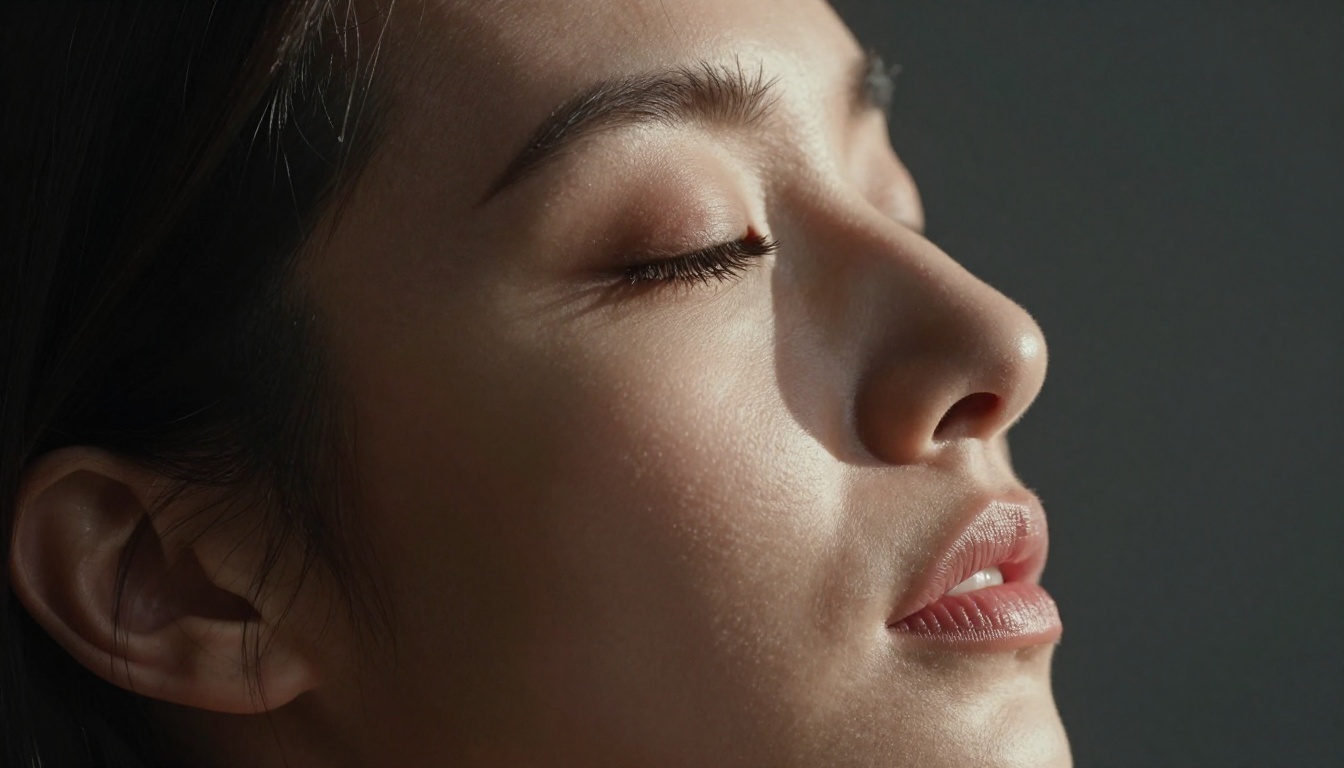
When the question is specifically about photorealistic output in spicy or suggestive scenarios, Seedance 2.0 currently holds the edge. The combination of superior skin texture rendering, better background coherence, and that editorial quality that makes outputs feel made rather than generated tips the scale decisively toward ByteDance's model for close-range, intimate content.
Grok Imagine Video is not far behind, and in motion-heavy sequences it is genuinely ahead. The gap between these two models is narrowing fast. Grok's team is iterating quickly, and a future update focused on texture rendering could easily flip this comparison.
For now, the practical recommendation is this: run your most important scenes through Seedance 2.0 when realism is non-negotiable. Use Grok Imagine Video when you need precise prompt control or faster motion sequences. And for rapid iteration between the two, PicassoIA gives you access to both from the same platform without switching between accounts or APIs.

Start Creating Your Own Scenes
The best way to form your own opinion is to test both models on prompts that actually matter to your work. Head to PicassoIA and load up Seedance 2.0 and Grok Imagine Video side by side. Run the same prompt through both. Look at the skin, look at the edges, look at what happens around frame 4 to 5 seconds.
The difference between "technically generated" and "actually believable" becomes obvious the moment you start paying attention to the details. Both of these models are pushing that line in real time, and the space between them is getting interesting fast.
If you want to go beyond video and experiment with photorealistic image generation as a reference frame for your video prompts, PicassoIA's text-to-image catalog with 91 models gives you the raw material to build a reference image workflow that feeds directly into either of these video generators. The pipeline from still image to animated clip has never been more accessible or more capable than it is right now.


