Fashion lookbooks have always required a full production apparatus: models, photographers, stylists, locations, post-production. That equation changed when AI video generators matured enough to handle fabric motion, skin tone accuracy, and ambient audio in a single pass. Seedance 2.5, ByteDance's latest video model, sits at the top of that class right now. This article walks through exactly how to use it on PicassoIA to build a fashion lookbook that holds up in a professional context, from choosing your source image to embedding the final clips.
What Seedance 2.5 Actually Does
Before opening any tool, it helps to know what you are working with.
Seedance 2.5 is a text-to-video and image-to-video model built by ByteDance. It generates clips up to 30 seconds at high resolution with synchronized native audio, all in a single generation call. That last part matters: you do not need a separate audio model, a separate sync tool, or manual editing to get a clip with appropriate ambient sound.
30-Second Videos from a Single Image
The image-to-video capability is what makes Seedance 2.5 genuinely useful for lookbooks. You provide one photorealistic image of a garment on a model, write a motion prompt describing how the scene should move, and the model generates a fluid video clip. The motion is temporally consistent, meaning the garment, face, and background do not shift between frames in unrealistic ways.
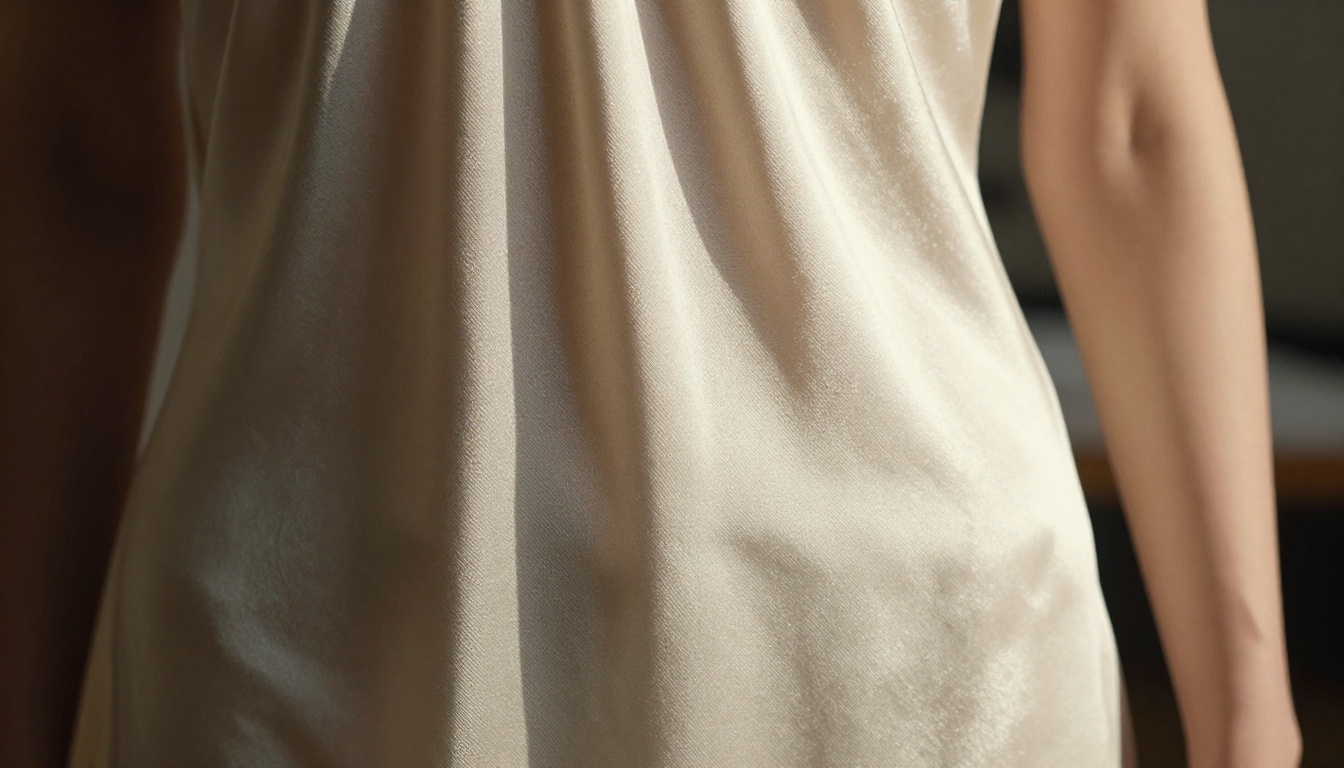
For fashion specifically, this matters because fabric movement is the hardest thing to fake. Cheaper models produce waving distortions that look like a GIF filter. Seedance 2.5 handles the way silk flows, how a coat hem catches wind, and how a model's stride shifts the drape of a dress with significantly more physical accuracy.
Native Audio Without Extra Steps
Every clip includes ambient audio baked in. For a runway video, that might be the muffled hum of a venue. For a street-style clip, it could be urban ambient sound. You do not control this audio with a separate prompt, but in practice it tends to fit the visual scene closely enough for lookbook use. If you need a voiceover or music track, you can layer those afterward in any video editor.
Why Fashion Brands Need This Right Now
The production math has shifted in a meaningful way.
The Real Cost of a Traditional Shoot
A standard fashion lookbook shoot for a mid-size brand involves: model day-rate ($800-2,500), photographer ($1,500-4,000/day), stylist ($600-1,200), location fee ($500-2,000), post-production retouching ($300-800 per edited image), and video editing if any motion content is included ($1,500-4,000). That total reaches $5,000-$14,000 for a single shoot day, before printing or digital formatting.
| Production Element | Traditional Cost | AI-Assisted Cost |
|---|
| Photography | $1,500-4,000 | Source image only |
| Video editing | $1,500-4,000 | Included in generation |
| Audio production | $500-1,500 | Baked into output |
| Location scouting | $500-2,000 | Prompt-driven |
| Retouching | $300-800 | Not needed |
| Total estimate | $4,300-$12,300 | Fraction of source |
What AI Production Changes
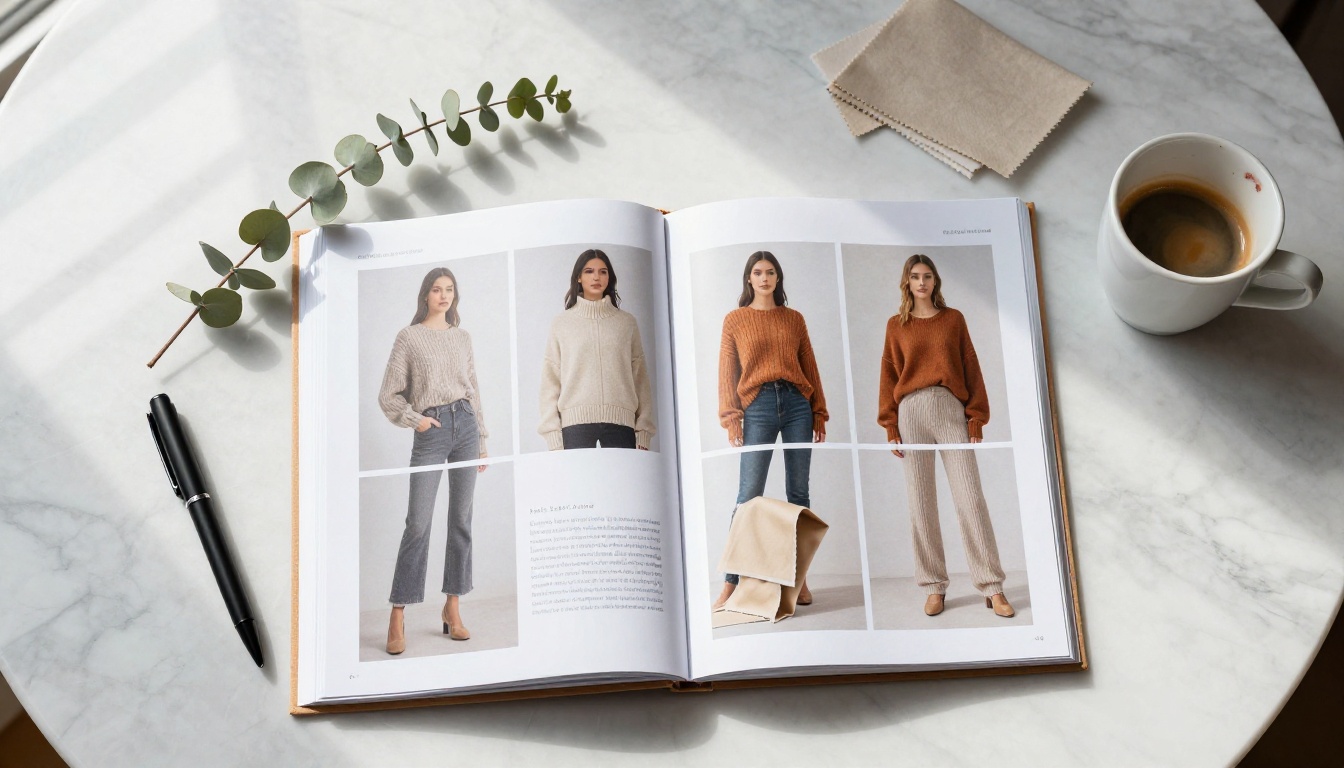
This does not mean AI replaces every shoot. It means one strong source image can now produce an entire lookbook campaign's worth of motion content. A brand shooting a product on a model can take that single hero image and generate five distinct video treatments, each with different motion styles, all consistent with the original visual identity.
The use case is particularly strong for:
- Small brands that cannot afford a dedicated video production budget
- E-commerce teams that need seasonal content at volume
- Designers who want to show garment movement before a runway season
- Social media teams that need multiple aspect ratios and clip lengths from one asset
How to Use Seedance 2.5 on PicassoIA
PicassoIA has Seedance 2.5 and Seedance 2.5 Lite available directly. Here is the exact workflow.
Step 1 - Start with Your Source Image
The quality of your output is ceiling-capped by your input image. For fashion lookbooks, aim for:
- Photorealistic, well-lit source images with clear garment definition
- Clean backgrounds or backgrounds that make physical sense for motion (a street, a studio, an interior)
- Model poses that suggest potential motion: mid-stride, hand extended, fabric in slight movement
💡 Avoid heavily retouched or composited source images. The model generates motion based on spatial and lighting cues. If those cues are inconsistent (mismatched shadows, for example), the motion will show artifacts.
If you do not have a high-quality source image, you can generate one first using PicassoIA's text-to-image tools, then pass that result into Seedance 2.5 as your animation source.
Step 2 - Write the Motion Prompt
The motion prompt is where most people underperform. It should describe what happens in the video, not what the image looks like. The model already knows what the image looks like. What it needs from you is kinetic direction.
A weak prompt: "Fashion model in a white dress"
A strong prompt: "Model slowly turns to face camera, silk dress hem lifting slightly in a gentle breeze, hair shifting across her shoulder, camera dollies in gently from a mid-shot to a medium close-up"
The structure that works:
- Subject action — what the model does physically
- Garment behavior — how the clothing moves
- Camera movement — dolly, pan, static hold, slow push-in
- Environmental motion — breeze, ambient light shift, background activity
- Audio texture — ambient description, optional but helpful
Step 3 - Choose Your Duration and Quality
Seedance 2.5 supports clips up to 30 seconds. For lookbook purposes:
- 5-10 second clips: Best for social media loops, product cards, email headers
- 15-30 second clips: Best for brand reel segments, website hero sections, runway presentations
Resolution options on PicassoIA run up to high quality. For any client-facing or published lookbook, use the highest resolution available.
💡 Generate your first clip at a shorter duration to verify the motion behavior before committing to a full 30-second generation. It is cheaper and faster to catch a bad motion direction early.
Step 4 - Review, Export, and Publish
Once generated, review the clip for:
- Temporal consistency: Does the garment maintain its original color and texture throughout?
- Motion naturalness: Does the movement match the physics of the fabric weight described?
- Audio fit: Does the ambient sound tonally match the visual scene?
- Face stability: If the model's face is in frame, does it remain consistent across the clip?
If any element fails, adjust the motion prompt and regenerate. Common fixes: if fabric distorts, simplify the movement description. If the face shifts, reduce the amount of camera motion requested.
Prompts That Get Results
The Prompt Formula
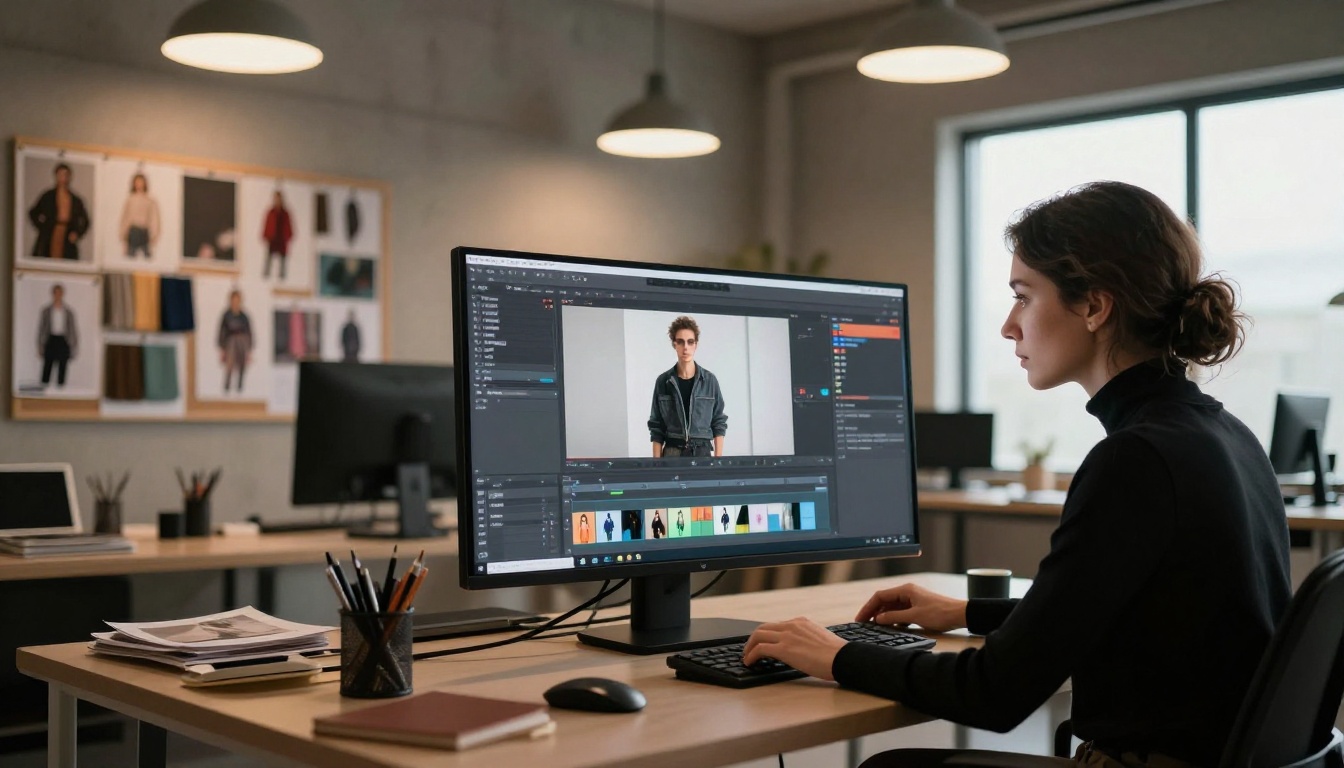
Here is the repeatable structure that produces the most consistent results across fashion content:
[Model action] + [Specific garment motion detail] + [Camera movement type] + [Environment context] + [Lighting behavior]
Every element earns its place. Removing any one of them consistently produces less accurate motion.
5 Ready-to-Use Fashion Prompts
The following prompts are tested starting points. Adjust the garment, setting, and tone to match your brand.
1. Runway Walk (Classic)
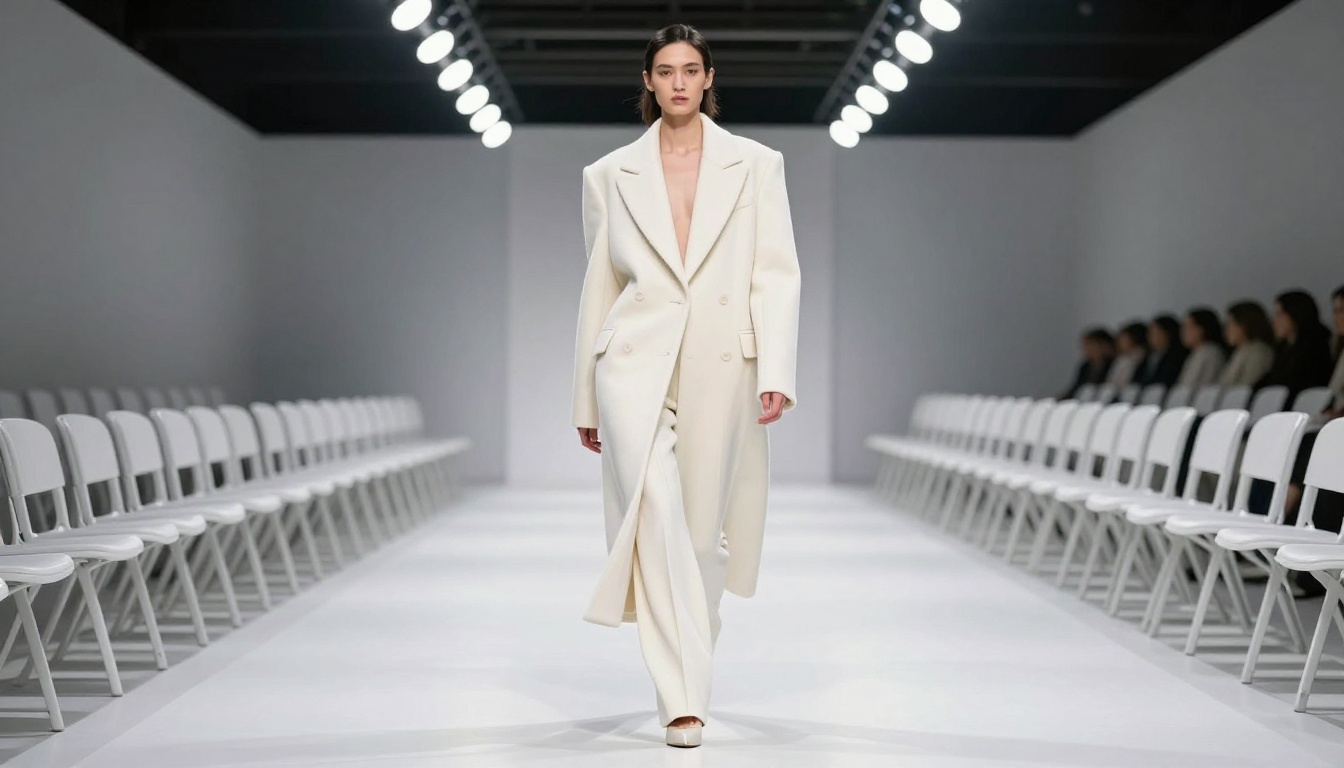
"Model strides forward along a white runway, camel wool coat swinging at the hem with each step, shoulders rolling naturally with her gait, camera tracks alongside at waist height, studio spotlights create moving shadows beneath her"
2. Street Style (Editorial)
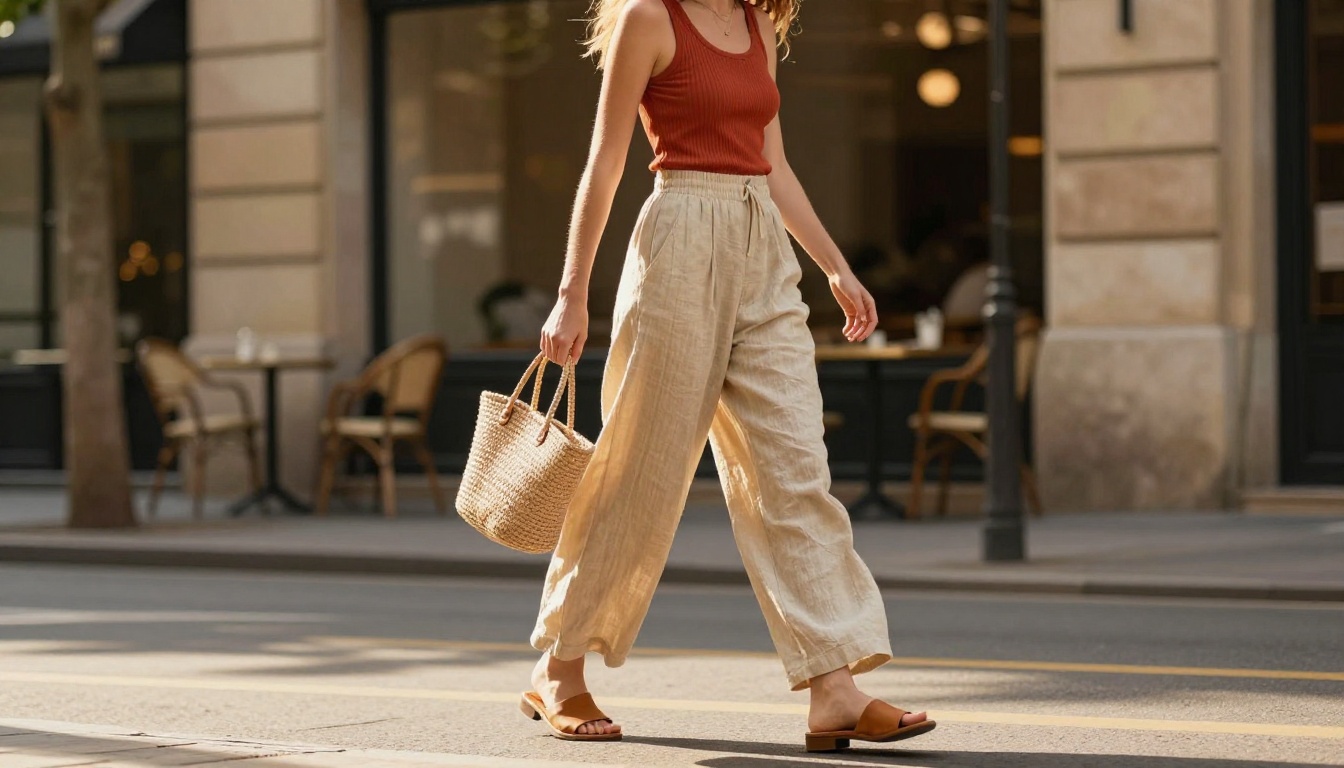
"Model walks slowly through a sun-lit stone street, wide-leg linen trousers billowing gently in morning breeze, she turns slightly toward camera, camera holds static as she passes through frame, warm dappled light through trees shifts across the fabric"
3. Studio Editorial (Stationary)
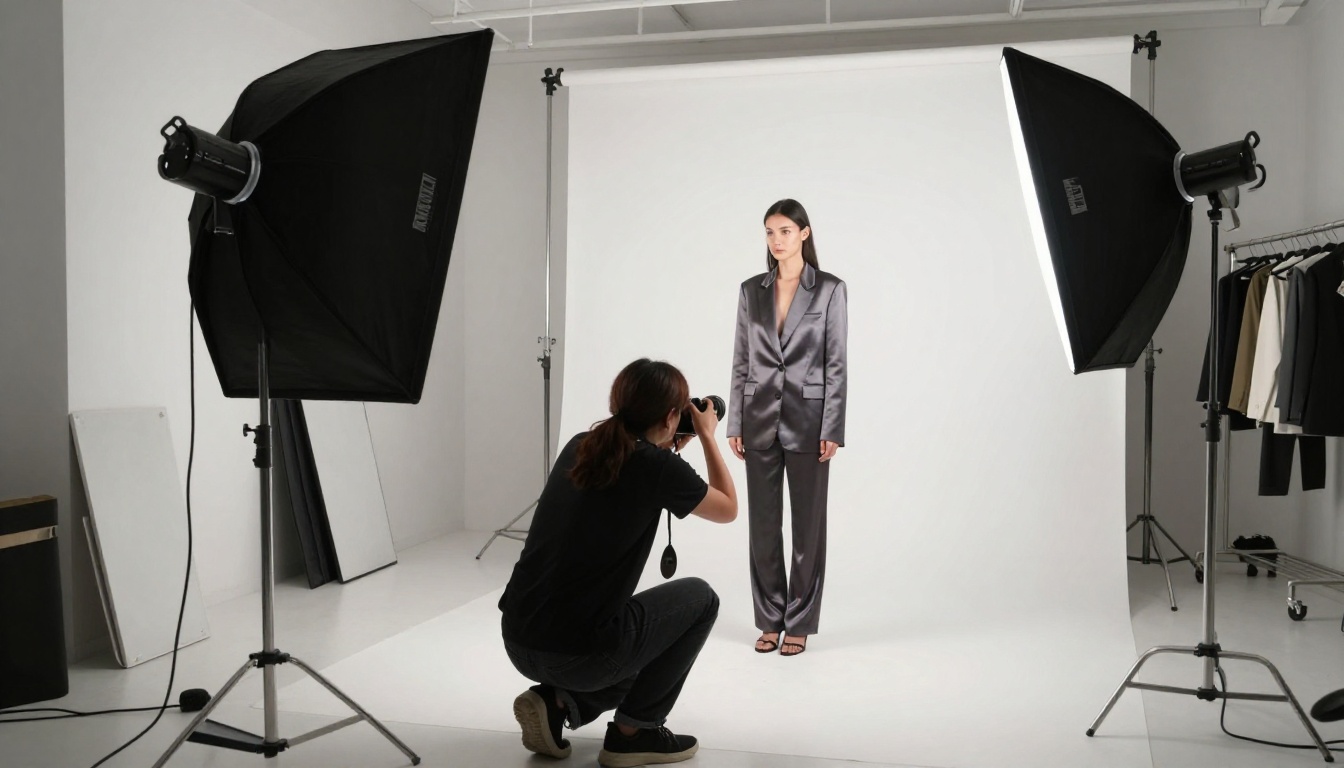
"Model stands against seamless white backdrop, satin bias-cut dress catching subtle airflow at the hem, she breathes in and fabric shifts slightly, camera holds a slow rack focus from hem to face, studio ambient hum"
4. Golden Hour Rooftop
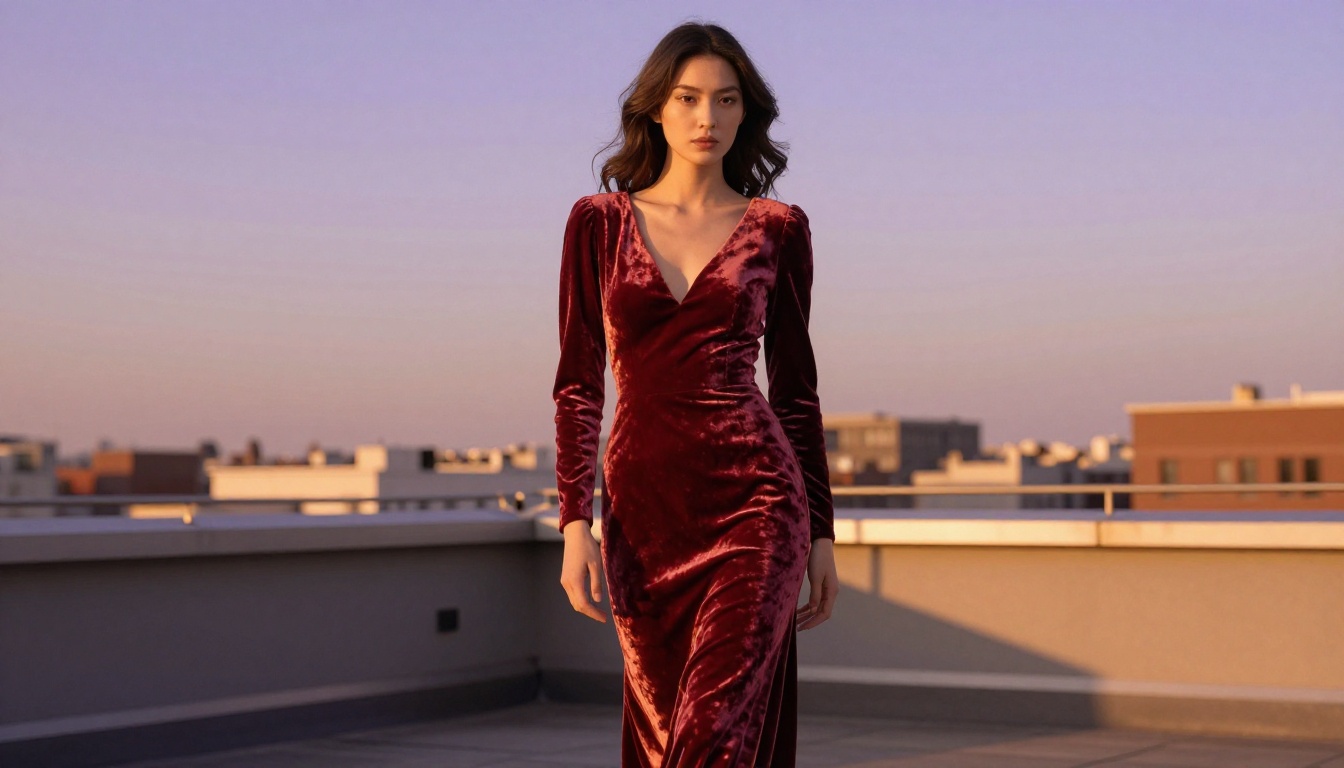
"Model on rooftop terrace at dusk, velvet gown hem touching concrete floor, she slowly raises one arm and turns away from camera, velvet nap direction shifting as fabric moves, setting sunlight creates a traveling highlight across the gown"
5. Showroom Lookbook (Product Focus)
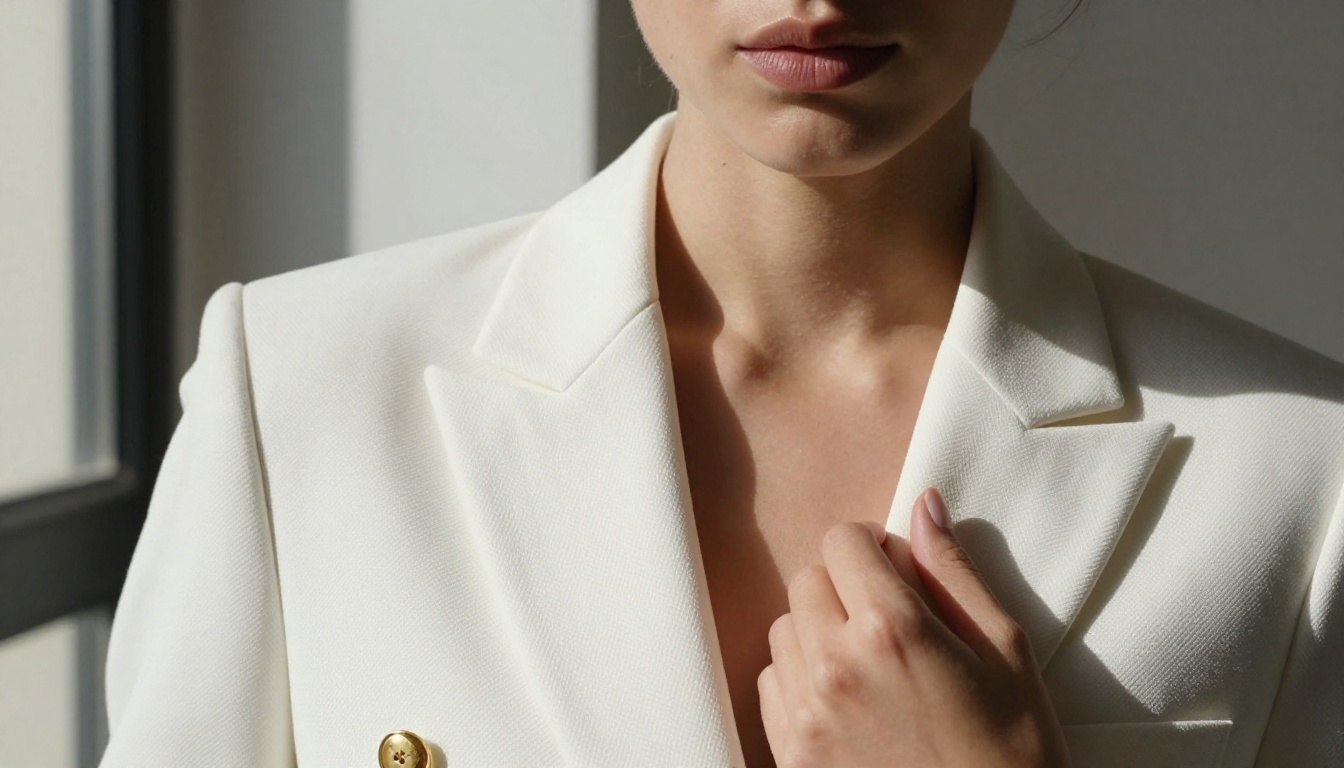
"Model in structured white blazer seated at marble table, she rises slowly from the chair and turns to profile, blazer lapels fall naturally as she stands, camera dollies back to reveal the full outfit, soft interior lighting"
Other Models Worth Pairing
Seedance 2.5 is the right tool for high-quality deliverables, but PicassoIA's video catalog gives you strategic options at every stage of production.
Seedance 2.0 for Fast Drafts
Seedance 2.0 and Seedance 2.0 Fast are the right choice when you need to test a motion concept quickly before committing to a full-quality generation. They are faster, which makes them ideal for prompt iteration. Run three or four motion prompt variants through Seedance 2.0 Fast, pick the best behavior, then regenerate the winner in Seedance 2.5 at full quality.
The Seedance 1.5 Pro version is still available for workflows that rely on legacy compatibility or specific output characteristics from an earlier generation of the model.
Kling v2.6 for Controlled Motion
Kling v2.6 includes motion control features that let you specify precise camera paths. If you need a specific dolly movement, a particular pan angle, or tightly scripted camera choreography, Kling v2.6 gives you that control layer that Seedance 2.5 does not expose directly. Use it when a client brief specifies camera work in detail.
For cinematic motion work with even tighter control, Kling v3 Video produces 1080p cinematic output with full camera choreography options.
Sora 2 for Extended Clips
Sora 2 from OpenAI handles extended video lengths and complex scene changes. If your lookbook needs a full brand film (scenes that transition from a studio to a street to an interior), Sora 2 is built for that kind of narrative video. Its temporal coherence over longer durations makes it the right tool for brand reel production.
💡 Use Seedance 2.5 for individual garment clips, then import them into a project where Sora 2 generates the connective scene transitions.
Results You Can Actually Expect
Setting realistic expectations saves time and prevents client disappointment.
Fabric Movement and Realism
What works well:
- Natural fiber drape behavior (silk, chiffon, linen, velvet)
- Slow and moderate movement speeds
- Outdoor and studio scenes with clear environmental logic
- Single garments with well-defined structure
What requires more iteration:
- Complex patterns that need to tile consistently across motion (plaids, fine prints)
- Very fast movement sequences (sprinting, sharp turns)
- Multiple layers of fabric moving simultaneously
- Transparent or sheer fabrics with complex light interaction
The model handles most premium fashion contexts confidently. Where it struggles is in highly complex physical simulations, which applies to every available model at this stage of the technology.
Audio That Fits Without Editing
The native audio generation in Seedance 2.5 consistently produces ambient sound that matches the visual environment. A rooftop scene gets wind and distant city noise. A studio scene gets the flat acoustics of a white room. A street scene gets footsteps and urban texture.
What it does not produce is music, voiceover, or branded audio. For those, use PicassoIA's audio tools or bring in your own audio in post. The ambient layer from the model typically sits well underneath a music track without needing to be stripped.
Comparing the Seedance Family
The Seedance line has several versions with different trade-offs. Here is how to choose:
For most lookbook projects, the answer is: prototype with Seedance 2.5 Lite, finalize with Seedance 2.5.
A Full Lookbook Campaign From Start to Finish
Here is a real production sequence that results in a finished AI lookbook:
- Source 5-8 hero product images (or generate them in PicassoIA)
- For each image, write one motion prompt using the formula above
- Draft-test each prompt using Seedance 2.5 Lite (free, fast, 10-second output)
- Refine any prompt where the motion does not match the garment behavior you need
- Generate finals using Seedance 2.5 at full quality
- Pair clips with brand audio or a music track in your editor
- Export in the aspect ratios your platform needs (16:9 for web, 9:16 for social)
The entire sequence, from prompts to final clips, typically runs in two to four hours for a five-garment lookbook. A traditional video shoot of the same scope takes one to two days with a full crew.
💡 Build a prompt library as you work. Every motion prompt that produces good results is reusable across future collections with minor adjustments. After three lookbook projects, you will have a tested archive of 20-30 prompts that cover most scenarios.
Try It on Your Next Collection
The fastest way to see whether Seedance 2.5 fits your workflow is to run one real garment through it. Take a single strong product image you already have, write a 30-word motion prompt using the formula in this article, and generate a 10-second test clip on Seedance 2.5 Lite at no cost.
If the motion reads well, scale up to your full lookbook. If you want to compare it against other motion styles, PicassoIA's catalog includes Kling v2.6, Veo 3, Ray 3.2, and dozens more video models in one place.
Every model in the catalog, including the full Seedance family, is available at picassoia.com/en/all-models. Pick your source image, write your motion direction, and ship your next lookbook in an afternoon.


