Most AI video tools still hand you a few silent seconds and wish you luck. Seedance 2.5 changes that pitch: one prompt, one render, and you get a clip of up to 30 seconds with dialogue, sound effects, and music already baked in. If you have been wondering what Seedance 2.5 actually is, how long its videos run, how sharp they look, and where you can use it online without a waitlist, this article answers all of it in plain language.
I will separate what is officially described from what resellers and aggregators claim, because the coverage around this model is messy. You will also see how to run it step by step, how it compares to Seedance 2.0 Mini and rivals, and which settings are worth touching first.
💡 Quick answer: Seedance 2.5 is a ByteDance text-to-video and image-to-video model that renders picture and audio together, supports clips up to 30 seconds, and accepts many reference inputs. On PicassoIA you can run Seedance 2.5 at 480p or 720p, or use the lighter Seedance 2.5 Lite for fast, unlimited short clips.
What Seedance 2.5 Actually Is
Seedance is ByteDance's family of video generation models. The line moved from Seedance 1.5 Pro, which added audio, to Seedance 2.0, which pushed multi-reference control, and now to version 2.5. Reports place the public unveiling at the Volcano Engine FORCE conference in late June 2026, with a wider launch following in the summer.
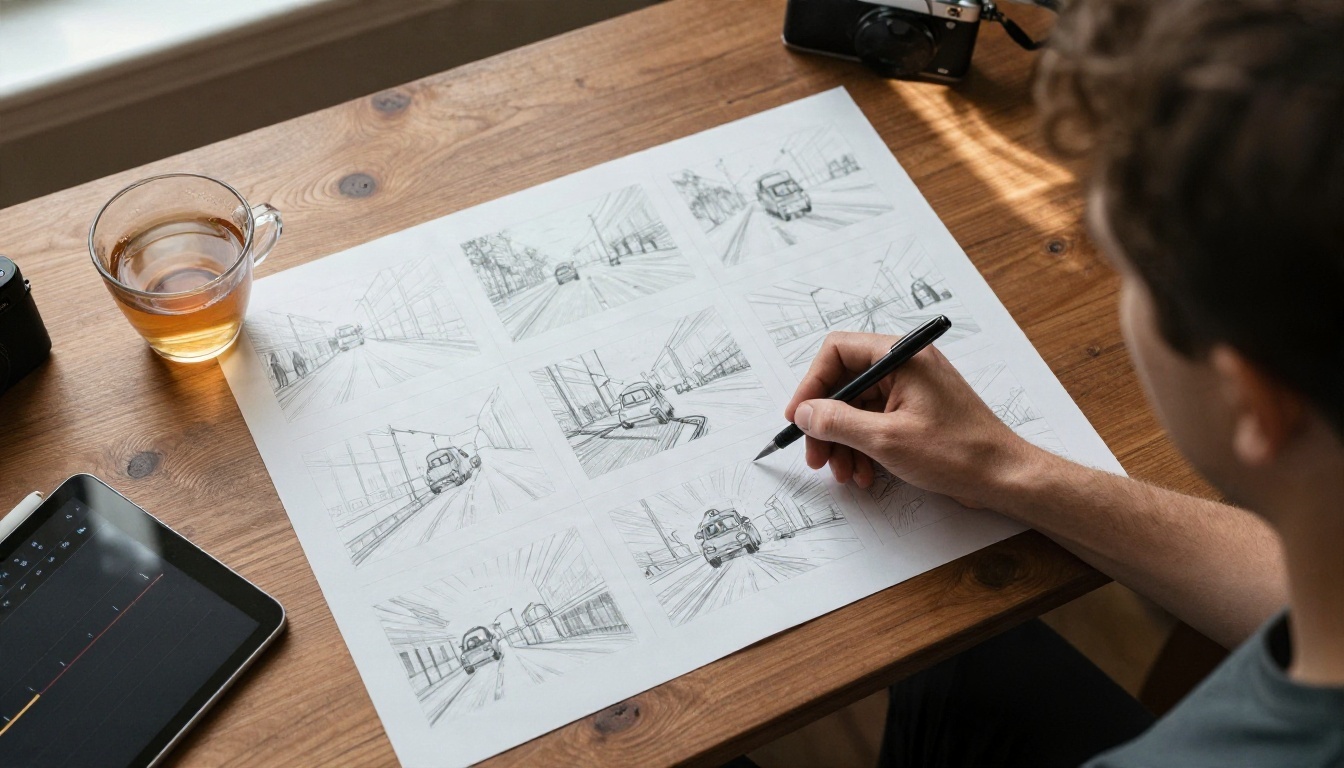
From prompt to finished clip
You type a description, upload a photo, or drop in reference clips. The model then produces a video where the motion, camera movement, voices, ambient sound, and music come from the same generation pass. Nothing needs to be stitched together in an editor afterward.
Three input modes
- Text to video: describe a scene in up to 2000 characters and let the model invent everything.
- Image to video: use a photo as the opening frame and animate it.
- Reference to video: feed images, short video clips, and audio files to lock a face, a product, a motion, or a voice.
Where it sits in the Seedance family
| Model | Best for | Clip length | Link |
|---|
| Seedance 1.5 Pro | Early audio plus video, simple scenes | Short clips | Seedance 1.5 Pro |
| Seedance 2.0 Mini | Lighter 2.0 generation with native audio | Short clips | Seedance 2.0 Mini |
| Seedance 2.5 Lite | Unlimited fast iteration | 5 or 10 seconds | Seedance 2.5 Lite |
| Seedance 2.5 | Longest, most controllable output | Up to 30 seconds | Seedance 2.5 |
Seedance 2.5 Features Worth Knowing
The headline numbers get the attention, but the features that change your daily workflow are quieter. Here are the ones that matter.
Native audio in the same render
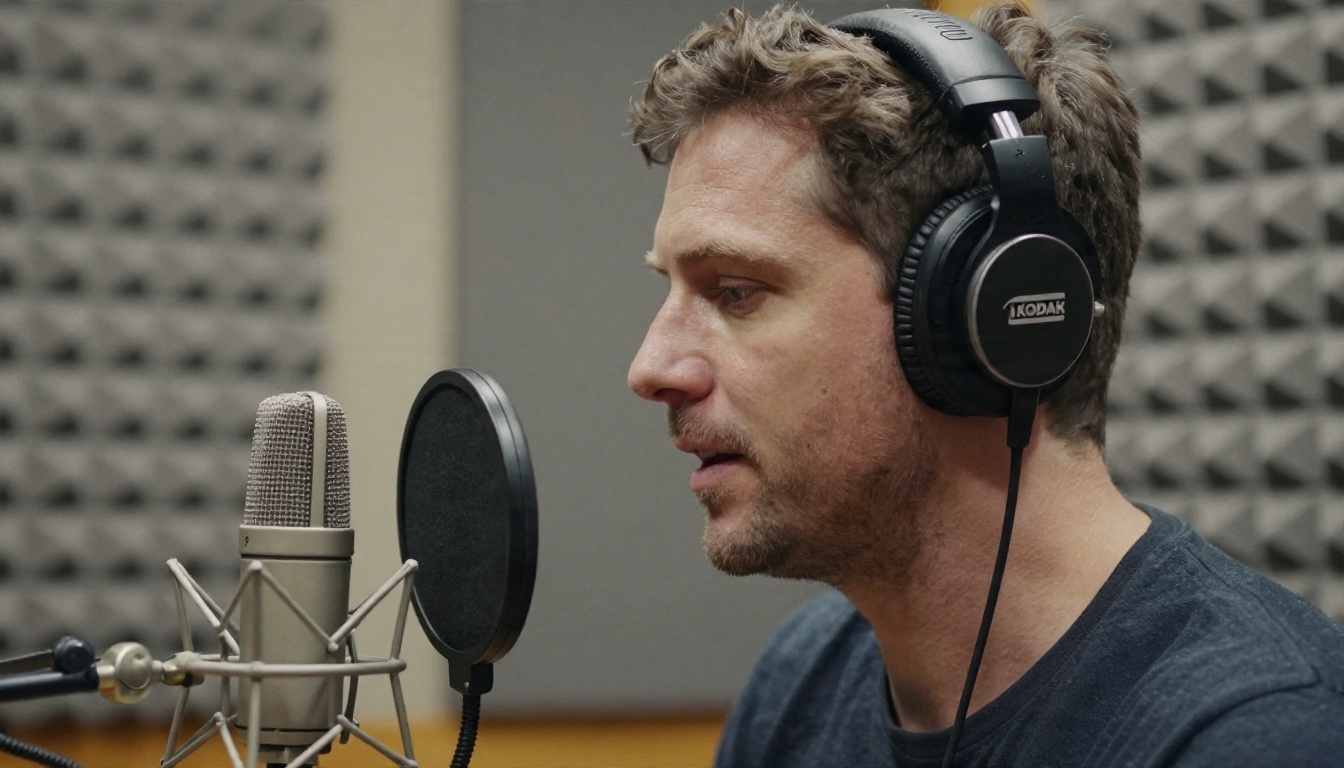
Seedance 2.5 generates dialogue, sound effects, and background music with the video. If you want a character to speak, put the line in double quotes inside the prompt. The mouth movement is generated to match the spoken words. You can also supply a short reference audio clip and let the model follow that voice and pacing.
Character and product consistency
Previous generations drifted. A jacket changed color between shots, a face softened, a logo melted. Seedance 2.5 accepts reference images so the same person, outfit, or product shows up again across the clip. On PicassoIA you can attach up to 30 reference images, and you call them in the prompt as [Image1], [Image2], and so on.
First frame and last frame control
Set an opening image and a closing image and the model fills in the journey between them. This is handy for before and after reveals, product turnarounds, and any shot where the ending must match a specific picture.
Reference video and editing modes
Upload a reference video and the model can copy its motion onto a new subject, extend an existing clip, or edit parts of it. Reported extras from launch coverage include local edits to part of a scene, a rough preview mode for low-fidelity drafts before committing to a full render, and green screen style replacement.
Feature summary
| Feature | What it does | Why it helps |
|---|
| Native audio | Dialogue, effects, music in one pass | No separate sound step |
| 30-second output | One generation, one continuous clip | Fewer stitched cuts |
| Reference images | Up to 30 on PicassoIA | Same face and product everywhere |
| Reference audio | Voice and rhythm guidance | Believable lip sync |
| Reference video | Motion transfer and extension | Copy a move, change the subject |
| First and last frame | Pinned start and end | Predictable transitions |
| Seed value | Repeatable generation | Compare prompts fairly |
How Long Can Seedance 2.5 Videos Be?
The short answer: up to 30 seconds in a single generation. That is about double what Seedance 2.0 offered, and far beyond the 5 to 10 seconds that most competing models settle for.

Why 30 seconds matters
A 5 second clip is a GIF. A 30 second clip can hold a setup, an action, and a payoff. That is enough for a product demo, a social ad, a short dialogue exchange, or a scene in a story. You stop spending your time hiding seams between five separate generations.
Duration settings on PicassoIA
On the full model, the duration field takes a number of seconds, and the special value -1 lets the model choose the best length for your prompt. Editing mode requires that -1 setting. The default is 5 seconds, which is a sensible choice while you test a prompt, since shorter renders are quicker.
Seedance 2.5 Lite lengths
The Lite edition offers 5 or 10 second clips. It exists for volume. If you are trying fifteen versions of a camera move, Lite gets you there faster. Then you can bring the winning prompt to the full model for the long version.
💡 Tip: Write prompts in time order. "Starts with a wide shot of a harbor, then the camera pushes toward a fisherman, who says 'Good catch today'" gives a 30 second clip a clear structure. A vague one-line prompt tends to waste the extra length.
Seedance 2.5 Resolution Explained
Resolution is where the internet disagrees with itself, so here is the honest picture.
What the reports say
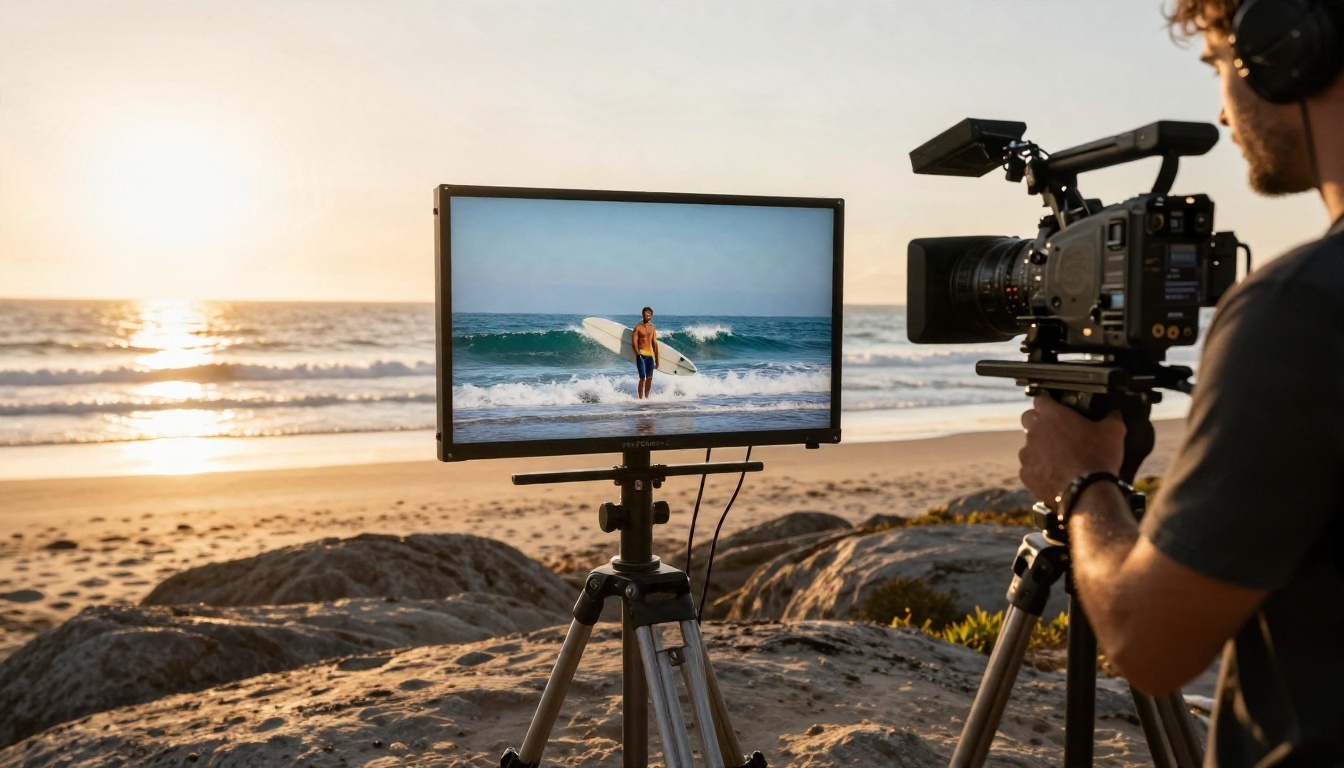
Different pages describe Seedance 2.5 as native 4K, as 720p to 4K, or as capped at 720p at launch with higher resolutions promised later. Several of those pages are reseller price lists rather than official specs. A 4K variant was reportedly announced in October for selected enterprise customers, with general API access deferred. In short: treat any "4K for everyone" claim with suspicion.
What you can actually select on PicassoIA
| Setting | Options |
|---|
| Resolution | 480p or 720p |
| Aspect ratio | 16:9, 4:3, 1:1, 3:4, 9:16, 21:9, adaptive |
| Output format | MP4 or MOV |
| Audio | On by default |
| Watermark | Off by default |
That is what you can use today, and it is a practical range. 720p works for social feeds, ads, web embeds, and client previews. 480p renders faster and suits rough drafts.
Which resolution to pick
Start at 480p while you test the prompt, since a quick render tells you whether the motion and framing work. When the idea is right, render again at 720p with the same seed. Reproducibility is not guaranteed, but a fixed seed often keeps the composition close.
💡 Need more pixels? Render at 720p, then run the video through a video upscaler. PicassoIA has an AI video enhancement category for exactly that step.
Launch coverage talked about up to 50 reference inputs per generation. On PicassoIA the practical limits are 30 reference images, up to 10 reference videos (combined 30 seconds), and up to 10 reference audio files (combined 30 seconds). Either way, this is where Seedance 2.5 pulls away from simpler tools.

How to use references well
- Pick clean references. One clear face per image, even lighting, no heavy filters.
- Name them in the prompt. Write "[Image1] walks into the shop and picks up [Image2]" instead of describing them again.
- Match the roles. Use images for who and what, videos for how it moves, audio for how it sounds.
- Stay under the limits. More references is not automatically better. Three good ones beat twenty muddy ones.
One important restriction
First and last frame images cannot be combined with reference images, videos, or audios. Choose one control method per generation. If you want a pinned start and a consistent face, make the first frame image contain that face.
How to Use Seedance 2.5 on PicassoIA
Seedance 2.5 is available on PicassoIA, so there is nothing to install and no API key to request. Here is the full process.

Step 1: Open the model
Go to the Seedance 2.5 page in the text-to-video collection.
Step 2: Write a chronological prompt
Describe subject, action, camera, light, and sound in the order they happen. Put spoken lines in double quotes. Keep it under 2000 characters.
Example: "A baker in a small kitchen lifts a tray of loaves from the oven, steam rising in warm window light. The camera slowly pushes in. She smiles and says, 'First batch of the day.' Soft acoustic guitar plays under the sound of a bell above the shop door."
Step 3: Add media if you need control
- Upload an image to use it as the opening frame.
- Add a last frame image to pin the ending.
- Or attach reference images, videos, and audios for consistency, motion transfer, and voice.
Step 4: Set the parameters
| Parameter | Suggested value | Note |
|---|
| Duration | 5 for tests, 15 to 30 for finals | -1 lets the model decide |
| Resolution | 480p, then 720p | Match to final use |
| Aspect ratio | 16:9 or 9:16 | Use adaptive with frame or editing modes |
| Generate audio | On | Turn off for silent clips |
| Seed | Fixed number | Helps compare prompt versions |
| Output format | MP4 | Choose MOV for editing software |
Step 5: Generate, review, refine
Run the render, watch it twice (once for picture, once with audio), then change one thing at a time. If the voice is wrong, edit the dialogue line. If the camera is wrong, rewrite only the camera sentence.
Using Seedance 2.5 Lite for unlimited drafts
Open Seedance 2.5 Lite when you want to iterate. It runs at 480p or 720p, makes 5 or 10 second clips, supports a first frame image, and is unlimited for Elite and Infinite members. A smart workflow: draft ten variants on Lite, then take the best prompt to the full model for 30 seconds.
💡 Free first frames: Need a starting image? Generate one with Seedream 4.5, then drop it into Seedance as the opening frame.
What People Build With It
Longer clips with sound open up jobs that short silent ones could not do.
Short social videos
Set the aspect ratio to 9:16, write a hook in the first second, and let audio carry the mood. Thirty seconds fits most vertical platforms comfortably.
Product demos
Attach three or four photos of a product, describe a hand picking it up in a bright room, and add a spoken line. The reference images keep the label, color, and shape steady.

Concept scenes and pitch videos
Directors and agencies use these clips to pitch an idea before booking a crew. A 30 second scene with dialogue communicates tone far better than a slide deck.
Dialogue and character scenes
Because lip sync is built in, you can stage short conversations. Give each speaker a reference image and a quoted line, and keep each line short for cleaner timing.
Seedance 2.5 vs Other Video Models
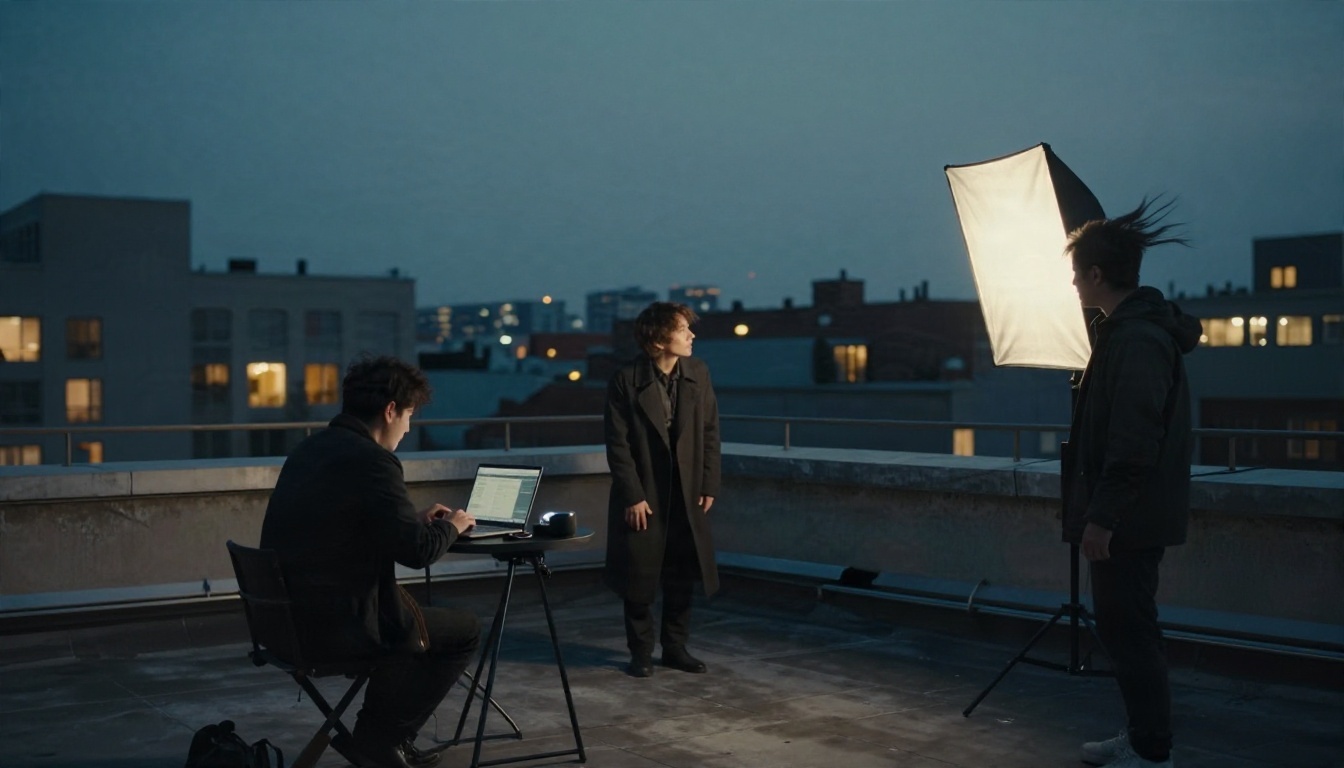
No single model wins every job. Here is a fair comparison with other video generators on PicassoIA.
| Model | Strength | Pick it when |
|---|
| Seedance 2.5 | 30-second clips, references, audio | You need long, controlled scenes |
| Seedance 2.5 Lite | Speed and unlimited use | You iterate a lot |
| Kling v3 Video | Cinematic motion | Camera moves and realism come first |
| Veo 3.1 Fast | 1080p with native audio | You want fast, sharper output |
| Wan 2.5 T2V | Solid text to video value | Budget-friendly experiments |
| Seedance 2.0 Mini | Light 2.0 generation with audio | Quick, simple clips |
The honest trade-offs
Seedance 2.5 on PicassoIA tops out at 720p, while Veo 3.1 Fast advertises 1080p. If your final needs maximum sharpness for a short shot, a 1080p model can win. If your priority is length, consistent characters, and sound in one go, Seedance 2.5 is the stronger pick.
Is Seedance 2.5 Available Online?
Yes, through PicassoIA, you can use it in the browser today. Elsewhere the picture is murkier. Third-party sites claim API access, while others say it is not yet live, and official international access appears to depend on region and account. That patchwork is why a browser-based option with a ready page is simpler than hunting through reseller listings.
Common questions
Is it free? Seedance 2.5 Lite is unlimited for Elite and Infinite members. The full model is run on PicassoIA from its model page.
Does it need editing skills? No. Prompt in, finished clip out.
Can I use my own voice? Attach a reference audio clip and call it as [Audio1] in the prompt. At least one reference image or video is required alongside audio.
Can it make a silent video? Yes, turn generate audio off.
Mistakes to avoid
- Writing a prompt with six scene changes in five seconds.
- Mixing first and last frame mode with reference images.
- Judging the model from a single render. Change the seed and compare.
- Expecting 4K output from a 720p setting.
Try Seedance 2.5 Yourself
The fastest way to judge a video model is to feed it a scene you already have in your head. Pick something small: a person, a place, a line of dialogue, a sound. Open Seedance 2.5 Lite and draft a 5 second version, adjust until the motion feels right, then switch to the full Seedance 2.5 for the long cut with audio.
If you want to compare styles, run the same prompt through Kling v3 Video or Veo 3.1 Fast and keep the version that fits your project. Everything lives in one place, so browse the full catalog at picassoia.com/en/all-models, start creating on PicassoIA, and see how far one good prompt can go.


