Seedance 2 just became significantly more useful for adult content creators. ByteDance's video generation model, already known for producing high-quality clips from text and image prompts, has added built-in background removal directly into its pipeline. That single addition changes the entire workflow for anyone making NSFW clips, glamour videos, or adult-adjacent content where the subject needs to stand front and center, without distractions. For creators who have spent hours manually masking generated clips in post-production, this is the update that removes that bottleneck entirely.
What Seedance 2 Background Removal Actually Does
Background removal in video has always been technically harder than in still images. A static photo can be processed in under a second with modern matting tools. Video means working frame by frame, maintaining subject consistency across hundreds of frames, and avoiding the flickering edge problem where hair, thin fabric, and fine details are lost or shift unnaturally between frames.
How the Feature Works
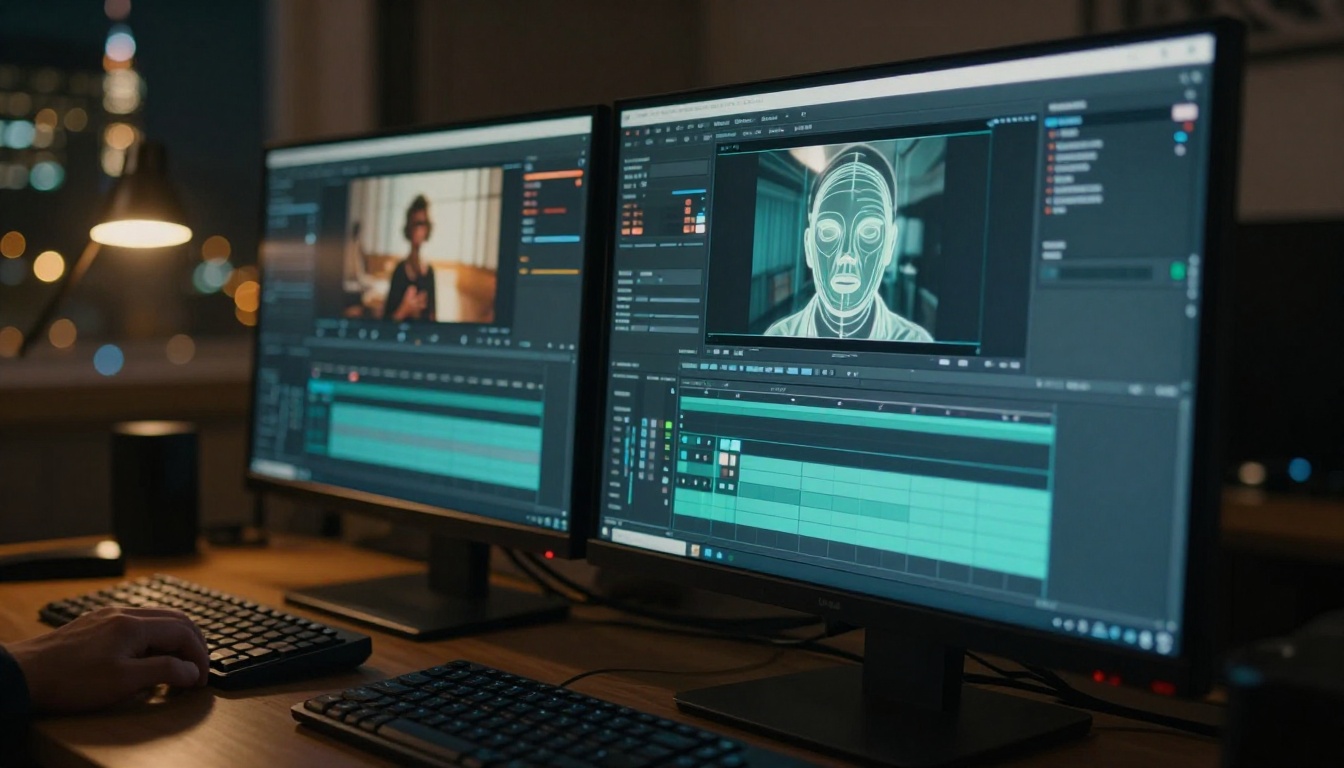
Seedance 2.0 now uses a deep matting algorithm applied at generation time. Instead of a two-step process where you generate the clip and then run a separate removal tool, the model handles subject isolation as part of its rendering pipeline. The result is a cleaner alpha channel, smoother edge transitions, and dramatically less manual cleanup on the output end.
This is fundamentally different from post-production matting. Traditional green screen or AI matting applied after the fact introduces artifacts at hair edges, thin fabric details, and motion blur frames because the matting algorithm has no context for what the model originally intended as foreground versus background. Seedance 2's approach bakes the isolation earlier in the process, at a stage where the model still has full semantic knowledge of the scene.
💡 Why this matters: When your subject has flowing hair, sheer fabric, or fast motion, frame-level post-processing often clips or halos fine detail. Generation-level masking preserves it because the model knows the object boundaries from the start, not as an afterthought.
The practical difference shows up most in the hardest edge cases: individual hair strands backlit against a bright background, translucent fabric edges, and subjects with motion blur in fast-moving sequences. These are exactly the scenarios that matter most for NSFW and glamour content.
Before and After the Update
The difference is visible across every major quality dimension:
| Aspect | Without Background Removal | With Background Removal |
|---|
| Edge quality | Rough, pixelated near hair | Smooth, natural transitions |
| Hair detail | Often clipped or haloed | Individual strands preserved |
| Production time | 30-60 min post-processing | Zero extra steps |
| Compositing flexibility | Limited, visible seams | Full scene replacement |
| File output | Standard MP4 only | Clean-backed clip, ready to composite |
| Consistency | Frame-to-frame edge flicker | Stable subject boundary throughout |
Why Clean Backgrounds Matter for NSFW Clips
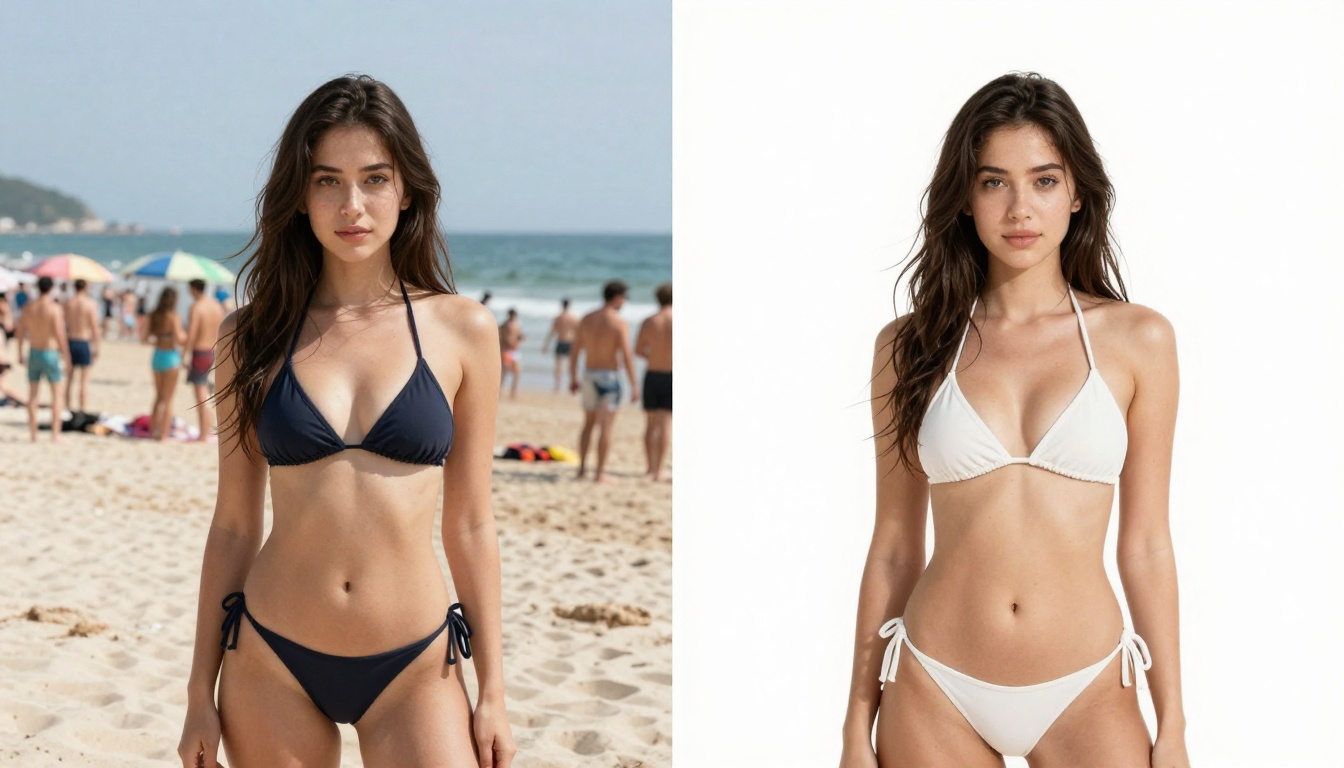
The adult content space has always had a production quality gap between professional studio work and AI-generated clips. That gap is closing fast, and background removal is one of the most direct ways to close it. Professional studio content has always had one structural advantage over AI video: the backgrounds are controlled, clean, and consistent. This update gives AI creators the same starting point.
The Production Value Problem
Messy backgrounds do three things that hurt your content. They pull the viewer's eye away from the subject. They signal low production effort to the audience, even if the subject itself is well-generated. And they make compositing into custom scenes almost impossible, locking you into whatever background happened to be in your original generation prompt.
For NSFW creators specifically, a busy background behind a subject in minimal clothing looks amateur regardless of how well the subject itself was rendered. The subject quality and the background quality are perceived together as a single production decision.
Clean isolation changes everything. You can place your subject against a custom gradient, a luxury hotel interior, an outdoor tropical scene, or a pure black background that emphasizes body lines and movement. The same generated clip becomes infinitely more versatile. One clean generation becomes five different finished products with five different background contexts.

Who This Benefits Most
This update matters most for three specific groups of creators:
- Subscription platform creators who need clean looping clips. A well-isolated subject against a simple solid or gradient background loops without visual disruption and reads as deliberate, professional work.
- Adult AI artists building composite scenes from multiple generated elements. Generate the subject separately, remove the background, then composite over your chosen environment. Backgrounds can be swapped, seasonal, or themed without re-generating the subject.
- Creators supplementing original content with AI-generated clips. Isolated AI subjects placed over real location footage blend far more convincingly than AI clips with their own generated backgrounds sitting next to real-world footage.

How to Remove Backgrounds on PicassoIA
PicassoIA has multiple dedicated tools for background removal covering both static images and full video. You do not need to rely exclusively on Seedance 2's native feature to get clean results on the platform.

Using Video Remove Background
The Video Remove Background model by Bria handles full video background removal without a green screen. Upload any clip and the model isolates the subject frame by frame, maintaining hair detail and motion coherence throughout. No manual masking, no rotoscoping, no frame-by-frame cleanup.
This is the most direct complement to Seedance 2's generation output. The recommended workflow:
- Generate your clip using Seedance 2.0
- Run it through Video Remove Background
- Composite the isolated subject over your target background
Step-by-Step: Full Image-to-Video Pipeline
For creators using image-to-video as the basis for their NSFW clips, the complete pipeline from source image to final composited video looks like this:
- Generate the source image with Seedream 4.5. Use a detailed prompt with a clean, contrasting background color that differs clearly from your subject's skin tone and clothing.
- Remove the background from the still using Remove Background. This gives you a clean isolated subject with precise edge definition before any animation happens.
- Feed the isolated image into Seedance 2.0 for image-to-video generation. The model inherits the clean edge definition from the source frame.
- Run the generated clip through Video Remove Background as a final cleanup pass if motion has reintroduced edge noise.
- Upscale with Video Increase Resolution as the final step to maximize output sharpness.
💡 Critical detail: Always upscale last, after compositing. Upscaling before compositing magnifies edge artifacts into the final output. Upscaling after composition locks means you only magnify clean, finished pixels.
Video Editing Tools That Pair Well
Beyond pure background removal, several video editing models on PicassoIA extend what you can do with Seedance 2 output:
- P Video Edit: Edit any AI-generated clip with a plain-language text prompt after generation. Change clothing, lighting, or scene details without re-generating from scratch.
- Bria Video Erase Object: Remove specific unwanted objects or background elements from any clip without affecting the subject.
- LTX 2 Retake: Replace only specific sections of a clip without re-rendering the full sequence. Ideal for fixing one bad segment in an otherwise clean generation.
- Video Increase Resolution: Upscale to 8K for maximum sharpness on final delivery.
- Kling o1: Rewrite any video with a text instruction when you want to restyle an existing clip rather than re-generate.
Best NSFW Video Models on PicassoIA
Seedance 2.0 is the centerpiece of this update, but the platform has a deep bench of NSFW-capable video generation models worth knowing.

Seedance 2.0 and Its Variants
ByteDance's Seedance 2 lineup on PicassoIA offers three tiers for different use cases:
All three variants produce native synchronized audio alongside the video output. Seedance 2.0 is the right choice when the clip is destined for subscribers or publications. Seedance 2.0 Fast is better suited for testing 10-15 prompt variations before committing to a final quality render.
Other Top NSFW Video Options
PicassoIA's full video catalog includes several other strong options for adult content generation:
- PicassoIA Video: Unlimited video generation included in Elite and Infinite plans. Up to 720p at 5 seconds per clip from text or image prompts. No credit cost per generation makes this the best value for high-volume creators working at scale.
- P-Video: Safety filter is off by default. Accepts text, image, or audio input and outputs up to 1080p at 24 or 48fps with seven aspect ratios. Draft mode delivers a low-res preview in seconds before the full render, which saves credits when iterating prompts.
- Grok Imagine Video: Generates clips up to 15 seconds with no watermarks. Works from text prompts, image references, or existing video you want to re-edit. The longest free-form clip duration on the platform.
- LTX 2.3 Pro: Highest fidelity option at up to 4K and 50fps. Five modes in one interface: text-to-video, image-to-video, audio-to-video, retake, and extend. Best for client-facing production work or content where absolute quality is the priority.
- Wan 2.7 I2V: Animate any image into HD video with natural motion and no content restrictions. Strong for converting static Seedream 4.5 outputs into short animated clips.
Best NSFW Image Models on PicassoIA
Clean video starts with clean source images. If you are working in image-to-video mode, the quality and clarity of your source frame determines the quality of everything downstream, including how cleanly background removal works on the output.
Seedream 4.5 Leads the Pack
Seedream 4.5 is the top recommendation for NSFW image generation on PicassoIA. It accepts adult content, supports image editing for post-generation adjustments, and delivers ultra-realistic results in under 3 seconds. Its successor model, Seedream 5 Lite, does not support NSFW content, so 4.5 remains the go-to for this use case.
What makes Seedream 4.5 particularly strong as a video pipeline starting point is the quality of its subject edge definition. The images it produces have high subject clarity, natural skin texture, and clean transitions at hair and fabric boundaries. When you pass a Seedream 4.5 image into Seedance 2.0 for animation, the motion inherits that edge clarity rather than having to work around a noisy or ambiguous starting frame.
Full NSFW Image Model Rankings
PicassoIA Image Editor Pro warrants special mention for volume creators. If you need 500 source image variations to iterate your video pipeline, this is the only model on the platform that lets you do that at zero marginal cost on an Elite or Infinite subscription. Generating the same volume on per-credit models would cost approximately $50-100. It accepts NSFW content, returns results in under a second, and offers a 3-generation free trial with no credit card required.
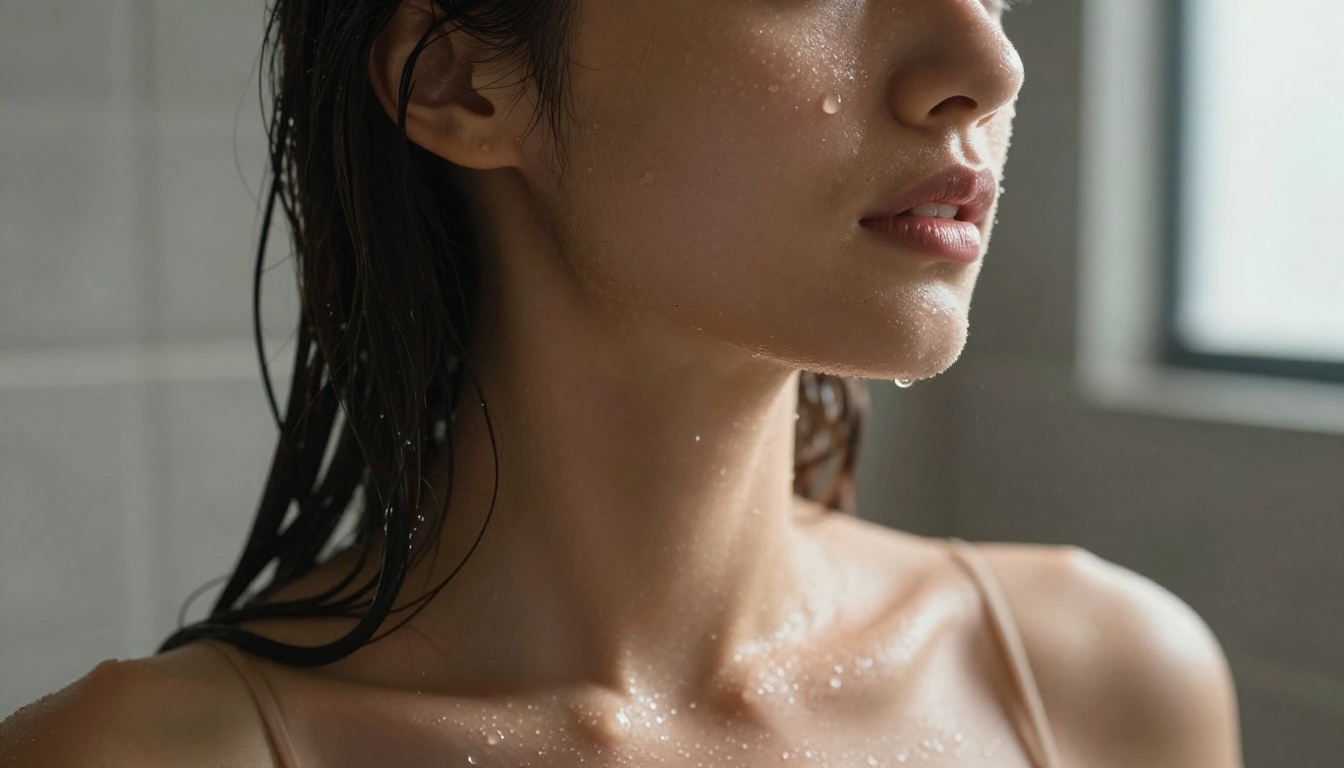
💡 Workflow tip: Use Seedream 4.5 for your primary hero images and final source frames. Use PicassoIA Image Editor Pro when you need to iterate at volume, run batch style variations, or edit an existing source image without regenerating from scratch.
3 Mistakes That Ruin Clean Outputs
Even with Seedance 2's generation-level background removal, certain prompting and pipeline decisions consistently hurt output quality. These are the three that come up most often:
1. Noisy or compressed source images. Grain, JPEG compression artifacts, or blurry inputs produce inconsistent frame-level matting because the model cannot distinguish subject edge detail from background noise. Generate your source frame at full resolution using Seedream 4.5 before passing it to Seedance 2.0. Clean input produces clean output.
2. Low-contrast subject-to-background pairing. Matting algorithms isolate subjects most cleanly when there is clear tonal and color separation between the subject and what is behind them. A subject in a beige outfit against a sandy background is the hardest case. A subject in a red or dark outfit against a white or grey background is the easiest. Build contrast into your prompts intentionally, especially for the source image.
3. Upscaling before final compositing. Run Video Increase Resolution as the last step in your pipeline, after compositing the isolated subject over the new background. Upscaling edge artifacts before final composition magnifies them into the finished product. Upscaling after composition means you only scale clean, finished pixels.
Start Creating Without Restrictions on PicassoIA
The combination of Seedance 2.0, Seedream 4.5, Remove Background, and Video Remove Background gives adult content creators a complete, integrated production pipeline in one place. Background removal at generation time reduces manual work to near zero, and the supporting tools on the platform handle every step from source image creation to final upscaling.
The starting point is always Seedream 4.5 for source images and Seedance 2.0 for video. For unlimited volume at no extra generation cost, PicassoIA Image Editor Pro and PicassoIA Video make high-volume workflows viable on Elite and Infinite plans. For the cleanest possible final output, Video Increase Resolution closes the loop.
Explore the full catalog of uncensored, high-performance AI models at picassoia.com/en/all-models and start building your pipeline today.


