If you've spent any time in adult content creation circles lately, you've probably heard about Seedance 2.0. ByteDance's latest text-and-image-to-video model promises something that matters a lot in this space: realistic human movement, detailed skin rendering, and native audio support baked into a single generation pipeline. But does it actually hold up when you push it toward the kind of content adult creators need? That's exactly what this article addresses, with no hype and no filler. Here's the honest picture.
What Seedance 2.0 Actually Is
Seedance 2.0 is a text-to-video and image-to-video model released by ByteDance, the company behind TikTok. It sits in a competitive field alongside models like Kling v3 and Wan 2.6 I2V, but it comes with design choices that differentiate it for creators working with sensual, glamour, or adult-adjacent content.
The ByteDance Architecture
The model runs on ByteDance's proprietary diffusion architecture, trained on massive volumes of video data. In practice, this means it has seen a lot of human movement across different distances, lighting conditions, and body types. The training distribution is broader than many open-source alternatives, which translates to more natural-looking outputs when the prompt involves human subjects.
It supports both text-to-video and image-to-video generation. The image-to-video mode is where most adult creators will spend their time, because it lets you start from a specific character reference, which is critical when you need consistency across a content series.
Native Audio, a Real Differentiator
One thing Seedance 2.0 has that most competitors don't is native audio generation built directly into the pipeline. This is not a bolt-on feature. The model generates ambient sounds, background noise, and subtle sonic textures synchronized with the visual output. For adult creators who produce short-form clips for platforms that support audio, this removes a post-production step entirely.
Where It Gets Impressive
Not everything about Seedance 2.0 is a compromise. There are areas where this model genuinely outperforms the competition for the specific use cases adult creators care about most.
Skin Rendering Is Genuinely Good
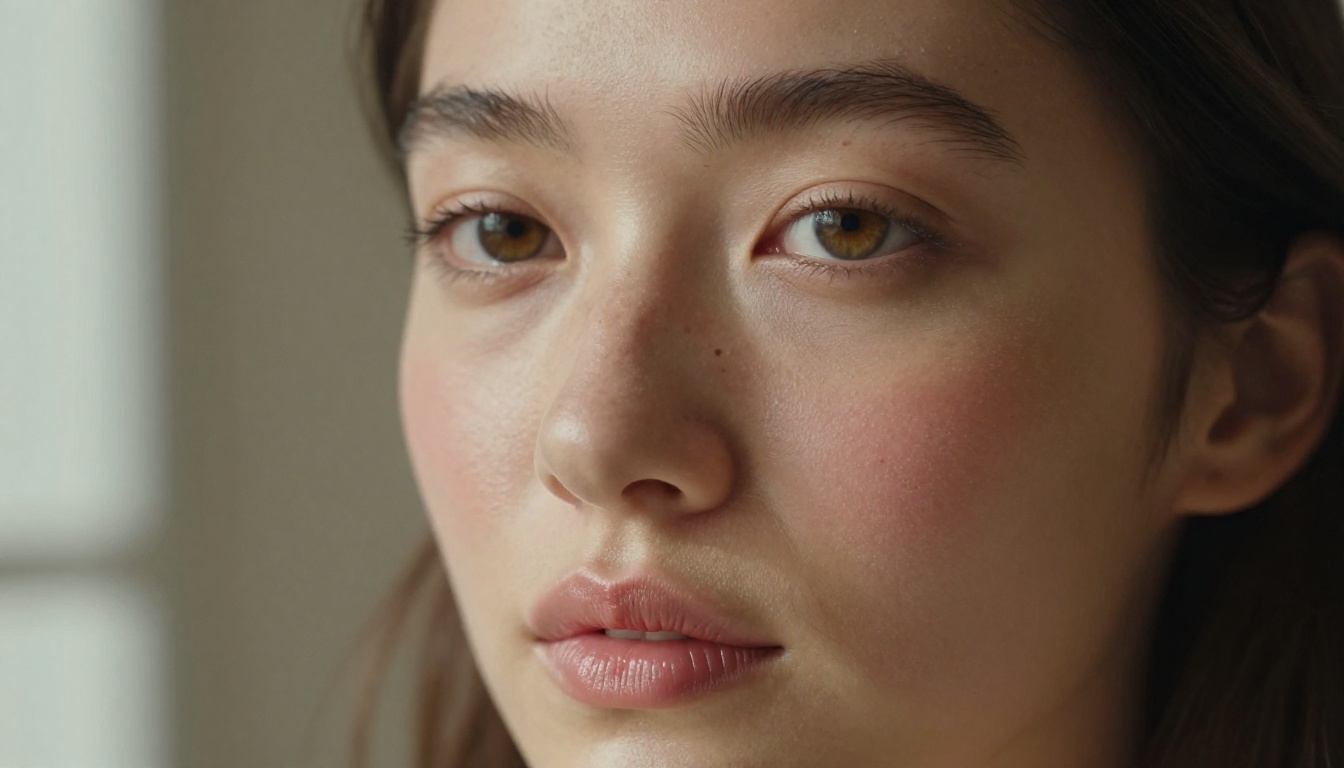
This is the biggest selling point. Skin in Seedance 2.0 outputs doesn't look plastic or poreless the way it does in many AI video tools. You get visible pore texture, natural subsurface scattering effects, and realistic response to lighting shifts. When the virtual camera moves, the skin doesn't suddenly shift into an uncanny valley zone the way it does in older generation models.
💡 Note: Skin quality holds up best in medium and close-up shots. At extreme close-up distances where a face fills the entire frame, hallucinated texture patterns can appear and look unrealistic under scrutiny.
The detail carries into fabric as well. A satin surface catches light differently than cotton, and Seedance 2.0 respects that distinction. For creators making glamour or lingerie-adjacent content, this matters because it stops the final output from looking like a video game cutscene.

Motion Flows Like Real Footage
Human movement is notoriously hard for AI video models. Walking, hair in wind, fabric draping during motion, the way a body shifts weight from one hip to the other. Seedance 2.0 handles slow and medium-paced movement well. A subject walking toward the camera, turning around, or shifting position tends to look genuinely fluid rather than stuttery.
This is a significant improvement over Seedance 1.5 Pro, which had visible frame interpolation artifacts during torso movement. Version 2.0 has substantially improved motion prediction between frames.
| Motion Type | Seedance 2.0 | Seedance 1.5 Pro |
|---|
| Slow walks | Excellent | Good |
| Hair movement | Very good | Moderate |
| Body rotation | Good | Fair |
| Fast gestures | Moderate | Poor |
| Hand interaction | Fair | Poor |
Prompt Responsiveness
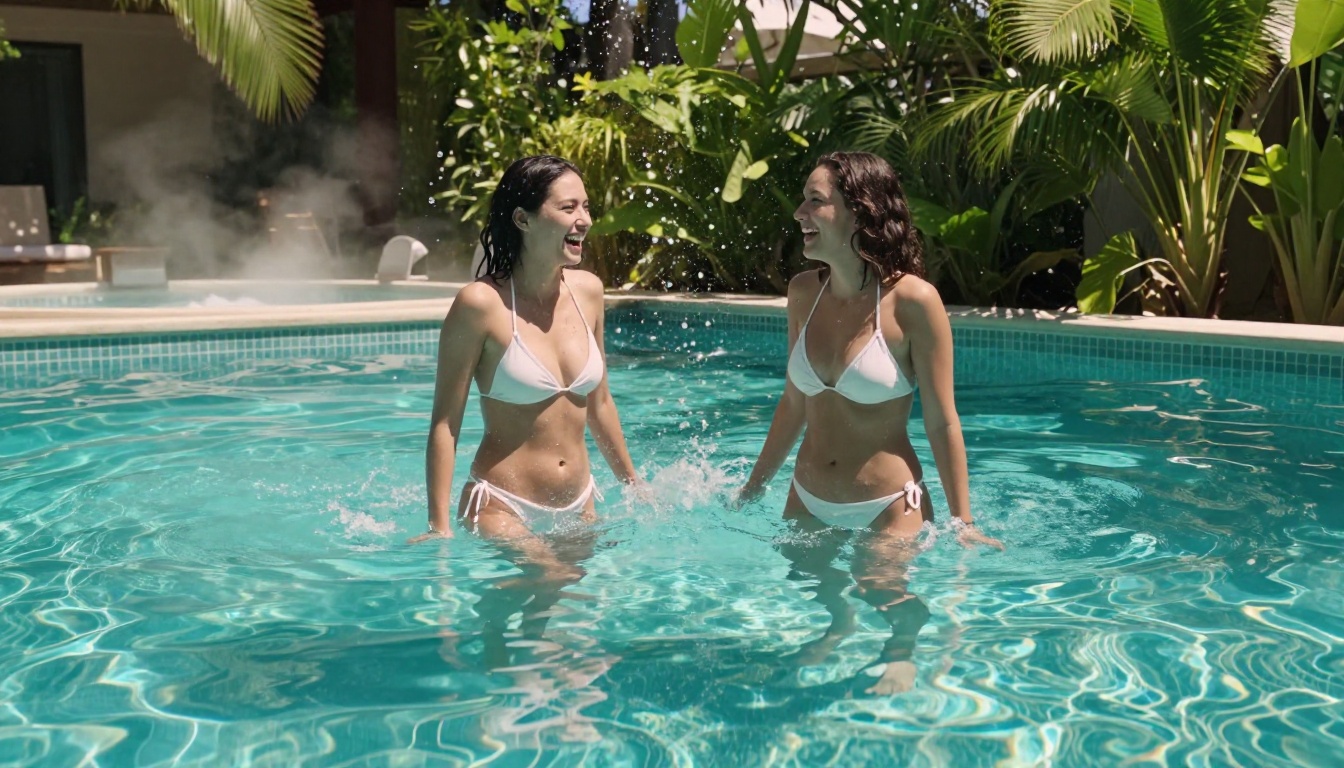
When you describe a specific scenario, Seedance 2.0 follows it with higher fidelity than most video models at this tier. If you write "slow camera pull back revealing a woman in a white bikini on a pool ledge, afternoon sunlight," you tend to get something that actually matches that scene rather than a generic person in a generic setting.
This is partly because the model has better spatial reasoning baked in. It interprets camera motion terminology and compositional concepts as actual instructions rather than decorative descriptions.

The Honest Limitations
No model review should skip the parts that don't work. Seedance 2.0 has real limitations that affect its usefulness in production.
Character Consistency Breaks Down
This is the biggest problem for adult creators working with a recurring character or a specific model's likeness. Seedance 2.0 is not particularly strong at maintaining consistent facial features across multiple clips. If you generate a series of videos, the character's face may subtly shift between generations, which makes cohesive series content harder to produce.
The workaround most creators use is pairing video generation with a strong image generation workflow. You generate consistent reference frames first, then feed those into the image-to-video mode. This reduces drift, but it doesn't eliminate it entirely.
💡 Tip: Always use image-to-video mode rather than text-to-video when character consistency matters. Starting from a fixed reference frame dramatically reduces facial drift between generations.
Hands and Faces Under Stress
The classic AI problem shows up in Seedance 2.0 as well. Hands in motion, particularly when they interact with objects or with other parts of the body, can produce anatomical errors. Fingers fuse, bend at wrong joints, or briefly disappear. This is most visible in clips where hands are foregrounded or where the prompt involves specific hand actions.
Faces are better than hands, but they're not immune. High-emotion expressions, sharp profile angles, and very close facial close-ups during motion all produce occasional artifacts. Planning prompts to avoid these scenarios is a better strategy than hoping the model handles them gracefully.

The Content Filter Reality
Seedance 2.0 has content restrictions built in. Explicit sexual content will be filtered or result in refusals. This is a ByteDance policy decision, not a technical limitation. For adult creators whose work falls into non-explicit but suggestive territory, including glamour, bikini, implied nudity, and sensual but clothed scenarios, the model works fine. For explicitly pornographic output, it does not, and no amount of prompt engineering changes that.
💡 Reality check: Most commercially successful adult creators on mainstream platforms operate in the non-explicit space anyway. Seedance 2.0 is genuinely useful for creators producing content for Instagram, OnlyFans SFW tiers, or any platform with community guidelines around explicit material.
How to Use Seedance 2.0 on PicassoIA
Seedance 2.0 is accessible directly through PicassoIA's platform, which wraps the model in a clean interface without requiring API setup or technical configuration.
Your First Clip, Step by Step
Step 1: Open the Seedance 2.0 model page on PicassoIA.
Step 2: Choose your input mode. For character-based content, select Image to Video and upload a reference image. For scene-based content without a fixed character, Text to Video works well.
Step 3: Write your prompt. Be specific about camera movement, lighting, pacing, and the subject's clothing or positioning. Vague prompts produce generic results.
Step 4: Set your clip duration. Seedance 2.0 supports clips up to several seconds. For social content, 3 to 5 second clips tend to perform best as loops.
Step 5: Review the output and iterate. The first generation is rarely the final one. Adjust your prompt based on what worked, then run again.

Prompt Strategies That Actually Work
How you write your prompt matters significantly with this model. A few approaches that consistently improve output quality:
- Lead with subject and action: "A woman in a black bikini slowly turns toward the camera" outperforms "cinematic shot of a beautiful woman" every time.
- Specify light direction: "sunlight from the left, long shadows on white sand" gives the model anchoring information that translates directly to the output.
- Name the camera movement: "slow dolly push toward subject" or "static shot, no camera movement" both work and produce very different results.
- Avoid stacking too many concepts: If you ask for a complex sequence of events in a single prompt, the model often picks one part and ignores the rest. One action, one setting, one lighting condition per generation is far more reliable.
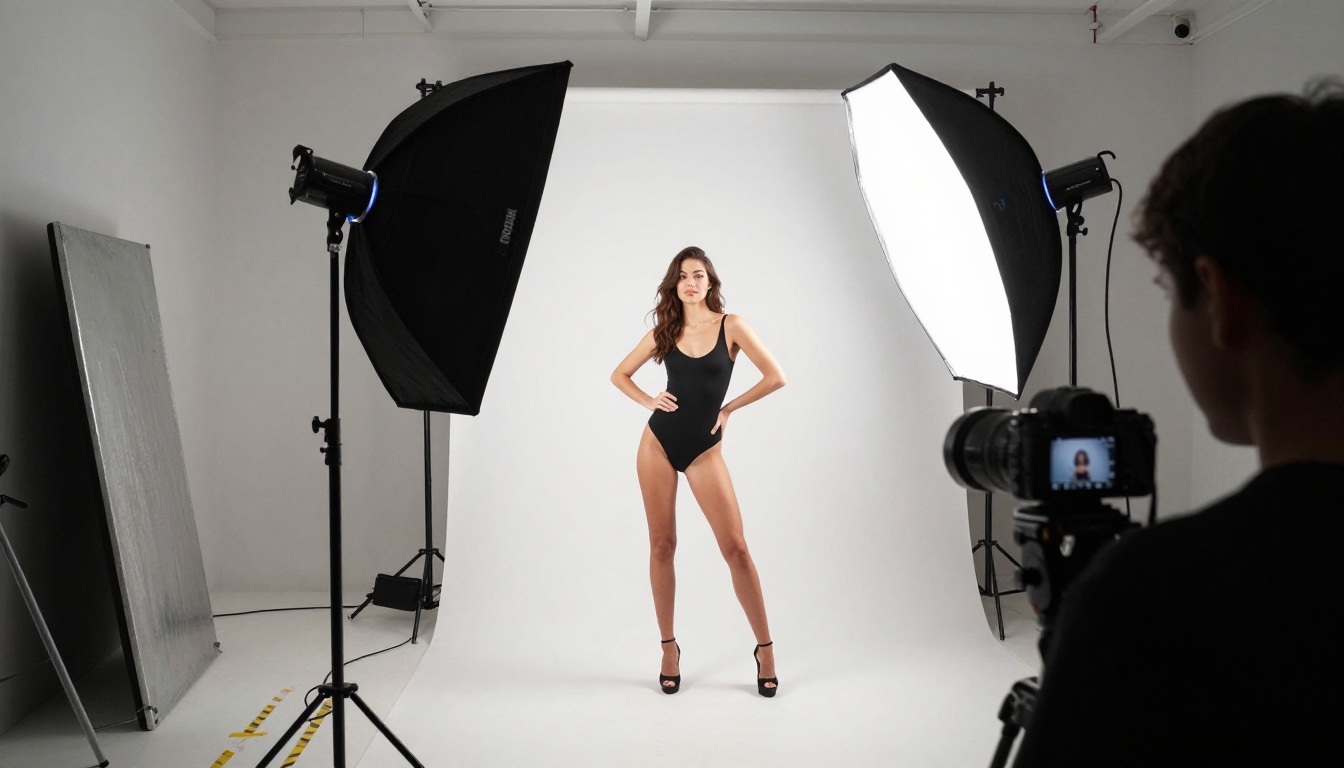
- Describe fabric and surface: Writing "silk bodysuit" rather than "outfit" gives the model enough material data to produce realistic fabric behavior in motion.

Seedance 2.0 vs Seedance 2.0 Fast
For creators who care about production volume, Seedance 2.0 Fast is a serious option. It runs on a distilled version of the full model, trading some quality for dramatically faster generation times.
| Feature | Seedance 2.0 | Seedance 2.0 Fast |
|---|
| Output quality | Higher fidelity | Slightly reduced |
| Generation speed | Slower | Noticeably faster |
| Skin realism | Best-in-class | Very good |
| Motion smoothness | Excellent | Good |
| Best use case | Final publish clips | Batch drafting, iteration |
| Audio generation | Yes | Yes |
The practical workflow most creators settle on is using Seedance 2.0 Fast for iteration and concept testing, then switching to the full Seedance 2.0 for publication-quality clips. This keeps costs down while keeping quality where it needs to be for the final output.
Side-by-Side with Other Video Models
Seedance 2.0 doesn't exist in isolation. Knowing where it fits relative to other available models helps you allocate credits and time more efficiently.
vs Kling v3
Kling v3 is the other major name in realistic human video generation right now. It has slightly stronger character consistency than Seedance 2.0, which makes it attractive for series content. However, Seedance 2.0 tends to produce more natural skin texture and better ambient environment integration.
If your priority is a consistent face across ten clips, Kling v3 has an edge. If your priority is the most photorealistic single clip in a beach or pool setting, Seedance 2.0 wins that comparison.
For more granular motion control, Kling v3 Motion Control gives you the ability to dictate exactly how a character moves, which is useful for specific posing scenarios. Kling v3 Omni Video combines text and image inputs in a similar dual-mode approach to Seedance.
vs Wan 2.6
Wan 2.6 I2V is strong on body movement physics, particularly for flowing fabric and hair. Where it falls behind Seedance 2.0 is in skin rendering. Wan 2.6 tends toward a slightly softened look that reads as less photographic overall.
For creators whose content involves a lot of fabric movement, like a dress or robe catching the wind, Wan 2.6 is worth testing against Seedance 2.0. For skin-forward content in minimal clothing, Seedance 2.0 has the clearer advantage.
Building a Real Production Workflow
The creators getting the best results from Seedance 2.0 aren't just running prompts in isolation. They've built workflows that stack multiple tools together.
Pairing with Image Tools
The image-to-video capability of Seedance 2.0 is most powerful when you feed it high-quality, consistent input frames. This means using a text-to-image model first to establish your character, lighting, and setting, then animating with Seedance 2.0.
PicassoIA's platform gives you access to over 90 text-to-image models. You can generate a consistent character reference across multiple images using models that support character locking or seed-based consistency, then use each of those frames as separate Seedance starting points.
If you need to touch up a generated image before animating it, inpainting tools let you change specific elements without regenerating from scratch. This is useful for adjusting clothing, background elements, or subtle facial expressions before the animation step.
Batch Output Strategy
Adult content creators working at scale need volume. The most efficient approach with Seedance 2.0 involves:
- Generate 5 to 10 image reference frames in a single session with consistent seed and character description
- Run image-to-video on all reference frames using the same core prompt with minor variations
- Use Seedance 2.0 Fast for initial batch output and quality screening
- Re-run the top 2 to 3 selects through the full Seedance 2.0 for publication quality
- Apply AI upscaling if you need 4K-level output for platforms that reward resolution
This batched pipeline keeps iteration costs low while ensuring your final published content hits the quality bar your audience expects.
Worth Using, With Clear Limits
Seedance 2.0 is one of the most capable AI video tools available right now for adult creators working in non-explicit glamour and sensual content. Its skin rendering is genuinely photorealistic, its motion is fluid for slow to medium-paced clips, and native audio removes a production step that used to require separate tools.
The limitations are real. Character consistency across clips is not solved, hands remain a problem, and explicit content is filtered. Working around these constraints requires a smart pipeline rather than expecting the model to do everything in one shot.
For creators willing to invest in the workflow, the output quality justifies it. PicassoIA gives you everything needed to build that pipeline in one place, from reference image generation to video animation, without juggling multiple external services.
Start with a single reference image and one short clip directly on the Seedance 2.0 page. See what the model does with your specific aesthetic. From there, the production path becomes clear fast, and the results are worth the iteration investment.


