Seedance 2.0 arrived without a flashy launch campaign, and the adult AI content community noticed almost immediately. ByteDance's latest video model generates 5-second clips with built-in synchronized audio, realistic motion physics, and a level of visual fidelity that was simply not accessible to independent creators six months ago. The most interesting part? The free tier on platforms like PicassoIA puts it within reach of anyone willing to write a precise prompt.
This article breaks down exactly how Seedance 2.0 works for 18+ content, which image models to pair with it, and how to run it for free without hitting content filters.
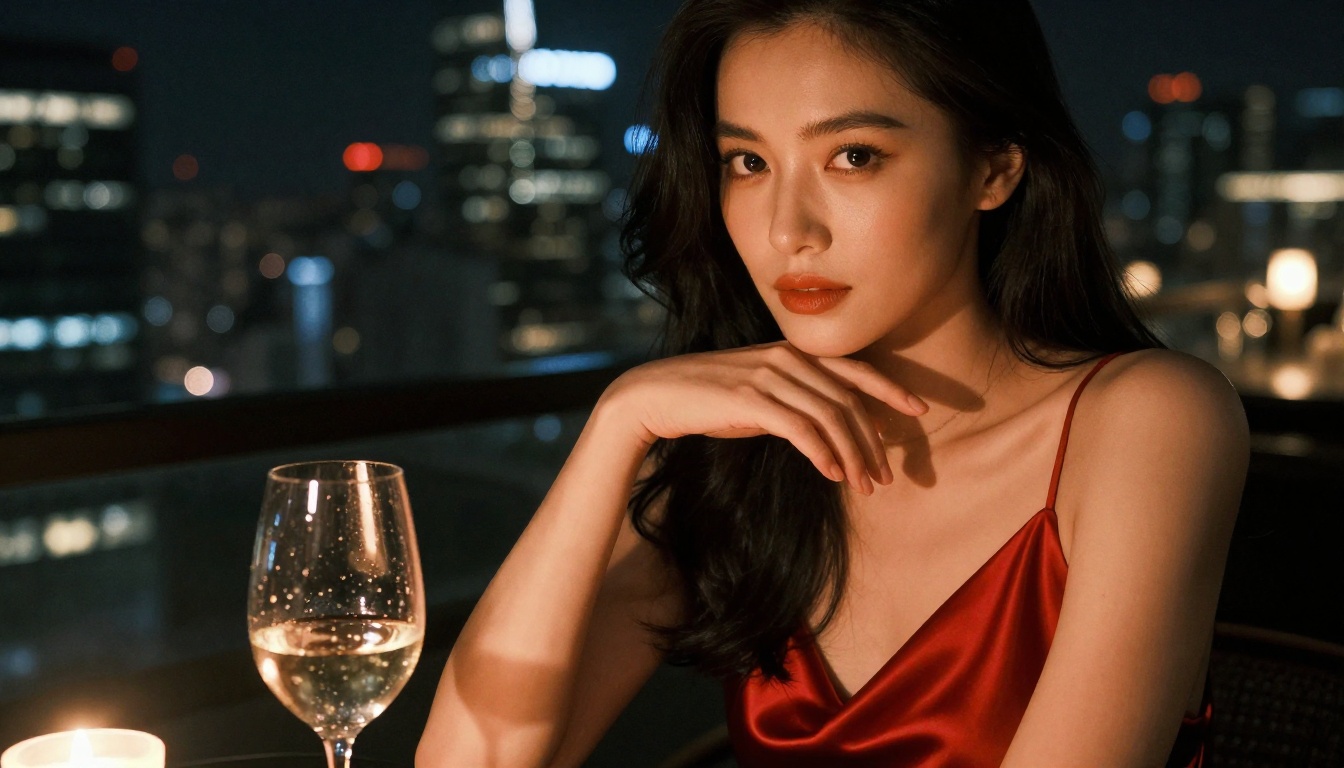
What Seedance 2.0 Actually Does
Seedance 2.0 is a text-to-video and image-to-video model built by ByteDance, the same company behind TikTok's visual AI infrastructure. The "2.0" designation marks a significant architecture shift from its predecessors: instead of generating silent clips and bolting on audio afterward, Seedance 2.0 synthesizes motion and sound simultaneously in a single pass.
That architectural choice matters for adult content specifically. When movement looks natural, audio matches it in real time, and the clip maintains consistent character appearance across all 5 seconds, the result reads as a coherent scene rather than a flickering collage of frames.
The specs that matter
- Duration: 5 seconds per clip at 24fps
- Audio: Native synchronized audio, generated during inference
- Resolution: 480p (fast mode), up to 720p via Seedance 2.0 standard
- Input: Text-only or image-to-video (use a reference photo for consistency)
- Models on PicassoIA: Seedance 2.0 and Seedance 2.0 Fast
How the motion engine works
Seedance 2.0 uses a diffusion-based approach for video generation, training on massive video datasets to internalize how bodies move, fabric drapes, and light shifts over time. For adult content, this translates to something crucial: the model understands natural anatomy and motion, which is why even subtle movements like a shoulder turning or hair brushing against skin come out looking physically plausible.
Earlier models in this space tended to distort faces when subjects moved, creating an uncanny valley effect that undermined immersion. Seedance 2.0 maintains temporal consistency, meaning a character's face stays recognizable across the full clip rather than morphing into a different person at the 3-second mark.
Audio generation
The built-in audio synthesis doesn't just add ambient sound. It responds to the visual content. A scene set in a bedroom generates appropriate soft audio. A scene near water gets water sounds. This contextual audio awareness makes 18+ clips feel more immersive than competitors that either deliver muted videos or force you to add audio in post.

Why 18+ Creators Are Using This Model
Most mainstream AI video platforms enforce aggressive content policies. Even borderline suggestive content triggers automated refusals on tools like Sora, Runway, or the consumer versions of Kling. Seedance 2.0 on PicassoIA operates differently.
No hardcoded restrictions
PicassoIA's deployment of Seedance 2.0 doesn't apply the same blanket filters as many Western platforms. This means creators working with bikini content, implied nudity, and glamour scenarios can generate clips that would be auto-rejected elsewhere. The system focuses on preventing genuinely illegal content while leaving the broader category of adult-oriented material open.
Free tier access
Seedance 2.0 Fast is available on the free tier of PicassoIA. Outputs run at lower resolution and generation queues can be longer, but the model itself is identical. You don't need a paid subscription to start generating.
For volume work, the Seedance 2.0 standard version bumps resolution and queue priority. This is where serious creators tend to settle once they've validated their prompt approach on the free tier.
Image-to-video consistency
The image-to-video mode is particularly valuable for 18+ content because it lets you control who appears in the clip. Generate a reference image first using a text-to-image model, then pass that image into Seedance 2.0 as the starting frame. The resulting clip animates that specific person, maintaining their appearance with considerably more consistency than text-only generation.

How to Use Seedance 2.0 on PicassoIA
The workflow for generating 18+ clips on PicassoIA with Seedance 2.0 is straightforward once you understand the input structure.
Step 1: Create your reference image
Before touching the video model, generate a strong reference image. This image becomes the first frame of your clip, establishing character appearance, setting, lighting, and mood. The better this image, the more consistent the video output.
The best image model for this task is Seedream 4.5. It handles adult content without restrictions, generates results in under 3 seconds, and produces exceptionally realistic skin texture, clothing detail, and facial structure. For 18+ content specifically, it is the most capable text-to-image model currently available on the platform.
Important: Seedream 5 Lite does not support NSFW content. Stick with Seedream 4.5 for adult generation.
For unlimited image generation without burning through credits, use PicassoIA Image Editor Pro. Elite and Infinite plan subscribers can generate as many images as they need at no additional cost. Generating 1,000 reference images on this model costs the same as generating 1, which is zero extra. Compare that to models like Nano Banana 2 where 1,000 generations would run around $100. PicassoIA Image Editor Pro also accepts NSFW content and returns results in under 1 second, with a free 3-generation trial requiring no credit card.
Step 2: Write the video prompt
Once you have a reference image, write a motion prompt describing what happens over the 5-second clip. Structure it chronologically: starting position, action sequence, ending position.
Effective prompt structure:
[Subject] + [Starting position/state] → [Action sequence over 5 seconds] + [Camera movement] + [Atmosphere]
Example for 18+ glamour content:
A woman in a silk slip dress, sitting on the edge of a bed, slowly turns to face the camera, runs her fingers through her hair, then glances down. Camera does a slow gentle dolly-in. Soft bedroom window light, warm tones.
What NOT to include in prompts:
- Abstract emotional states ("feeling sensual") — the model animates physical actions, not feelings
- More than two distinct actions per clip — rapid transitions degrade quality
- Extremely fast motion, which creates visual artifacts at the 5-second duration
Step 3: Set the parameters
On PicassoIA's Seedance 2.0 page:
| Parameter | Recommended setting |
|---|
| Resolution | 720p for final output, 480p for drafts |
| Input type | Image-to-video (upload your reference) |
| Motion strength | Medium (high can cause distortion on closeups) |
| Audio | On (the native audio adds immersion) |
Step 4: Iterate fast
Generate a draft at 480p first. Check motion quality, character consistency, and whether the clip matches the intended mood. If the motion is correct but visual quality needs improvement, run the same prompt at 720p. If the motion itself is off, revise the prompt before spending time on higher resolution renders.

The Best Image Models for 18+ Content
For a Seedance 2.0 workflow, the image quality of your reference frame directly determines clip quality. These are the models worth knowing, in order of recommendation.
1. Seedream 4.5 — The primary choice
Seedream 4.5 generates in under 3 seconds, accepts adult content without restrictions, and produces highly realistic results with detailed skin texture, natural lighting responses, and consistent facial structure. It also functions as an image editor, so you can refine generated images before using them as video input. This is the model to use first.
2. PicassoIA Image Editor Pro — Unlimited volume
PicassoIA Image Editor Pro is an img2img model, meaning it takes an existing image and modifies it based on a prompt. For Seedance 2.0 workflows, this is ideal for:
- Adjusting clothing or pose on an existing reference image
- Trying multiple outfit variations without regenerating from scratch
- Generating high volumes of reference images for batch video projects
Elite and Infinite subscribers generate without limits. The model returns results in under 1 second and includes a free 3-generation trial with no credit card required.
3. Qwen Image 2
Qwen Image 2 is open-source and generates or edits images in seconds. It handles very detailed realism and accepts adult content. A strong alternative when you want a different aesthetic character compared to Seedream 4.5.
4. Grok Imagine Image
Grok Imagine Image specializes in converting source images to bikini or alternative outfit formats in a realistic way. Useful for content creators who want to quickly restyle an existing reference photo before passing it to the video model.
5. Recraft V4
Recraft V4 delivers very realistic text-to-image results with strong composition and detail. Text-to-image only (no editing), but the output quality is high and it accepts NSFW prompts.
6. P-Image
P-Image generates in under 1 second and accepts NSFW prompts. The speed makes it practical for rapid iteration when testing new character concepts before committing to the full video pipeline.
Seedance 2.0 vs the Competition
How does Seedance 2.0 stack up against other video models for 18+ content specifically?
Against Wan 2.7 I2V
Wan 2.7 I2V is an excellent image-to-video model with strong motion quality. Its main limitation for adult content is inconsistent NSFW acceptance — it works on a case-by-case basis rather than having a defined permissive policy. Seedance 2.0 on PicassoIA is more reliable for suggestive or explicit content.
Against Kling v3
Kling v3 generates at higher resolution with cinematic quality but applies strict content filters. Suggestive content is rejected consistently. It is the better choice for non-adult creative video work, but not suited for 18+ scenarios.
Against Grok Imagine Video
Grok Imagine Video generates clips up to 15 seconds with no watermarks, a significant advantage for final-product quality. It accepts NSFW content and doesn't require native audio, so longer clips can be scored externally. For pure 18+ content with synchronized audio in the shortest time, Seedance 2.0 wins. For longer clips without audio constraints, Grok Imagine Video is a strong alternative.
Seedance 1.5 Pro as a fallback
If Seedance 2.0 queues are long, Seedance 1.5 Pro offers a very similar output profile with slightly less motion smoothness. It's the same ByteDance architecture one generation back, and it accepts the same prompt structure. Worth keeping as a backup when you need faster turnaround on drafts.
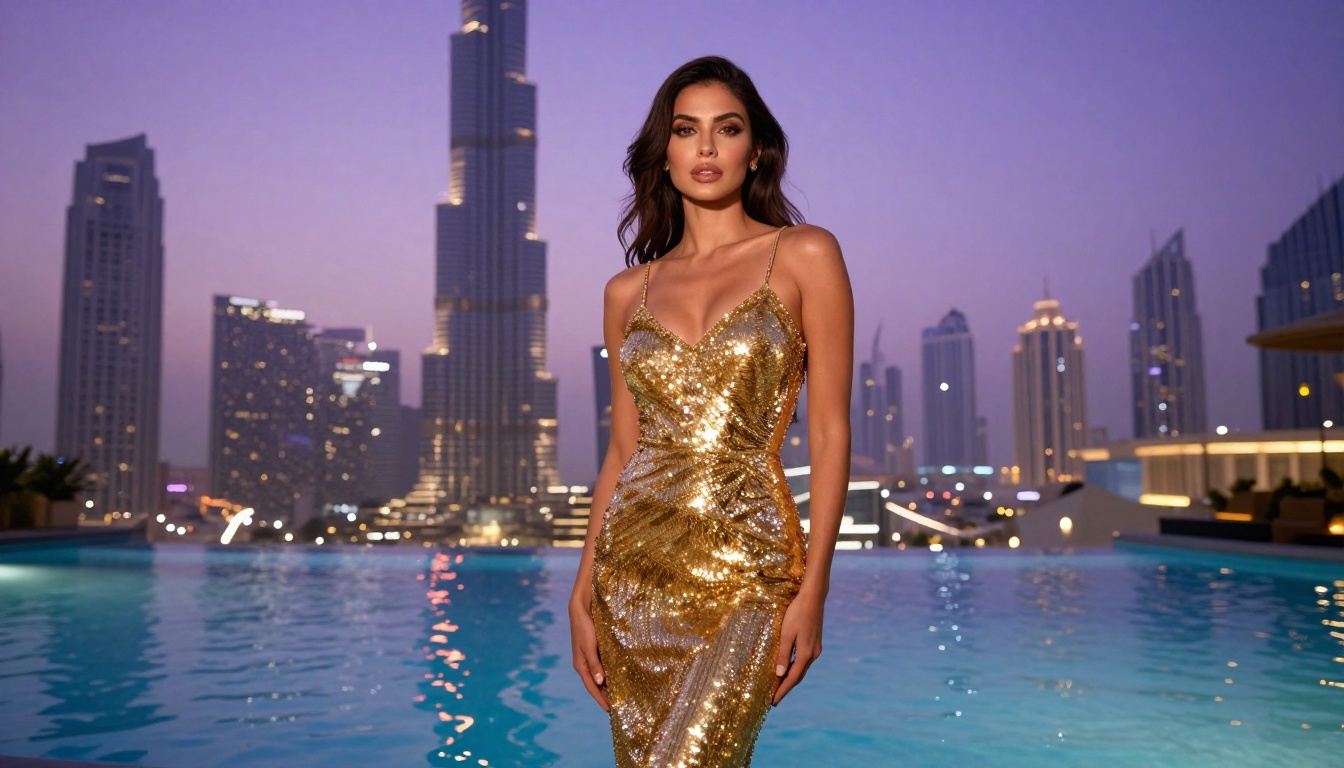
Tips for Better 18+ AI Video Results
The gap between mediocre and excellent AI video output comes down to prompt construction and workflow discipline. These are the practices that separate consistent creators from one-off experimenters.
Write prompts in present continuous tense
The model responds better to action descriptions than static scene descriptions. Compare:
- Weak: "A woman in lingerie on a bed"
- Strong: "A woman in white lingerie is slowly sitting up on a bed, her hair falling over her shoulder, reaching toward the camera"
Present tense, active verbs, and specific motion beats consistently produce better output.
One action per clip
Seedance 2.0 clips are 5 seconds. Trying to fit three distinct actions into one prompt usually produces choppy transitions between each. One primary action plus a camera movement outperforms more complex sequences at this duration.
Match image and video prompts
If your reference image shows a woman in a red dress in warm candlelight, your video prompt should describe those same elements explicitly: "a woman in a red dress, warm candlelit room, slow camera pan." Mismatched prompts force the model to reconcile two different scenes, producing visual artifacts.
Use aspect ratio-matched source images
Generate your reference images at 16:9. Feeding a portrait image into a 16:9 video model forces awkward cropping and can distort proportions throughout the clip.
Draft at 480p, finalize at 720p
The 480p draft takes roughly half the processing time. Validate motion quality at low resolution before committing to the longer 720p render. Most motion problems are clearly visible at 480p.

The Full Workflow for 18+ Content
For creators building a repeatable system rather than one-off clips, here is the complete process:
Phase 1: Image generation
- Open Seedream 4.5 and generate 3-5 reference images of your character at 16:9
- Select the best image, or refine it using PicassoIA Image Editor Pro
- Try variations using Qwen Image 2 if you want a different aesthetic
Phase 2: Video generation
4. Open Seedance 2.0 and select image-to-video mode
5. Upload your reference image as the first frame
6. Write a motion prompt (one action, 480p draft first)
7. Review draft, adjust prompt if needed
8. Run final output at 720p
Phase 3: Expansion
9. For longer content, string multiple 5-second clips together in a video editor
10. Use Grok Imagine Video for 15-second clips when visual continuity allows
11. For highest resolution finals, test P-Video at 1080p
💡 Save your best reference images. A single high-quality reference image can generate dozens of clip variations. Treat reference images as reusable assets, not one-time generations.
All NSFW-Ready Models on PicassoIA
Beyond Seedance 2.0, the platform offers a complete lineup of uncensored generation tools for both image and video workflows:
- Seedream 4.5 ⭐ — Top image pick. Sub-3-second generation, full NSFW support, image editing included. (Note: Seedream 5 Lite does NOT support NSFW.)
- PicassoIA Image Editor Pro — Unlimited img2img for Elite/Infinite subscribers. Results in under 1 second.
- Qwen Image 2 — Open-source, edits or creates in seconds with very detailed realism.
- Grok Imagine Image — Realistic outfit-swap and bikini-format conversions.
- Recraft V4 — Very realistic text-to-image output, no editing mode.
- P-Image — Sub-1-second NSFW text-to-image generation.
- prunaai-wan-2.2-image — Highly realistic images without content filters.
- Wan 2.2 I2V Fast — Convert static images into dynamic videos with smooth animations.
- PicassoIA Video — Unlimited text-to-video at up to 720p with no generation limits.
- P-Video — Up to 1080p, safety filter off by default, draft mode for instant previews.
- Grok Imagine Video — Clips up to 15 seconds, no watermarks, image-to-video mode available.
- LTX 2.3 Pro — Highest fidelity at up to 4K/50fps with retake and extend editing.
👉 See the full uncensored model catalog at picassoia.com/en/all-models.
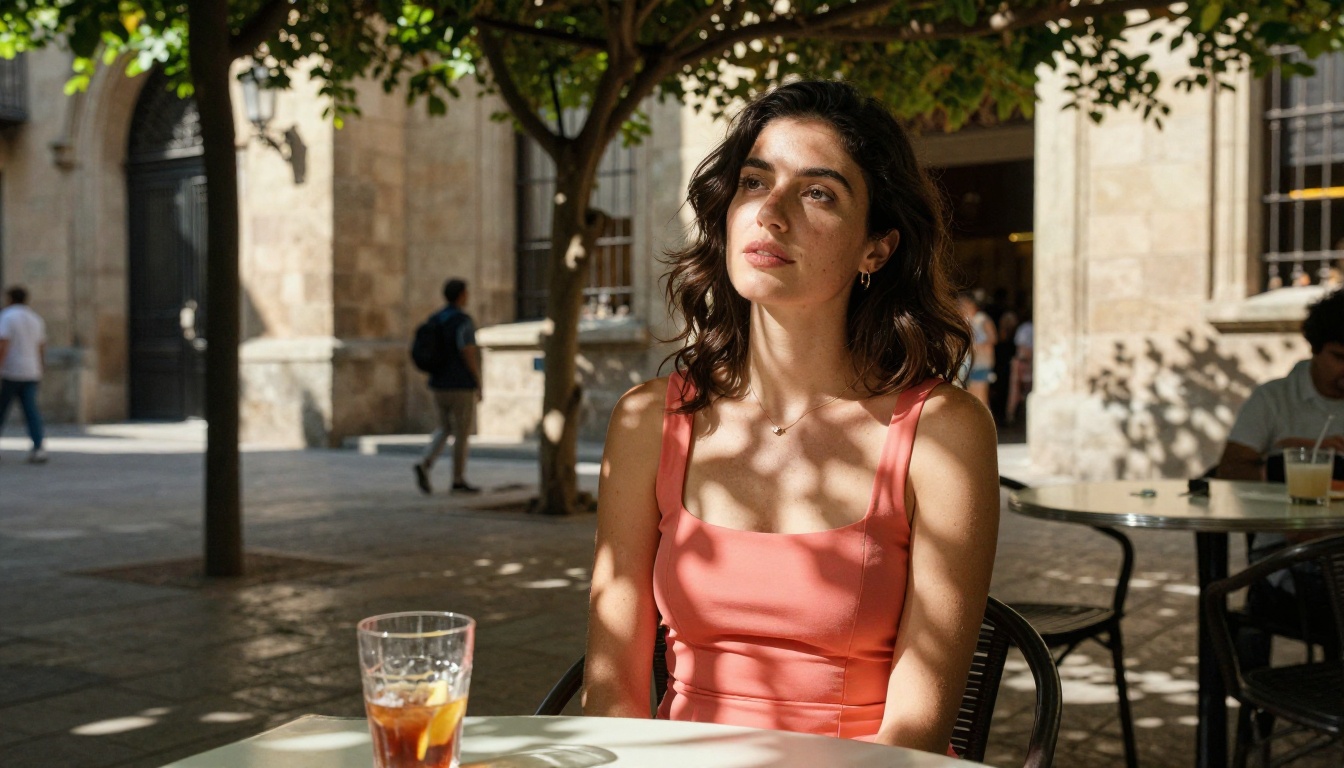
Start Creating Your First 18+ Clip
The barrier to creating high-quality 18+ AI video clips has dropped significantly with Seedance 2.0. The model is free to access, the image pipeline is fast, and PicassoIA doesn't block adult content by default.
The practical starting point: open Seedream 4.5, generate a reference image of your character, then bring it into Seedance 2.0 with a clear 5-second motion prompt. That single workflow produces clips that six months ago would have required expensive paid tiers or technically complex local setups.
PicassoIA gives creators an environment where content policies aren't fighting the work. That difference compounds significantly at scale. Start with one clip, iterate on the prompt, and you'll establish a repeatable process faster than you expect.
Three steps to your first 18+ AI clip:
- Generate a reference image with Seedream 4.5
- Animate it with Seedance 2.0
- See all available models at picassoia.com/en/all-models


