You've heard the promises. ByteDance's Seedance 2.0 generates video with built-in synchronized audio, realistic motion, and cinematic quality that would have required a production team just three years ago. But then you open the free tier and something feels off. The watermark sits in the corner. The resolution caps out earlier than you'd like. The queue slows down during peak hours. So the question in front of every creator right now is simple: does the paid version of Seedance 2.0 actually solve these problems, or does it just move the goalposts?
This article breaks it down without the marketing spin. You'll get a direct look at what each tier delivers, where the free plan genuinely limits you, and where paying changes your output quality in ways clients and audiences actually notice.
What Seedance 2.0 Actually Is

Seedance 2.0 is ByteDance's second-generation text-to-video model, and it does something most competitors still haven't figured out: it generates native synchronized audio alongside the video, not dubbed in as an afterthought. The model produces 5-second clips at up to 1080p resolution with motion that reads as intentional rather than random flickering.
The ByteDance Foundation
ByteDance built Seedance on top of years of video processing research, and it shows. The motion coherence in Seedance 2.0 is noticeably better than many alternatives, especially for subjects like people walking, water flowing, or objects in motion under changing light. The audio sync, while not perfect in every scenario, is meaningfully ahead of what earlier generation models produced.
There are three variants to know:
Two Very Different Experiences
The free and paid tiers of Seedance 2.0 aren't just different in the quantity of generations you receive. They produce a different experience from the moment you submit your prompt to the moment you download the result. Knowing where those differences actually sit determines whether the upgrade cost is justified for your specific situation.
The Free Tier, Honestly

The free tier of Seedance 2.0 is genuinely usable, which is more than can be said for free plans on many competing platforms. You can generate real clips, test prompts, and share results without spending anything. That accessibility matters for anyone evaluating whether the model fits their workflow before committing money to a subscription.
What You Get at No Cost
On the free plan, you receive:
- Text-to-video generation with Seedance 2.0 at reduced resolution output
- Limited daily generations that reset every 24 hours
- Access to the audio sync feature, with some quality constraints at lower resolution
- Watermarked output on all downloaded files
- Standard queue priority, meaning longer waits during high-traffic periods
💡 The free tier is worth trying first. The audio sync still functions, and you can evaluate whether Seedance 2.0's motion style fits your project before spending money.
The Limits That Actually Matter
Here's where free users feel real friction. The daily generation cap isn't just an inconvenience if you're using Seedance 2.0 for professional output. If you need to iterate on a prompt, each rejected version eats into your daily allowance. A single project might require 8 to 12 generations before you have something you're satisfied with, and on a tight free quota that's a full day's budget gone on one concept.
The watermark is the other deal-breaker for client work. It's placed prominently enough that cropping it out would sacrifice important frame content. For personal projects and social sharing, some creators don't mind it. For anything you're charging a client for, it's not an option.

Output resolution on the free tier caps below what paid users access. In practice, your free clips look noticeably softer when played on anything larger than a phone screen. In a video edit timeline or on a 1080p monitor, the difference is visible side-by-side with camera footage.
What Paid Actually Adds

Paying for Seedance 2.0 access doesn't just remove restrictions. It changes what the model can actually deliver in terms of output fidelity and workflow speed.
Resolution and Duration Jumps
Paid tiers give you 1080p output resolution on the standard Seedance 2.0 model. This isn't just a cosmetic improvement. At 1080p, the model's motion coherence and texture detail become fully visible, meaning prompts that look muddy at lower resolutions often look genuinely cinematic at full resolution. Skin texture, fabric movement, and background depth all benefit significantly from the extra pixel information.
Duration access also changes with paid plans. Some paid tiers push generation length past the free cap, letting you produce longer clips in a single pass rather than stitching multiple free clips together in post-production.
Audio That Actually Sounds Real
The audio sync in Seedance 2.0 is one of its headline features, and on paid tiers it gets more processing headroom. Free users receive basic audio generation, but paid users consistently report more accurate sync between visual motion and audio cues, especially in clips with complex motion like vehicles, crowds, or musical performances.
💡 If audio quality matters to your project, test one paid generation against your best free result. The difference in audio clarity and sync precision is usually immediately obvious.
No Watermark, No Waiting
The two things paid users consistently highlight: clean watermark-free exports and priority queue position. Queue priority isn't just a comfort feature. During peak usage hours, free users can wait significantly longer per generation. If you're running multiple prompt iterations during a single work session, that wait time compounds quickly and breaks creative momentum.
Free vs Paid: Side by Side

| Feature | Free Tier | Paid Tier |
|---|
| Output Resolution | Reduced (below 720p) | Up to 1080p |
| Daily Generation Limit | Low cap | Higher or unlimited |
| Watermark on Export | Yes | No |
| Queue Priority | Standard | Priority |
| Audio Sync Quality | Basic | Improved |
| Commercial Use Rights | Restricted | Included |
| Peak-Hour Speed | Slower | Faster |
| Maximum Clip Duration | Shorter cap | Extended |
The table makes the upgrade look like an obvious call on paper. The real question is whether those differences matter for your specific output channels and audience expectations.
Who Should Stay Free

The free tier is not a demo. It's a real product tier with real use cases where paying extra doesn't add proportional value.
Hobbyists Testing the Waters
If you're new to AI video generation and want to see what Seedance 2.0 can do before committing money, the free tier is exactly where you should start. The generation quality is high enough to tell whether the model's aesthetic matches your creative direction. You can test 10 to 15 different prompt styles over a few days without spending anything, and that information is genuinely valuable before you subscribe.
Short-Form Social Creators
If your content lives on platforms that compress video anyway, like Instagram Reels or TikTok, the resolution difference between free and paid tiers gets partially absorbed by platform compression algorithms. A watermark is still a problem for polished professional-looking content, but if you're comfortable cropping or using clips as background elements, free tier output holds up well in compressed social feeds.
💡 For social content, generate clips in portrait orientation where possible. Platform crops tend to favor vertical formats and can reduce watermark visibility in certain compositions naturally.
Who Should Pay

There's a clear profile for creators where the paid tier pays for itself within the first project.
Professional Content Teams
If you're producing video content for brands, agencies, or direct clients, the watermark question settles itself immediately. You cannot deliver watermarked clips to paying clients and maintain professional credibility. The moment Seedance 2.0 becomes part of a paid deliverable, the free tier stops being an option.
Professional teams also iterate more aggressively than hobbyists. A single video concept might go through 20 to 30 prompt variations before the team lands on the right aesthetic. On a limited free quota, that process gets stretched across multiple days or requires managing multiple accounts. A paid subscription with a higher generation limit keeps the creative workflow inside a single session.
Clients Who Notice Quality
Not every audience registers resolution differences, but some do. If your clients or viewers regularly watch content on large monitors, in presentations, or in edited sequences where your AI clips sit next to high-quality camera footage, the resolution gap between free and paid Seedance 2.0 output becomes visible. The 1080p output from the paid tier holds its own in professional contexts where free tier output starts to look soft by comparison.
How Seedance 2.0 Stacks Up on PicassoIA

One of the best places to access Seedance 2.0 without navigating ByteDance's own pricing tiers is through PicassoIA, which surfaces Seedance 2.0 alongside dozens of competing text-to-video models. This matters because comparing models side-by-side on the same prompt is the fastest way to calibrate whether Seedance 2.0's specific output style is right for your project, and whether you need to pay for it at all.
Try Seedance 2.0 Right Now
PicassoIA gives you direct browser access to Seedance 2.0 without local installation or GPU requirements. Paste a prompt, set your parameters, and receive output in minutes. The platform also surfaces Seedance 2.0 Mini for faster iterations and Seedance 2.0 Fast when you're prioritizing speed over peak quality.
If you want to see how far the model has come, Seedance 1.5 Pro and Seedance 1 Pro are both available for direct comparison. The generational improvement in motion coherence and audio sync is immediately apparent when you run the same prompt through both models back to back.
Other Models Worth Your Time
Seedance 2.0 doesn't operate in a vacuum, and the honest answer to "is the paid upgrade worth it?" partly depends on whether a different model might serve you better at a similar price point. On PicassoIA, you have immediate access to strong alternatives:
Seedance 2.5 Lite is ByteDance's free and unlimited video generator, offering clips up to 10 seconds. If you're constantly hitting Seedance 2.0's free tier limits, the newer 2.5 Lite might be the smarter free move before paying for a 2.0 upgrade.
Seedance 2.5 pushes the duration ceiling to 30 seconds, making it relevant for creators who need longer clips that Seedance 2.0 simply cannot produce at any tier.
Veo 3 from Google offers native audio generation with a distinctly cinematic aesthetic. If Seedance 2.0's motion style feels slightly artificial on certain subjects, Veo 3 is worth running the same prompt through before deciding on a subscription.
Kling v2.6 from Kwai produces cinematic video with very strong prompt adherence, which matters when your prompts are highly specific about composition, camera angle, or motion direction.
Ray 3.2 from Luma delivers HDR output with excellent lighting fidelity, making it particularly strong for outdoor scenes and dramatic lighting conditions where Seedance 2.0 can sometimes flatten contrast.
Hailuo 02 from MiniMax produces 1080p clips with a clean, sharp output style that differs noticeably from Seedance 2.0's motion rendering approach and suits certain aesthetic preferences better.
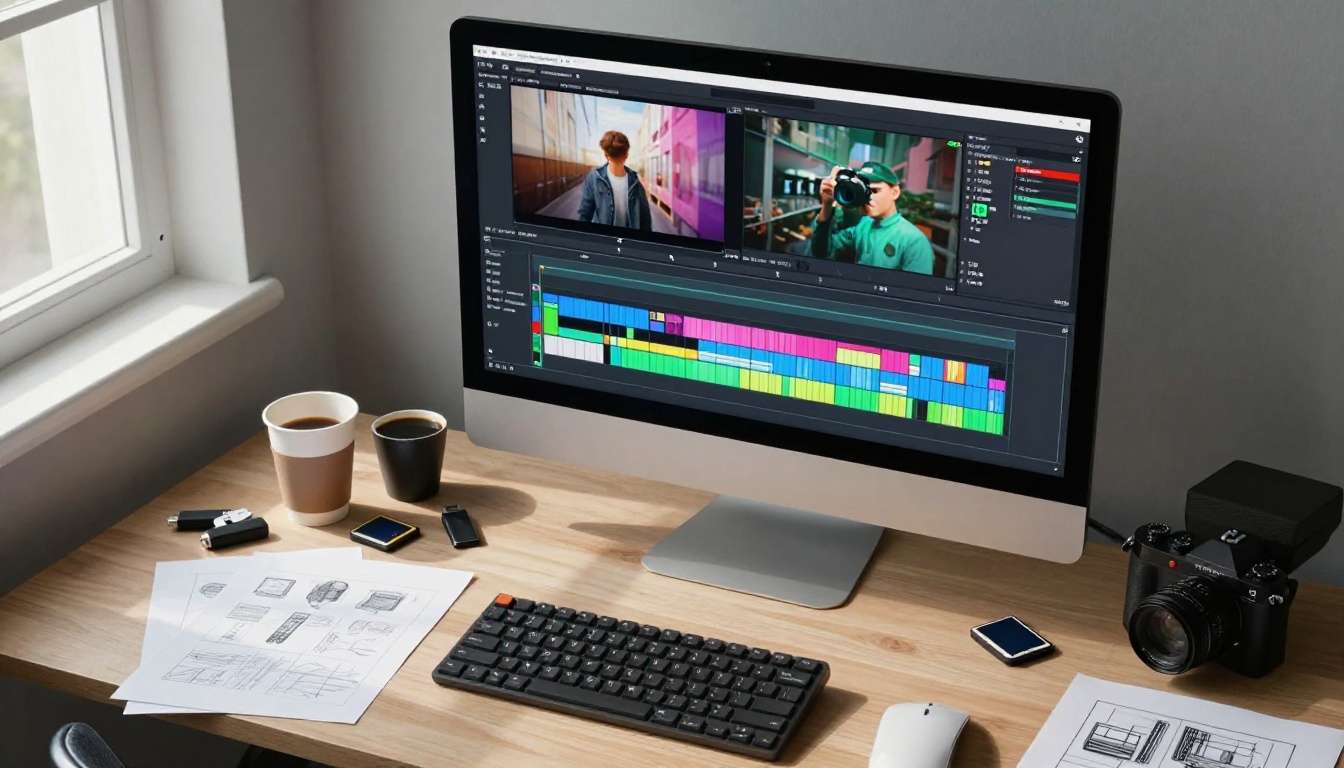
The point is not that Seedance 2.0 is the wrong choice. For many creators, it's exactly the right choice. But the free-vs-paid decision looks different when you can test it directly against Wan 2.7 T2V, Pixverse v5, or LTX 2 Pro in the same session on the same prompts. You might find that a competing free tier produces output that matches what Seedance 2.0 charges you for.
Make Your First Video Today
The free tier of Seedance 2.0 is good enough to use seriously. The paid tier is worth it the moment watermarks, resolution caps, or daily generation limits become real obstacles to your actual output. That threshold is different for everyone, and no spec sheet substitutes for running actual prompts.
If you're producing content for clients or audiences who watch on large screens, paying for 1080p output and watermark removal is a straightforward call. If you're experimenting, iterating on new prompts, or producing content for compressed social platforms, the free tier gets you far without committing anything.
The fastest way to find your answer is to actually run prompts through Seedance 2.0 on PicassoIA, generate a few clips at the free tier, and make the call with real output in front of you. PicassoIA gives you access to over 87 text-to-video models in one place, so if Seedance 2.0 at any tier doesn't land exactly right, another model in the same session might.
Start there. The first generation is free.


