If you've been searching for an AI model that actually delivers adult video clips fast, with built-in audio and no content restrictions, Seedance 2.0 from ByteDance is the name that keeps coming up. And for good reason. The model processes a single 5-second clip in a matter of seconds, not minutes, and it doesn't trip up on 18+ prompts the way most public models do.

This isn't about hypothetical future capabilities. This is about what the model produces right now, the realistic constraints you need to know about, and the fastest path to generating the adult clips you want, whether that's bikini content, glamour shots brought to life, or more suggestive scenarios.
What Seedance 2.0 Actually Is
Seedance 2.0 is a text-to-video and image-to-video model built by ByteDance. It's not a gimmick demo. It runs on production infrastructure and generates 5-second clips at up to 1080p with native synchronized audio baked in, not added after the fact. The audio generation is part of the same pass, meaning movement, atmosphere, and sound all match from the first frame.
What separates it from competitors is the combination of generation speed, realism on skin and movement, and how it handles suggestive content compared to models locked down to SFW outputs only.
Built-In Audio Changes Everything
Most video AI models produce silent clips. You either leave them silent or add music in post. Seedance 2.0 generates audio natively, meaning ambient sounds, breath, fabric movement, and environmental audio are all present without additional steps. For 18+ content specifically, this creates a dramatically more immersive result.
The audio isn't always perfect. At 5 seconds, it's more of an atmospheric layer than full production sound design. But it adds weight and realism that silent models simply can't match.
Why 18+ Content Runs Here
The honest answer is platform policy. PicassoIA runs Seedance 2.0 with adult content enabled for users on the platform. The model itself has strong NSFW capabilities that most consumer-facing wrappers deliberately restrict. When accessed through a platform that doesn't apply those restrictions, the output range expands significantly.
This is why the platform matters as much as the model itself.
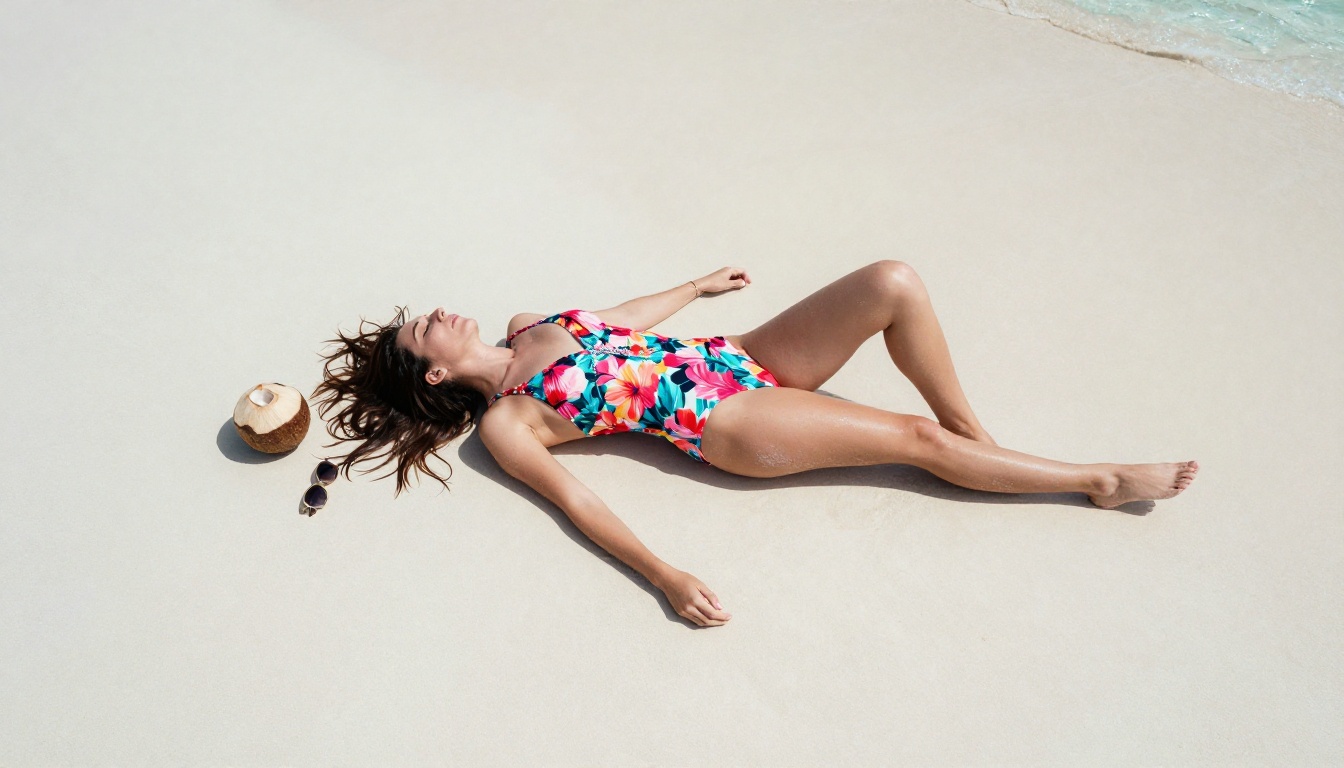
How Fast Are We Talking?
Speed is where Seedance 2.0 separates itself from earlier video AI models. For context, generating a 5-second clip at 720p on a previous generation model could take 3 to 8 minutes depending on server load. Seedance 2.0 cuts that down drastically.
Generation Time vs. Other Models
The table above reflects typical observed times during non-peak hours. Peak periods can add latency across all models, but Seedance 2.0's architecture consistently keeps it near the top of the speed rankings for comparable quality.
Batch Production Reality
If your goal is generating a large volume of 18+ clips, say 18 clips in a single session, Seedance 2.0 Fast is the practical choice. At 15 to 30 seconds per clip, 18 clips takes roughly 5 to 10 minutes of queue time. The standard Seedance 2.0 takes closer to 10 to 18 minutes for the same batch. Both are dramatically faster than anything that was available 18 months ago.
💡 Tip: Use Seedance 2.0 Fast for prototyping your prompts. Once you've dialed in the result you want, switch to the standard Seedance 2.0 for final quality output.
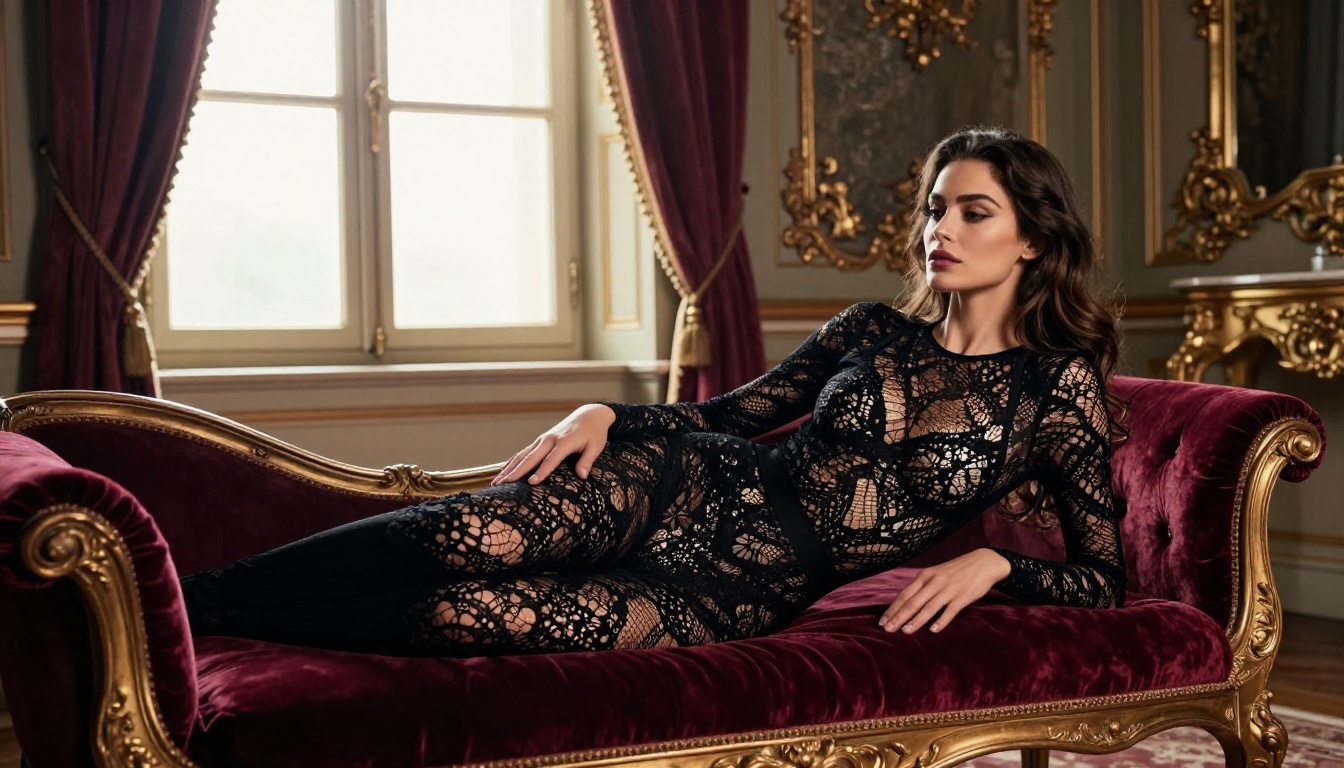
How to Use Seedance 2.0 on PicassoIA
The fastest path is through PicassoIA's Seedance 2.0 page. No software installation, no API keys, no complicated setup. The interface is straightforward: write a prompt, adjust settings, generate.
Step 1 - Write the Right Prompt
For 18+ content, the quality of your prompt determines everything. Vague prompts produce vague results. Specific prompts produce specific results.
What a strong prompt looks like:
- Describe the subject physically with age-appropriate but detailed language ("woman in her late 20s, dark hair")
- State the setting and lighting ("standing by a pool at dusk, warm orange backlight")
- Describe the motion specifically ("slowly removing a white silk robe, revealing a black bikini beneath")
- Add a camera movement ("slow dolly-in on her face as she turns")
What kills a prompt:
- Being abstract ("sexy woman doing things")
- Forgetting motion (this is video, not a photo, describe what changes over 5 seconds)
- Extremely explicit language that trips content filters even on permissive platforms
Step 2 - Choose Your Settings
On PicassoIA, you'll see resolution options and mode selection. For 18+ clips:
- Resolution: 720p for speed when testing, 1080p for final delivery
- Duration: 5 seconds is standard for Seedance 2.0
- Image-to-video mode: Available on the same interface. Upload a reference image as your first frame, then describe the motion you want applied to it.
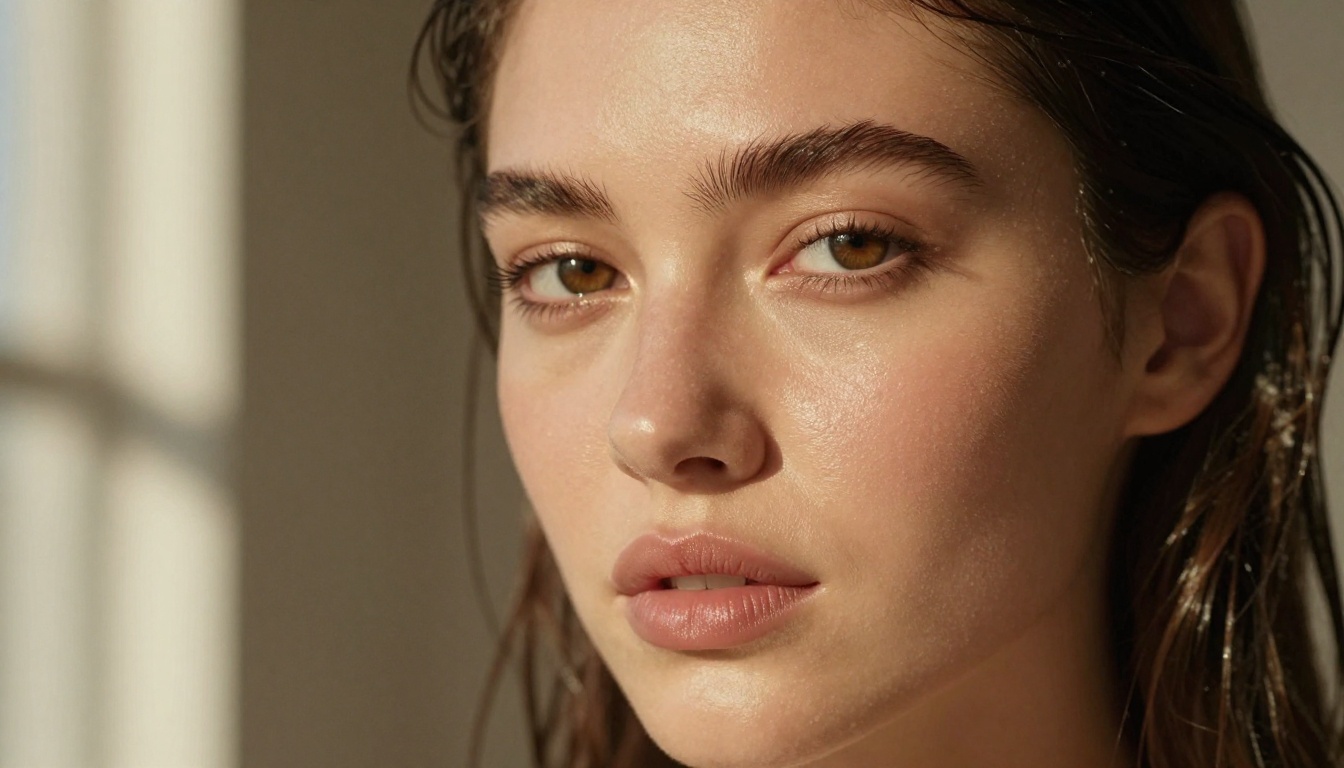
Step 3 - Download and Use
Once generated, your clip downloads as an MP4 with audio baked in. No separate audio file, no conversion needed. The clip is ready for whatever platform or use case you have in mind, at broadcast-quality resolution.
Best Prompts for Adult Clips
The difference between a generic result and a stunning one comes down to how precisely you describe the scene. The model responds extremely well to cinematic language.
What Works and What Doesn't
| Works | Doesn't Work |
|---|
| "woman slowly arching her back on white sheets, soft morning light, handheld camera sway" | "sexy woman lying in bed" |
| "close-up of woman's bare shoulders, water droplets after shower, steam rising, slow pan" | "naked woman after shower" |
| "woman in red bikini at beach turning around slowly, ocean behind, golden hour backlight" | "bikini beach scene" |
| "silk robe slipping off shoulder in candlelight, slow motion, 85mm close-up" | "robe removing" |
The key observation: specificity of motion combined with lighting detail produces dramatically better results than blunt descriptors.
5 Prompt Formulas That Actually Work
Use these as templates and adjust the details for your specific scenario:
1. The Reveal:
"[Subject description], [garment or covering] slowly [motion verb], revealing [what's underneath], [lighting detail], [camera angle and movement]"
2. The Atmosphere Shot:
"[Subject] standing or sitting in [highly specific environment], [subtle body motion], [environmental elements moving around them], [golden or candlelight or blue-hour lighting], slow [camera movement direction]"
3. The Close-Up:
"Extreme close-up of [body part or detail], [texture description], [light source and direction], [subtle motion], [camera movement], 85mm f/1.4"
4. The Transition:
"[Subject] moving from [pose A] to [pose B], [clothing state], [environment], soft [lighting type], smooth slow camera [movement direction]"
5. The Over-the-Shoulder:
"Over-the-shoulder view of [subject], [what they're looking at or interacting with], [their physical state], [environment and lighting], gentle dolly-in"
💡 Pro tip: Add "Kodak Portra 400 film grain, photorealistic, 8K" to any of these formulas. It consistently pushes the output toward a higher-end cinematic look, which is especially noticeable on skin rendering and fabric texture.

Seedance 2.0 vs. the Competition
If you're deciding which model to use for adult video content, here's an honest breakdown of the current landscape on PicassoIA:
The pattern is clear: for adult content, the Seedance family from ByteDance is the dominant choice right now. Seedance 2.0 leads, with Seedance 1.5 Pro as a solid backup option.

Video is only part of the picture. For serious adult content creators, the most efficient workflow combines still image generation with video generation, using images both as standalone content and as first-frame references for animated clips.
Image Generation First
Before generating video, start with PicassoIA's image generation tools. A well-crafted still image with exactly the right pose, lighting, and subject can then be fed into Seedance 2.0's image-to-video mode to produce a clip where the first frame matches your creative vision precisely.
This approach gives you full control over the output:
- Generate a base image using a photorealistic text-to-image model
- Verify the subject, pose, lighting, and composition are exactly what you want
- Feed that image into Seedance 2.0 as the starting frame
- Describe the motion you want to see applied over 5 seconds
- Generate the clip with the first frame locked to your approved image
The result is far more predictable than pure text-to-video, where the model makes all subject decisions from scratch. You eliminate most of the variance that comes with pure text prompting.
Video From Images
PicassoIA's image-to-video workflow with Seedance 2.0 is the most reliable path to exactly the content you want. You control the character, the setting, the lighting in the image. The AI adds only the motion.
You can also layer in video editing after generation. PicassoIA offers video editing capabilities that let you cut, enhance, and stylize your generated clips. After you have the raw 5-second output from Seedance 2.0, post-processing tools extend the usability of each clip across multiple platforms and formats.
💡 Workflow: Generate a base image, use it as your Seedance 2.0 starting frame, then edit and enhance the final video. This three-step process consistently outperforms pure text-to-video on adult content quality and predictability.

Common Mistakes That Waste Generations
Even with a model as capable as Seedance 2.0, most failed outputs trace back to the same set of predictable mistakes.
Mistake 1: No camera movement. Video is motion. If you don't tell the model how the camera moves, it often produces a nearly static result that might as well be a slideshow. Always include at least one camera motion directive such as "slow dolly-in," "gentle pan right," or "handheld subtle sway."
Mistake 2: Describing end state, not motion. "Woman lying in bikini" gives the model a static destination. "Woman slowly lowering herself onto the bed in a bikini, reaching back to adjust a pillow" gives it motion across time.
Mistake 3: Too many subjects or actions. 5 seconds is short. One clear subject, one clear action, one environment. Adding multiple people or multiple actions produces confusion in the output.
Mistake 4: Ignoring lighting. The model responds strongly to lighting descriptions. "Dimly lit" versus "candlelight from the left side" versus "warm incandescent hotel room light from a bedside lamp" produce completely different atmospheres even with identical subject descriptions.
Mistake 5: Skipping the resolution choice. If you don't confirm 1080p before submitting, you risk getting a lower resolution output by default. For final delivery of 18+ content, always verify the resolution setting first.
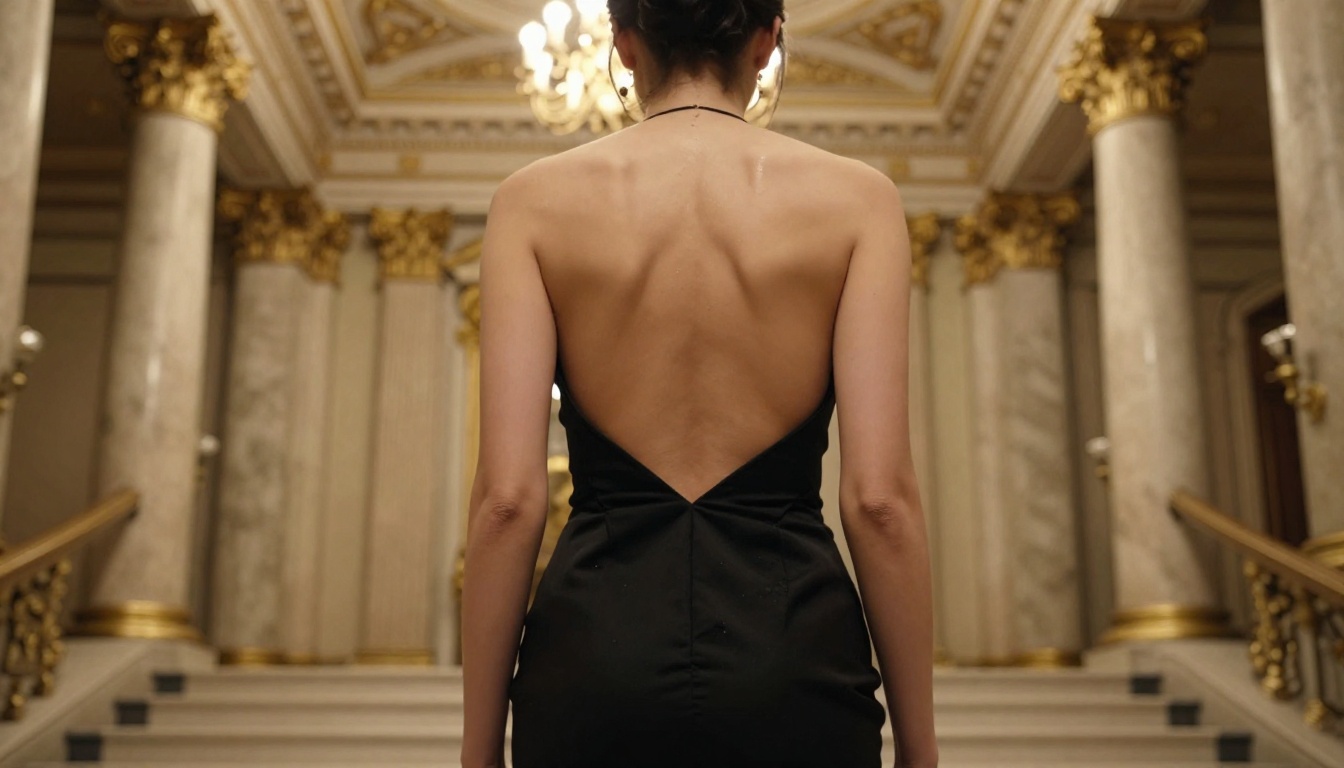
From Still Image to Clip in 30 Seconds
The image-to-video pipeline on PicassoIA exists specifically for creators who need consistent, high-quality adult content at volume. You're not working around restrictions or dealing with slow processing. You're using the platform as designed.

Seedance 2.0 is currently the best-performing model for 18+ video clips across speed, realism, and audio integration. The gap between it and the competition widens when you factor in the native audio, which competitors still haven't matched at this speed and quality combination.
If you haven't started yet, PicassoIA's all-models page gives you access to the full catalog including every Seedance version, every text-to-image model for base image creation, and the video editing tools to polish the output. Everything runs in the browser with no installation required.
Pick a prompt formula from the section above, open Seedance 2.0, and generate your first clip. The speed alone will change what you think is possible with AI video.


