If you've been hunting for an AI video model that skips the content moderation lecture and just generates what you describe, Seedance 2.0 Mini belongs on your shortlist. ByteDance's compact entry in the Seedance 2.0 family is built for speed and accessibility, and its default behavior around adult content is notably more permissive than most competitors. This article breaks down exactly what the model produces, where its output holds up, and which platforms actually let you run it without hitting a wall.

What Seedance 2.0 Mini Actually Is
Seedance 2.0 Mini is the lightweight version of ByteDance's Seedance 2.0 text-to-video model. It runs on a smaller parameter footprint, which translates to faster generation times and lower cost per clip, while still producing competitive visual quality for short-form content.
Both models share the same native audio synchronization pipeline, meaning the video doesn't just look good — the ambient sound, music stings, or voice elements are generated and synced alongside the video rather than added as a post-processing afterthought. That alone puts it ahead of many text-to-video tools that ship silent clips.
Mini vs. Standard: The Real Difference
The gap between Mini and the standard version comes down to three things: generation time, detail retention at longer durations, and cost per run.
| Feature | Seedance 2.0 Mini | Seedance 2.0 |
|---|
| Speed | Faster | Slower |
| Clip length | Up to 5s | Up to 10s |
| Audio | Native sync | Native sync |
| Cost | Lower | Higher |
| Edge detail | Good | Excellent |
For most short-form content — bikini or glamour clips, lifestyle scenes, and artistic adult content under five seconds — Mini's output is more than sufficient. You won't miss the extra parameters.
Why Speed Matters for NSFW Creators
When you're iterating on prompts for adult or suggestive content, generation time is a real cost. Running 10 to 15 test clips to find the right camera angle, lighting direction, or subject movement is far more practical when each run takes 15 to 25 seconds rather than 60 to 90.
Mini's lean architecture makes that iteration cycle fast enough to experiment within a single session, instead of queuing clips and coming back an hour later.

The Uncensored Part: What That Actually Means
"Uncensored" in AI video generation is a spectrum, not a binary switch. Seedance 2.0 Mini sits toward the permissive end of that spectrum by default, but the actual behavior you get depends heavily on which platform you access it through.
Default Filter Behavior
The base model from ByteDance has safety filtering that is significantly lighter than what you'd encounter running similar prompts through Google's Veo series or OpenAI's Sora. Suggestive content, implied nudity, bikini and lingerie scenes, and sensual scenarios generally pass through without refusal.
Explicitly pornographic content, graphic depictions of sexual acts, and content involving minors are filtered at the model level regardless of platform. That is a hard line the model won't cross, and individual platforms add restrictions on top of that baseline.
What You Can Actually Create
Within the non-explicit NSFW range, Seedance 2.0 Mini produces:
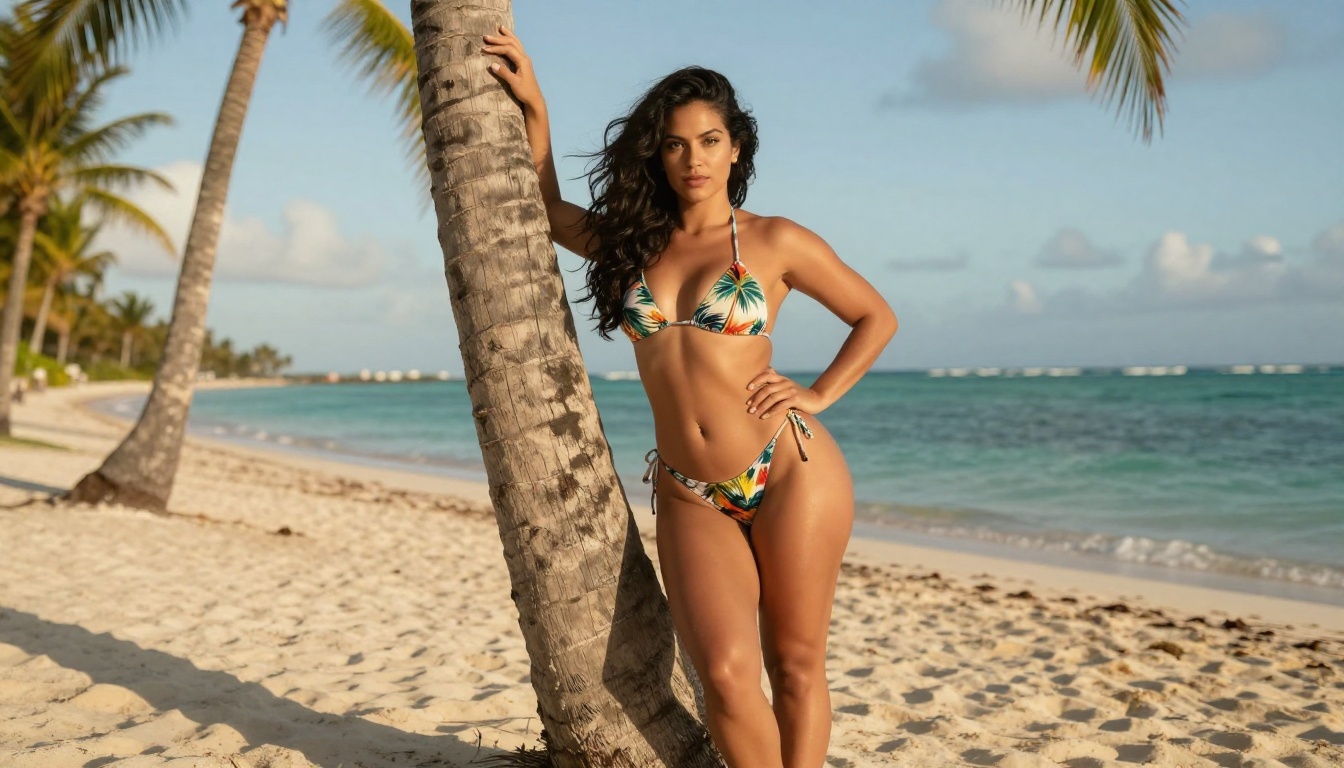
- Bikini and swimwear content: Beach, pool, and travel lifestyle clips with models in minimal clothing
- Lingerie and boudoir scenes: Bedroom-setting clips with soft lighting and implied intimacy
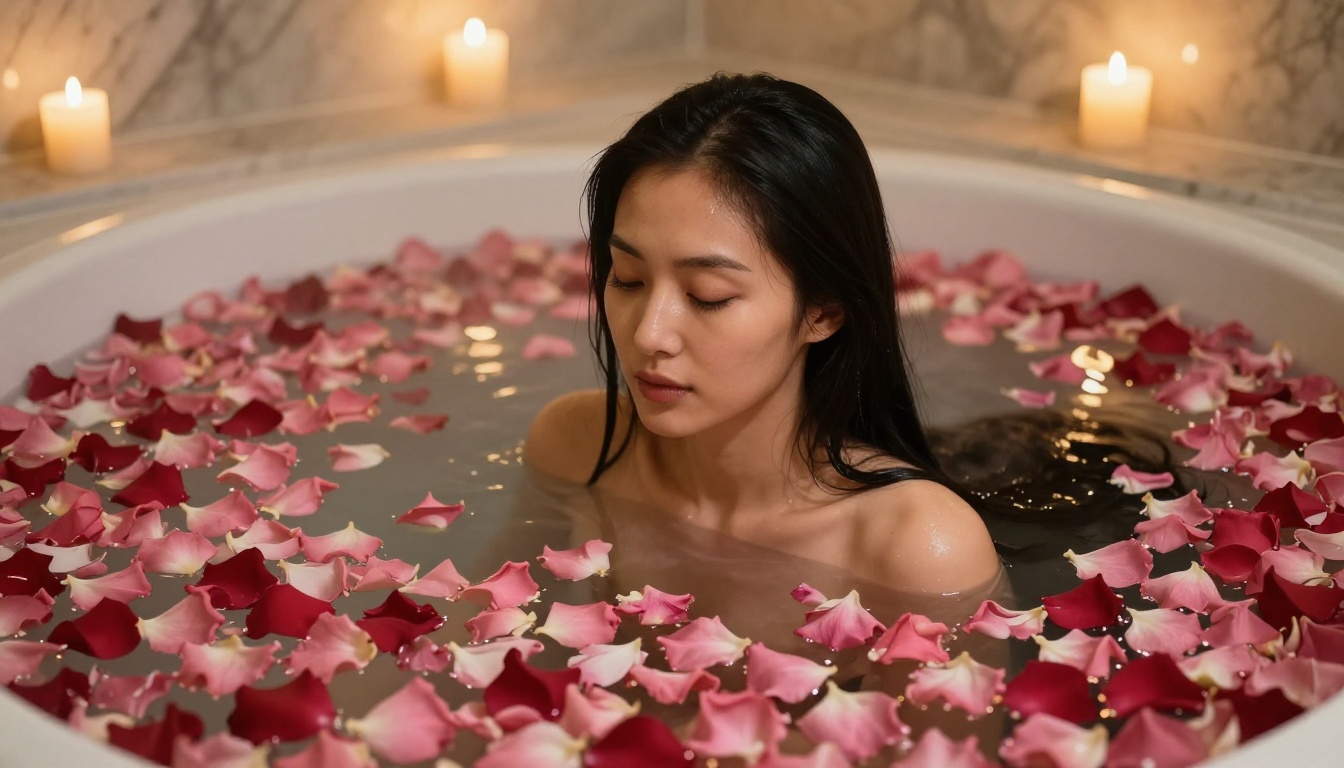
- Artistic implied nudity: Silhouettes, shadow play, bathtub or shower scenes without explicit exposure
- Sensual movement clips: Slow-motion body movement, close-ups of fabric and skin texture details
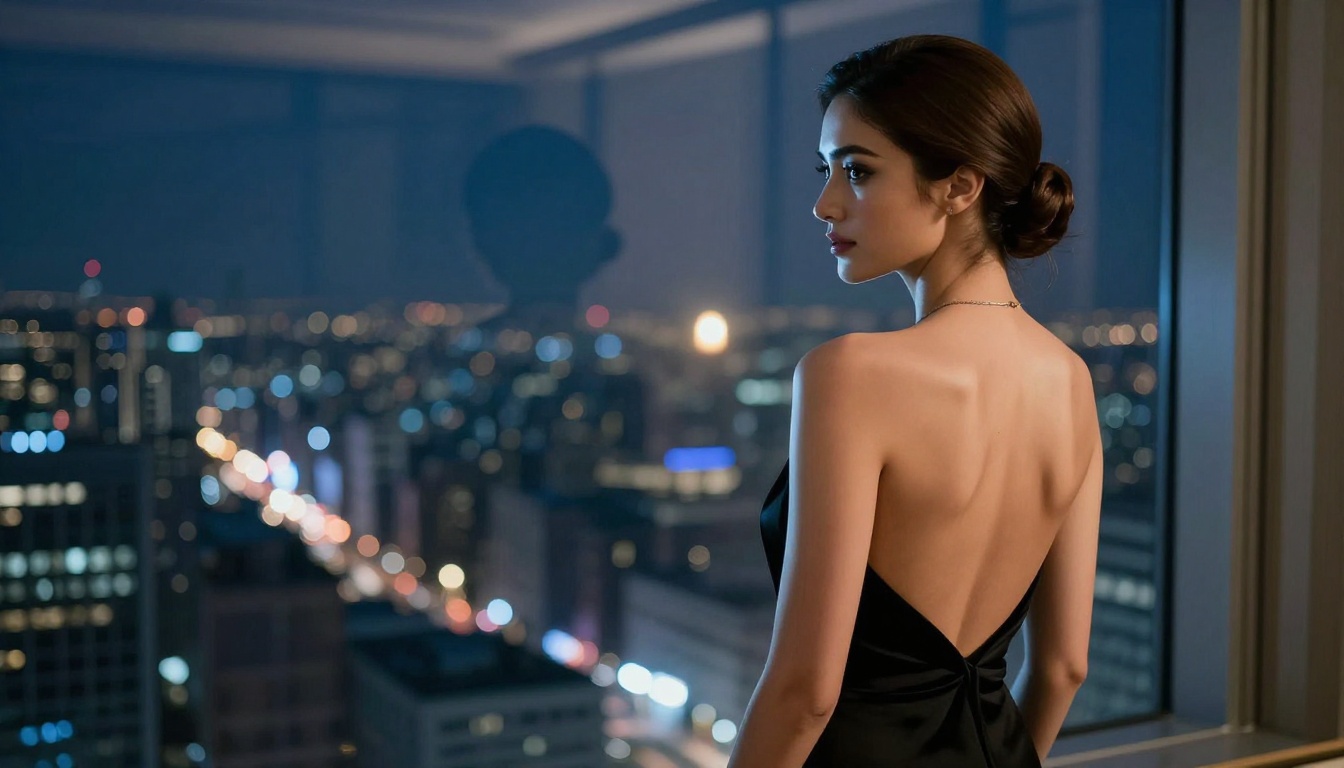
- Glamour and editorial style: High-fashion adjacent content with a suggestive edge
The model handles cloth physics well, meaning a woman in a flowing dress walking in wind, or fabric shifting as a subject moves, doesn't clip or break the way older video models did. That physical realism is a big part of what makes glamour content believable.

Video Quality Breakdown
Understanding what Mini actually produces in practice requires looking at specific quality dimensions separately, because it doesn't perform uniformly across all criteria.
Motion Realism
This is where Seedance 2.0 Mini genuinely stands out. Human movement — particularly walking, turning, leaning, and subtle body sway — reads as real rather than the uncanny-valley puppet motion that plagued earlier models. Hair physics, specifically strands lifting in a breeze or falling after a head turn, is noticeably better than comparable models at similar price points.
Close-up facial expressions are solid for short clips. Smiles, over-the-shoulder glances, and slow blinks hold together for two to three seconds before temporal consistency starts to drift. For content that doesn't need a sustained held expression, that's enough window to work with.
Audio Synchronization
The native audio pipeline is Seedance's strongest differentiator. You'll get:
- Ambient environmental sound that matches the visual scene (ocean waves for beach clips, room tone for interiors)
- Music elements that reflect the mood of the prompt when you include sonic descriptors
- Lip sync that works for talking-head content within the 5-second clip window
No other sub-30-second video model at this price point ships with synchronized audio by default. Most competitors still generate silent clips and leave audio assembly to you.
Resolution and Frame Rate
Seedance 2.0 Mini outputs at 480p by default, with 720p available on platforms that expose that parameter. At 720p, fine skin texture and fabric detail hold up well enough for social media and content platform publishing. The standard Seedance 2.0 and the faster Seedance 2.0 Fast variant offer a higher ceiling for premium output.
Frame rate is 24fps, which gives clips a cinematic feel without the soap-opera effect of higher frame rates. For artistic and glamour content, 24fps is actually preferable.

Best Models for NSFW AI Video on PicassoIA
If you're producing adult-adjacent or unrestricted content, the platform matters as much as the model. PicassoIA runs several models without content restrictions on their default configuration. Here's what's available, ranked by practical output quality for this type of content.
Image Generation (Still Frames First)
For still imagery that feeds into image-to-video workflows, or for editorial content on its own:
-
Seedream 4.5 is the top pick. Accepts NSFW prompts, supports image editing, and generates ultra-realistic results in under 3 seconds. This is the model to start with. (Note: the newer Seedream 5 Lite does not support NSFW content.)
-
PicassoIA Image Editor Pro is an img2img model with a major value advantage: unlimited generations on Elite or Infinite plans. Need 500 images for a content calendar? They're included in your subscription at no extra cost — that same volume would cost around $100 on models like Nano Banana 2. Results in under 1 second, with a 3-generation free trial and no credit card required.
-
Qwen Image 2 is open-source and lets you create or edit any image in seconds with very detailed realism.
-
Grok Imagine Image converts any image to a bikini format with realistic results, ideal for style-transfer workflows.
-
Recraft V4 delivers very realistic text-to-image output for glamour and beauty content.
-
P-Image generates NSFW-capable images in under 1 second, ideal for rapid iteration cycles.
Video Generation
For short-form video content at various quality levels:
-
PicassoIA Video offers unlimited video generation from text or images at up to 720p and 5 seconds per clip. No per-clip cost once you're on the right plan.
-
P-Video accepts text, image, or audio as input and outputs up to 1080p. The safety filter is disabled by default. Draft mode gives you instant low-res previews before committing to a full render.
-
Grok Imagine Video generates clips up to 15 seconds, supports image-to-video and video-to-video re-editing, with no watermarks and auto-matching source image proportions in i2v mode.
-
LTX 2.3 Pro is the highest-fidelity option in the catalog, up to 4K at 50fps, with five modes: text-to-video, image-to-video, audio-to-video, retake, and extend.
-
Wan 2.2 I2V Fast turns static images into dynamic video clips with smooth, natural animations.
💡 All models listed above accept adult content on PicassoIA without default content filtering. See the full catalog at picassoia.com/en/all-models.

How to Use Seedance 2.0 Mini on PicassoIA
PicassoIA gives you direct access to Seedance 2.0 Mini without API hoops or platform waitlists. The workflow is straightforward.
Text-to-Video: 4 Steps
Step 1 — Write your prompt with specificity. The model responds well to scene descriptions that include subject, action, environment, and lighting. "A woman in a white bikini sitting at the edge of a pool at sunset, water reflecting orange light, slow camera dolly backward" will consistently outperform "sexy pool scene."
Step 2 — Set the resolution. 720p is the recommended setting for content you plan to publish. 480p works fine for iteration and drafts.
Step 3 — Generate and check the clip. Watch for temporal drift in the last second or two. If the subject's face or body starts morphing, your motion prompt may be too dynamic for the 5-second window. Simplify the action described.
Step 4 — Iterate on failures. If output gets filtered, or isn't explicit enough for your needs, adjust the language. Seedance Mini responds to indirect description: "wearing a sheer fabric" works differently than "topless." Try different vocabulary until you find what the model responds to consistently.
Image-to-Video Workflow
For best results with NSFW image-to-video:
-
Generate a still frame first using Seedream 4.5 or P-Image. Get the composition exactly right in the still before adding motion.
-
Pass that image to Seedance 2.0 Mini's image-to-video mode with a motion prompt describing only movement, not appearance. The model uses the image for visual content and the text prompt for directing what moves.
-
Keep motion prompts short and specific: "slow camera push-in, subject remains still, hair gently moves in breeze" — rather than trying to describe a full scene change in 5 seconds.
Comparing Seedance 2.0 Mini to Other Video Models
Not all uncensored video models perform the same way. Here's how Mini stacks up against the alternatives you're likely to consider.
Seedance 2.0 Mini vs. Seedance 2.0
The standard Seedance 2.0 gives you longer clips (up to 10 seconds), better detail retention at the edges of the frame, and more stable temporal consistency over longer motion sequences. For content where the extra 5 seconds matter, go standard. For rapid iteration and high-volume output, Mini's speed advantage wins.
Seedance 2.0 Mini vs. P-Video
P-Video supports higher output resolution (up to 1080p), longer clip durations (1 to 10 seconds configurable), and seven aspect ratios. If output resolution is a priority, P-Video has the ceiling. If you want ByteDance's motion realism specifically, Seedance Mini holds its own.
Where Mini Pulls Ahead
- Cloth and hair physics over short durations
- Native audio generation without additional tools
- Generation speed for high-volume iterative workflows
- Cost per clip for standard quality requirements
Prompt Tips That Actually Work
The difference between a Seedance 2.0 Mini clip that looks like editorial content and one that looks like a failed AI experiment usually comes down to prompt construction.
Prompts for Glamour and Beauty Content
What works:
- Describe the subject's position and specific action: "seated on white linen, turning head slowly toward camera"
- Include lighting direction: "warm afternoon sidelight from the left, soft shadows across the collarbone"
- Add camera motion: "gentle handheld drift, slow zoom out"
- Specify atmosphere: "soft focus background, shallow depth of field"
What doesn't work:
- Generic adjectives without specificity: "beautiful, sexy, amazing" tell the model nothing useful
- Requesting too much action in 5 seconds: complex scene changes produce visual artifacts
- Leaving the environment undefined: the model picks something generic if you don't specify
💡 The model generates better skin texture and natural movement when you reference photographic terms: "85mm lens," "f/1.8 depth of field," "film grain," "Kodak Portra." These stylistic cues from photography training data help the model produce editorial-feeling output.
Avoiding Common Generation Failures
Temporal drift in faces: Add "subject's expression remains constant" to reduce morphing over the 5-second window.
Clothing artifacts: If fabric is behaving strangely, reduce the speed of motion in your prompt. Slow movements give the model more frames to maintain consistency.
Background instability: Lock the background with explicit description. "Static white seamless studio background" is far more reliable than leaving it open.
Audio mismatch: If the generated audio doesn't match your visual, describe the sonic environment explicitly: "ambient ocean sound," "quiet indoor room tone," "soft ambient music."
What This Model Is Actually For
Seedance 2.0 Mini isn't trying to be a cinematic production tool. It's a high-speed, low-friction video generation model that happens to have permissive defaults around adult content. That makes it genuinely useful for:
- Content creators who need a fast pipeline from prompt to publishable clip
- Platform-specific short-form content where 5 seconds at 720p is the target spec
- Iterating on creative concepts before committing to a longer render on a more expensive model
- Image-to-video workflows where a polished still needs a few seconds of believable motion added
If you're producing content at volume, the speed advantage of Mini compounds over a full week of work. What takes 2 hours on a slower model takes 20 to 30 minutes on Mini.
Start Creating Without Restrictions
PicassoIA gives you direct access to Seedance 2.0 Mini, all the NSFW-capable image models, and the broader video catalog without the content filters that block most of what you're actually trying to create.
The fastest path in is generating a still using Seedream 4.5, pulling that image into Seedance 2.0 Mini's image-to-video mode, and running 3 to 4 motion prompt variations until the clip feels right. Once you have a workflow that produces consistent results, scale it.
Browse every available model, including 87+ video generators and 91+ image models, at picassoia.com/en/all-models.


