If you have spent any time with Seedance 2.0, you already know the frustration. The output quality can be stunning, but the moment you try to use it for NSFW or suggestive content, you hit a wall. Generation gets blocked, watered-down results come back, or worse, a watermark stamps itself across the image you just spent time crafting. For creators who need clean, unrestricted, watermark-free AI images, that experience is a dealbreaker.
The good news is that 2027 has brought a wide field of alternatives that outperform Seedance 2.0 in exactly the areas it falls short: freedom, cost, and clean output. This article covers the best free NSFW AI image generators that produce zero-watermark results, with direct access through one unified platform so you are not jumping between five different tools.

What Actually Matters in an Alternative
Before listing models, it is worth being precise about what separates a useful Seedance 2.0 alternative from a glorified demo. Three things matter most.
Free Access Without Subscriptions
A tool that requires a paid plan before generating a single image is not really free. The alternatives worth considering either offer a generous free tier, are open weights (meaning anyone can run them), or are accessible through platforms that include free credits. The models covered here check at least one of those boxes.
Zero Watermarks on Output
This is the single biggest complaint about Seedance 2.0 among NSFW creators. Watermarks are not just ugly. They make your output commercially useless and creatively frustrating. Every model listed in this article produces clean, unmarked output when accessed correctly.
Real NSFW Permissiveness
"NSFW" covers a wide range: glamour, implied nudity, suggestive fashion, artistic nudity, and more. The tools below handle that range without constant refusals or sanitized outputs. They are not pornographic generators; they are artistic tools with far fewer restrictions than Seedance 2.0 applies.
The Real Problem With Seedance 2.0
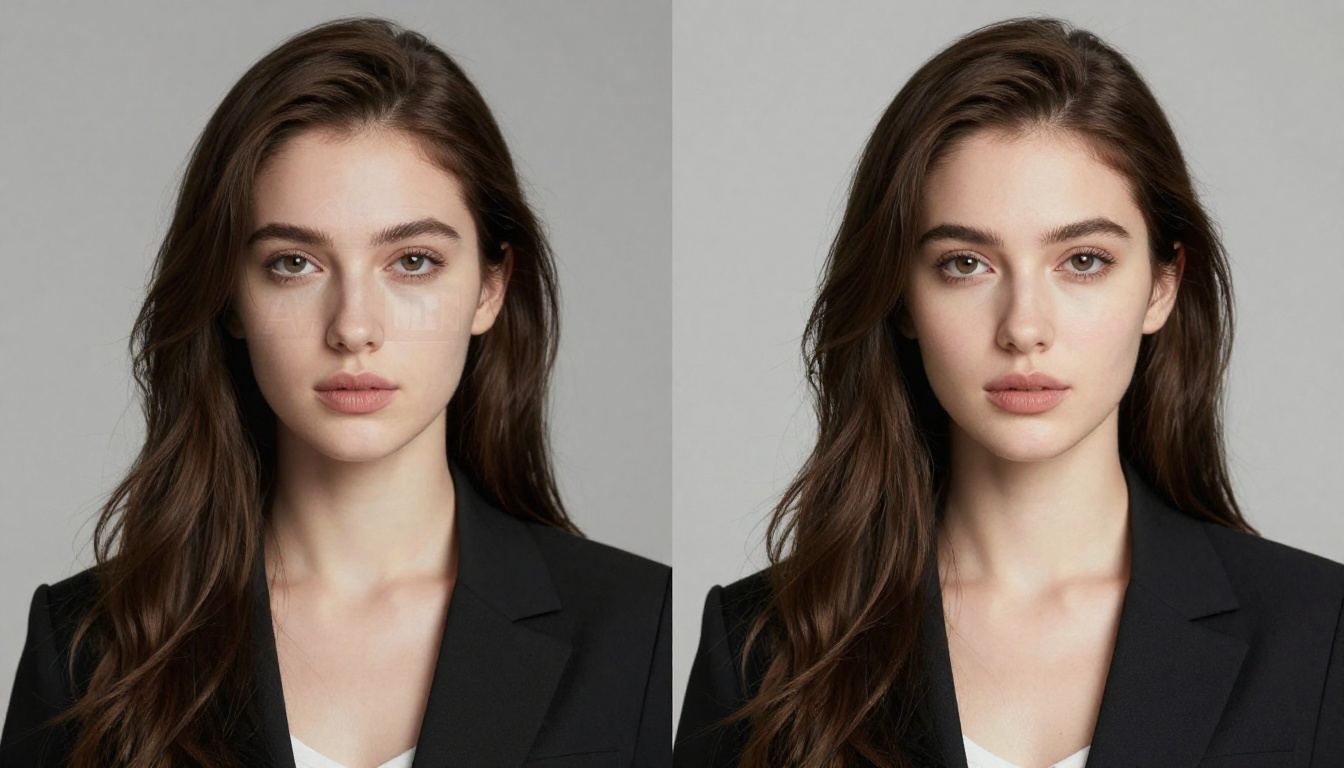
Seedance 2.0 is primarily a video generation model from ByteDance. Its image generation capabilities are secondary, and its content policy reflects the corporate caution you would expect from a large tech company operating under regulatory pressure in multiple markets.
The result for NSFW creators is predictable: prompt refusals, downgraded outputs, mandatory watermarking on free tiers, and content filters that catch even mild suggestive prompts. You are also dealing with a product that was built first for mainstream social video, not for the specific needs of adult-adjacent creative work.
💡 The real alternative is not one model. It is access to multiple open-weight and permissive models in one place, without the corporate filter layer.
That is exactly what the models below provide.
Best Free Alternatives Without Watermarks
Flux 1.1 Pro and Flux 2 Series
The Flux 1.1 Pro from Black Forest Labs is currently one of the strongest photorealistic text-to-image models available to the public. It produces detailed, lifelike results with accurate anatomy, natural skin rendering, and strong prompt adherence, all without the content guardrails that neuter Seedance 2.0.
If you need even higher ceiling quality, Flux 2 Pro and Flux 2 Max push resolution and detail further. For faster iteration without sacrificing much quality, Flux 2 Dev and Flux Schnell are the go-to options when you need volume.
What makes Flux different from Seedance:
- Trained on diverse datasets with fewer editorial restrictions
- Accurate human figure generation with no distortion artifacts
- No watermarking on output
- Available through platforms with free generation credits
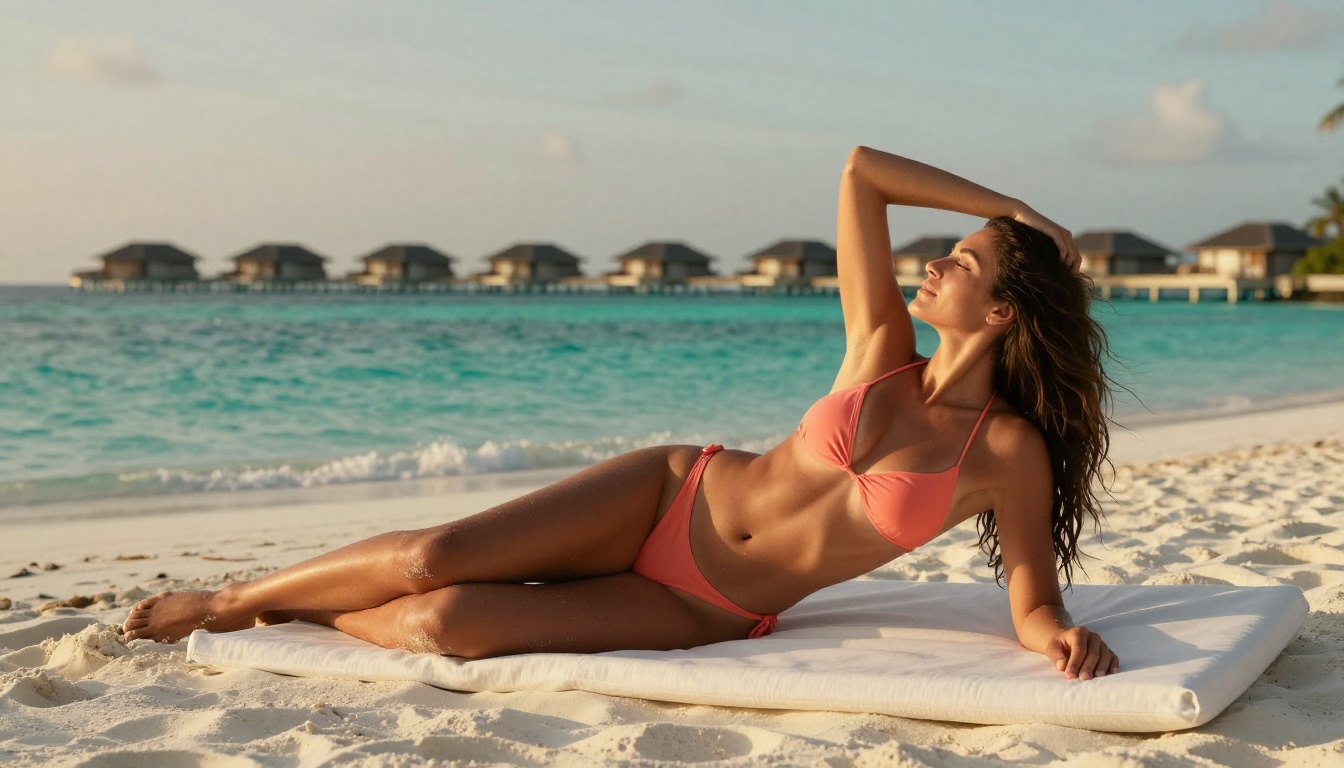
Stable Diffusion 3.5 Large
Stable Diffusion 3.5 Large from Stability AI remains one of the most capable open-weight models for NSFW content. Because it is open source, the weights are publicly available, and the community has built around them extensively. The model handles suggestive prompts, glamour photography styles, and implied nudity with significantly higher permissiveness than any ByteDance product.
The Large variant specifically produces higher resolution, more coherent anatomy, and better prompt following than older SD versions. For creators who want maximum freedom with zero cost, this is one of the strongest starting points.
Stable Diffusion 3.5 Medium is a solid option when you need faster turnaround at slightly lower resource cost.
Realistic Vision v5.1
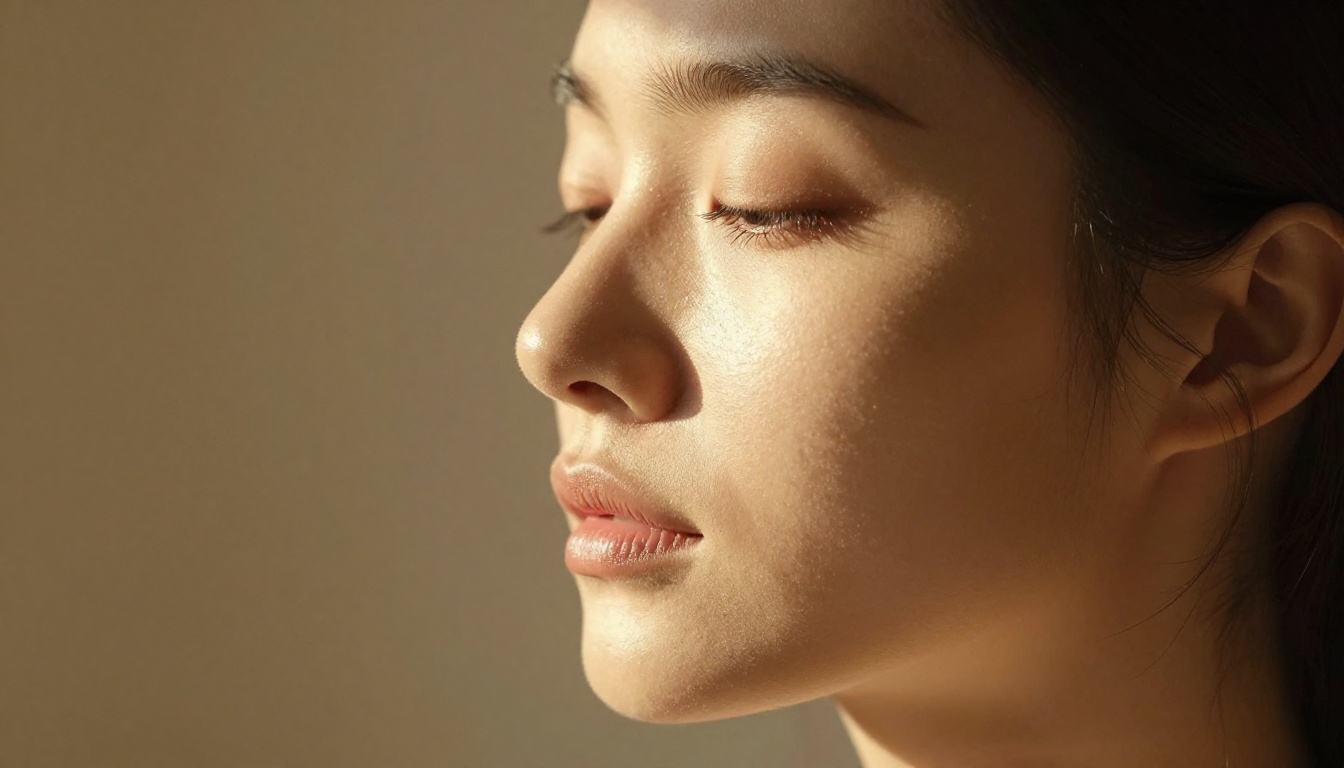
For photorealistic human generation specifically, Realistic Vision v5.1 is in a class of its own among fine-tuned models. It was purpose-built to generate photorealistic portraits, figures, and glamour photography with natural skin tones, accurate lighting, and editorial quality output.
Where Seedance 2.0 produces video-optimized frames that look slightly artificial in still form, Realistic Vision v5.1 was trained specifically for photographs. The difference is visible immediately in things like:
- Skin pore and texture rendering
- Hair strand individual detail
- Natural shadow falloff across body contours
- Eye and facial feature accuracy
This model is a direct answer to one of the biggest NSFW creator complaints about AI tools: figures that look "off" in subtle but distracting ways.
SDXL and Its Variants
SDXL from Stability AI is the broader base that many fine-tuned NSFW models are built on. It handles high-resolution output natively at 1024x1024 and above, supports LoRA fine-tuning for specific styles, and has an enormous community of custom checkpoints built specifically for adult-adjacent content.
For creators who want more stylistic control, SDXL Lightning 4Step offers rapid generation with the same base quality, while models like RealVisXL v3.0 Turbo combine SDXL's architecture with photorealistic fine-tuning.
💡 SDXL-based models are the backbone of the NSFW AI art community precisely because the open-weight nature means no corporate content filter layer exists in the model itself.
Seedream 4 by ByteDance
It might seem counterintuitive to list a ByteDance model as a Seedance 2.0 alternative, but Seedream 4 and Seedream 4.5 are image generation models, not video models. The content handling differs from Seedance 2.0, and when accessed through the right platform, they produce noticeably less restricted outputs with far better still-image quality.
Seedream 5 Lite is the most accessible version if you are on a budget and want the ByteDance image architecture without the Seedance 2.0 video model limitations.
How to Use These Models on PicassoIA
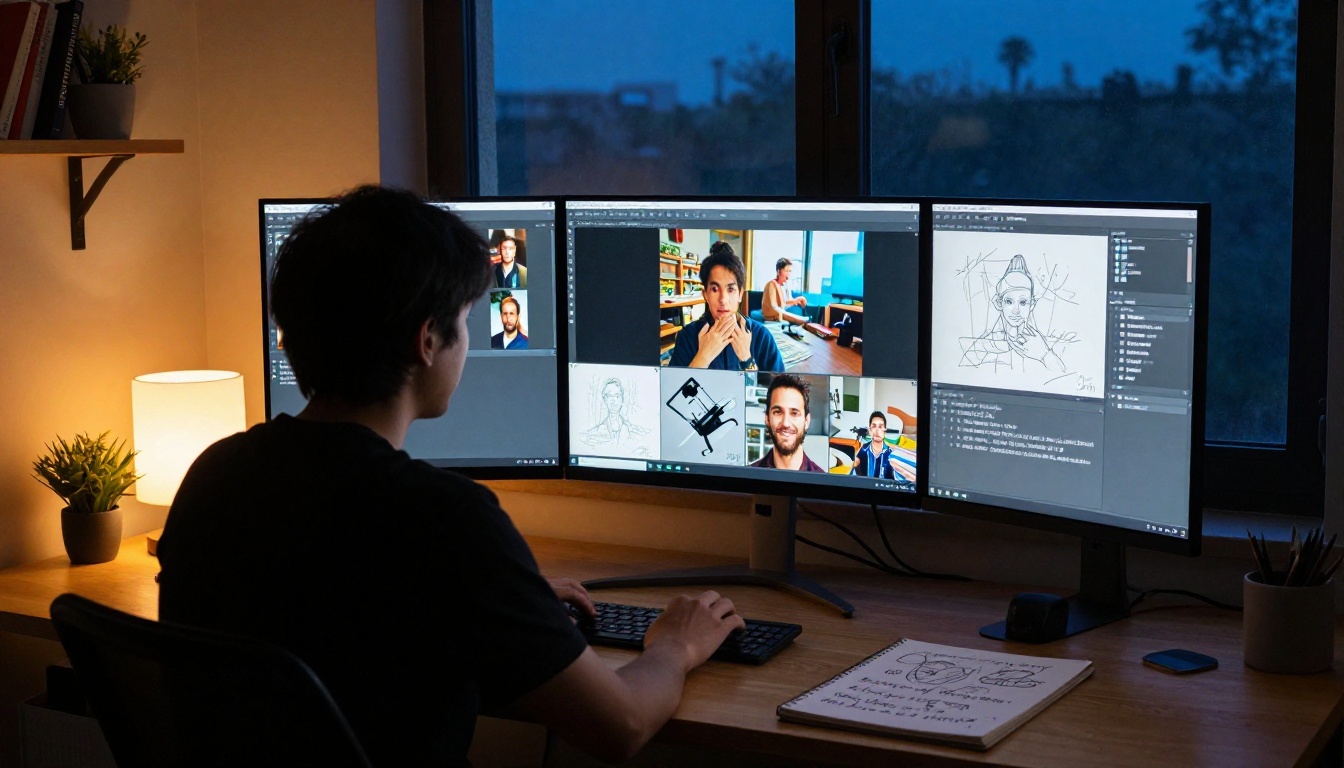
All of the models above are accessible through PicassoIA, which gives you a single interface instead of juggling separate API keys, platforms, and UIs. Here is how the workflow looks in practice.
Step 1: Choose your model
Go to the text-to-image collection and filter by your priorities. For photorealism, start with Flux 1.1 Pro or Realistic Vision v5.1. For artistic flexibility, try SDXL.
Step 2: Write a detailed prompt
NSFW and suggestive results benefit enormously from specific, descriptive prompts. Vague prompts get vague results. Include:
- Subject description (pose, clothing, body details)
- Environment (location, lighting, time of day)
- Camera specs (lens length, angle, depth of field)
- Style qualifiers (photorealistic, editorial, RAW 8K, Kodak Portra)
Step 3: Set your aspect ratio
For most NSFW portrait and figure work, 16:9 gives you room for environmental context while keeping the subject prominent. For full-body or fashion shots, 9:16 or 2:3 works better.
Step 4: Iterate
The first generation rarely hits perfectly. Adjust your prompt based on what comes back. Common tweaks include being more specific about lighting direction, adding negative prompt terms for things you want to avoid, and specifying skin texture or fabric detail.
Step 5: Download clean output
No watermarks, no branding, no subscription gate on the output file itself. The image you generate is the image you get.
Side-by-Side: Seedance 2.0 vs. The Alternatives
| Feature | Seedance 2.0 | Flux 1.1 Pro | SD 3.5 Large | Realistic Vision v5.1 |
|---|
| Free Tier | Limited | Yes | Yes | Yes |
| Watermark-Free | No (free tier) | Yes | Yes | Yes |
| NSFW Support | Restricted | Permissive | Permissive | High |
| Still Image Quality | Moderate | Excellent | Excellent | Excellent |
| Prompt Accuracy | Good | Very High | High | High |
| Open Source | No | Partial | Yes | Yes |
| Community Fine-tunes | No | Yes | Yes | Yes |
The gap in NSFW permissiveness and watermark policy alone makes the alternatives far more practical for the use case.
Tips for Better NSFW Results
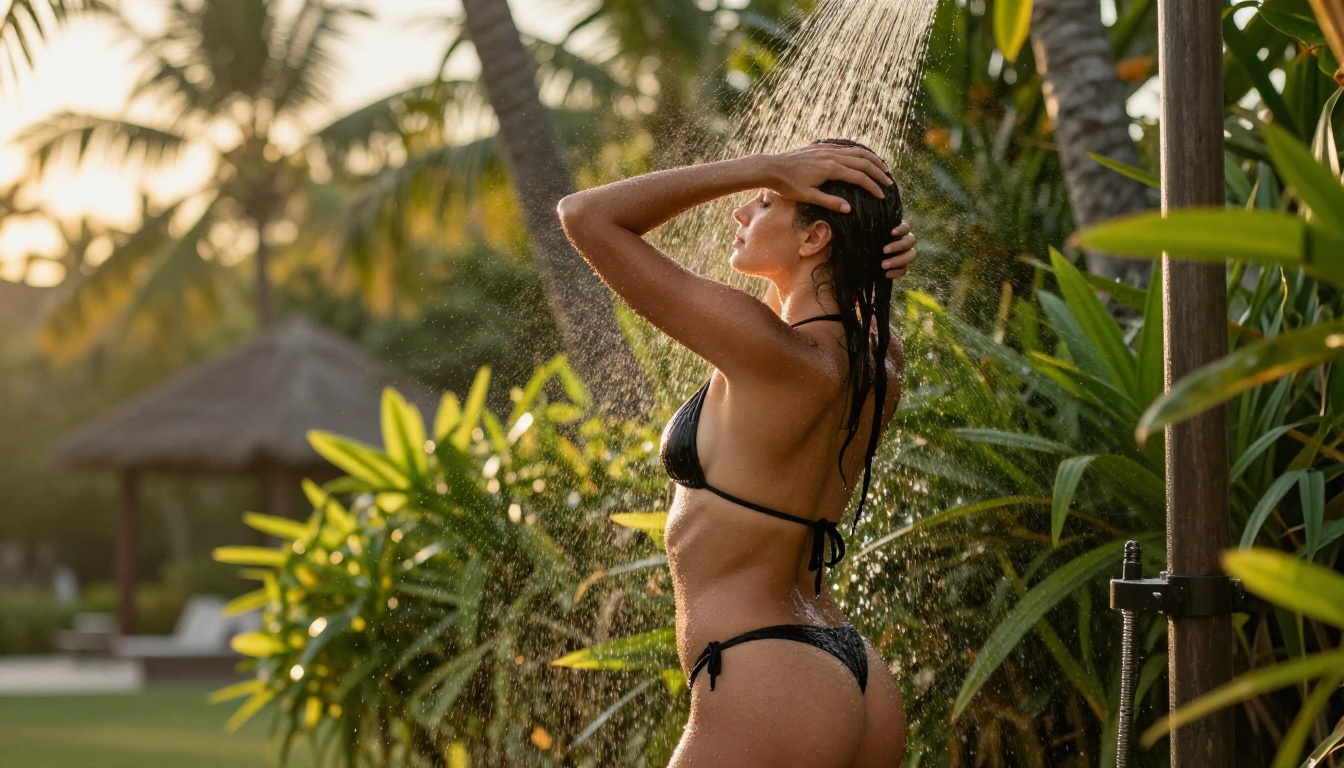
Even with permissive models, quality depends heavily on how you approach prompting. These principles consistently improve results.
Prompt Structure That Works
- Lead with the subject: Describe the person first, their pose, what they are wearing, their expression.
- Add environment: The setting gives the model lighting and context cues that dramatically affect the output.
- Specify the light: "Warm afternoon light from the left" produces far better results than just "good lighting."
- End with technical specs: "Canon 85mm f/1.4, RAW photography, Kodak Portra 400, 8K" signals photorealism to the model.
What to Avoid
- Overly vague descriptors like "beautiful" or "attractive" without specifics
- Mixing too many competing styles in one prompt
- Ignoring the background entirely (it always affects the overall render quality)
💡 The single biggest quality jump comes from specifying the exact light source direction. Models respond to this detail more than almost any other parameter.
Best Settings Per Use Case
Why Watermarks Ruin Everything
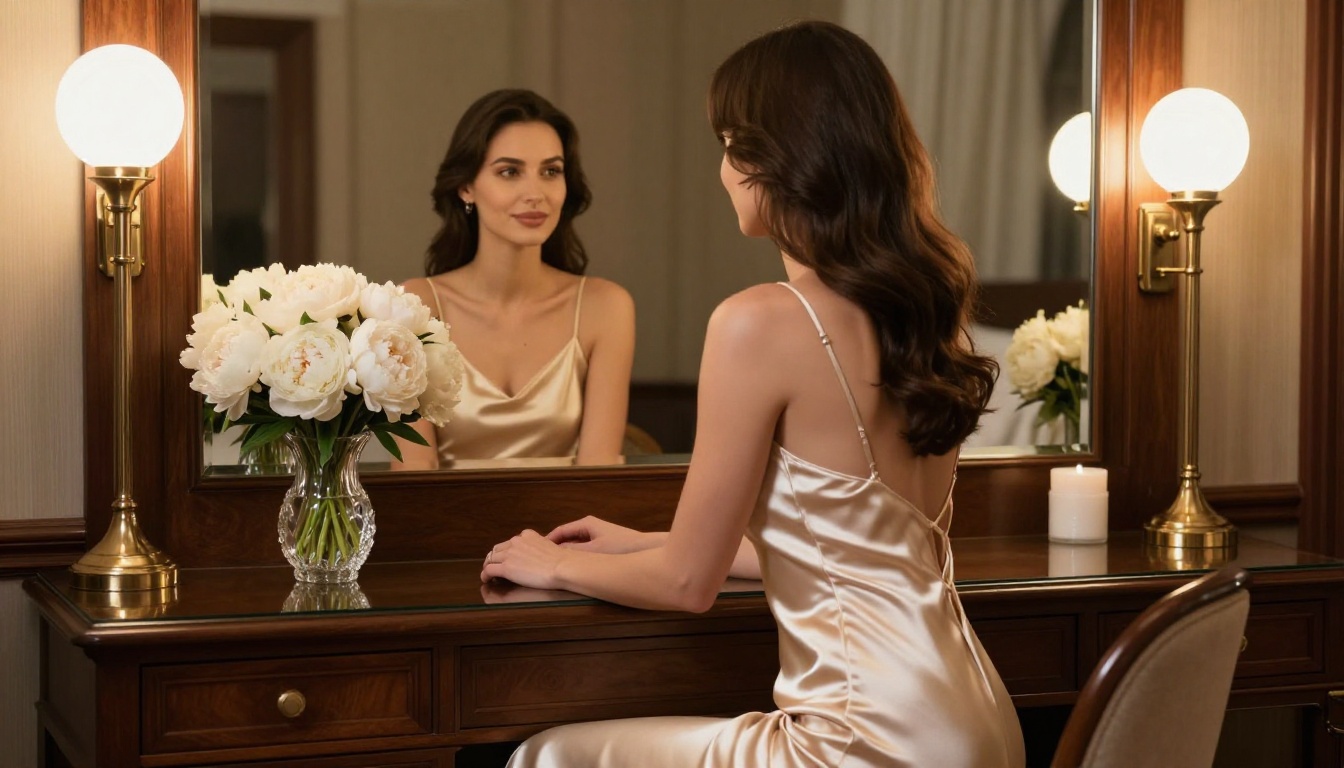
This deserves more than a passing mention. Watermarks on AI-generated NSFW content are not just an aesthetic annoyance. They create real problems:
Commercial usability: Any content with a watermark cannot be used for paid work, sold as art, or published without identifying its source. If you are monetizing your creative output, watermarks are a direct obstacle to revenue.
Platform compatibility: Many adult platforms and creator sites prohibit watermarked content or flag it as lower quality. Clean output files give you more distribution options.
Trust signals: Audiences and clients judge the production quality of content. A watermark signals that the creator either could not afford the full tool or did not bother to get clean output, neither of which creates confidence.
The models above produce watermark-free output by design. That is not a premium feature you have to pay for. It is the baseline.
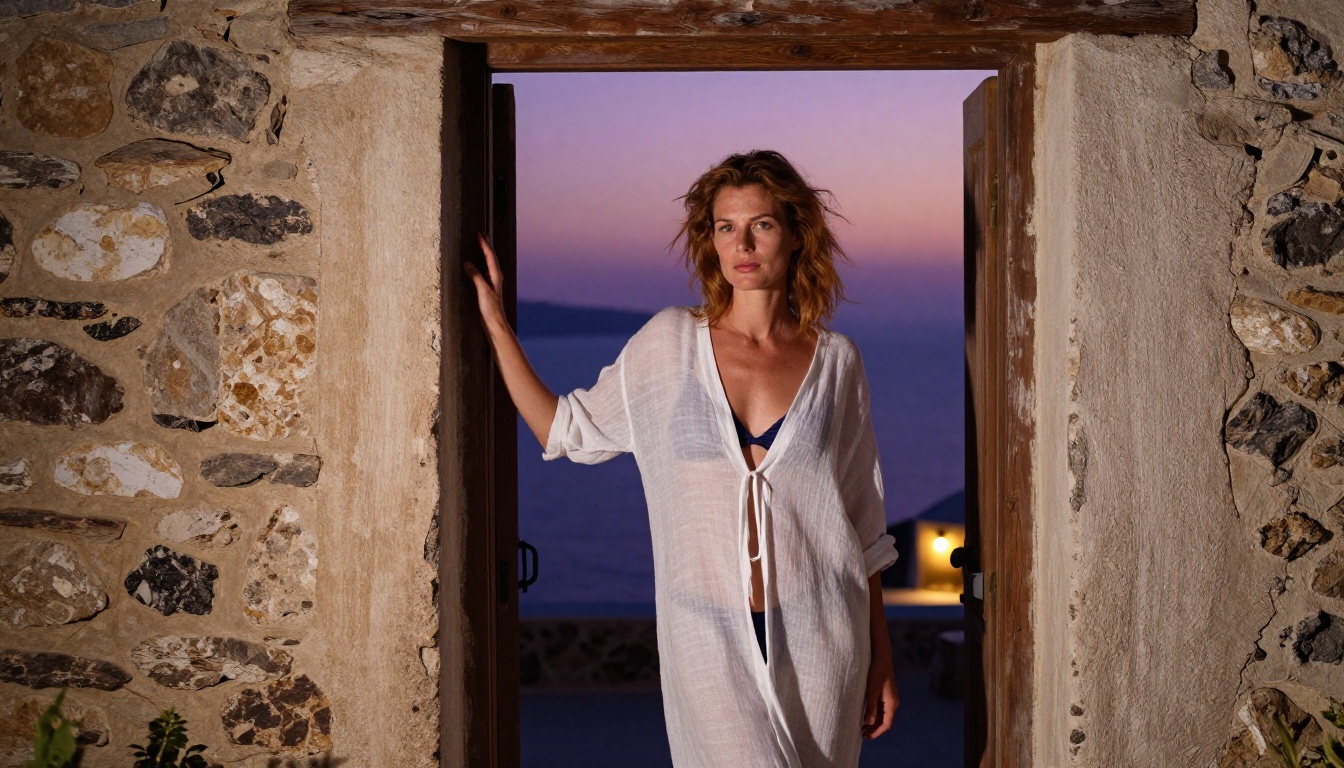
The Models Are Ready When You Are
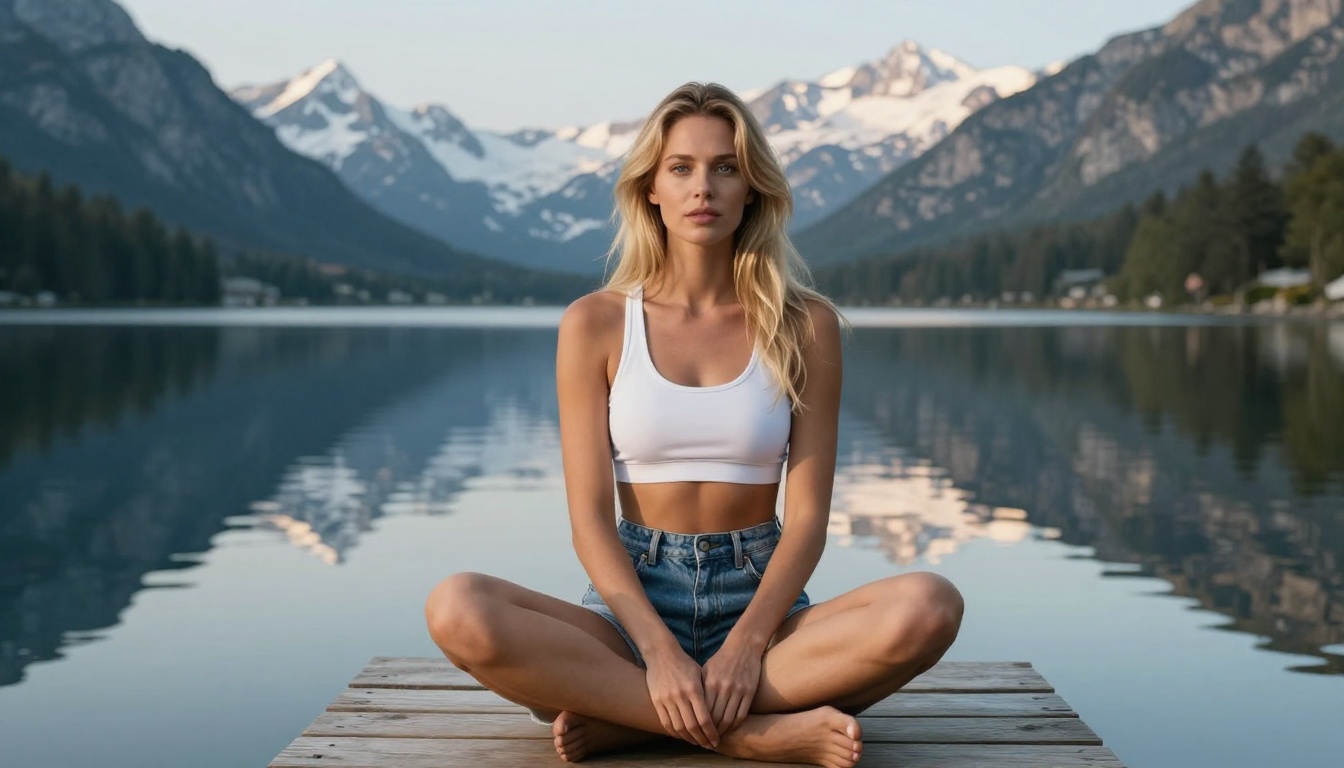
Every model in this article is available right now, accessible without a subscription wall, and produces clean watermark-free output. The difference between struggling with Seedance 2.0's restrictions and generating exactly what you envisioned comes down to using the right tool.
If you are new to these models, start with Flux 1.1 Pro. It is the most consistent performer across prompt types and gives you immediate results that show what photorealistic AI generation actually looks like when it is not being filtered.
For portraits and figure work specifically, Realistic Vision v5.1 is worth trying next. The difference in skin texture and anatomical accuracy compared to video-optimized models is significant.
For the widest creative range including LoRA support, custom styles, and community fine-tunes, SDXL and Stable Diffusion 3.5 Large give you an ecosystem, not just a model.
The image you have in mind already exists. You just need the right model to pull it out.


