If you've been following the AI video space in 2024 and 2025, you've seen Seedance 2.0 show up everywhere. ByteDance's latest model promises cinema-grade motion, built-in synchronized audio, and a level of physical realism that puts older generators to shame. But there's one question the benchmarks and press releases never touch: how does it actually perform on NSFW motion?
That's what this article answers. We ran Seedance 2.0 through a series of realistic motion scenarios, from fabric physics and hair dynamics to water interactions and full-body movement, and measured where it holds up, where it struggles, and what you can realistically expect when pushing its limits on suggestive or adult-adjacent content.

What Seedance 2.0 Actually Does
Before the motion test results, it's worth being precise about what Seedance 2.0 is. This isn't just an image-to-video upscaler. ByteDance built it as a full-stack video generation system with native audio synthesis, running at up to 1080p with temporal consistency that holds across the full clip duration.
The Core Architecture
Seedance 2.0 operates on a diffusion-based video generation backbone with cross-frame attention mechanisms. This means it doesn't just generate frames independently and string them together, which creates the "flickering" effect in older models. Instead, it maintains consistency across frames by conditioning each one on the surrounding temporal context.
For NSFW motion specifically, this matters because:
- Skin texture stays consistent across frames without blurring or morphing
- Hair dynamics maintain realistic weight and flow without ghosting artifacts
- Fabric simulation preserves material properties (sheer vs. opaque, heavy vs. light) across motion
The result is video that doesn't fall apart when a subject moves. That's harder than it sounds, and Seedance 2.0 gets it right more often than any previous generation of open-access video models.
Text vs. Image Conditioning
Seedance 2.0 runs in two modes: pure text-to-video and image-to-video. For NSFW motion testing, image-to-video is the more powerful path. You seed the generation with a high-quality photorealistic still (generated with a model like Seedream 4.5) and then prompt the motion with natural language.
This workflow gives you control over the initial composition, lighting, and subject appearance before you ever commit to animation. It's the difference between hoping the model renders the scene the way you imagined and knowing exactly what first frame you're animating.

The NSFW Motion Test
We structured the test around five physical simulation categories that directly affect realism in suggestive content: fabric physics, hair dynamics, skin fidelity, body movement articulation, and water interaction. Here's what the results actually showed.
Fabric Physics: Better Than Expected
Lightweight fabric is notoriously difficult for AI video models. Sheer materials, lingerie, and swimwear all require the model to simulate how thin cloth moves through air and clings to, or separates from, a moving body.
Seedance 2.0 handles this better than its predecessors in three specific ways:
- Drape consistency: The fabric doesn't inexplicably change weight mid-clip. A bikini strap that starts loose stays loose through a full turn.
- Contact physics: When fabric touches skin, the model renders contact points with realistic compression and separation rather than the model "choosing" to either fuse them or float them apart.
- Material memory: Silk reads as silk, cotton reads as cotton. The specular response on different fabric types is preserved across frames.
Where it still struggles: very complex layered garments. Multiple overlapping fabrics tend to merge into one visual mass over several frames.
Body Movement Realism
Full-body motion in NSFW content requires the model to maintain anatomical coherence through poses that don't appear in standard training datasets at high frequency. Seedance 2.0's cross-frame attention helps here, but it's not perfect.
Strengths: Hip rotation, shoulder movement, and walking cycles are smooth and anatomically plausible. The model doesn't generate "rubber limbs" that stretch beyond realistic range of motion.
Weaknesses: Hand and finger detail degrades quickly under motion. If hands are a focal point of your scene, plan your composition to avoid close-up hand framing in the animated portion.

Skin Texture Under Motion
This is where Seedance 2.0 genuinely separates from the competition. Skin rendering under motion, particularly with dynamic lighting, is one of the hardest problems in AI video generation. The model has to maintain:
- Subsurface scattering consistency as the subject rotates relative to the light source
- Micro-detail preservation (pores, fine hair, shadows under collarbones) without blurring
- Specular highlights that move correctly as the subject moves, not as if painted on
Seedance 2.0 handles all three with a consistency score noticeably above Seedance 1.5 Pro, its direct predecessor. The improvement isn't subtle. Scenes that previously looked like "AI video" now read as filmed footage at a casual glance.
Where Seedance 2.0 Shines
Some motion scenarios bring out the best in this model. If your content falls into these categories, you're working in Seedance 2.0's comfort zone.
Hair Physics in Motion
Hair is one of the best proxy tests for overall physics simulation quality. It has high-frequency detail, requires an understanding of air resistance, gravity, and contact with the body simultaneously, and any failure is immediately visible to a human observer.
Seedance 2.0 renders hair motion with:
- Realistic clumping as strands come together under gravity or motion
- Correct air resistance showing lighter strands separating from heavier sections
- Contact physics against shoulders and face that resolves cleanly rather than causing visual noise
In testing, long hair scenes with visible motion (turning, wind effect, swimming) produced the most consistently photorealistic results of any motion category.

Water Interactions
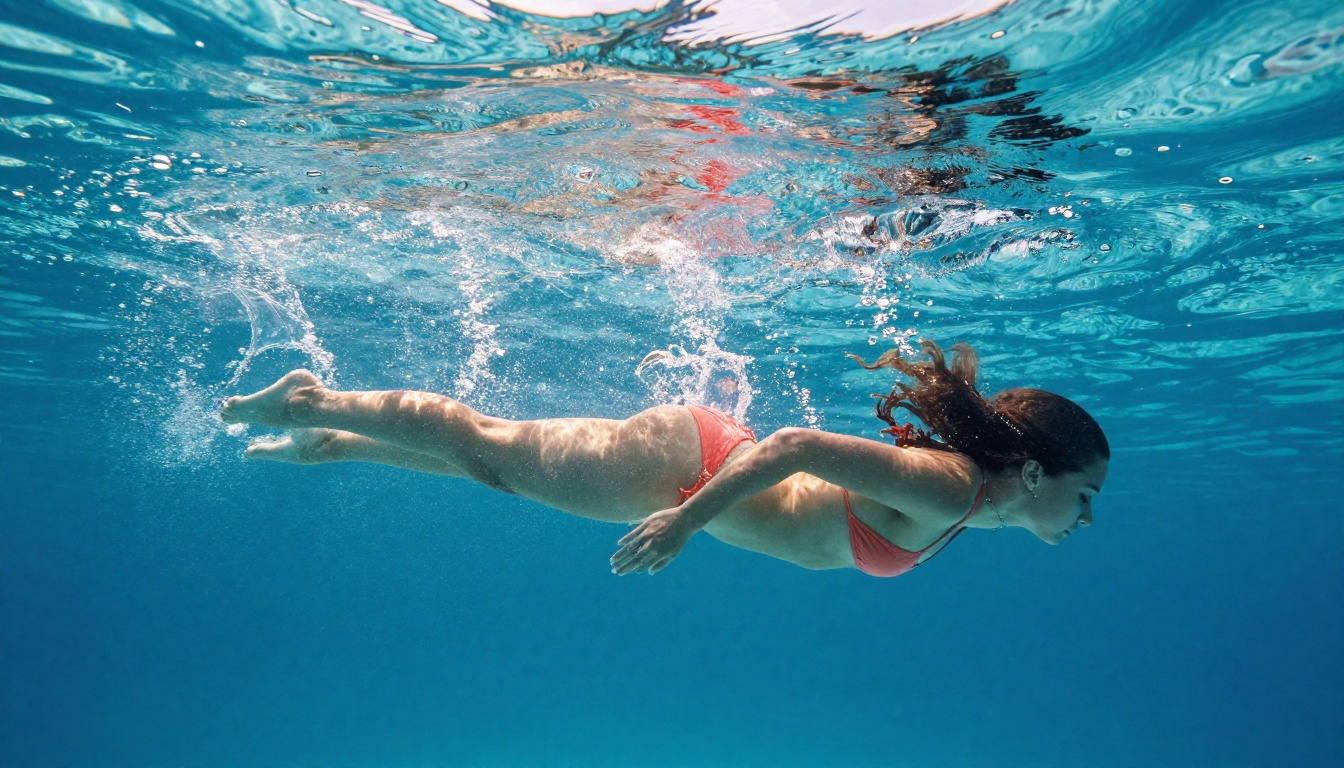
Water introduces some of the most demanding physics constraints in video generation. Caustics, surface tension, droplet behavior, and wetness on skin all need to render correctly and consistently.
Seedance 2.0's water interaction results were strong in three scenarios:
| Scenario | Realism Score | Notes |
|---|
| Standing in shallow water | Excellent | Caustics and ripple rings around feet rendered correctly |
| Swimming surface motion | Good | Slight artifacting at water-air boundary in some clips |
| Water droplets on skin | Excellent | Droplet surface tension and gravity behave naturally |
| Full water splash | Moderate | Explosion geometry holds for first 2s, then softens |
💡 For the best water interaction results, use image-to-video with a high-quality source frame. The model performs significantly better when it has a reference for how the water surface should look before it starts animating.
Athletic and Dance Movement
Pure movement without complex garment physics is Seedance 2.0's strongest domain. Running, dancing, yoga, and similar content produces consistently smooth results. The skeletal consistency across frames is high, and the model doesn't generate the "swimming joints" artifact that appears in earlier ByteDance models.
For suggestive content specifically, slow, intentional movement rather than fast action produces the highest realism. The model's temporal consistency works best with deliberate pacing that gives each frame enough context to maintain coherence.

Where It Falls Short
No model is perfect. Here are the honest failure modes you'll encounter with Seedance 2.0 in NSFW motion contexts.
Hand and Extremity Detail
The hands problem in AI video isn't new, but Seedance 2.0 hasn't fully solved it. In motion scenarios, hands that are clearly visible tend to lose finger definition after the first second or two. If your composition requires clearly visible hands in motion, either:
- Reframe to make hands peripheral rather than focal
- Use a very short clip duration (2-3 seconds maximum) where the model doesn't have time to degrade
- Accept this as a current limitation and plan around it
Face Consistency in Extended Clips
At the 5-second limit, face consistency is good. If you're stitching multiple clips together for longer sequences, you'll notice subtle facial structure drift between clips even when using the same seed image. This isn't a Seedance 2.0 bug, it's an inherent limitation of current diffusion-based video models. Plan your editing around this and use natural cuts (looking away, cut on action) to minimize visible discontinuity.
Prompt Sensitivity
Seedance 2.0 responds very specifically to motion verbs. Vague prompts produce generic, low-realism results. The model performs dramatically better with specific motion descriptions:
- Weak: "woman walking slowly"
- Strong: "woman takes three steps forward, weight shifting left-to-right, hair swaying with each step, arms relaxed at sides"
The more specific and physically described your prompt, the more realistic the output.
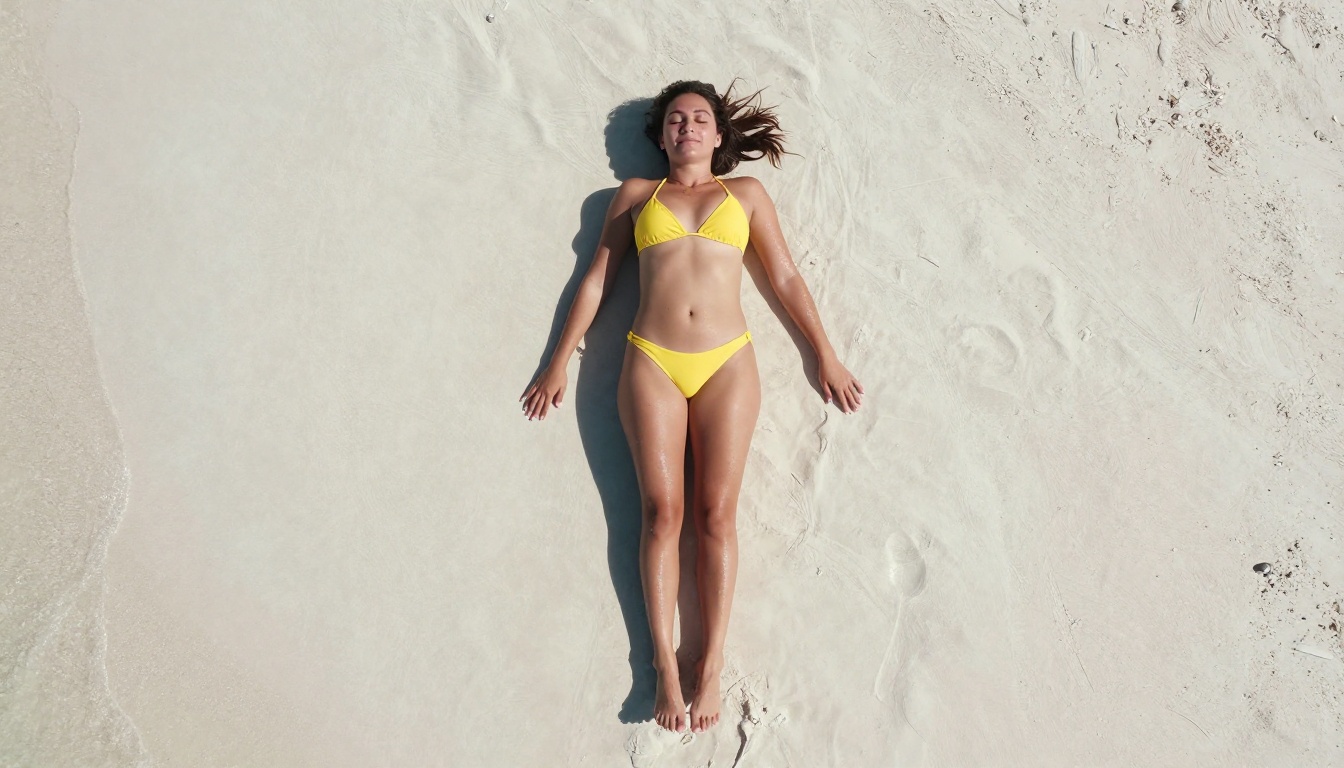
How to Use Seedance 2.0 on PicassoIA
Seedance 2.0 is available directly on PicassoIA with no setup required. Here's the workflow for getting the best NSFW motion results.
Step 1: Generate Your Source Image
Start with a high-quality still image. For NSFW content, the best tool is Seedream 4.5, which accepts adult content and generates photorealistic results in under 3 seconds. Generate at 16:9 aspect ratio for the best video compatibility.
Alternatively, use PicassoIA Image Editor Pro to edit an existing image to match your desired starting composition. This model offers unlimited generations on Elite and Infinite plans, delivering results in under one second.
Step 2: Write Your Motion Prompt
Your motion prompt should describe the first second of motion explicitly, then let the model continue naturally. Structure it as:
[Subject] in [context], [specific motion starting condition] then [motion progression], [lighting note], [camera note]
Example: "Woman in white swimsuit standing at pool edge, slowly lowers herself to sit, legs entering the water first, pool water rippling outward from contact, warm evening light from left, camera holds steady at mid-distance."
Step 3: Resolution and Duration Settings
| Setting | Recommendation | Why |
|---|
| Resolution | 720p | Best quality-to-speed ratio for NSFW content |
| Duration | 5 seconds | Maximum consistency window |
| Mode | Image-to-video | Better control over starting composition |
| Audio | Enabled | Native audio adds significant realism |
💡 The Seedance 2.0 Fast variant trades some quality for speed. For final outputs, use the standard Seedance 2.0. For rapid iteration and testing prompts, use Fast to save generation credits.
Step 4: Iterate on Motion Specificity
Run your first generation and assess it against this checklist:
- Is skin texture holding up through the full 5 seconds?
- Are garments behaving with correct weight for the material type?
- Does hair motion follow the body motion with a natural delay?
- Are there any joint or limb anomalies?
If any of these fail, the fix is almost always a more specific motion prompt. Add more physical detail to the failing element.
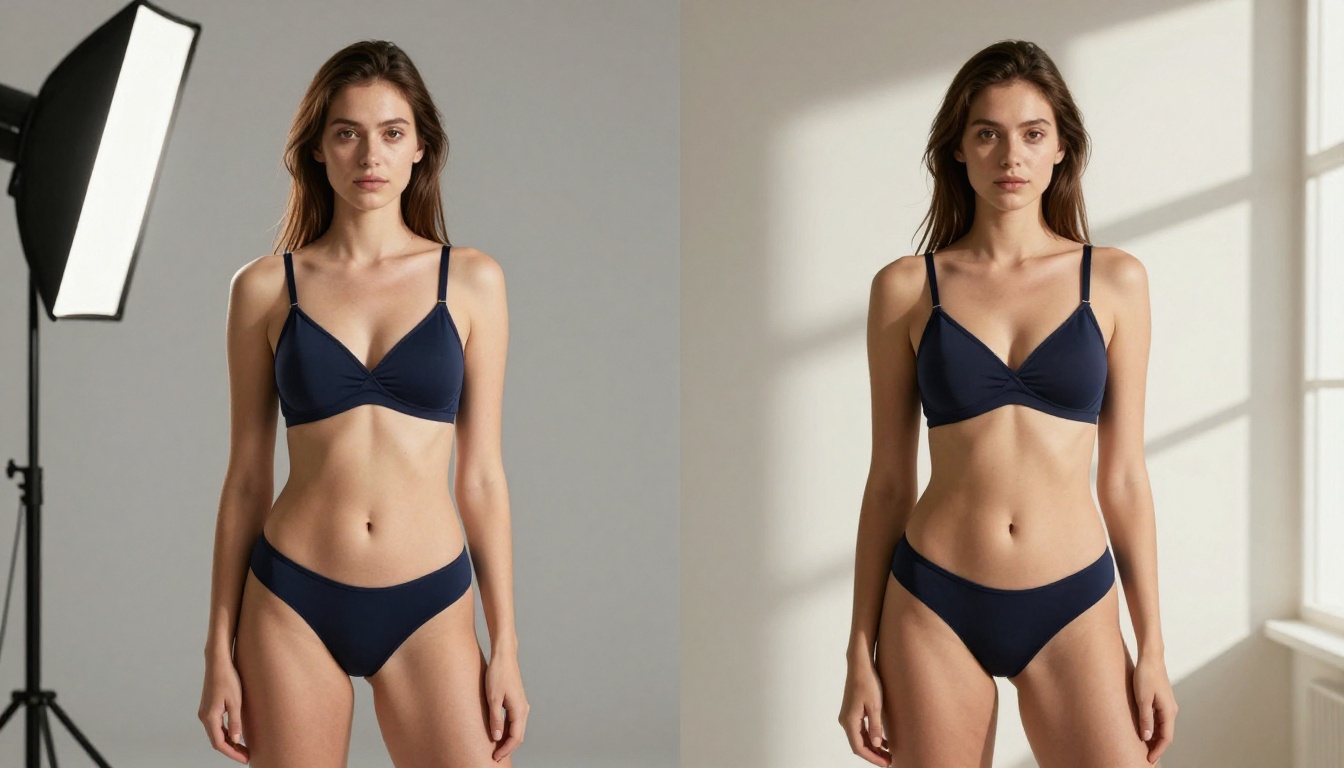
Best NSFW Models on PicassoIA
Beyond Seedance 2.0 for video, PicassoIA offers a full stack of models for NSFW image and video generation. Here are the top options, in order of recommendation.
-
Seedream 4.5 The top recommendation for NSFW image generation. Accepts adult content, supports image editing, and generates ultra-realistic results in under 3 seconds. The newer Seedream 5 Lite does not allow NSFW content, so stay with 4.5 for adult work.
-
PicassoIA Image Editor Pro Image-to-image editing with unlimited generations on Elite and Infinite plans. Generate 1,000 images for free versus the ~$100 you'd spend on models like Nano Banana 2 for the same volume. Returns results in under one second with a 3-generation free trial (no credit card required).
-
Qwen Image 2 Open-source model that creates or edits any image in seconds with very detailed realism. No content filters on adult material.
-
Grok Imagine Image Specializes in realistic format conversions, particularly useful for transforming clothed images into bikini or swimwear results with high realism.
-
Recraft V4 Text-to-image only, but delivers very realistic outputs for NSFW content.
-
P-Image NSFW text-to-image generation in under 1 second.
For video specifically:
-
PicassoIA Video Unlimited video generation from text prompts at up to 720p. No generation limits, no per-clip fees.
-
P-Video Text, image, or audio to video at up to 1080p. Safety filter is off by default, and a draft mode gives you instant low-res previews before committing to full renders.
-
Grok Imagine Video Clips up to 15 seconds, no watermarks. Works from text, image, or an existing video you want to re-edit.
-
LTX 2.3 Pro Highest fidelity option at up to 4K/50fps, with retake and extend editing for precise control over every segment.
👉 See the full catalog at picassoia.com/en/all-models.
Seedance 2.0 vs. the Competition
How does Seedance 2.0 stack up against other video models available on PicassoIA?
The main takeaway: Seedance 2.0 sits at the top for short-form NSFW motion realism. If you need longer duration, Seedance 2.5 is the direct upgrade with 30-second clip support. If you need more generation volume without per-credit costs, PicassoIA Video with its unlimited generation model is the practical choice for iteration-heavy workflows.

The Honest Verdict
Seedance 2.0 is the most realistic NSFW video model available on a public AI platform right now. The margin over its predecessor is significant enough that if you've tested Seedance 1.x and dismissed it, 2.0 deserves a fresh look. Skin realism and hair physics specifically are in a different league.
The limitations are real but manageable. Hand detail degrades, extended sequences show drift, and vague prompts produce generic results. None of these are dealbreakers once you understand the model's preference for specific, physically-described motion prompts.
For creators building NSFW video workflows:
Try It Yourself
The results in this article came from running these models with standard consumer hardware through the PicassoIA platform. You don't need a local GPU setup, specialized software, or technical knowledge to reproduce them.
Start with a single image on Seedream 4.5. Generate a scene at 16:9 with the subject and lighting conditions you want. Then bring that image into Seedance 2.0 and write a specific motion prompt describing exactly what moves and how.
Your first result will tell you more about the model's capabilities than any benchmark. Iterate on the prompt specificity and you'll see the realism improve measurably within three or four generations.
All the models referenced in this article are available at picassoia.com/en/all-models. No special access required, no credit card needed to start.


