Seedance 2.0 just changed what people expect from photo animation. Where older tools produced shaky, unnatural motion, ByteDance's latest model generates fluid, temporally consistent video clips from a single still image, with results that are genuinely hard to distinguish from real footage. If you have ever wanted to watch a photograph move, this is the closest the technology has come to doing it convincingly.

What Seedance 2.0 Actually Does
Seedance 2.0 is a video diffusion model developed by ByteDance. Its core function is straightforward: you feed it a still photograph, and it outputs a short video where the subject in that photo moves naturally within the scene. Hair shifts in a breeze. Eyes blink slowly. Water ripples at the edges. Fabric settles and moves with body weight.
This is not a new category of AI tool. Photo animation has existed in various forms for years, from deepfake-adjacent portrait animation to looping GIF generators. What changed with Seedance 2.0 is the quality floor. Even with an average smartphone photo as input, the output feels grounded in physical reality, not like a CGI approximation of it.
From Still to Motion
The process starts with a reference image. The model reads the scene, identifies subjects, estimates depth and lighting conditions, and then generates frames forward in time. The result is typically a 5 to 10 second clip where nothing feels arbitrarily placed or procedurally looped.
What makes this particularly useful is that it preserves the visual identity of the subject across every frame. If you animate a portrait, the person still looks like that person in frame 1, frame 30, and frame 60. That consistency, called temporal coherence, is where most competing models fall apart. Faces drift. Textures flicker. Motion becomes erratic. Seedance 2.0 treats it as a primary objective rather than a secondary concern.
Why ByteDance Built This
ByteDance operates TikTok, CapCut, and a suite of creative tools used by hundreds of millions of people daily. Seedance 2.0 sits at the intersection of consumer accessibility and professional output quality. The broader goal is clear: anyone with a phone photo should be able to generate a video clip without learning video editing software, without a production budget, and without waiting more than a couple of minutes for a result.
That ambition has practical consequences for the output. The model is optimized for real photographs, not AI-generated images. It handles noise, compression artifacts, mixed lighting, and irregular compositions better than models trained primarily on synthetic data.

What Sets It Apart from Other Models
The photo-to-video space is crowded. Kling v3, Hailuo 2.3, Wan 2.6 I2V, LTX-2.3 Pro, and others all offer image-to-video generation. Seedance 2.0 earns its place by doing three things better than most.
Motion Realism That Holds Up
Most image animation models add generic, templated motion to a photo. Wind blows in one direction. A head tilts on a fixed axis. The animation reads as procedural because it is, the model is not interpreting the scene, it is applying a preset motion pattern to it.
Seedance 2.0 generates scene-aware motion. If the source photo shows a woman standing near the ocean, the model infers that water moves, that her hair might catch the wind from a specific direction, that light on the waves shifts as the angle changes. If you animate an indoor portrait, the model respects that there is no wind, that shadows are static, that movement is subtle and human-scale. The motion is context-specific.
This matters enormously for usability. Generic motion reads as fake within the first second. Contextual motion that respects the physics of the original scene does not.
Temporal Consistency Explained
Temporal consistency means each frame of the output video looks like it belongs to the same continuous moment. It sounds obvious, but it is genuinely difficult to achieve in generative models, especially when a model has to invent movement from a static image. Without temporal consistency, you get video that flickers, warps faces between frames, or produces subjects that visually drift and lose identity as the clip progresses.
Seedance 2.0 addresses this through a refined training approach that emphasizes per-frame identity preservation alongside motion generation. The face, the clothing, the background environment: all maintain coherent identity across the full clip length.
Input Flexibility
Unlike some models that require clean, studio-quality photography, Seedance 2.0 handles:
- Older scanned photographs with visible grain and fading
- Smartphone photos with slight noise or mixed white balance
- Outdoor photos with complex backgrounds and varied lighting
- Group portraits with multiple subjects
This breadth of input tolerance makes it practical for personal and archival use, not just professional content creation workflows.

How Seedance 2.0 Works
You do not need to understand diffusion models to use Seedance 2.0. But knowing what happens under the hood helps you get better results from it.
The Input: Just One Photo
A single image is all that is required. The model works best with:
- Clear subject focus: Photos where the main subject is not obscured or partially cropped
- Natural lighting: Images with realistic light sources produce more natural motion output
- Moderate scene complexity: Extremely cluttered backgrounds can reduce output sharpness
- Standard photo ratios: Both portrait and landscape compositions work well
You can also include a text prompt alongside your image to steer the motion. For example, pairing a portrait photo with the prompt "gentle head turn, eyes blinking, soft smile forming" gives the model explicit direction on what kind of movement to generate, rather than letting it infer from context alone.
💡 Tip: Higher resolution source photos produce sharper video output. If you are working with older or compressed photos, consider running them through a super resolution model first. PicassoIA's super resolution category includes upscaling tools that can significantly improve the quality of your source material before animation.
The Output: Smooth Video
The output is typically a 5 to 10 second MP4 clip. Resolution depends on the platform configuration. Seedance 2.0 outputs are notable for:
- Fluid motion with smooth frame interpolation between generated frames
- Scene-appropriate physics: Cloth moves like cloth. Water behaves like water. Hair responds to implied wind.
- Preserved facial identity: The person in your photo remains visually coherent throughout the entire clip
- Natural motion arcs: Movements follow realistic curves rather than linear paths

Seedance vs. Other Photo-to-Video Models
To understand where Seedance 2.0 fits, it helps to compare it directly against the other major models available right now.
| Model | Motion Quality | Face Consistency | Processing Speed | Best Use Case |
|---|
| Seedance 2.0 | Excellent | Excellent | Moderate | Portraits, scenes, photorealism |
| Kling v3 | Excellent | Very Good | Fast | Dynamic motion, action sequences |
| Hailuo 2.3 | Very Good | Good | Fast | Short social clips |
| Wan 2.6 I2V | Good | Good | Moderate | General purpose |
| PixVerse v5.6 | Very Good | Very Good | Fast | Stylized, creative content |
| LTX-2.3 Pro | Very Good | Good | Very Fast | Rapid iteration, real-time preview |
No single model wins every category. Seedance 2.0's clear advantage is in photorealistic output from real photographs. When your source material is an actual photo rather than an AI-generated image, Seedance tends to preserve the photographic quality and subject identity of the source better than most alternatives.
For action-heavy motion or stylized animation, Kling v3 and PixVerse v5.6 remain strong alternatives. For speed above all else, LTX-2.3 Pro delivers surprisingly solid results in seconds. For character animation from a single portrait, ByteDance's own DreamActor M2.0 is worth testing alongside Seedance.

Real Use Cases That Work
The technology is only as useful as what you actually do with it. Here are the scenarios where Seedance 2.0 delivers the most reliable value.
Personal and Family Photos
Old family photographs gain new life when animated. A still portrait of a grandparent from decades ago becomes a few seconds of gentle movement, subtle and respectful. This is one of the most emotionally resonant applications of photo animation, and Seedance 2.0 handles aged, lower-quality photos with more grace than many tools because of how it preserves grain and texture rather than trying to smooth it away.
Wedding photos, travel shots, milestone portraits: anything where you have a clear subject you want to see move.
Content Creation at Scale
Social media content demands volume and variety. Animating product photos, fashion shots, and brand imagery creates short-form video without requiring a video shoot. A single photoshoot can produce both static deliverables and a batch of animated clips for multiple posts and platforms.
Reels, TikToks, and YouTube Shorts are all natural homes for this content. A 5-second animated photo holds attention in a feed that a static image does not. The creative overhead is close to zero once you have the workflow established.
💡 Tip: For social content, animate photos that already have strong composition and lighting. The model amplifies what is already there. Strong input produces strong output. Weak input produces weak output regardless of which model you use.
Glamour and Fashion Content
Swimwear, lingerie, and fashion photography animate particularly well in Seedance 2.0. The model handles fabric physics with care, generating realistic cloth movement from photos of flowing dresses, sheer fabrics, and fitted garments. Combined with wind simulation through a text prompt, a fashion photo becomes a dynamic clip that feels natural and attractive.
A woman in a bikini on a beach, when animated, generates wave movement in the background, hair motion, and fabric shift that reads as real rather than generated. This is the kind of output that makes the technology genuinely useful for content creators working in beauty, fashion, and lifestyle categories.
How to Use Seedance on PicassoIA
The Seedance model family is available directly through PicassoIA, which hosts Seedance 1.5 Pro, Seedance 1 Pro, Seedance 1 Pro Fast, and Seedance 1 Lite variants. No local installation, API keys, or technical setup is required.

Step 1: Choose Your Variant
Start with Seedance 1.5 Pro for the highest quality output. If you need faster results with slightly lower fidelity, Seedance 1 Pro Fast processes notably quicker. For quick tests, rough drafts, or lower-stakes content, Seedance 1 Lite delivers acceptable results at significantly higher speed.
Step 2: Upload Your Photo
Click the image input area and upload your source photo. JPG and PNG are both accepted. For best results:
- Use photos with minimum 1024px width
- Avoid heavily compressed images where fine detail has been lost
- Crop to remove irrelevant background clutter before uploading if the background is distracting
Step 3: Write a Motion Prompt
This step is optional but strongly recommended. A good motion prompt gives the model explicit direction. Examples that work well:
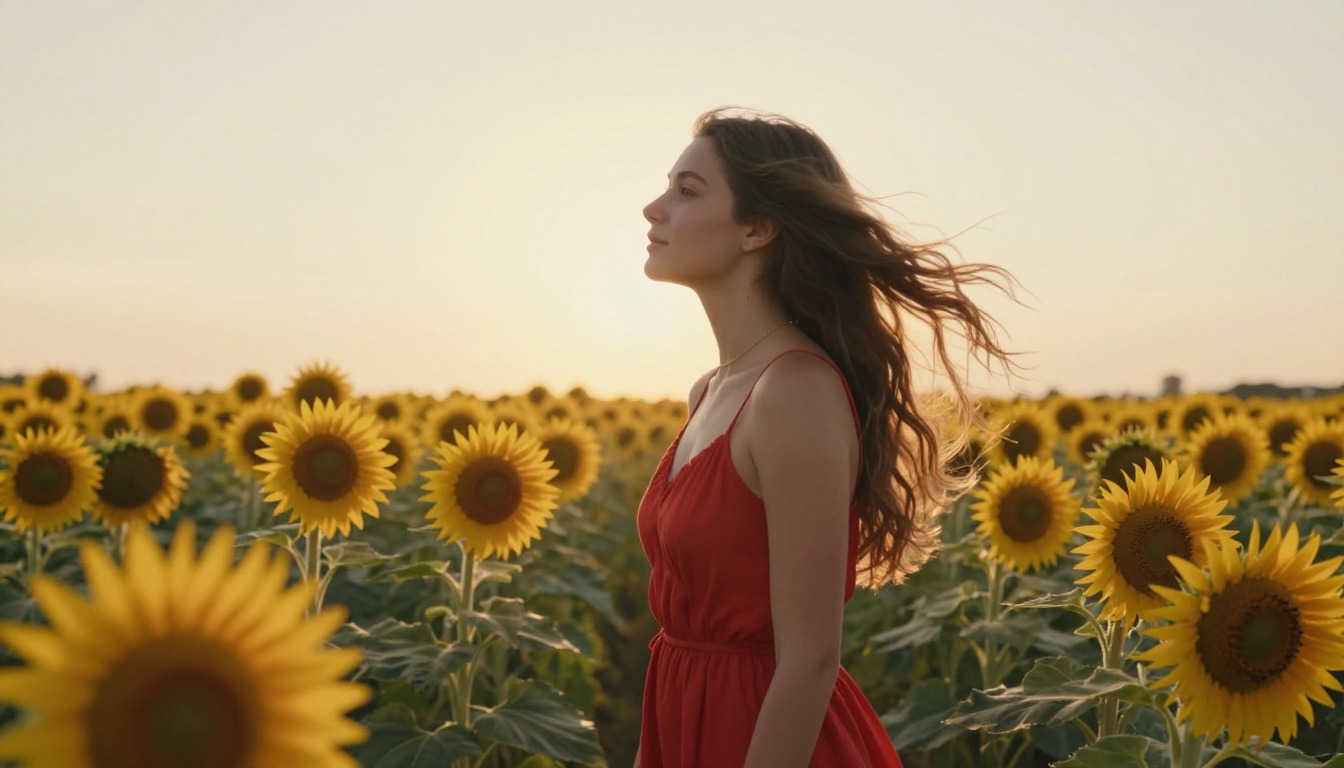
"Gentle head turn to the right, eyes blinking slowly, soft hair movement in a light breeze""Ocean waves moving in background, hair blowing gently, slight sway of the body""Wind moving through sunflower field, dress fabric rippling, natural relaxed movement"
Keep prompts under 80 words and focus on describing motion, not appearance. The model already knows what the subject looks like from the photo. Prompts that describe visual appearance compete with the image input and often produce worse results.
Step 4: Set Duration and Aspect Ratio
Most Seedance deployments offer duration options of 5 or 10 seconds. For aspect ratio:
- 9:16: Best for TikTok, Instagram Reels, YouTube Shorts
- 16:9: Best for websites, presentations, widescreen display
- 1:1: Versatile for feed posts across most platforms
For social content, 9:16 at 5 seconds is the practical default. For website use, 16:9 gives you more spatial context from the original photo.
Step 5: Generate and Download
Hit generate. Processing takes approximately 60 to 120 seconds depending on model variant and server load. Download the resulting MP4 directly from the results panel. The file is ready to use as-is or import into any video editor for further work.
💡 Tip: Run the same photo through two or three different motion prompts before settling on a final result. Minor prompt variations can produce dramatically different motion styles and character expressions. A quick comparison pass before committing to a prompt saves time in the long run.
Getting Better Results Every Time
The difference between mediocre and impressive output almost always comes down to input quality and prompt specificity. A few patterns consistently produce better results.
Photos that animate well:
- Natural, soft lighting with no harsh flash shadows
- Clear subject separation from the background
- Subjects in slightly active poses rather than fully rigid stances
- Outdoor settings with environmental elements like wind, water, or foliage
Prompts that produce strong motion:
- Specific over vague:
"hair blowing left in a steady breeze" outperforms "movement"
- Physics-grounded: describe real-world motion rather than abstract effects
- Character-specific:
"model turns slightly toward camera, eyes drift forward" produces better facial results than generic prompts
What to avoid:
- Heavily filtered source photos where the original colors and textures are artificial
- Group photos with more than three subjects close together
- Photos with significant existing motion blur
Why This Changes Photo Workflows
Static photos have always had a ceiling. They capture a single instant. A beautiful portrait stays frozen at that moment. Seedance 2.0 removes that ceiling without requiring any additional photography.
For photographers, this means every session can produce both static deliverables and short video content from the same shoot. For social media managers, existing photo libraries become video content libraries overnight. For hobbyists, old memories can move again.
The quality gap between AI-generated video and real footage is narrowing at a pace that was not predicted even two years ago. Seedance 2.0 represents a point in that curve where the output is genuinely usable without apology, not a demonstration of what AI can almost do, but a practical tool that produces work ready for publishing.
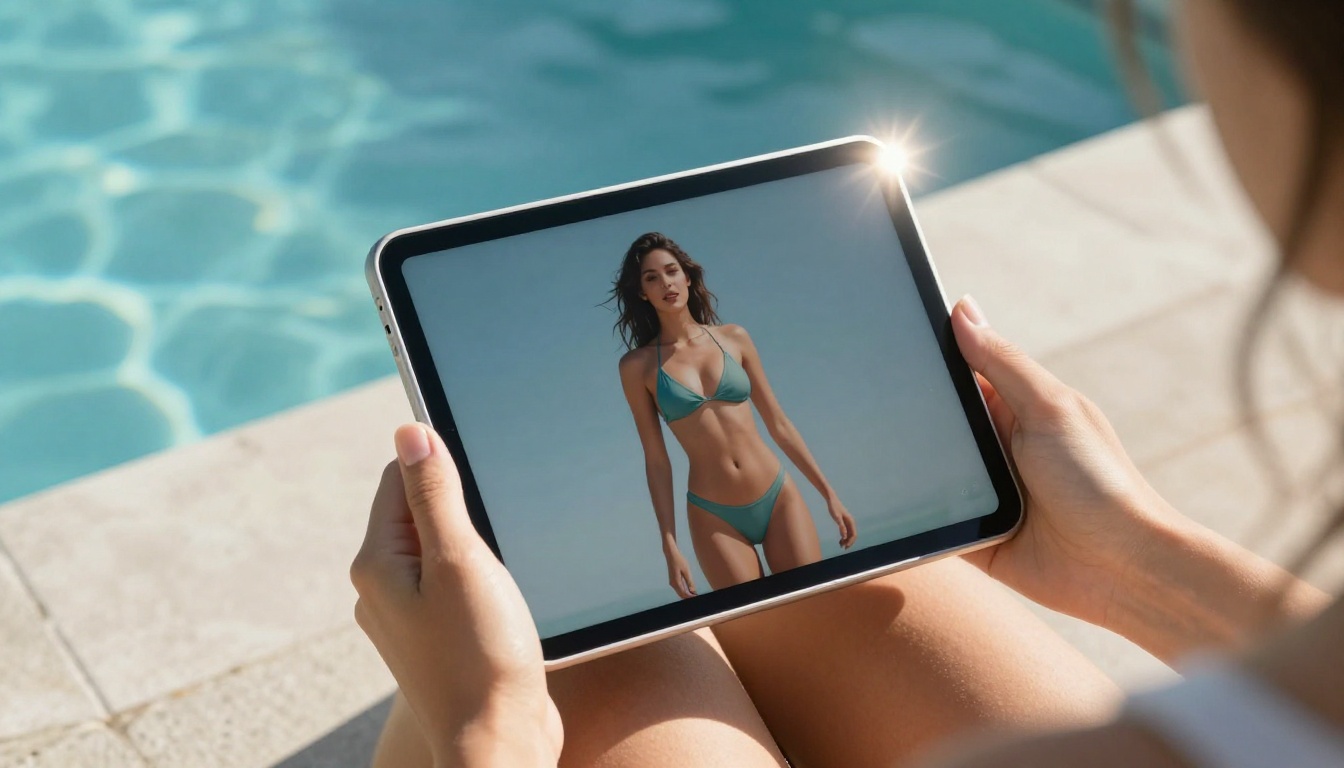
The comparison above shows that Seedance is not alone in this space. Kling v3, Hailuo 2.3, Wan 2.6 I2V, and DreamActor M2.0 all offer their own approaches to photo animation. But for anyone starting from a real photograph and wanting the most photorealistic result, the Seedance architecture remains the reference point.
Try It with Your Own Photos
The best way to understand what Seedance 2.0 produces is to put your own photos through it. Pick a photo that matters to you, write a short motion prompt describing how you want the subject to move, and generate a clip. The output will tell you more than any written comparison can.
PicassoIA gives you access to the full Seedance model family right now, with no setup required. Start with Seedance 1.5 Pro for your first test. Then compare results from Kling v3, PixVerse v5.6, or LTX-2.3 Pro to see how different architectures handle the same source material. Running comparisons across models on the same photo is the fastest way to develop an intuition for which model fits which content type.
Your photos already exist. Now they can move.


