Two of the most-discussed AI video models in 2027 are battling for the same audience: creators who want fast, high-fidelity video output without fighting a UI. Seedance 2.0 from ByteDance and Veo 4 from Google sit at the top of almost every benchmark right now, but they have completely different philosophies behind them. One prioritizes speed and integrated audio. The other bets on cinematic realism and long-form coherence. Choosing the wrong one for your project doesn't just cost time — it costs quality.
What Sets These Models Apart
At their core, Seedance 2.0 and Veo 4 solve the same problem from opposite directions. ByteDance built Seedance 2.0 around a concept of high-throughput generation with native synchronized audio baked in from the first frame. Every clip comes out with sound that was generated alongside the visuals, not bolted on afterward. Google built Veo 4 to push cinematic output quality to its ceiling, with a focus on photorealistic motion and temporal consistency across longer sequences.
Seedance 2.0: ByteDance's Speed-First Approach
Seedance 2.0 is the standard full-quality model from ByteDance's Seedance series. It generates video at up to 1080p with native audio synchronized to the scene — no separate audio pass, no additional API call. The model handles both text-to-video and image-to-video workflows, and it tends to produce crisp, commercially-polished footage that works well for social content, product demos, and brand videos.
What makes Seedance 2.0 stand out from earlier generations is its motion coherence. Characters don't drift between frames the way older diffusion-based models used to. Hands stay correct. Faces hold identity across cuts. The physics of fabric, water, and environmental elements has improved enough that short-form outputs can pass for real footage in many contexts.
If you need faster drafts, Seedance 2.0 Fast drops generation time significantly at the cost of some fine-detail sharpness. And Seedance 2.0 Mini is the text-to-video-only lightweight option for quick idea testing.

Veo 4: Google's Cinematic Push
Veo 4 is Google's fourth iteration of the Veo architecture, continuing the lineage from Veo 2 and Veo 3. The defining upgrade in Veo 4 is its ability to maintain scene coherence over longer clips with better camera control, more naturalistic lighting transitions, and significantly improved handling of complex multi-element scenes.
Veo 4 also generates native audio, a feature that Google introduced in Veo 3 and has refined considerably since. The audio in Veo 4 tends to be more contextually accurate — the sound of a specific environment (rain on a tin roof, crowd noise in a stadium) matches the visual scene tighter than many competing models manage.
On PicassoIA, you can currently access Veo 3.1 and Veo 3.1 Fast, the immediate predecessors to Veo 4 that share much of the same architecture and output philosophy.
Video Quality: Frame by Frame

This is where the comparison gets nuanced. Neither model loses this category outright — they excel in different scenarios.
Seedance 2.0 strengths:
- Sharp, commercially-polished visuals with consistent saturation
- Strong performance on human subjects and portrait-style shots
- Excellent motion fluidity for short clips (5-10 seconds)
- Native audio integration at no extra cost per clip
Veo 4 strengths:
- Superior handling of complex physics (water, fabric, crowd scenes)
- Better temporal consistency over longer sequences (10-30 seconds)
- More naturalistic lighting transitions (sunset gradients, window light)
- Higher ceiling for cinematic documentary-style footage
For content where the output needs to look like a real film production, Veo 4 has an edge. For social-first, fast-turnaround content where the audio-visual sync matters more than cinematic nuance, Seedance 2.0 delivers a better pipeline.
| Aspect | Seedance 2.0 | Veo 4 |
|---|
| Max resolution | 1080p | 1080p+ |
| Native audio | Yes, built-in | Yes, built-in |
| Human motion | Very good | Excellent |
| Physics accuracy | Good | Excellent |
| Generation speed | Fast | Moderate |
| Short-form (5-10s) | Excellent | Very good |
| Long-form (10-30s) | Good | Excellent |
Prompt Adherence Compared
Both models handle descriptive prompts well, but they interpret specificity differently.
Seedance 2.0 responds reliably to compositional instructions: "close-up on hands kneading bread dough, warm kitchen lighting from the left" will land close to what you asked. It's particularly good when you're describing visual style or mood rather than intricate spatial arrangements.
Veo 4 tends to handle narrative prompts better: "a woman walks through a rain-soaked Parisian alley, passes a lit café window, camera tracks her from behind at street level" is the kind of complex spatial-temporal instruction where Veo 4 has the architecture to handle multiple moving elements simultaneously.
💡 Prompt tip: For Seedance 2.0, lead with the subject and action, then describe the environment. For Veo 4, you can write more cinematically, including camera movement and scene transitions.
Audio Integration: Who Wins

Audio was a differentiating feature when Seedance introduced it, but it's now becoming table stakes. Both Seedance 2.0 and Veo 4 generate audio natively.
The distinction is in audio-visual tightness. Seedance 2.0's audio engine produces sound that's appropriate for the scene, but it can occasionally feel like a sound library match rather than audio that feels physically present in the space. A person walking on gravel sounds like walking on gravel, but not always like that specific gravel in that specific canyon.
Veo 4's audio has improved on spatial accuracy. The acoustic character of the space, reflections, and reverb tend to match the visible environment more accurately. For documentary-style content or any video where environmental audio matters, that gap is meaningful.
For lipsync video workflows, the audio-video integration works differently. If you're generating a talking-head or animated character with synced speech, you'll typically want to use the dedicated lipsync models alongside your video output. Lipsync 2 Pro from Sync and Omni Human 1.5 from ByteDance are the top options for precisely synced mouth movement on PicassoIA. Kling Lip Sync is another strong performer for clean audio-to-mouth sync on existing video footage.
Speed and Cost: The Practical Side

Speed is where Seedance 2.0 pulls ahead clearly. The model was designed for throughput. A 5-second clip at 1080p comes back faster than Veo 4, and Seedance 2.0 Fast narrows the gap even further. For bulk content production or rapid iteration, that time difference adds up.
Veo 4 takes longer per clip because it's doing more work on physics and temporal coherence. The trade-off is quality ceiling, not laziness in the model. If you're generating 50 clips for a social media campaign, Seedance 2.0 will complete the job faster. If you're generating 5 hero shots for a premium brand film, the extra time Veo 4 takes is worth it.
When to choose by workflow speed:
Prompt Adherence and Control

Beyond basic prompt following, serious creators care about control. The ability to specify not just what happens, but how it looks, how the camera moves, and how objects relate in 3D space.
Both models have improved significantly here, but their control methods differ:
Seedance 2.0 responds well to style and mood modifiers. Prompts like "golden hour, shallow depth of field, medium close-up, slight camera drift to the right" tend to produce predictable outputs. The model is trained on enormous amounts of commercially-produced video content, so its aesthetic vocabulary is sharp.
Veo 4 handles camera-specific instructions with more precision. You can specify "slow dolly forward," "handheld with natural shake," or "static wide shot" and expect the model to follow through more reliably than earlier generations.
💡 Control tip: Use specific cinematography language in your Veo 4 prompts. Phrases borrowed from film production ("motivated lighting from window right of frame," "tracking shot from waist height") yield better results than general adjectives.
Neither model currently supports precise keyframe or motion-path control through a text prompt alone. For that level of control, look at Kling v3 Motion Control or Wan 2.7 I2V, which are purpose-built for trajectory-guided animation.
Lipsync and Avatar Use Cases
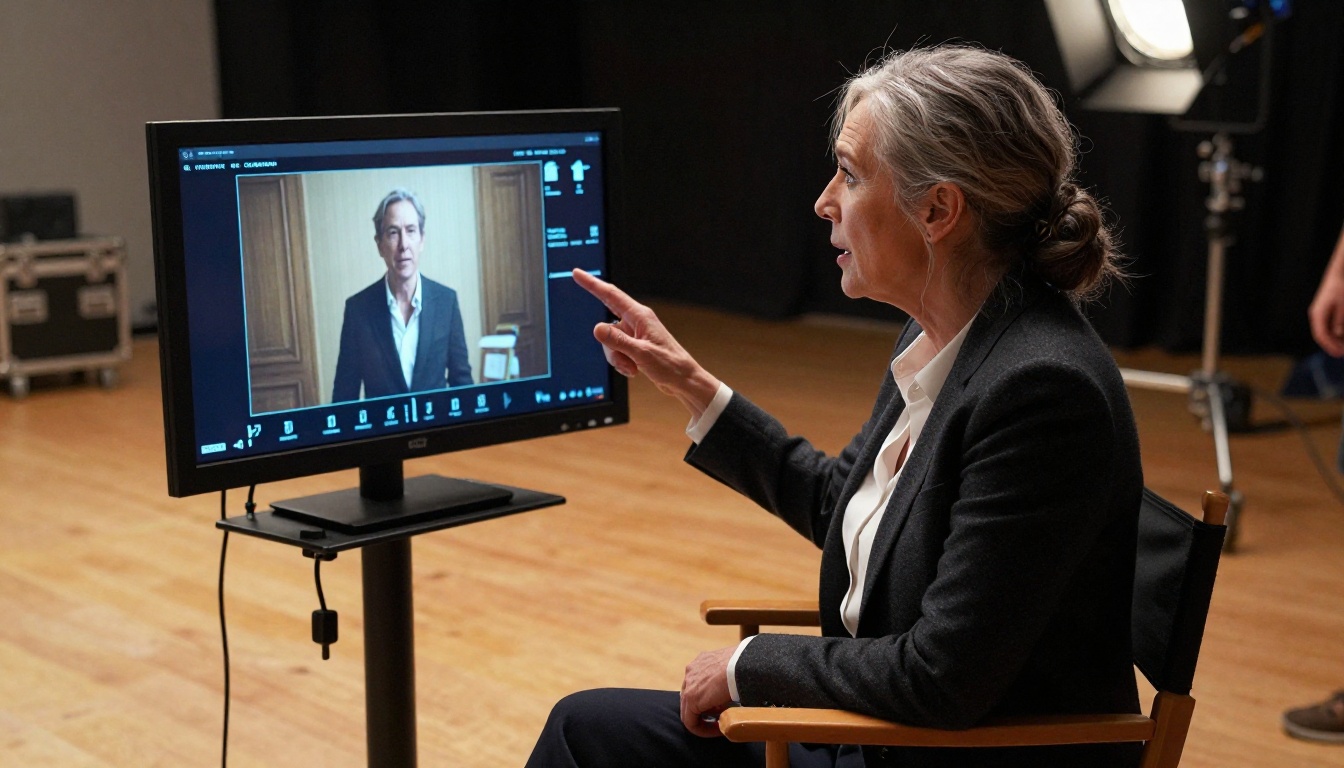
Both Seedance 2.0 and Veo 4 generate video, but neither is primarily a lipsync model. For avatar and talking-head video workflows, the models serve different roles.
Where Seedance 2.0 and Veo 4 enter the lipsync conversation is as the upstream video source. You generate a realistic person or character with the model, then pass that output through a dedicated lipsync tool to sync their mouth movements to your audio script.
On PicassoIA, this pipeline looks like:
- Generate the base character clip with Seedance 2.0 or Veo 3.1
- Pass the clip to Lipsync 2 Pro for precise mouth sync
- Or use Omni Human 1.5 to animate a photo into a speaking avatar directly
React 1 from Sync is worth noting for realistic lipsync when the input video has natural facial movement that needs to be preserved during the sync process. For video dubbing workflows, Lipsync 2 handles the heavy lifting of replacing audio while keeping visual consistency.
Which Base Model Works Better for Avatar Video?
When generating the upstream character clip for lipsync:
Seedance 2.0 advantage: Face identity holds more consistently frame-to-frame in shorter clips. The base output has fewer facial artifacts that downstream lipsync tools have to work around.
Veo 4 advantage: For longer clips (10+ seconds) with more complex facial expressions, Veo 4's temporal coherence makes the lipsync output cleaner because the underlying face doesn't drift.
Both are viable. The choice depends on clip length and whether you're doing a short social cut or a longer narrative segment.
How to Use Seedance 2.0 on PicassoIA
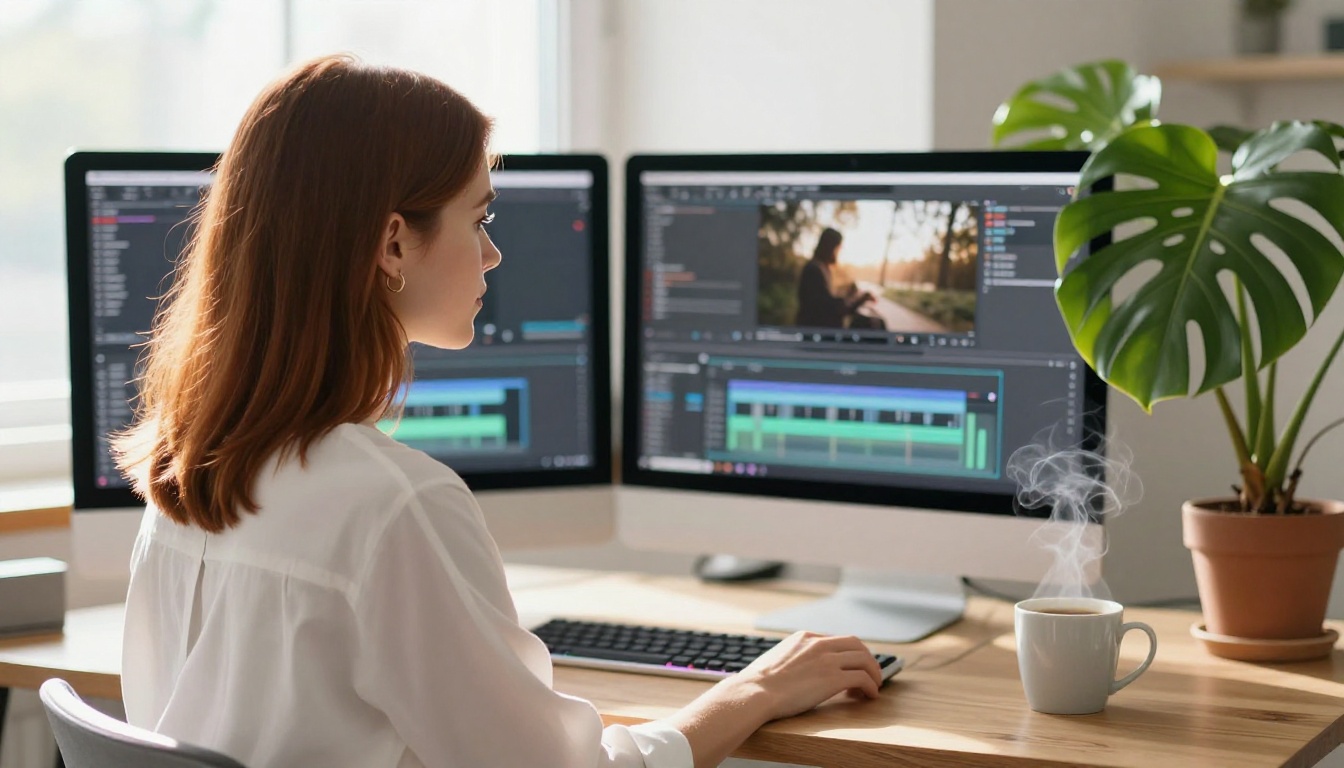
PicassoIA gives you direct access to Seedance 2.0 without needing API credentials or a ByteDance developer account. Here's the workflow:
Step 1: Go to the Seedance 2.0 model page.
Step 2: Choose your input type. Seedance 2.0 accepts both text prompts and image uploads as the first frame. If you upload an image, the model animates from that starting point.
Step 3: Write your prompt. Lead with the subject and action: "A barista pours latte art in a quiet sunlit café, camera holds steady in medium close-up." Add environment, lighting, and mood in the following phrases. Keep it under 200 words for best results.
Step 4: Select your resolution. For final delivery, use 1080p. For quick iterations, drop to 720p to cut generation time.
Step 5: Review the generated clip. The audio is automatically generated and embedded. If the clip needs adjustment, rephrase the prompt with more specific lighting or movement instructions rather than adding more subject description.
💡 Pro tip: Seedance 2.0 handles image-to-video particularly well. If you have a strong reference image from a photo shoot or another AI image generator, use it as your first frame rather than relying on text-to-video cold generation.
You can also try Seedance 2.5 for extended clips up to 30 seconds, or step down to Seedance 1.5 Pro if you need the previous generation's behavior for style consistency with older outputs.
Comparing Them Against the Broader Market
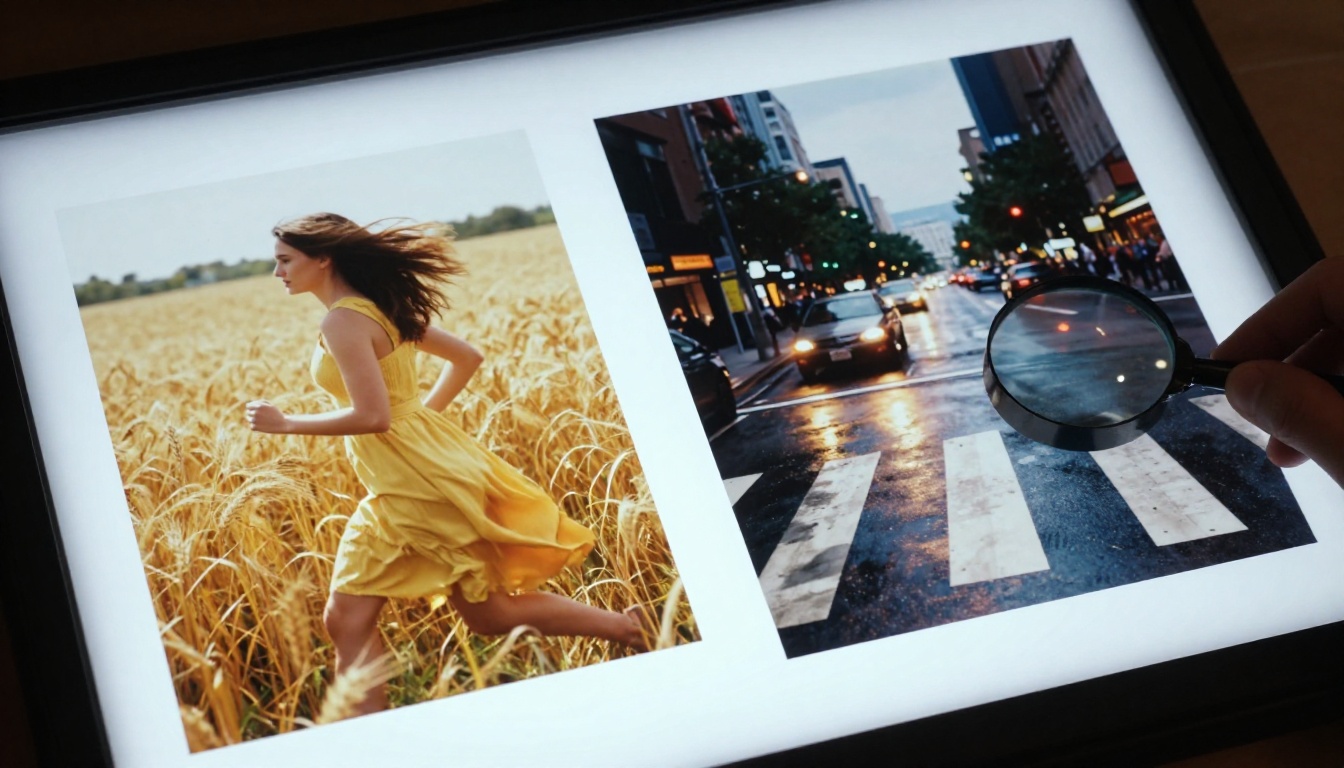
Seedance 2.0 and Veo 4 don't exist in a vacuum. The AI video space in 2027 has serious competition from Kling v3, LTX 2.3 Pro, Wan 2.7 T2V, and others. Where do Seedance 2.0 and Veo 4 sit in that landscape?
Against Kling v3: Kling v3 is a strong cinematic competitor. Its color science and motion dynamics are excellent, and it handles camera trajectory control better than Seedance 2.0. However, Veo 4's audio integration is more mature than Kling's current offering.
Against LTX 2.3 Pro: LTX 2.3 Pro generates 4K video, which neither Seedance 2.0 nor Veo 4 standard tier matches. For resolution-critical applications like film poster animation or large-format display content, LTX 2.3 Pro fills a gap the others leave open.
Against Wan 2.7: Wan 2.7 T2V and its I2V variant offer good quality at 1080p with strong open-model accessibility. For creators who want more model-level control, the Wan series provides more flexibility. Seedance 2.0 beats it on out-of-the-box audio quality.
Side-by-Side at a Glance
| Use Case | Best Model |
|---|
| Social media clips with audio | Seedance 2.0 |
| Cinematic brand video | Veo 4 |
| Fast draft iterations | Seedance 2.0 Fast |
| Long-form narrative content | Veo 3.1 / Veo 4 |
| Lipsync source video (short clips) | Seedance 2.0 |
| Lipsync source video (long clips) | Veo 4 |
| Budget-conscious volume work | Seedance 2.0 Mini |
| 4K output needed | LTX 2.3 Pro |
| Complex physics scenes | Veo 4 |
| Batch production pipeline | Seedance 2.0 / Seedance 2.0 Fast |
The Real Deciding Factor
The honest answer most comparison articles avoid is this: for 80% of creator workflows, both models produce output that audiences can't tell apart. The differences that matter at a technical level often don't matter at the viewer level, especially for clips under 10 seconds on social platforms.
Where the decision actually matters:
Choose Seedance 2.0 when:
- You need native audio from the first generation without extra steps
- Your workflow involves high volume, fast turnaround
- Content is primarily social-format (15-60 seconds total)
- Budget per clip matters and you need to reduce generation costs
- You're building a pipeline where speed is a constraint
Choose Veo 4 when:
- The output will be shown on large screens or in professional contexts
- You need complex physics: fluid, fabric, crowd, or environmental content
- The clip is longer than 10 seconds and coherence across frames is critical
- Your prompt is narrative and involves camera movement descriptions
- Audio-visual spatial accuracy is non-negotiable for the project
For most solo creators and small teams, Seedance 2.0 is the practical default. It ships fast, sounds right, and looks sharp enough for every major distribution platform. For studios and agencies producing content where the quality ceiling determines client approval, Veo 4's extra render time is worth every second.
Try Both and Pick Your Weapon
The best way to settle this for your specific project is to run both with the same prompt and compare the outputs side by side. On PicassoIA, you have access to Seedance 2.0, Seedance 2.0 Fast, Seedance 2.5, Veo 3.1, Veo 3.1 Fast, and Veo 3 Fast all in one place without managing separate accounts or API keys.
Take one strong prompt and run it through both architectures. Compare the outputs on the same screen at the same resolution. That single test, on your actual use case, will tell you more than any benchmark chart.
From there, the full model library at picassoia.com/en/all-models gives you access to 87+ video generation models, 12 lipsync tools, and everything in between. Whatever the project demands, the right model for it is already available — and now you know which two to start with.


