Choosing between two versions of the same model sounds simple until you actually sit down to generate a video and realize the difference isn't just about speed. Seedance 2.0 Fast and Seedance 2.0 Pro are both built on ByteDance's latest video synthesis engine, but they target fundamentally different workflows. One is built for volume and speed, the other for polish and precision. Getting this wrong means either wasting credits on quality you didn't need, or shipping rough output when you needed something broadcast-ready. This article breaks down what actually separates them, with real-world benchmarks, use-case breakdowns, and a step-by-step on using both on PicassoIA.
What ByteDance Built This Time
ByteDance has been iterating on the Seedance family since the early Seedance 1 Pro days, when the model made waves for its natural motion curves and above-average prompt adherence. With the 2.0 generation, the team introduced two parallel inference pipelines, a major departure from the single-model approach of the 1.x series.
The Architecture Behind Both Models
Both Seedance 2.0 and Seedance 2.0 Fast share the same base transformer architecture trained on the same dataset. The split happens at inference time. Fast uses a distilled sampling schedule with fewer denoising steps, while Pro runs the full diffusion chain for maximum detail recovery. Same DNA, different execution depth.
Why Two Versions Exist
The reasoning is practical. Not every video needs 4K-grade motion blur and sub-pixel detail. If you're generating 50 social clips a week for A/B testing, speed is the bottleneck, not sharpness. If you're creating a commercial spot or a luxury brand reel, quality is non-negotiable. ByteDance baked that distinction directly into the product itself, giving creators the right tool for each stage of production.

Speed: Fast vs Pro in Real Numbers
This is where the gap becomes tangible. At standard 5-second 720p generation, Seedance 2.0 Fast consistently delivers results in roughly 60 to 90 seconds. Seedance 2.0 Pro sits between 3 and 6 minutes for the same clip length, depending on scene complexity and motion density.
Fast Mode Output Times
- 5-second clip at 720p: 60 to 90 seconds
- 10-second clip at 720p: 2 to 3 minutes
- 5-second clip at 1080p: 2 to 4 minutes
Pro Mode Output Times
- 5-second clip at 720p: 3 to 5 minutes
- 10-second clip at 720p: 6 to 10 minutes
- 5-second clip at 1080p: 8 to 12 minutes
When Speed Actually Matters
If you're doing rapid prototyping, speed compounds quickly. Running 10 concept iterations in Fast takes less than 20 minutes total. The same 10 runs in Pro can consume most of a working afternoon. For early creative direction, Fast's output is more than sufficient to validate whether a concept works before committing Pro credits to the final version.

Visual Quality Side by Side
Speed means nothing if the output doesn't hold up. Here's where the two models diverge most clearly.
Motion Smoothness
Seedance 2.0 Fast produces smooth motion for simple camera movements: slow pans, zoom-outs, single-subject walks. The distilled schedule handles these well. Where it struggles is in complex multi-object scenes, fast action sequences, and anything requiring tight temporal coherence across many moving elements.
Seedance 2.0 Pro excels precisely where Fast falls short. The full denoising chain gives it more time to resolve fine motion detail, which translates to better cloth physics, more natural hair movement, and cleaner secondary motion like reflections and water ripples.
Detail Retention at 720p+
At 720p, Fast holds respectable detail for static elements. Faces, architectural surfaces, and product shots render cleanly. At 1080p, the difference widens: Pro retains edge sharpness and texture depth that Fast tends to soften under compression.
Where Pro Pulls Ahead
| Feature | Seedance 2.0 Fast | Seedance 2.0 Pro |
|---|
| Simple motion scenes | Excellent | Excellent |
| Multi-subject scenes | Good | Excellent |
| Fast action sequences | Fair | Very Good |
| Fabric and hair physics | Fair | Excellent |
| Fine texture retention | Good | Excellent |
| Prompt adherence | Very Good | Excellent |
| Native audio quality | Good | Excellent |
The Use Cases That Separate Them
Knowing the technical differences is one thing. Knowing which model fits your actual work is another.
Social Media and Rapid Iteration
Fast is the obvious pick for social media content, short-form ads, and workflow prototyping. The speed advantage lets you generate more variations in less time, which is exactly what platforms like TikTok and Instagram Reels reward. If your audience is scrolling at 1.5x speed, the micro-detail difference between Fast and Pro is invisible anyway.
Cinematic and Commercial Production
For anything that ends up on a large screen, in a commercial, or in a portfolio piece, Pro is the baseline. The quality ceiling is simply higher, and when clients are paying for it, that ceiling matters. A 10-second product video for a fashion brand shot in Pro will hold detail and motion quality that Fast cannot reliably match.
Portrait and Beauty Content
This is one of the most interesting cases. Skin texture rendering, natural hair movement, and subtle facial micro-expressions are areas where Pro's extended denoising chain shows its advantage clearly. If you're generating portrait-style AI videos, lifestyle content, or anything with a human subject at the center, Pro delivers significantly more believable results.

💡 Tip: Use Fast for the first 3 to 5 iterations of any new concept. Once you've locked in the right prompt and camera direction, switch to Pro for the final deliverable. You'll cut generation costs by 60 to 70% without sacrificing final output quality.
Prompt Sensitivity and Control
Both models respond well to detailed prompts, but they handle instruction density differently.
How Fast Interprets Prompts
Fast is decisive. Give it a clean, direct prompt and it executes without ambiguity. However, overloading Fast with complex multi-element scenes often results in the model prioritizing some instructions while dropping others. Keep Fast prompts focused: one primary subject, one environment, one mood.
Pro's Handling of Complex Scenes
Pro has noticeably higher instruction capacity. You can layer more descriptive detail: specific lighting directions, secondary subject behaviors, atmospheric conditions, and camera motion cues. The model parses and respects these better than Fast, which is critical for professional-grade outputs where every element of the frame needs to match a brief.
Tips for Both Models
- Always specify camera angle (low-angle, aerial, close-up)
- Name the lighting setup (golden hour, volumetric side light, overcast diffuse)
- Describe motion explicitly (slow pan left, gentle camera drift, static shot)
- For Pro: add secondary subject behaviors to fill the full diffusion budget
- For Fast: trim prompts to the essential elements for cleaner execution

Audio and Native Sound
One of the biggest developments in the Seedance 2.0 generation is native audio synthesis. Both variants can generate synchronized ambient sound, voice-aligned motion, and environmental audio without requiring a separate lipsync step.
Native Audio in Seedance 2.0 Fast
Fast's audio is functional and synchronized. For ambient scenes, background music layering, and simple environmental sounds like waves, wind, or crowd noise, it performs well. The timing accuracy is solid for uncomplicated audio-visual relationships.
Pro's Audio Quality
Pro's audio generation benefits from the same extended inference budget as its visual output. Layered audio scenes, where multiple sound sources need to coexist naturally (footsteps plus ambient room tone plus subtle music), are handled more convincingly. For videos where audio is a core part of the deliverable, Pro is the stronger choice.
Benchmarks: The Numbers That Matter
Community feedback across multiple AI video forums and creator networks paints a consistent picture when comparing both models at scale.
Generation Time Comparison
| Clip Duration | Resolution | Fast Time | Pro Time |
|---|
| 5 seconds | 720p | ~75 sec | ~4 min |
| 5 seconds | 1080p | ~3 min | ~9 min |
| 10 seconds | 720p | ~2.5 min | ~8 min |
| 10 seconds | 1080p | ~5 min | ~15 min |
Quality Score Breakdown
Aggregated ratings from creator communities scoring outputs on motion naturalness, detail retention, and prompt adherence (scored 1 to 10):
| Category | Fast | Pro |
|---|
| Motion naturalness | 7.8 | 9.1 |
| Detail retention | 7.2 | 9.0 |
| Prompt adherence | 8.1 | 9.2 |
| Audio sync | 8.0 | 8.9 |
| Overall score | 7.8 | 9.1 |
💡 Context: Fast's 7.8 average is not a low score. For the vast majority of social-first content, a 7.8 is more than publishable. The real question is whether your use case actually requires a 9.1.
Which One Fits Your Budget
Credit cost is one of the most practical factors for any creator choosing between Fast and Pro.
Cost Breakdown
Seedance 2.0 Fast typically runs at roughly 40 to 60% of the credit cost of Seedance 2.0 Pro for equivalent clip length and resolution. The exact pricing depends on the platform and subscription tier, but the ratio holds consistently across generation volumes.
ROI by Creator Type
| Creator Type | Recommended Model | Reason |
|---|
| Social media content creator | Fast | Volume and speed matter more than ceiling quality |
| Brand and agency video | Pro | Client deliverables require maximum output quality |
| AI film and narrative | Pro | Temporal consistency and detail are critical |
| Concept prototyping | Fast | Rapid iteration; switch to Pro for finals |
| UGC-style content | Fast | Platform compression reduces quality ceiling anyway |
| Product photography to video | Pro | Product fidelity requires high detail retention |
The Hybrid Workflow
The most efficient approach isn't choosing one model and sticking with it. The optimal workflow is:
- Draft phase: Use Fast for all initial prompts and concept tests
- Select phase: Pick the best 1 to 3 concepts from Fast output
- Final phase: Re-run those selected concepts in Pro for final delivery
This approach typically costs 50 to 65% less than running everything in Pro, while still delivering Pro-quality final assets.
How to Use Seedance 2.0 on PicassoIA
Both models are available directly on PicassoIA without any local installation, API tokens, or compute requirements. Here's how to get started with each.
Using Seedance 2.0 Fast
- Open Seedance 2.0 Fast on PicassoIA
- Enter your text prompt in the input field (keep it focused, one subject and one environment for best results)
- Set your desired clip duration: 5 or 10 seconds
- Select resolution: 720p for maximum speed, 1080p for higher detail
- Enable native audio if you want synchronized environmental sound
- Click Generate and expect approximately 60 to 90 seconds for a 5-second clip at 720p
Using Seedance 2.0 Pro
- Open Seedance 2.0 on PicassoIA
- Write a detailed, layered prompt with lighting direction, camera angle, and subject behavior descriptors
- Specify camera motion explicitly (slow pan, static shot, gentle drift)
- Choose 1080p for maximum output quality
- Enable native audio for multi-layer soundscapes and complex environmental sound
- Click Generate and expect 3 to 6 minutes for a 5-second clip at 1080p
Parameter Tips
- Negative prompts: Use them in Pro to suppress common artifacts like jitter, overexposure, or motion blur in unwanted areas
- Seed locking: Lock the seed after a successful Fast generation, then reuse that seed in Pro to get a quality-upgraded version of the same composition
- Duration: Start with 5-second clips during concept validation, scale to 10 seconds only after confirming the composition and prompt are working
Other Models Worth Comparing
If neither Seedance variant fits your needs precisely, PicassoIA offers a wide range of alternative text-to-video models worth testing:
- Kling v3 Video: Excellent for cinematic camera motion and smooth long takes
- Veo 3: Google's flagship model with exceptional scene coherence and realism
- LTX-2.3 Pro: Strong real-time generation with multi-modal input support
- Seedance 1.5 Pro: The previous generation, still a reliable option for simpler workflows
Each model has different strengths in areas like motion control, audio fidelity, and prompt following. The right choice always depends on your specific output requirements and production stage.
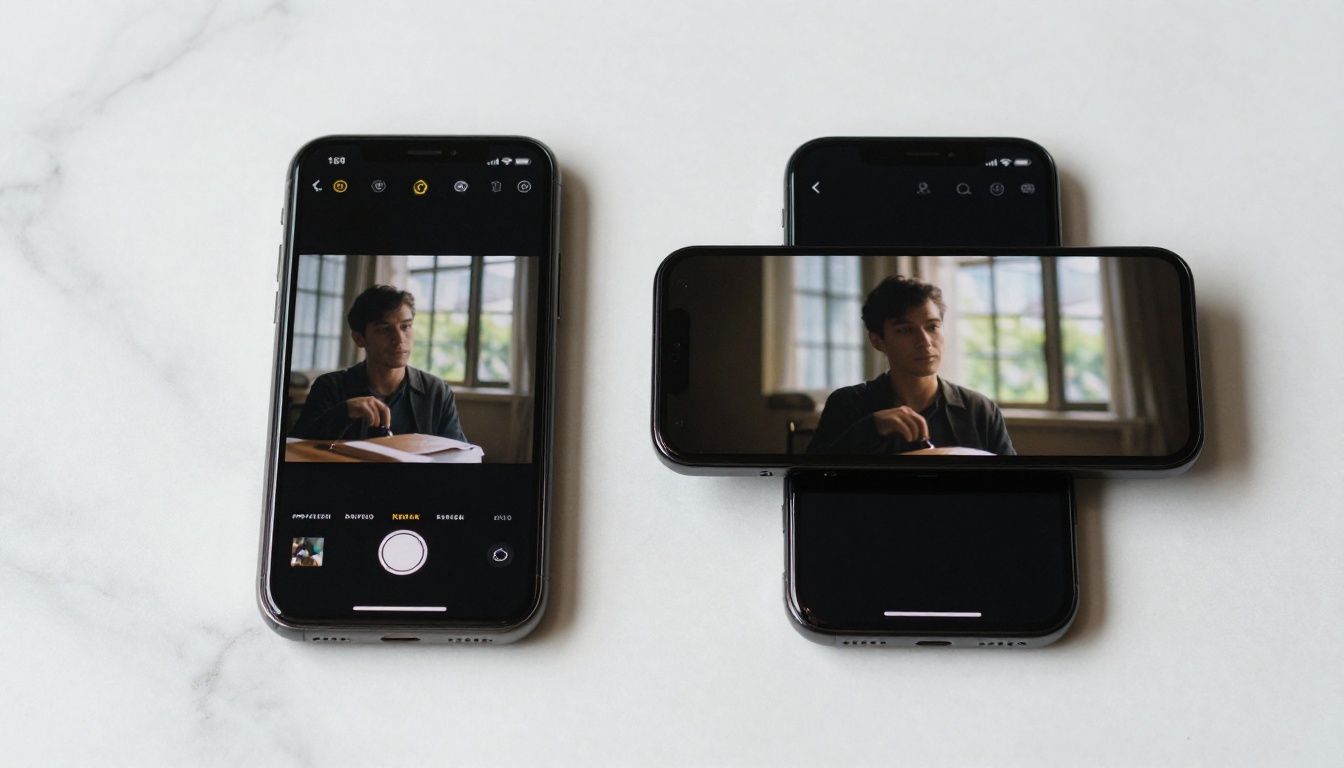
Start Generating Right Now
The gap between Fast and Pro is real, but it's not a gap between "bad" and "good." It's a gap between two professional tools optimized for different situations. Fast is a workhorse built for volume, iteration, and speed-sensitive workflows. Pro is a precision instrument for final deliverables where quality is the only metric that matters.
The best creators aren't loyal to one model. They use Fast to prototype fast and Pro to deliver right. Mixing both in the same pipeline cuts costs substantially while keeping final output at the highest possible standard.
Both Seedance 2.0 Fast and Seedance 2.0 Pro are available on PicassoIA right now, with no installation required. Open a tab, write your first prompt, and see what your workflow actually needs. The answer will be obvious after your first two generations.


