Most AI video tools put up walls the moment your prompt hints at anything more than a corporate presentation or a beach walk. Censorship filters trip without warning, generations fail mid-queue, and creative projects that live in the space between artistic and explicit get flagged for being too much. Seedance 2.0 Mini breaks that pattern. Built by ByteDance and accessible directly on PicassoIA, it is one of the few production-grade AI video models that handles uncensored cinematic scenes with native synchronized audio, high-motion fidelity, and photorealism convincing enough to pass as professional footage. This article covers everything you need to generate compelling, unrestricted cinematic clips: how the model works, where to use it, what to pair it with for scene building, and how to write prompts that produce results instead of refusals.
What Seedance 2.0 Mini Actually Does
Seedance 2.0 Mini is a text-to-video model from ByteDance's Seedance generation, accessible via PicassoIA without any local setup, API key, or software installation. Unlike older video AI systems that produce silent, jittery 2-second clips, Seedance 2.0 Mini generates coherent scenes with synchronized native audio baked directly into the output. Ambient sound, environmental texture, and dynamic audio all match the visual without post-processing.

Built-In Audio Changes Everything
The "Mini" label refers to a faster, more accessible variant of the full Seedance 2.0 model. Speed is significantly improved, making it practical for iterating on scene variations without waiting in long render queues. Audio is not optional or layered on as a filter. The model generates synchronized sound from the same prompt that drives the visuals. An ocean scene produces wave sounds. An intimate interior produces the natural silence and subtle ambient texture that the setting implies. A crowd scene produces low background chatter. The synchronization is native, not stitched.
What "Uncensored" Means Here
Uncensored does not mean pornographic. The model generates suggestive, artistic, and glamour-adjacent content that standard platforms block by default. Scenes with implied nudity, intimate pairings, swimwear and lingerie setups, artistic figure work, and sensual cinematography are all within range. What you get is the visual territory that exists between fully clothed and explicitly pornographic, which is exactly where most adult creative content projects operate. Explicit hardcore content remains outside the scope of any responsible platform, but the artistic freedom here is wider than any mainstream competitor currently allows.
Why the Seedance Line Dominates
ByteDance has iterated aggressively through the Seedance family. Starting from Seedance 1 Lite and moving through Seedance 1 Pro and Seedance 1 Pro Fast, the architecture matured substantially by the time Seedance 2.0 arrived. The 2.0 generation brought higher resolution output, smoother motion curves, better prompt adherence, and the native audio pipeline that defines the current standard. The Mini variant keeps the audio and visual quality largely intact while cutting generation time dramatically.

💡 Start here: For the fastest uncensored cinematic clips on PicassoIA, begin with Seedance 2.0 Mini. If you need longer scenes or higher resolution final output, move up to the full Seedance 2.0 or Seedance 2.5, which supports clips up to 30 seconds.
Seedance 2.0 Mini vs. Seedance 2.0 Fast
Seedance 2.0 Fast offers an alternative speed-optimized variant. The core difference is focus: Mini prioritizes visual coherence and prompt fidelity, Fast pushes raw throughput above everything else. For adult cinematic content where character consistency across a scene matters, Mini generally produces cleaner results than Fast, especially in close-up and medium-shot compositions where anatomy needs to stay stable over 5 seconds.
When Seedance 2.5 Makes Sense
Seedance 2.5 is the current flagship from ByteDance, supporting videos up to 30 seconds with enhanced motion stability. For short atmospheric clips or rapid scene prototyping, Seedance 2.0 Mini is faster and consumes fewer generation credits. For polished final productions where you need extended runtime, Seedance 2.5 provides the temporal resolution to hold a scene through multiple beats and movements.
How to Use Seedance 2.0 Mini on PicassoIA
PicassoIA hosts Seedance 2.0 Mini alongside over 87 video generation models, making it the most complete single-access AI video platform currently available. The workflow is browser-based and requires no technical setup.

Step 1: Open the Model
Navigate directly to Seedance 2.0 Mini on PicassoIA. The model page gives you a prompt field and generation controls. No account linking, no local queue, no command-line.
Step 2: Write a Cinematic Prompt
Strong prompts for cinematic clips follow a consistent structure:
Subject and action + environment and background + lighting and atmosphere + camera movement or angle
Avoid generic descriptions. Instead of "woman on beach," write: "a woman in a coral bikini walking slowly into shallow turquoise water at golden hour, camera dolly-in at knee level, warm amber side lighting, water droplets on her shoulders." Every element you specify is an element the model does not have to guess.
Step 3: Choose Your Mode
Seedance 2.0 Mini supports both text-to-video and image-to-video generation. Text-to-video produces a clip directly from your written prompt. Image-to-video uses a still image as the first frame and animates forward from there. Image-to-video mode consistently produces more character-stable results, particularly for intimate scenes where you need consistent anatomy and appearance across the full 5 seconds.
💡 Pro workflow: Generate a photorealistic source image in Seedream 5 Pro, then feed that image into Seedance 2.0 Mini for image-to-video generation. This two-step method anchors character design, skin tone, and lighting from frame one.
Building Scenes with the Right Image Models

AI video performs best when you give it a strong first frame. For uncensored cinematic work, the starting image sets the character design, lighting, and scene atmosphere that the video model will animate forward. Choosing the right image model for this source frame is the single biggest quality lever available in the workflow.
Seedream 5 Pro for Source Frames
Seedream 5 Pro generates sharp 2K photorealistic images with extraordinary character fidelity and skin texture detail. For adult creative content, it handles fabric physics, body proportions, and directional lighting with high accuracy. Because it shares the ByteDance architecture with Seedance, images generated in Seedream 5 Pro tend to animate in Seedance 2.0 Mini with minimal drift, morphing, or character breakdown.
How Source Image Quality Affects Clip Output
The table below shows the relationship between source image quality and Seedance 2.0 Mini output:
| Source Image Quality | Seedance 2.0 Mini Output |
|---|
| 2K photorealistic (Seedream 5 Pro) | Clean motion, consistent character, accurate audio sync |
| Medium-quality AI synthetic | Occasional texture drift, generally stable motion |
| Low-resolution or compressed | Visible artifacts, face and body morphing |
| Real photograph (properly lit) | Strong results, especially for naturalistic scenes |
Comparing AI Video Models for Adult Content
Not every video AI handles suggestive content the same way. Some models have hard content filters that stop generation before it starts. Others allow generation but impose watermarks, cap resolution, or produce inconsistent anatomy in close-up shots. Here is how the leading models on PicassoIA stack up specifically for uncensored cinematic clips:

Why Speed Matters for Prototyping
For rapid scene iteration, Seedance 2.0 Mini produces a full 5-second clip with audio in a fraction of the time it takes full-resolution models to queue and render. When you are testing prompt variations before committing to a final render in Seedance 2.5 or LTX 2.3 Pro, using Mini first saves generation credits and avoids long waits on prompts that may need revision.
Audio as a Structural Advantage
Most video AI models produce silent video. Adding audio in post is a secondary workflow step that breaks immersion and adds both time and cost. Seedance 2.0 Mini's native synchronized audio means you receive a production-usable clip, not a raw video asset that still needs sound design. For adult cinematic content creators who need final-form clips for direct publishing, that is a meaningful practical difference.
Prompt Strategies That Deliver

A weak prompt is the most common reason an uncensored cinematic clip fails to meet expectations. The model is capable of exceptional output, but imprecise instructions produce imprecise results. These strategies consistently improve output quality.
Write Motion, Not Description
Video AI responds to verbs. "A woman sitting in a chair" is a description. "A woman slowly leaning back into a velvet chair, her arm trailing along the armrest as candlelight flickers softly on her face and neck" is a motion instruction. The more specific the movement, the more intentional and cinematic the clip will feel.
Lighting Direction in Prompts
Lighting is the single largest variable in perceived cinematic quality. Specify three elements for every lighting description:
- Source: natural window light, candle, softbox, overhead string lights, city streetlight
- Direction: from the left, rim from behind, below the chin, upper right at 45 degrees
- Quality: hard edged shadows, soft diffused fill, volumetric rays, dappled through leaves
Effective example: "soft diffused natural light from a large window to the left, creating a subtle rim highlight on her shoulder and a warm graduated shadow across her collarbone" produces dramatically better results than "natural lighting."
Anatomy and Clothing Specifics
For intimate scenes, describe fabric weight, texture, and fit in addition to the garment type. "A sheer ivory silk slip with visible seam lines and the fabric pooling slightly at the hips" tells the model far more than "white dress." These micro-details translate directly to visual fidelity.
Common Prompt Mistakes
- Too vague: "beautiful woman in lingerie" produces generic output with no compositional quality
- Conflicting style signals: mixing "photorealistic" with "artistic illustration" confuses the model and splits visual output
- No motion verb: prompts without an action word produce near-static clips with minimal meaningful movement
- Prompt overload: descriptions exceeding 180 words dilute adherence. Focus on 3 to 4 core visual elements and describe each one precisely.
Scene Types That Work Best
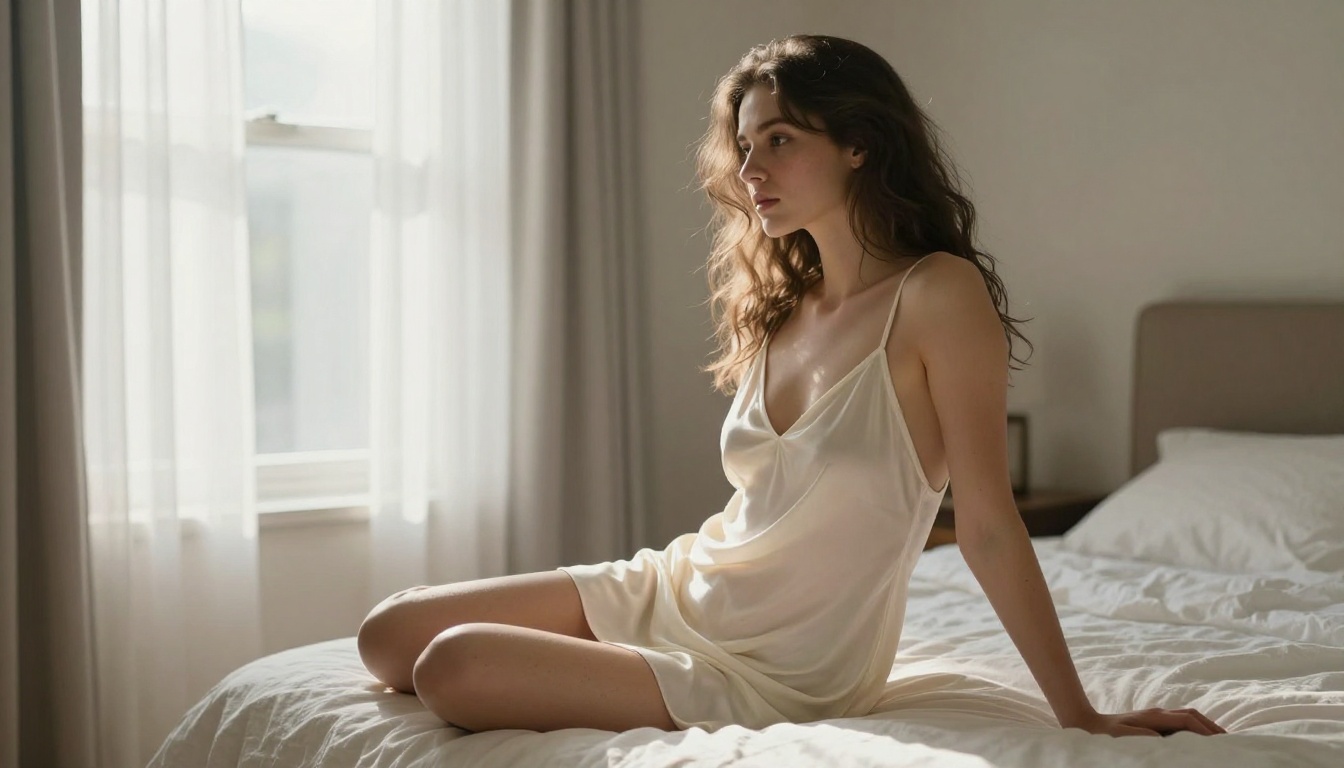
Seedance 2.0 Mini handles certain scene categories with exceptional and repeatable consistency. Knowing which environments produce the cleanest output helps you structure your creative work.
Intimate Interior Scenes
Bedrooms, boudoir setups, private pools, spa environments, and candlelit interiors are where the model excels. Contained lighting environments, limited object count, and character-forward compositions play to its strengths. A well-prompted interior intimate scene at 720p from Seedance 2.0 Mini will outperform a poorly prompted exterior scene rendered by a higher-resolution model.
Outdoor Golden Hour
Beach settings, coastal terraces, tropical environments with directional sunset light: these consistently produce high-fidelity clips. The model handles skin tone variation in warm amber light particularly well, and water surfaces animate realistically without the excessive morphing that appears in cooler, overcast lighting.
Urban Night Scenes
City environments with practical ambient lighting, including neon signs, restaurant terrace string lights, and rooftop bar ambiance, produce stylistically rich results. The bokeh of background city lights adds depth that elevates even simple compositions into something that reads as polished and intentional.
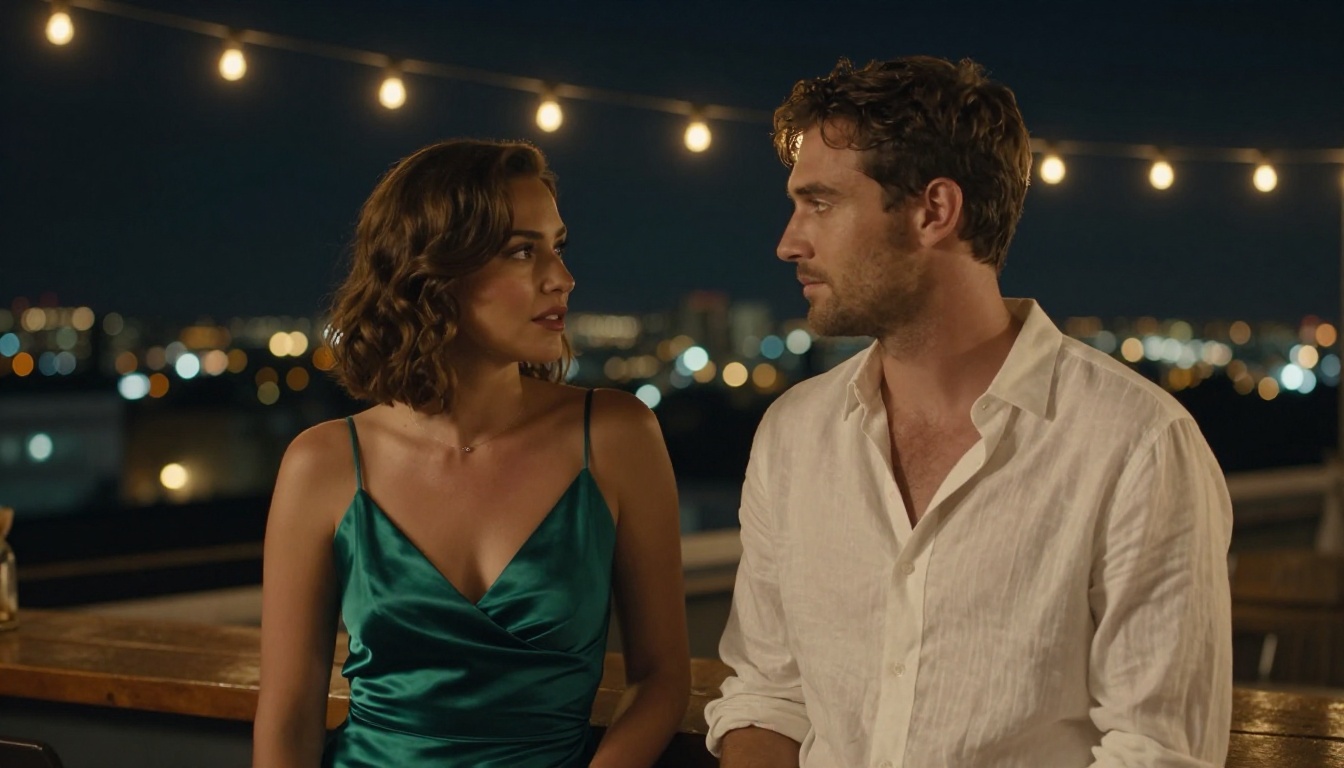
💡 Night scene tip: For city and rooftop settings, always name the light source color and direction explicitly. "Warm amber string lights directly overhead, casting soft shadows on her face and décolletage, out-of-focus city lights creating warm bokeh across the background" will produce a far more controlled result than "rooftop night scene."
Lipsync and Character Consistency
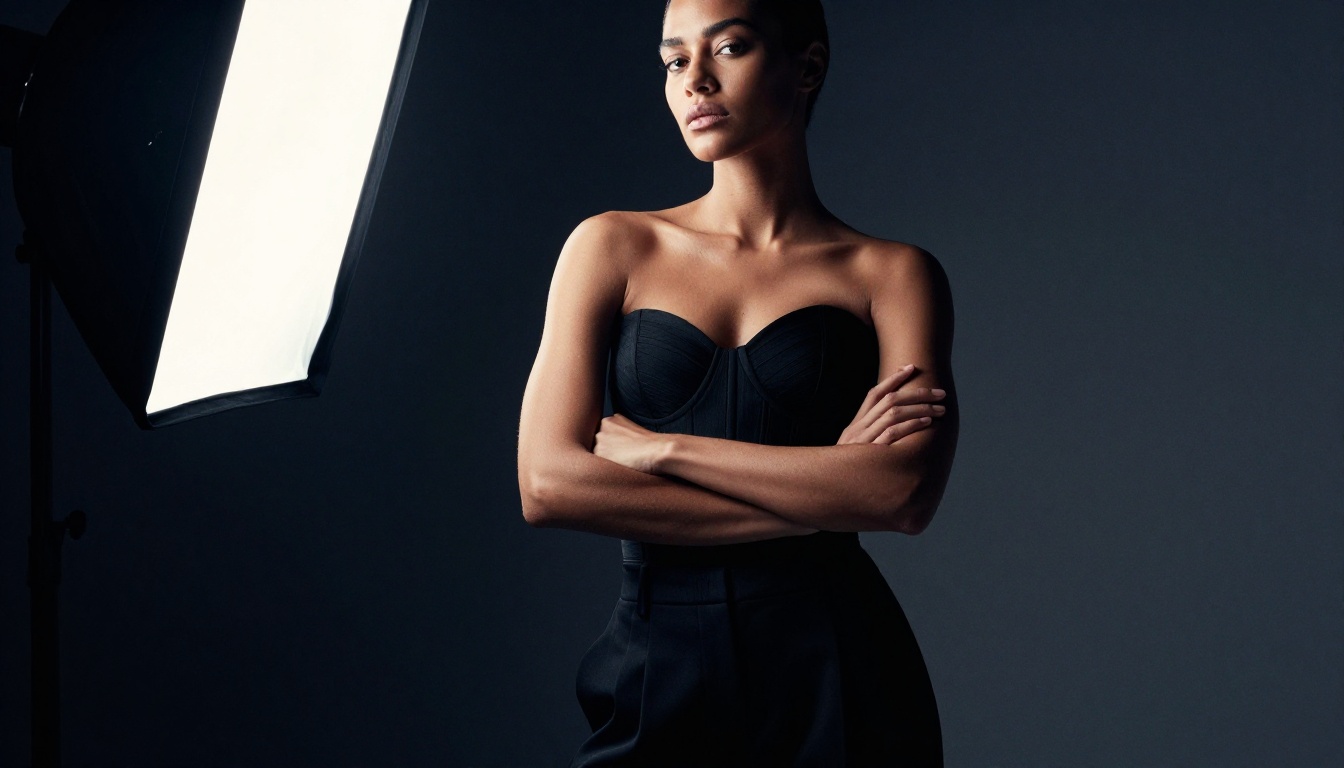
For creators building recurring characters across multiple clips, consistency across generations is a structural challenge in every video AI model, not just Seedance 2.0 Mini. Seedance 2.0 Mini does not natively offer lipsync, but PicassoIA provides dedicated lipsync models in a separate category that can be applied to clips after video generation is complete.
Character Continuity Across Clips
The most reliable method for character consistency in Seedance 2.0 Mini is the image-to-video workflow. Generate a photorealistic source image of your character in Seedream 5 Pro, then use that exact image as the first frame for each subsequent Seedance 2.0 Mini generation. This anchors character design, skin tone, hair, and general proportions across an entire scene library.
For lipsync and talking-head work, PicassoIA's dedicated lipsync models can synchronize character lip movement to any audio track after video generation. Browse all available lipsync tools at picassoia.com/en/all-models.
Resolution Choices for Final Output
Seedance 2.0 Mini outputs at 720p, which is appropriate for social media content, preview scenes, and prototyping. For final production-quality deliverables at 1080p, generate in Seedance 2.0 or Seedance 2.5. PicassoIA also offers AI video enhancement models in the super-resolution category that can upscale and stabilize clips after generation, making the Mini workflow a viable starting point even for content that ultimately needs higher resolution.
Your First Clip Starts Here
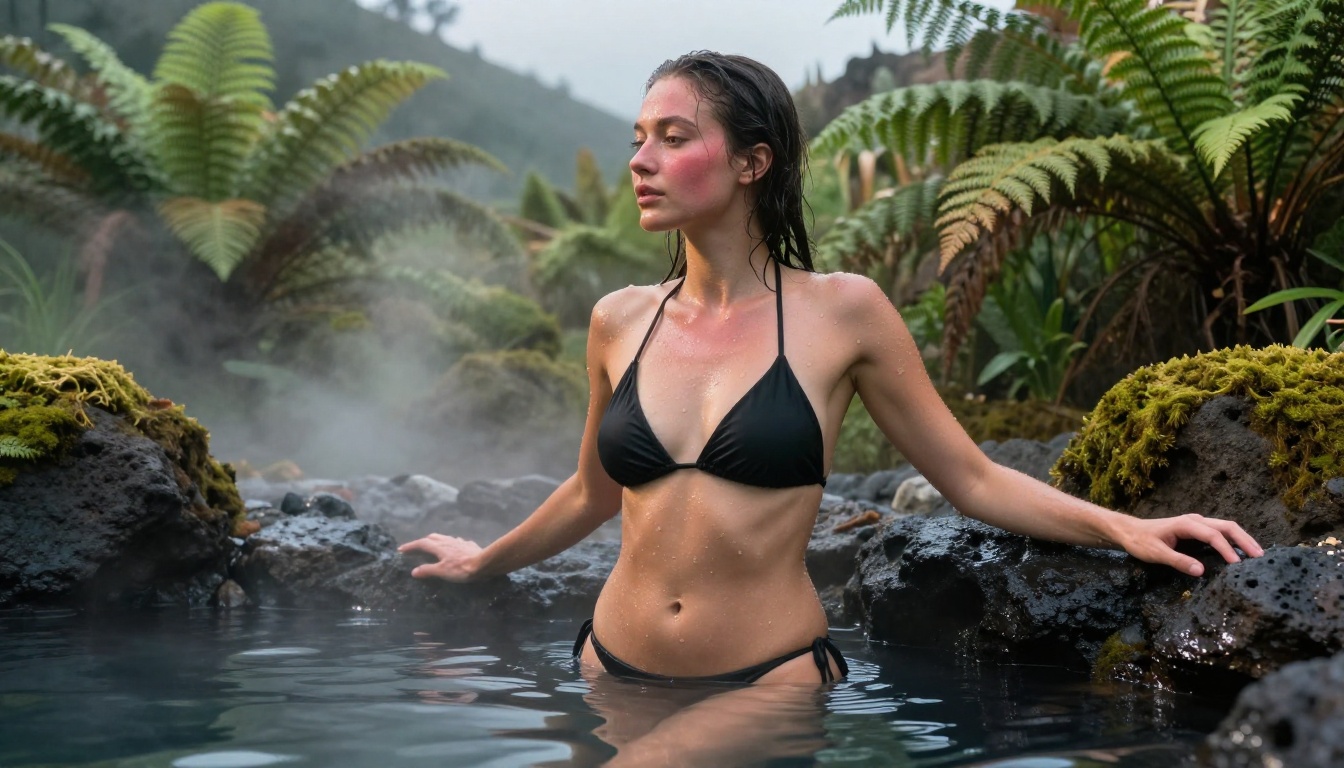
Seedance 2.0 Mini is accessible right now on PicassoIA without any waitlist, subscription barrier, or technical prerequisite. The platform places it alongside the complete Seedance family, 87 additional video models, 91 text-to-image models, lipsync tools, video editing and enhancement, and audio generation, all in one browser-based workspace.
For adult cinematic content creators, that breadth means you can go from concept to final deliverable without leaving the platform. Source images from Seedream 5 Pro, animation in Seedance 2.0 Mini, lipsync applied after, audio enhanced or replaced with AI tools, and final resolution upscale if needed. Every step of the professional pipeline exists on PicassoIA.
Your starting point is simple: open Seedance 2.0 Mini, write your first cinematic scene prompt, and generate. If you want to browse every model available for adult and uncensored creative video production, all categories including text-to-video, image generation, lipsync, video editing, and AI effects are listed at picassoia.com/en/all-models.
The creative space is wide. The tools are available. The only element missing is your first prompt.


