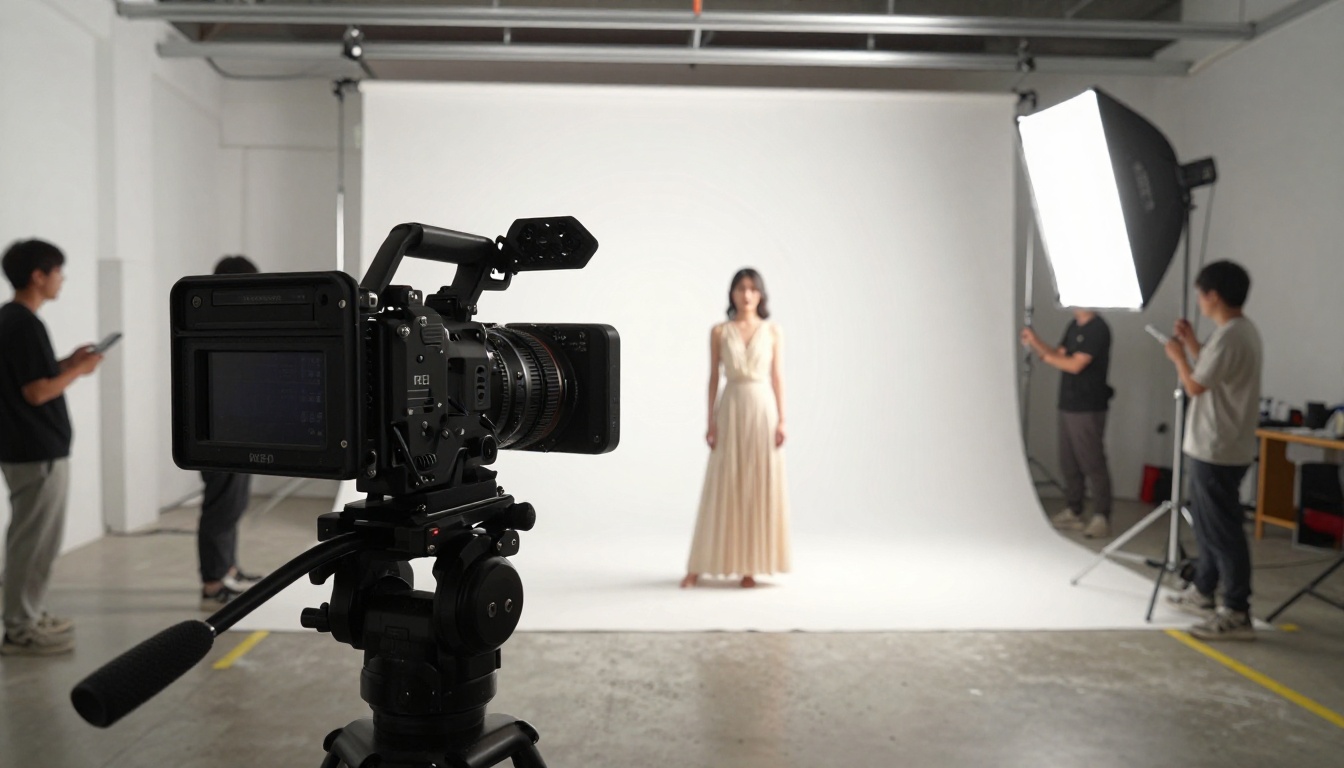
The AI video space just got its most interesting matchup yet. ByteDance's Seedance 2.0 Mini and Google's Veo 4 both promise high-quality text-to-video generation with native synchronized audio, but they take very different approaches to how they get there. One is built for speed and accessibility; the other targets cinema-grade photorealism at scale.
If you're building content pipelines, testing AI video workflows, or just trying to figure out which tool to add to your stack in 2027, this is the comparison you actually need.
What Each Model Does
Seedance 2.0 Mini at a Glance
Seedance 2.0 Mini is ByteDance's fast, lightweight text-to-video model designed for creators who need good results quickly without committing to long generation queues. It generates videos with native synchronized audio baked directly into the output, which was previously a feature exclusive to larger, more expensive models.
What makes Mini interesting is that it is not a crippled version of Seedance 2.0. It is optimized for a different use case: rapid iteration, social content, and workflows where speed matters more than maximum resolution. It still produces smooth motion, coherent scene physics, and surprisingly natural audio for its weight class.

Key specs for Seedance 2.0 Mini:
- Native audio: Yes, synchronized to video
- Typical output length: 5 seconds
- Ideal resolution: 720p standard, 1080p available
- Generation speed: Fast (significantly quicker than full Seedance 2.0)
- Best for: Social media content, rapid prototyping, short-form clips
Veo 4 at a Glance
Veo 4 is Google DeepMind's flagship video generation model, representing the company's most ambitious push into cinematic AI video. Where Veo 3 already set a high bar for photorealism and prompt adherence, Veo 4 pushes further on temporal consistency (how well objects and characters stay coherent over time), fine motion details like fabric physics and water behavior, and richer ambient audio generation.
The model targets professional-grade outputs: commercials, short films, product demos, and high-production-value content where every frame needs to hold up under scrutiny. It accepts complex, multi-clause prompts and handles camera movement instructions with precision that smaller models struggle to match.

Key specs for Veo 4:
- Native audio: Yes, ambient and dialogue synthesis
- Typical output length: 8 seconds (extendable)
- Ideal resolution: 1080p standard, 4K capable
- Generation speed: Slower (higher compute cost per run)
- Best for: Cinematic content, brand video, professional production
Output Quality Side by Side
Motion Realism
This is where the biggest gap shows up between the two models.
Seedance 2.0 Mini handles standard motion well: walking subjects, panning cameras, simple environmental movement like leaves or water. Where it starts to crack is in complex, physics-heavy scenes. If your prompt calls for a crowd interacting with a detailed environment, or characters performing intricate hand movements, the Mini version can produce subtle artifacts that a trained eye will catch.
Veo 4's motion rendering is noticeably more sophisticated. The temporal consistency across frames is its clearest differentiator: faces stay coherent, rigid objects do not warp between cuts, and cloth simulation behaves like real fabric. For anything that will be watched on a large screen or scrutinized closely, Veo 4 wins this category by a meaningful margin.
💡 Tip: If motion quality is your primary concern, check out Veo 3.1 on PicassoIA, which brings similar rendering improvements at competitive generation speeds.
Audio Generation
Both models generate native synchronized audio, but they do it differently.
Seedance 2.0 Mini generates ambient audio that matches the visual context. A forest scene gets birds and rustling leaves. A street scene gets traffic and footsteps. It is competent and consistent, but it does not generate dialogue or complex layered soundscapes.
Veo 4 takes audio further. It can synthesize environmental audio with more layers, attempts basic speech synthesis when prompted with characters in dialogue, and generally produces audio that sounds mixed rather than procedurally added. For video that requires sound design quality, Veo 4 is the clear choice.

Resolution and Detail
Seedance 2.0 Mini produces clean 720p output with decent texture rendering. Fine details like skin pores, fabric weave, and intricate backgrounds can show compression artifacts at full pixel-peep, but in motion on a social media or mobile screen, they disappear.
Veo 4's output at 1080p shows noticeably sharper microdetails. Skin, materials, and environmental textures hold up better. If your content ends up on a 4K display or gets processed through a super-resolution upscaler, the base quality of Veo 4 gives you more to work with.
💡 Note: You can run any AI video output through AI Enhance Videos on PicassoIA to upscale and stabilize footage regardless of which generator you used.
Speed and Cost
Generation Time
Seedance 2.0 Mini earns its "fast" reputation. Depending on queue load, a typical 5-second clip generates in under a minute. For creators running multiple iterations of the same scene with different prompt variations, this speed gap is enormous. You can test 10 versions of Seedance 2.0 Mini in the time it takes Veo 4 to render one.
Seedance 2.0 Fast is also available if you want even quicker iteration with slightly reduced fidelity.
Veo 4 generation typically takes several minutes per clip. The compute cost is reflected in the output quality, but if your workflow requires many variations or you are working under a tight content deadline, the wait time adds up.
Price Per Video
For volume content production, Seedance 2.0 Mini is substantially more cost-effective per clip. For a single hero asset where quality is non-negotiable, Veo 4 justifies its cost.

Where Each One Wins
When Seedance 2.0 Mini is the Right Pick
- You are producing social media clips at volume (Instagram Reels, TikTok, YouTube Shorts)
- You need rapid iteration to test concepts before committing to a high-quality render
- Your budget per video is limited or you are running automated content pipelines
- The final output is viewed on mobile screens where 720p is effectively indistinguishable from 1080p
- You need consistent output that you can predict and plan around
- You are building product demo videos or explainer content where perfect photorealism is not the priority
The Seedance 2.0 Mini model on PicassoIA gives you all of these advantages with native audio included, which means no separate audio generation step.
When Veo 4 is the Right Pick
- You are creating a brand commercial or promotional video that will be viewed on large screens
- The subject involves complex human motion or intricate physics (water, fire, crowd scenes)
- You need dialogue-adjacent audio or rich layered soundscapes
- Your client expects a cinema-quality output and the extra render time is acceptable
- You are producing content that will go through professional post-production and need strong base material
💡 Note: Veo 3.1 on PicassoIA sits in an interesting middle ground, offering Veo-series quality at faster generation speeds than Veo 4. Worth testing before committing to full Veo 4 renders.

Full Comparison at a Glance
| Feature | Seedance 2.0 Mini | Veo 4 |
|---|
| Output Quality | Good | Excellent |
| Motion Coherence | Moderate | High |
| Native Audio | Yes | Yes (richer) |
| Dialogue Synthesis | No | Partial |
| Generation Speed | Fast | Slow |
| Cost Efficiency | High | Low |
| Max Resolution | 1080p | 4K |
| Prompt Complexity | Moderate | High |
| Best Use Case | Volume content | Hero assets |
| On PicassoIA | Yes | Via Veo 3.1 |
How to Use Seedance 2.0 Mini on PicassoIA
PicassoIA hosts Seedance 2.0 Mini directly in its text-to-video catalog. Here is how to get the best results from it.
Step 1: Write a Scene-First Prompt
Seedance 2.0 Mini responds best to prompts that describe a specific moment rather than a concept. Instead of "a sunset over the ocean," try "a wave breaking on a rocky shore at sunset, foam retreating over dark wet stone, seagulls in the far background."
The more concrete your scene elements, the more predictable and higher-quality the output. Include:
- Subject (who or what is the focus)
- Action (what is happening)
- Environment (where and what surrounds the subject)
- Lighting (time of day, quality of light)
- Camera (angle, distance, movement if desired)
Step 2: Adjust Duration and Resolution
On PicassoIA, you can set the clip duration (5 or 10 seconds) and choose resolution. For social media content, 720p at 5 seconds is the sweet spot for speed and quality. For content that will be repurposed or edited into longer pieces, 1080p at 10 seconds gives you more to work with in post.
Audio is generated automatically to match the scene. You do not need to prompt for audio separately.
Step 3: Iterate Fast
The real power of Seedance 2.0 Mini is iteration speed. Generate 3-5 variations of the same prompt with minor changes, pick the best output, and refine further. This approach, sometimes called "generation scouting," is how professional AI video teams get cinematic-quality results from faster models.
Once you have a clip you like, you can pass it through PicassoIA's AI Enhance Videos tools to upscale, stabilize, or add effects before final export.
Other Video Models Worth Testing
If neither Seedance 2.0 Mini nor Veo 4 fits your exact needs, PicassoIA hosts a catalog of over 87 text-to-video models. A few worth noting:
- Seedance 2.5: The latest generation from ByteDance, supporting up to 30-second outputs with native audio. If you need longer clips with Seedance quality, this is the upgrade path from Mini.
- Veo 3.1 Fast: Google's fastest Veo variant, hitting 1080p with faster turnaround. A strong middle ground between Veo 4 quality and Seedance Mini speed.
- Kling v3 Video: Kwai's premium model with excellent cinematic motion and camera control. Competitive with Veo 4 on complex scenes.
- Sora 2: OpenAI's flagship video model with strong temporal coherence, native audio, and a distinctly different aesthetic from both Seedance and Veo.
- Ray 3.2: Luma's cinematic text-to-video model with HDR support and excellent color rendering for commercial-style outputs.
The Real Decision
Here is the honest answer most comparison articles will not give you: for most creators, Seedance 2.0 Mini is the better starting point.
The reason is iteration. Video generation, like any creative tool, rewards fast feedback loops. Seedance 2.0 Mini lets you try 10 different scene ideas in the time it takes Veo 4 to render one. You learn faster, waste fewer credits on prompts that do not work, and get to a good result sooner.
Veo 4 is the right tool when you already know what you want, you have a client or audience expecting cinematic quality, and the extra time and cost per clip is justified by the output. Think of it as the difference between shooting on a phone versus a cinema camera: the phone gets the shot, the cinema camera makes the shot extraordinary.
The practical workflow most serious creators land on is:
- Scout with Seedance 2.0 Mini (fast, affordable, many variations)
- Evaluate which concepts are worth pursuing
- Produce the final hero assets with Veo 4 or Veo 3.1
This two-stage approach gives you the speed benefits of the lightweight model and the quality benefits of the premium one, without burning budget on high-cost renders for prompts that turn out to be wrong.
Start Creating AI Video Now
Both models are accessible to test right now on PicassoIA. You do not need a local GPU, complex setup, or API credentials. The platform gives you direct access to Seedance 2.0 Mini, the full Seedance 2.0 model, Veo 3, Veo 3.1, and dozens of other state-of-the-art text-to-video generators in one place.
If you want to test a concept in 90 seconds, start with Seedance 2.0 Mini. If you have a specific, production-ready prompt and need the best possible output, step up to the Veo series. Either way, the barrier to creating high-quality AI video has never been lower.
Browse all available models at picassoia.com/en/all-models and run your first generation today.